Codia Studio
The AI design agent that keeps every layer editable
Describe what you need. Studio designs it on a canvas and hands back files you can keep editing.
Free to start · Used by 300,000+ designers, marketers and product teams
One brief. A whole campaign.
 Codia Design Agent
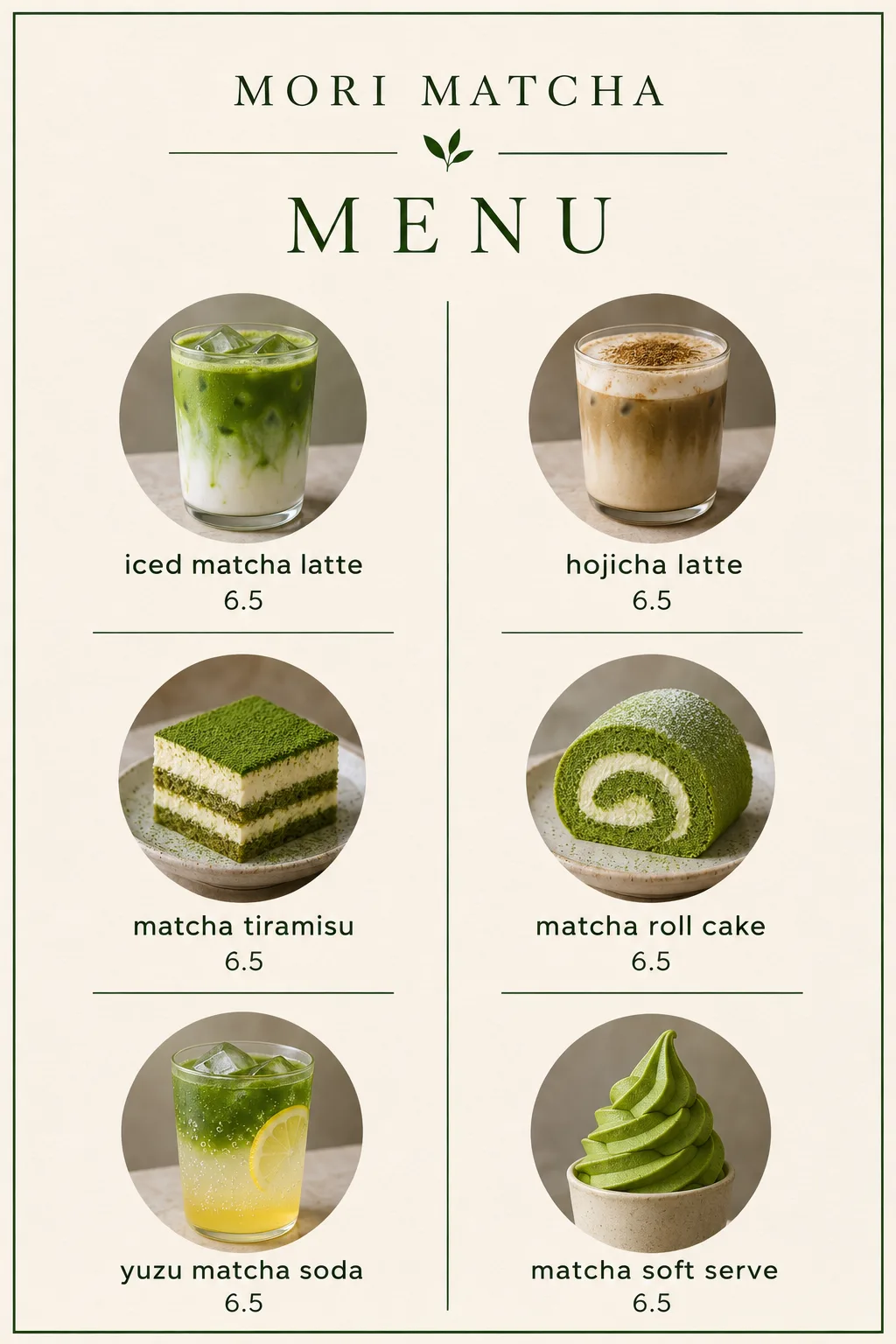
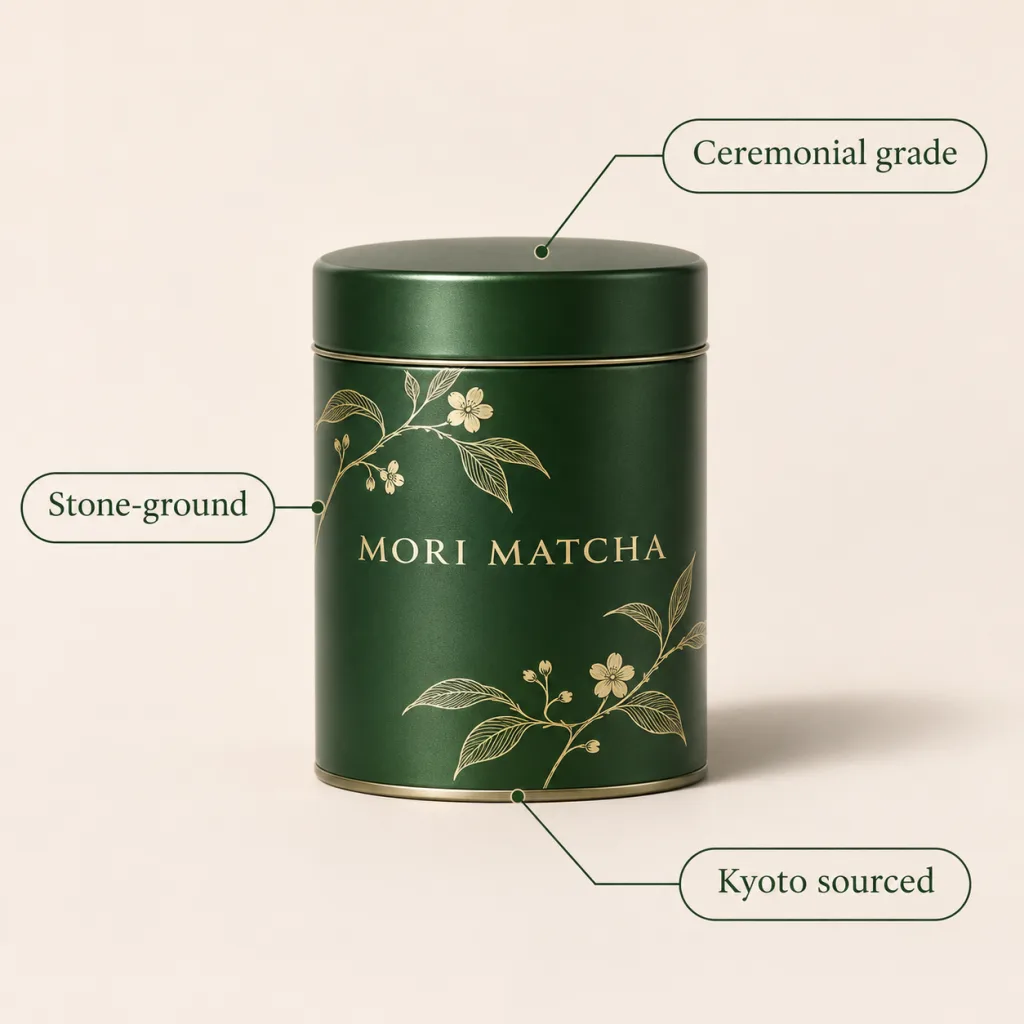
 MORI Matcha
30 UGC, 90 statics and 10 videos.
Thinking…
Nobody buys matcha for the caffeine. They buy ten slow, green minutes.
130 creatives delivered
 UGC



01Specialist designers
Pick a designer who knows the format
Nearly thirty designers, each focused on one format.
- Posters, logos, packaging, print
- Amazon, Shopify and Temu listings
- UI, landing pages, emails
Related tools:AI UI Design Generator/Image to SVG
02Point and edit
Circle it and say what to change
Circle an area, add a note, and only that part changes.
- Brush, circle, box and arrow
- Variations and new angles
- Remove background, erase, upscale
Related tools:Background Remover/Object and Watermark Eraser/AI Image Upscaler
03Make editable
Flat images come apart into layers
Split any flat image into text, objects and background.
- Retype text in the same style
- Move objects, refill the gap
- Open PSD and AI, paste into Figma
Related tools:AI Image Text Editor/Magic Layers (Image to Layers)/Online PSD Editor/Screenshot to Figma
04Brand Kit and Skills
Set up your brand once
Save your logo, colors and fonts once. Every design follows.
- Built from a logo or screenshot
- Skills for formats you repeat
- Every size from one brief
Related tools:Codia Design Skills
05Video
Turn a design into a short video
Turn a design or a prompt into a short video.
- Text or image to video
- New versions and camera moves
- Titles, voice-over, every ratio
06Beyond images
Take a design to a website, an app or a deck
Turn a layout into a live site, app code or a deck.
- Live preview, one-click publish
- iOS, Android, Flutter, React Native
- Editable PPTX decks
Related tools:AI Website and App Builder/NoteSlide AI Presentation & PPTX/AI UI Design Generator
What you can make
Each format has its own designer.

Posters and flyers
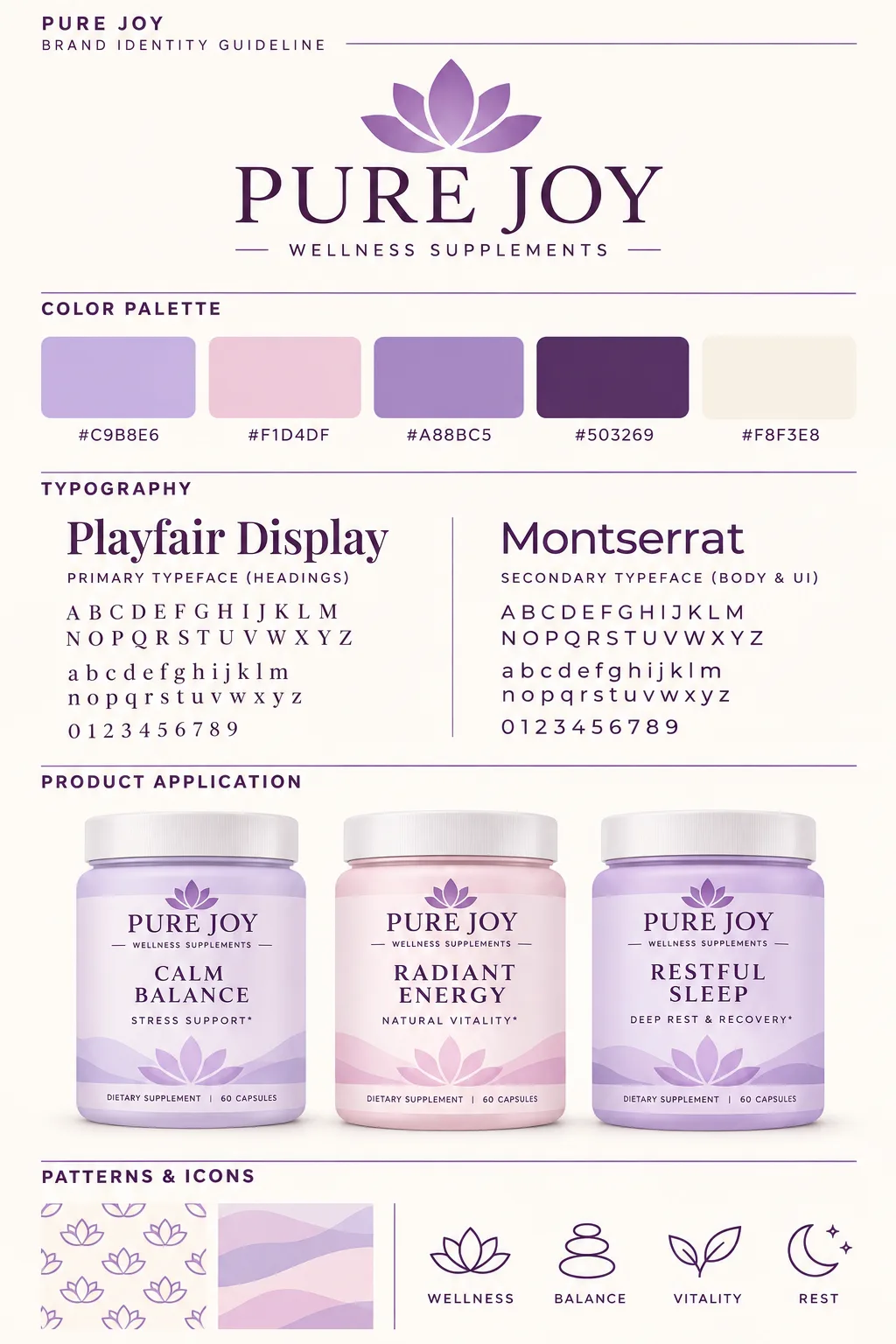
Logos and identity
Product and packaging

Social media
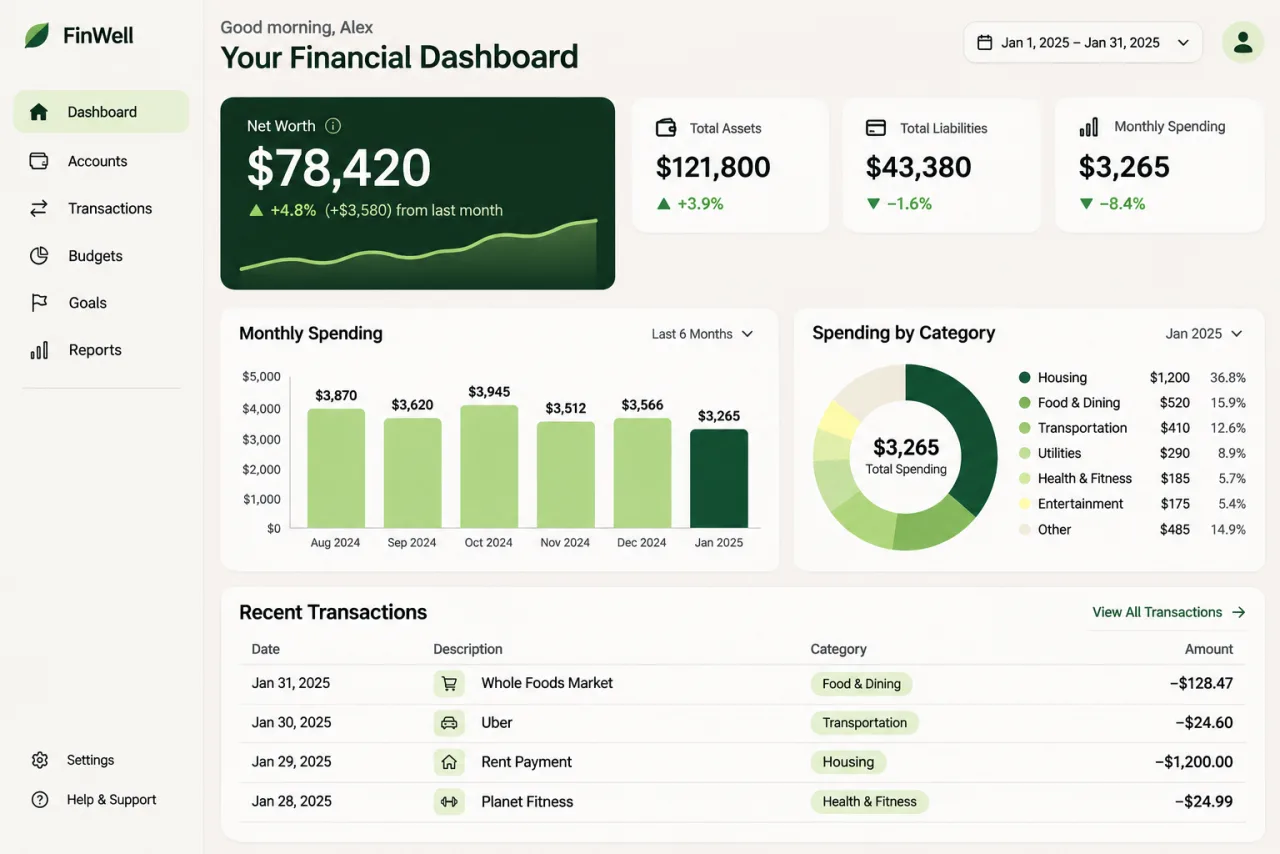
App and web UI
Menus and print
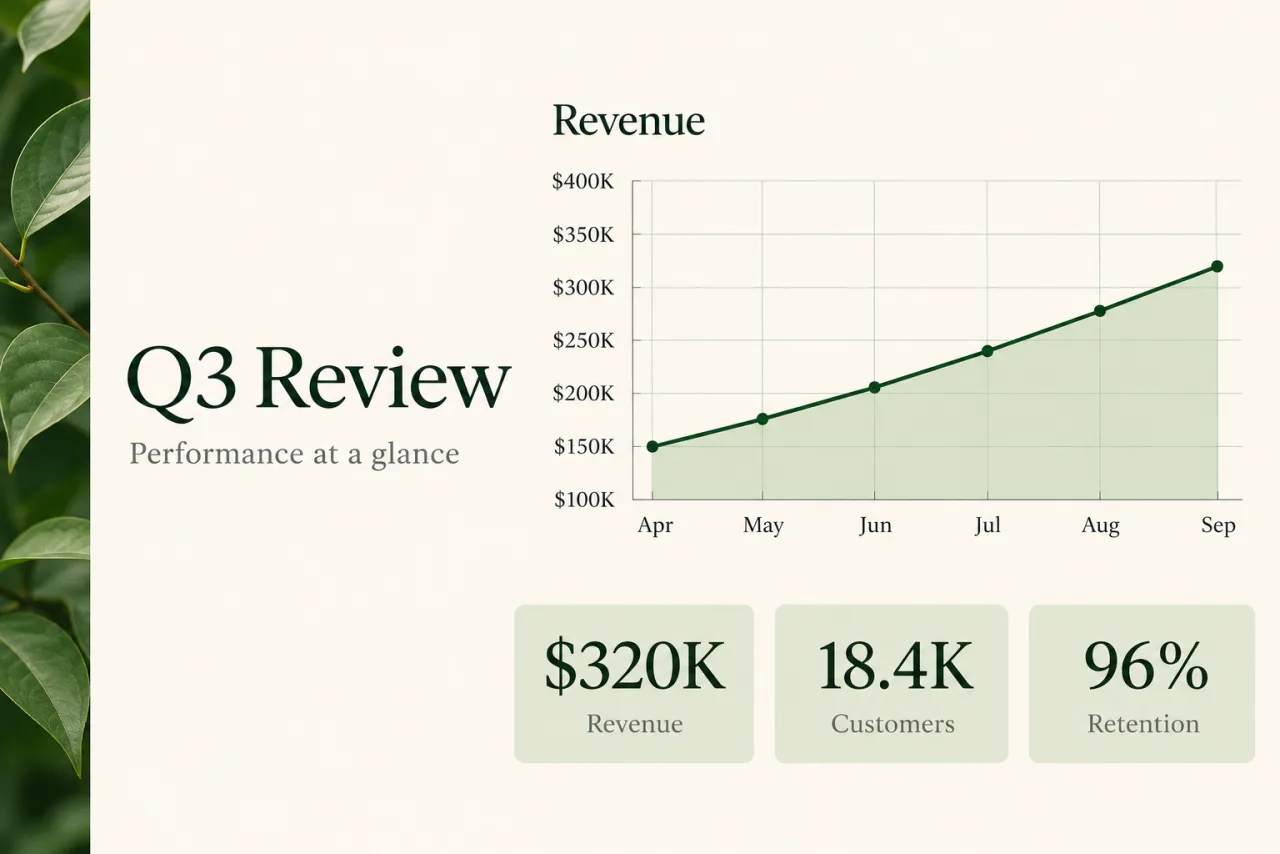
Slides

Video
Single-purpose tools, same engine
One job? Open the tool directly.
- 01AI Image Text EditorEdit imagesChange the words in a photo, poster or screenshot.
- 02Magic Layers (Image to Layers)Edit imagesSplit a flat image into text, objects and background.
- 03Background RemoverEdit imagesCut out products and people, hair and all.

- 04Object and Watermark EraserEdit imagesBrush over clutter and fill in what was behind it.
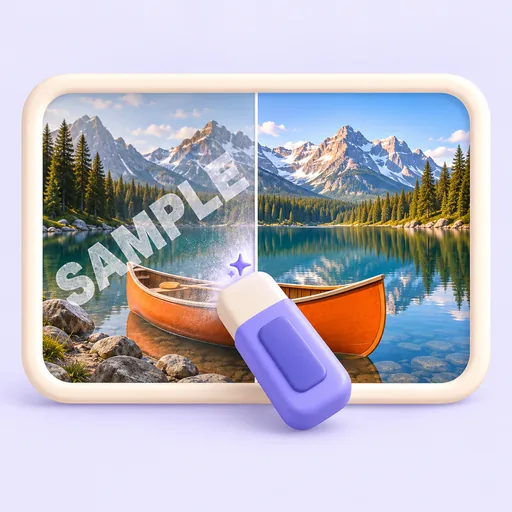
- 05AI Image UpscalerEdit imagesSharpen small images up to 4K.
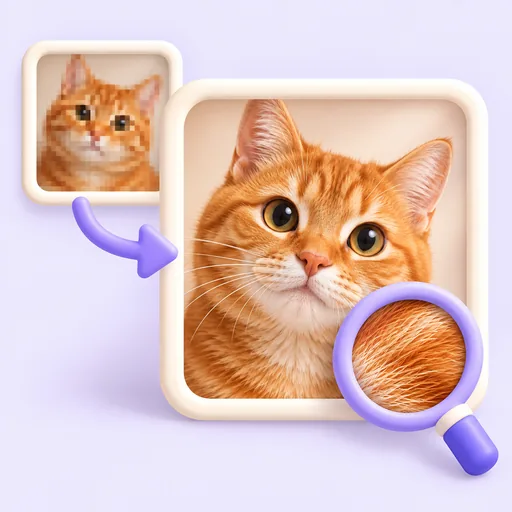
- 06Screenshot to FigmaConvert filesTurn a screenshot into editable Figma frames.
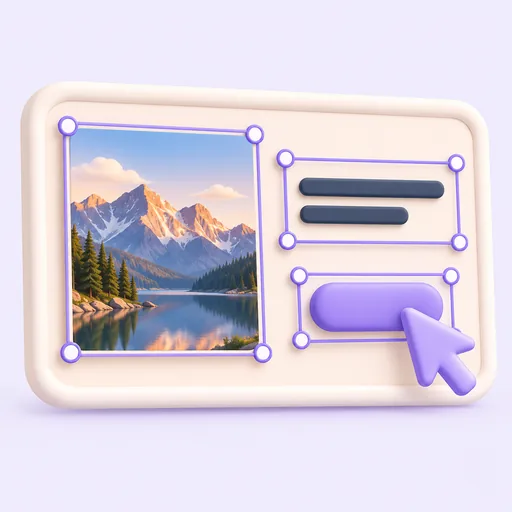
- 07Online PSD EditorConvert filesOpen and edit Photoshop files in the browser.
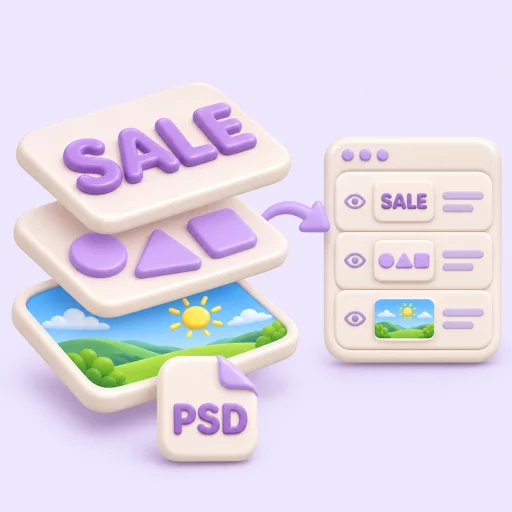
- 08Online Illustrator EditorConvert filesOpen .ai and .eps files and edit the vectors.
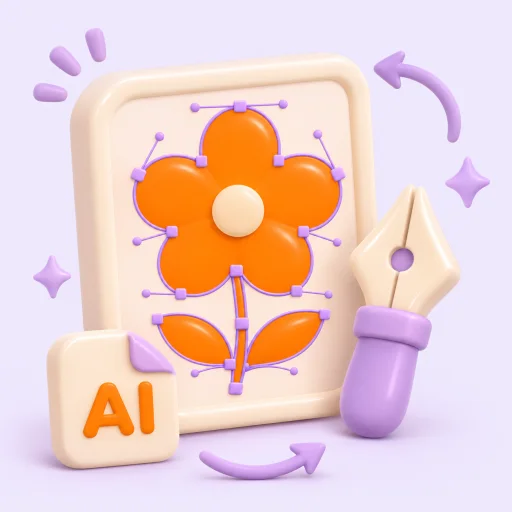
- 09Image to SVGConvert filesTrace logos and icons into clean vector paths.
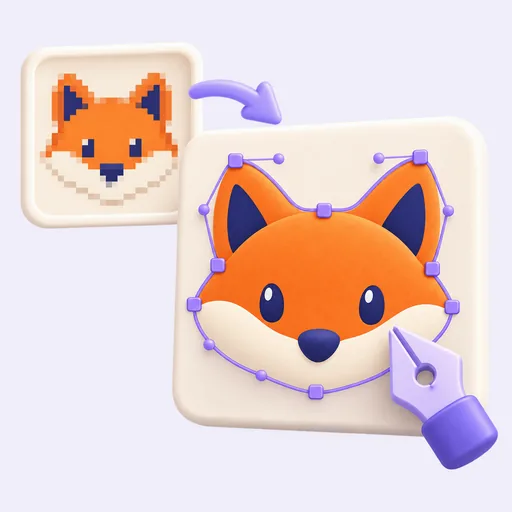
- 10AI UI Design GeneratorBuild and presentGenerate app and web screens with real components.
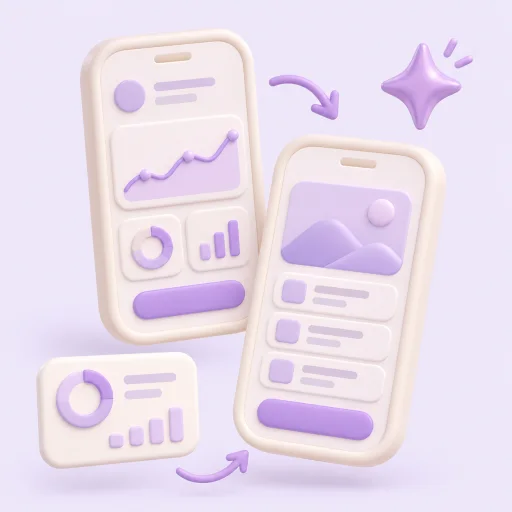
- 11AI Website and App BuilderBuild and presentBuild and publish sites, prototypes and app code.

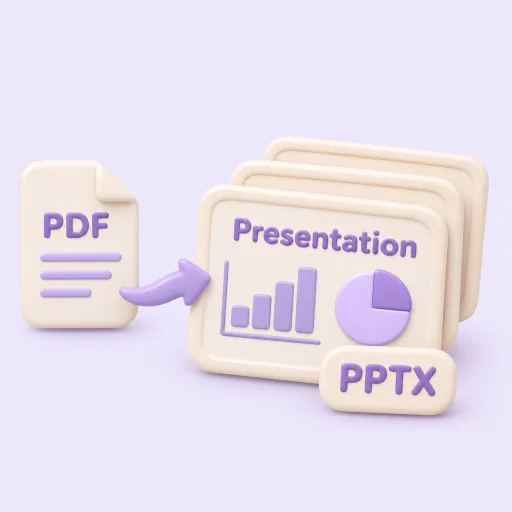
- 12NoteSlide AI Presentation & PPTXBuild and presentTurn PDFs and slide images into editable PPTX.
How it works
 1
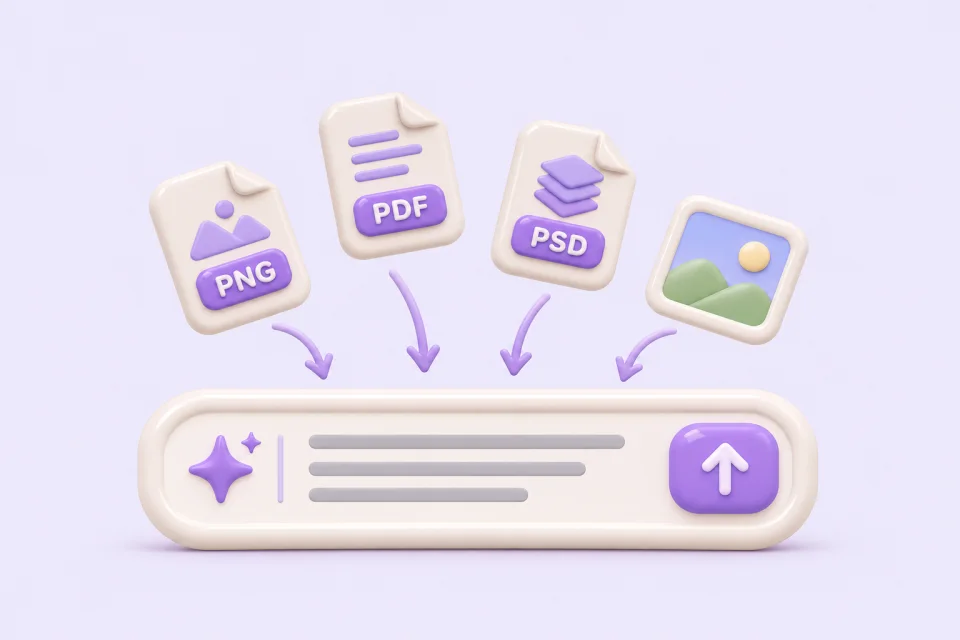
Describe it or upload a file
Type a brief or drop in a file.
 2
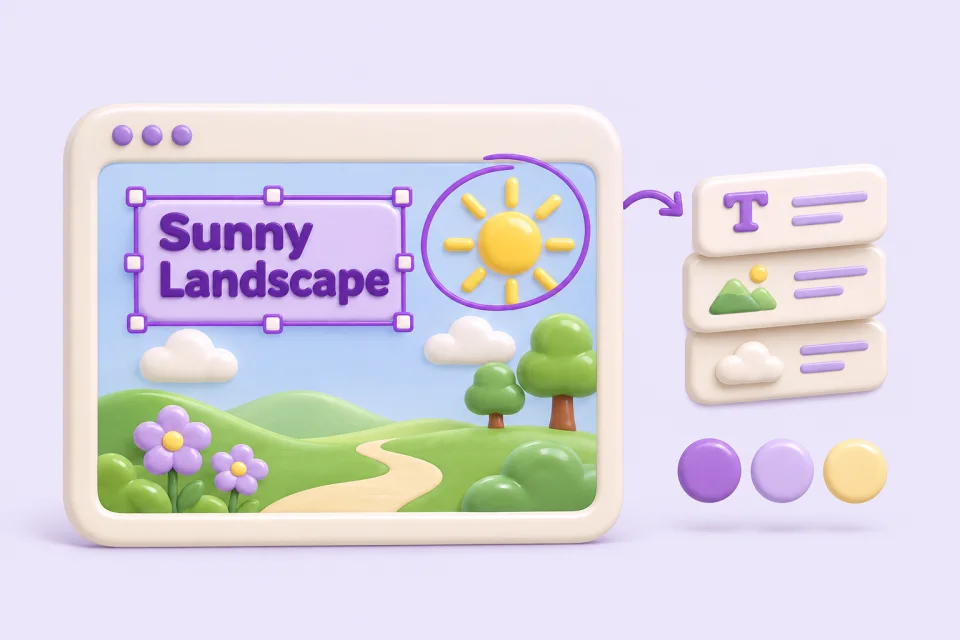
Refine it on the canvas
Circle, retype, split layers, apply your brand.
 3
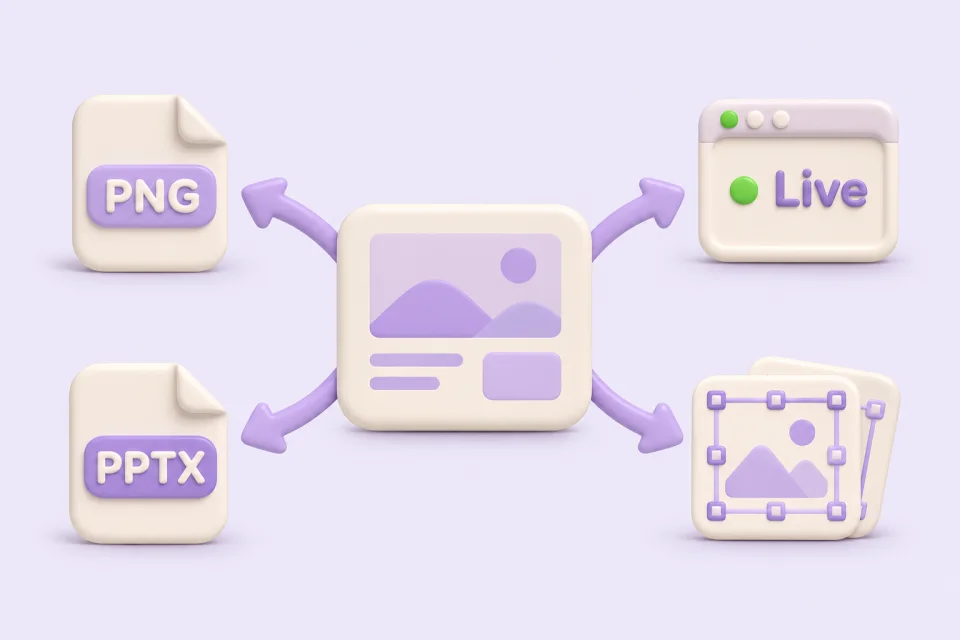
Export or publish
Download, paste into Figma or publish.
Simple, Transparent Pricing
Start free, upgrade when you're ready.
Common questions
What is Codia Studio?
An AI design agent on an infinite canvas. Describe what you need and get designs whose text and layers stay editable.
How is it different from an AI image generator?
Generators return a flat picture. Studio returns a design with real text, separate layers and edits limited to the area you mark.
What can I design with Studio?
Posters, logos, product and packaging shots, social posts, UI, menus, slides, websites and short videos.
Can I edit images I already have?
Yes. Upload PNG, JPG, WebP, PDF, PSD or Illustrator files, then split, retype or mark up any part.
Does Studio work with Figma?
Yes. Bring in Figma frames as references and copy Studio designs back as editable frames.
What are Brand Kits and Skills?
A Brand Kit stores your logo, colors and fonts. Skills save formats you make often.
Can Studio build websites and apps?
Yes. It builds responsive sites, prototypes and iOS, Android, Flutter or React Native code, and publishes them.
Is it free, and who owns what I make?
You can start free. Paid plans add credits, higher-resolution exports and faster generation. You own what you make.
What are you designing this week?
One sentence is enough to start.