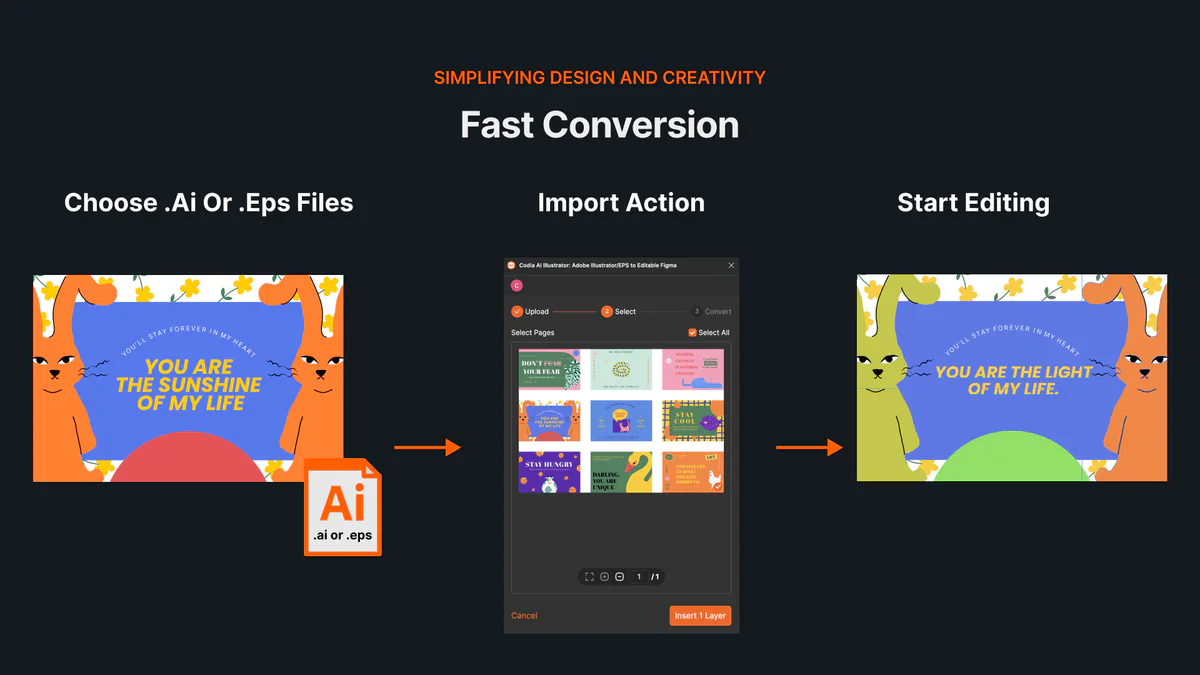
Artboards and editable layers
Import every artboard with groups, text, images, positioning, opacity, and blend modes preserved where supported.

Illustrator importer for Codia Studio
Open AI and EPS files in Codia Studio, keep artboards and layers, recolor vector artwork, and continue editing with AI.
Try one of ours.
From Illustrator to Studio
Import every artboard with groups, text, images, positioning, opacity, and blend modes preserved where supported.
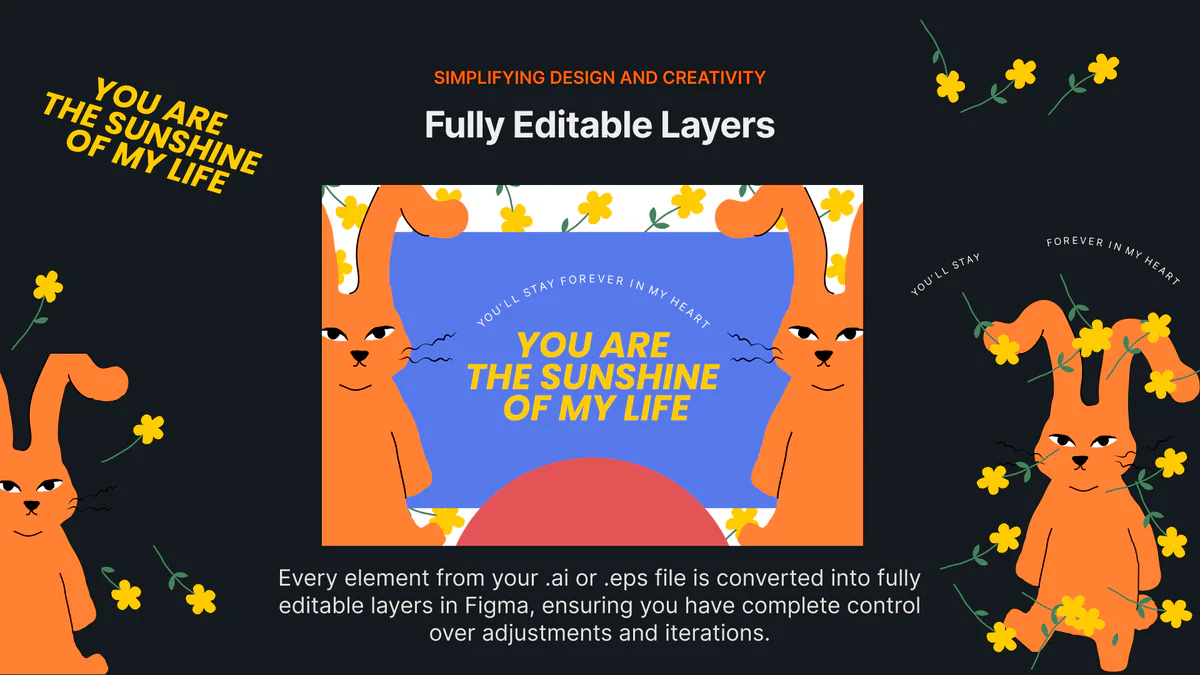
Move, resize, rotate, and recolor vector artwork as separate SVG layers without flattening the whole design.
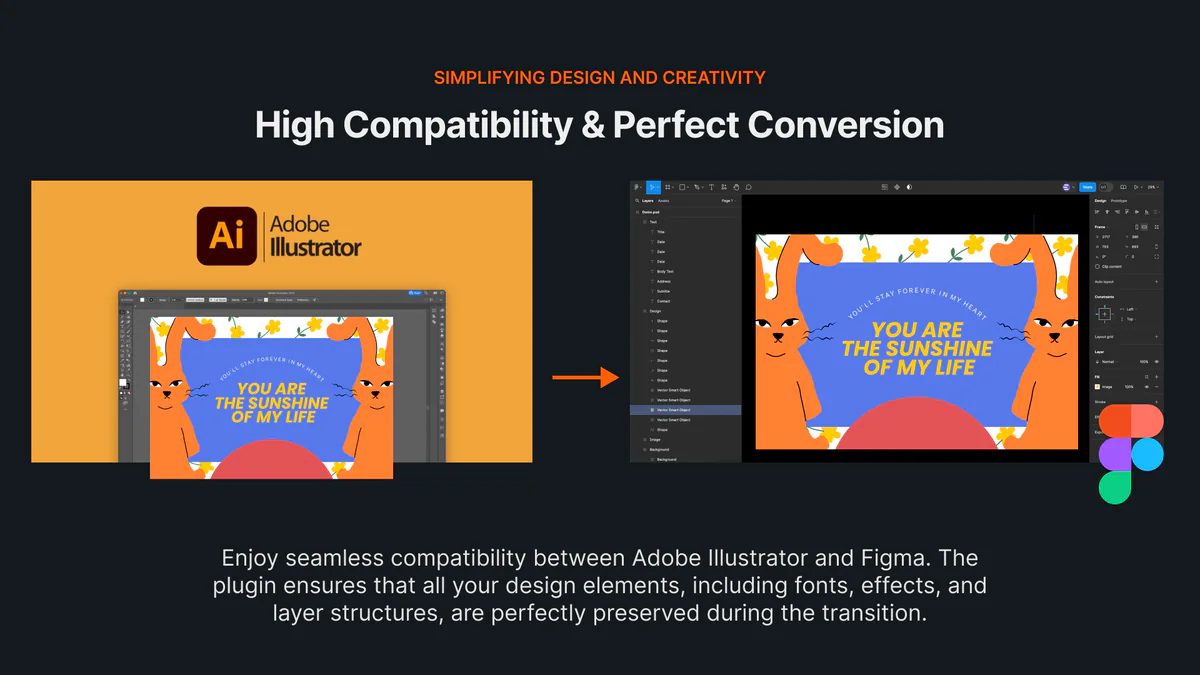
Use generative edits, background removal, expansion, upscaling, and the rest of Codia Studio after import.
Codia Studio accepts Adobe Illustrator .ai and .eps files.
Vectors are imported as independent SVG layers. You can transform and recolor them, while anchor-point editing remains in Illustrator.
The importer reads the PDF-compatible representation embedded by Illustrator. Enable “Create PDF Compatible File” when saving AI files.
Each successfully converted artboard costs 10 Studio credits. If a later batch fails, only the artboards already converted and delivered are charged.