
AI image upscaler
Make Images Clearer with AI
Upload a blurry, compressed, or low-resolution photo to upscale images online with AI, then open Codia Studio to keep editing.
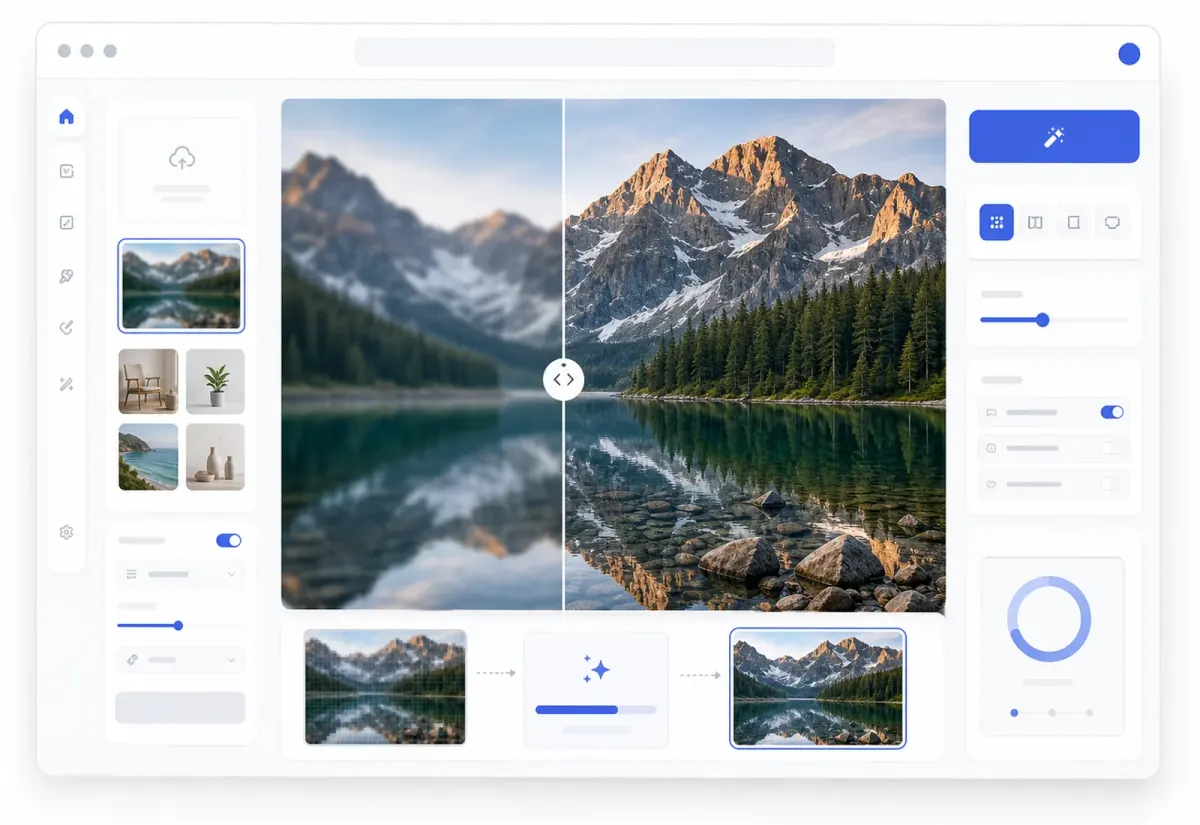
Studio workflow
Upscale first, keep designing after
Your enhanced image opens on the Studio canvas so the sharper result can move directly into editing, remixing, cleanup, or export.
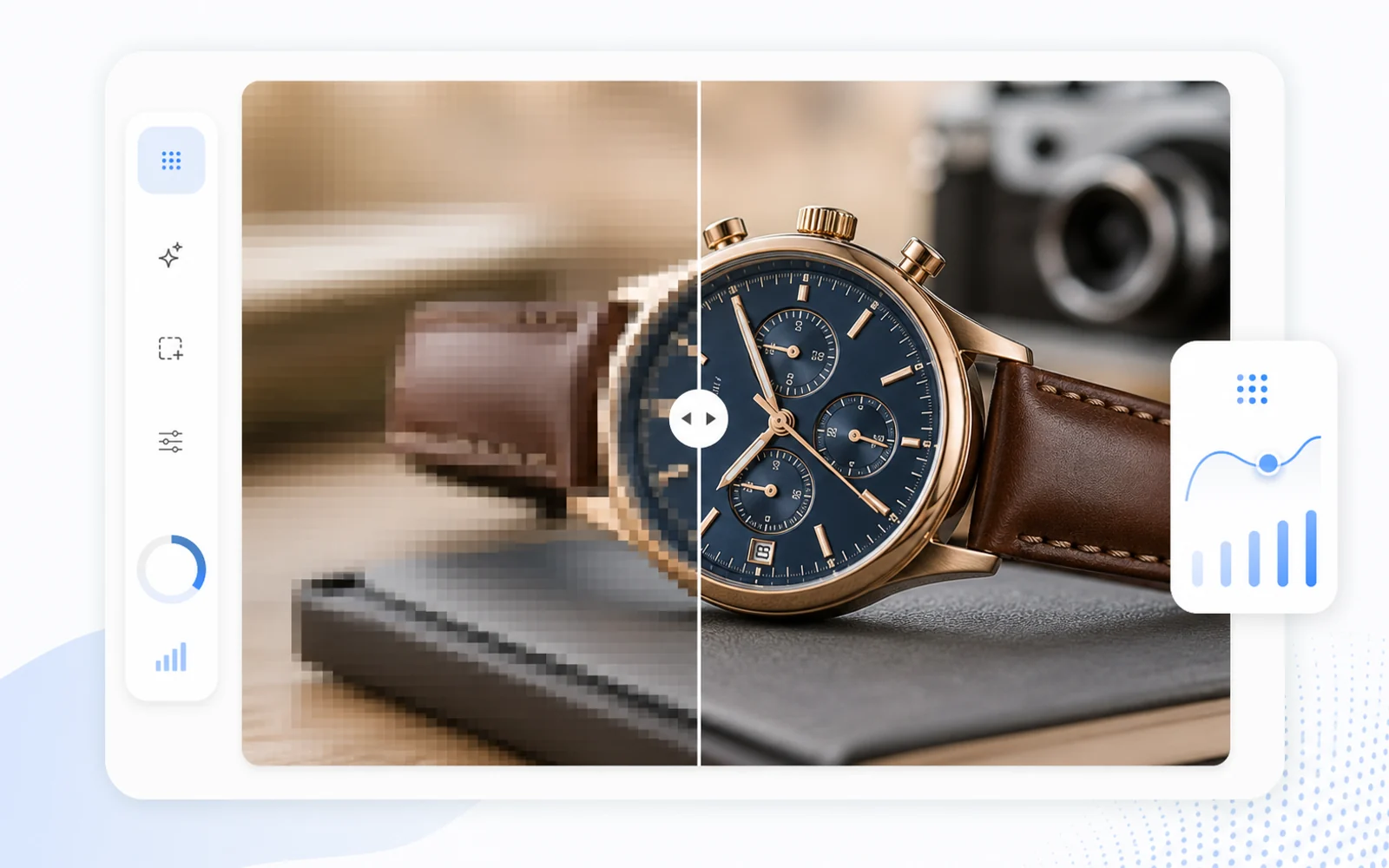
Key advantage
AI image enhancer for sharper details
Use Codia as an online image upscaler and AI photo enhancer to clean up blur, compression, edges, textures, and visual details.
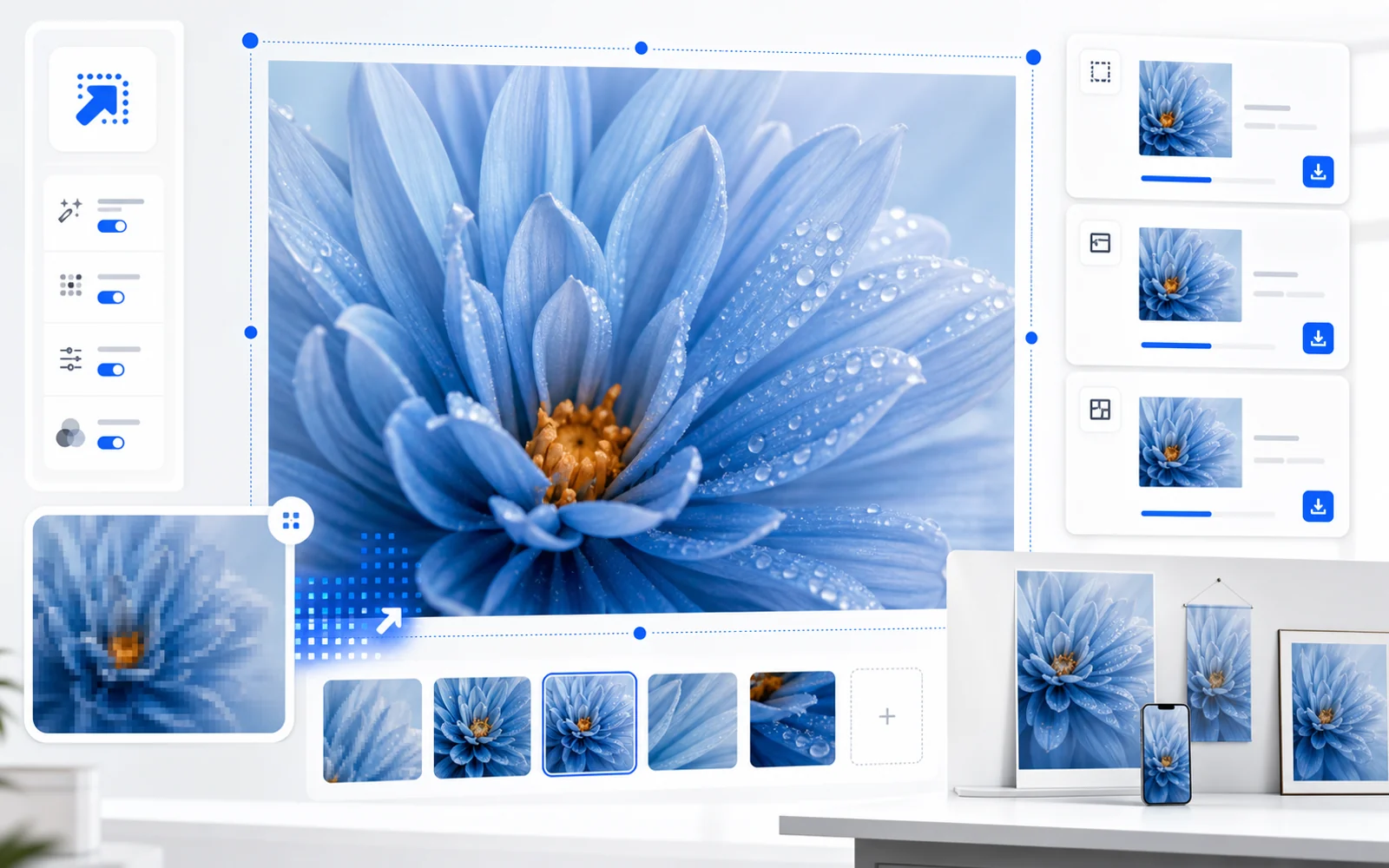
Key advantage
Enlarge images for products, posts, and presentations
Increase image resolution before using source images in posters, product pages, slides, social posts, and design mockups.
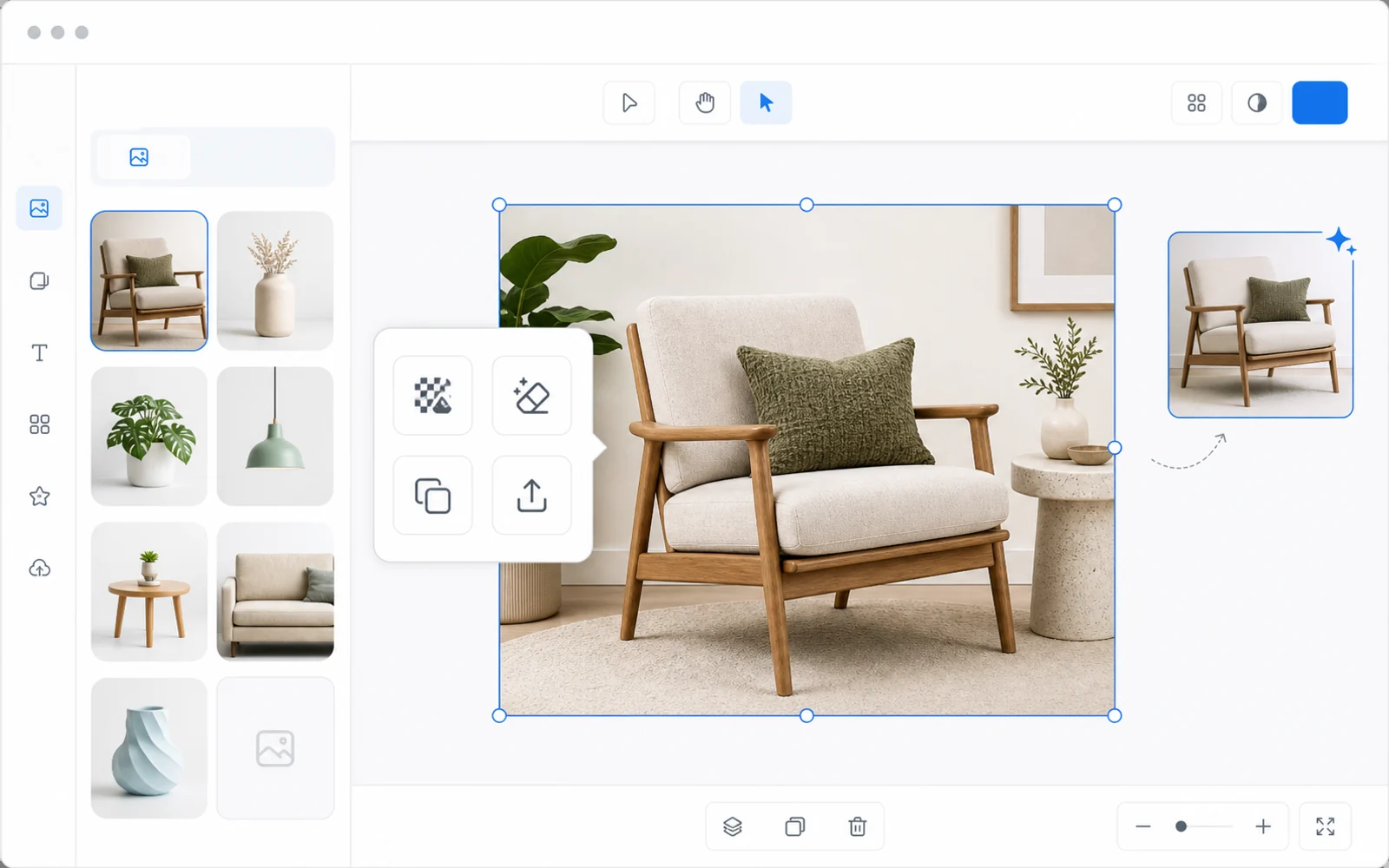
Key advantage
Keep editing after the image is enhanced
Unlike simple upload-and-download upscalers, the enhanced image opens in Codia Studio so you can remove backgrounds, edit elements, generate variations, or export.
Upload your image
Start with a JPG, PNG, WebP, screenshot, AI image, product photo, or design asset.
Upscale in Studio
Codia opens the canvas with the Upscale tool selected so the image can be enhanced right away.
Refine and export
Continue editing in Studio, then export the sharper result for your next workflow.
Related image workflows
More ways to enhance images with AI
Choose the image enhancement workflow that best matches the asset you need to clean up, sharpen, or prepare for design.
Upscale image online
Increase image size and clarity from a browser before continuing the design workflow.
Open Online UpscalerIncrease image resolution
Prepare low-resolution images for product pages, slides, posters, and larger design layouts.
Increase ResolutionSharpen blurry image
Improve blurry, compressed, or soft images before editing and exporting from Codia Studio.
Sharpen an ImageFAQ
AI Image Upscaler FAQ
What image formats can I upload?
Upload common image formats such as JPG, PNG, WebP, and screenshots from your computer.
Does this open Codia Studio?
Yes. Uploading from this page opens Codia Studio with the image loaded and the Upscale capability selected.
Will AI upscaling recreate missing details perfectly?
Upscaling improves clarity and resolution, but the final result still depends on the source image quality and compression.
What can I use the enhanced image for?
Use the sharper image in product pages, e-commerce listings, social posts, presentations, posters, mockups, or any Studio design workflow.
Can I keep editing after upscaling?
Yes. After the image is in Studio, you can use other AI image tools, adjust the canvas, and export the result.