
Increase image resolution
Increase Image Resolution with AI
Improve low-resolution images before using them in product pages, slides, posters, social posts, mockups, or editable Studio designs.
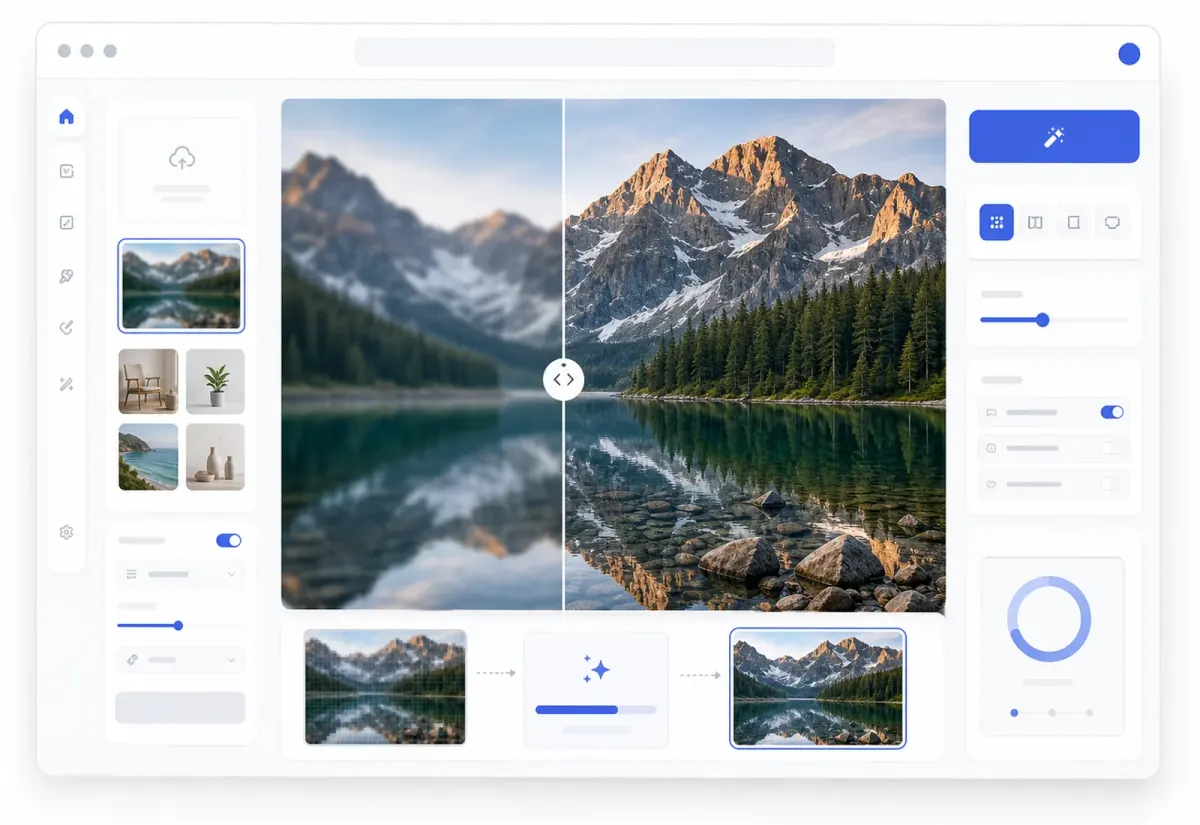
Studio workflow
Upscale first, keep designing after
Your enhanced image opens on the Studio canvas so the sharper result can move directly into editing, remixing, cleanup, or export.
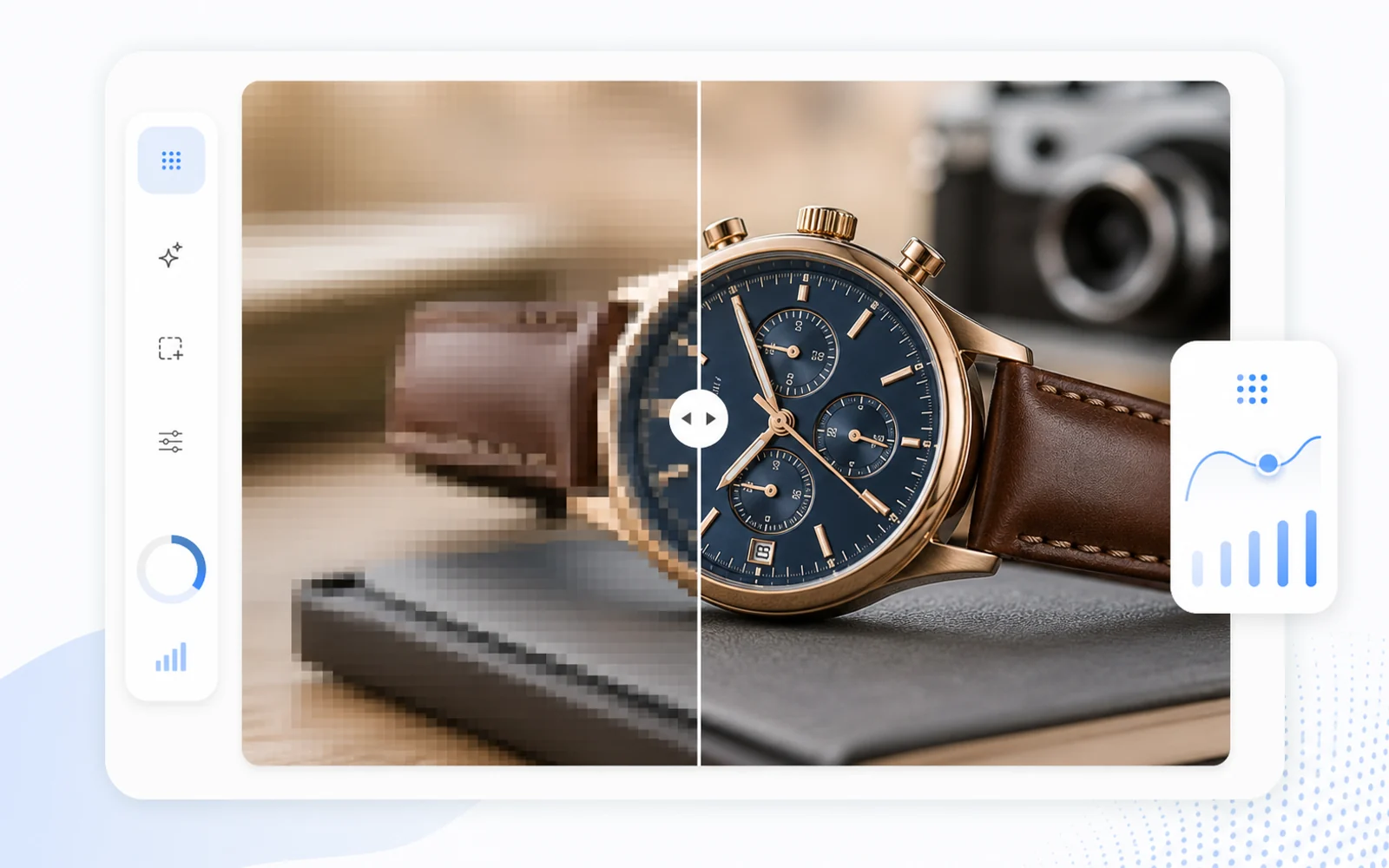
Key advantage
AI image enhancer for sharper details
Use Codia as an online image upscaler and AI photo enhancer to clean up blur, compression, edges, textures, and visual details.
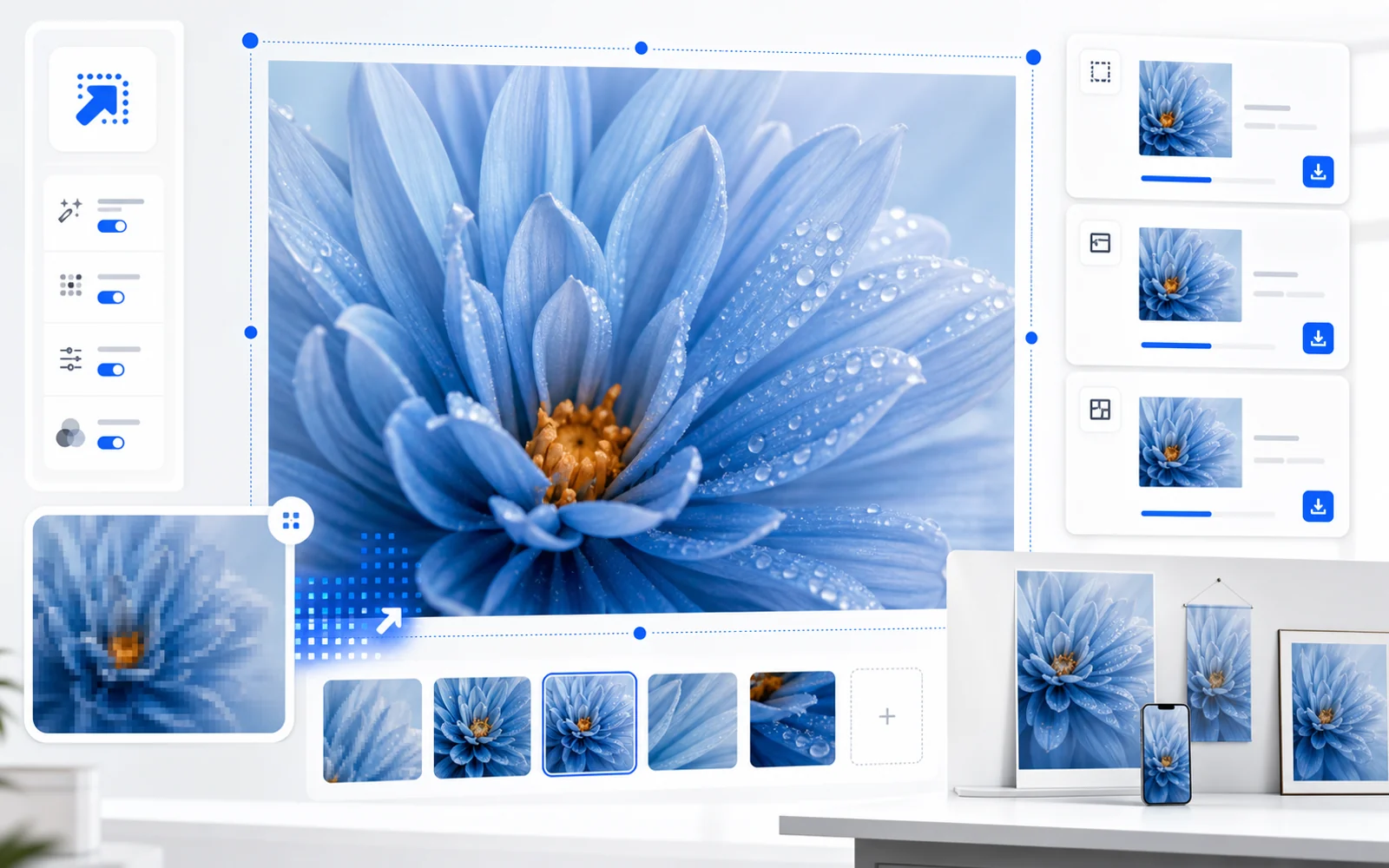
Key advantage
Enlarge images for products, posts, and presentations
Increase image resolution before using source images in posters, product pages, slides, social posts, and design mockups.
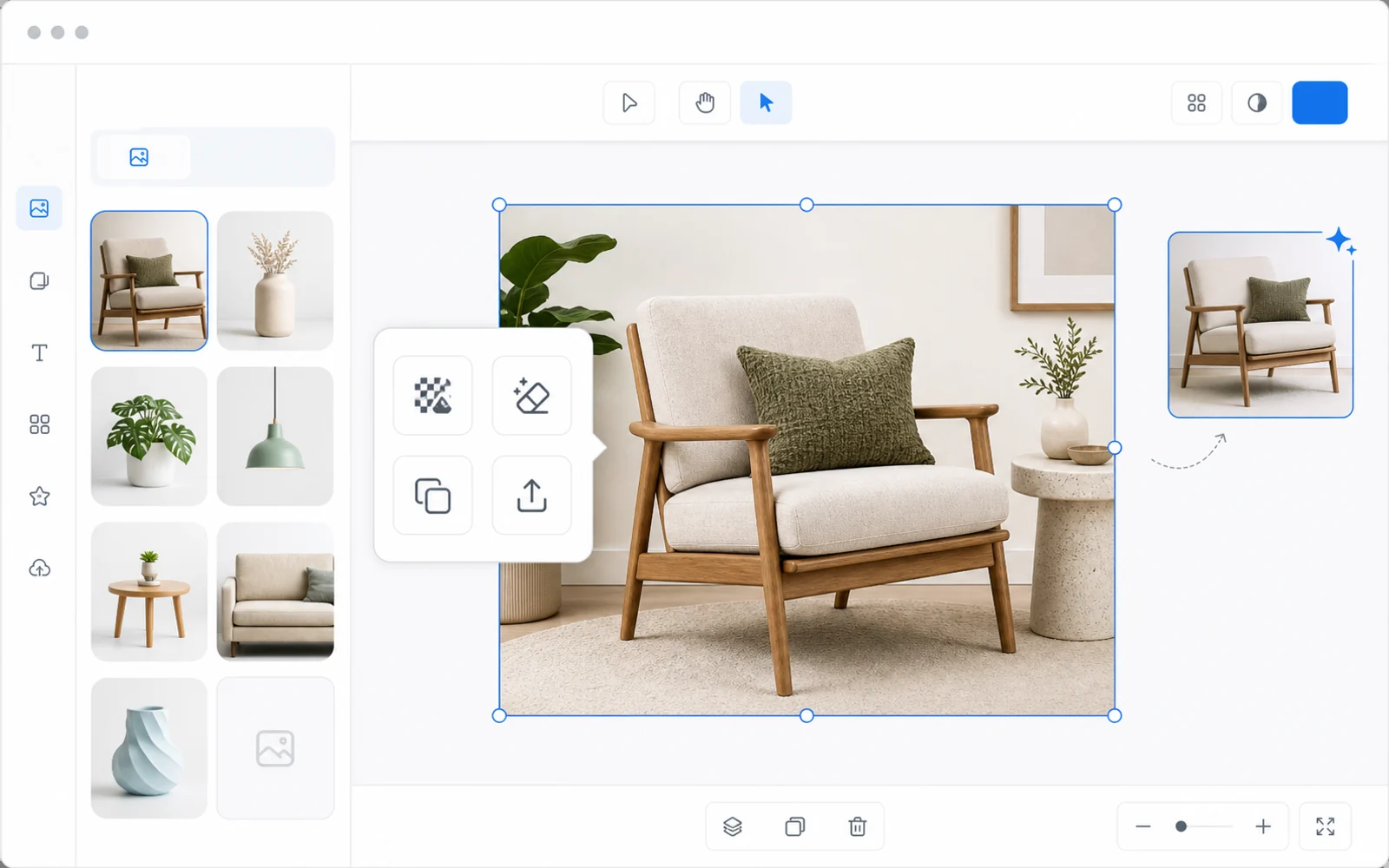
Key advantage
Keep editing after the image is enhanced
Unlike simple upload-and-download upscalers, the enhanced image opens in Codia Studio so you can remove backgrounds, edit elements, generate variations, or export.
Make small images usable in larger layouts
Low-resolution assets often fall apart when they are placed into hero sections, decks, marketplace pages, or posters. Codia helps create a clearer working image before design edits continue.
Resolution enhancement plus editing
After the image is enhanced, you can continue editing on the Studio canvas instead of jumping between a separate upscaler and design tool.
Prepare assets before publishing
Use the resolution-enhanced result as a stronger source for e-commerce listings, landing pages, presentation decks, social posts, mockups, and other places where soft images make the final design look unfinished.
Upload your image
Start with a JPG, PNG, WebP, screenshot, AI image, product photo, or design asset.
Upscale in Studio
Codia opens the canvas with the Upscale tool selected so the image can be enhanced right away.
Refine and export
Continue editing in Studio, then export the sharper result for your next workflow.
Related image workflows
More ways to enhance images with AI
Choose the image enhancement workflow that best matches the asset you need to clean up, sharpen, or prepare for design.
AI Image Upscaler
Use the main Codia image upscaler workflow to enhance images and continue editing in Studio.
Open AI Image UpscalerUpscale image online
Increase image size and clarity from a browser before continuing the design workflow.
Open Online UpscalerSharpen blurry image
Improve blurry, compressed, or soft images before editing and exporting from Codia Studio.
Sharpen an ImageFAQ
Increase Image Resolution FAQ
Can AI increase image resolution for design work?
Yes. Codia can enhance image resolution and open the result in Studio so it can be used in design, cleanup, and export workflows.
Will resolution enhancement recreate perfect detail?
No upscaler can perfectly restore missing source detail. Results depend on the original image quality, compression, and blur.
What can I do after increasing resolution?
You can keep editing in Studio, remove backgrounds, clean up image elements, generate variations, or export the enhanced asset.