
AI PSD editor online
Edit Photoshop PSD files online with AI
Upload a PSD, make quick edits with AI, and export an editable PSD again for Photoshop handoff, production, or archives.
Browser PSD editing
The PSD editor people expect, upgraded with AI
For teams searching for an online photo editor, a Photoshop online alternative, or a way to open and save PSD layers in the browser.
Online photo editor for PSD work
Open design files in the browser, make quick visual edits, remove backgrounds, upscale assets, and keep the PSD workflow moving without a desktop handoff.
A Photoshop online alternative powered by AI
Use Codia Studio when you need to edit PSD online, review layered creative files, or make AI-assisted changes without installing heavy software.
Open, edit, and save PSD layers online
Work with editable PSD layers, masks, text, shapes, and images where supported, then export an editable PSD for production handoff.
Core workflow
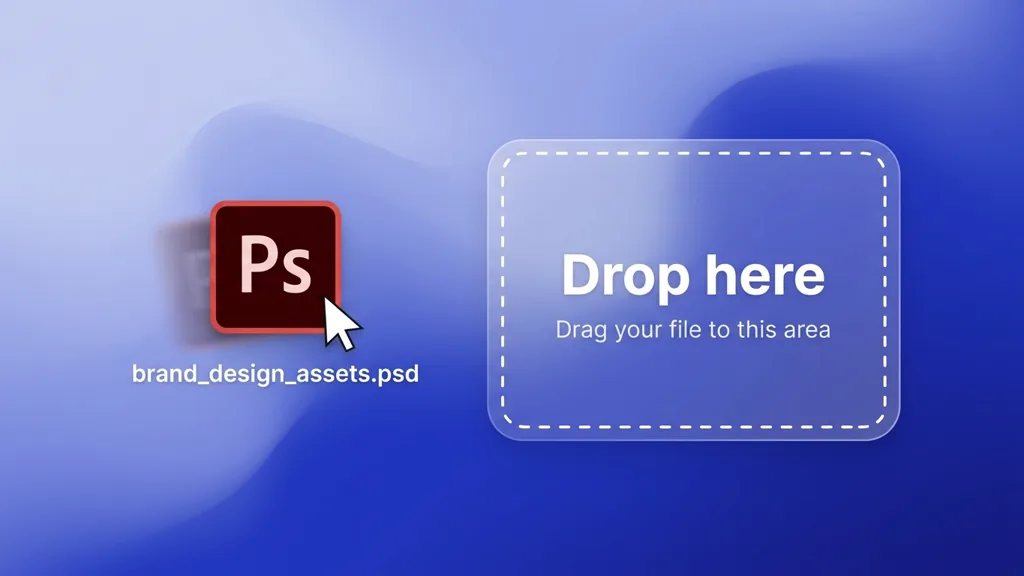
Import Photoshop PSD online
Drop in a .psd file and open it directly in Codia Studio. Use it as a browser-based Photoshop online alternative for PSD review, edits, and AI-assisted changes.
Core workflow
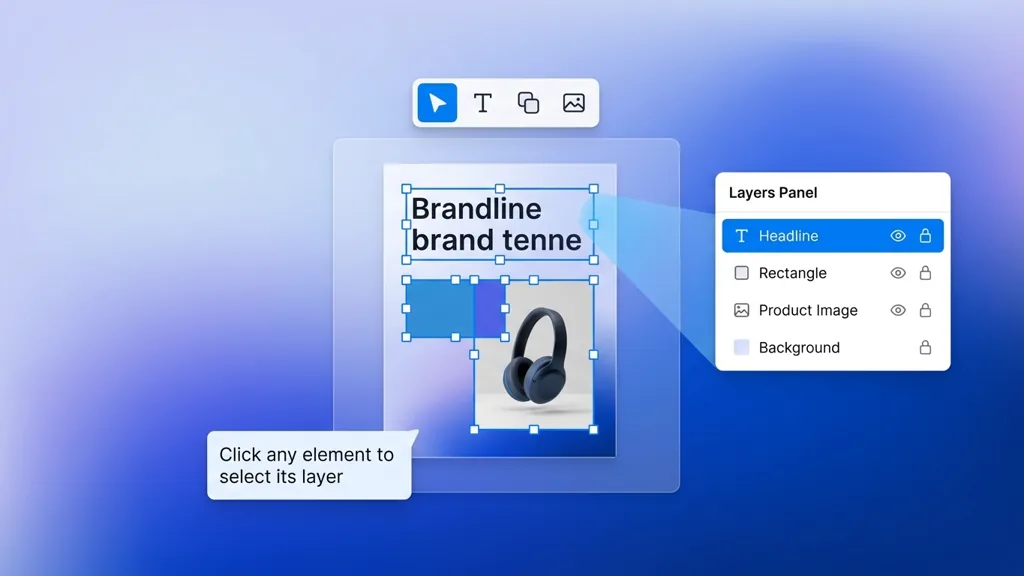
Editable PSD layers, masks, text, shapes, and images
Keep working with structured design layers instead of painting over pixels. Select text, move objects, refine compositions, and preserve layer-aware PSD editing where supported.
Core workflow
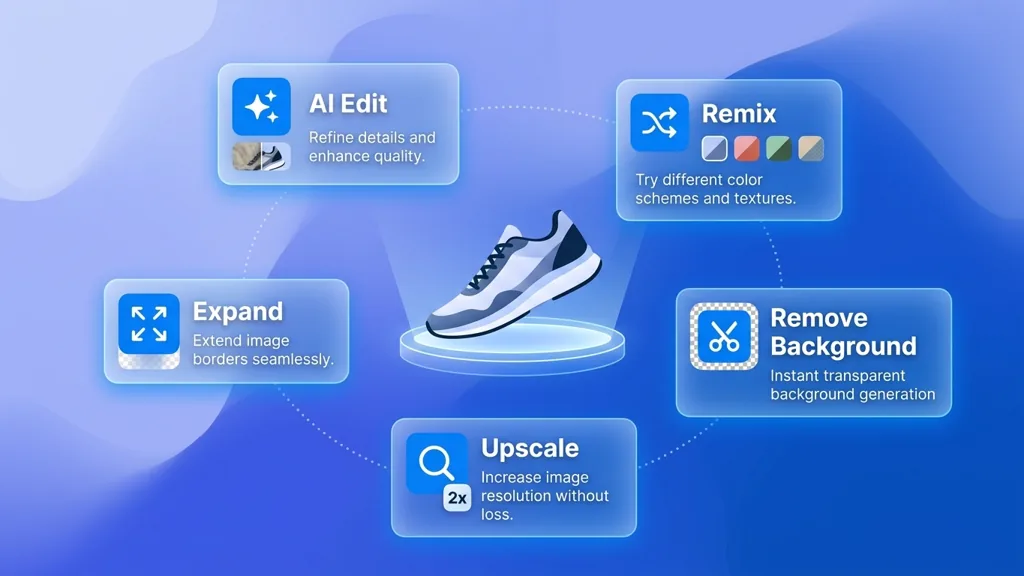
Use AI to edit, remix, remove backgrounds, upscale, and expand
Ask Codia Studio to change part of the design, generate variations, clean up backgrounds, upscale assets, or expand the canvas.
Core workflow
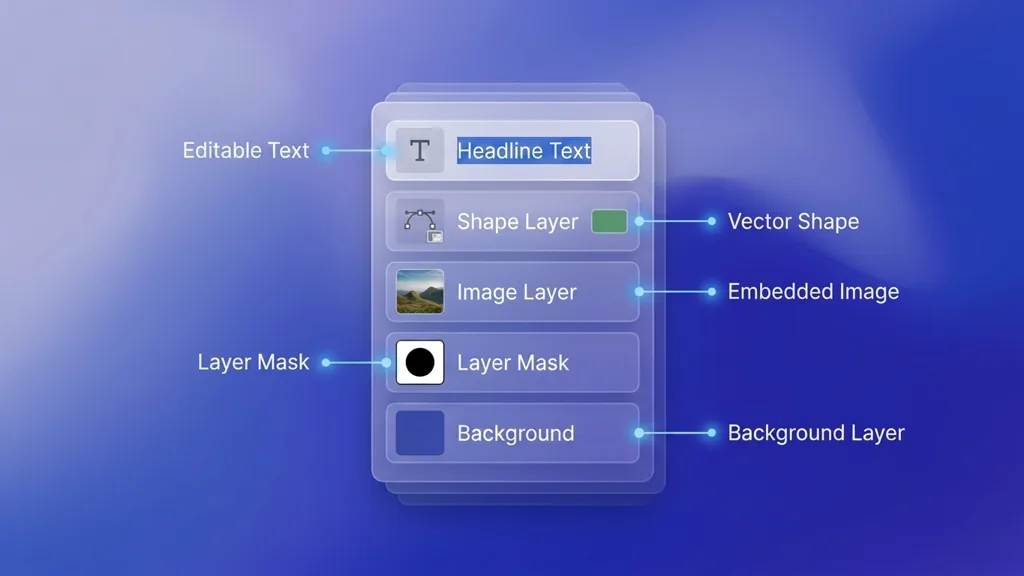
Layer-aware canvas editing in Codia Studio
Continue editing on a browser canvas built for repeated creative work: layers, selections, grouped content, and AI actions in one place.
Core workflow
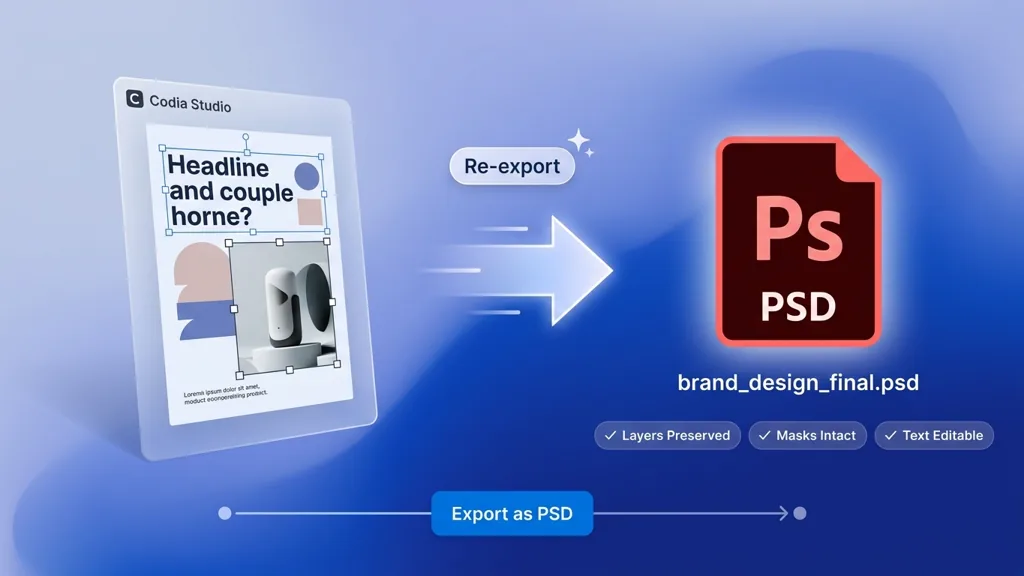
Export back to editable PSD
Finish the edit and hand off an editable PSD again, so Photoshop users and AI-first teams can stay in the same workflow.
Upload PSD
Choose a Photoshop PSD file from your computer. Codia opens it in the browser as an editable Studio canvas.
Edit with AI
Select layers, rewrite text, clean up imagery, generate variations, remove backgrounds, upscale, or expand the design.
Export PSD
Download the edited work as an editable PSD again for Photoshop handoff, archives, or production teams.
Why Codia
A new AI-first Photoshop workflow
Traditional Photoshop
Powerful desktop editing, but heavy for quick AI changes, browser collaboration, and fast PSD review loops when users just need to edit a PSD online.
Flat image editors
Good for simple pixels, cropping, and resizing, but PSD structure is lost and edits often become repainting or manual reconstruction.
Codia AI PSD Editor
Open PSD online, keep editable layers, use AI actions like background removal and image expansion, then export PSD again from one modern creative workflow.
FAQ
PSD Editor Online FAQ
Can I edit PSD layers online?
Yes. Codia imports Photoshop PSD files into an editable Studio canvas so you can work with layer structure, text, images, and shapes where supported.
Do I need to install Photoshop?
No. The PSD editor runs in your browser, so it can work as a Photoshop online alternative for PSD edits. Photoshop can still be part of your handoff workflow because you can export editable PSD again.
Can I open and save PSD files online?
Yes. Codia Studio can import Photoshop PSD files and includes PSD export for editable handoff. Some Photoshop-only effects may be approximated depending on the source file.
What can AI change in my PSD?
You can use AI actions for image edits, text-aware variations, background removal, upscaling, expanding the canvas, and creative iteration around selected content.
Are my PSD files private?
PSD files are handled as user content in Codia. Use local startup upload for browser handoff, and sign in when you want projects saved to your Studio workspace.
How is this different from PSD to Figma?
PSD to Figma is for moving Photoshop work into Figma. PSD Editor Online is for opening, editing with AI, and exporting PSD again in Codia Studio.
Adobe and Photoshop are trademarks of Adobe. Codia is not affiliated with Adobe.