
Upscale image online
Upscale Image Online with AI
Upload a low-resolution, compressed, or soft image and use Codia to enhance clarity before continuing the design workflow in Studio.
Studio workflow
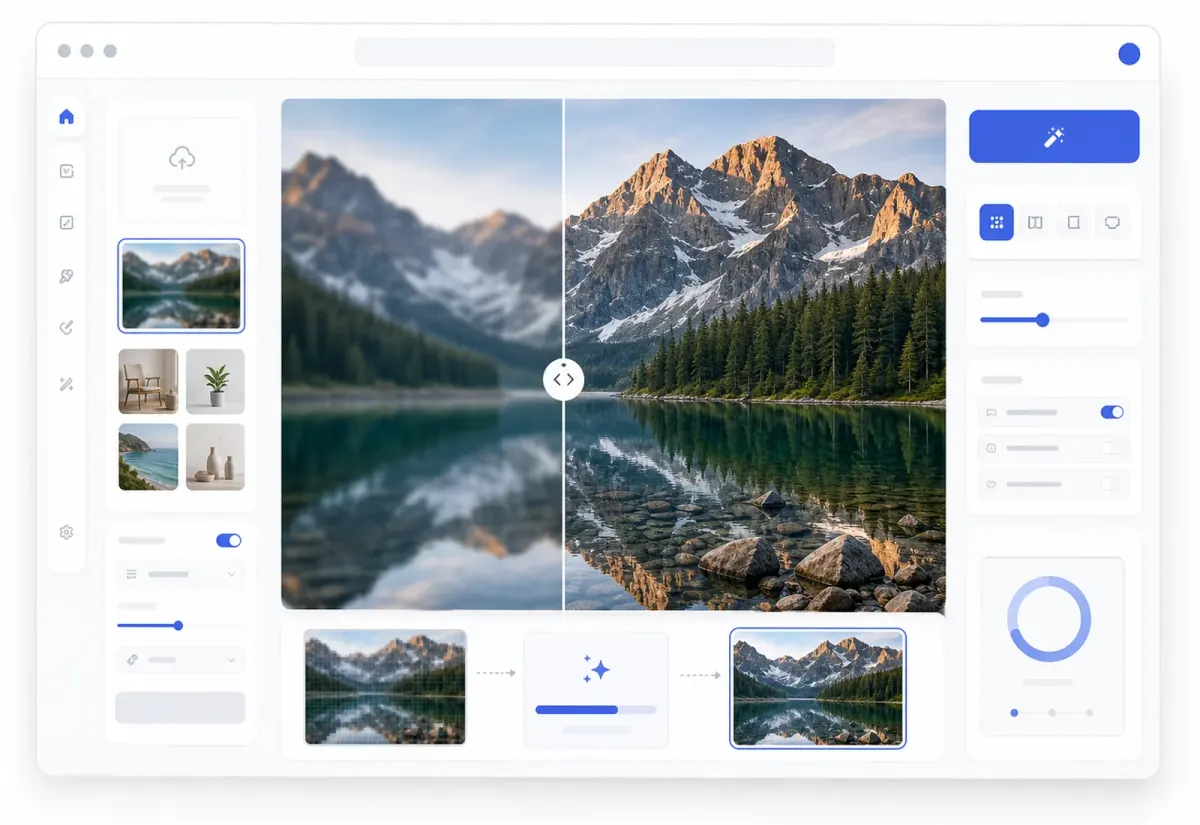
Upscale first, keep designing after
Your enhanced image opens on the Studio canvas so the sharper result can move directly into editing, remixing, cleanup, or export.
Key advantage
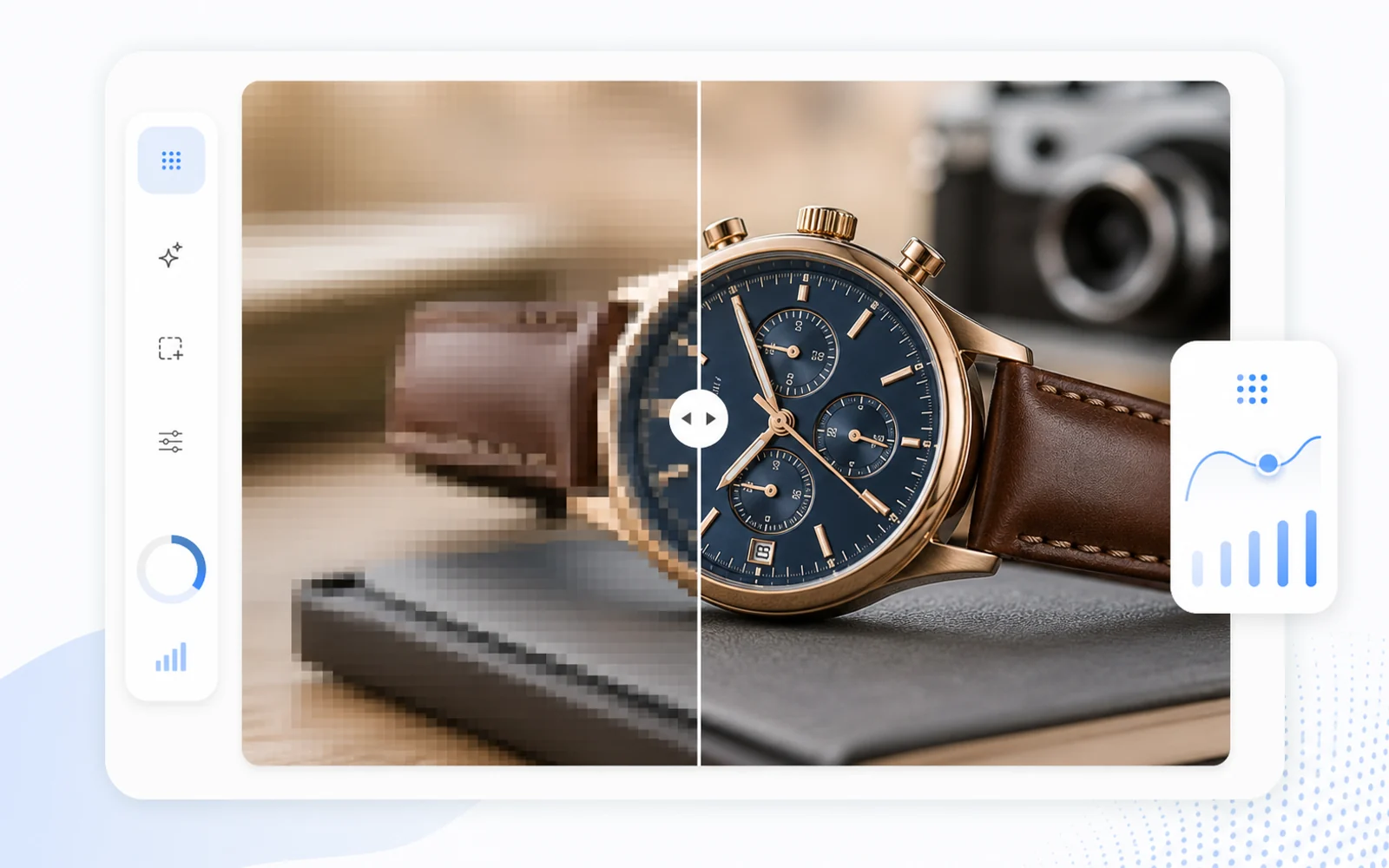
AI image enhancer for sharper details
Use Codia as an online image upscaler and AI photo enhancer to clean up blur, compression, edges, textures, and visual details.
Key advantage
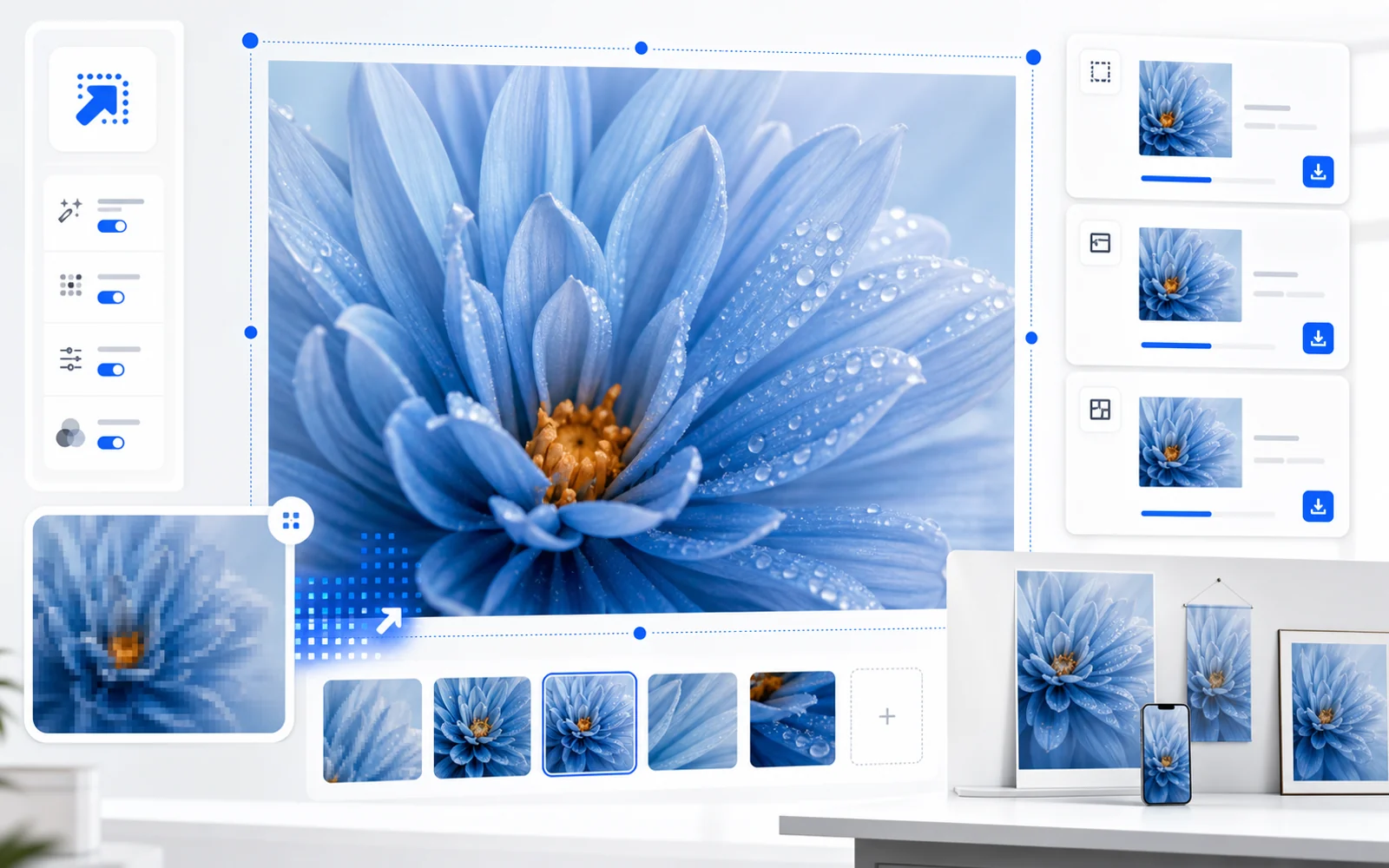
Enlarge images for products, posts, and presentations
Increase image resolution before using source images in posters, product pages, slides, social posts, and design mockups.
Key advantage
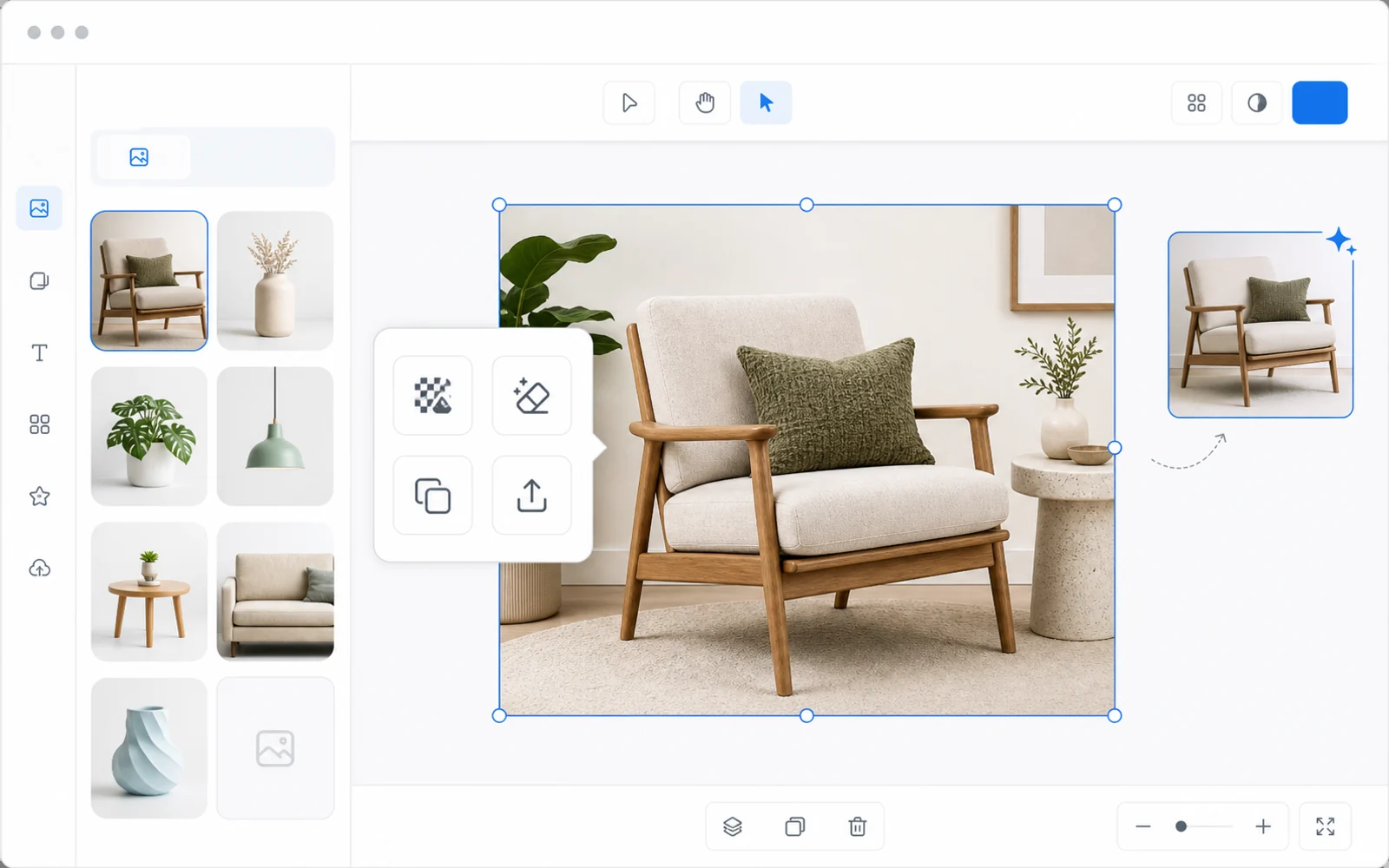
Keep editing after the image is enhanced
Unlike simple upload-and-download upscalers, the enhanced image opens in Codia Studio so you can remove backgrounds, edit elements, generate variations, or export.
Online image upscaling for design workflows
Codia is useful when you need more than a download-only enhancer. The upscaled image opens in Studio, so the sharper version can move directly into editing, cleanup, remixing, or export.
Best images to upscale online
Use product photos, screenshots, AI-generated images, presentation assets, thumbnails, social graphics, and other visuals that need a clearer larger version.
Why use Codia instead of a download-only upscaler?
Many online upscalers stop after generating a file. Codia keeps the enhanced image inside an editable workspace, which is useful when the next step is background removal, image cleanup, layout design, or export preparation.
Upload your image
Start with a JPG, PNG, WebP, screenshot, AI image, product photo, or design asset.
Upscale in Studio
Codia opens the canvas with the Upscale tool selected so the image can be enhanced right away.
Refine and export
Continue editing in Studio, then export the sharper result for your next workflow.
Related image workflows
More ways to enhance images with AI
Choose the image enhancement workflow that best matches the asset you need to clean up, sharpen, or prepare for design.
AI Image Upscaler
Use the main Codia image upscaler workflow to enhance images and continue editing in Studio.
Open AI Image UpscalerIncrease image resolution
Prepare low-resolution images for product pages, slides, posters, and larger design layouts.
Increase ResolutionSharpen blurry image
Improve blurry, compressed, or soft images before editing and exporting from Codia Studio.
Sharpen an ImageFAQ
Upscale Image Online FAQ
Can I upscale an image online with Codia?
Yes. Upload an image from the browser and Codia opens it in Studio with the image upscaling workflow ready.
Can I keep editing after upscaling?
Yes. The enhanced image remains in Codia Studio, where you can remove backgrounds, clean up details, remix, or export.
What image formats are supported?
You can upload common image formats such as JPG, PNG, WebP, screenshots, product photos, and AI images.