
Illustrator to Figma:
Import AI and EPS Files as Editable Layers
Figma can't open .ai or .eps files on its own. Codia AI Illustrator imports them straight onto your Figma canvas as editable vectors, live text and grouped layers, ready to keep designing.
10 free AI Transform credits every month · Files up to 20 MB · Works on Figma's free plan
Built for common creative workflows
Key Features
Seamlessly convert your Illustrator/EPS designs into fully editable Figma layers
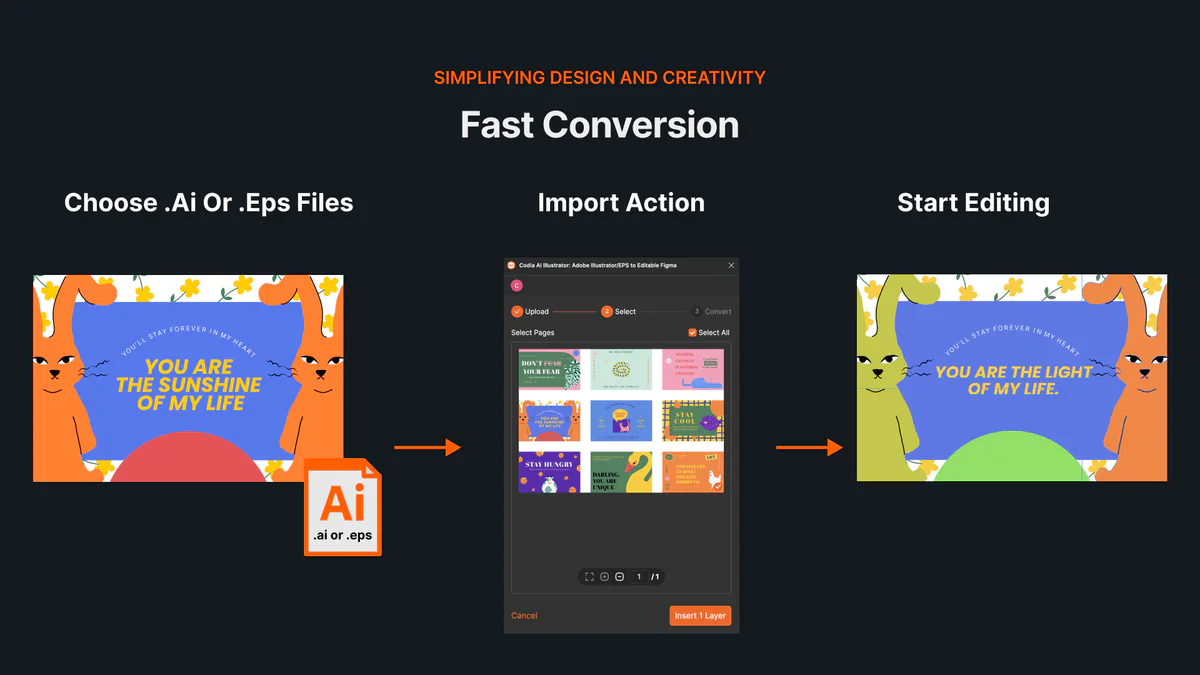
One-click fast conversion
Instantly import Adobe Illustrator (.ai and .eps) files into Figma, saving you time and effort with a seamless transition.
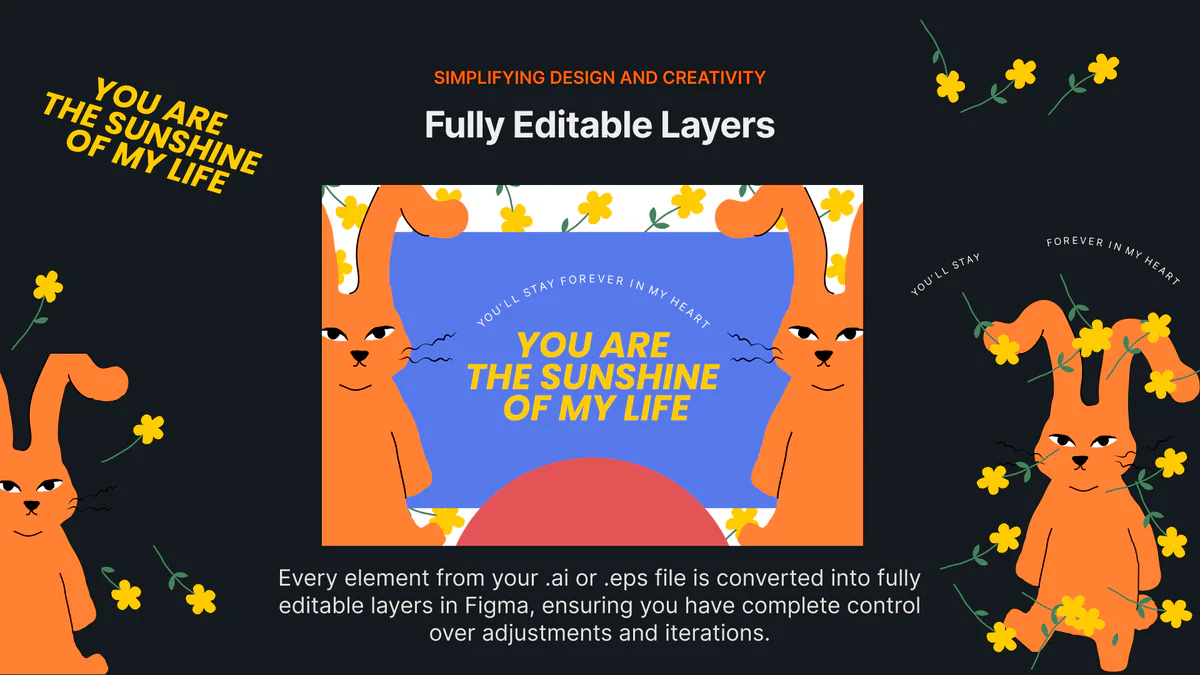
Fully Editable Layers
Every element from your .ai or .eps file is converted into fully editable layers in Figma, ensuring you have complete control over adjustments and iterations.
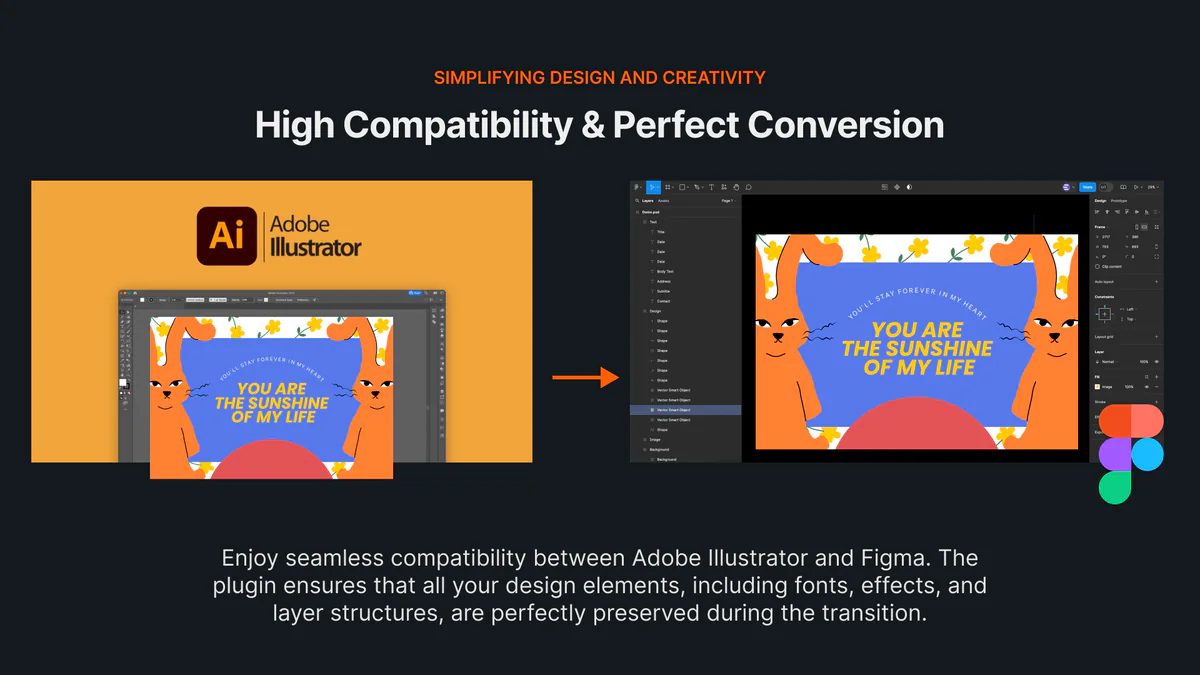
Layer Structure and Live Text Carried Over
Groups, layer order and layer names come across from Illustrator, and text stays editable when its fonts are available in Figma and it wasn't outlined. Effects with no Figma equivalent may come in as images, so expand them in Illustrator first.
Privacy Protection
Your files are handled securely throughout the import process, ensuring that your designs remain private and protected.
Pricing
Transparent pricing for every product. Start free, upgrade as you grow.
Frequently Asked Questions
Your Queries Answered
More Codia plugins for Figma
- Illustrator editor onlineOpen and edit AI files in your browser.
- PSD to FigmaOpen Photoshop files in Figma and export Figma back to PSD.
- PDF to FigmaImport PDF pages as editable text, vectors and images.
- Image to SVGVectorize PNG and JPG images into full-color SVGs.
- Office to FigmaImport Word, PowerPoint and Excel files into Figma.
- Canva to FigmaPaste a Canva link and get editable Figma frames.