
Introducing Codia AI Image Text Editor: Fix and Rewrite Text in Images
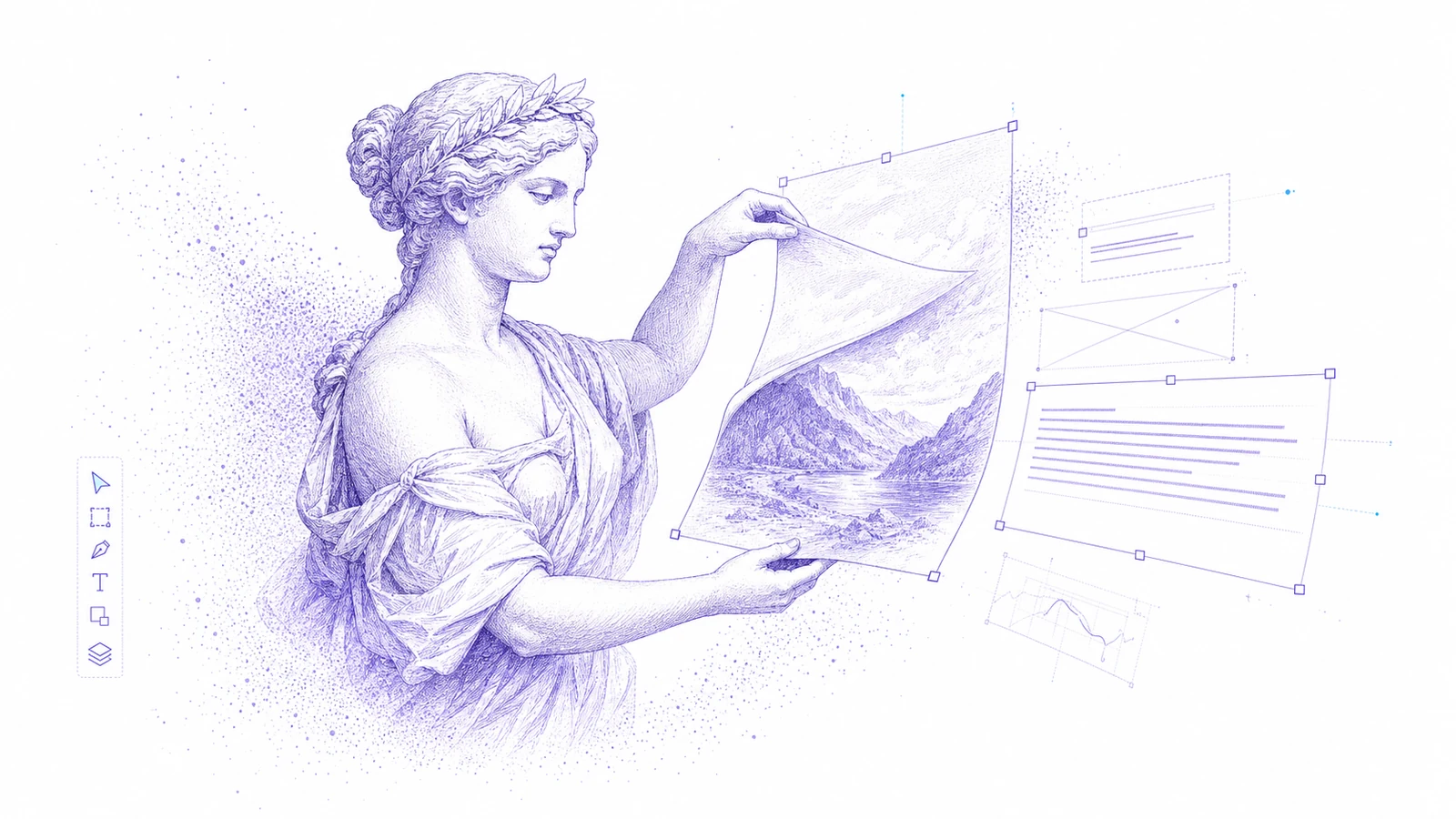
Image text is one of the most common places where good creative work gets stuck.
An AI-generated poster looks right, but the words are broken. A social ad is approved, but the discount changes. A product screenshot needs localized copy. A teammate only has a PNG, not the source file.
Codia AI Image Text Editor is now available for this exact problem: upload an image, turn the text inside it into editable layers, rewrite the copy, and export the corrected result.
The Problem
Flat images are convenient until someone needs to change the words.
Traditional fixes are slow or fragile:
- Paint over old text and hope the patch is invisible
- Rebuild the design manually from scratch
- Regenerate the full image and risk losing the composition
- Ask a designer to recreate a file that used to exist
- Publish an otherwise good AI image with broken lettering
For most teams, the target is simpler: keep the visual, fix the text.
What Codia AI Image Text Editor Does
Codia analyzes the uploaded image, reconstructs text regions as editable design layers, and opens the result in Codia Studio.
That means you can:
- Replace broken or garbled AI text
- Update headlines, prices, dates, labels, and CTA copy
- Localize image text into another language
- Adjust line breaks and spacing after rewriting
- Keep the approved composition instead of regenerating everything
- Continue editing the result in Studio
The product is especially useful for AI-generated images, ecommerce creatives, app store screenshots, social ads, poster drafts, presentation covers, and campaign graphics.
Why It Matters for AI Images
Image generators can create strong compositions, but text is still unreliable. If the visual direction is already working, regenerating the entire image just to fix a word is wasteful.
Codia gives teams a more controlled workflow:
- Generate or receive the image.
- Keep the version with the best composition.
- Use AI Image Text Editor to reconstruct the text.
- Rewrite the incorrect words.
- Export the corrected image.
This turns AI image text from a blocker into an editable production step.
Good Use Cases
Use Codia AI Image Text Editor when the main change is copy:
- Fix misspelled words in an AI-generated poster
- Change a sale price or discount label
- Update dates in event creatives
- Translate image text for localized campaigns
- Replace labels in app screenshots
- Correct a CTA in a social ad
If the whole layout needs to change, use a broader design workflow. If the image needs multiple objects separated, use Magic Layers. If the original file is a PSD, use PSD Editor Online.
How to Try It
Open Codia AI Image Text Editor, upload a JPG, PNG, WebP, or screenshot, then select the text that needs a change.
Start with a single business-critical line: the product name, price, headline, CTA, or event date. After editing, review the image at the size where it will actually be published.
FAQ
Can Codia edit text in a flat image?
Yes. Codia AI Image Text Editor reconstructs image text as editable layers so you can rewrite and adjust it.
Can it fix garbled AI image text?
Yes. This is one of the main use cases. Keep the AI image composition, replace the broken text, and export a corrected version.
Does it work for JPG and PNG files?
Yes. It is built for flat image formats such as JPG, PNG, WebP, screenshots, and exported creative images.
When should I use Magic Layers instead?
Use Magic Layers when you need multiple image elements separated into layers, not just text editing.