

27,000+ users · 250+ likes on Figma Community
PNG to SVG Converter: Vectorize Logos, Icons and Transparent PNGs
Upload a PNG and Codia's AI traces it into a real, full-color SVG made of editable paths, with transparent areas kept transparent. Resize it for print or the web without losing sharpness.
Free to start · No credit card · 10 free credits a month in the Figma plugin
Converting a JPG, WebP or GIF? Use the Image to SVG converter
Working in Figma? Get the free VectorMagic pluginBuilt for common creative workflows
Why PNG to SVG
When a PNG needs to become a vector
Keep the transparent background
Logos and icons are often exported as PNGs with a transparent background. Codia keeps those areas empty in the SVG, so the vector sits cleanly on any color.
Scale without blur
A PNG has a fixed number of pixels and turns soft when enlarged. The SVG is rebuilt from shapes, so it stays crisp on a billboard or a favicon.
Edit shapes and colors
Every shape in the SVG is a path you can recolor, move or simplify in Figma, Illustrator, Inkscape or code, instead of repainting pixels.
See It in Action
High-quality SVG conversion for logos, print, and design

Upload a raster image and convert it into a scalable vector in a guided browser workflow. Codia preserves sharp edges, smooth curves, and key visual details so your graphics stay useful beyond their original pixel size.
Whether you are rebuilding a logo, preparing artwork for large-format print, or optimizing graphics for a website, Codia creates editable SVG output that fits professional design and development workflows.
Upload, drag and drop, or pick a Figma layer
Drop a JPG, PNG, WebP or GIF into the converter at the top of this page, or select an image layer in Figma and run the plugin. Codia prepares the image for SVG conversion automatically.
Convert an image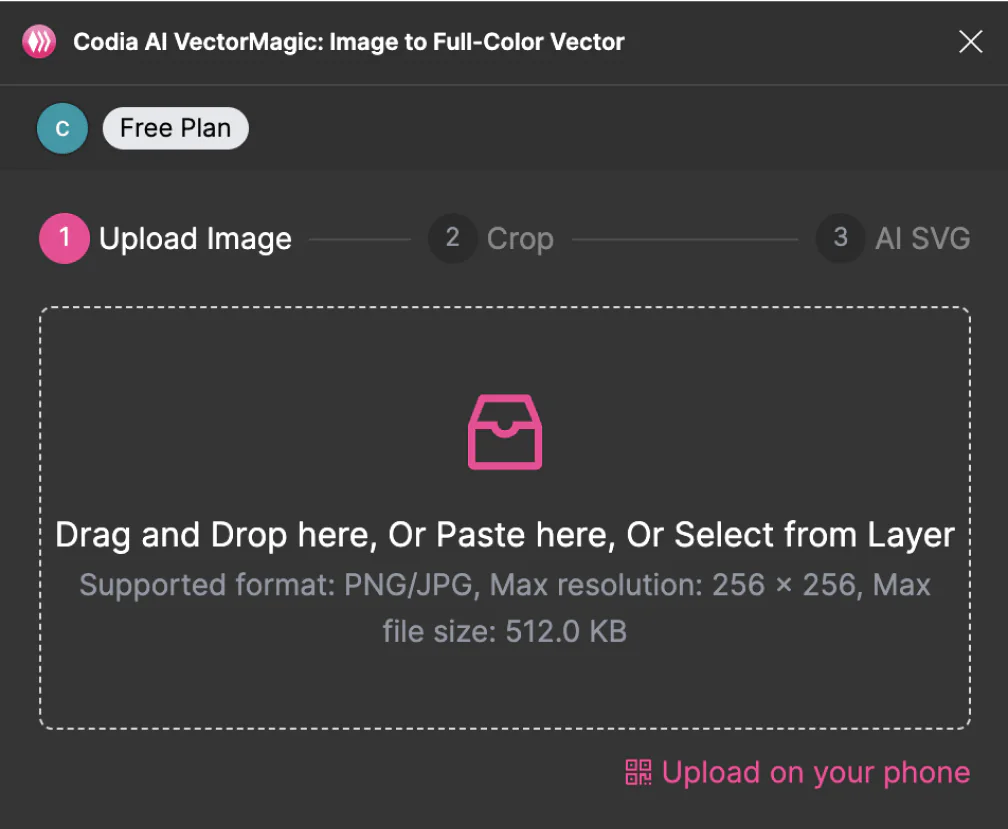
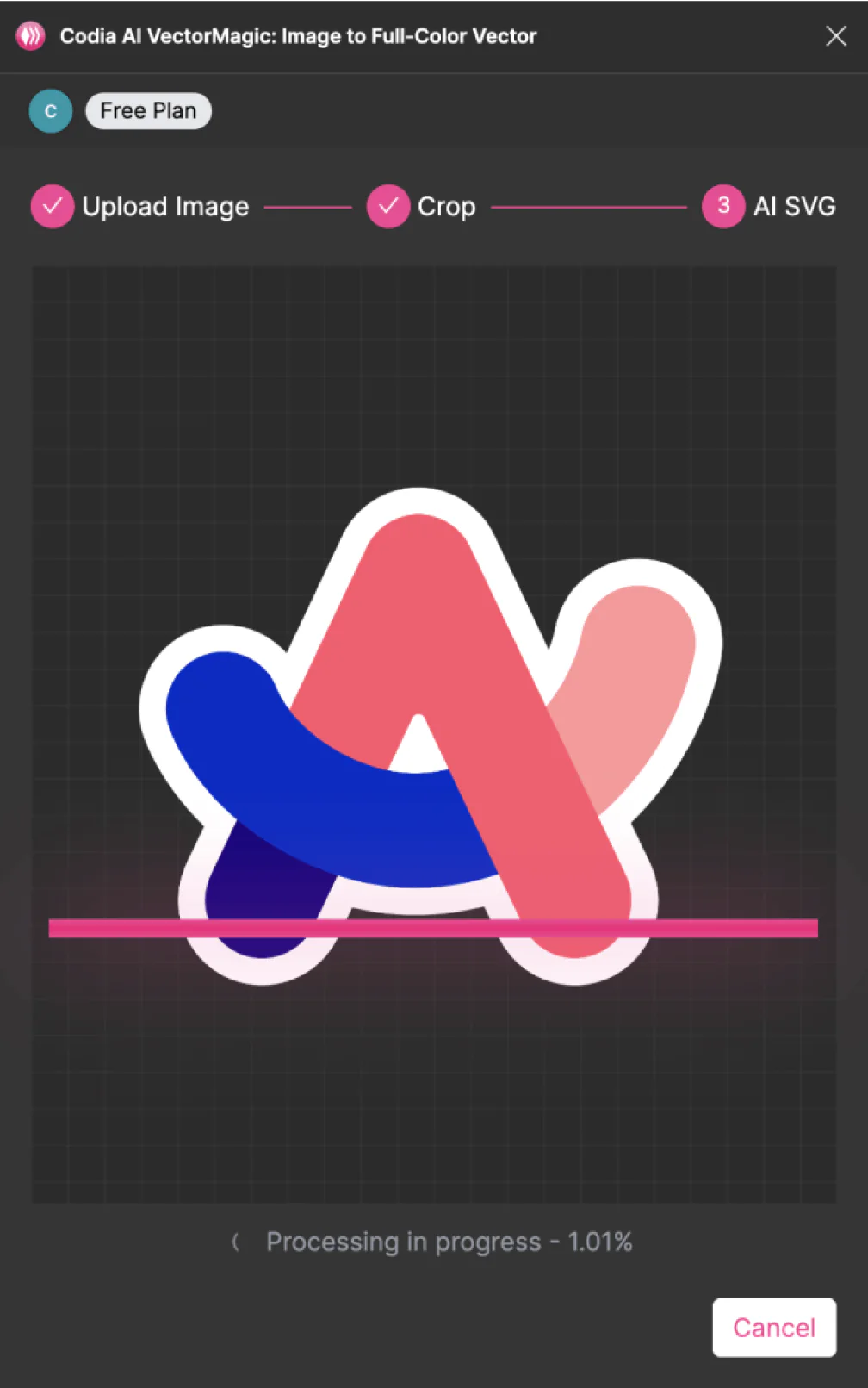
Vectorize with Codia AI
Codia detects shapes, curves, colors, and edges, then rebuilds the image as scalable SVG geometry. The result can be enlarged for print or reduced for UI without turning soft or pixelated.
Upload an imageDownload and keep editing
Preview the SVG, make quick adjustments in Studio or Figma, then download the finished vector for websites, app assets, presentations, branding, or large-format print.
Get the free Figma plugin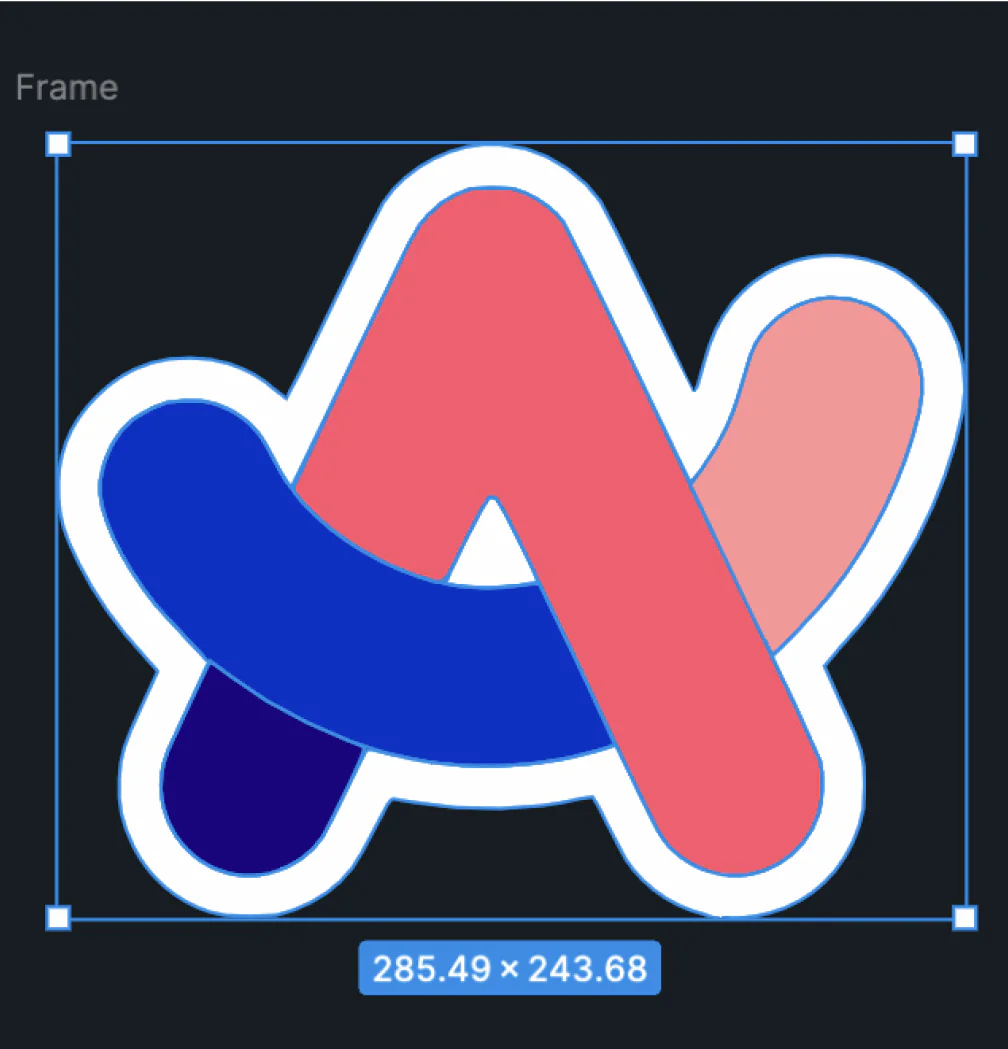
Built for production vectors
AI vectorization with clean paths and usable detail
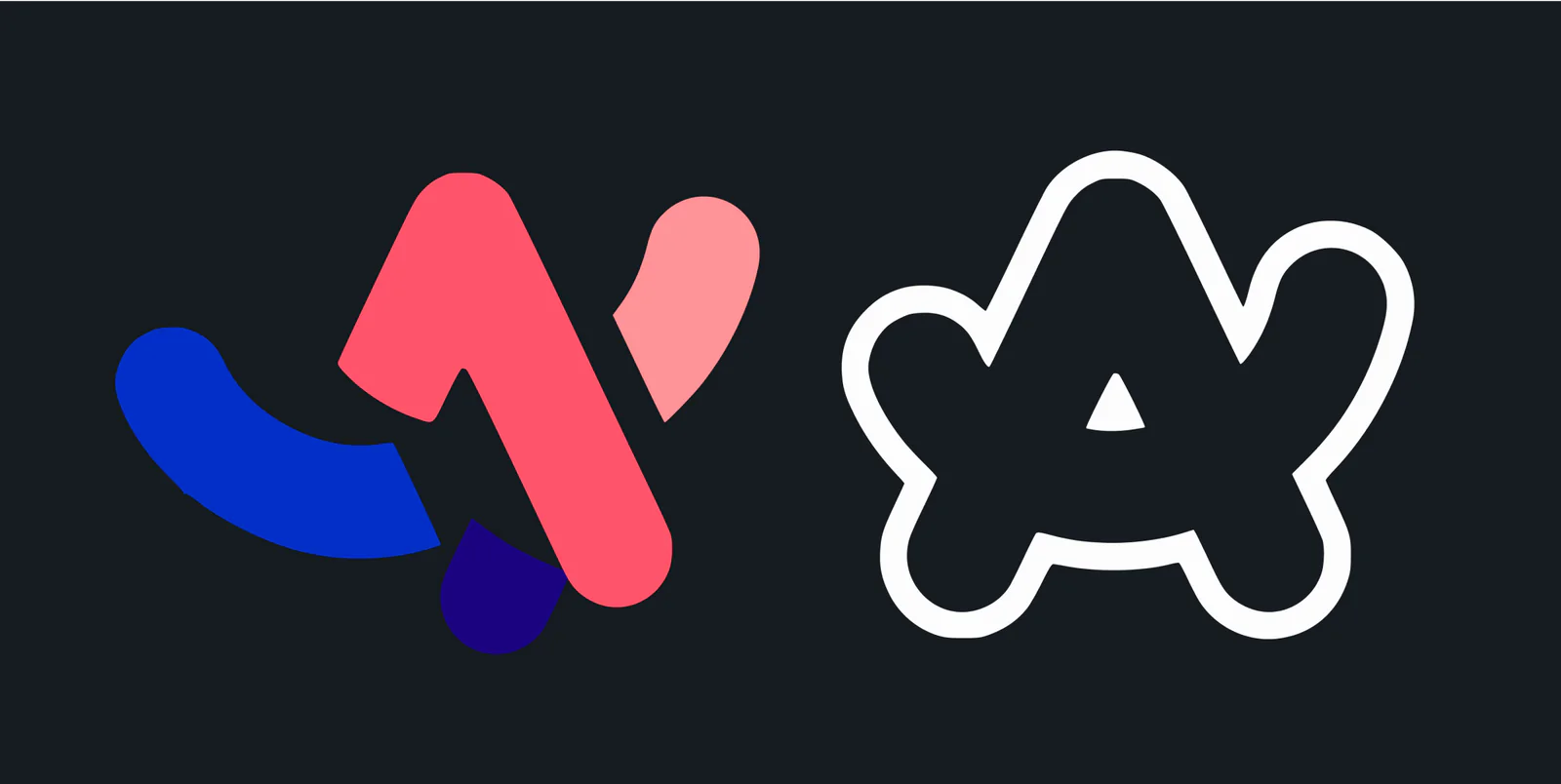
Shape-aware tracing
Reconstructs artwork as vector paths instead of simply smoothing pixels, so edges, fills, and silhouettes stay usable.
Automatic precision
Captures small details and curved edges without requiring manual tracing or complicated setup.
Curve and corner support
Fits smooth Bezier curves, crisp corners, and complex outlines for SVGs that feel ready to refine.
Flexible image input
Works well for logos, icons, sketches, flat illustrations, and many photo-like graphics when a vector version is needed.
Fast conversion
Processes images quickly so you can move from upload to preview and download without breaking your workflow.
Color and transparency
Preserves full-color artwork and transparent areas so the result fits websites, apps, brand kits, and print files.
Get a cleaner SVG from your PNG
The vector can only be as good as the PNG you start from.
- 1
Use the largest version you have
A small or heavily compressed PNG gives the tracer less to work with. If you only have a tiny file, upscale it first and then convert.
- 2
Prefer flat artwork
Logos, icons, lettering and flat illustrations convert into clean, compact paths. Photos convert too, but produce large, complex SVG files.
- 3
Refine after converting
Open the SVG in Codia Studio or Figma to merge stray shapes, adjust colors and fix corners before you ship it.
SVG API
Automate image-to-SVG conversion with API access
Use the same vector engine behind this page in your own product, asset pipeline, CMS, or design automation workflow. Submit a PNG, JPG, GIF, or WebP image, poll for completion, then download the generated SVG.
Submit an image
Upload a local file with multipart form data, or submit a public image URL from your backend.
Poll the async job
The create endpoint returns a record_id. Poll the get endpoint until the status is complete or failed.
Download the SVG
Fetch the returned svg_url and store it in your own asset system for long-term use.
https://openapi.codia.ai/v2/open/svg_converter/createcurl 'https://openapi.codia.ai/v2/open/svg_converter/create' \
-H 'Authorization: Bearer {codia_api_key}' \
-H 'Content-Type: application/json' \
--data '{
"image_url": "https://example.com/logo.png",
"file_name": "logo.png"
}'{
"code": 0,
"message": "ok",
"data": {
"record_id": "550e8400-e29b-41d4-a716-446655440000"
}
}Call /v2/open/svg_converter/limit before upload to read live image size, file size, and credit cost limits.
SVG conversions use Codia API credits and charge only after a successful conversion.
PNG to SVG FAQ
Answers about converting PNG images into SVG vectors.
More ways to work with your images
- Image to SVG converterConvert JPG, WebP and GIF images to SVG, plus the Figma plugin and API.
- JPG to SVGTurn JPG and JPEG photos, scans and logos into vectors.
- Remove backgroundCut out the subject of a photo before you vectorize it.
- AI image upscalerEnlarge a small PNG so the vector picks up more detail.