
Remove background from image
Remove Background from Image with AI
Upload a product photo, portrait, AI image, or design asset and Codia removes the background before opening the result in Studio.
Use cases
Ready for commerce, content, and design workflows
Codia background removal is built for teams that need clean subject cutouts and a place to keep editing after the background is gone.
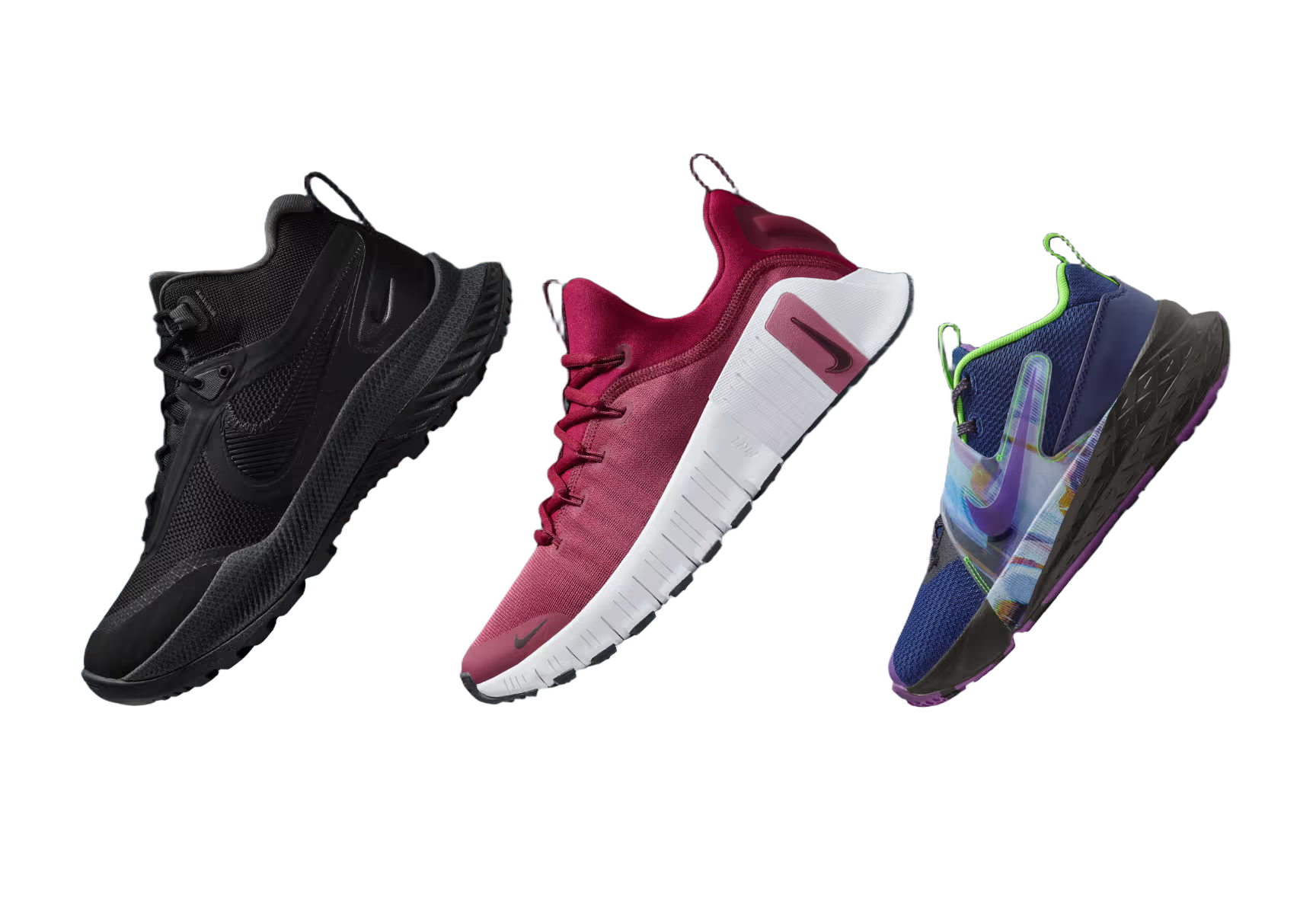
Product photos
Create clean marketplace and storefront images from ordinary product shots.

Portraits and avatars
Cut out people for profile graphics, thumbnails, and creator assets.

Stickers and social posts
Turn subjects into reusable transparent PNGs for content workflows.
Marketplace uploads
Standardize product visuals before publishing to commerce channels.
Design mockups
Drop transparent subjects into posters, ads, slides, and UI compositions.
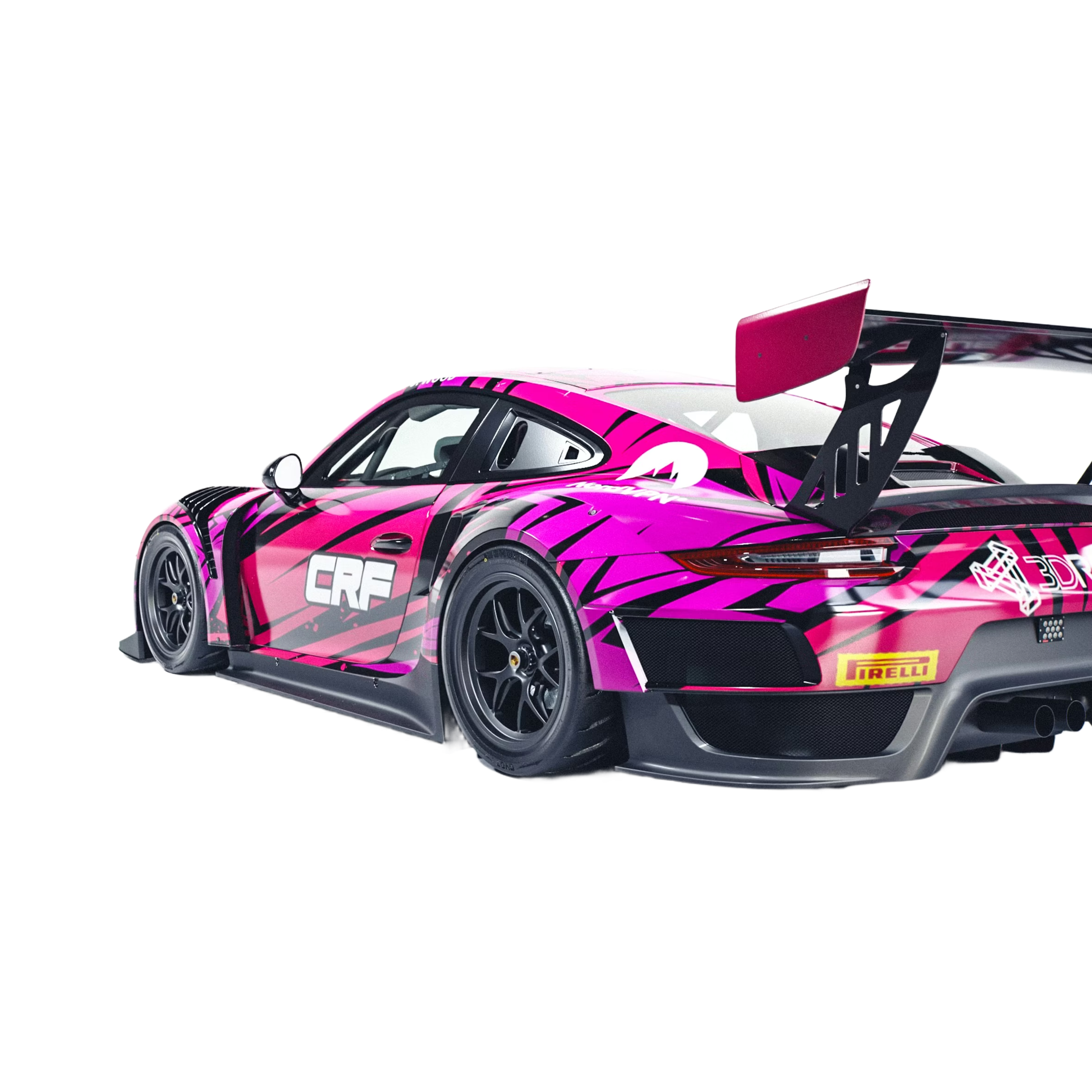
AI image pipelines
Prepare generated images for remixing, compositing, and downstream edits.
Background removal that continues into editing
Codia is not only a cutout download tool. After the background is removed, the result stays in Studio so you can compose, resize, add new backgrounds, generate variations, or export.
Best images for background removal
Use product photos, portraits, stickers, mockup assets, AI-generated images, marketplace visuals, and design references where the subject needs a cleaner transparent background.
Prepare transparent assets for real workflows
A clean cutout is usually the start of a larger task. Use the result in storefront images, social posts, presentations, ads, UI mockups, and automated creative pipelines.
AI background remover
Why Codia AI
4 reasons teams switch from other background removal products and never look back
Faster API turnaround
Codia returns HD cutouts in ~600ms thanks to edge GPUs, while other products average 1–2 seconds.
Developer-first workflows
Native SDKs, typed responses, and live logs remove the guesswork common in other products' generic dashboards.
Transparent pricing
Every credit includes HD output plus rollover support, instead of forcing upsells like other products do.
High-precision segmentation
Support near-limitless object categories with clean edges — recognition accuracy outperforms most products in the market.
How it works
Upload once, continue editing in Studio
Upload any image
Start with product photography, portraits, screenshots, mockups, or AI-generated visuals.
Remove the background
The image opens in Codia Photo Editor with the background remover selected. Run it to get a transparent cutout.
Keep designing
Use the transparent result in Studio for layout, compositing, variations, and export.
Developer API
Need background removal in your own product?
Use the same Codia Remove Background capability through the Open API for upload flows, automation, and creative pipelines.
https://openapi.codia.ai/v2/open/remove_bgcurl 'https://openapi.codia.ai/v2/open/remove_bg' \
-H 'Authorization: Bearer {codia_api_key}' \
-H 'Content-Type: application/json' \
--data '{
"image_url": "your image url"
}'{
"code": 0,
"message": "ok",
"data": {
"image_url": "https://processed-image-url.com/result.png"
}
}Developer API
Why Developers Love Codia
Built by developers, for developers
No Rate Limits
For paying users — build without constraints
Global CDN
Lightning-fast delivery worldwide
Clean Edges
Perfect cutouts on complex subjects
Pipeline Ready
Built for design tools and AI workflows
Related background workflows
More ways to remove image backgrounds
Choose the background removal workflow that best matches the image asset, product photo, or cutout you need to prepare.
Remove Background
Use the main Codia background removal workflow for images, API access, and Studio editing.
Open Remove BackgroundBackground remover online
Use an online AI background remover for photos, portraits, product visuals, and design assets.
Open Online RemoverProduct photo background remover
Create cleaner product cutouts for e-commerce, storefronts, marketplace uploads, and mockups.
Clean Product PhotosRemove Background from Image FAQ
Straight from the conversations we hear every day from teams switching over from legacy tools.
Need more than a cutout?
Convert the full image into editable layers
Background removal isolates one subject. Use Magic Layers when you need to separate elements from image files, edit objects, text, products, and background details as independent layers.
Try Magic LayersRemove a background in Studio
Upload an image above and it opens in Codia Photo Editor, ready to remove the background.
Upload an image