
Introducing Codia PSD Editor Online: Edit Photoshop Files in the Browser
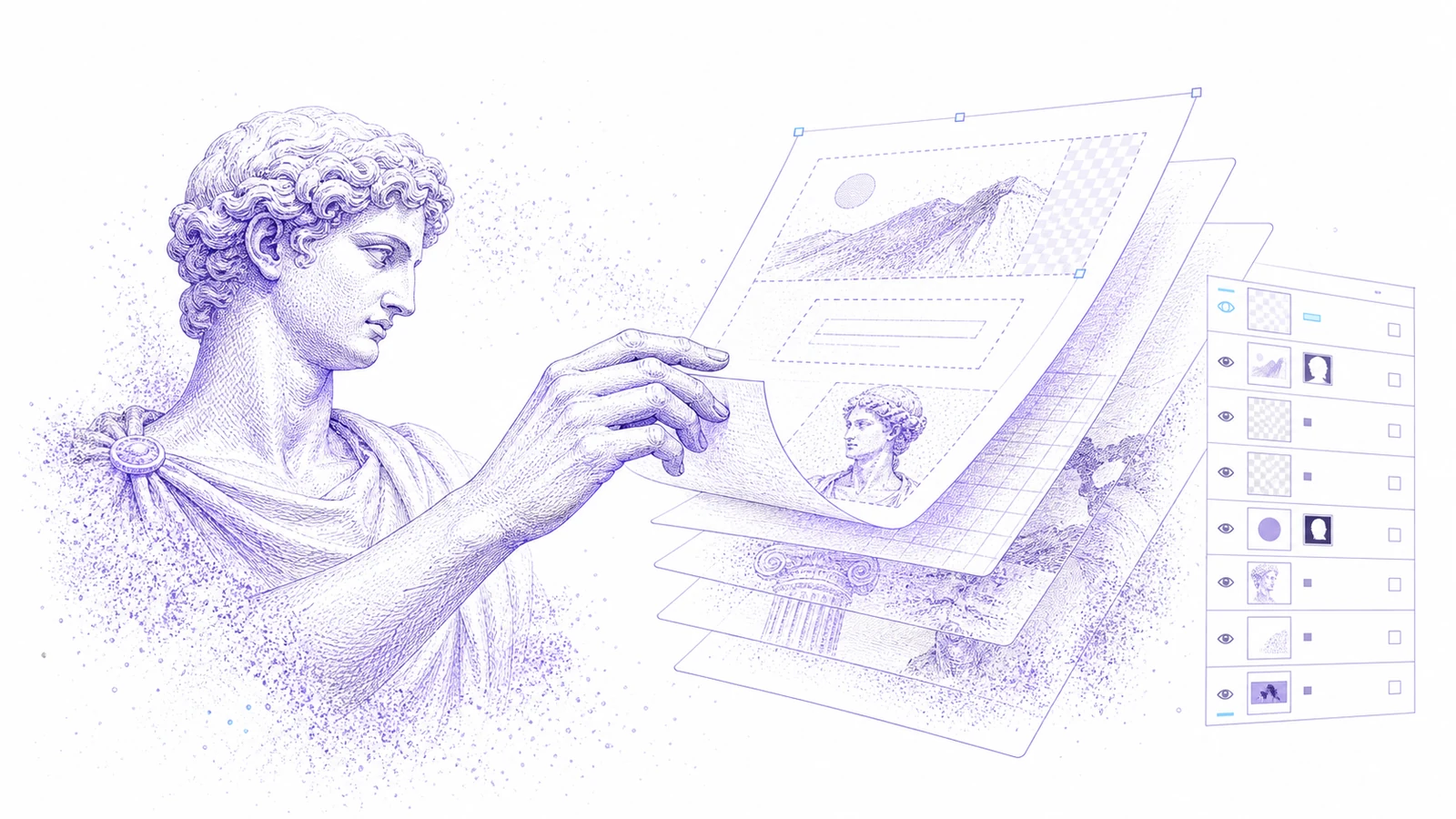
PSD files still sit at the center of many creative workflows. Agencies deliver them. Ecommerce teams archive them. Marketing teams reuse them for campaigns. The problem is that a small change often requires the full desktop Photoshop workflow, even when the request is only a headline, badge, product image, or background update.
Codia PSD Editor Online is now available for teams that need a faster path: upload a PSD, make browser-based edits with AI assistance, and export an editable PSD again for handoff.
It is not meant to replace every Photoshop use case. It is meant to remove the friction around everyday PSD updates.
Why We Built It
Many teams receive PSD files but do not have the original designer, the right machine, or a licensed Photoshop setup ready when a change is needed.
Common requests include:
- Update a product price in an ecommerce banner
- Change campaign copy after approval
- Replace a product image in a template
- Remove or regenerate a background
- Review a layered PSD before sending feedback
- Export a usable PSD for the next person in the workflow
These edits should not require a full production setup every time.
What Codia PSD Editor Online Does
Codia opens PSD files inside a browser-based Studio canvas. From there, supported layers can be inspected, edited, adjusted, and exported again.
The workflow is designed around practical creative operations:
- Open PSD files online
- Inspect layered creative assets
- Make quick text, image, and layout edits
- Use AI assistance for selected visual changes
- Export an editable PSD for downstream review
- Keep the workflow connected to Codia Studio
For teams that search for an online PSD editor, Photoshop online alternative, or browser PSD editor, this gives a direct path without starting from a blank canvas.
Where It Fits
Use Codia PSD Editor Online when the design file already exists and the change is narrow.
It works especially well for marketing assets, ad templates, product graphics, social creatives, landing page banners, and archived design files that need one more update.
If the final file requires high-end retouching, complex smart objects, print color control, or plugin-specific Photoshop behavior, keep Photoshop in the final review loop. Codia is best as the fast edit and handoff layer.
How to Try It
- Open Codia PSD Editor Online.
- Upload a
.psdfile. - Inspect the layer structure in Codia Studio.
- Make one small edit first.
- Export the result as a PSD and review it in your normal handoff workflow.
Starting with a small edit is the best way to evaluate compatibility and quality before using the workflow for a larger batch of files.
What This Unlocks
PSD files become easier to use outside the core design team. Marketers can review files without waiting for a designer. Operators can make controlled updates. Designers can receive clearer feedback because the file remains layer-aware instead of becoming a flat screenshot.
That is the goal: keep PSD useful, but make common edits faster.
FAQ
Can I edit a PSD online with Codia?
Yes. Upload a PSD to Codia PSD Editor Online, open it in Studio, make supported edits, and export an editable PSD again.
Is this a Photoshop replacement?
No. Codia is focused on quick browser edits, AI-assisted changes, review, and handoff. Photoshop is still useful for advanced production work.
Can I export back to PSD?
Yes. The workflow is designed to preserve a PSD handoff path instead of flattening the result into a bitmap.
Who should use this?
Marketing teams, ecommerce teams, agencies, operators, and designers who need fast PSD updates without opening a full desktop editing workflow every time.