
EXIF Viewer & Remover
Inspect hidden camera and GPS metadata, then strip it losslessly.
- Free
- No sign-up
- On your device
How it works
Choose files from your device, drag them here, or paste an image.
Adjust the available settings and inspect your results before downloading.
Download the processed image right away. No account or payment is required.
What to expect
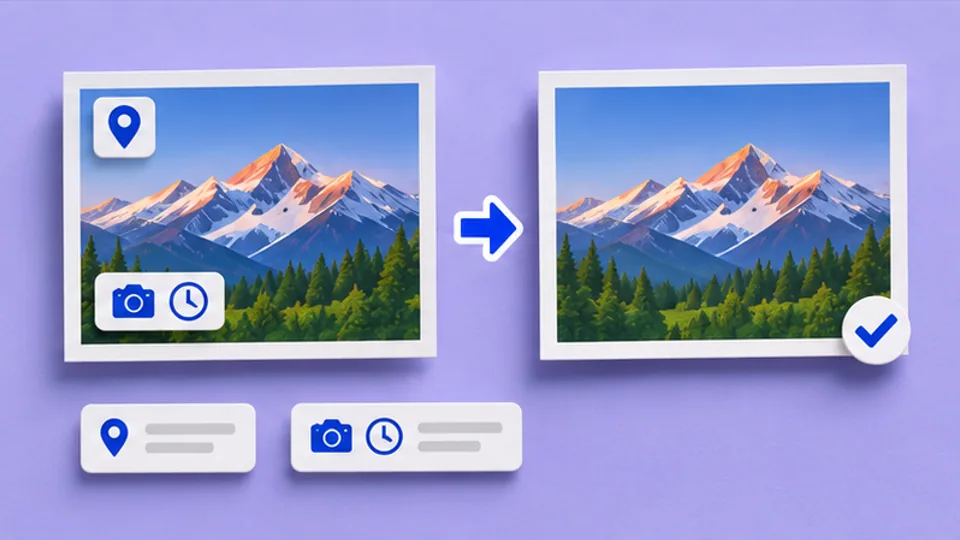
Photos from smartphones and cameras often embed exact GPS coordinates, capture timestamps, device models, lens settings and editing software. This tool parses binary headers locally so you can inspect every tag and strip APP1/EXIF, XMP, IPTC, JPEG comments and PNG text chunks losslessly without re-compressing pixels.
Limits apply to both input and output. Animated images are not supported. Files remain in memory only; reloads clear your work. Smaller batches help on mobile devices.
When to use it
Strip GPS home coordinates before sharing
Remove exact latitude and longitude tags from iPhone and Android photos before posting to forums, classifieds or social media.
Inspect camera and lens settings
Check camera make, model, aperture, shutter speed, ISO, focal length and software tags right inside your browser.
Clean files without quality loss
Strip EXIF, XMP, IPTC and PNG text metadata at the binary container level so image pixels stay 100% identical.
Frequently asked questions
Does stripping EXIF re-compress or degrade my JPEG?
No. Metadata segments (APP1 EXIF/XMP, APP13 IPTC, COM) are removed directly from the binary file without decoding or re-encoding image pixels.
Which formats are supported for metadata inspection and removal?
JPEG (EXIF, GPS, XMP, IPTC, comments), PNG (eXIf, tEXt, iTXt, zTXt, tIME chunks) and WebP (EXIF and XMP RIFF chunks).
Why should I remove EXIF locally instead of using a server tool?
Uploading private photos with embedded GPS coordinates to a third-party server exposes the exact location you wanted to hide. Here nothing ever leaves your device.
Can I clean multiple photos at once?
Yes. Drop up to 20 photos, inspect each file for GPS warnings, and download all cleaned photos individually or as a ZIP.
Are my images uploaded?
No. Image processing takes place in your browser. Files are not sent to Codia and are removed from this workspace when you refresh or leave. Website analytics, when permitted, never contain your images or file names.
Can I process multiple files?
Yes, up to 20 files per batch, within the displayed size limits. Each file is processed separately. Download successful results individually or as a ZIP; a failed file does not block the others.
Related image tools

Watermark Image Online
Stamp custom text or a logo across your photos with live preview.
Image Compressor Online
Reduce JPG, PNG and WebP file sizes while keeping the original format.
PNG Compressor Online
Compress PNG screenshots and graphics while retaining a transparent background.
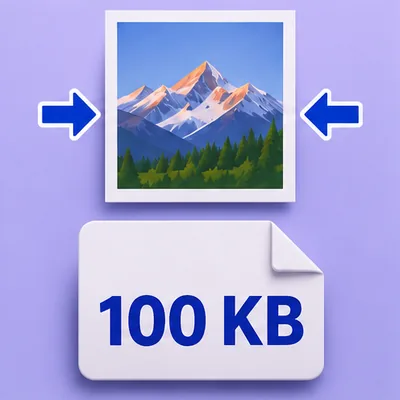
Compress Image to 100KB
Make photos fit an upload limit, with automatic quality and size adjustment.
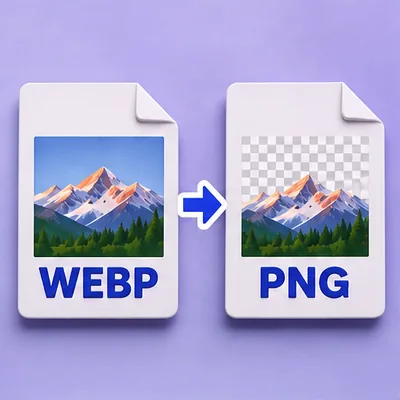
WebP to PNG Converter
Convert static WebP files into PNG images with transparency preserved.
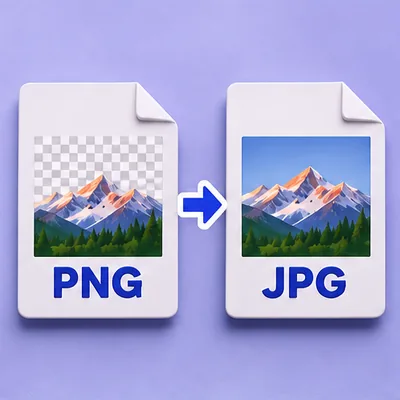
PNG to JPG Converter
Turn PNG images into JPG photos and choose a background for transparent areas.
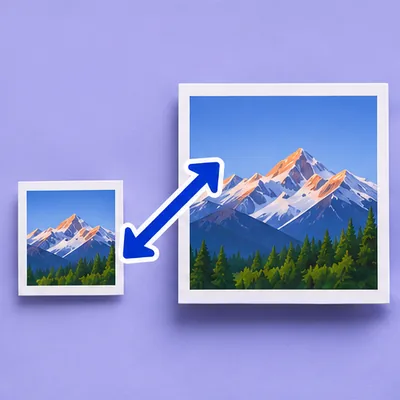
Image Resizer Online
Resize images by pixels or percentage without stretching the aspect ratio.
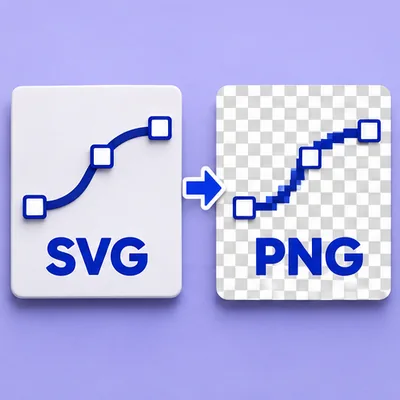
SVG to PNG Converter
Export self-contained SVG artwork as PNG at 1×, 2×, 4× or a custom width.