
Compress PDF to 500KB
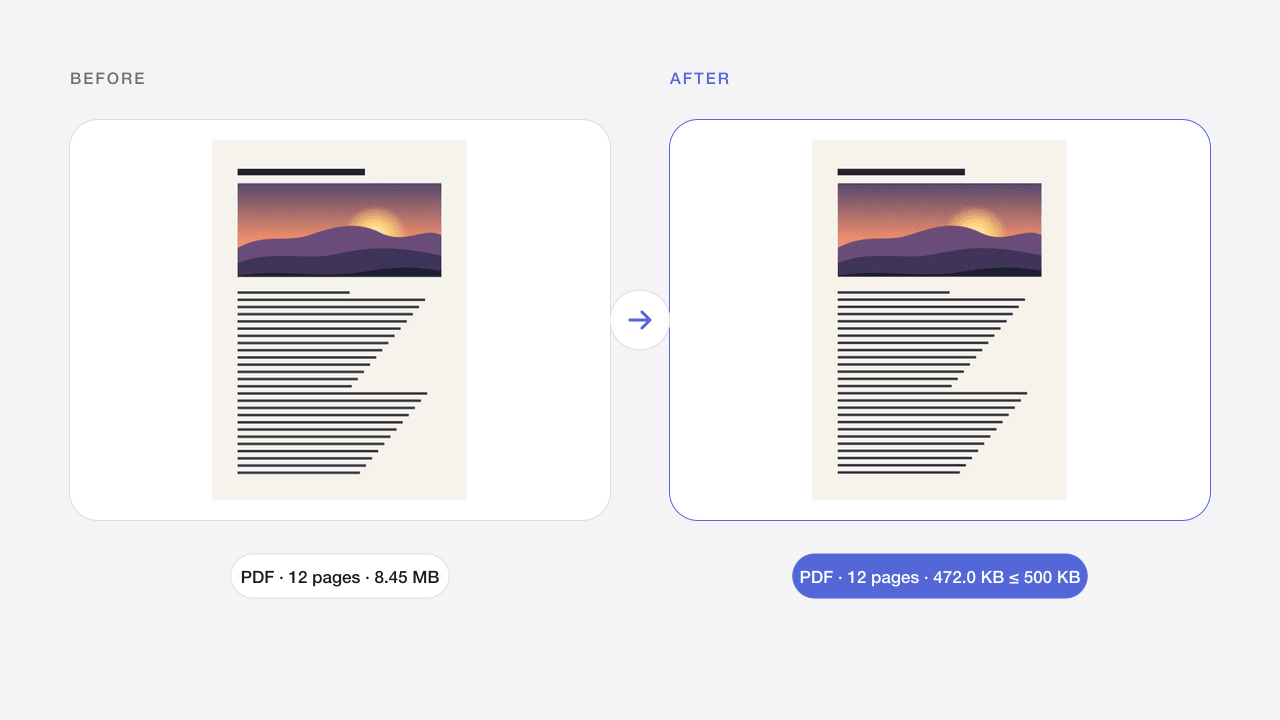
Bring PDFs under 500KB for registration forms, email and online submissions.
- Free
- No sign-up
- On your device
How it works
Choose a PDF from your device or drop it on the page.
Pick a size limit, or keep the recommended setting.
Check the new size and download the PDF. No account needed.
When to use it
Registration forms
Meet 500KB limits for school, bank and event registrations.
Email and chat
Send multi-page documents quickly, even on slow connections.
Online submissions
Upload assignments and reports to portals that cap files at 500KB.
What to expect
The limit is preset to 500 KB (500,000 bytes) for the whole file. The tool keeps text when re-saving is enough; otherwise it gives each page a share of the limit by how much detail it has and picks the sharpest resolution and quality that fit.
Up to 100 MB and 300 pages. Password-protected PDFs must be unlocked first. Files are processed in your browser and disappear when you leave the page.
Frequently asked questions
How do I compress a PDF to 500KB?
Choose the PDF; the 500 KB limit is preset. The tool tries to keep text first and redraws pages as images only when needed, then shows the final size before you download.
What if the PDF cannot reach 500KB?
Very long documents may not fit with readable pages. The tool then gives you the smallest readable result and says so; split the PDF or use a larger limit.
Will the pages stay readable?
Yes. Pages with more detail get more of the budget, and the tool picks the sharpest resolution and quality that still fit within 500 KB.
Is my PDF uploaded?
No. Compression runs in your browser, so the file never leaves your device.
Is my PDF uploaded?
No. The PDF is read and compressed by your browser on this device. It is never sent to Codia, and it is gone when you close or reload the page.
Related image tools
Compress PDF
Make PDF files smaller for email, forms and portals, right in your browser.
Open tool →PDFCompress PDF to 200KB
Get scanned documents and certificates under 200KB for strict application portals.
Open tool →PDFCompress PDF to 1MB
Get PDFs under 1MB for government, job and university portals with sharp, readable pages.
Open tool →JPG · PNG · WEBPCompress Image to 200KB
Keep photos sharp while fitting a 200KB limit for listings, portals and email.
Open tool →JPG · PNG · WEBPCompress Image to 100KB
Make photos fit an upload limit, with automatic quality and size adjustment.
Open tool →JPG · PNG · WEBPCompress Image to 1MB
Bring large phone photos under 1MB for portals, email and chat while keeping full detail.
Open tool →JPG · PNG · WEBPImage Compressor Online
Reduce JPG, PNG and WebP file sizes while keeping the original format.
Open tool →