
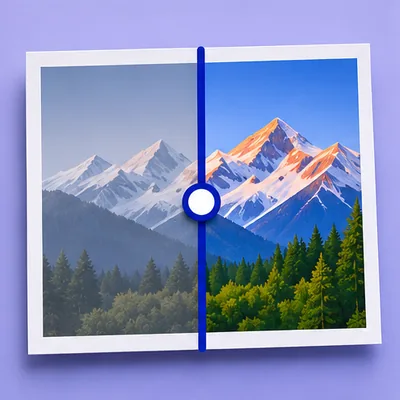
Compare Images Online
Inspect two images with a split slider, side-by-side view or crossfade.
- Free
- No sign-up
- On your device
How it works
Choose files from your device, drag them here, or paste an image.
Adjust the available settings and inspect your results before downloading.
Download the processed image right away. No account or payment is required.
What to expect
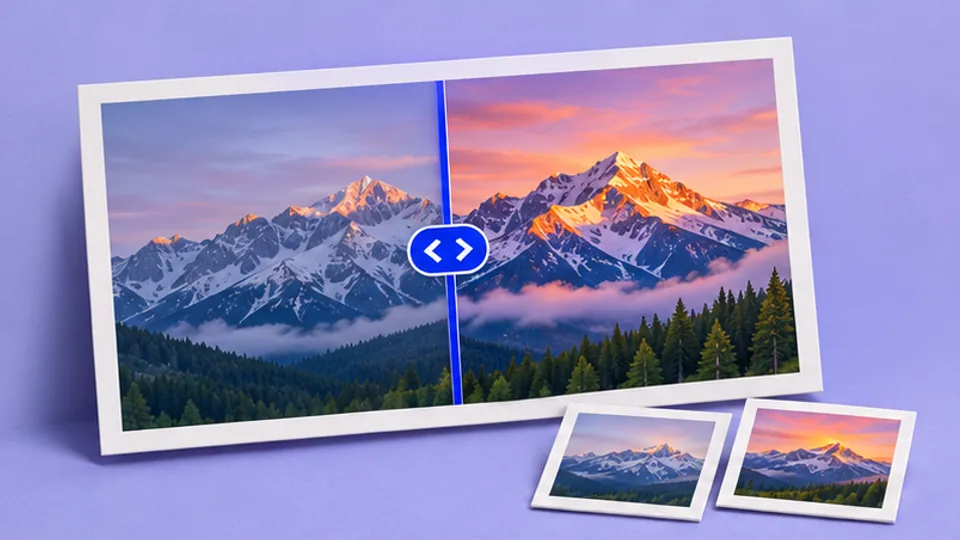
Inspect subtle compression differences, photo retouches or UI changes across three view modes: draggable Before/After slider, side-by-side split, and onion-skin crossfade with live opacity control. Swap images in one click and export the comparison as a clean PNG.
Limits apply to both input and output. Animated images are not supported. Files remain in memory only; reloads clear your work. Smaller batches help on mobile devices.
When to use it
Verify image compression quality
Drag the split slider or fade with onion skin to spot banding, blur or sharpening artifacts between original and compressed files.
Review UI and design revisions
Use onion-skin crossfade to detect 1px layout shifts, typography changes and color tweaks between two screenshots.
Create Before & After showcase graphics
Export a side-by-side or split-slider PNG snapshot in one click for case studies, bug reports or social posts.
Frequently asked questions
Which comparison modes are available?
Before / After Slider (draggable divider), Side by side (both images next to each other) and Onion skin (adjustable crossfade opacity from 0% to 100%).
Can I compare two images with different dimensions?
Yes. Switch between Fit and Fill frame in the sidebar to either view the entire image or align edges cleanly.
Can I export the comparison as a shareable image?
Yes. Click Export comparison PNG to render your current slider position, crossfade blend or side-by-side view as a single PNG file.
Are the compared images uploaded anywhere?
No. Both images stay strictly in your browser memory and are never sent over the network.
Are my images uploaded?
No. Image processing takes place in your browser. Files are not sent to Codia and are removed from this workspace when you refresh or leave. Website analytics, when permitted, never contain your images or file names.
Related image tools
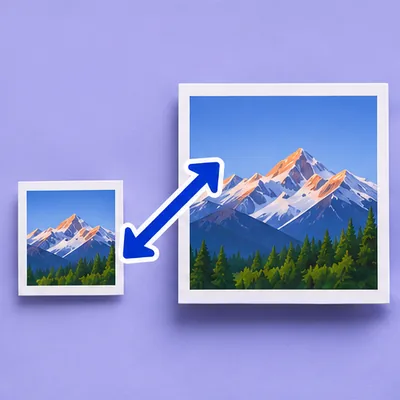
Image Resizer Online
Resize images by pixels or percentage without stretching the aspect ratio.
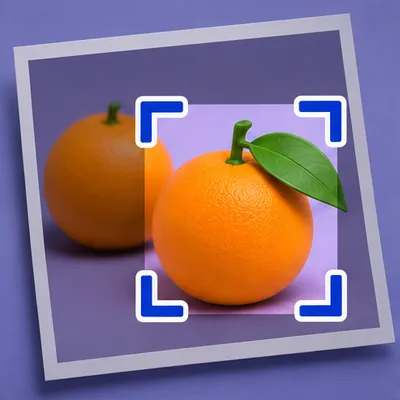
Crop Image Online
Trim images to a custom rectangle, circle or exact aspect ratio in your browser.
Rotate & Flip Image
Rotate or flip one photo or a whole batch locally without uploading.
Image Compressor Online
Reduce JPG, PNG and WebP file sizes while keeping the original format.
PNG Compressor Online
Compress PNG screenshots and graphics while retaining a transparent background.
Compress Image to 100KB
Make photos fit an upload limit, with automatic quality and size adjustment.
WebP to PNG Converter
Convert static WebP files into PNG images with transparency preserved.
PNG to JPG Converter
Turn PNG images into JPG photos and choose a background for transparent areas.