
Screenshot Text Editor
Screenshot Text Editor
Edit text in screenshots online. Update UI labels, mockups, or presentation captures, check small text and line breaks, then download the edited image.
No image? Try these:
A screenshot edit changes the image, not the original app
Use a clear screenshot of a mockup, demo, or presentation you can edit. Review recognition before replacing the words. Check nearby labels and line breaks after generation. If you need editable interface layers rather than an updated picture, use Screenshot to Figma.
Real results
Edit Text in Photos Without Rebuilding the Design
Codia changes the words already inside your image, not a text box on top. Type the new copy and AI rewrites it in place while the rest of the image stays the same.
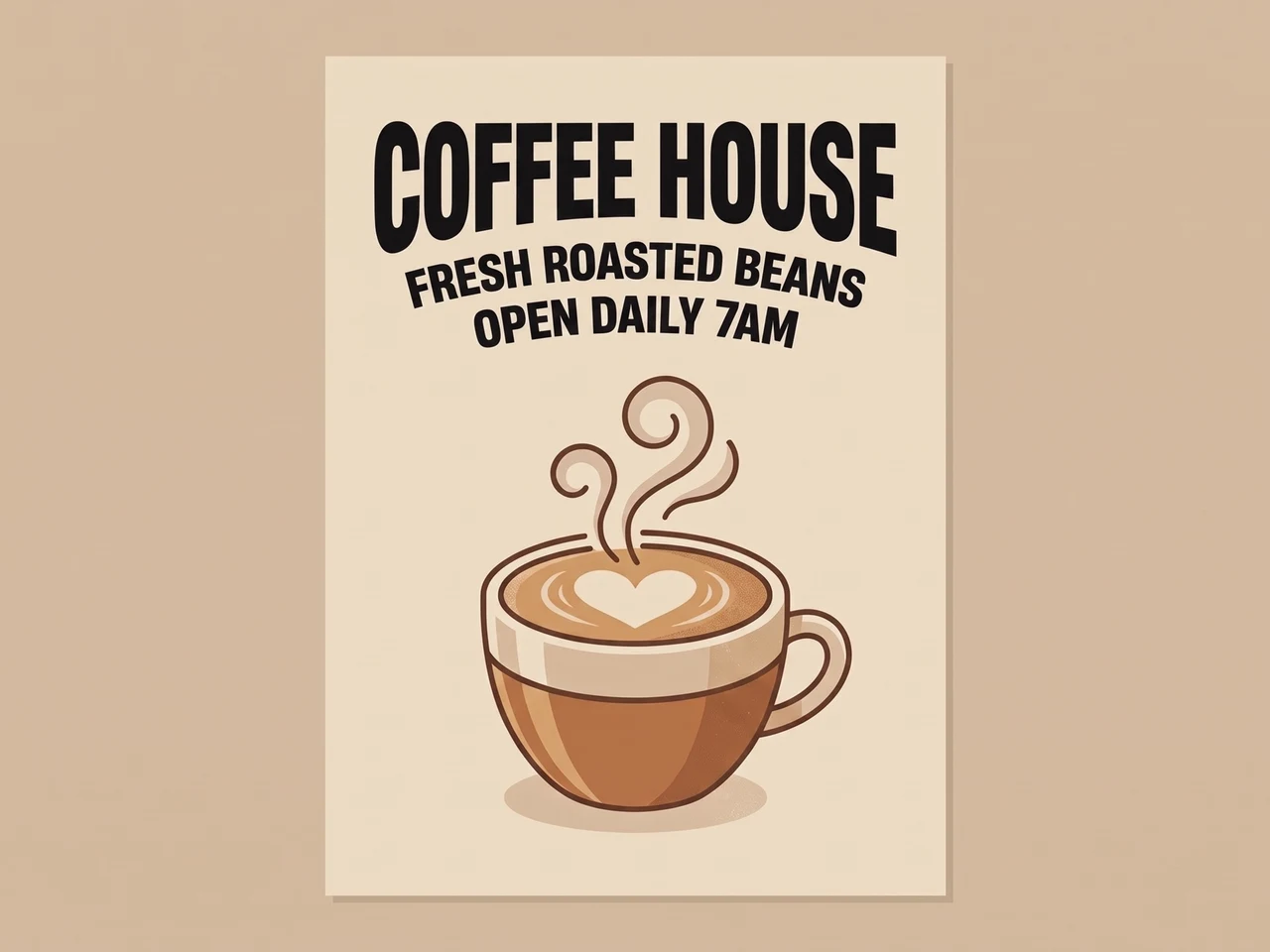 BeforeAfter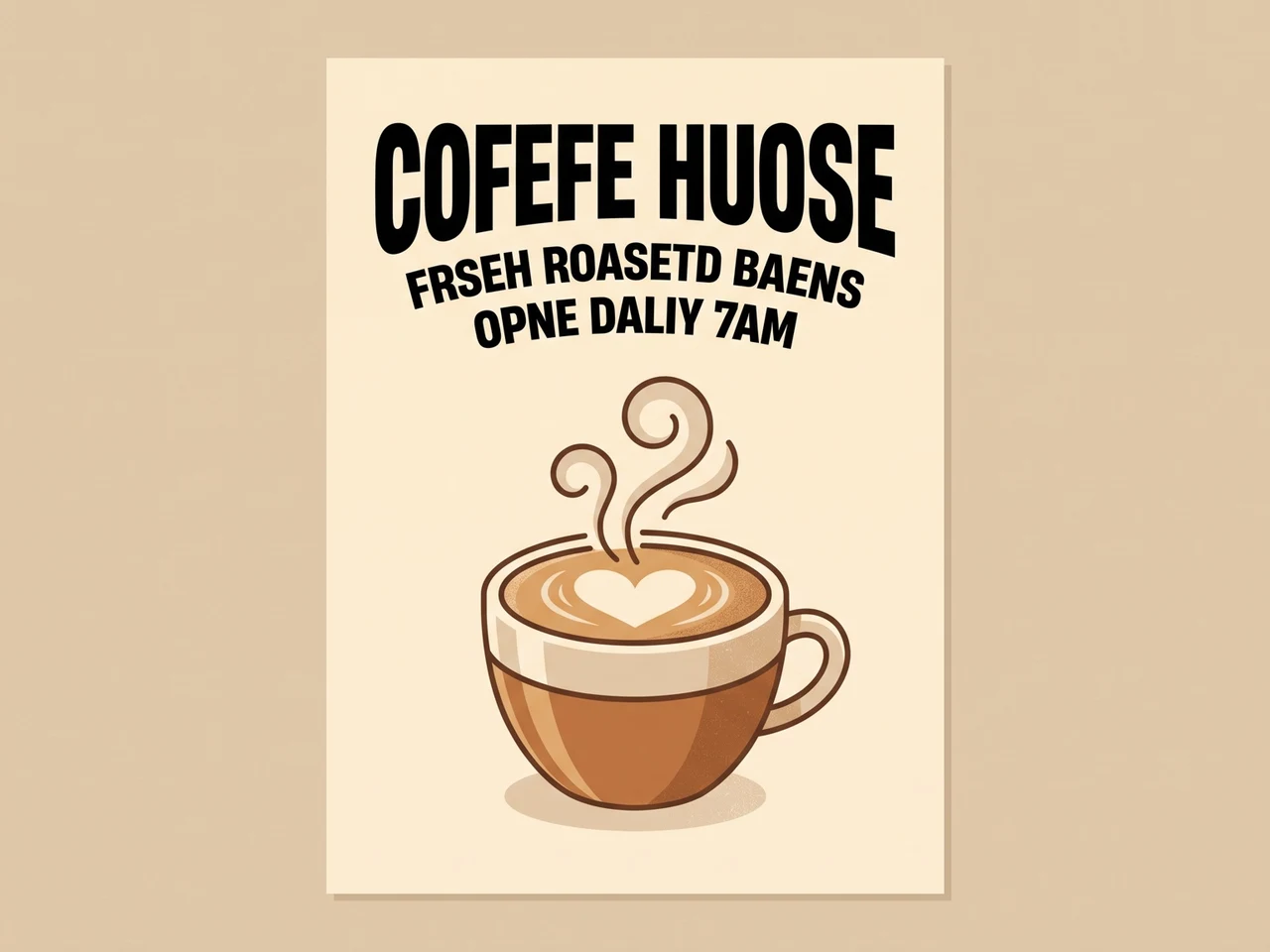
Fix garbled AI text
Misspelled AI lettering rewritten correctly in the same typeface.
 BeforeAfter
Translate an ad
English copy turned into Japanese, layout and style kept.
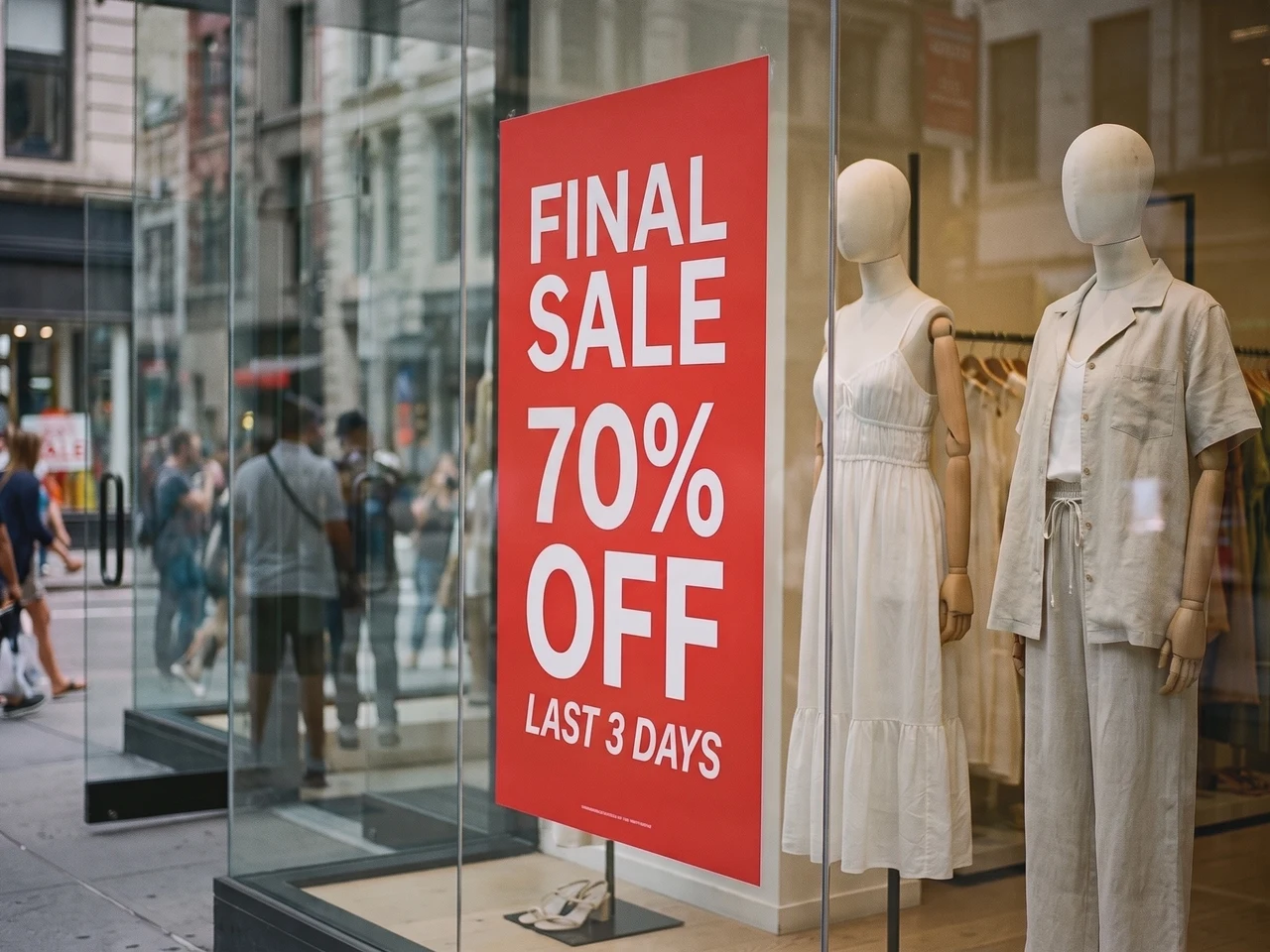 BeforeAfter
Update a real photo
A new sale on the window poster, lighting and reflections intact.
1:1 text style reconstruction
Codia preserves typography details such as font weight, size, alignment, color, spacing, and hierarchy so edited text still matches the source image.
Recognize text in 108 languages
Work with global image content. Codia recognizes multilingual text across AI images, screenshots, posters, product visuals, and marketing assets.
Transparent PNG and WebP
Logos and stickers keep their transparent background, so the edited file drops straight back into your design.
Need more control? Open it in the full editor
For layer-by-layer edits, open the same image in the Codia Photo Editor to change fonts, colors and positions, then keep retouching with other tools.
Ready to change the text in your image?
Text recognition is free and needs no sign-up. Upload an image to get started.
Edit text in a PDF, then download the whole file
Upload a PDF and pick the pages that need new words. Edit them like any image, and download the complete PDF with those pages swapped in.
Pick the pages to change
Every page shows as a thumbnail. Choose up to 10 at a time.
Edit the words in place
Fonts, colors and layout stay as they are. Only the words change.
Download the complete PDF
Edited pages are swapped in, and every other page keeps its original, selectable text.
 Edited
 Edited
How it works
From flat image text to editable copy
Upload a screenshot to edit its text
Update a UI label, mockup, or presentation screenshot. Upload a clear screenshot, correct the recognized words, and enter your replacement. Review line breaks and nearby text before downloading.
Edit the recognized words
Codia finds the text in your image automatically. Type the new words next to each line, or clear a line to remove it.
Generate and download
AI rewrites the text in the original font and style. Compare it with the original, then download the finished image.
Use cases
Screenshot text edits for demos and reviews
Use the image text editor when an otherwise useful visual needs cleaner copy, translated text, or editable typography.
UI labels and mockup copy
Update UI labels, mockup copy, and presentation screenshots while preserving the original layout and visual context.
Presentation screenshots
Update a UI label, mockup, or presentation screenshot. Upload a clear screenshot, correct the recognized words, and enter your replacement. Review line breaks and nearby text before downloading.
Localized demo images
Use a clear screenshot of a mockup, demo, or presentation you can edit. Review recognition before replacing the words. Check nearby labels and line breaks after generation. If you need editable interface layers rather than an updated picture, use Screenshot to Figma.
Edit text in PDF files
Fix a price, a date or a name on a few pages of a PDF, then download the whole file with every other page left as it was.
Pricing
Free to start, pay only when you need more
A 1K edit uses 1 credit, 2K uses 2 and 4K uses 3. Text recognition never uses credits.
Try it free
Free text recognition, no sign-up needed. Free accounts get 1 credit every month for a 1K edit.
Privacy
Your images stay yours
Edit product shots, posters and screenshots with peace of mind. You decide what stays.
Read our privacy policyNot used to train AI
Your images are used only to make the edits you ask for. We never use them to train models.
Seen only by you
Your uploads and results appear only in your own history, never in a public gallery.
Yours to keep or remove
Delete any edit from your history, or clear it all at once, whenever you like.
FAQ
Photo & Image Text Editor FAQ
How do I edit text in a screenshot?
Upload the screenshot as a JPG, PNG, or WebP image. Review the recognized text, enter the replacement words, then generate and compare the edited image. A clear screenshot helps with small UI labels; check line breaks and nearby elements before downloading.
Does editing a screenshot change the original website or app?
No. You edit the captured image only. The website, app, and source presentation stay as they were. To change live UI, edit its source; to rebuild editable UI layers, use the separate Screenshot to Figma workflow.
Can I edit text in a JPG or PNG without the original file?
Yes. Upload the JPG or PNG directly; you do not need a PSD or another source design file. Codia recognizes the words inside the image so you can replace them and generate a new image. The result is an image file, not a recovered source document.
How much does it cost?
Text recognition is free. Every free account gets 1 credit a month for a 1K edit. Lite and credit packs unlock 2K; Starter and Pro add 4K output and batch editing. Credit packs never expire.
Do I need an account?
No account is needed to upload an image and see its text recognized. Sign up for free when you are ready to generate the edited image, so your credits can be tracked.
How many credits does an edit use?
An edit at 1K uses 1 credit, 2K uses 2 credits and 4K uses 3 credits, however many text blocks you change. If an edit fails, no credits are used.
Does it keep transparent backgrounds?
Yes. Transparent PNG and WebP images, such as logos and stickers, are returned as PNG files with the transparent background preserved.
Which files can I upload?
PNG, JPG and WebP images up to 20 MB, and PDFs up to 100 MB. Very large images are scaled down to 4096 pixels on the longest side before processing.
Can I edit text in a PDF?
Yes. Upload a PDF, pick up to 10 pages and edit their text. The download is the complete PDF: edited pages are swapped in and every other page stays exactly as it was. PDF editing is part of batch editing, included in the Starter and Pro plans.
Ready to change the text in your image?
Text recognition is free and needs no sign-up. Upload an image to get started.