
Give Your DeckA Polished New Look
Upload a PPT or PDF and choose the slides and images you want to keep. Redesign everything with one consistent template and fully editable PowerPoint output.
Trusted by Universities and businesses across the world





Before and after
See an ordinary deck become presentation-ready
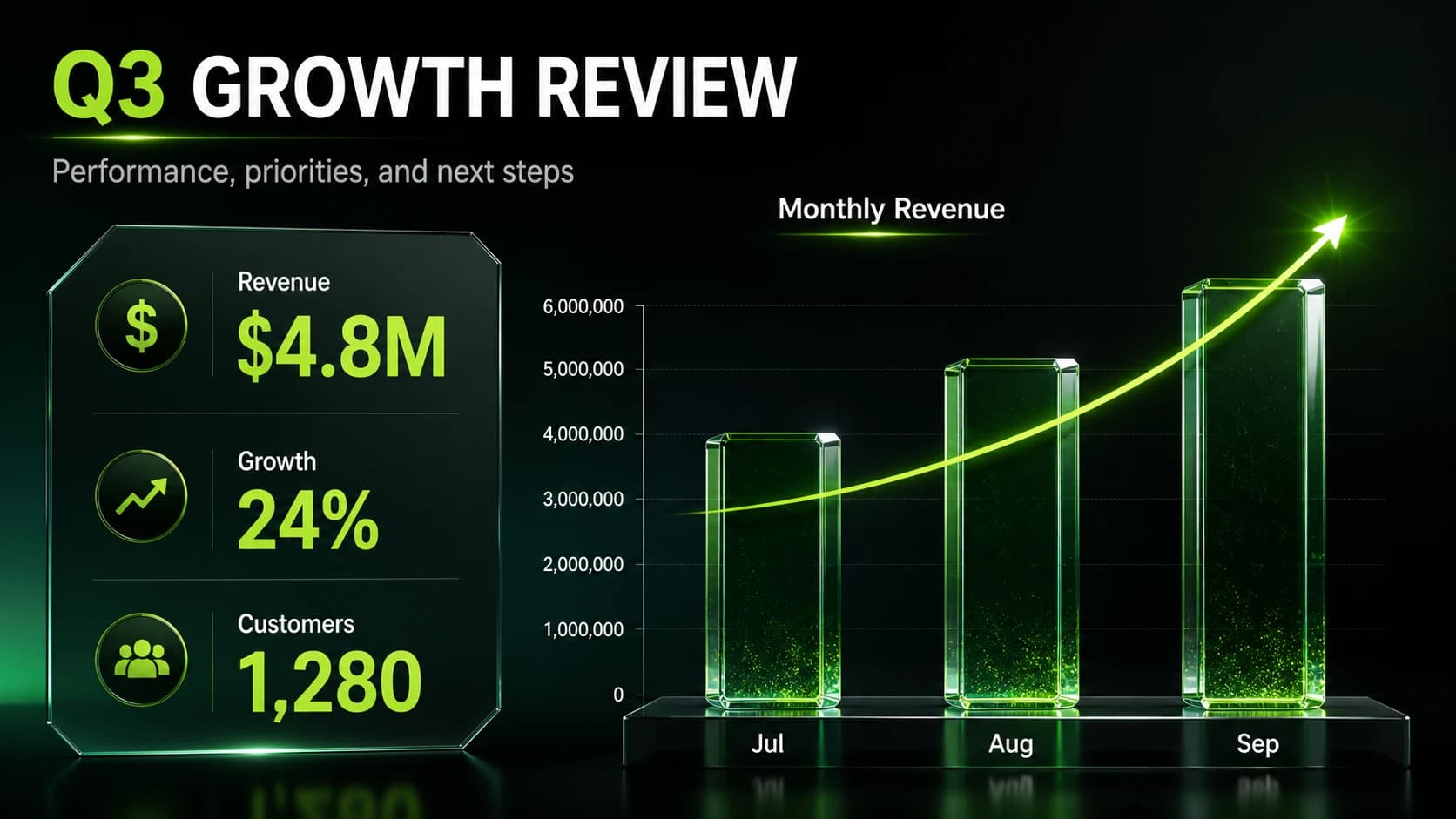
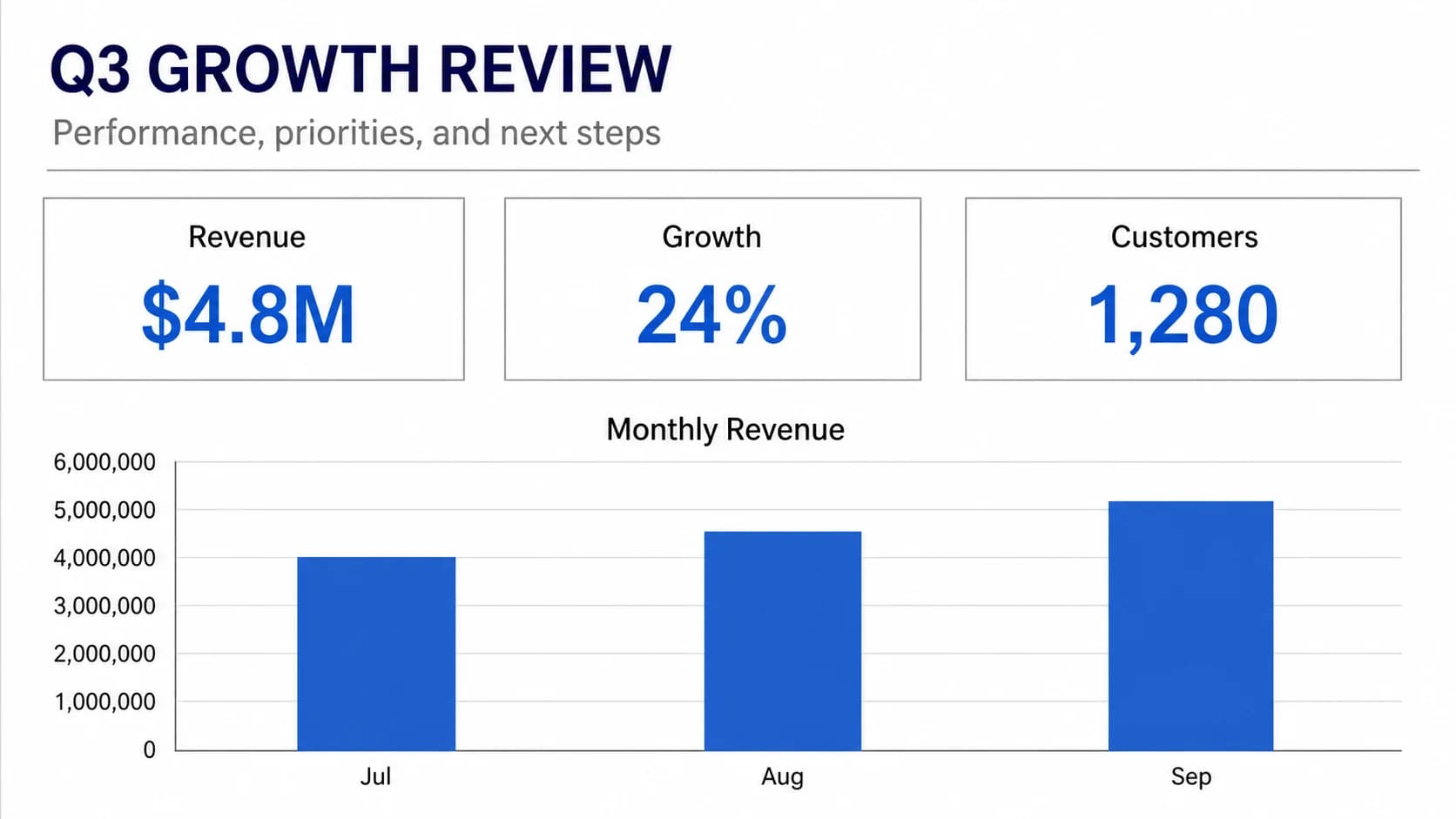
The small thumbnail is the original; the full-size slide behind it is the same content after the AI redesign.
Turn default charts into a focused data story.
Keep what matters
Preserve important content. Unify the entire deck.
Choose exactly which slides to redesign, preserve facts, data relationships, and hierarchy from each composed source slide, then apply one coherent visual direction throughout.
- Redesign selected slides instead of rebuilding everything
- Preserve facts and structure from each source slide
- Apply one template for consistent typography and layout
Built to keep working
Get a PowerPoint you can continue editing
The polished result remains practical: refine the text and shapes, change the language or aspect ratio, and keep shaping the story.
- Editable PowerPoint text, shapes, and layout
- Switch output language and slide ratio
- Reorder, remove, or add supporting slides
PowerPoint beautifier FAQs
Which file formats can I upload?+
You can upload PPT, PPTX, or PDF files up to 200MB. NoteSlide renders each slide so you can review it before starting the redesign.
Can I redesign only part of a presentation?+
Yes. Select or clear individual slides before you start, and add a new supporting slide from text when the deck needs one.
Will my original content and images be preserved?+
Each composed source slide guides the redesign. The system preserves facts, data relationships, hierarchy, and visual meaning where possible, but embedded images are not supplied as separate references or overlaid unchanged afterward.
Can I edit the redesigned PowerPoint afterward?+
Yes. The result is an editable PowerPoint with real text, shapes, and layout elements that you can continue refining.
How is slide redesign priced?+
Redesign is available on paid plans. Credits are calculated from the actual number of output slides shown before you submit the task.