
Make Nano Banana Slides
Fully Editable
Nano Banana Pro produces beautiful slides and hands you a flat image. Upload those PNGs or the exported PDF, and Codia AI Vision rebuilds real text boxes, shapes, and layers while keeping the generated design exactly as it is.
Click to upload images
Slide screenshots, photos or scans in JPG, PNG or WebP. Several images become one deck; a PDF or PPTX works too.
No image at hand? Try a sample deck:
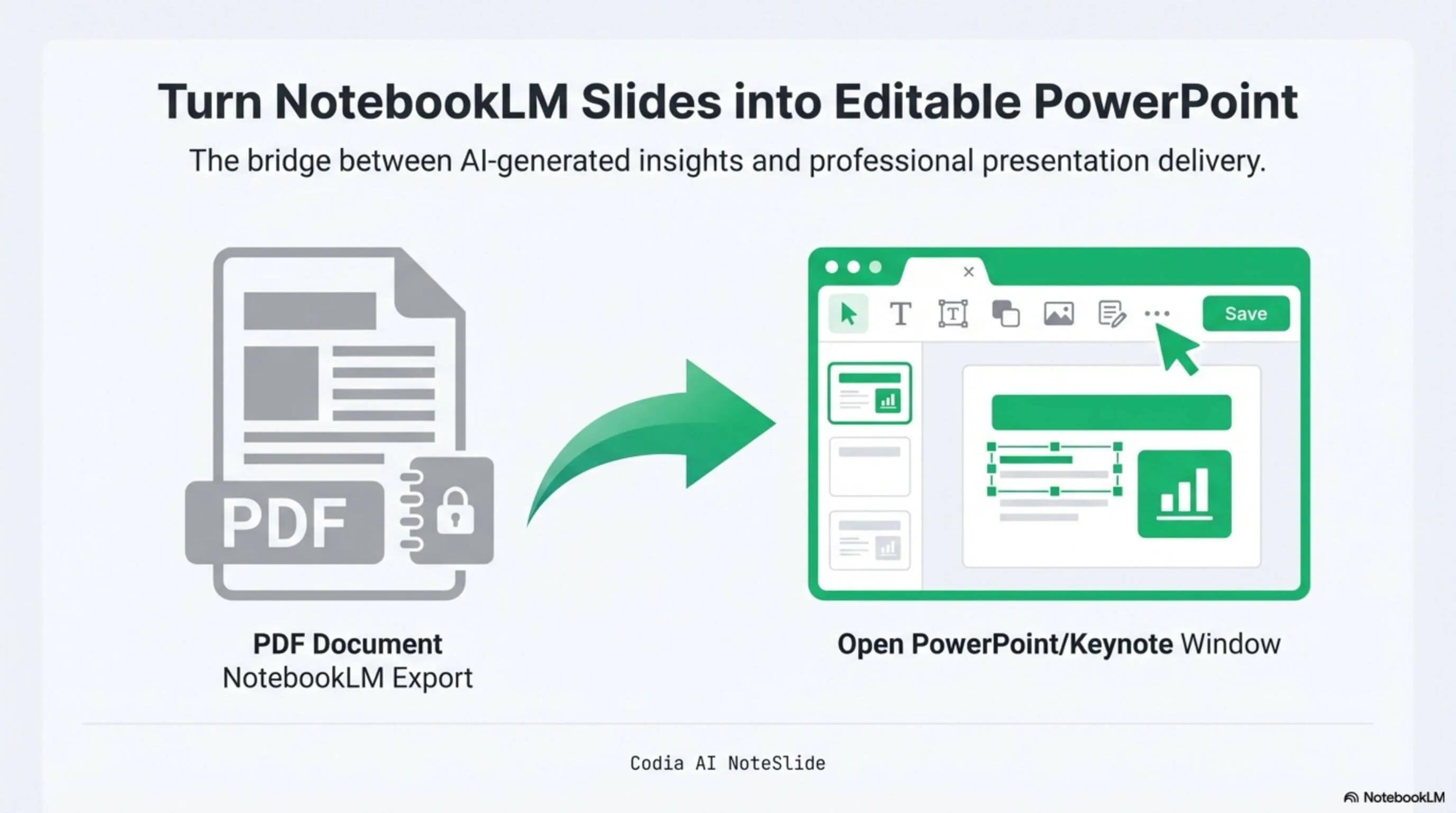
NotebookLM Editability Showcase
A NotebookLM-generated deck converted to fully editable PowerPoint with Codia AI Vision.

Business Strategy Slide Deck
Editable business strategy presentation rebuilt from a NotebookLM PDF export.
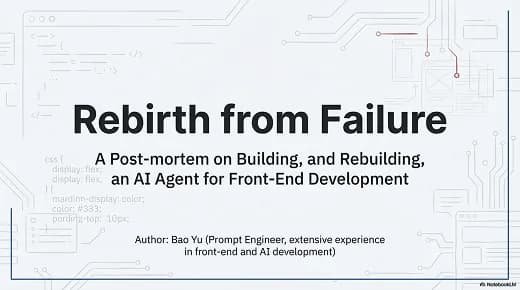
Research Briefing Deck
Academic research briefing converted into a fully editable PPTX deck.
Keeps the generated design
The composition, colors, and typography you prompted for survive the conversion. Nothing is re-laid-out against a stock template.
Layer-level editing
Text becomes text boxes, graphics become shapes, and elements keep separate layers — so a typo is a click, not a re-prompt.
A real .pptx to hand over
Export a normal PowerPoint file that opens in PowerPoint, Keynote, and Google Slides for team review and reuse.
How it works
A practical workflow from locked image-based slides to a PowerPoint file your team can edit.
- 1
Generate slides with Nano Banana
Use Nano Banana or Nano Banana Pro in Gemini to produce your slide visuals, one image per slide.
- 2
Save the images or export a PDF
Download the PNG or JPG files, or collect the generated slides into a single PDF.
- 3
Upload to Codia AI NoteSlide
Drop the images or the image-based PDF into NoteSlide and pick the slides you want to convert.
- 4
Convert to editable PPTX
Codia AI Vision reconstructs text blocks, shapes, and layers for each slide as native PowerPoint elements.
- 5
Edit and present
Download the .pptx, then rewrite copy, swap colors, translate, or apply brand fonts in your usual editor.
Built for real presentation editing
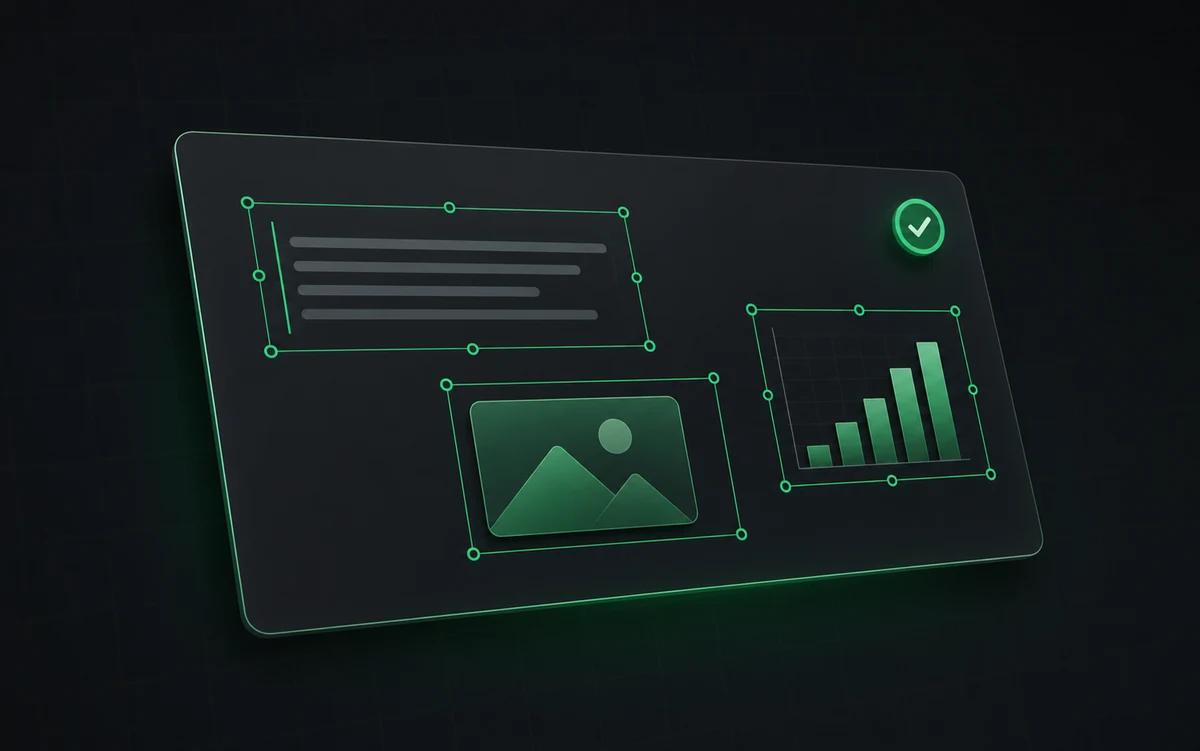
The result is not a screenshot stack. NoteSlide reconstructs the deck as native presentation objects so downstream edits are predictable.
Real text boxes
Headlines, bullets, and labels come back as selectable, restyleable PowerPoint text.
Separated layers
Backgrounds, cards, dividers, and diagram parts are rebuilt as individual objects you can move.
Pixel-faithful layout
Positions, spacing, and color stay true to the slide Nano Banana generated.
Why Nano Banana slides can't be edited
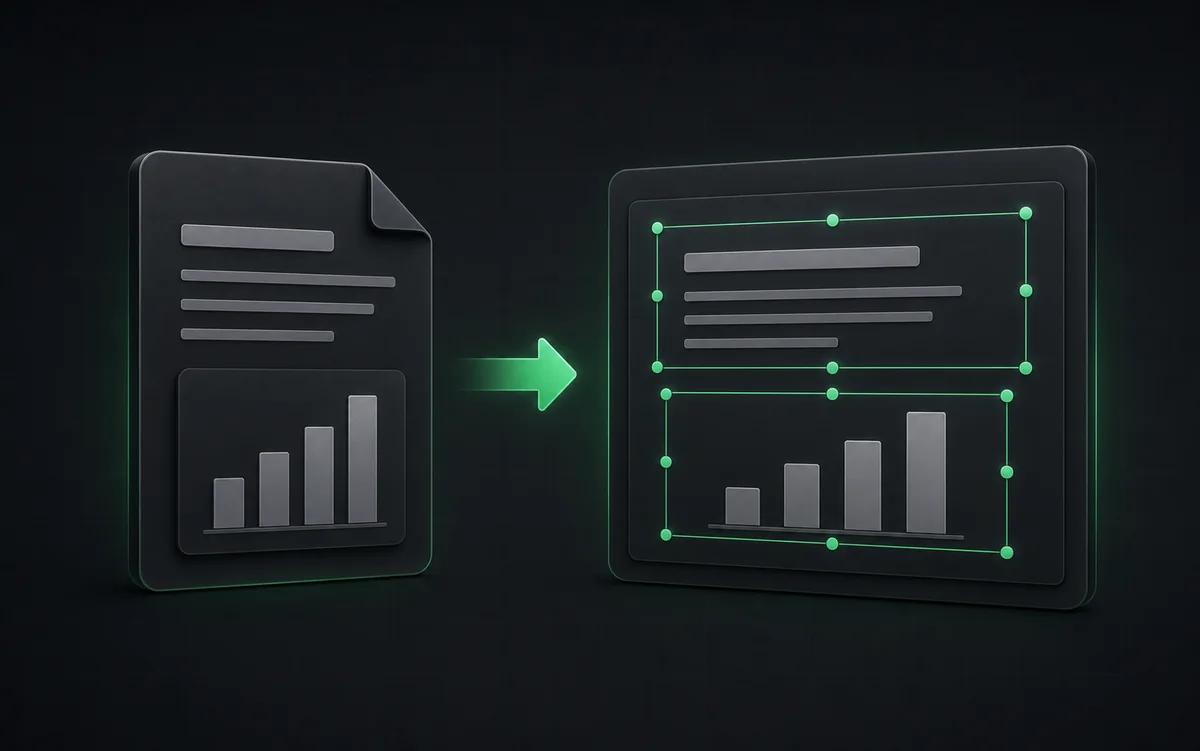
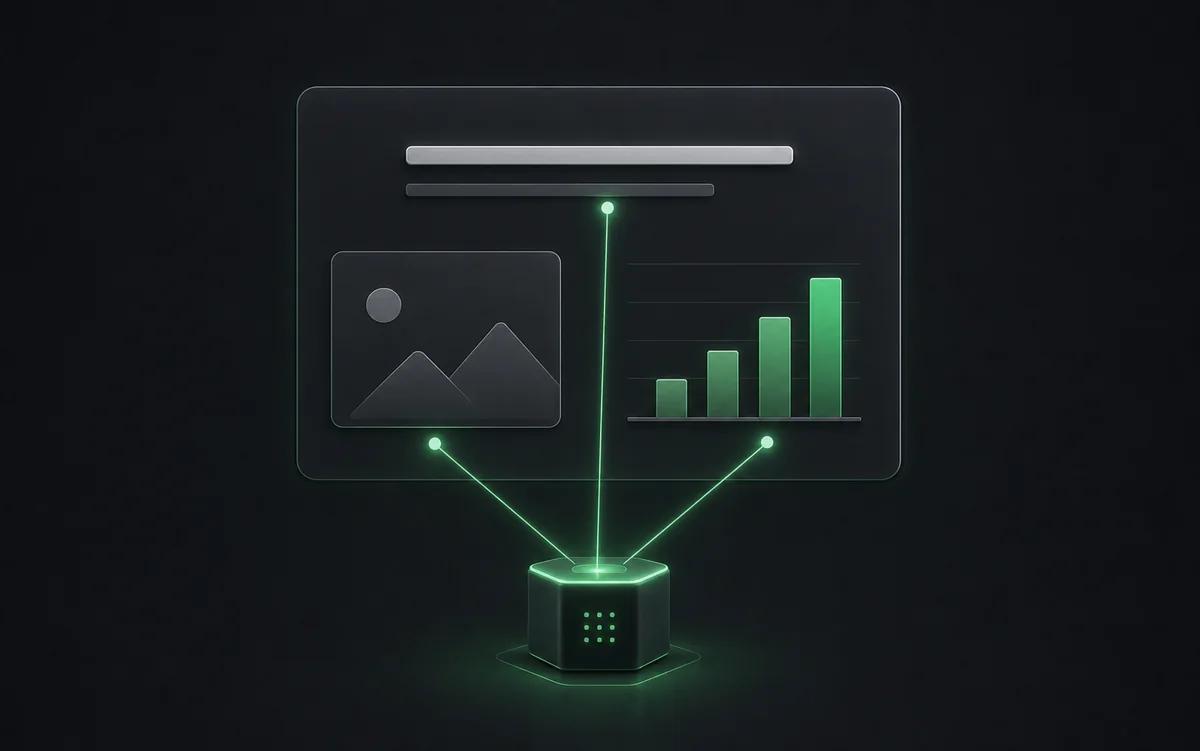
Nano Banana Pro renders an entire slide as a single image. That is exactly why the output looks good — the model controls every pixel — and exactly why it is stuck. Drop that image into PowerPoint and there is one object on the slide: a picture. No text box to click, no shape to recolor, no way to fix a misspelled name without generating the slide again and accepting a layout you did not ask for.
How Codia AI rebuilds it without changing the design
Codia AI Vision reads the generated slide the way a designer would: it separates headings from body copy, finds cards, dividers, icons, and diagram parts, and infers the stacking order. It then writes a PowerPoint file where each of those becomes a native element in the same position. Other tools promise editable output by re-generating your content into their own template, which throws away the design you liked. NoteSlide keeps the slide and changes only what is underneath.
Getting the best conversion
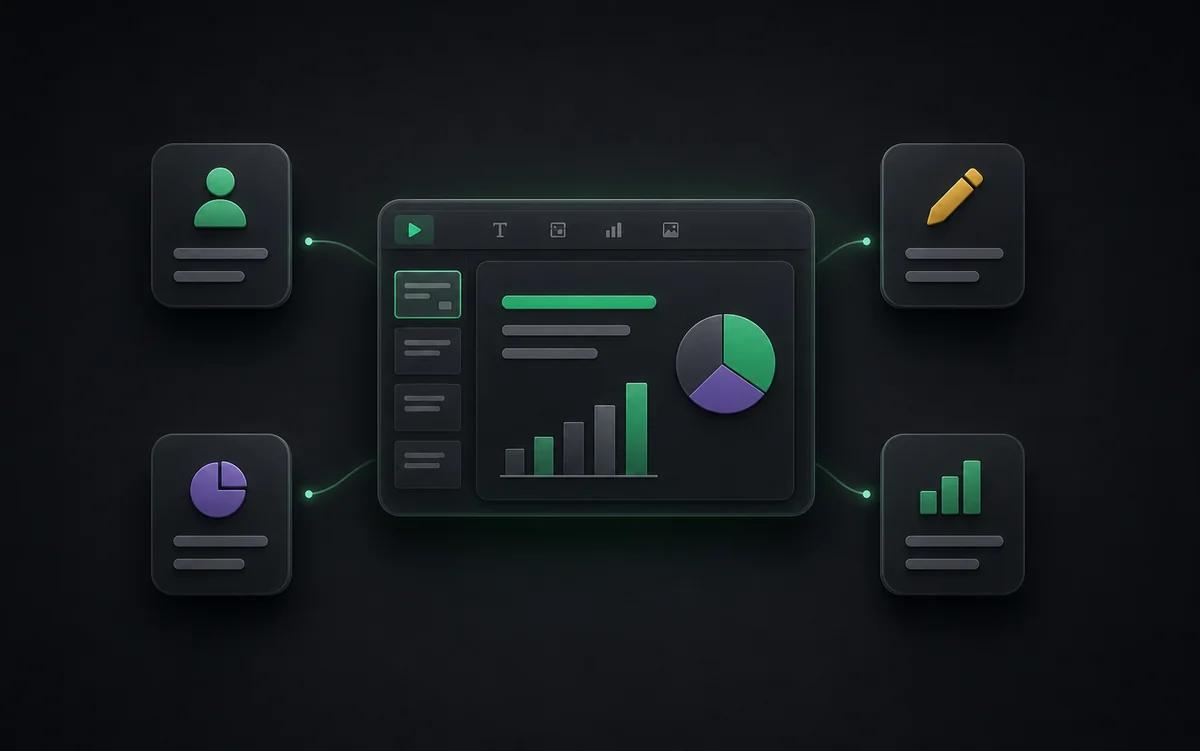
Generate at the highest resolution Nano Banana offers, keep one slide per image, and avoid very small or heavily stylized text. If you already exported a PDF, upload it directly — NoteSlide reads image-based PDFs page by page and can rebuild the whole deck in a single pass.
Who this is for
Turn a prompt into a client deck
Keep the visual quality that made you choose an image model, and still deliver a file the client can edit.
Fix the one wrong word
Image models misspell names and numbers. Correct them in PowerPoint instead of regenerating the whole slide.
Translate and localize
Editable text means one generated deck can ship in every language your team needs.
Content teams
Turn AI-generated briefs into editable slide drafts for marketing, sales, or customer education.
Also known as
People search for this workflow under many names — NoteSlide covers them all:
- nano banana ppt
- nano banana pro ppt
- nano banana slides editable
- make nano banana slides editable
- nano banana to powerpoint
- nano banana pptx converter
- gemini image slides to ppt
- ai generated slides editable
Flat image vs editable PPTX
| Feature | Codia AI NoteSlide | Raw Nano Banana image |
|---|---|---|
| Fixing a typo | Codia AI NoteSlideClick the text box and type | Raw Nano Banana imageRe-prompt and hope the layout survives |
| Layout changes | Codia AI NoteSlideMove and resize rebuilt objects | Raw Nano Banana imageCrop or mask the image |
| Brand fonts and colors | Codia AI NoteSlideApply them after conversion | Raw Nano Banana imageDescribe them in the prompt and retry |
| Team handoff | Codia AI NoteSlideA normal .pptx anyone can edit | Raw Nano Banana imageA picture reviewers can only comment on |
Conversion quality depends on source image resolution, text size, and layout complexity.
Frequently asked questions
What is Nano Banana?+
Nano Banana is the nickname for Google's Gemini image model, and Nano Banana Pro is the Gemini 3 Pro Image generation built on top of it. It renders complete, design-quality slides in one shot, but the output is an image file rather than a presentation you can edit.
Why aren't Nano Banana slides editable?+
The model returns a rasterized picture of the finished slide. Every headline, bullet, chart label, and shape is pixels, so PowerPoint can only place the whole thing as one image. Editing a single word means regenerating the slide and losing the layout you liked.
How do I convert Nano Banana slides to PPTX?+
Save the generated slides as PNG or JPG files, or export them as a PDF, then upload them to Codia AI NoteSlide. AI Vision reads the layout, detects text and visual regions, and writes an editable .pptx you can open in PowerPoint, Keynote, or Google Slides.
Should I upload my own slides or generate them here?+
Upload when you have already generated slides with Nano Banana and only need them editable. Use the Codia AI generator when you want the whole deck built for you — it generates image-model-grade slides and delivers them as editable PowerPoint in one pass.
Does converting change how the slides look?+
No. Unlike tools that re-generate a new template-based layout from your content, Codia AI reconstructs the slide you already have — same composition, same colors, same positions — and only changes what is underneath: pixels become text boxes, shapes, and layers.
Which output formats are supported?+
NoteSlide exports editable PowerPoint (.pptx) files that open natively in Microsoft PowerPoint, Apple Keynote, and Google Slides without loss of structure.
Is my document private?+
All uploaded documents are processed with encryption in transit (TLS) and at rest. Files are not stored beyond the active processing window unless explicitly requested, and uploaded content is never resold, shared, or used to train models.
Ready to make your slides editable?
Upload a NotebookLM PDF or image deck. Codia AI Vision rebuilds it as a fully editable PowerPoint file in seconds.
Upload Nano Banana slides