
Simple Pricing for Editable
NotebookLM Slides
Start with 5 free credits. Choose a monthly or annual subscription for a larger monthly allowance, or contact us for enterprise procurement. NoteSlide shows the credit cost before each paid action.
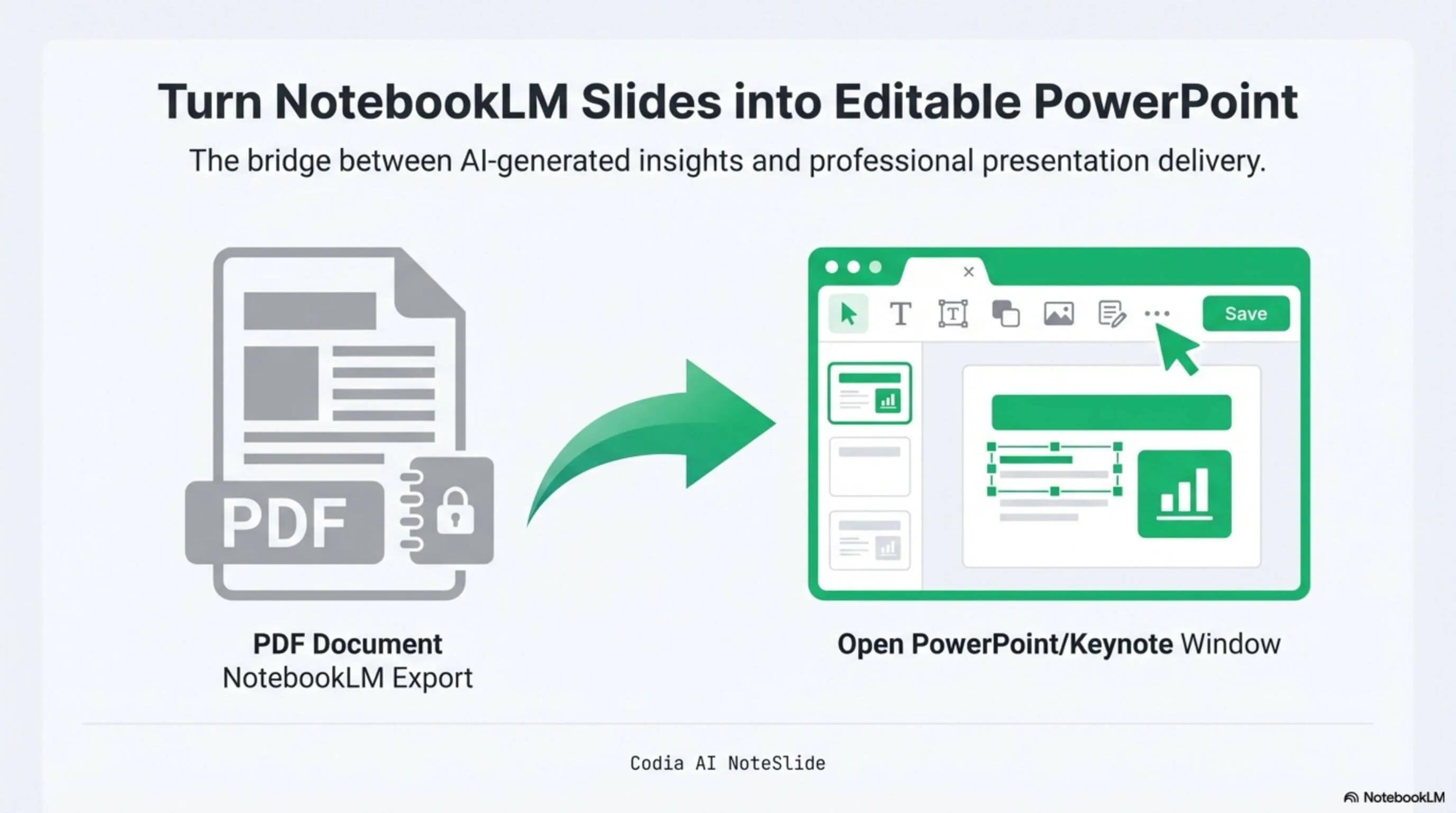
NotebookLM Editability Showcase
A NotebookLM-generated deck converted to fully editable PowerPoint with Codia AI Vision.

Business Strategy Slide Deck
Editable business strategy presentation rebuilt from a NotebookLM PDF export.
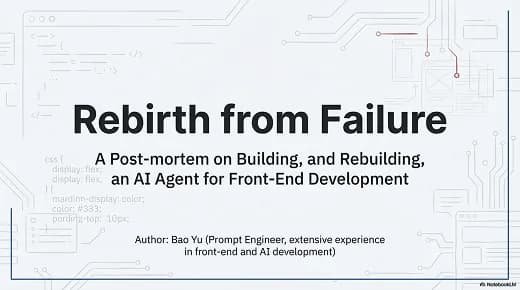
Research Briefing Deck
Academic research briefing converted into a fully editable PPTX deck.
Free plan
Start with 5 credits and use them on the NoteSlide actions you choose.
Clear credit costs
Conversion costs 1 credit per output slide; other actions show their exact charge or maximum estimate before you confirm.
Enterprise plans
Seat-based licensing, SSO, annual contracts, and bank-transfer invoicing.
Built for real presentation editing
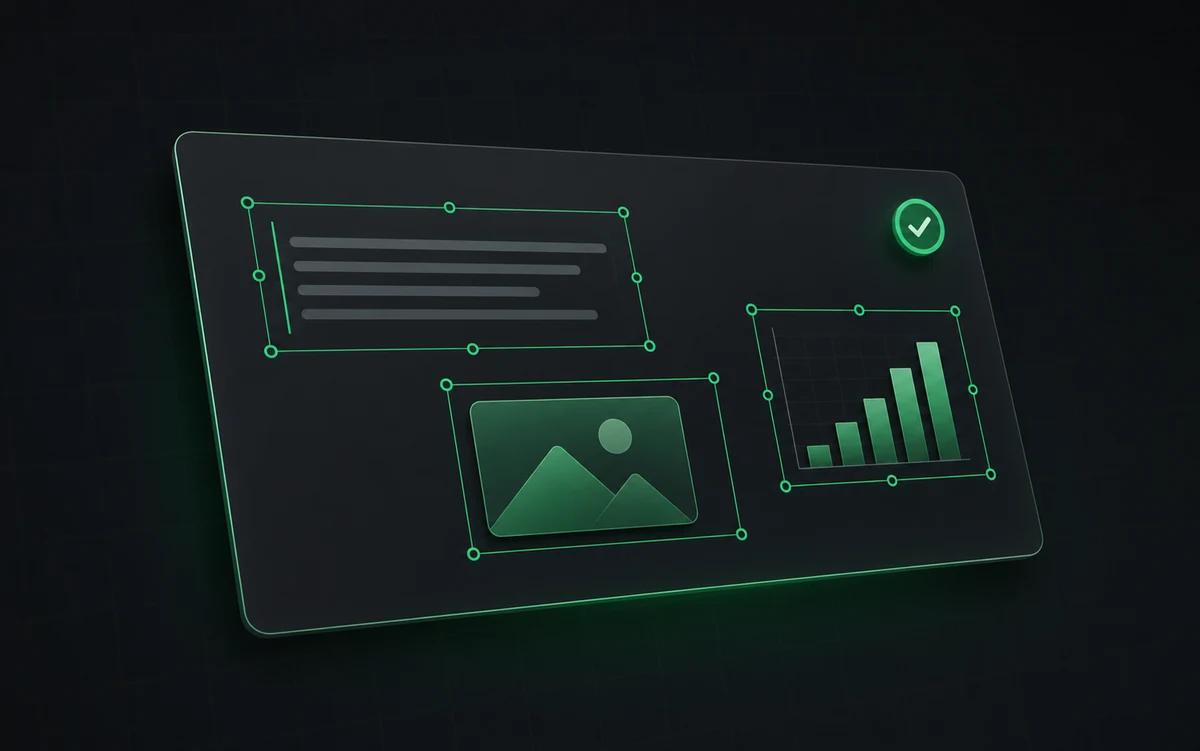
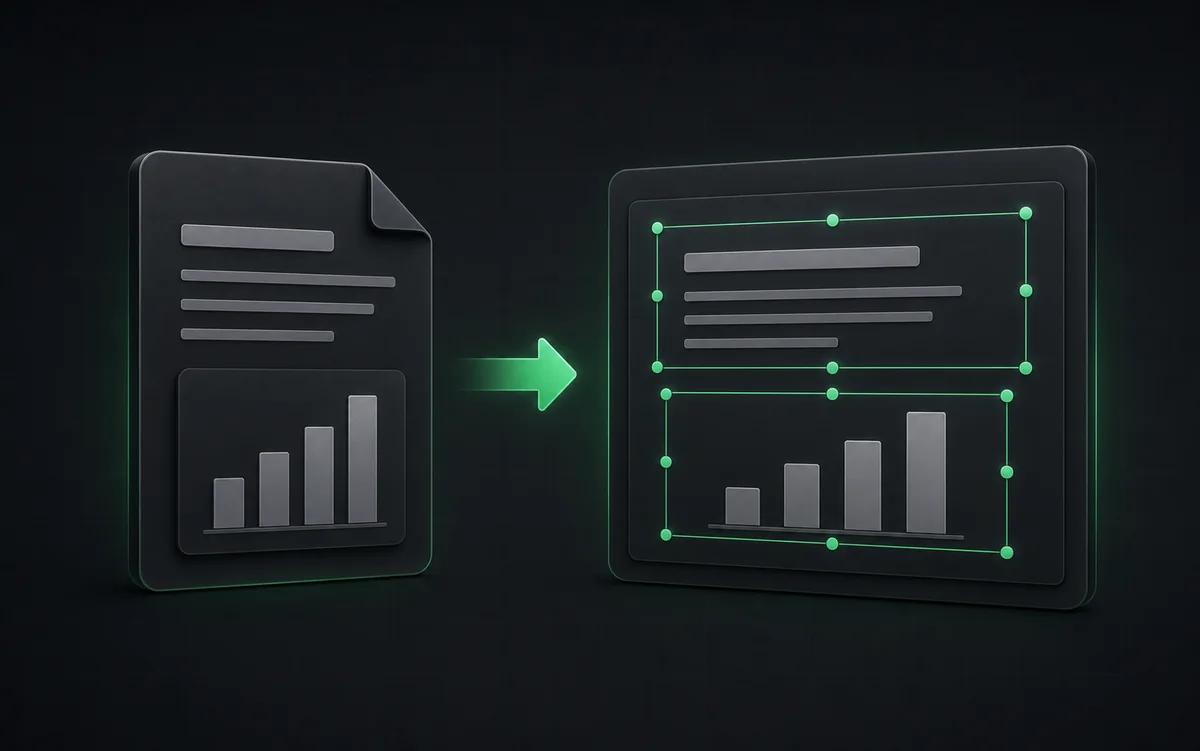
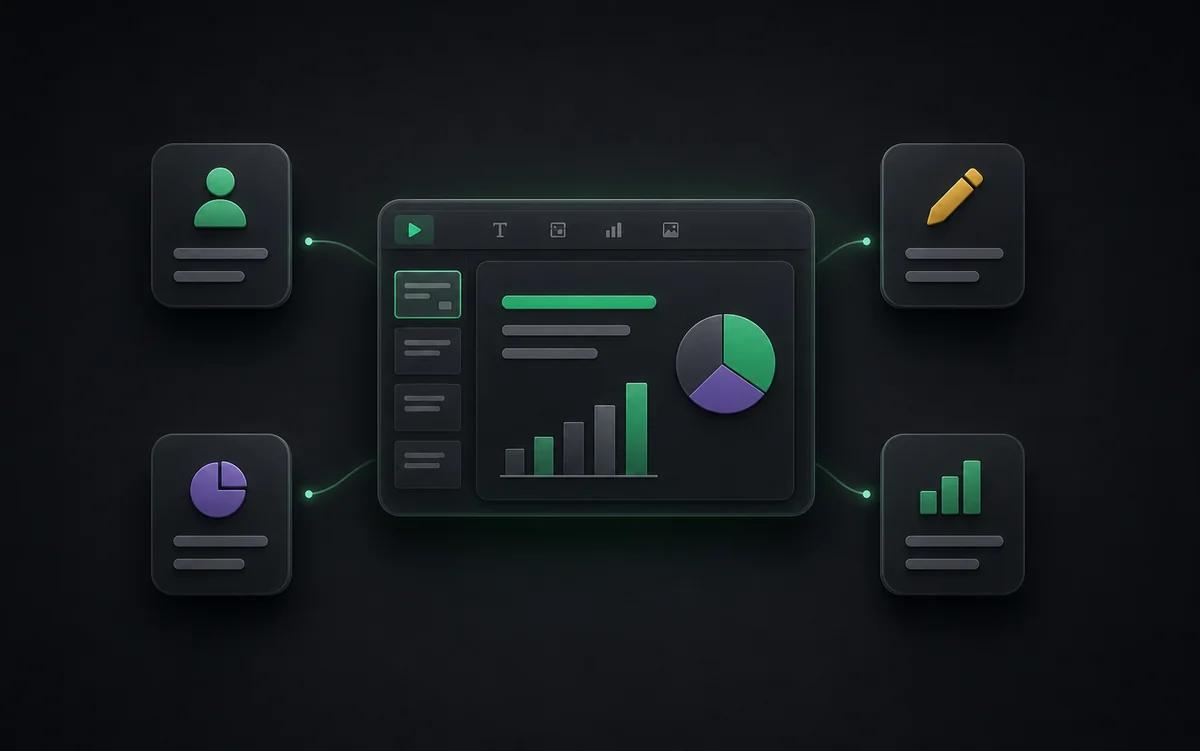
The result is not a screenshot stack. NoteSlide reconstructs the deck as native presentation objects so downstream edits are predictable.
Individuals
Start on the Free plan or choose a subscription based on your monthly NoteSlide usage.
Teams
Centralize conversion work with shared planning, review, and export workflows.
Enterprise
Procurement-friendly plans with SSO, invoices, and annual contracts.
How NoteSlide credits are used
Converting an uploaded slide to editable PowerPoint costs 1 credit per output slide. Outline, AI generation or redesign, translation, and image-editing actions have separate rates. Before a paid action starts, NoteSlide shows the exact charge or, when the final total can vary, a maximum estimate.

Plans at a glance
The Free plan includes 5 credits. Starter, Pro, and Ultra are available as monthly or annual subscriptions and include monthly credits. Enterprise customers can arrange seat-based licensing, SSO, bank-transfer invoicing, annual procurement support, and dedicated onboarding.
Who this is for
Occasional conversion
Use the Free plan for a small number of conversions or other NoteSlide actions.
Repeat workflows
Choose Starter, Pro, or Ultra for a larger monthly credit allowance.
Organization rollout
Standardize editable slide conversion for teams working with sensitive documents.
Content teams
Turn AI-generated briefs into editable slide drafts for marketing, sales, or customer education.
Frequently asked questions
How does pricing work?+
Converting to editable PowerPoint costs 1 credit per output slide. Outline, AI generation or redesign, translation, and image tools use separate rates; NoteSlide shows the exact charge or maximum estimate before you confirm. Starter, Pro, and Ultra are monthly or annual subscriptions with monthly credits.
Is NoteSlide free to use?+
Yes. The Free plan includes 5 NoteSlide credits. For more monthly capacity, choose a monthly or annual subscription with a larger credit allowance.
Is there an enterprise plan?+
Yes. NoteSlide supports SSO (SAML 2.0 and OpenID Connect via Okta, Azure AD, Google Workspace), seat-based licensing, bank transfer, electronic PDF invoices, and annual contracts for enterprise and government procurement.
Is my document private?+
All uploaded documents are processed with encryption in transit (TLS) and at rest. Files are not stored beyond the active processing window unless explicitly requested, and uploaded content is never resold, shared, or used to train models.
Which output formats are supported?+
NoteSlide exports editable PowerPoint (.pptx) files that open natively in Microsoft PowerPoint, Apple Keynote, and Google Slides without loss of structure.
Ready to make your slides editable?
Upload a NotebookLM PDF or image deck. Codia AI Vision rebuilds it as a fully editable PowerPoint file in seconds.
Start free