
NotebookLM is now Gemini Notebook. View the Gemini Notebook version →
A Clean, Editable Deck
From Your NotebookLM PDF
NotebookLM-generated PDFs often carry source attribution and platform marks. NoteSlide rebuilds every slide as a fresh PowerPoint file you can fully edit — text, shapes, and overlays included.
Click to upload PDF, PPTX or images
Supports PDF or PPTX exported from NotebookLM / Gemini Notebook, or multiple images (JPG, PNG, WebP)
No PDF? Try one of these:
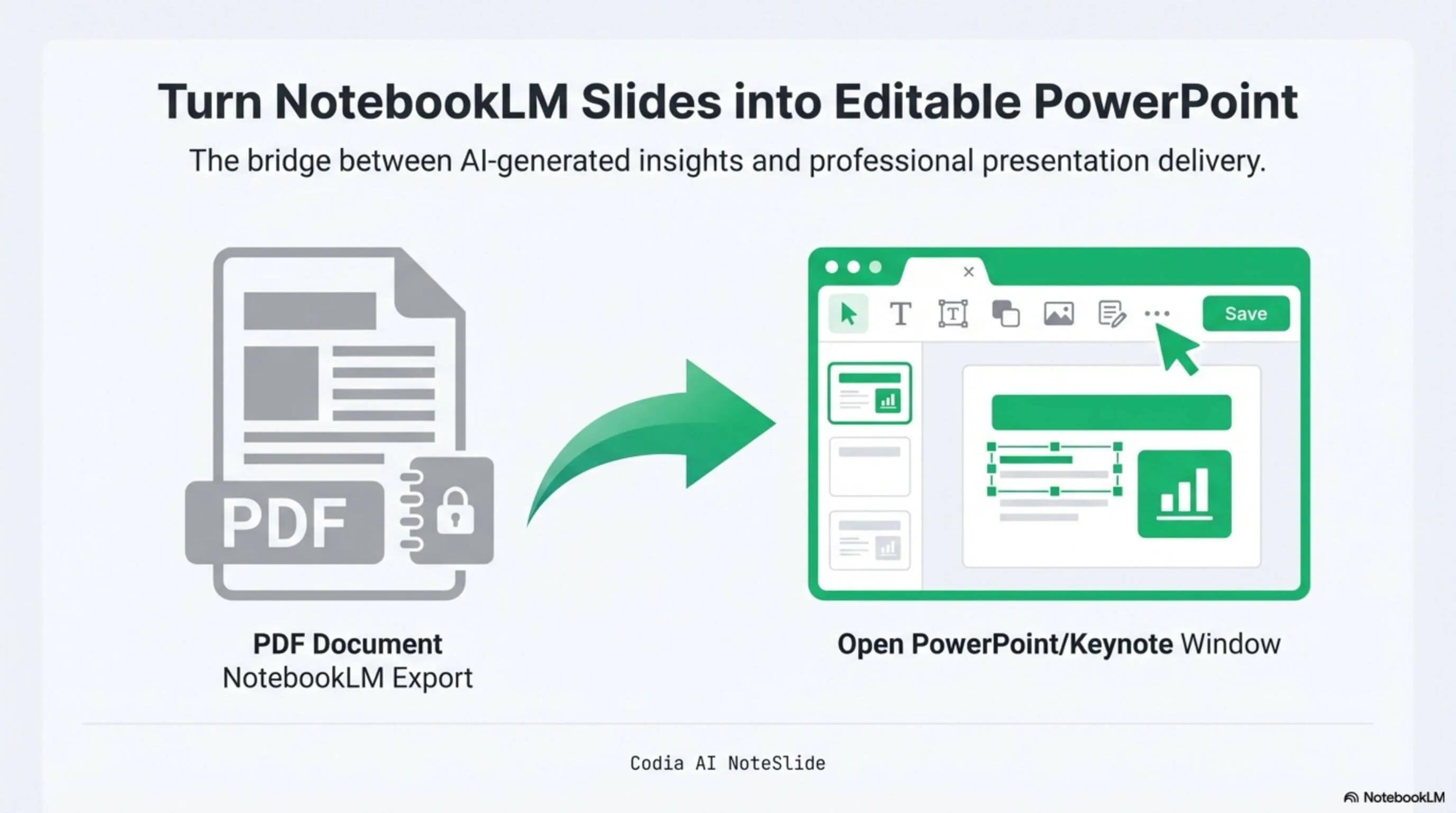
NotebookLM Editability Showcase
A NotebookLM-generated deck converted to fully editable PowerPoint with Codia AI Vision.

Business Strategy Slide Deck
Editable business strategy presentation rebuilt from a NotebookLM PDF export.
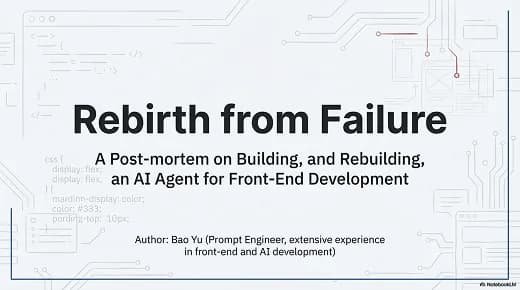
Research Briefing Deck
Academic research briefing converted into a fully editable PPTX deck.
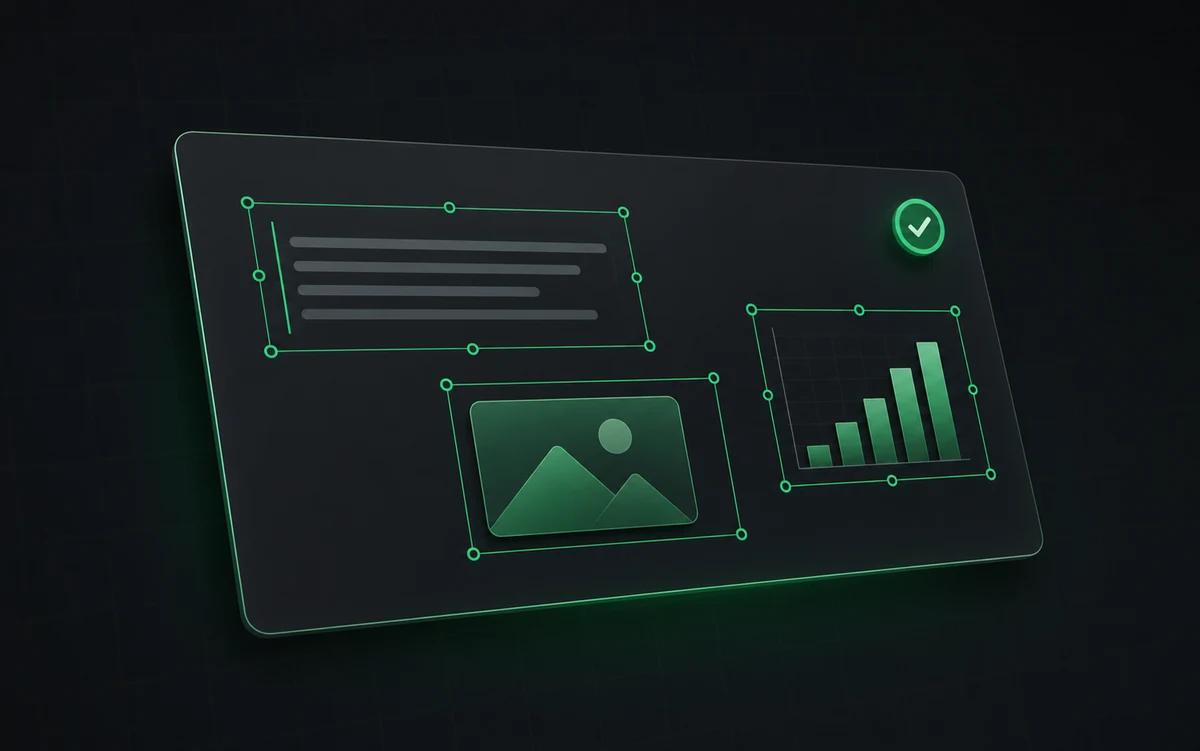
Fully editable output
Every text block, image, and shape is a native PowerPoint element you can replace.
Reuse your branding
Apply your company template directly to the new deck — fonts, colors, logos.
No screenshots required
Stop cropping and re-typing. Edit the deck the way you would any .pptx file.
Built for real presentation editing
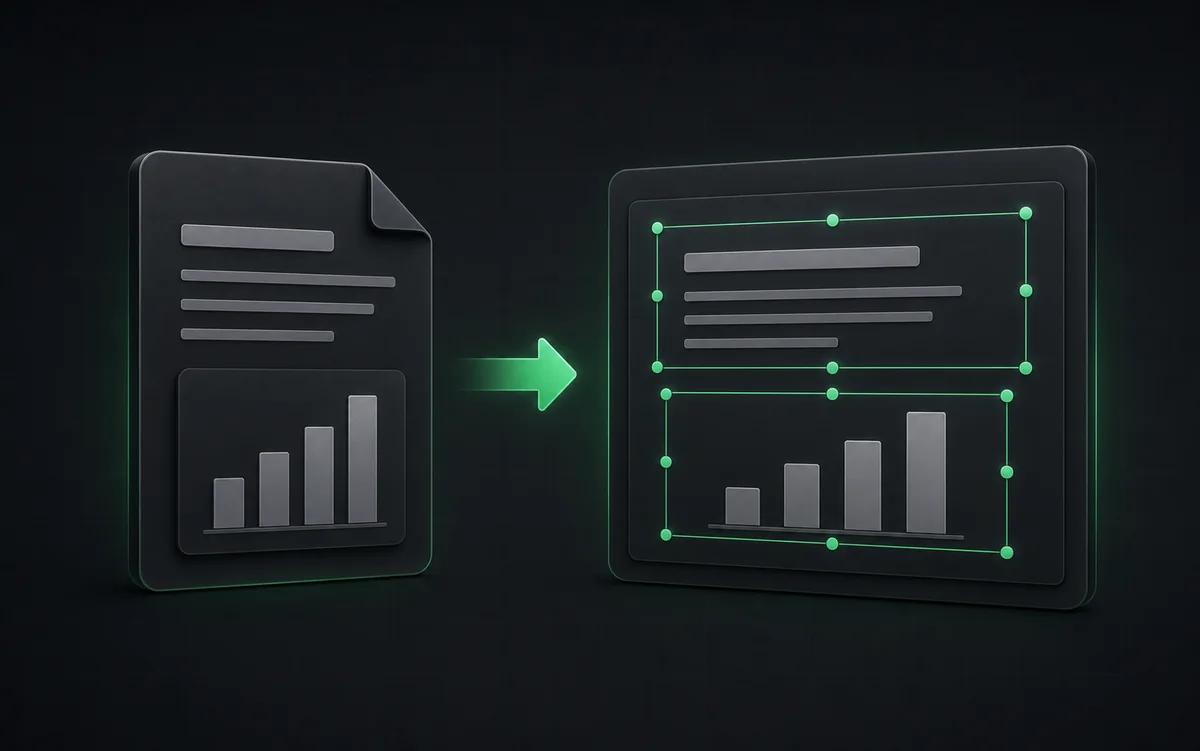
The result is not a screenshot stack. NoteSlide reconstructs the deck as native presentation objects so downstream edits are predictable.
Clean rebuild
Reconstruct the deck as a fresh PPTX instead of manually patching screenshots.
Attribution control
Manage marks, citations, and branding inside an editable presentation file.
Review-ready
Prepare the deck for internal or client review while respecting source rights.
A note on rights and attribution
Always respect the source rights of the content you upload. NoteSlide does not remove copyright information you don't have permission to alter — it simply gives you an editable deck where you can manage attribution and styling correctly. Use it to clean up your own NotebookLM exports, polish drafts for your team, or restyle decks you have the right to edit.
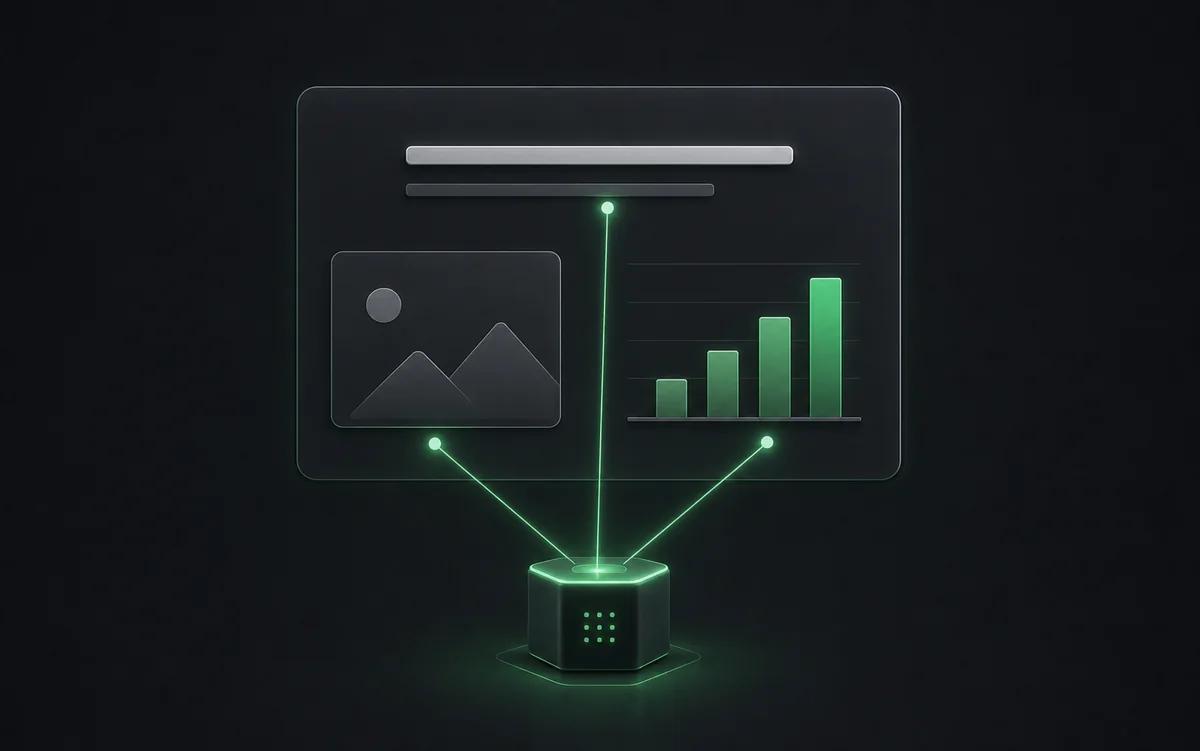
From watermarked PDF to brandable deck
After NoteSlide converts the PDF, you get a real .pptx where every text block, shape, and image is editable. Replace platform-specific marks with your own, swap branding, and ship the deck — no screenshot collages, no manual rebuilds.
Who this is for
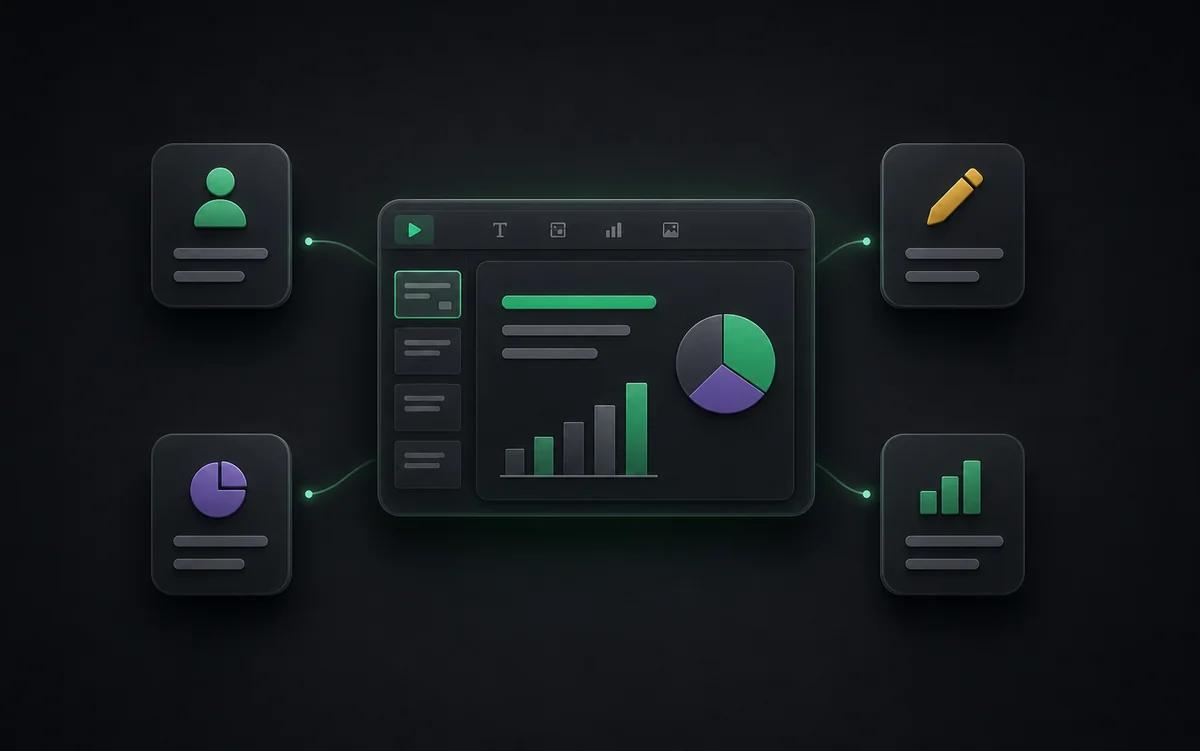
Internal polish
Clean up rough AI-generated drafts before circulating them inside a team.
Brand adaptation
Replace platform styling with your own approved visual language.
Teaching and research
Prepare generated material for lectures, seminars, or conference talks.
Content teams
Turn AI-generated briefs into editable slide drafts for marketing, sales, or customer education.
Also known as
People search for this workflow under many names — NoteSlide covers them all:
- notebooklm watermark remove
- notebooklm clean export
- editable notebooklm deck
- unbranded notebooklm slides
Frequently asked questions
Can NoteSlide remove the NotebookLM watermark?+
NoteSlide reconstructs each slide as a clean, editable PowerPoint file. After conversion you can edit, replace, or remove residual elements directly in PowerPoint, Keynote, or Google Slides.
How do I convert a NotebookLM deck to PowerPoint?+
Generate a Slide Deck in NotebookLM, download the PDF, then upload it to Codia AI NoteSlide. The AI detects text, graphics, and layout and outputs a fully editable .pptx file you can open in PowerPoint, Keynote, or Google Slides.
Why are NotebookLM slides not editable?+
NotebookLM exports slide decks as rasterized PDFs where text and shapes are pixels rather than editable elements. To edit the text or restyle the layout you need to rebuild the slide structure first, which is exactly what NoteSlide automates.
Which output formats are supported?+
NoteSlide exports editable PowerPoint (.pptx) files that open natively in Microsoft PowerPoint, Apple Keynote, and Google Slides without loss of structure.
Is my document private?+
All uploaded documents are processed with encryption in transit (TLS) and at rest. Files are not stored beyond the active processing window unless explicitly requested, and uploaded content is never resold, shared, or used to train models.
Ready to make your slides editable?
Upload a NotebookLM PDF or image deck. Codia AI Vision rebuilds it as a fully editable PowerPoint file in seconds.
Rebuild my deck