
NoteSlide vs CopySlides:
Which NotebookLM Converter Wins
Both NoteSlide and CopySlides convert NotebookLM PDFs to editable PowerPoint. Here's how the two stack up across editability, languages, pricing, and enterprise readiness.
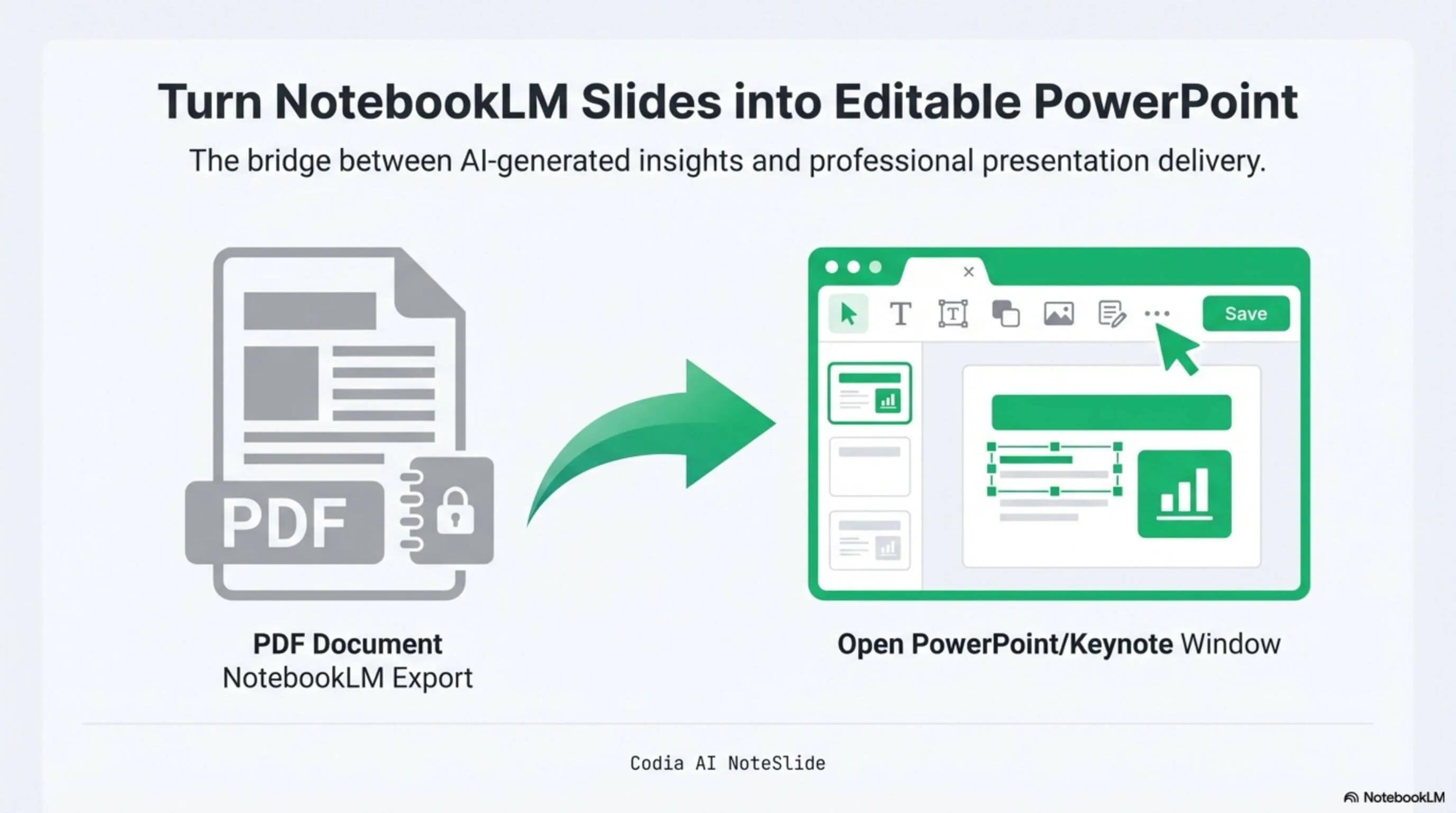
NotebookLM Editability Showcase
A NotebookLM-generated deck converted to fully editable PowerPoint with Codia AI Vision.

Business Strategy Slide Deck
Editable business strategy presentation rebuilt from a NotebookLM PDF export.
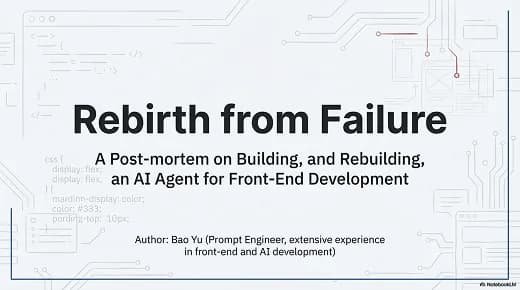
Research Briefing Deck
Academic research briefing converted into a fully editable PPTX deck.
AI Vision reconstruction
Rebuilds editable shapes and text — not just OCR.
Enterprise procurement
SSO, seat-based licensing, annual contracts, bank transfer.
University traction
In use across Cambridge, UPenn, Stanford, Waterloo, Oxford.
Built for real presentation editing
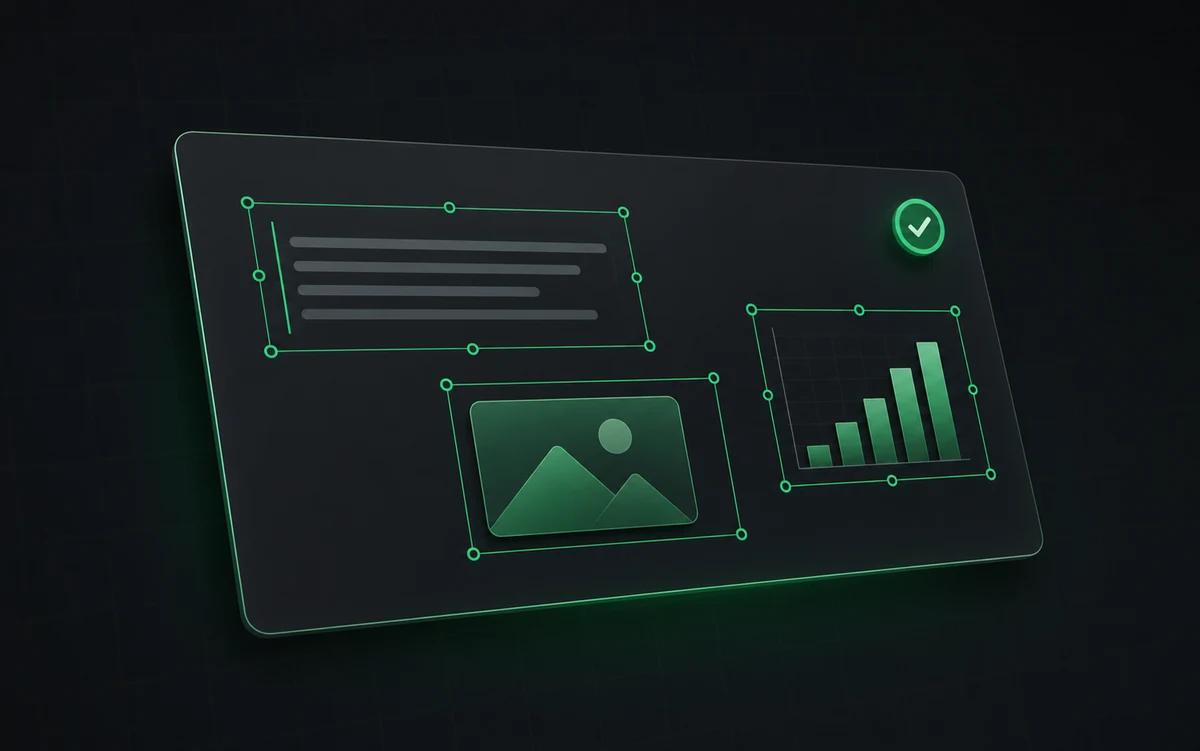
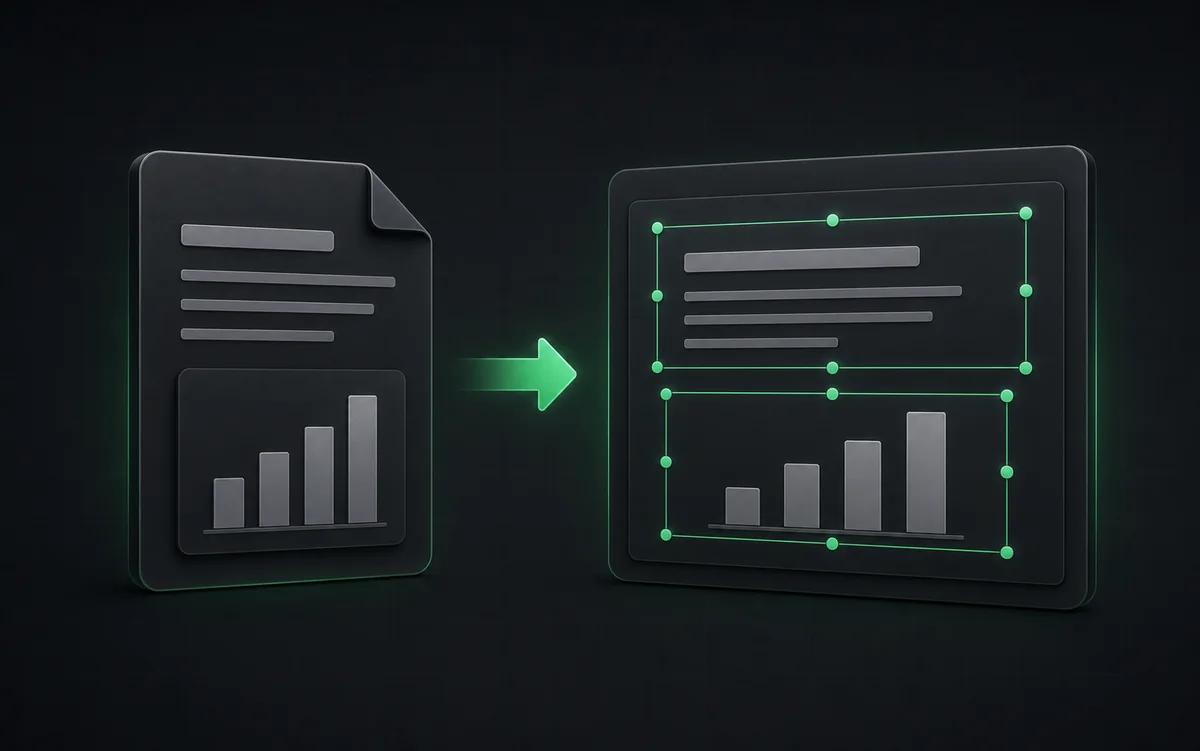
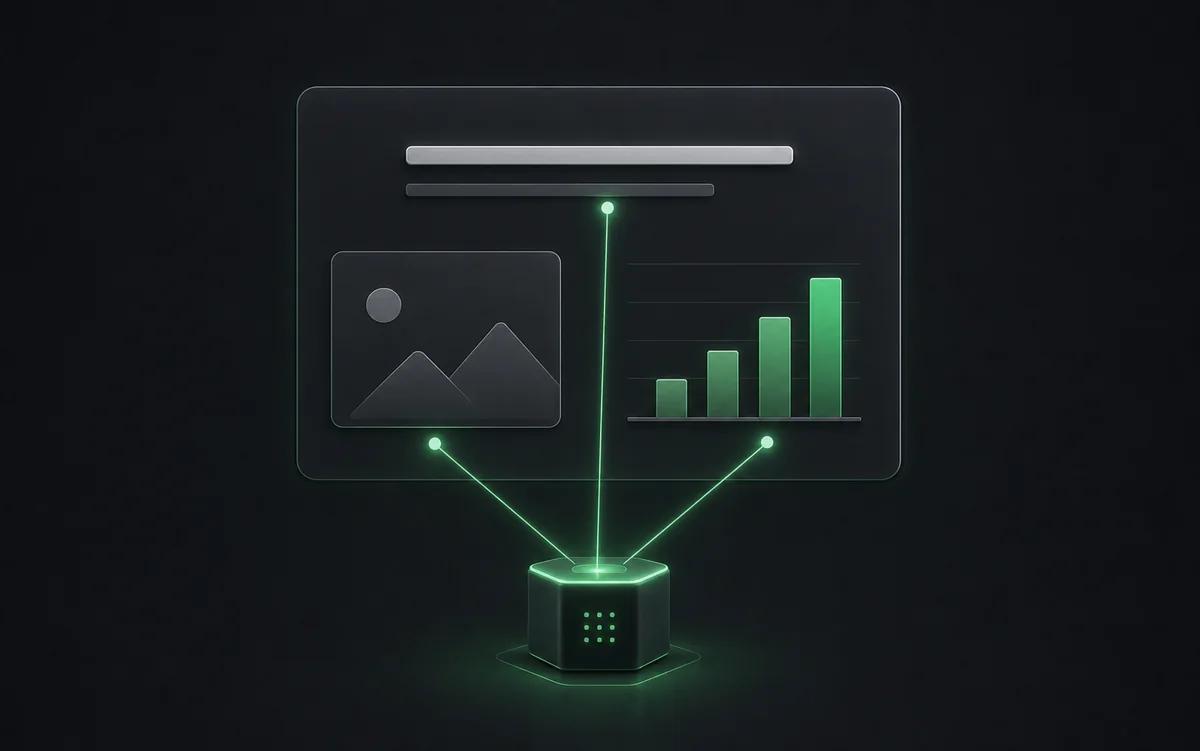
The result is not a screenshot stack. NoteSlide reconstructs the deck as native presentation objects so downstream edits are predictable.
Professional output
Prioritizes PowerPoint-native editability for real team workflows.
Scalable usage
Credit and enterprise paths cover one-off users and organizations.
Codia platform
Backed by broader AI Vision and design-to-code infrastructure.
When CopySlides might fit
CopySlides is a focused single-product brand with a clear lifetime pricing option. If you want a straightforward consumer-style subscription and don't need enterprise procurement, it can be a reasonable choice for personal use.
When NoteSlide fits better
NoteSlide is the right pick when you need real PowerPoint-native output, broad language coverage, or enterprise procurement support — SSO, seat-based licensing, bank transfer, and annual contracts. The Codia parent brand also means the underlying AI Vision technology is shared with established Design-to-Code tooling used by hundreds of thousands of designers.
Side-by-side comparison
| Feature | Codia AI NoteSlide | CopySlides |
|---|---|---|
| Conversion engine | Codia AI NoteSlideCodia AI Vision (layout + text + shape rebuild) | CopySlidesCloud OCR with claimed 99%+ accuracy |
| Output editability | Codia AI NoteSlideNative PowerPoint text and shapes | CopySlidesEditable text with original layout |
| Pricing model | Codia AI NoteSlideFree plan + credit subscriptions + enterprise plans | CopySlidesSubscriptions starting around US$9/mo with a lifetime option |
| Languages supported | Codia AI NoteSlide109 languages | CopySlidesEnglish-led with multi-language support |
| Enterprise procurement | Codia AI NoteSlideSSO + seat-based + bank transfer + annual contract | CopySlidesIndividual subscriptions |
| Brand maturity | Codia AI NoteSlideBacked by Codia (300K+ designers, 181 countries) | CopySlidesNewer indie brand |
Information about CopySlides is based on their publicly available product pages at the time of writing.
Frequently asked questions
How do I convert a NotebookLM deck to PowerPoint?+
Generate a Slide Deck in NotebookLM, download the PDF, then upload it to Codia AI NoteSlide. The AI detects text, graphics, and layout and outputs a fully editable .pptx file you can open in PowerPoint, Keynote, or Google Slides.
Which output formats are supported?+
NoteSlide exports editable PowerPoint (.pptx) files that open natively in Microsoft PowerPoint, Apple Keynote, and Google Slides without loss of structure.
How does pricing work?+
Converting to editable PowerPoint costs 1 credit per output slide. Outline, AI generation or redesign, translation, and image tools use separate rates; NoteSlide shows the exact charge or maximum estimate before you confirm. Starter, Pro, and Ultra are monthly or annual subscriptions with monthly credits.
Which languages does NoteSlide recognize?+
NoteSlide recognizes 109 languages, including English, Chinese, Japanese, Korean, Arabic, Hindi, Portuguese, Spanish, French, German, and more, so multilingual decks are converted without switching tools.
Is there an enterprise plan?+
Yes. NoteSlide supports SSO (SAML 2.0 and OpenID Connect via Okta, Azure AD, Google Workspace), seat-based licensing, bank transfer, electronic PDF invoices, and annual contracts for enterprise and government procurement.
Ready to make your slides editable?
Upload a NotebookLM PDF or image deck. Codia AI Vision rebuilds it as a fully editable PowerPoint file in seconds.
Try NoteSlide free