
NoteSlide vs DeckEdit:
NotebookLM to Editable PowerPoint
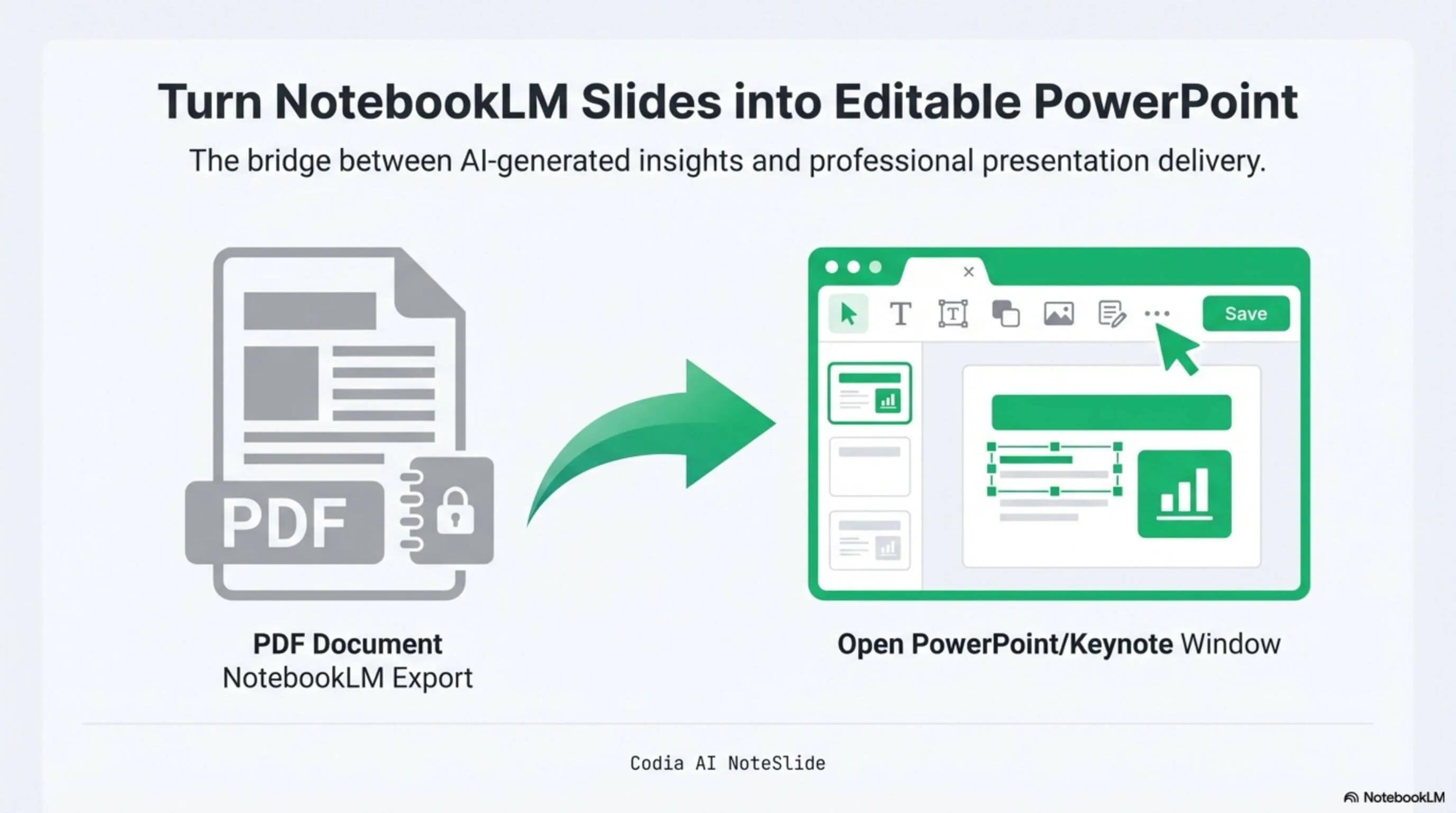
DeckEdit and NoteSlide both convert NotebookLM PDFs into editable PowerPoint files. They take different approaches — here's a side-by-side look so you can pick the right tool.
NotebookLM Editability Showcase
A NotebookLM-generated deck converted to fully editable PowerPoint with Codia AI Vision.

Business Strategy Slide Deck
Editable business strategy presentation rebuilt from a NotebookLM PDF export.
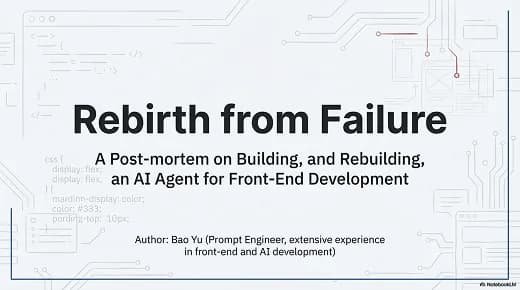
Research Briefing Deck
Academic research briefing converted into a fully editable PPTX deck.
AI Vision reconstruction
NoteSlide rebuilds every text block and shape as native PowerPoint elements.
109 languages
Coverage spans English, CJK, Arabic, Hindi, Portuguese, and more.
Enterprise-ready
SSO, seat-based licensing, bank transfer, and annual procurement available.
Built for real presentation editing
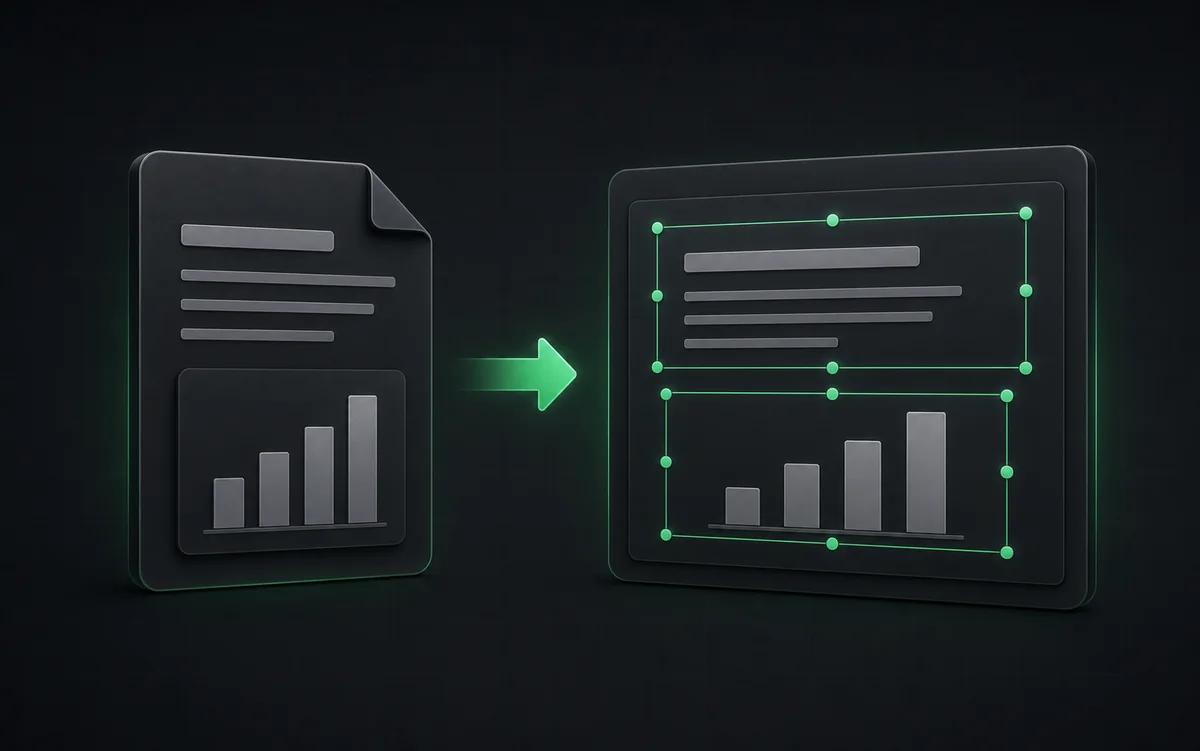
The result is not a screenshot stack. NoteSlide reconstructs the deck as native presentation objects so downstream edits are predictable.
Layout-aware
Designed for full deck reconstruction rather than simple OCR overlays.
Native PPTX
Exports editable presentation elements that behave like normal PowerPoint objects.
Team controls
Supports enterprise procurement and identity workflows when needed.
When DeckEdit might fit
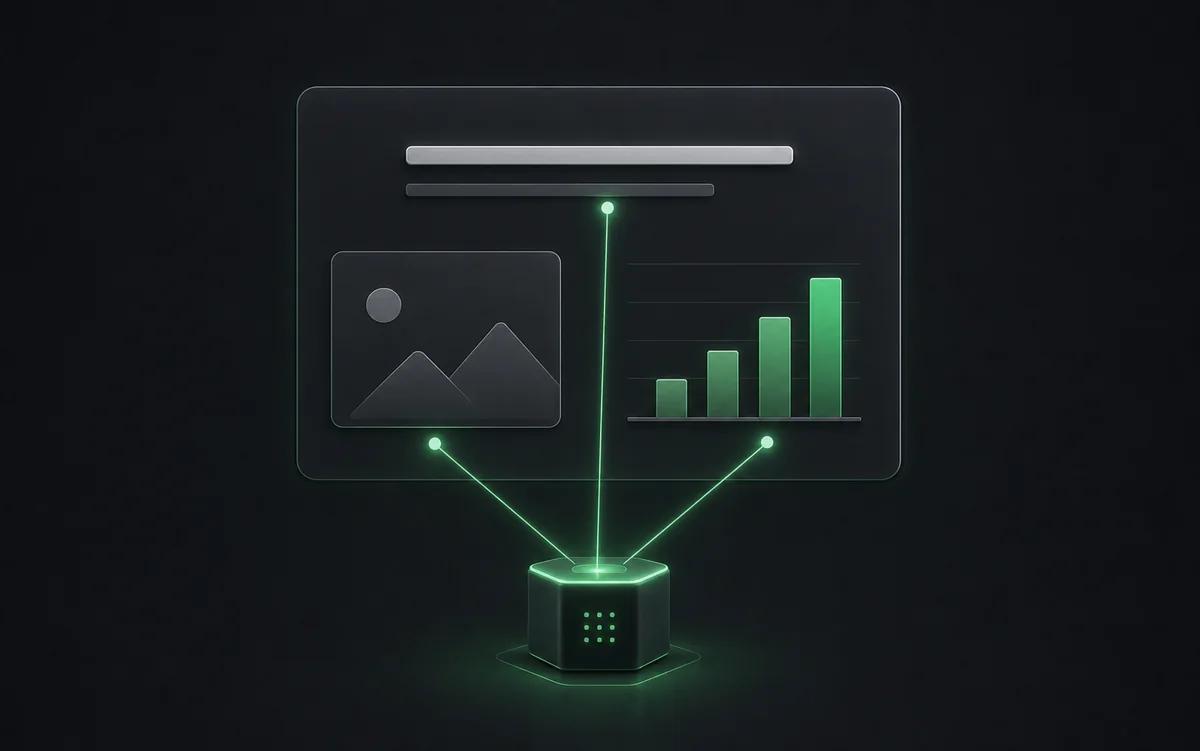
DeckEdit is a free browser-based tool that overlays OCR text on top of the original NotebookLM page image. If you only need to make text searchable or do light copy edits without changing layout, DeckEdit can be a fast option for one-off needs.
When NoteSlide fits better
If you need a true editable .pptx where shapes, text blocks, and visual hierarchy behave like a hand-built deck — for client work, translation, rebranding, or enterprise distribution — NoteSlide's AI Vision rebuild is the right tool. Enterprise teams also benefit from SSO, seat-based billing, and procurement support that PLG-only tools don't offer.
Side-by-side comparison
| Feature | Codia AI NoteSlide | DeckEdit |
|---|---|---|
| Conversion engine | Codia AI NoteSlideCloud Codia AI Vision (layout + text + shape detection) | DeckEditBrowser-side OCR + image overlay |
| Output editability | Codia AI NoteSlideNative PowerPoint text and shapes | DeckEditOCR text layered above the original image |
| Languages supported | Codia AI NoteSlide109 languages | DeckEditEnglish plus selected localized UIs |
| Pricing model | Codia AI NoteSlideFree plan + credit subscriptions + enterprise plans | DeckEditAdvertised as free |
| Privacy | Codia AI NoteSlideEncrypted upload; documents not used for training | DeckEditBrowser-local processing |
| Enterprise procurement | Codia AI NoteSlideSSO, seat-based, bank transfer, annual contracts | DeckEditNot advertised |
| University deployments | Codia AI NoteSlideUsed by teams at Cambridge, UPenn, Stanford, Waterloo, Oxford | DeckEditYC alumni-led team |
Information about DeckEdit is based on their publicly available product pages at the time of writing.
Frequently asked questions
How do I convert a NotebookLM deck to PowerPoint?+
Generate a Slide Deck in NotebookLM, download the PDF, then upload it to Codia AI NoteSlide. The AI detects text, graphics, and layout and outputs a fully editable .pptx file you can open in PowerPoint, Keynote, or Google Slides.
Which output formats are supported?+
NoteSlide exports editable PowerPoint (.pptx) files that open natively in Microsoft PowerPoint, Apple Keynote, and Google Slides without loss of structure.
Is my document private?+
All uploaded documents are processed with encryption in transit (TLS) and at rest. Files are not stored beyond the active processing window unless explicitly requested, and uploaded content is never resold, shared, or used to train models.
Which languages does NoteSlide recognize?+
NoteSlide recognizes 109 languages, including English, Chinese, Japanese, Korean, Arabic, Hindi, Portuguese, Spanish, French, German, and more, so multilingual decks are converted without switching tools.
Is there an enterprise plan?+
Yes. NoteSlide supports SSO (SAML 2.0 and OpenID Connect via Okta, Azure AD, Google Workspace), seat-based licensing, bank transfer, electronic PDF invoices, and annual contracts for enterprise and government procurement.
Ready to make your slides editable?
Upload a NotebookLM PDF or image deck. Codia AI Vision rebuilds it as a fully editable PowerPoint file in seconds.
Try NoteSlide free