
NotebookLM is now Gemini Notebook. View the Gemini Notebook version →
NoteSlide vs NotebookLM Native PPTX:
Truly Editable Decks
In February 2026 NotebookLM added native PPTX export. That's a great convenience for quick drafts — but the output is regenerated, not preserved. NoteSlide rebuilds the exact deck you saw on screen as a real editable PowerPoint.
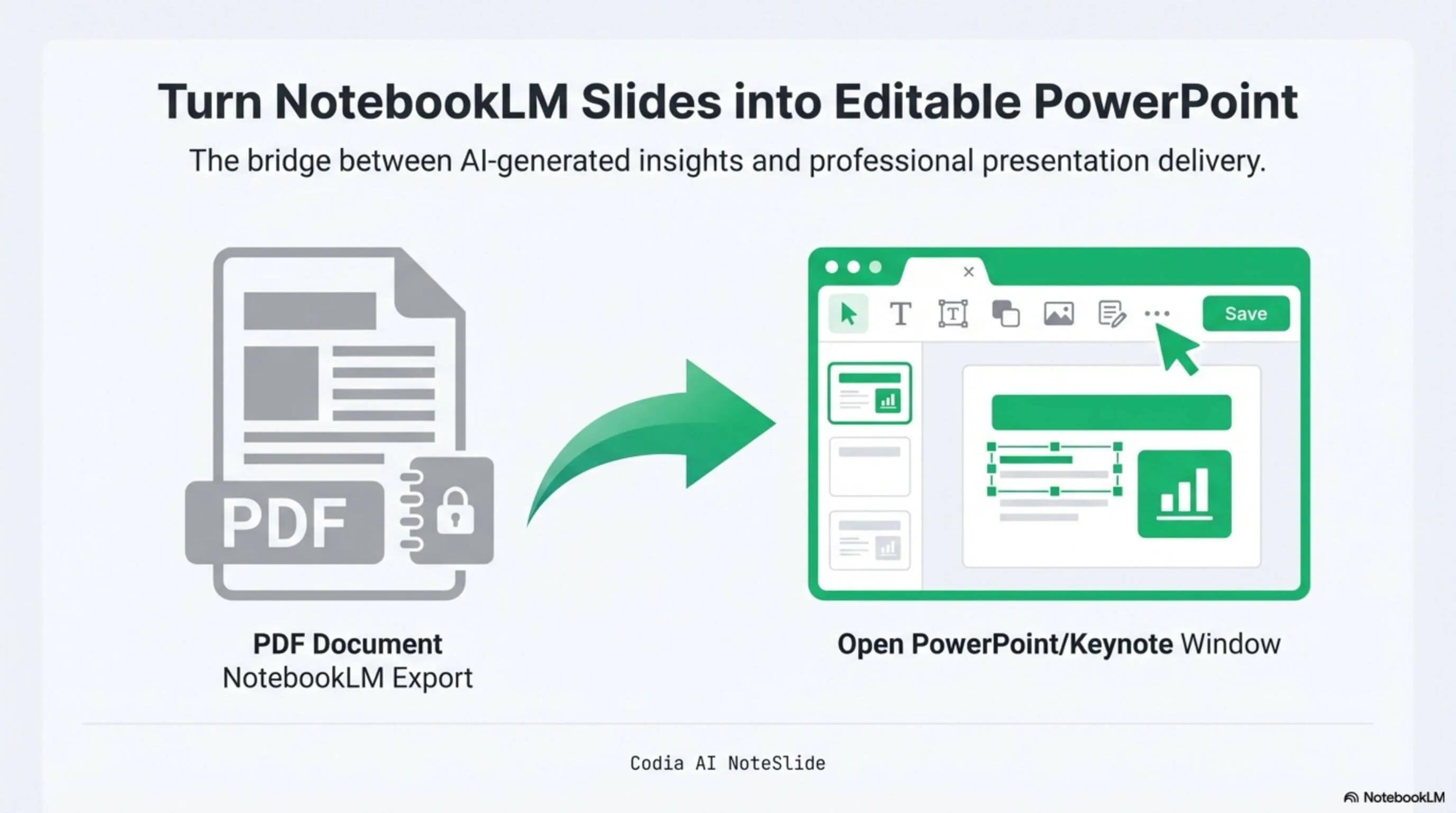
NotebookLM Editability Showcase
A NotebookLM-generated deck converted to fully editable PowerPoint with Codia AI Vision.

Business Strategy Slide Deck
Editable business strategy presentation rebuilt from a NotebookLM PDF export.
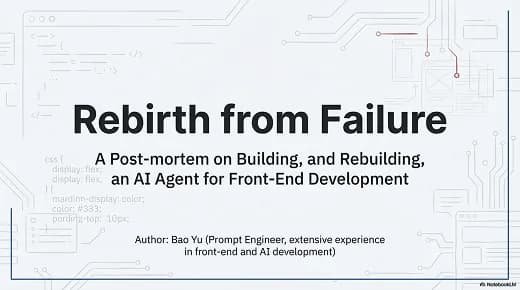
Research Briefing Deck
Academic research briefing converted into a fully editable PPTX deck.
Layout fidelity
Preserve the exact slides you generated — typography, spacing, and visual hierarchy intact.
Truly editable elements
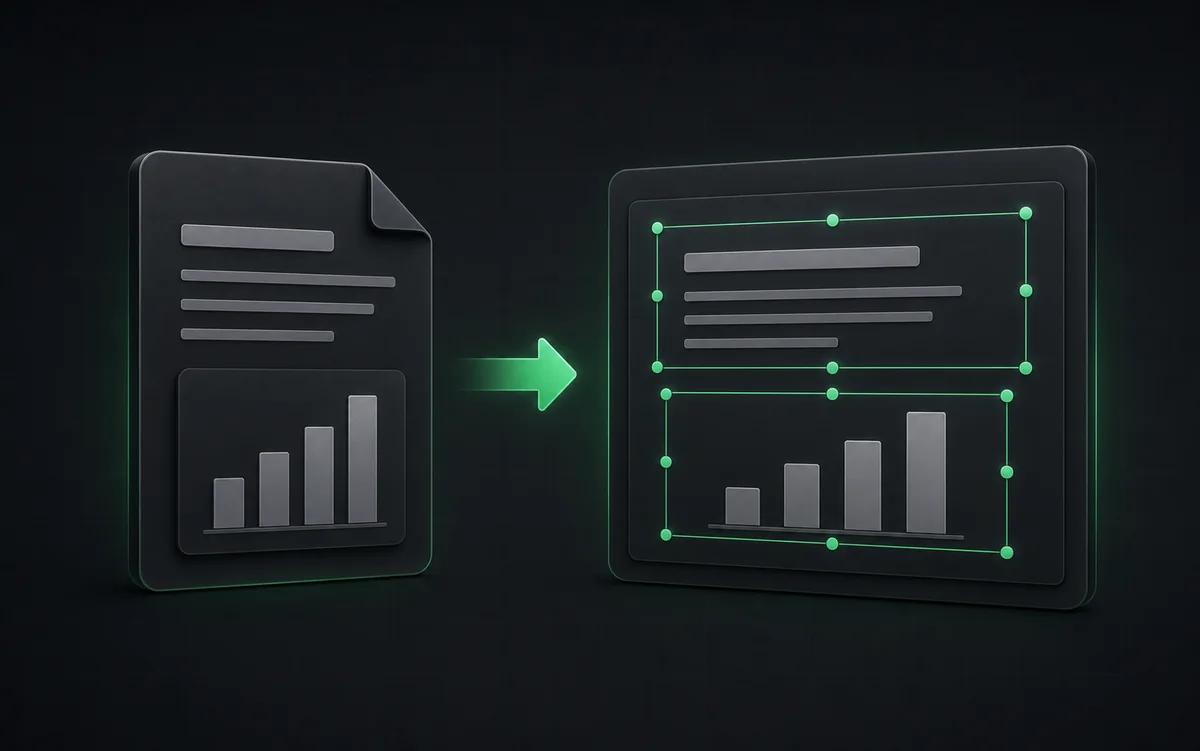
Every text block and shape is a native PowerPoint object, not an embedded image.
Beyond 20 slides
Stitch multiple NotebookLM decks together and convert as one editable file.
Built for real presentation editing
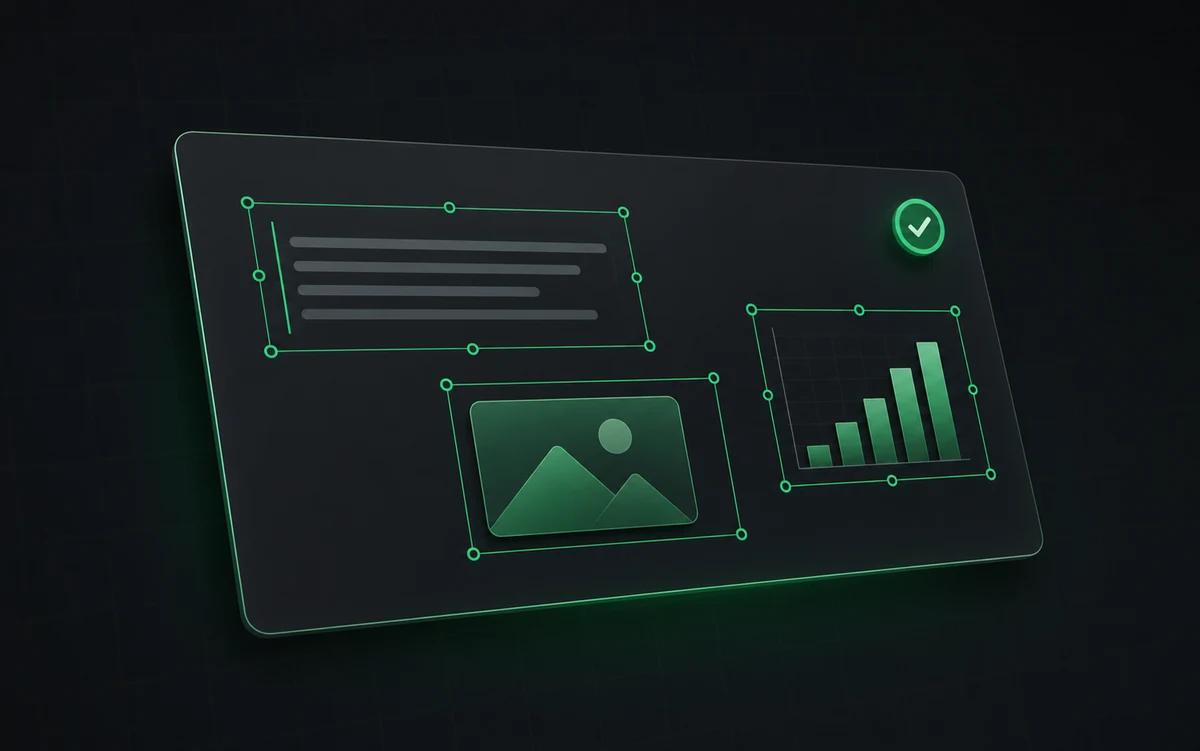
The result is not a screenshot stack. NoteSlide reconstructs the deck as native presentation objects so downstream edits are predictable.
Preserve the preview
Convert the deck you actually reviewed rather than accepting a regenerated approximation.
Edit every element
Change copy, positioning, typography, shapes, and visual hierarchy after export.
Professional handoff
Prepare AI-generated material for client, classroom, or enterprise delivery.
When NotebookLM native export is enough
For rough internal drafts where you want something to circulate fast, the native export is convenient. You don't leave the NotebookLM environment, and the file opens directly in PowerPoint.
When NoteSlide is the right call
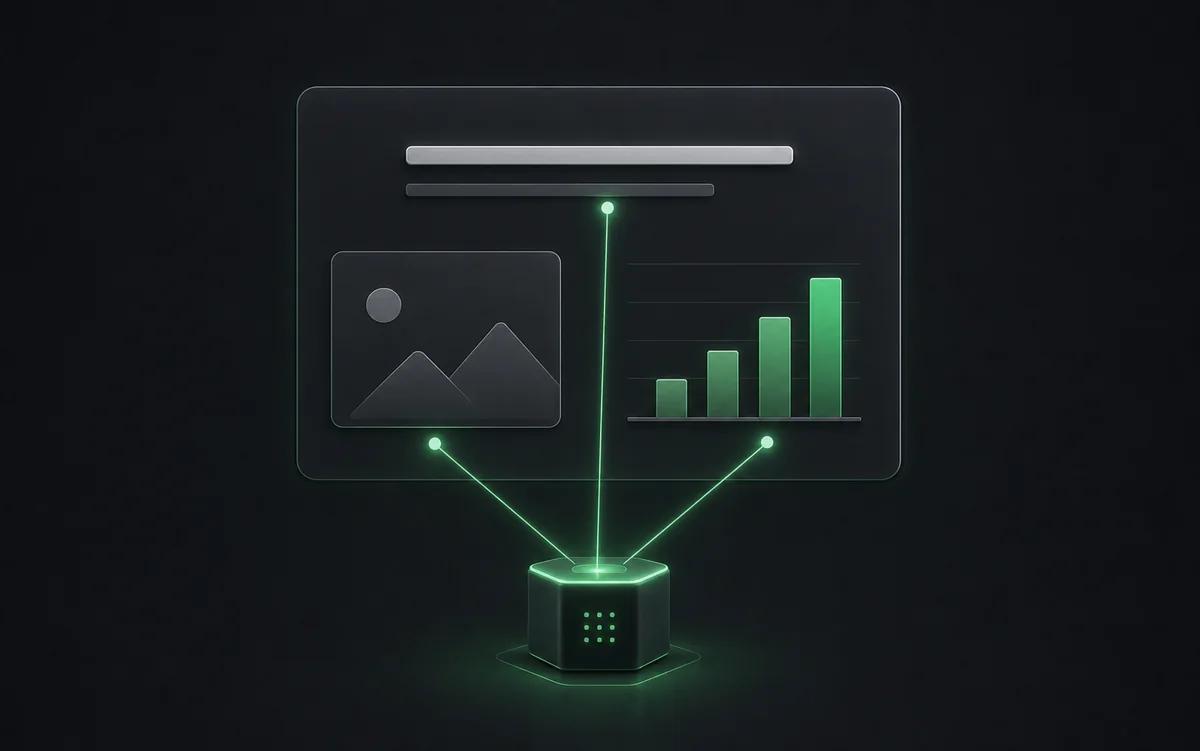
The moment you need to send a deck to a client, customize it for a presentation, translate it, or apply your brand template, you want real editability — every text block selectable, every shape resizable, every layout matching the preview. That's where AI Vision reconstruction matters. NoteSlide rebuilds the deck you actually approved on screen, not a regenerated approximation.
Side-by-side comparison
| Feature | Codia AI NoteSlide | NotebookLM Native PPTX Export |
|---|---|---|
| Layout | Codia AI NoteSlideFaithful to the deck NotebookLM showed you | NotebookLM Native PPTX ExportAI regenerated layout, can differ from the preview |
| Editability | Codia AI NoteSlideAll text and shapes are native PowerPoint elements | NotebookLM Native PPTX ExportSome elements remain as embedded images per public reports |
| Slide limit | Codia AI NoteSlideConvert long stitched decks beyond the 20-slide cap | NotebookLM Native PPTX ExportCapped at 20 slides per deck |
| Plan requirement | Codia AI NoteSlideFree plan + credit subscriptions | NotebookLM Native PPTX ExportTied to NotebookLM Plus / Ultra availability |
| Language support | Codia AI NoteSlide109 languages | NotebookLM Native PPTX ExportFollowing NotebookLM platform coverage |
| Enterprise procurement | Codia AI NoteSlideSSO, seat-based, bank transfer, annual contracts | NotebookLM Native PPTX ExportThrough Google Workspace |
Information about NotebookLM native PPTX export is based on Google's publicly announced features at the time of writing.
Frequently asked questions
How is NoteSlide different from NotebookLM's native PPTX export?+
NotebookLM's native PPTX export regenerates a new AI-styled layout and many elements remain as embedded images. NoteSlide preserves the original layout and rebuilds every text block and shape as fully editable PowerPoint elements.
How do I convert a NotebookLM deck to PowerPoint?+
Generate a Slide Deck in NotebookLM, download the PDF, then upload it to Codia AI NoteSlide. The AI detects text, graphics, and layout and outputs a fully editable .pptx file you can open in PowerPoint, Keynote, or Google Slides.
Which output formats are supported?+
NoteSlide exports editable PowerPoint (.pptx) files that open natively in Microsoft PowerPoint, Apple Keynote, and Google Slides without loss of structure.
Does NoteSlide work around the NotebookLM 20-slide limit?+
Yes. Because NoteSlide operates on the exported PDF, you can stitch multiple NotebookLM decks together and convert them as a single editable PowerPoint file beyond the 20-slide per-deck cap.
Which languages does NoteSlide recognize?+
NoteSlide recognizes 109 languages, including English, Chinese, Japanese, Korean, Arabic, Hindi, Portuguese, Spanish, French, German, and more, so multilingual decks are converted without switching tools.
Ready to make your slides editable?
Upload a NotebookLM PDF or image deck. Codia AI Vision rebuilds it as a fully editable PowerPoint file in seconds.
Try NoteSlide free