
NoteSlide vs Gemini Notebook Native PPTX:
Truly Editable Decks
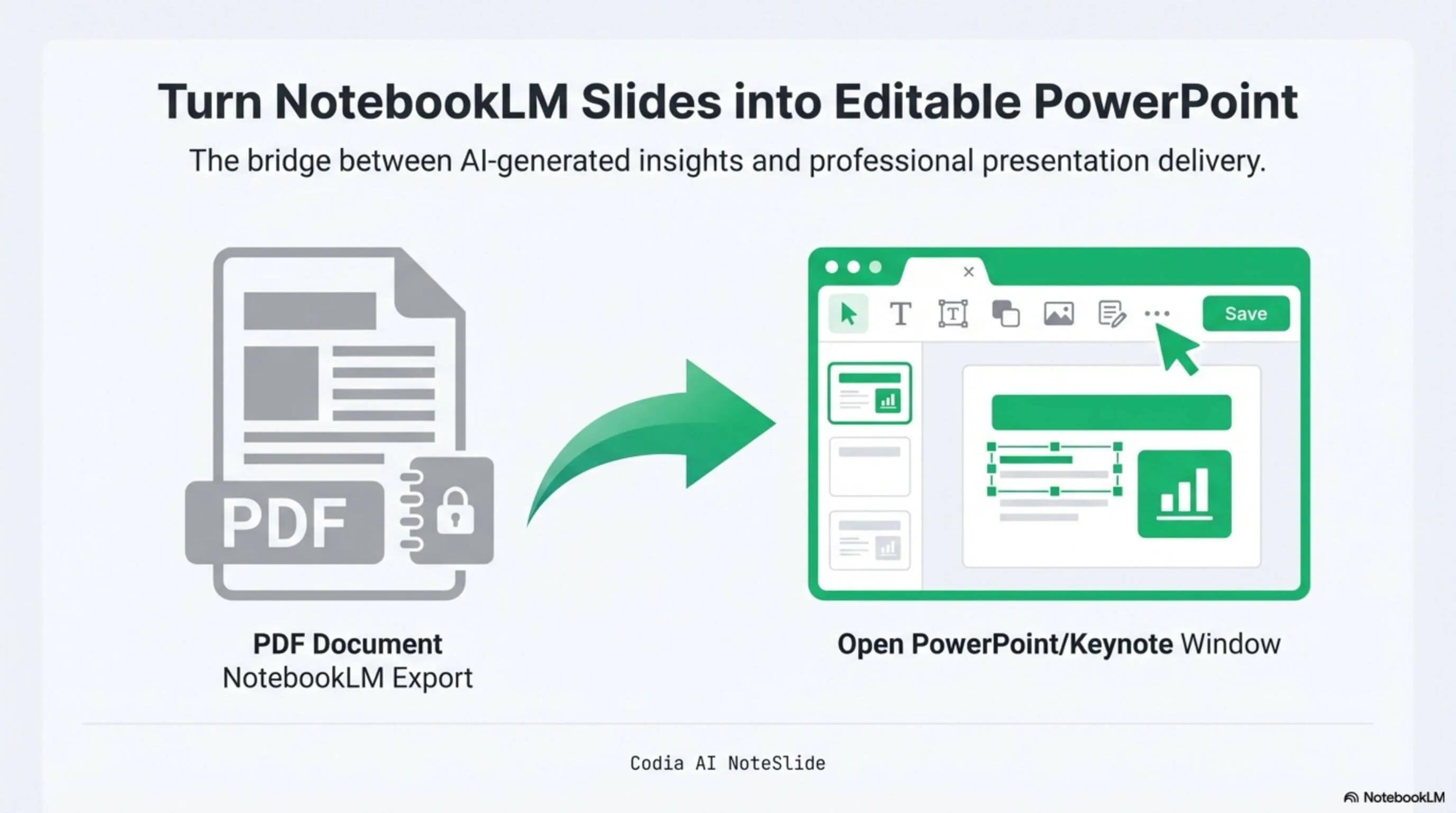
NotebookLM was renamed Gemini Notebook in July 2026. Gemini Notebook now offers direct PDF and PPTX downloads. Native export is the fastest route when its file already fits your needs; NoteSlide complements it with a PDF-first workflow that reconstructs text, shapes, and layout as editable presentation objects.
Layout fidelity
Preserve the exact slides you generated — typography, spacing, and visual hierarchy intact.

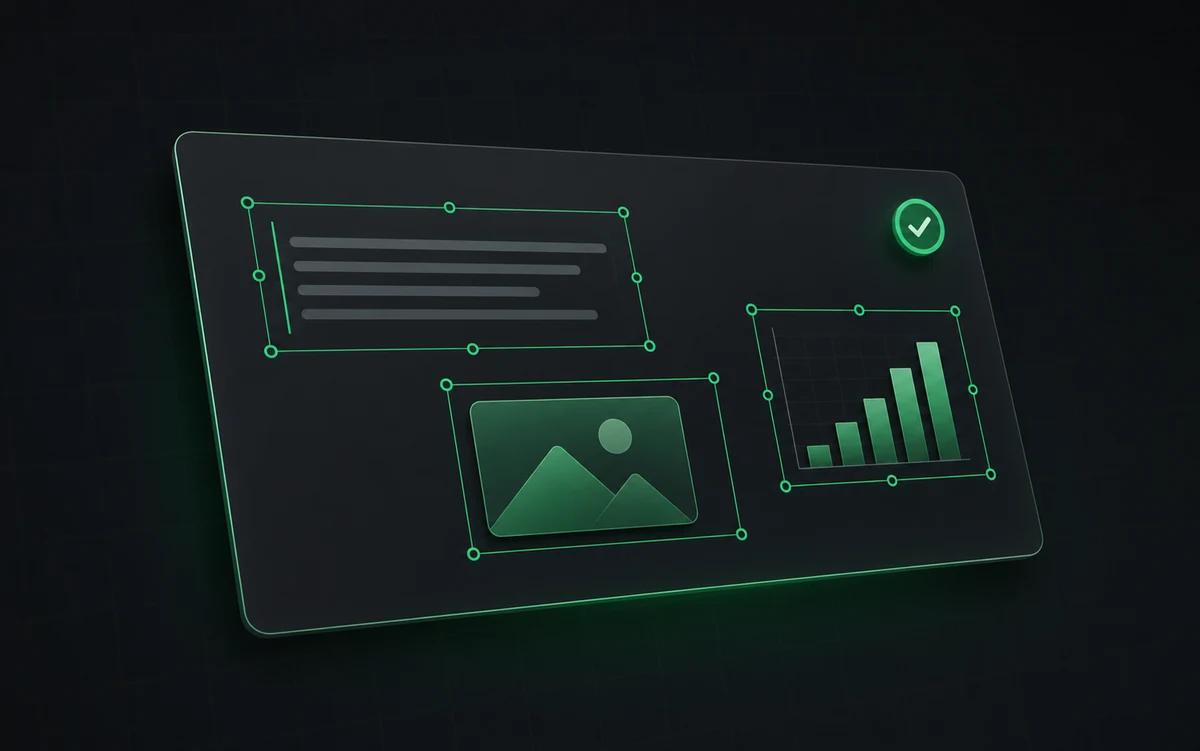
Truly editable elements
Every text block and shape is a native PowerPoint object, not an embedded image.
Clear plan comparison
Use NoteSlide's Free plan or a credit subscription; Gemini Notebook limits vary by Google plan.
Layout fidelity
Preserve the exact slides you generated — typography, spacing, and visual hierarchy intact.
Truly editable elements
Every text block and shape is a native PowerPoint object, not an embedded image.
Clear plan comparison
Use NoteSlide's Free plan or a credit subscription; Gemini Notebook limits vary by Google plan.
Built for real presentation editing
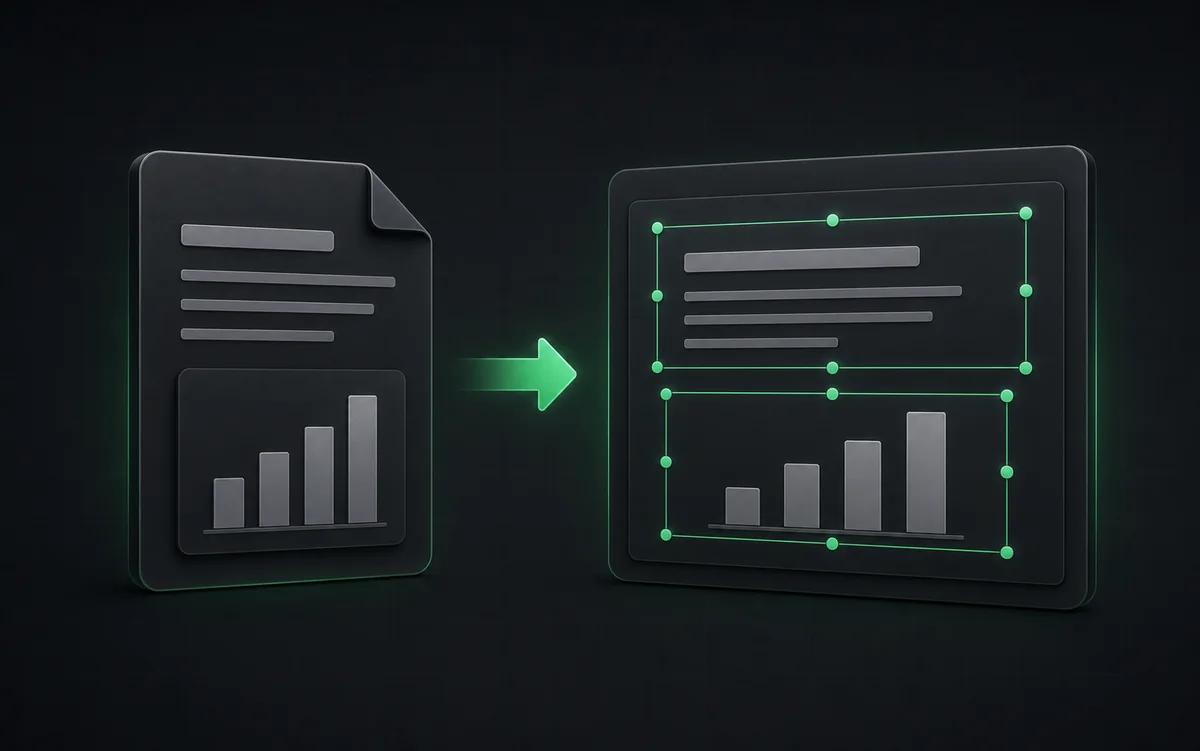
The result is not a screenshot stack. NoteSlide reconstructs the deck as native presentation objects so downstream edits are predictable.
Preserve the preview
Start from the PDF you reviewed and rebuild it for continued presentation editing.
Edit every element
Change copy, positioning, typography, shapes, and visual hierarchy after export.
Professional handoff
Prepare AI-generated material for client, classroom, or enterprise delivery.
When Gemini Notebook native export is enough
Choose the native export when speed matters most and the generated layout is suitable as-is. It keeps the workflow inside Gemini Notebook and produces a PowerPoint file without an additional conversion step.
When NoteSlide is the right call
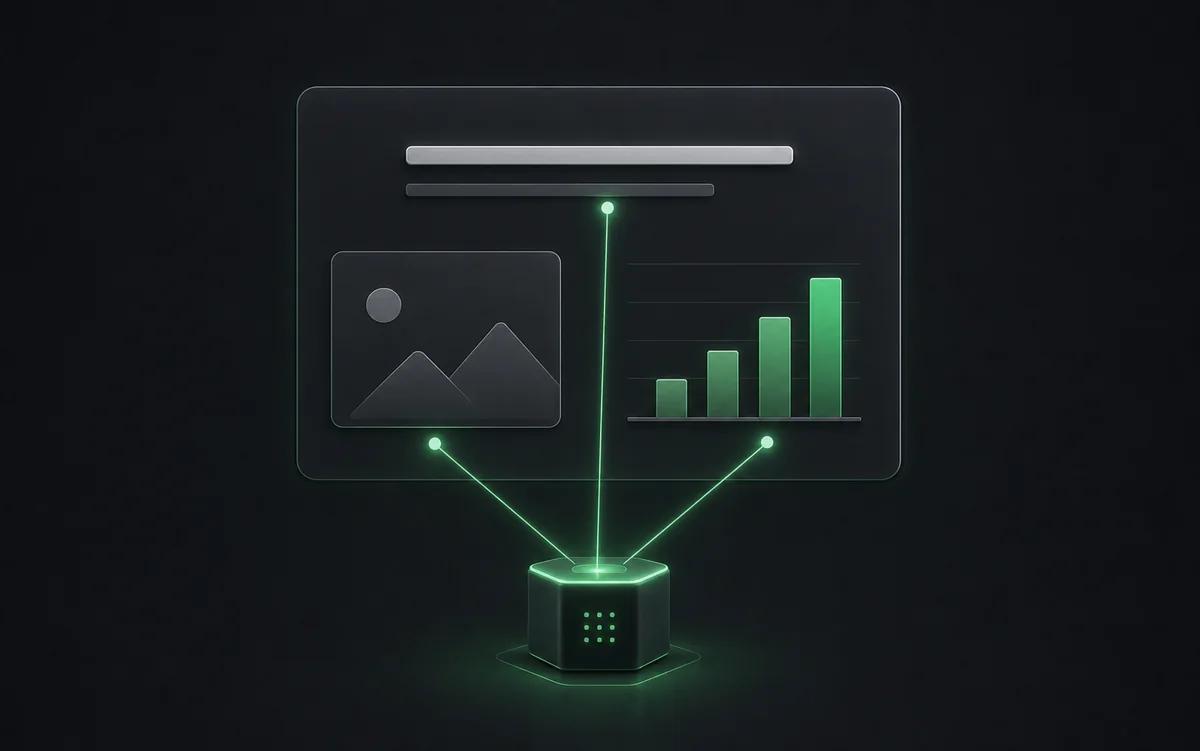
When the PDF is your approved source, or when you need to consolidate exports before further editing, NoteSlide provides a PDF-first route. AI Vision reconstructs text, shapes, and layout as editable presentation objects so you can continue working in PowerPoint, Keynote, or Google Slides.
Side-by-side comparison
| Feature | Codia AI NoteSlide | Gemini Notebook Native PPTX Export |
|---|---|---|
| Workflow | Codia AI NoteSlideUpload an approved PDF and rebuild it with AI Vision | Gemini Notebook Native PPTX ExportDownload PDF or PPTX directly inside Gemini Notebook |
| Editing approach | Codia AI NoteSlideReconstructs text, shapes, and layout as editable objects | Gemini Notebook Native PPTX ExportProvides the PowerPoint file generated by Gemini Notebook |
| Usage limits | Codia AI NoteSlideFree plan, then credit subscriptions | Gemini Notebook Native PPTX ExportLimits vary across Standard, Plus, Pro, Ultra, and Workspace plans |
| Best fit | Codia AI NoteSlidePDF-first reconstruction for downstream presentation editing | Gemini Notebook Native PPTX ExportFast export without an additional conversion step |
| Language support | Codia AI NoteSlide109 languages | Gemini Notebook Native PPTX ExportFollowing Gemini Notebook platform coverage |
| Enterprise procurement | Codia AI NoteSlideSSO, seat-based, bank transfer, annual contracts | Gemini Notebook Native PPTX ExportThrough Google Workspace |
Information about Gemini Notebook native PPTX export is based on Google's publicly announced features at the time of writing.
Frequently asked questions
How is NoteSlide different from Gemini Notebook's native PPTX export?+
Gemini Notebook offers direct PDF and PPTX downloads. NoteSlide adds a PDF-first workflow for cases where you want AI Vision to reconstruct text, shapes, and layout as editable presentation objects.
How do I convert a Gemini Notebook deck to PowerPoint?+
Generate a Slide Deck in Gemini Notebook, download the PDF, then upload it to Codia AI NoteSlide. The AI detects text, graphics, and layout and outputs a fully editable .pptx file you can open in PowerPoint, Keynote, or Google Slides.
Which output formats are supported?+
NoteSlide exports editable PowerPoint (.pptx) files that open natively in Microsoft PowerPoint, Apple Keynote, and Google Slides without loss of structure.
Is my document private?+
All uploaded documents are processed with encryption in transit (TLS) and at rest. Files are not stored beyond the active processing window unless explicitly requested, and uploaded content is never resold, shared, or used to train models.
Which languages does NoteSlide recognize?+
NoteSlide recognizes 109 languages, including English, Chinese, Japanese, Korean, Arabic, Hindi, Portuguese, Spanish, French, German, and more, so multilingual decks are converted without switching tools.
Ready to make your slides editable?
Upload a NotebookLM PDF or image deck. Codia AI Vision rebuilds it as a fully editable PowerPoint file in seconds.
Try NoteSlide free