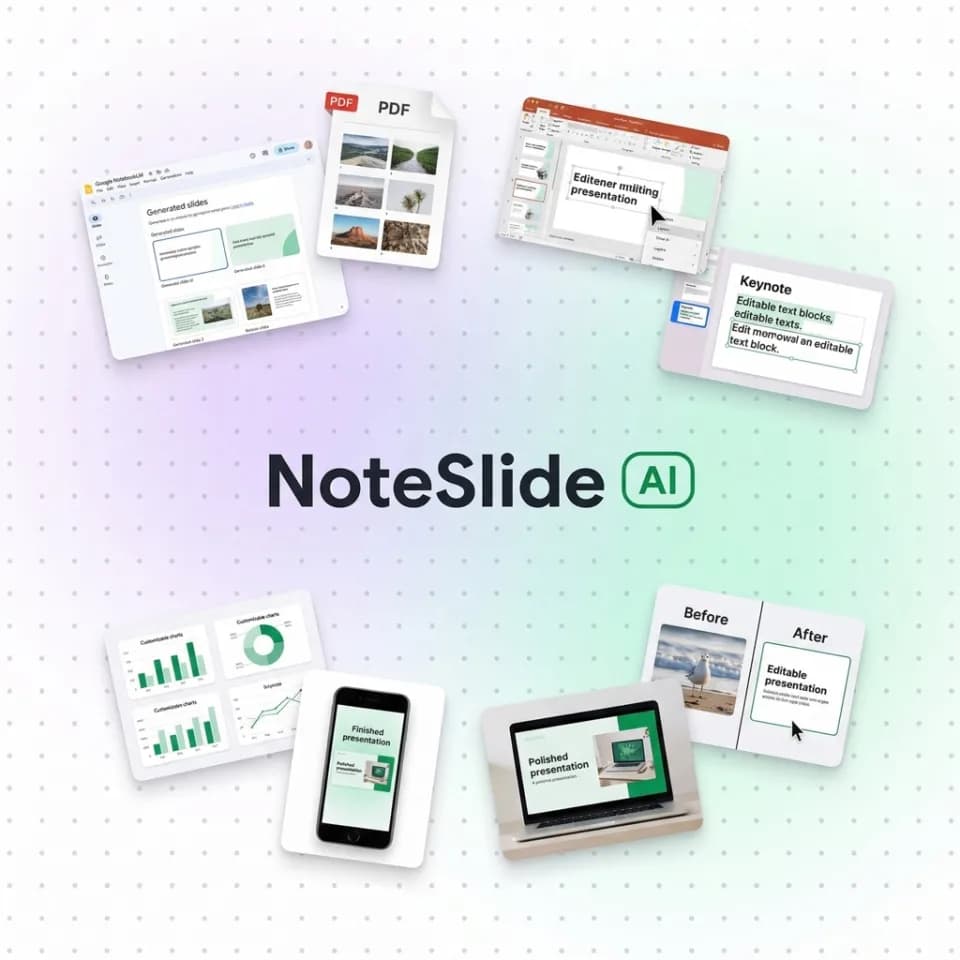
The Challenge
Documents Are Created Faster Than Ever.
Editing Them Hasn't Kept Up.
Enterprise
- AI-generated PDF reports cannot be edited or reformatted
- Hours wasted manually rebuilding slides from scratch
- Inconsistent formatting across departments and teams
Government & Public Sector
- Policy and regulatory PDFs cannot be reused or adapted
- Procurement workflows require editable document formats
- Limited internal design resources for document reformatting
NoteSlide eliminates rework and restores document control.
How It Works
From PDF to Editable Slides in Four Steps
Upload Document
Upload any PDF or AI-generated slide file to the NoteSlide platform.
AI Vision Analysis
Our AI detects layout structures, text elements, images, and formatting.
Generate Editable PPT
A fully editable PowerPoint file is generated with preserved formatting.
Download & Collaborate
Download, edit, and share across your team with full control.
Demo Cases
See real PDF-to-PowerPoint conversions
Open a sample deck to inspect editable slide output across research, business, and education use cases.
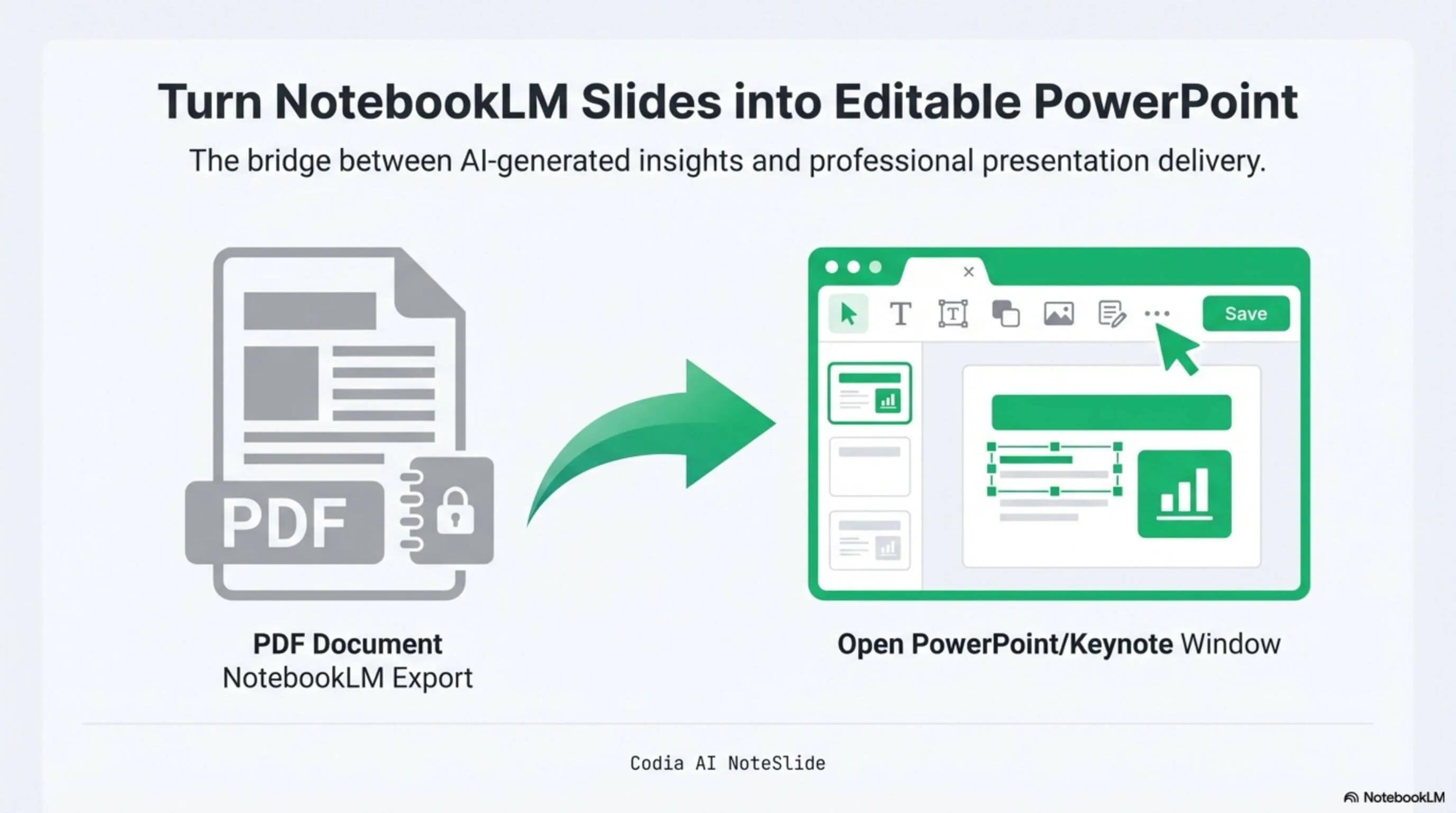
NotebookLM Editability Showcase
A NotebookLM-generated deck converted to fully editable PowerPoint with Codia AI Vision.

Economics Topic Deck
Economics topic deck converted with chart and table fidelity preserved.
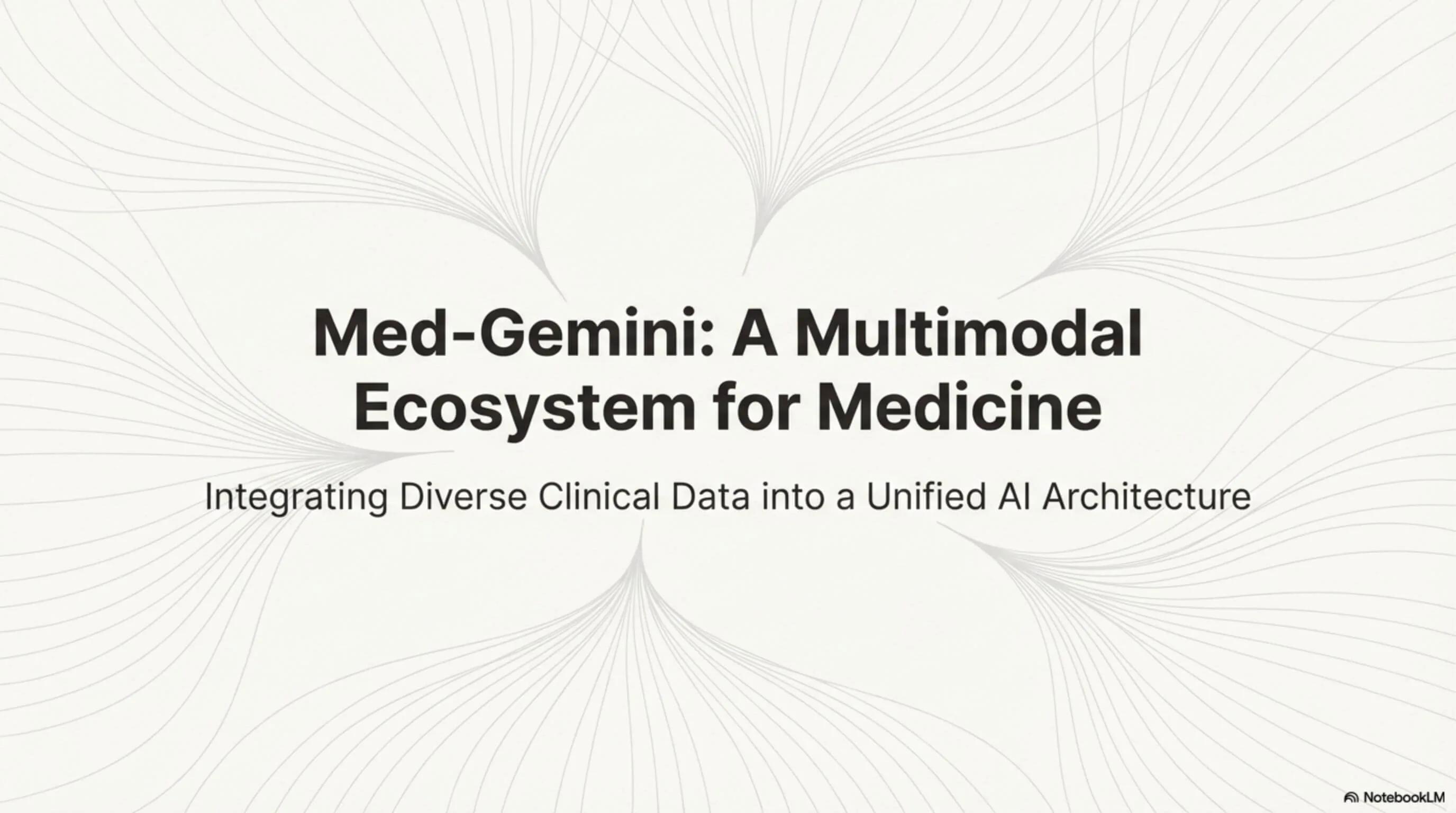
Medical Topic Deck
Medical topic explainer converted from NotebookLM to editable PowerPoint.
Platform Capabilities
Features That Meet Enterprise Standards
Core Capabilities
Pixel-Perfect Conversion
Preserves original document layout, typography, and visual hierarchy with high fidelity.
AI Layout Recognition
Advanced computer vision identifies text blocks, images, charts, and structural elements automatically.
109 Languages Recognition
Supports recognition of 109 major world scripts and languages, including English, Chinese, Japanese, Korean, Arabic, Hindi, and more.
Batch Processing
Process multiple documents simultaneously, suitable for department-wide deployments.
Secure Cloud Infrastructure
Enterprise-grade cloud processing with data encryption at rest and in transit.
SSO Single Sign-On
Support SAML 2.0 and OpenID Connect SSO integration. Seamlessly connect with Okta, Azure AD, or Google Workspace.
Operational Outcomes
Reduce Rework by Up to 80%
Eliminate manual slide recreation. Reclaim productive hours for high-value activities.
Faster Documentation Cycles
Accelerate policy document preparation, internal reporting, and presentation delivery timelines.
Lower External Design Cost
Reduce dependency on external vendors for document formatting and slide design services.
Standardized Formatting
Maintain consistent visual standards across departments, teams, and document types.
Serve Global Teams Seamlessly
With 109 languages supported, multinational teams can convert documents in any language without switching tools.
Simplified IT Administration
SSO integration eliminates password management overhead and ensures centralized access control across your organization.
Deployment Readiness
Built for Enterprise & Government Procurement
NoteSlide is designed to integrate with institutional procurement processes from day one.
Licensing & Billing
- Seat-based licensing — Scale precisely to your team size
- Annual contract support — Aligns with fiscal year budgeting
- Bank transfer invoicing — No credit card required
- Electronic PDF invoice — Issued upon payment confirmation
- No setup fees — Zero onboarding cost
- Cancel anytime — Within the current billing period
Security & Compliance
- Data processed securely — Encryption in transit and at rest
- No data resale — Your documents are never shared or used for training
- Enterprise-scale deployment — Infrastructure designed for organizational volume
- Custom onboarding support — Dedicated assistance for institutional deployment
- SSO login supported — SAML 2.0 & OpenID Connect integration with Okta, Azure AD, Google Workspace, and more
Review Pack
Materials for security, IT, and procurement review
Security overview
Encryption, retention, processing, and model-training policy summary for review.
SSO implementation notes
SAML 2.0 and OpenID Connect setup scope for IT administrators.
Procurement packet
Quotation, invoice, contract-name, and bank-transfer workflow details.
Institutional Process
Procurement & Service Activation Process
A structured onboarding workflow designed for institutional procurement requirements.
- 1
Order Submission
Submit order details via email, including selected plan, number of seats, and contract term.
- 2
Amount Confirmation & Quotation
Our team confirms the order amount and issues a formal quotation document, if required.
- 3
Bank Transfer Payment
Payment is processed via bank transfer to the designated account.
- 4
Invoice Issuance
An electronic invoice (PDF format) is issued and delivered via designated online storage or email.
- 5
Account Email Submission
Provide the list of user account email addresses for service provisioning.
- 6
Account Activation
All designated user accounts are activated and access is provisioned on the platform.
- 7
Service Confirmation
Final confirmation of service activation is communicated to the contracting party.
Additional Notes
- •Procurement workflow is flexible to align with your organization's internal accounting regulations.
- •Supports contracts under government entity names and institutional organizations.
- •Annual billing is suitable for fiscal year budgeting cycles.
- •Required documentation formats and delivery methods can be adapted upon request.
Pricing
Transparent, Seat-Based Licensing
Select the plan that matches your organizational requirements. Annual contracts include a 40% discount.
For large-scale deployments exceeding 50 seats, contact our enterprise sales team for custom pricing and SLA terms.
Use Cases
Deployed Across Industries
Enterprise
Convert AI-generated internal reports and quarterly presentations into editable slide decks for executive review and cross-departmental collaboration.
Government
Transform policy documents and regulatory PDFs into editable presentations for internal review, inter-agency coordination, and public communication.
Education & Research
Convert AI-exported research summaries and academic presentations into editable formats for faculty review, conference preparation, and curriculum development.
FAQ
Frequently Asked Questions
Can we execute a contract under a government or institutional entity name?
Do you support bank transfer payments?
How are invoices delivered?
What is the minimum contract period?
Is a free trial or proof of concept (PoC) available?
How is our data handled and secured?
Enterprise-Ready AI Slide Conversion
Transform your organization's document workflow. Contact our team to schedule a demonstration or begin the procurement process.