
Convert PowerPoint to HTML,
Text Stays Real Text
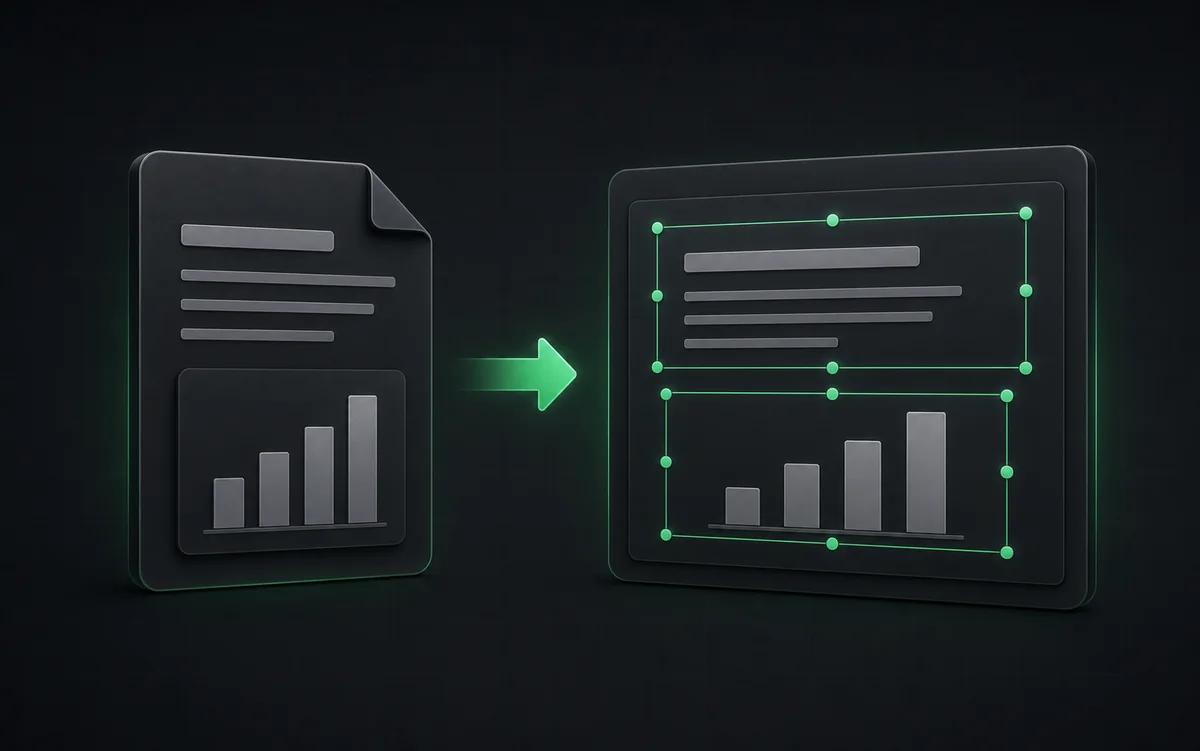
Upload a .pptx file and NoteSlide opens it in your browser with every text box, shape, table and chart still editable. Fix what you need, then export a single HTML file that anyone can open and present, no PowerPoint required.
Click to upload a PowerPoint file (.pptx)
Text, shapes, tables and charts open editable in your browser. Nothing is redrawn by AI and no credits are used.
Real text, not screenshots
Headings, bullets and tables stay text in the HTML, so they can be selected, copied, searched and read by screen readers.
Edit before you publish
Change wording, replace pictures, reorder or hide slides in the browser editor before you export.
No AI redraw, no credits
Slides are read straight from your file, so importing takes seconds and does not use NoteSlide credits.
HTML that still looks like your slides
Every slide keeps its layout, fonts, tables and charts, so the exported page reads like your deck, not a pile of screenshots.
One self-contained file
Pictures and fonts are packed into a single .html file that opens offline in any modern browser.
A presenter built in
Full-screen playback, keyboard navigation, page transitions, a highlighter and a laser pointer.
PPTX and PDF too
The same deck also exports back to an editable .pptx or a PDF whenever you need one.

Why convert PPT to HTML instead of exporting images
PowerPoint can save slides as pictures or a PDF, but a picture of text cannot be searched, translated or read aloud, and a PDF still needs a viewer. Converting to HTML keeps every heading and bullet as real text, laid out the way it was on the slide, so the deck works like a web page and still looks like your presentation.

How to convert PowerPoint to HTML
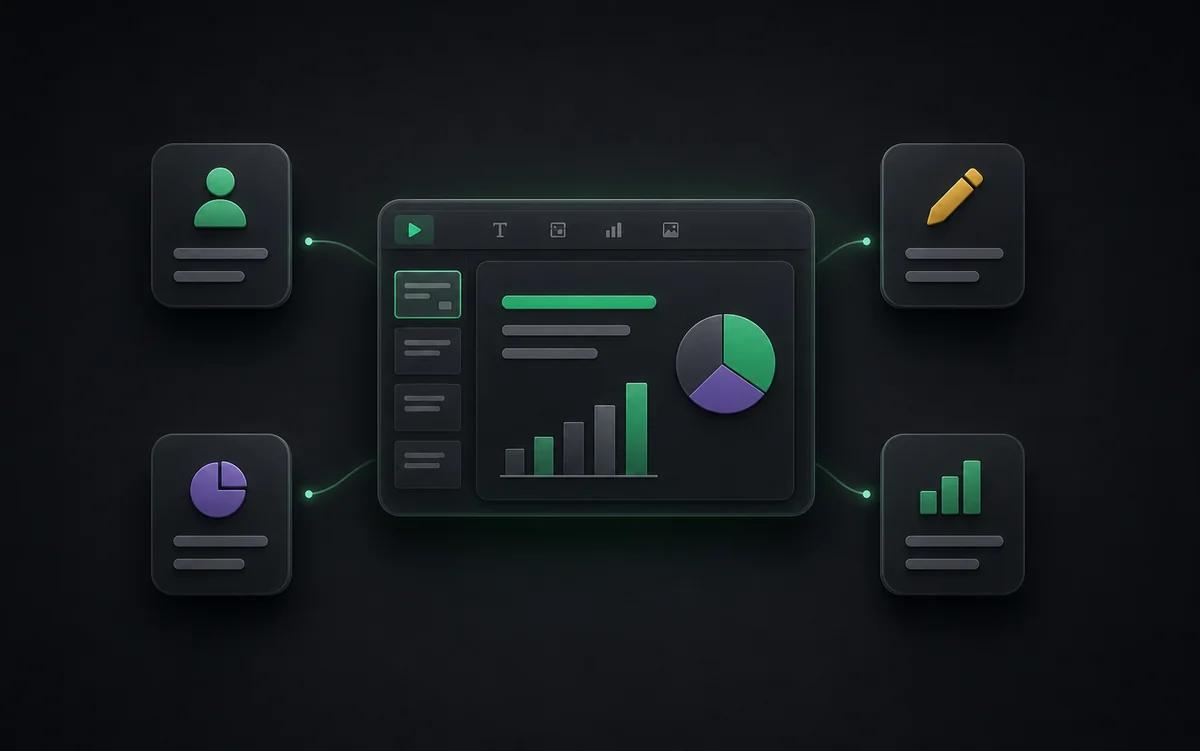
Upload your .pptx file. NoteSlide reads the slides in your browser and opens them in the editor with text, shapes, tables and charts intact. Make any changes, then choose Export → Export HTML to download one HTML file you can share, host or present.
Who this is for
Share without PowerPoint
Send one file that clients and students open in their browser on any device.
Publish on a website or LMS
Host the HTML on your site, intranet or course platform like any other page.
Keep a light archive
Store talks and lectures as small, searchable files instead of heavy slide decks.
Translate and search
Because the text stays text, browser translation, find-in-page and screen readers work on every slide.
Also known as
People search for this workflow under many names — NoteSlide covers them all:
- ppt to html
- pptx to html
- powerpoint to html
- convert ppt to html
- ppt to html converter
- powerpoint to web page
- pptx to html online
Frequently asked questions
Is the text in the HTML real text or an image?+
Real text. Every text box becomes HTML text you can select, copy and search. Pictures stay pictures, and charts are drawn as sharp vector graphics.
What does the exported HTML file contain?+
One .html file with your slides, pictures and the fonts they use, plus a small presenter for full-screen playback, keyboard navigation, transitions, a highlighter and a laser pointer. It opens offline in Chrome, Edge, Safari or Firefox.
Does importing a PowerPoint use credits?+
No. Slides are read directly from your file. Credits are only used if you choose to convert a picture-only slide into editable elements with AI.
Can I convert old .ppt files?+
Open the file in PowerPoint or Keynote and save it as .pptx first, then upload the .pptx.
Are animations and videos kept?+
PowerPoint animations, slide transitions, audio and video are not imported. The HTML presenter adds its own page transitions, and video poster frames stay as pictures.
Turn your next deck into a web page
Upload a .pptx, check it in the editor and export one HTML file. No PowerPoint, no AI redraw, no credits.
Upload a PowerPoint