
Convert PDF to PPT with
Every Element Editable
Upload any PDF, from exported slide decks and reports to scanned handouts, and get a PowerPoint file where text, shapes and layout are native objects you can edit, not pictures pasted onto slides.
Click to upload PDF, PPTX or images
Supports PDF or PPTX exported from NotebookLM / Gemini Notebook, or multiple images (JPG, PNG, WebP)
No PDF? Try one of these:
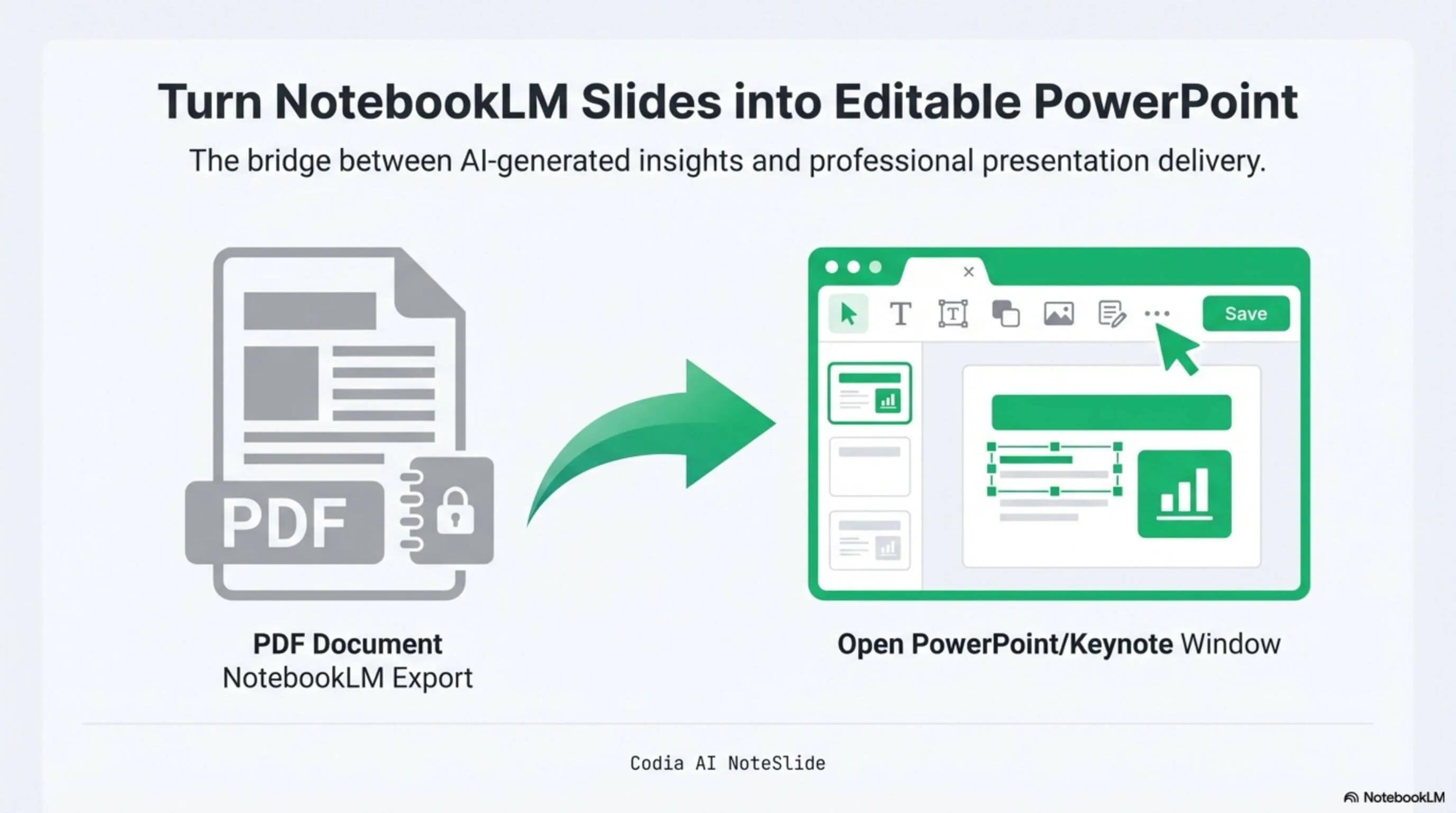
NotebookLM Editability Showcase
A NotebookLM-generated deck converted to fully editable PowerPoint with Codia AI Vision.

Business Strategy Slide Deck
Editable business strategy presentation rebuilt from a NotebookLM PDF export.
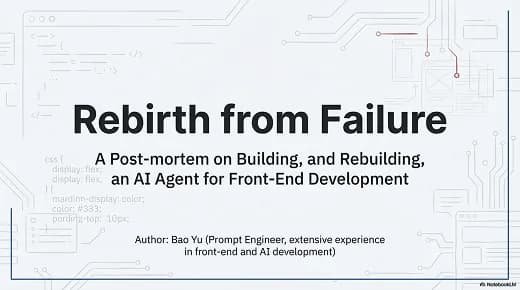
Research Briefing Deck
Academic research briefing converted into a fully editable PPTX deck.
Real text boxes
Headings, bullets and tables come back as PowerPoint text you can retype, restyle and translate.
Layout preserved
Positions, colors and shapes follow the original page instead of collapsing into one text block.
Scanned PDFs too
AI Vision reads pages that have no embedded text, such as scans and image-only exports.
Built for real presentation editing
The result is not a screenshot stack. NoteSlide reconstructs the deck as native presentation objects so downstream edits are predictable.
Native .pptx
Opens in PowerPoint, Keynote and Google Slides with no plugin.
One slide per page
Each PDF page becomes its own slide, in the original order.
109 languages
Recognizes Chinese, Japanese, Korean, Thai, Arabic and other scripts, including right-to-left text.
Why most PDF to PPT converters give you pictures
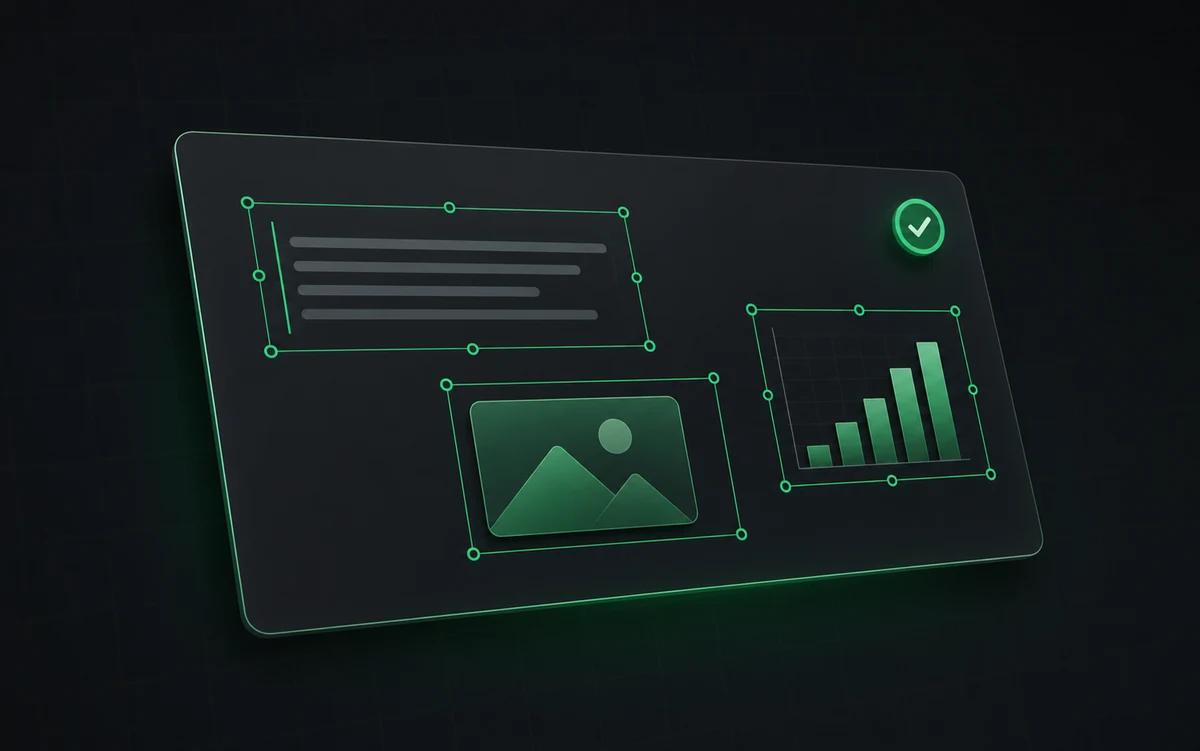
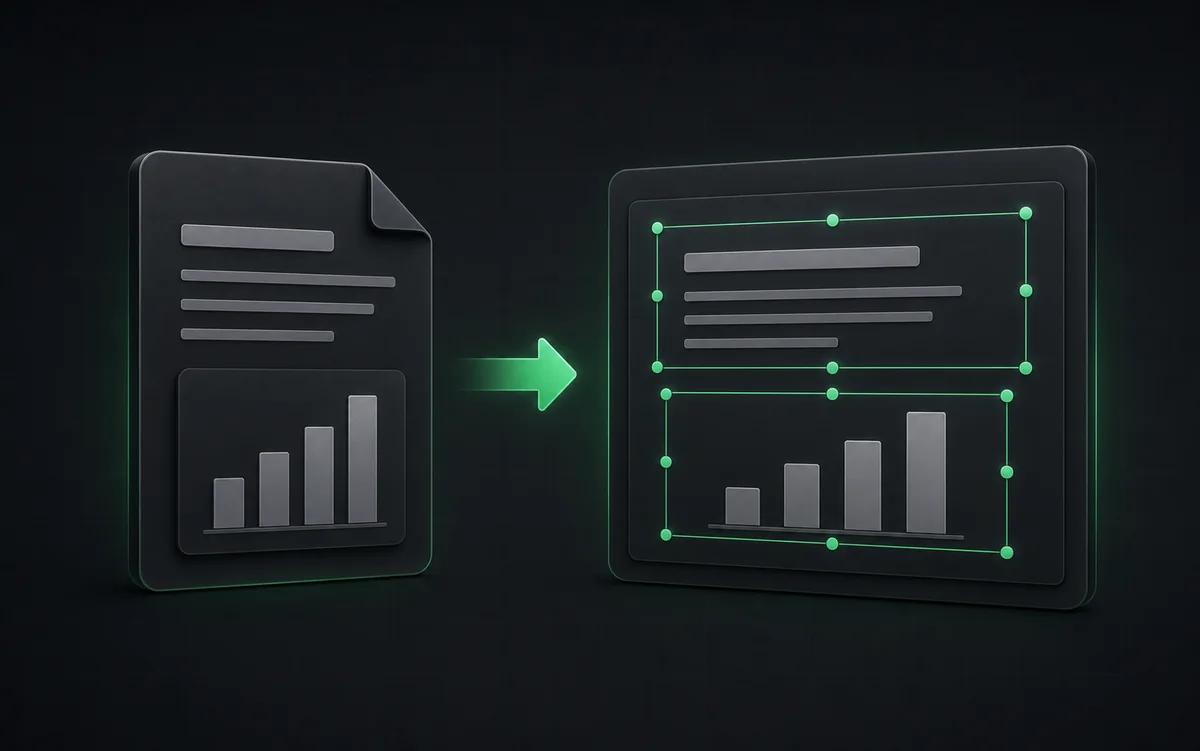
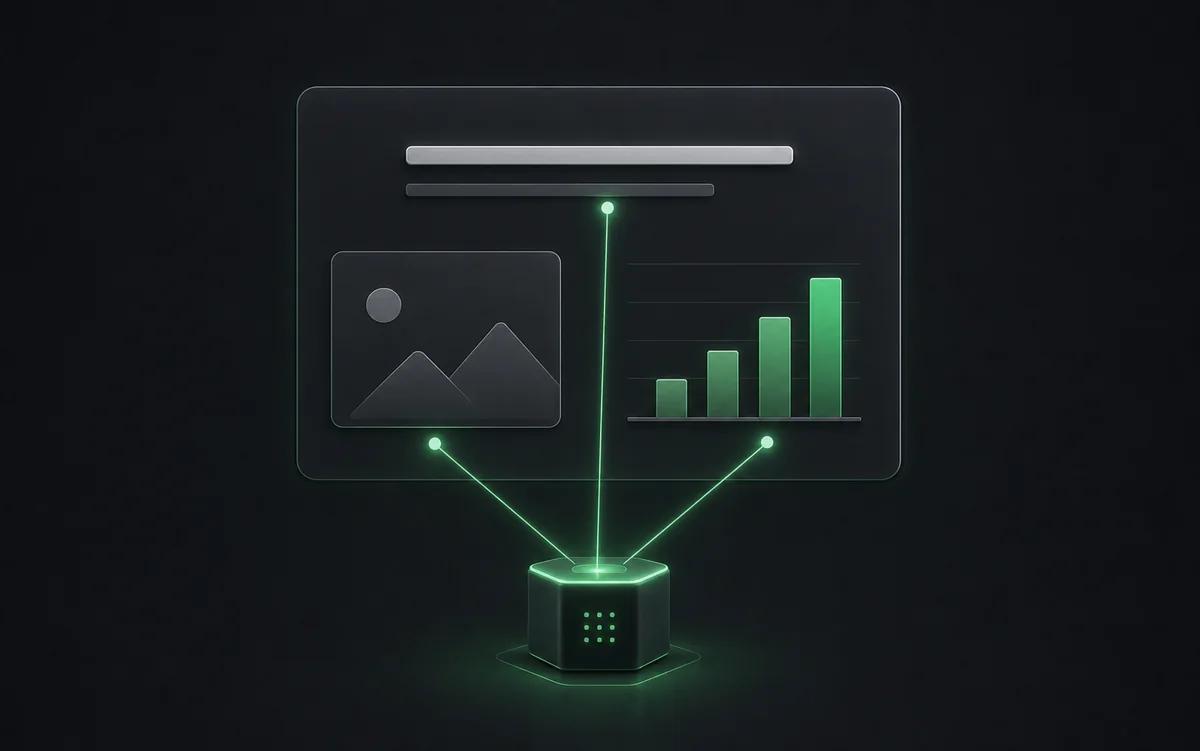
Many converters place each PDF page on a slide as a single image, or pour all the text into one box. The file opens in PowerPoint, but you cannot change a word without rebuilding the slide. NoteSlide detects text, shapes and their positions on every page and recreates them as separate PowerPoint objects.
How to convert a PDF to PPT
Upload your PDF, let NoteSlide analyze each page, review the slides in the browser editor, then download a .pptx file. Text-based PDFs, scanned documents and image-only slide exports all work as input.
Who this is for
Reports into decks
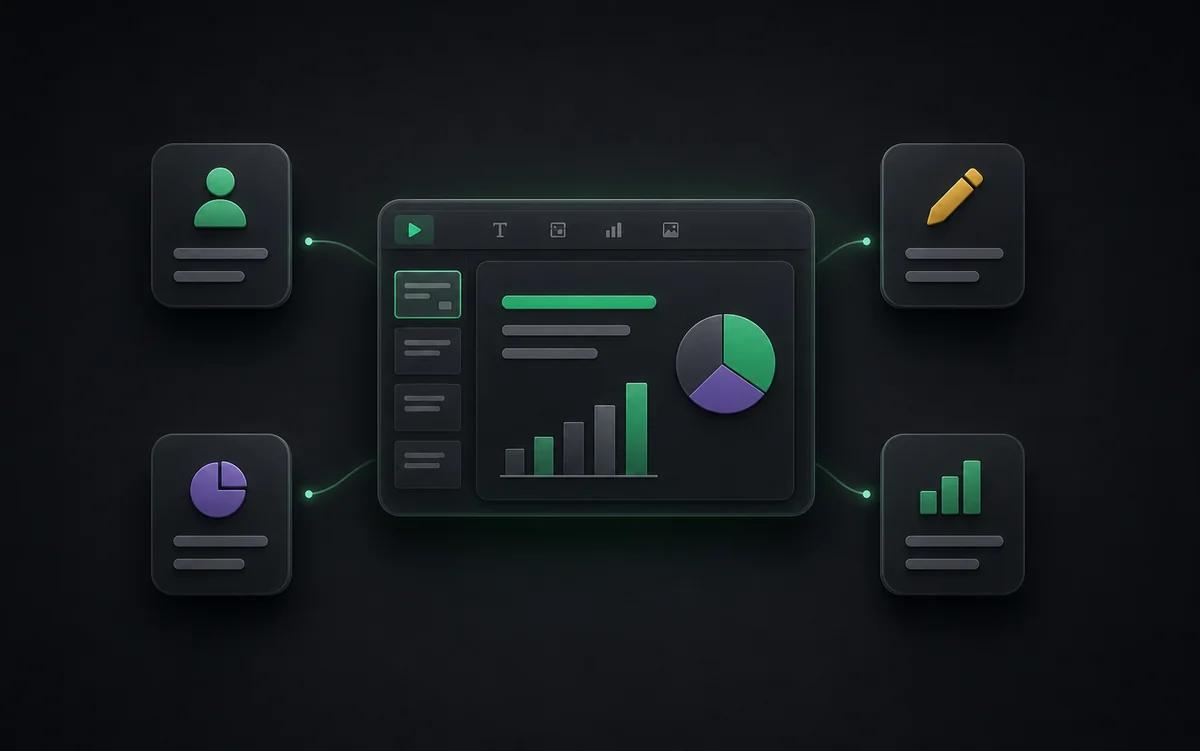
Reuse charts and findings from PDF reports in your next presentation.
Lost source files
Recover an editable deck when only the exported PDF is left.
AI slide exports
Edit decks from NotebookLM, Gamma or Canva that were downloaded as PDF.
Content teams
Turn AI-generated briefs into editable slide drafts for marketing, sales, or customer education.
Also known as
People search for this workflow under many names — NoteSlide covers them all:
- pdf to ppt
- pdf to powerpoint
- convert pdf to ppt
- pdf to pptx
- pdf to editable ppt
- pdf to ppt converter free
- scanned pdf to powerpoint
Frequently asked questions
Can I convert image-based PDFs or photos of slides?+
Yes. NoteSlide accepts scanned PDFs, image-only PDFs, and JPG/PNG screenshots of slides. AI Vision rebuilds text and shapes from the image content into editable PowerPoint slides.
Which output formats are supported?+
NoteSlide exports editable PowerPoint (.pptx) files that open natively in Microsoft PowerPoint, Apple Keynote, and Google Slides without loss of structure.
Which languages does NoteSlide recognize?+
NoteSlide recognizes 109 languages, including English, Chinese, Japanese, Korean, Arabic, Hindi, Portuguese, Spanish, French, German, and more, so multilingual decks are converted without switching tools.
Is NoteSlide free to use?+
Yes. The Free plan includes 5 NoteSlide credits. For more monthly capacity, choose a monthly or annual subscription with a larger credit allowance.
Is my document private?+
All uploaded documents are processed with encryption in transit (TLS) and at rest. Files are not stored beyond the active processing window unless explicitly requested, and uploaded content is never resold, shared, or used to train models.
Ready to make your slides editable?
Upload a NotebookLM PDF or image deck. Codia AI Vision rebuilds it as a fully editable PowerPoint file in seconds.
Upload a PDF