
Free Image to PPT Converter
Upload slide screenshots, photos, JPG, PNG, or WebP files. Codia AI NoteSlide rebuilds each source into a real PowerPoint deck with editable text, shapes, and layout.
Click to upload images
Slide screenshots, photos or scans in JPG, PNG or WebP. Several images become one deck; a PDF or PPTX works too.
No image at hand? Try a sample deck:
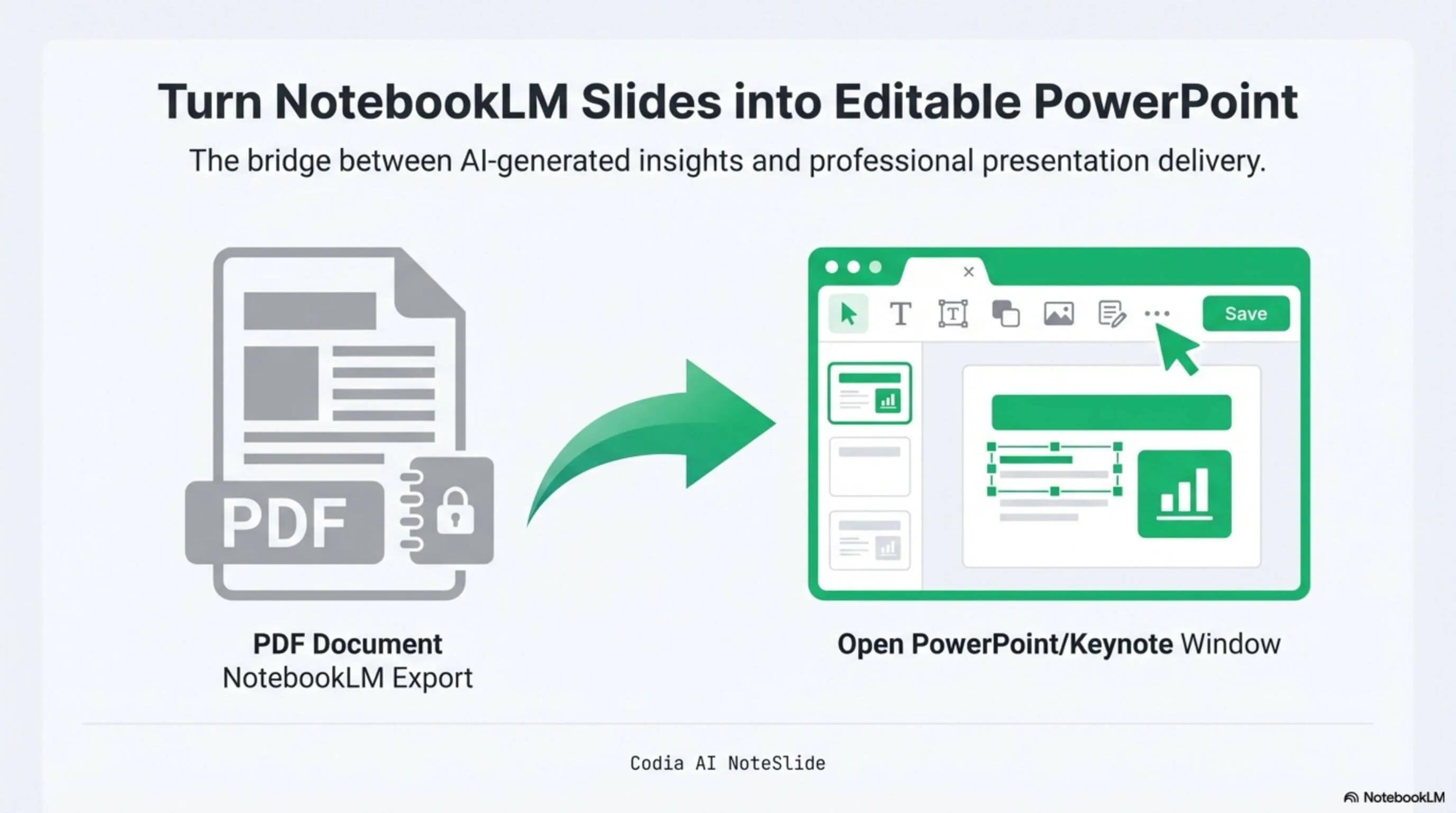
NotebookLM Editability Showcase
A NotebookLM-generated deck converted to fully editable PowerPoint with Codia AI Vision.

Business Strategy Slide Deck
Editable business strategy presentation rebuilt from a NotebookLM PDF export.
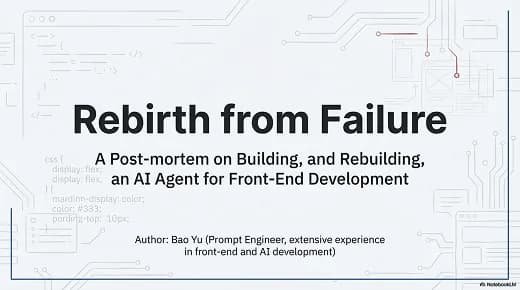
Research Briefing Deck
Academic research briefing converted into a fully editable PPTX deck.
Single image or full deck
Convert one screenshot into a slide or upload multiple images to build a complete PPTX.
Editable reconstruction
AI Vision detects text blocks, visual hierarchy, shapes, and spacing instead of exporting a flat screenshot.
Ready for PowerPoint
Open the exported .pptx in Microsoft PowerPoint, Apple Keynote, or Google Slides for normal editing.
How it works
A practical workflow from locked image-based slides to a PowerPoint file your team can edit.
- 1
Upload Image files
Choose one or more image-based slide images and add them in the order you want.
- 2
Rebuild editable elements
AI Vision detects text, shapes, imagery, and alignment instead of placing one flat picture on a slide.
- 3
Download the PPTX
Open the reconstructed deck in PowerPoint, Keynote, or Google Slides and continue editing.
Built for real presentation editing
The result is not a screenshot stack. NoteSlide reconstructs the deck as native presentation objects so downstream edits are predictable.
Image: Selectable text
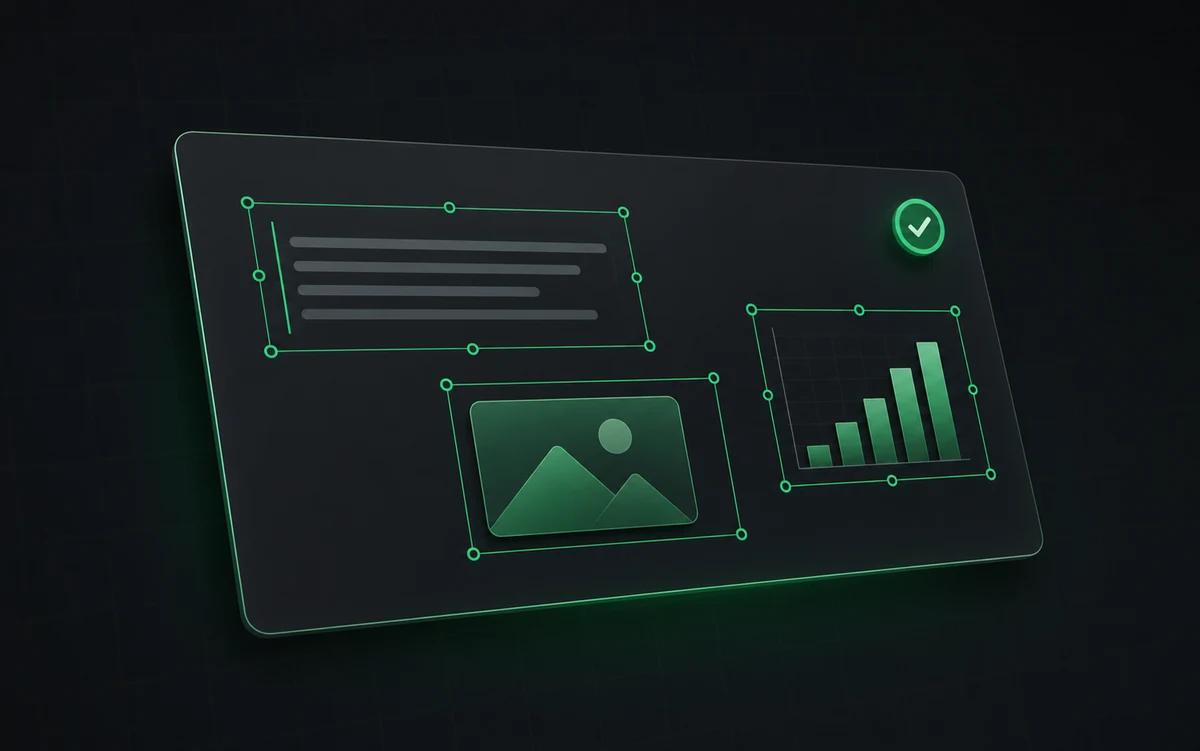
Headings, bullets, labels, and body copy become editable text where source quality allows.
Image: Movable layout blocks
Cards, dividers, callouts, diagrams, and image regions are rebuilt for downstream edits.
Image: PPTX handoff
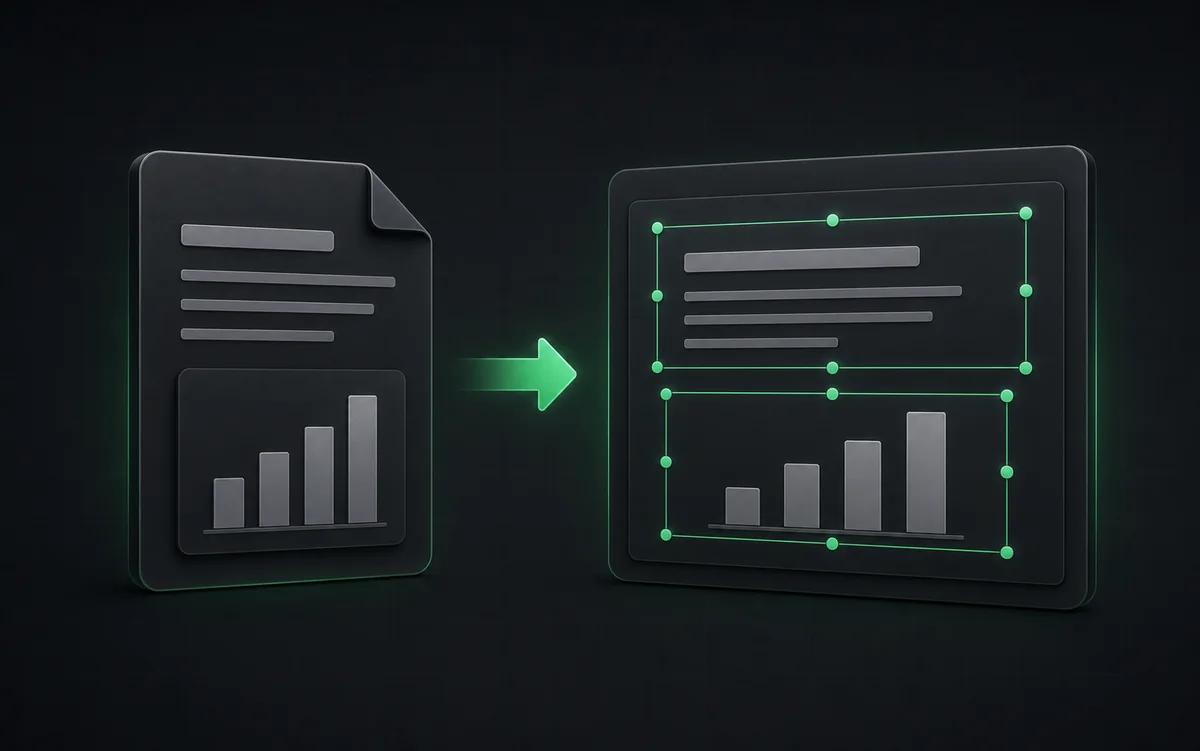
Download a presentation file your team can review, localize, restyle, and present.
Why convert Image to editable PowerPoint?
Clear, high-resolution source images produce the most accurate text and layout reconstruction. NoteSlide analyzes the visual structure and rebuilds a PPTX with selectable text and movable layout elements where the source allows.
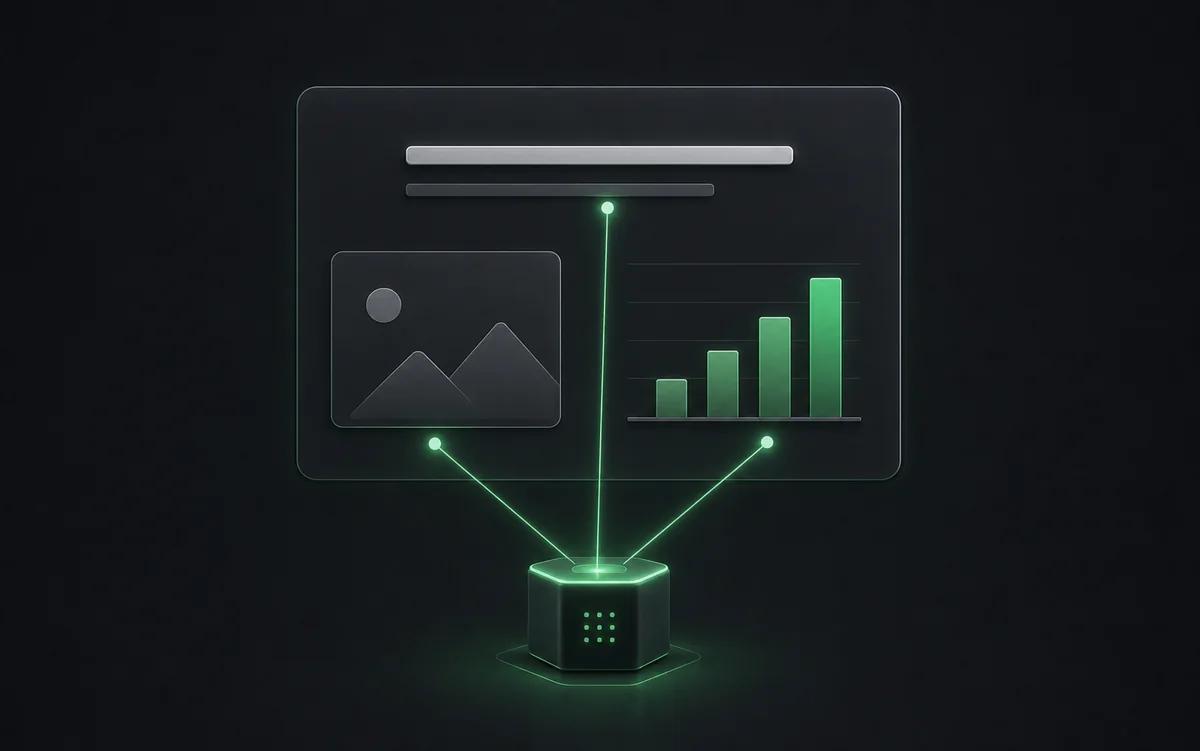
Why images need a different PPT workflow
PowerPoint can place a PNG or JPG on a slide, but that leaves everything locked inside one picture. You cannot select the headline, rewrite a label, move a card, or apply a brand template. NoteSlide uses AI Vision to parse the image into presentation structure first.
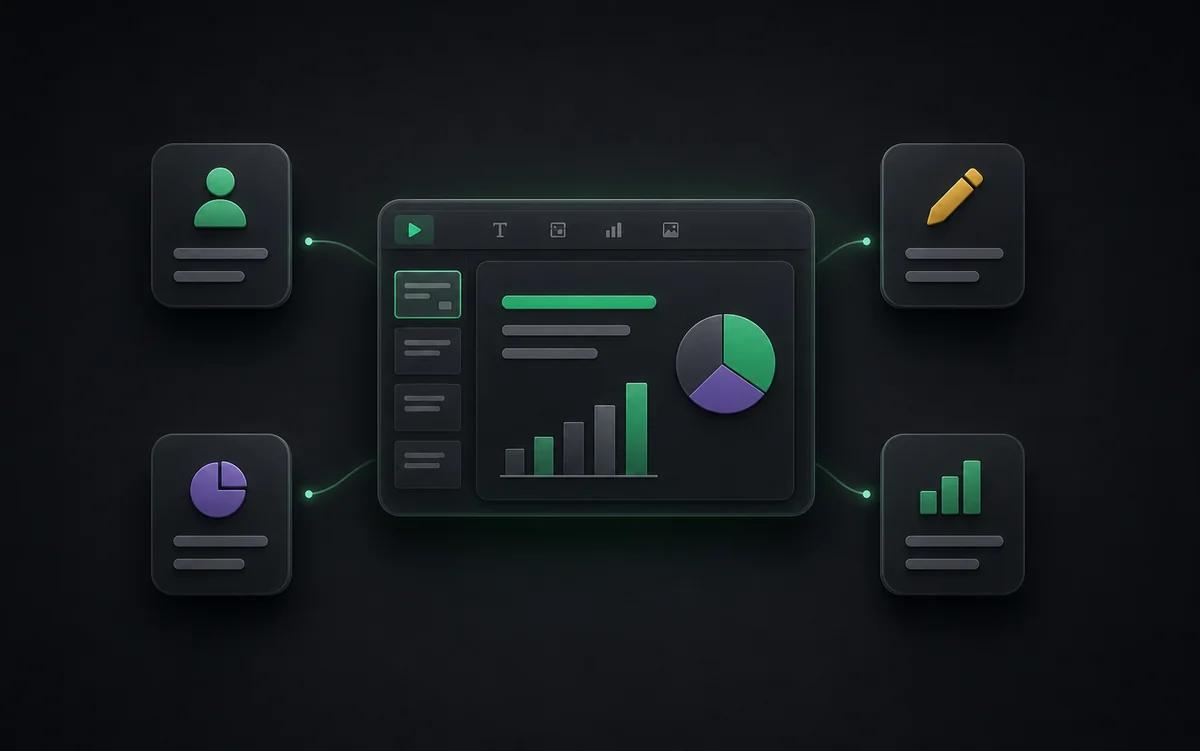
From screenshot to editable deck
Each uploaded image is treated as a slide source. NoteSlide detects text, diagrams, shapes, imagery, and alignment, then writes a new .pptx with native PowerPoint elements. For multi-image uploads, those reconstructed slides are combined into one editable presentation.
Who this is for
Why convert Image to editable PowerPoint?
Clear, high-resolution source images produce the most accurate text and layout reconstruction. NoteSlide analyzes the visual structure and rebuilds a PPTX with selectable text and movable layout elements where the source allows.
Slide screenshots
Recover an editable deck from screenshots when the original PowerPoint is unavailable.
AI-generated slides
Turn a flat image generated by ChatGPT, GPT Image, Midjourney, or other tools into a usable PPTX.
Photos and scans
Convert photographed slides, whiteboards, posters, or scanned visuals into presentation starting points.
Frequently asked questions
Can I turn a slide screenshot into an editable PowerPoint?+
Yes. Upload the screenshot as it is. NoteSlide finds the text, shapes, and pictures on the slide and rebuilds them as separate PowerPoint objects, so you edit the words instead of retyping them. Crop away browser bars or other interface around the slide for the cleanest result.
How do I convert Image to PowerPoint?+
Upload one or more image-based slide images, review the detected pages, and choose Convert to Editable PPTX. NoteSlide rebuilds them as a PowerPoint presentation.
How do I get the best Image conversion quality?+
Clear, high-resolution source images produce the most accurate text and layout reconstruction. Simple, high-contrast layouts and readable source text also improve editable reconstruction.
Is NoteSlide free to use?+
Yes. The Free plan includes 5 NoteSlide credits. For more monthly capacity, choose a monthly or annual subscription with a larger credit allowance.
Which output formats are supported?+
NoteSlide exports editable PowerPoint (.pptx) files that open natively in Microsoft PowerPoint, Apple Keynote, and Google Slides without loss of structure.
Is my document private?+
All uploaded documents are processed with encryption in transit (TLS) and at rest. Files are not stored beyond the active processing window unless explicitly requested, and uploaded content is never resold, shared, or used to train models.
Ready to make your slides editable?
Upload a NotebookLM PDF or image deck. Codia AI Vision rebuilds it as a fully editable PowerPoint file in seconds.
Start free