
NoteSlide vs Tenorshare PDNob:
Web AI vs Desktop OCR
Tenorshare PDNob is a desktop application; NoteSlide is a web AI Vision service. Both convert NotebookLM PDFs to PowerPoint — here's how they differ.
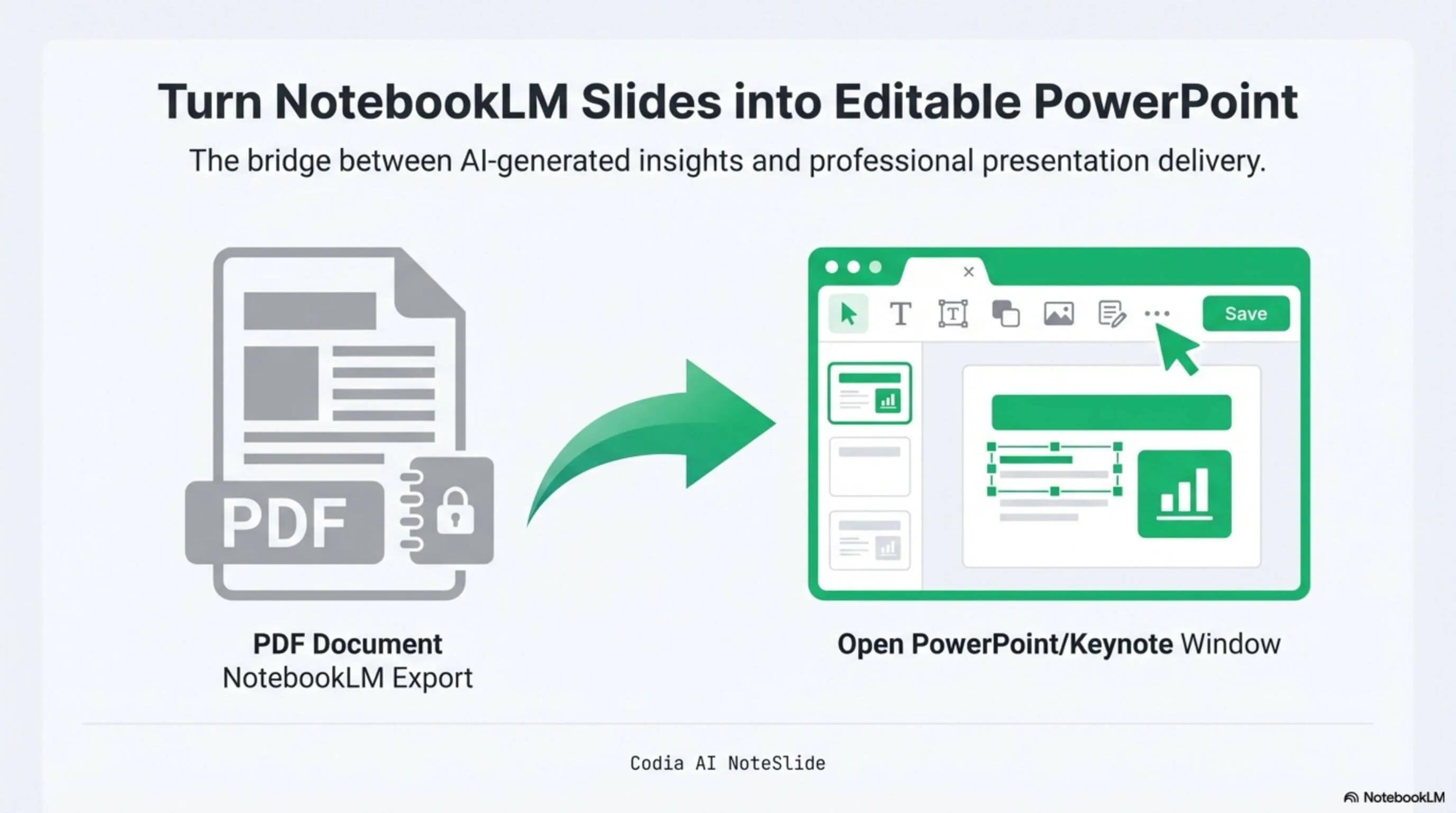
NotebookLM Editability Showcase
A NotebookLM-generated deck converted to fully editable PowerPoint with Codia AI Vision.

Business Strategy Slide Deck
Editable business strategy presentation rebuilt from a NotebookLM PDF export.
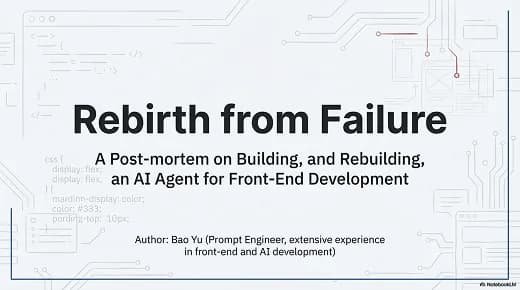
Research Briefing Deck
Academic research briefing converted into a fully editable PPTX deck.
No install
Web-based — no downloads, no admin permissions, works on any OS.
AI Vision rebuild
Layout-aware reconstruction, not just OCR.
Enterprise ready
SSO, seat-based licensing, bank transfer, annual procurement.
Built for real presentation editing
The result is not a screenshot stack. NoteSlide reconstructs the deck as native presentation objects so downstream edits are predictable.
Browser workflow
Convert from macOS, Windows, Linux, iPad, or Android without desktop setup.
Editable rebuild
Reconstructs native PPTX objects instead of depending on flat image layers.
Procurement path
Gives teams a route beyond individual desktop licenses.

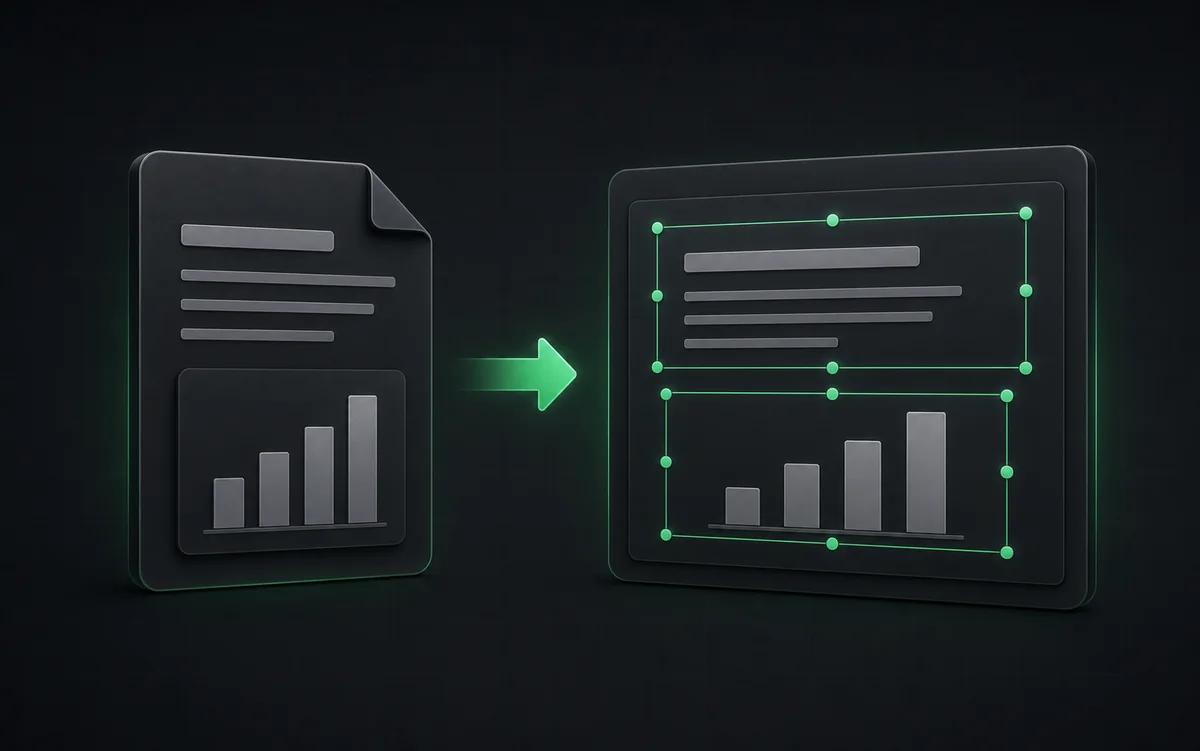
When PDNob might fit
If you need a fully offline desktop tool and prefer to keep documents on local disk, PDNob's installable application can be the right fit. It also has strong Japanese-language content for users in Japan.
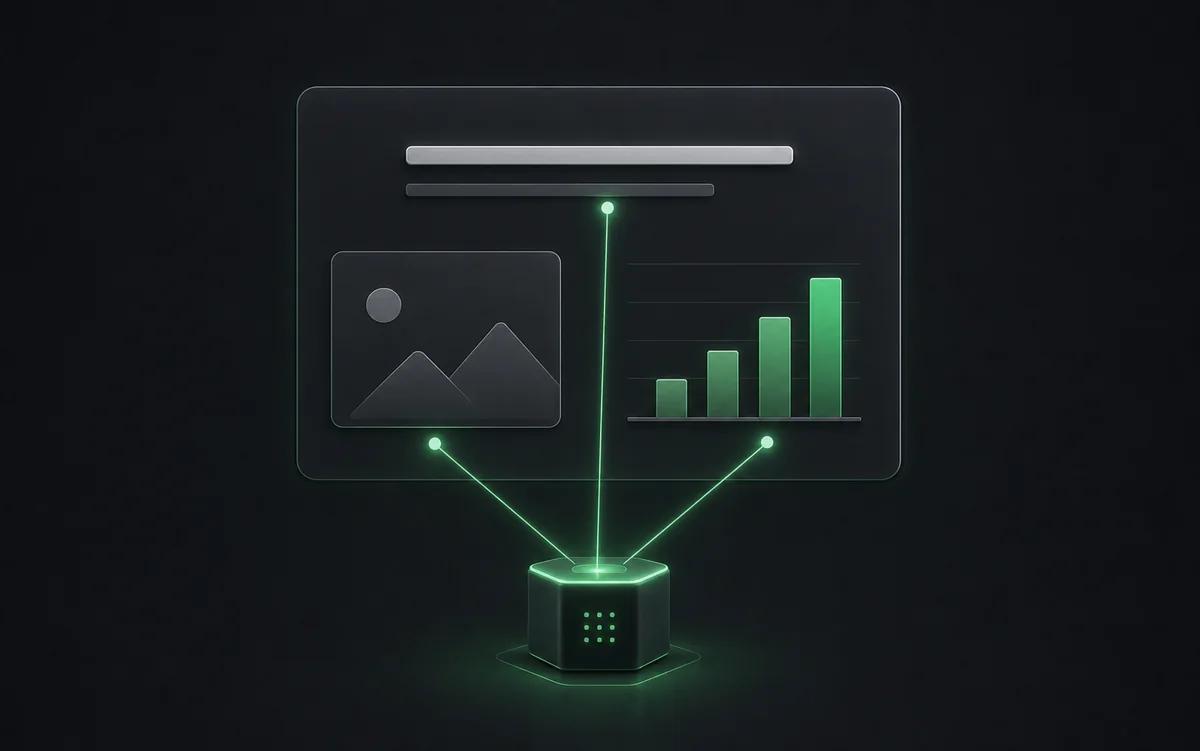
When NoteSlide fits better
NoteSlide runs in the browser with no install required — handy for IT-restricted environments and cross-platform teams. The AI Vision pipeline is layout-aware (not just OCR), output is genuinely editable, and the enterprise plan supports SSO, seat-based licensing, and bank-transfer procurement.
Side-by-side comparison
| Feature | Codia AI NoteSlide | Tenorshare PDNob |
|---|---|---|
| Platform | Web (works on any modern browser, macOS / Windows / Linux / iPad / Android) | Desktop installer for Windows and macOS |
| Conversion engine | Cloud Codia AI Vision | Local OCR with cloud assist |
| Output | Fully editable .pptx with native shapes and text | Editable .pptx with watermark on free tier (per public reports) |
| Pricing | Free plan + credit subscriptions + enterprise plans | Annual licenses and lifetime options (about US$45-60/yr range per public listings) |
| Localization | 109 languages, web-first design | Strong Japanese-language content via tenorshare.jp |
| Enterprise procurement | SSO, seat-based, bank transfer, annual contracts | Consumer license model |
Information about Tenorshare PDNob is based on their publicly available product pages at the time of writing.
Frequently asked questions
How do I convert a NotebookLM deck to PowerPoint?+
Generate a Slide Deck in NotebookLM, download the PDF, then upload it to Codia AI NoteSlide. The AI detects text, graphics, and layout and outputs a fully editable .pptx file you can open in PowerPoint, Keynote, or Google Slides.
Which output formats are supported?+
NoteSlide exports editable PowerPoint (.pptx) files that open natively in Microsoft PowerPoint, Apple Keynote, and Google Slides without loss of structure.
Can I convert image-based PDFs or photos of slides?+
Yes. NoteSlide accepts scanned PDFs, image-only PDFs, and JPG/PNG screenshots of slides. AI Vision rebuilds text and shapes from the image content into editable PowerPoint slides.
Which languages does NoteSlide recognize?+
NoteSlide recognizes 109 languages, including English, Chinese, Japanese, Korean, Arabic, Hindi, Portuguese, Spanish, French, German, and more, so multilingual decks are converted without switching tools.
Is there an enterprise plan?+
Yes. NoteSlide supports SSO (SAML 2.0 and OpenID Connect via Okta, Azure AD, Google Workspace), seat-based licensing, bank transfer, electronic PDF invoices, and annual contracts for enterprise and government procurement.
Ready to make your slides editable?
Upload a NotebookLM PDF or image deck. Codia AI Vision rebuilds it as a fully editable PowerPoint file in seconds.
Try NoteSlide in your browser