
Edit Gemini Notebook Slides Like You
Built Them Yourself
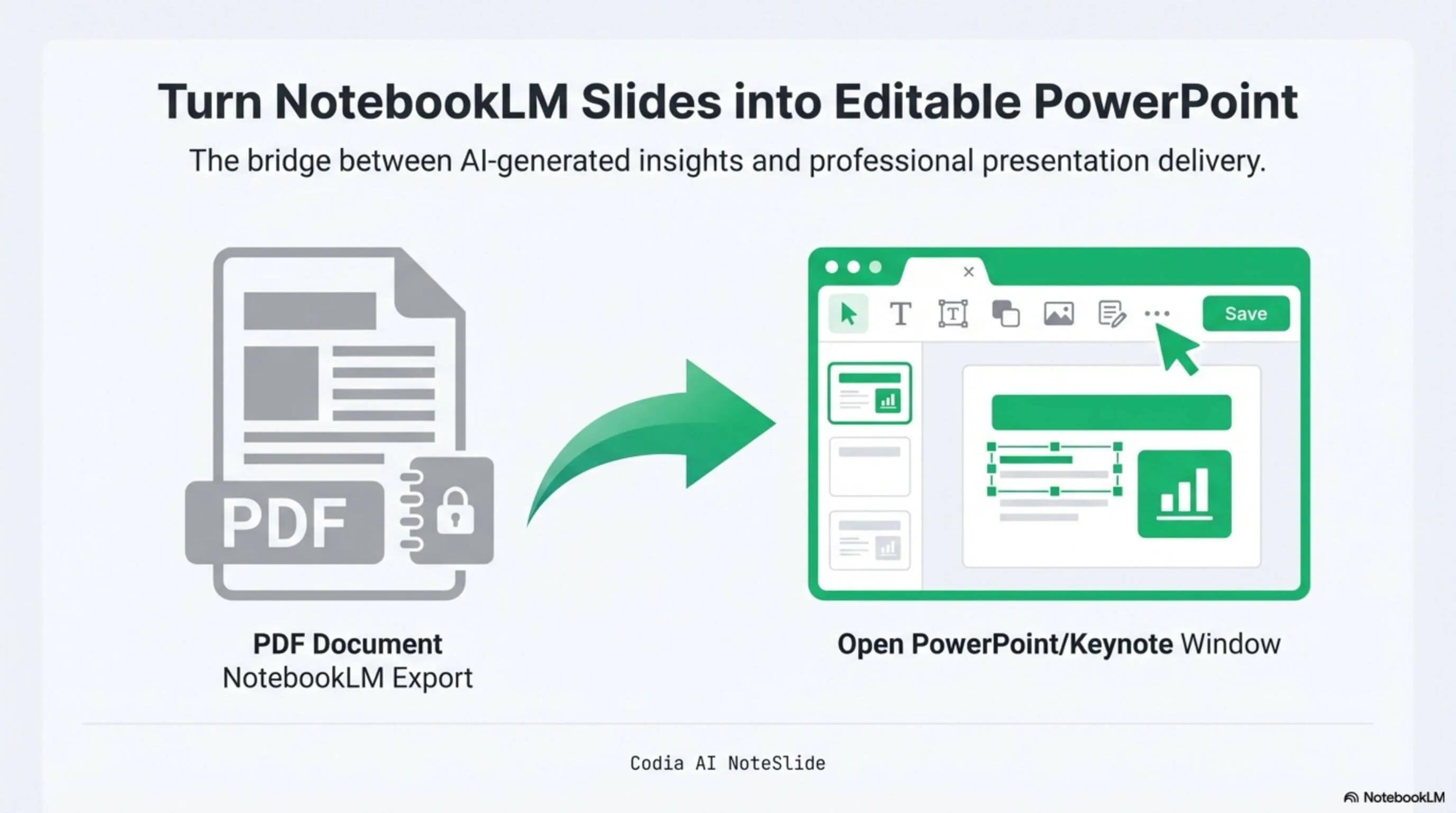
NotebookLM was renamed Gemini Notebook in July 2026. Export the current deck as a PDF, convert it with NoteSlide, and continue editing its text, shapes, colors, and layout in PowerPoint, Keynote, or Google Slides.
Click to upload PDF, PPTX or images
Supports PDF or PPTX exported from NotebookLM / Gemini Notebook, or multiple images (JPG, PNG, WebP)
No PDF? Try one of these:


Edit text
Click any text block to rewrite, translate, or rebrand on the fly.
Restyle layouts
Move shapes, change colors and fonts, and switch templates without rebuilding from scratch.
Collaborate
Open the .pptx in Google Slides or Keynote to share with teammates and reviewers.
How it works
A practical workflow from locked image-based slides to a PowerPoint file your team can edit.
- 1
Export the Gemini Notebook PDF
Generate the deck in Gemini Notebook and download the PDF export.
- 2
Upload to Codia AI NoteSlide
Drop the PDF into NoteSlide to start AI Vision processing.
- 3
Convert to editable PPTX
Select the slides you want and click "Convert to Editable PPTX".
- 4
Edit freely
Open the .pptx in PowerPoint, Keynote, or Google Slides and edit text, fonts, colors, and shapes.
Built for real presentation editing
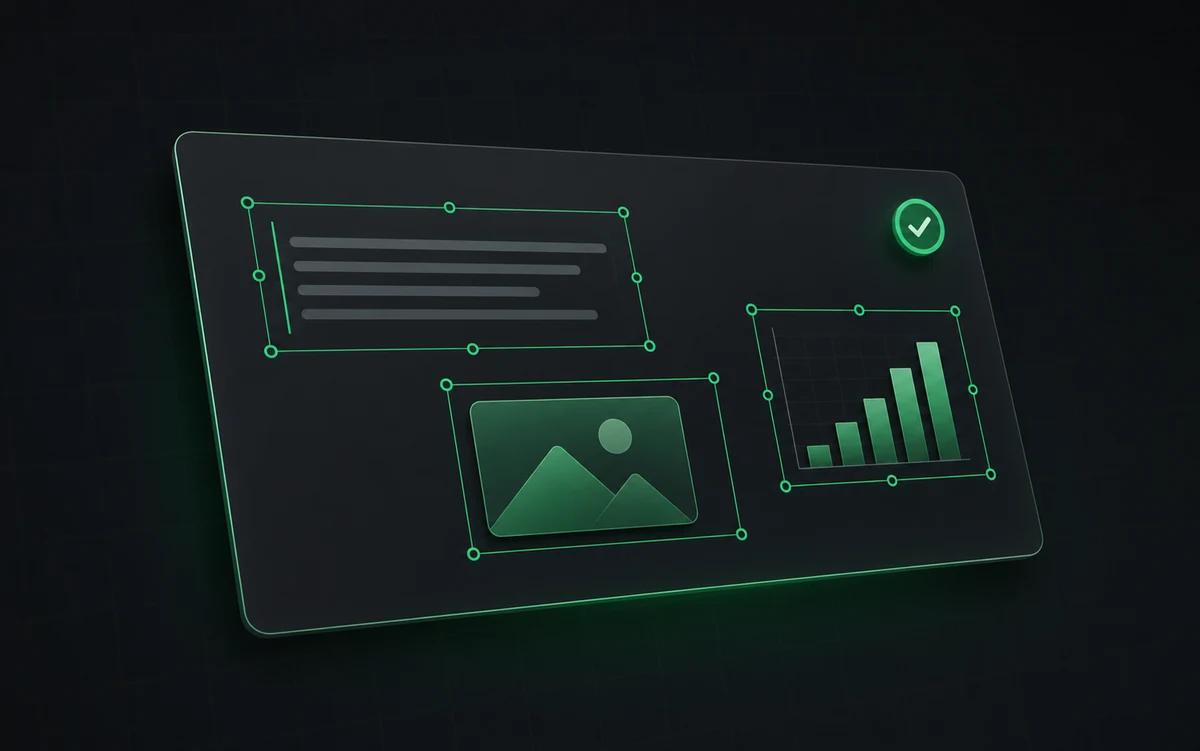
The result is not a screenshot stack. NoteSlide reconstructs the deck as native presentation objects so downstream edits are predictable.
Selectable text
Rewrite headings, bullets, labels, and speaker-facing copy directly in the deck.
Movable shapes
Adjust boxes, diagrams, visual hierarchy, and slide spacing after conversion.
Template-ready
Apply your brand colors, fonts, and layout conventions to the rebuilt PPTX.
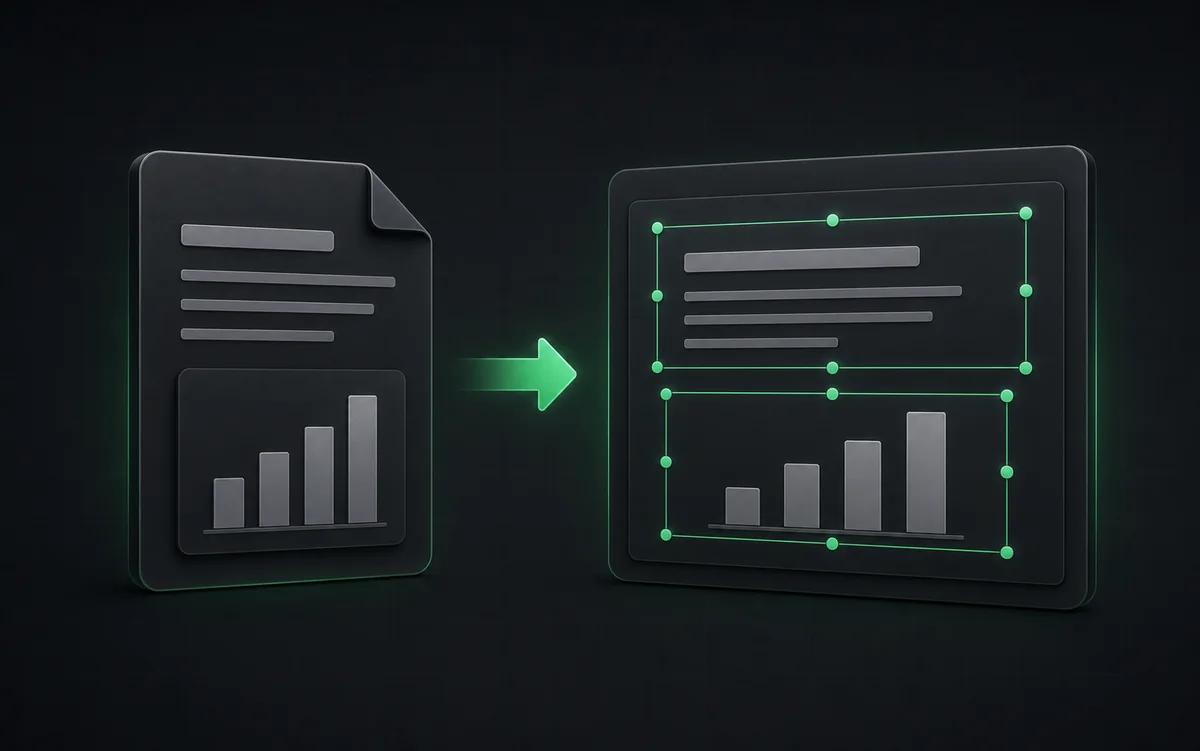
A current workflow for editing Gemini Notebook slides
Use Gemini Notebook to synthesize your sources and approve the deck, then move to NoteSlide when presentation production begins. The converted PPTX gives you selectable content for copy edits, brand changes, translation, and delivery.
Re-brand without rebuilding. Swap Gemini Notebook's default styling for your company template. Because shapes and text are native PowerPoint elements, you can apply your brand colors and fonts directly.
Refine before presenting. Tighten copy, change emphasis, replace charts. The deck still feels like the AI-generated version — but now it's yours.
Who this is for

Localization teams
Translate generated slides without manually retyping every page.
Brand teams
Turn Gemini Notebook drafts into decks that match company presentation templates.
Presenters
Tighten the storyline before a class, client meeting, or internal review.
Content teams
Turn AI-generated briefs into editable slide drafts for marketing, sales, or customer education.
Also known as
People search for this workflow under many names — NoteSlide covers them all:
- make gemini notebook slides editable
- unlock gemini notebook slides
- gemini notebook slides editor
- gemini notebook deck edit
- gemini notebook pdf editable
Frequently asked questions
Why are Gemini Notebook slides not editable?+
Gemini Notebook exports slide decks as rasterized PDFs where text and shapes are pixels rather than editable elements. To edit the text or restyle the layout you need to rebuild the slide structure first, which is exactly what NoteSlide automates.
How do I convert a Gemini Notebook deck to PowerPoint?+
Generate a Slide Deck in Gemini Notebook, download the PDF, then upload it to Codia AI NoteSlide. The AI detects text, graphics, and layout and outputs a fully editable .pptx file you can open in PowerPoint, Keynote, or Google Slides.
Which output formats are supported?+
NoteSlide exports editable PowerPoint (.pptx) files that open natively in Microsoft PowerPoint, Apple Keynote, and Google Slides without loss of structure.
Does it work with Apple Keynote?+
Yes. The exported .pptx opens natively in Apple Keynote with the layout, fonts, and text remaining fully editable.
Does it work with Google Slides?+
Yes. You can upload the exported .pptx file to Google Drive and open it directly in Google Slides for collaborative editing.
Which languages does NoteSlide recognize?+
NoteSlide recognizes 109 languages, including English, Chinese, Japanese, Korean, Arabic, Hindi, Portuguese, Spanish, French, German, and more, so multilingual decks are converted without switching tools.
Ready to make your slides editable?
Upload a NotebookLM PDF or image deck. Codia AI Vision rebuilds it as a fully editable PowerPoint file in seconds.
Make my Gemini Notebook deck editable