
JPG to PNG Converter
Convert JPG photos to lossless PNG files for editing and design work.
- Free
- No sign-up
- On your device
How it works
Choose files from your device, drag them here, or paste an image.
Adjust the available settings and inspect your results before downloading.
Download the result or copy your colors. No account or payment is required.
When to use it
Editing without further loss
Save a PNG working copy before cropping, annotating or retouching repeatedly.
Design and presentation tools
Some templates and upload fields require PNG files.
Screenshots saved as JPG
Convert to PNG before adding arrows or text so later saves stay crisp.
What to expect
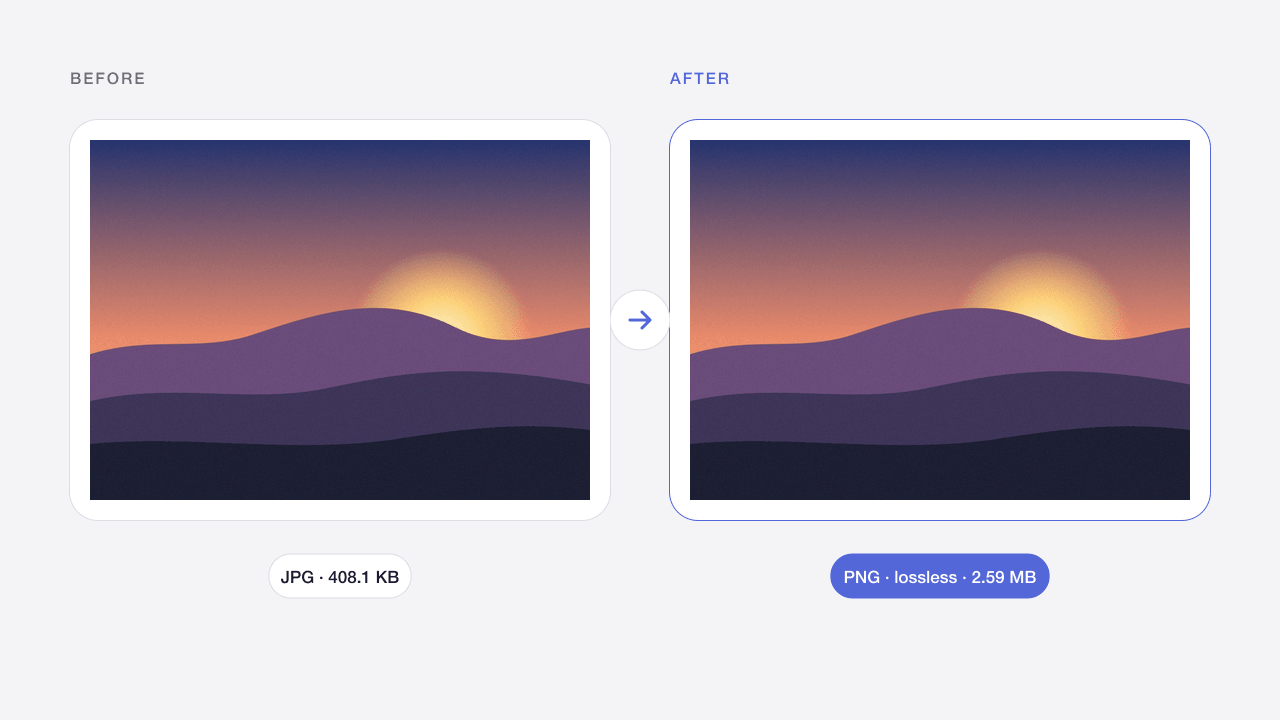
Output is a lossless PNG with the same dimensions. Converting cannot remove existing JPG artifacts or add transparency, but further edits will not lose quality. PNG files of photos are usually several times larger than the JPG.
Limits apply to both input and output. Animated images are not supported. Files remain in memory only; reloads clear your work. Smaller batches help on mobile devices.
Frequently asked questions
Does converting JPG to PNG improve quality?
No. PNG keeps the pixels exactly as they are, including any existing JPG artifacts. It only prevents further quality loss when you edit and save again.
Will the PNG have a transparent background?
No. JPG has no transparency, so the PNG keeps the original background. Use Codia's Background Remover if you need a cut-out.
Why is the PNG so much larger?
PNG is lossless and not designed for photos, so files are often three to five times larger. Keep the JPG for sharing and the PNG for editing.
Can I convert JPEG files too?
.jpg and .jpeg are the same format, so both are supported.
Are my images uploaded?
No. Image processing takes place in your browser. Files are not sent to Codia and are removed from this workspace when you refresh or leave. Website analytics, when permitted, never contain your images or file names.
Can I process multiple files?
Yes, up to 20 files per batch, within the displayed size limits. Each file is processed separately. Download successful results individually or as a ZIP; a failed file does not block the others.
Will quality and metadata stay the same?
Results depend on the operation and settings. Lossy compression changes pixels; JPG removes transparency. Exports target ordinary 8-bit web images and do not promise EXIF, HDR, original color profiles or 16-bit preservation. Always inspect the result.
Related image tools
WebP to PNG Converter
Convert static WebP files into PNG images with transparency preserved.
Open tool →PNG · WEBP → JPGPNG to JPG Converter
Turn PNG images into JPG photos and choose a background for transparent areas.
Open tool →SVG → PNGSVG to PNG Converter
Export self-contained SVG artwork as PNG at 1×, 2×, 4× or a custom width.
Open tool →JPG · PNG · WEBPImage Compressor Online
Reduce JPG, PNG and WebP file sizes while keeping the original format.
Open tool →PNGPNG Compressor Online
Compress PNG screenshots and graphics while retaining a transparent background.
Open tool →JPG · PNG · WEBPCompress Image to 100KB
Make photos fit an upload limit, with automatic quality and size adjustment.
Open tool →JPG · PNG · WEBPImage Resizer Online
Resize images by pixels or percentage without stretching the aspect ratio.
Open tool →JPG · PNG · WEBPColor Picker from Image
Pick pixels from an image and copy HEX, RGB, HSL or CSS color variables.
Open tool →