
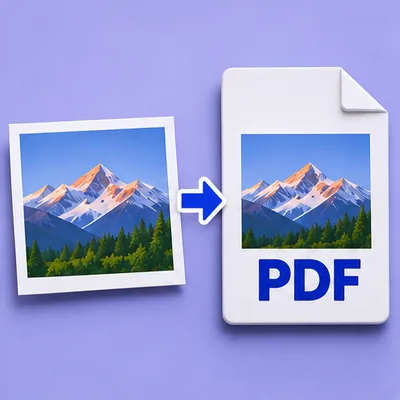
Image to PDF Converter
Combine JPG, PNG and WebP images into a clean multi-page PDF locally.
- Free
- No sign-up
- On your device
How it works
Choose files from your device, drag them here, or paste an image.
Adjust the available settings and inspect your results before downloading.
Download the processed image right away. No account or payment is required.
What to expect
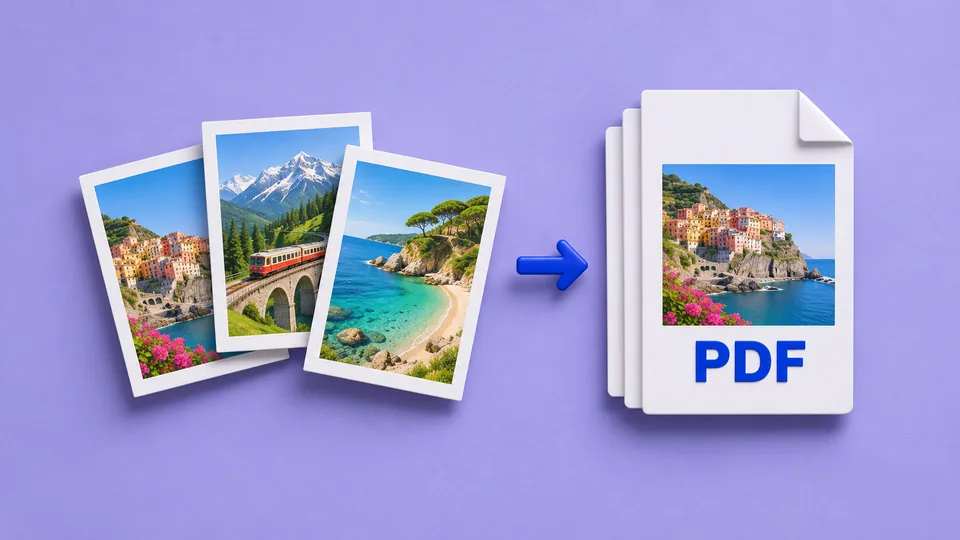
Select up to 20 images, arrange their page order, and choose A4, US Letter or Fit-to-Image sizing along with orientation, margins and JPEG quality. The PDF is built locally in your browser using pdf-lib, and you can send the finished PDF straight to our local Compress PDF tool in one click.
Limits apply to both input and output. Animated images are not supported. Files remain in memory only; reloads clear your work. Smaller batches help on mobile devices.
When to use it
Combine phone scans and receipts
Turn multi-page homework, expense receipts, contracts and ID scans into a tidy A4 or Letter PDF ready to submit.
Create photo portfolios and lookbooks
Use Fit image with zero margins to preserve full image proportions across every page without white borders.
Meet strict portal upload limits
Generate your PDF locally and click Compress PDF on the result screen to shrink it under 200KB, 500KB or 1MB.
Frequently asked questions
Can I reorder images before creating the PDF?
Yes. Every uploaded image gets a page number badge with quick left/right controls so you can set the exact page sequence.
Should I pick A4, Letter or Fit image?
Choose A4 or Letter when printing or submitting formal documents; choose Fit image when each PDF page should match its photo dimensions exactly.
What if the generated PDF is still too large for an upload form?
Click Compress PDF under Continue with on the result screen — your PDF transfers in memory directly to our local PDF compressor.
Are my documents uploaded to create the PDF?
No. PDF assembly runs entirely inside your browser so private scans and certificates never leave your device.
Are my images uploaded?
No. Image processing takes place in your browser. Files are not sent to Codia and are removed from this workspace when you refresh or leave. Website analytics, when permitted, never contain your images or file names.
Can I process multiple files?
Yes, up to 20 files per batch, within the displayed size limits. Each file is processed separately. Download successful results individually or as a ZIP; a failed file does not block the others.
Will quality and metadata stay the same?
Results depend on the operation and settings. Lossy compression changes pixels; JPG removes transparency. Exports target ordinary 8-bit web images and do not promise EXIF, HDR, original color profiles or 16-bit preservation. Always inspect the result.
Related image tools
Compress PDF
Make PDF files smaller for email, forms and portals, right in your browser.
Compress PDF to 200KB
Get scanned documents and certificates under 200KB for strict application portals.
Image Compressor Online
Reduce JPG, PNG and WebP file sizes while keeping the original format.
PNG Compressor Online
Compress PNG screenshots and graphics while retaining a transparent background.
Compress Image to 100KB
Make photos fit an upload limit, with automatic quality and size adjustment.
WebP to PNG Converter
Convert static WebP files into PNG images with transparency preserved.
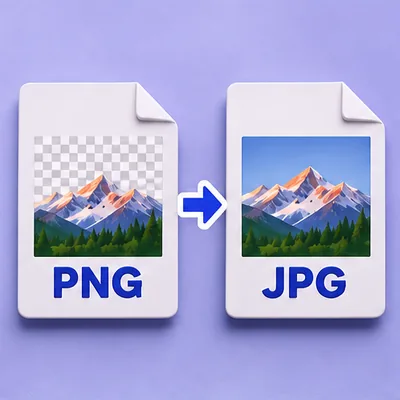
PNG to JPG Converter
Turn PNG images into JPG photos and choose a background for transparent areas.
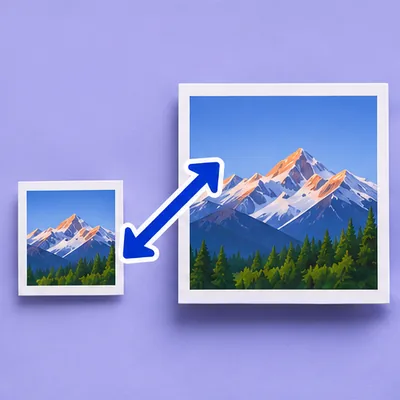
Image Resizer Online
Resize images by pixels or percentage without stretching the aspect ratio.