
Image to Base64 Converter
Encode images into Base64 Data URIs, CSS, HTML or Markdown snippets.
- Free
- No sign-up
- On your device
How it works
Choose files from your device, drag them here, or paste an image.
Adjust the available settings and inspect your results before downloading.
Download the processed image right away. No account or payment is required.
What to expect
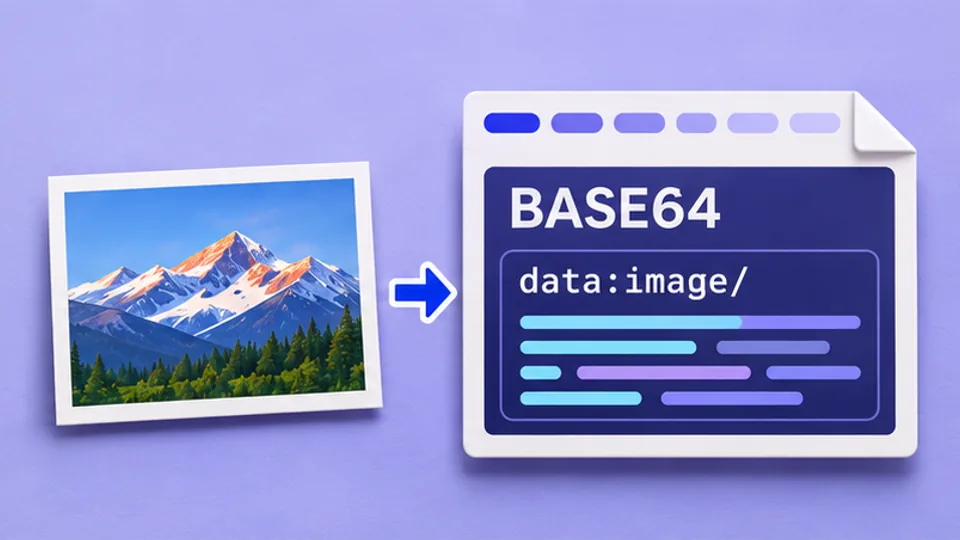
Drop one or up to 20 images (including SVGs) to generate instant Base64 encodings without waiting or uploading. Switch between 6 developer-ready formats, monitor exact character/byte payload size with a >50 KB inline warning, and copy to clipboard or export as a .txt file.
Limits apply to both input and output. Animated images are not supported. Files remain in memory only; reloads clear your work. Smaller batches help on mobile devices.
When to use it
Inline tiny icons in CSS and HTML
Embed small UI icons, logos and favicons directly in stylesheets or HTML emails to eliminate extra HTTP requests.
Generate JSON and API test fixtures
Switch to JSON or raw Base64 output to paste clean encoded image strings directly into API payloads and unit tests.
Inspect Base64 size overhead
Check exact encoded character length and the automatic >50 KB warning so you avoid bloating production CSS bundles.
Frequently asked questions
Which output snippet formats are supported?
Data URI, raw Base64, CSS background-image, HTML <img> tag, Markdown image syntax and JSON object.
Why is the Base64 string larger than my original image?
Base64 represents every 3 binary bytes as 4 ASCII characters, adding roughly 33% size overhead. Compress or resize large images first if you plan to inline them.
Does it support SVG files?
Yes. You can drop JPG, PNG, WebP and SVG files to generate valid data:image/... URIs immediately.
Are my files uploaded during Base64 encoding?
No. Encoding uses the browser FileReader API strictly on your device with zero network requests.
Are my images uploaded?
No. Image processing takes place in your browser. Files are not sent to Codia and are removed from this workspace when you refresh or leave. Website analytics, when permitted, never contain your images or file names.
Can I process multiple files?
Yes, up to 20 files per batch, within the displayed size limits. Each file is processed separately. Download successful results individually or as a ZIP; a failed file does not block the others.
Related image tools

Color Picker from Image
Pick pixels from an image and copy HEX, RGB, HSL or CSS color variables.
Image Compressor Online
Reduce JPG, PNG and WebP file sizes while keeping the original format.
PNG Compressor Online
Compress PNG screenshots and graphics while retaining a transparent background.
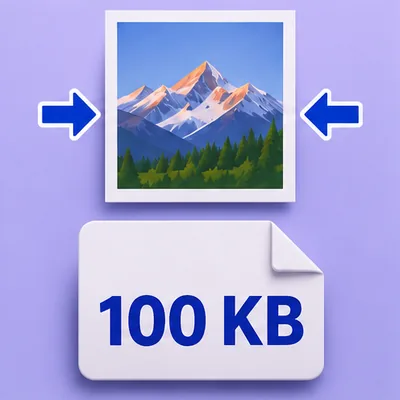
Compress Image to 100KB
Make photos fit an upload limit, with automatic quality and size adjustment.
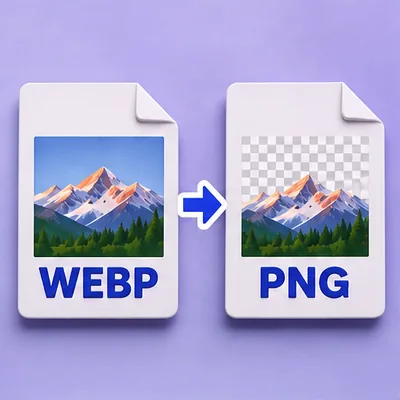
WebP to PNG Converter
Convert static WebP files into PNG images with transparency preserved.
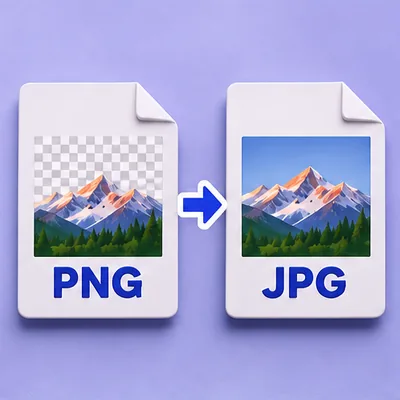
PNG to JPG Converter
Turn PNG images into JPG photos and choose a background for transparent areas.
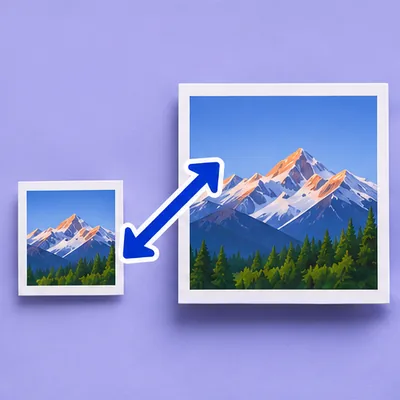
Image Resizer Online
Resize images by pixels or percentage without stretching the aspect ratio.
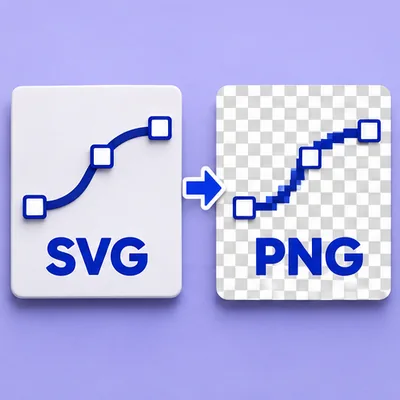
SVG to PNG Converter
Export self-contained SVG artwork as PNG at 1×, 2×, 4× or a custom width.