
Remove sample watermark
Remove Sample Watermark with AI
Clean sample overlays from owned, licensed, or generated visuals before moving the image into production layouts.
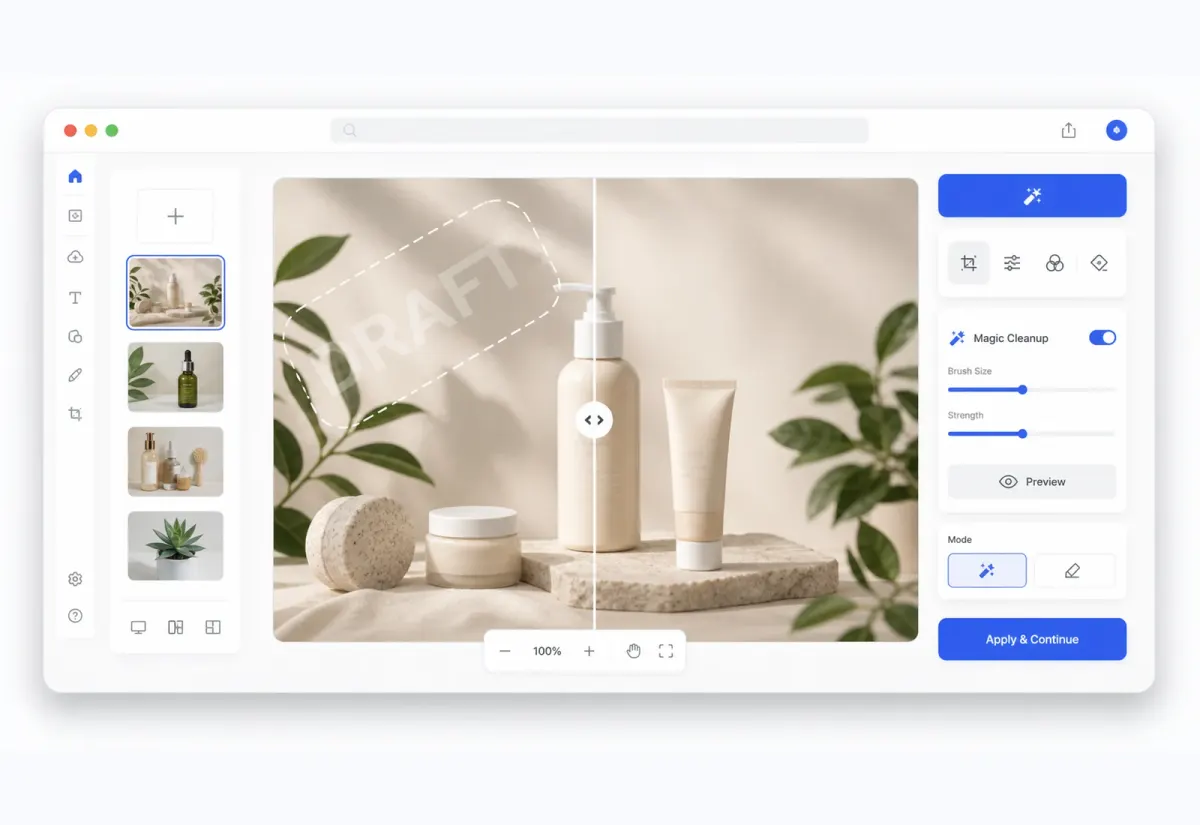
Studio workflow
Clean the image, keep editing after
Your image opens on the Studio canvas so the cleaned result can move directly into refinement, cleanup, compositing, or export.
Key advantage
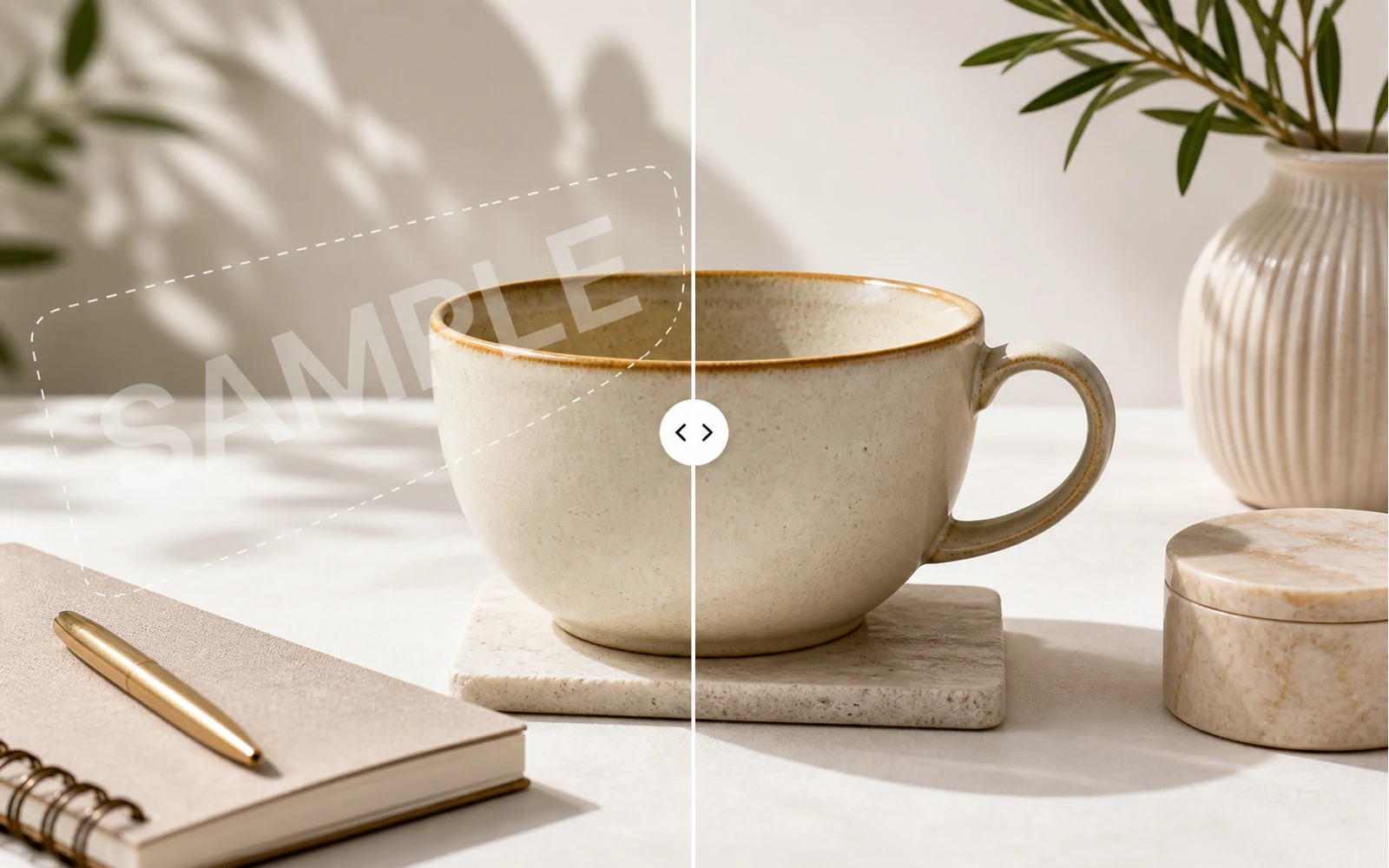
Clean up image watermarks with AI
Use AI to detect watermark-like overlays, text marks, and repeated sample patterns on images you own or have permission to edit.

Key advantage
Prepare clean visuals for design work
Restore authorized product images, social creatives, mockups, AI images, and presentation visuals before moving them into your next layout.
Key advantage
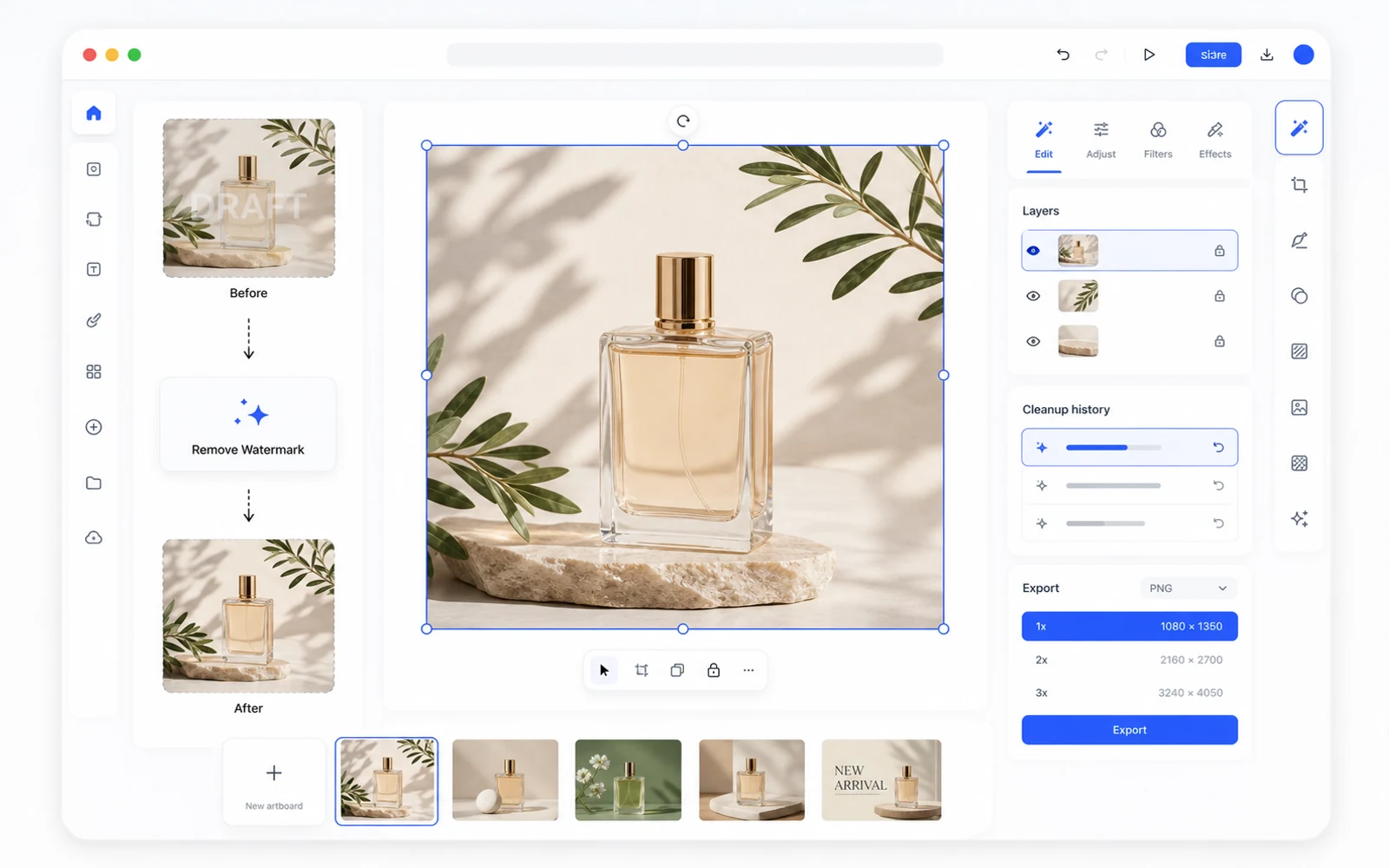
Keep editing after watermark removal
The cleaned image opens in Codia Studio, where you can remove backgrounds, edit elements, generate variations, upscale, or export.
Useful for draft and sample asset cleanup
When you have permission to edit an asset, Codia can help clean sample marks before the image is used in a presentation, product page, or campaign layout.
Finish cleanup in the same workspace
After AI cleanup, continue in Studio to inspect the result, improve edges, combine with background removal, upscale, or export.
Move from draft visual to production asset
Sample watermark removal is most useful when a permitted asset is still marked as a draft. Codia helps clean the visual and keeps it available for final layout, polish, and export.
Upload your image
Start with a JPG, PNG, WebP, screenshot, product image, social creative, or AI-generated visual.
Remove watermark in Studio
Codia opens the Studio canvas with the Remove Watermark tool selected so cleanup can start right away.
Review, refine, and export
Inspect the result, keep editing in Studio, then export the cleaned image for your next workflow.
Related cleanup workflows
More ways to clean up authorized images
Choose the cleanup workflow that best matches the kind of sample mark, draft overlay, or watermark-like artifact you need to review.
AI Watermark Remover
Use the main Codia watermark cleanup workflow for authorized images and Studio editing.
Open AI Watermark RemoverRemove watermark from image
Clean sample marks, draft overlays, and watermark-like artifacts from images you can edit.
Remove WatermarkRemove text watermark
Clean repeated text marks and draft labels from authorized images, then refine the result in Studio.
Remove Text WatermarkFAQ
Remove Sample Watermark FAQ
Can I remove a sample watermark from an image?
Yes, when you own the image or have permission to edit it. Codia opens the image in Studio for watermark cleanup.
What kinds of sample marks can I clean?
You can try draft overlays, repeated sample text, and watermark-like artifacts on authorized images.
Can I keep editing after sample watermark removal?
Yes. The cleaned image stays in Codia Studio for review, refinement, and export.