
ID & Passport Photo Maker
Choose a purpose, upload your photo, then adjust and download.
- Country / region
- Crop original photo (free)
- Use AI background removal
How it works
- 1
Document / use
Select the issuing country or visa destination and your document. Check its official photo requirements.
- 2
Choose a photo
Face the camera, plain light, shoulders in the picture. JPG, PNG, WEBP, HEIC or HEIF.
- 3
Adjust & download
Drag to position; use the slider to zoom. Head guides are approximate. Cropping and downloading are free.
Photo sizes for different uses
Passport / Visa
This is a size and crop aid, not an acceptance check. Paper and online applications can have different rules.
School / work application
Change the colour, size and position as often as you like, free.
National identity card / Permanent resident card
This is a size and crop aid, not an acceptance check. Paper and online applications can have different rules.
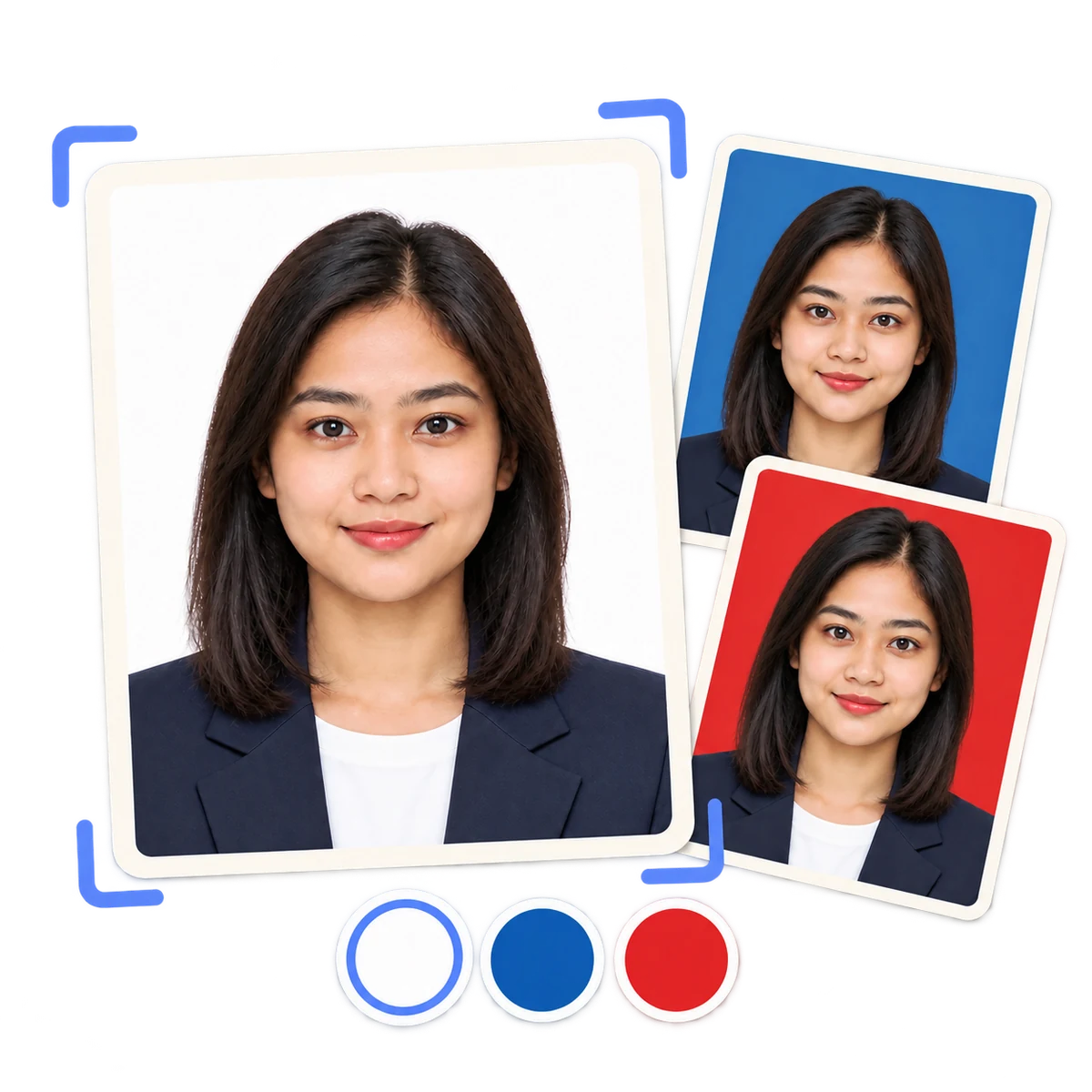
01
Photo sizes for different uses
Select the issuing country or visa destination and your document. Check its official photo requirements.
02
Original photos for official documents
Original pixels only: no AI, background replacement or outfit change. Position guides are estimates; check the official rules.
03
AI edits for general applications
For official documents, use the original photo path. For general uses, AI background removal costs 1 credit and an outfit costs 1 more.
Questions about ID photos
This is a size and crop aid, not an acceptance check. Paper and online applications can have different rules.
Official photo requirements?
This is a size and crop aid, not an acceptance check. Paper and online applications can have different rules. Use an original photo. AI background removal and outfit changes are unavailable for this document. Check the required background, head size and digital upload rules.
What does it cost?
Free accounts get 1 free credit every month. Each ID photo or formal outfit uses 1 credit. Background colours and sizes are free once your photo is cut out.
When is my photo uploaded?
Original-photo cropping runs on your device. Your photo is uploaded only when you choose an AI operation.
Related photo tools
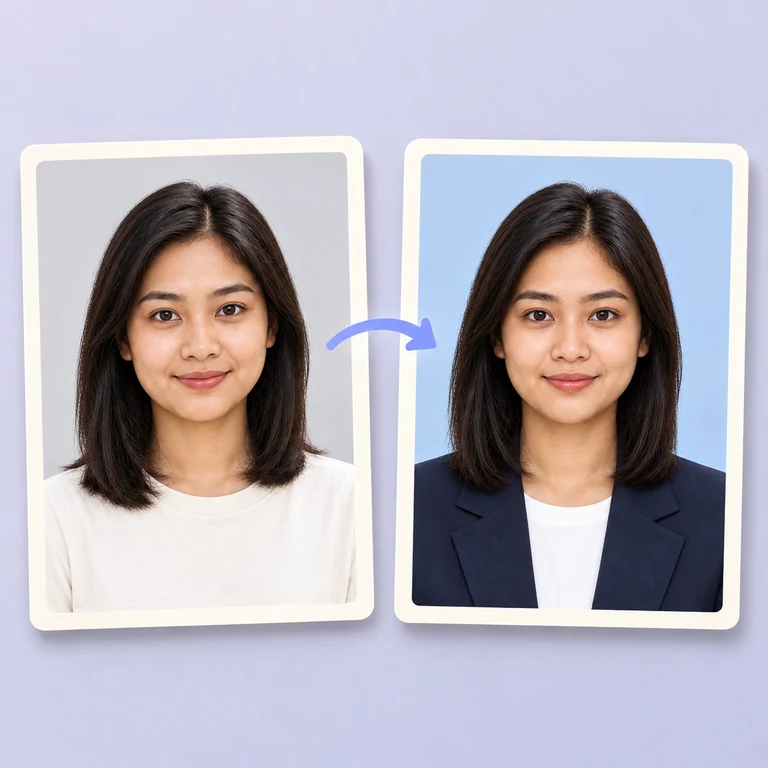
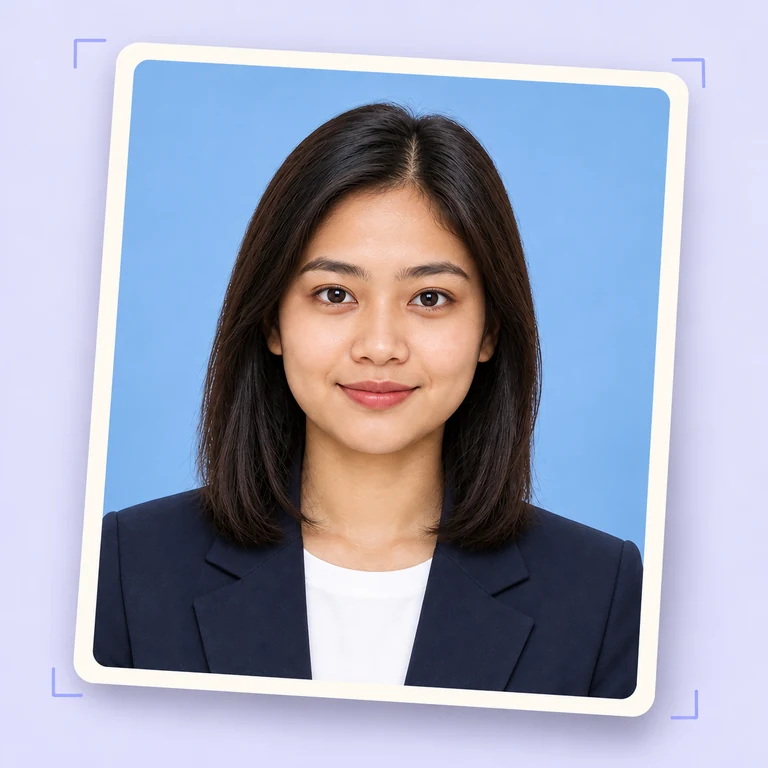
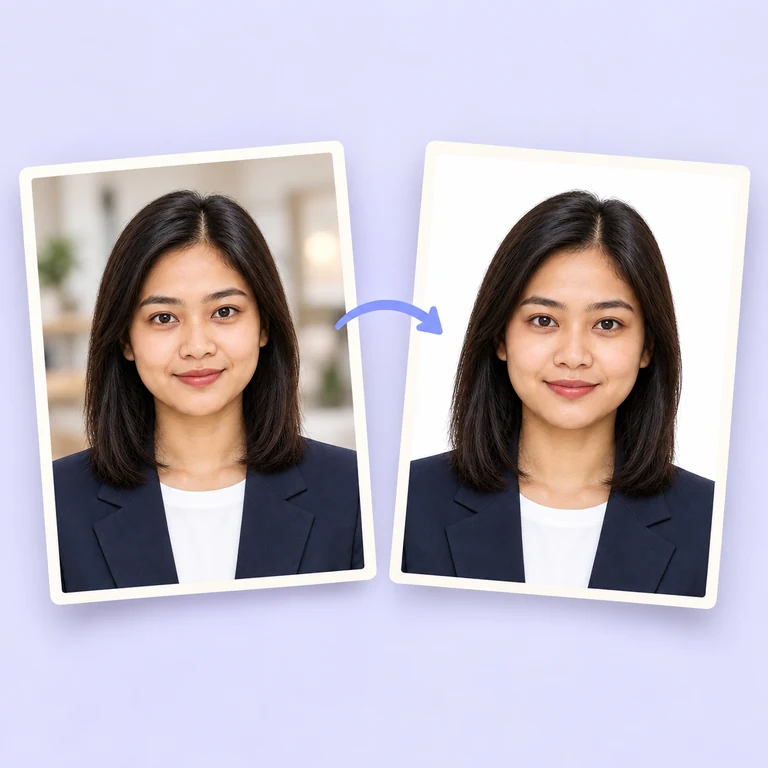
Prepare your photo
Choose a country and document, then add your photo to the tool above.
Choose my photo