
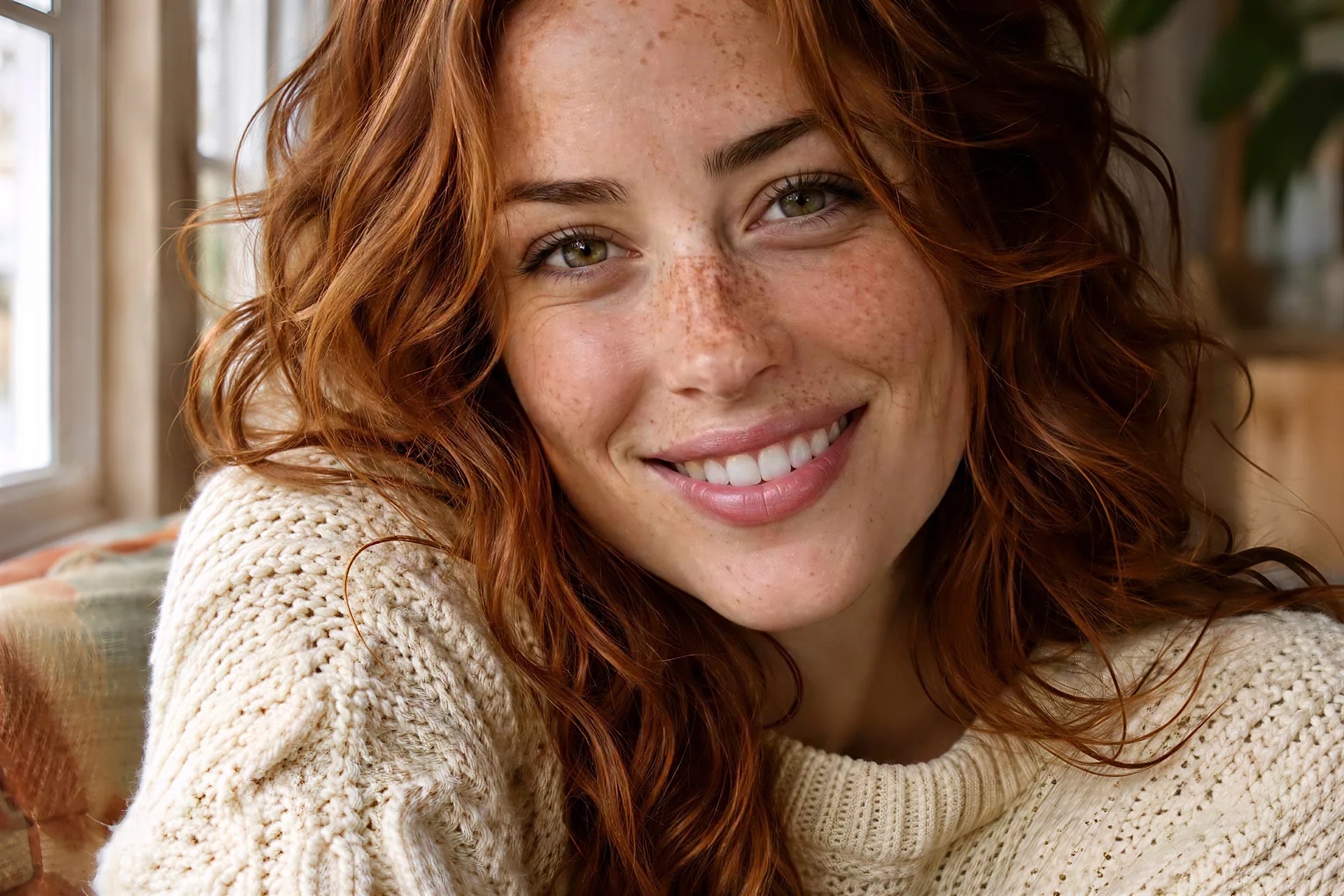
解像度
960 × 640
スクロールして鮮明化を確認
オンライン画像アップスケール
オンライン画像アップスケール
低解像度やぼやけた画像をアップロードし、AIで鮮明にしてからCodia Studioで仕上げられます。
このページのどこにでもドロップ可能 · 一括最大20枚 · 失敗時は無料
0×
拡大、最大4Kまでワンパス処理
0
1回の最大一括処理枚数
0
写真・細部・文字の専用モデル
0
失敗時の消費クレジット
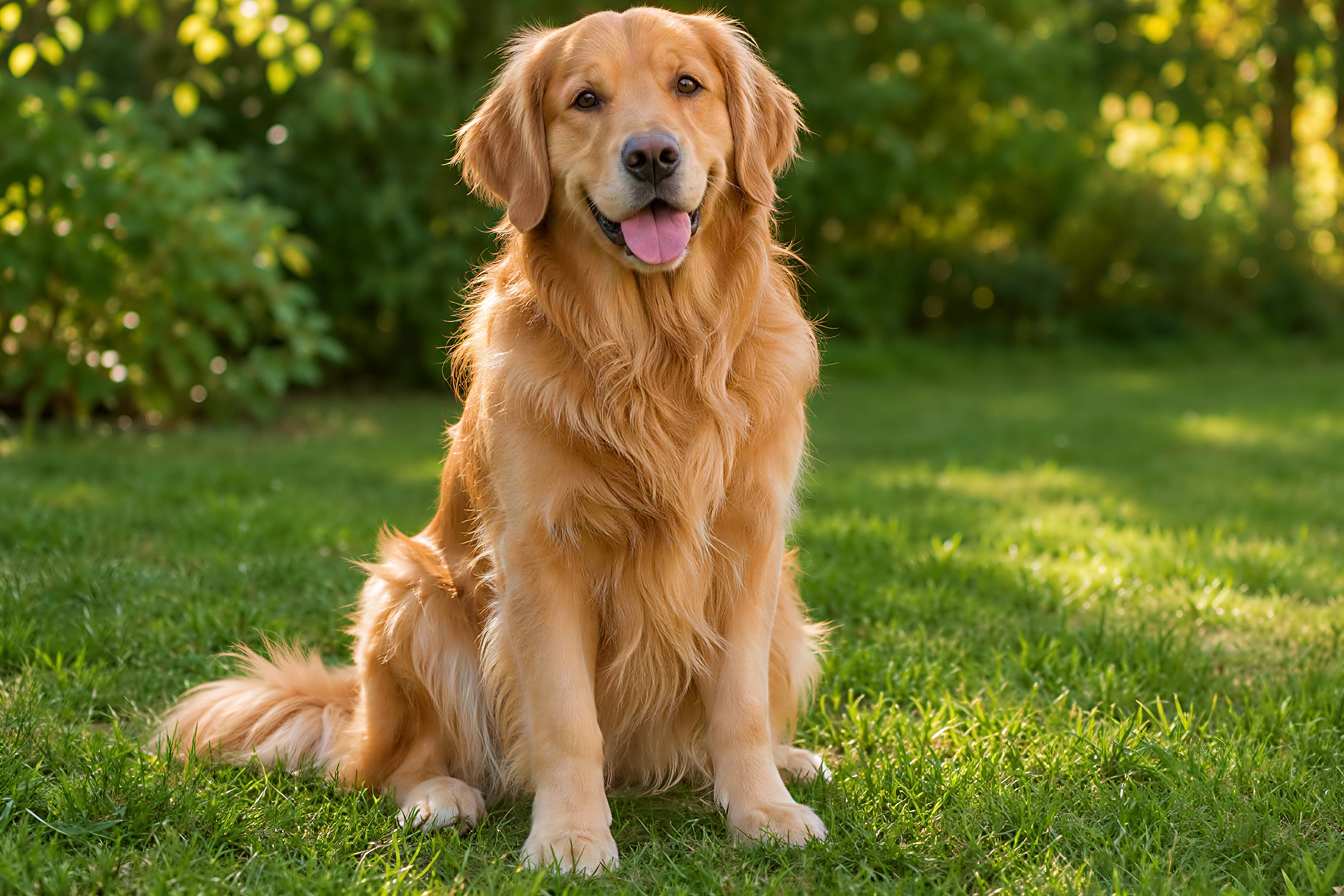
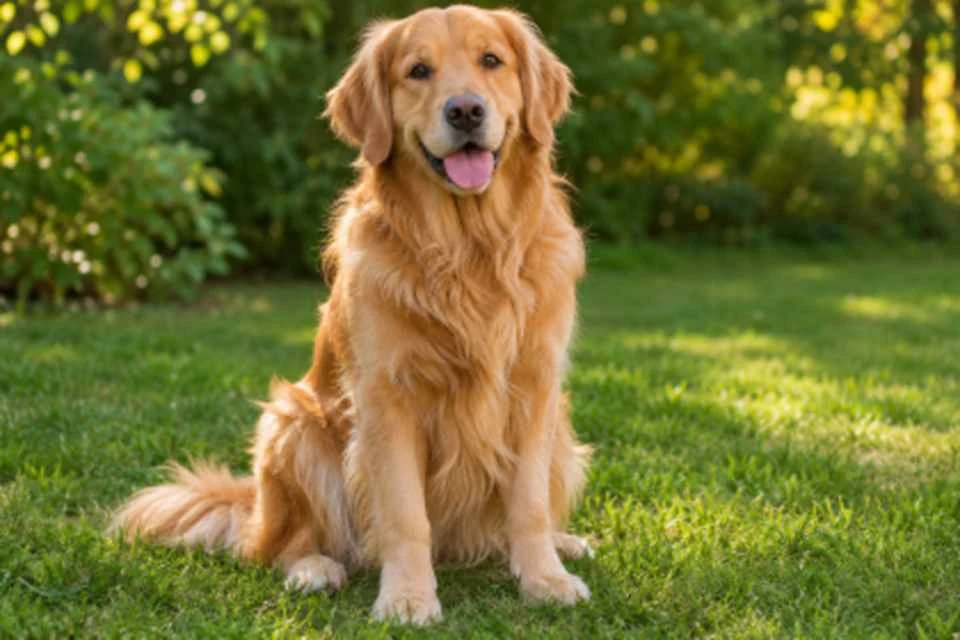
細部を拡大
2倍・4倍 AI画像高画質化のディテール比較
1×
小さく見れば問題なさそう。
低解像度の粗さは、印刷・トリミング・拡大するまで隠れています。
2×
拡大すると粗さが露出。
左はブロックノイズとにじみ。右はAIが再構築した自然な質感。
4×
毛並み一本まで鮮明に。
元の解像度では表現できなかった細部まで4倍サイズでくっきり再現。
顔の同一性を守るAI高画質化
くっきり鮮明、なのに本人そのまま。
一般的な生成型アップスケーラーは顔を別人に描き変えがちです。OptiClearは元画像と照合しながら復元し、違和感のある変化を抑えます。
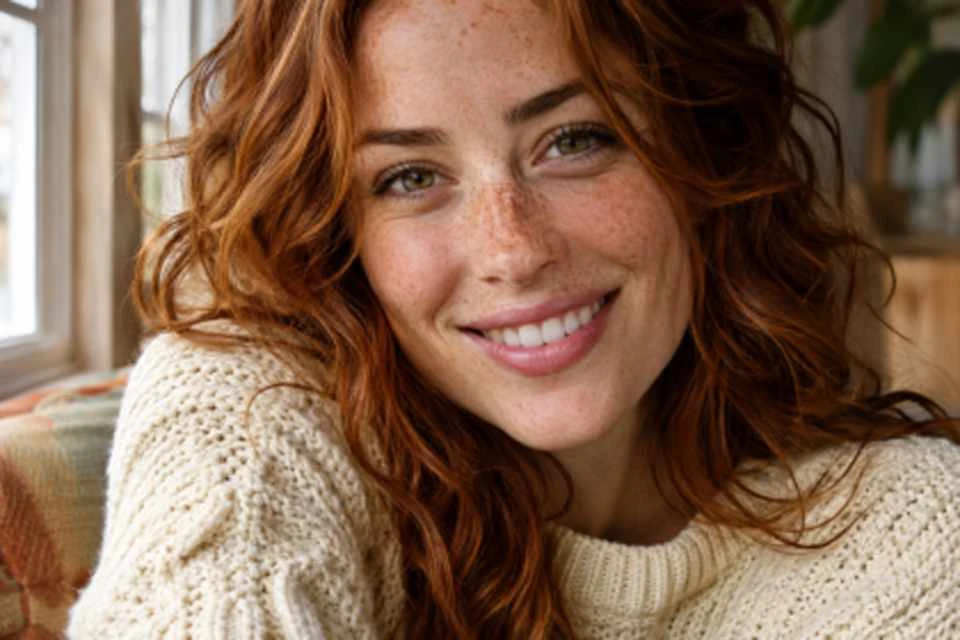
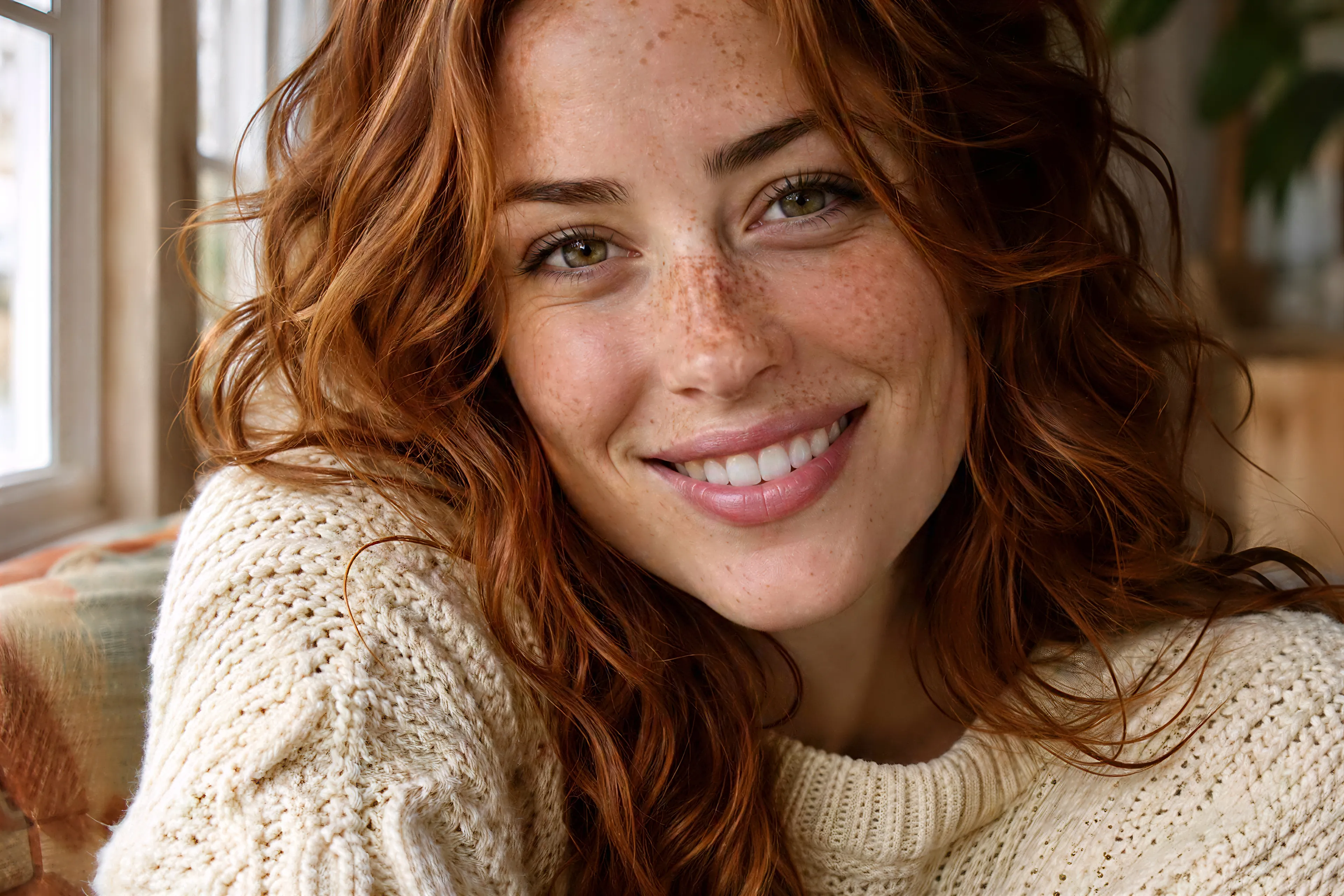
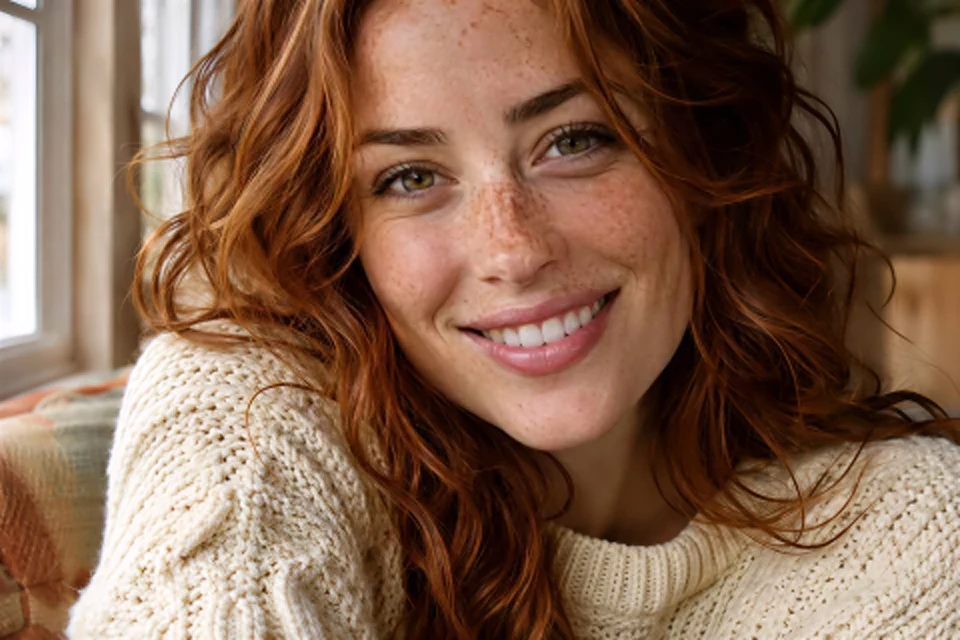 originalFace match (SSIM)0.97
Panel 03 flips between your upload and OptiClear’s result scaled back to the upload’s own detail. If a face had been redrawn, it would jump. The score compares the two faces pixel structure by pixel structure; 1.00 is identical.
No new features
Eyes, nose and mouth keep their shape and place.
Same expression
A half smile stays a half smile. No beauty filter.
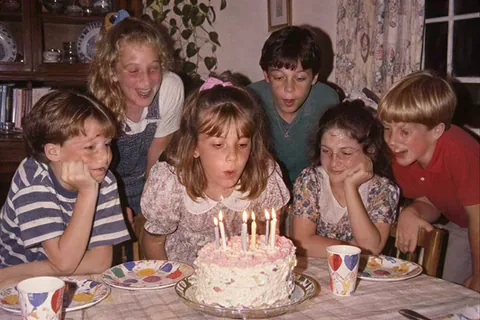
Small faces in group shots
Where most upscalers smear or invent faces, every guest stays themselves.
Glasses, beards, wrinkles
Age and character are details too. They stay.
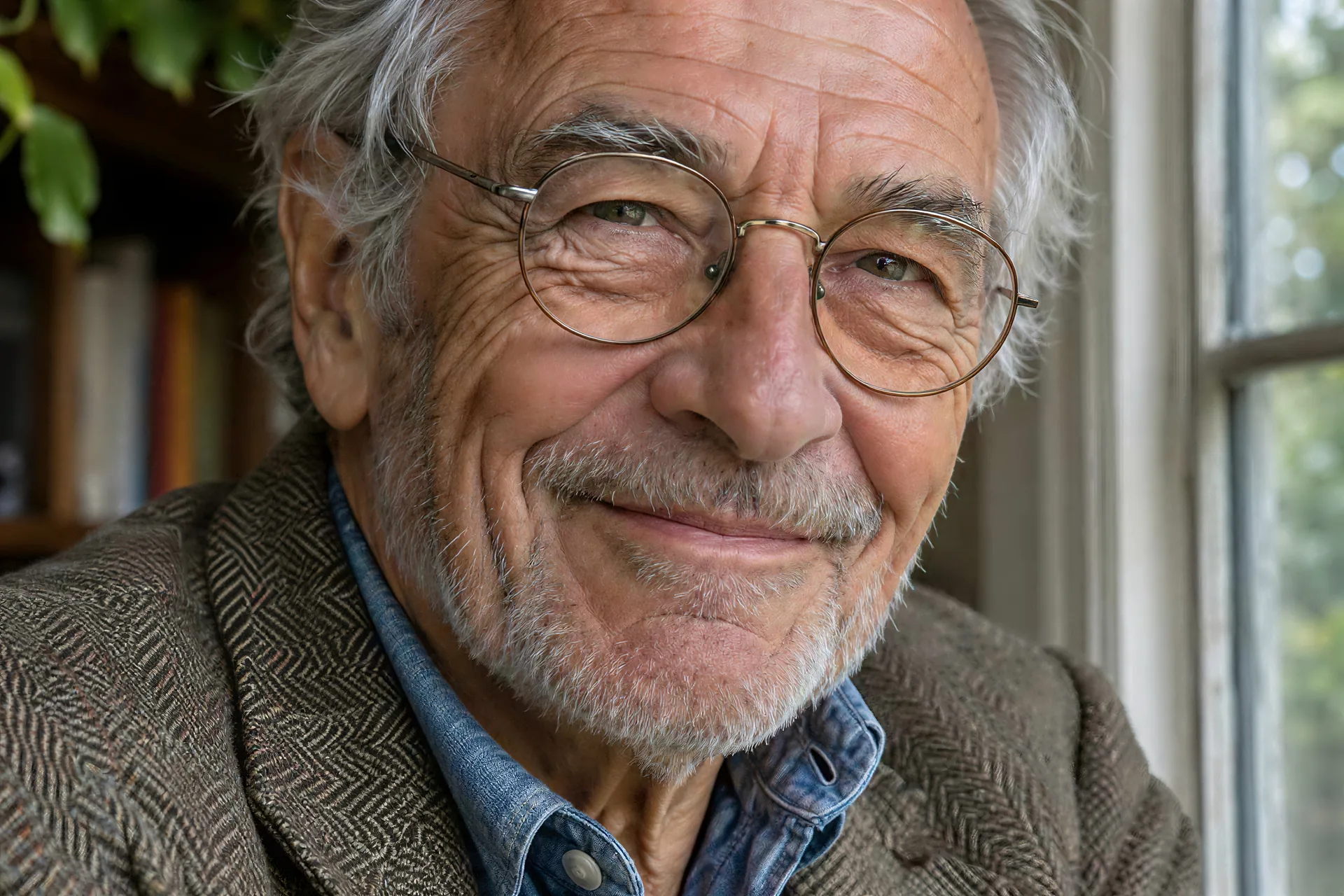 Before · 960×640OptiClear · 3840×2560
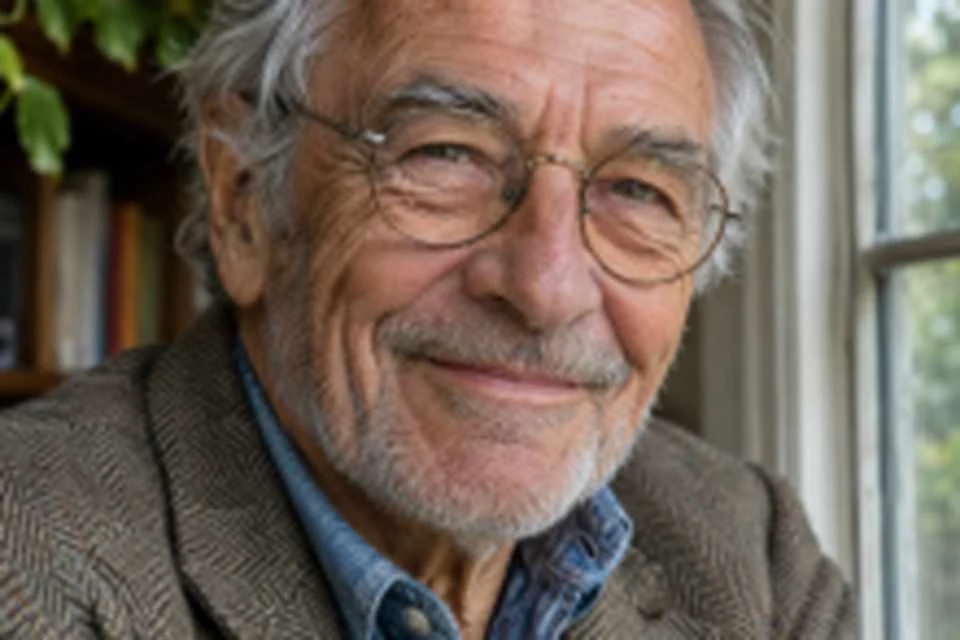
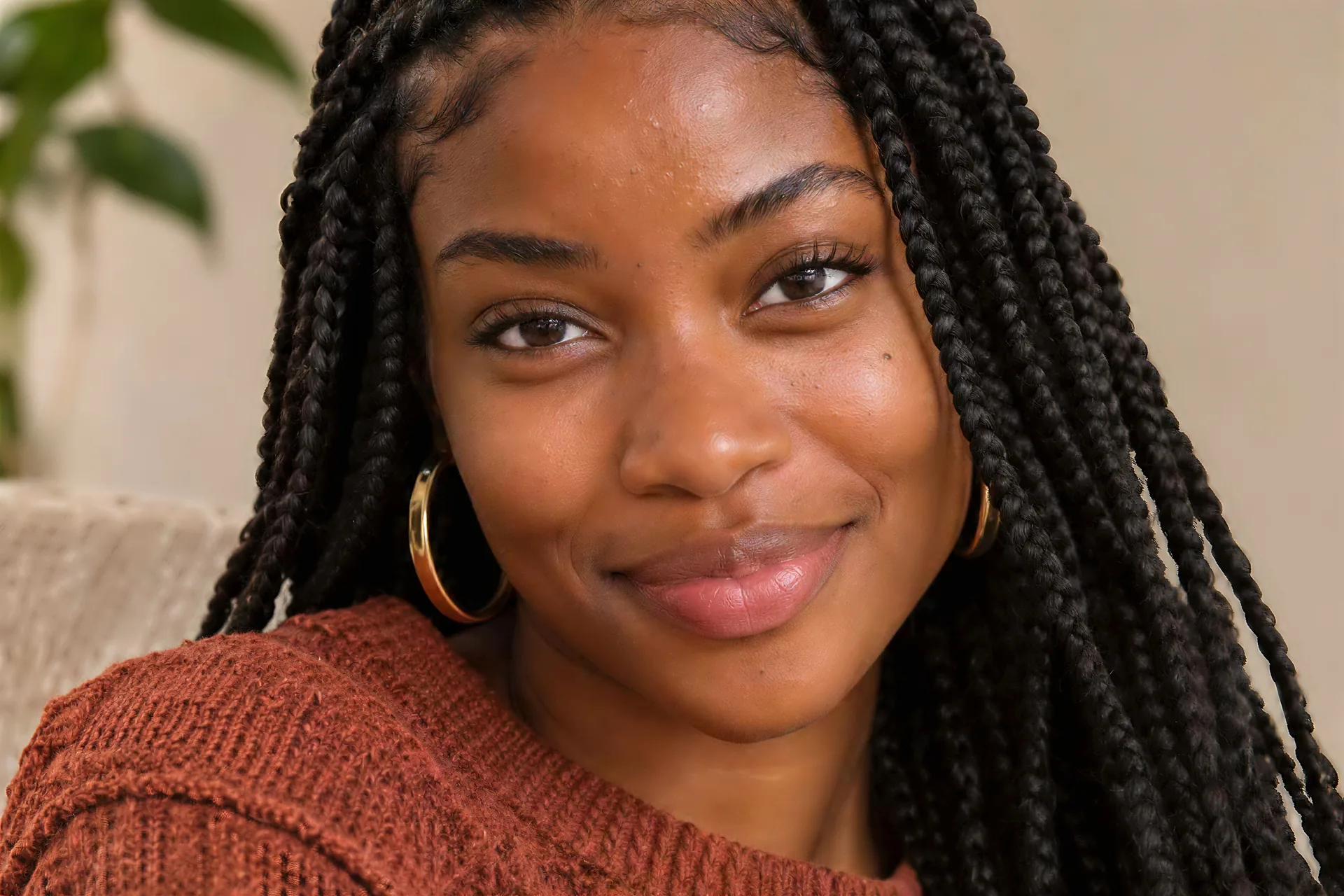 Before · 960×640OptiClear · 3840×2560
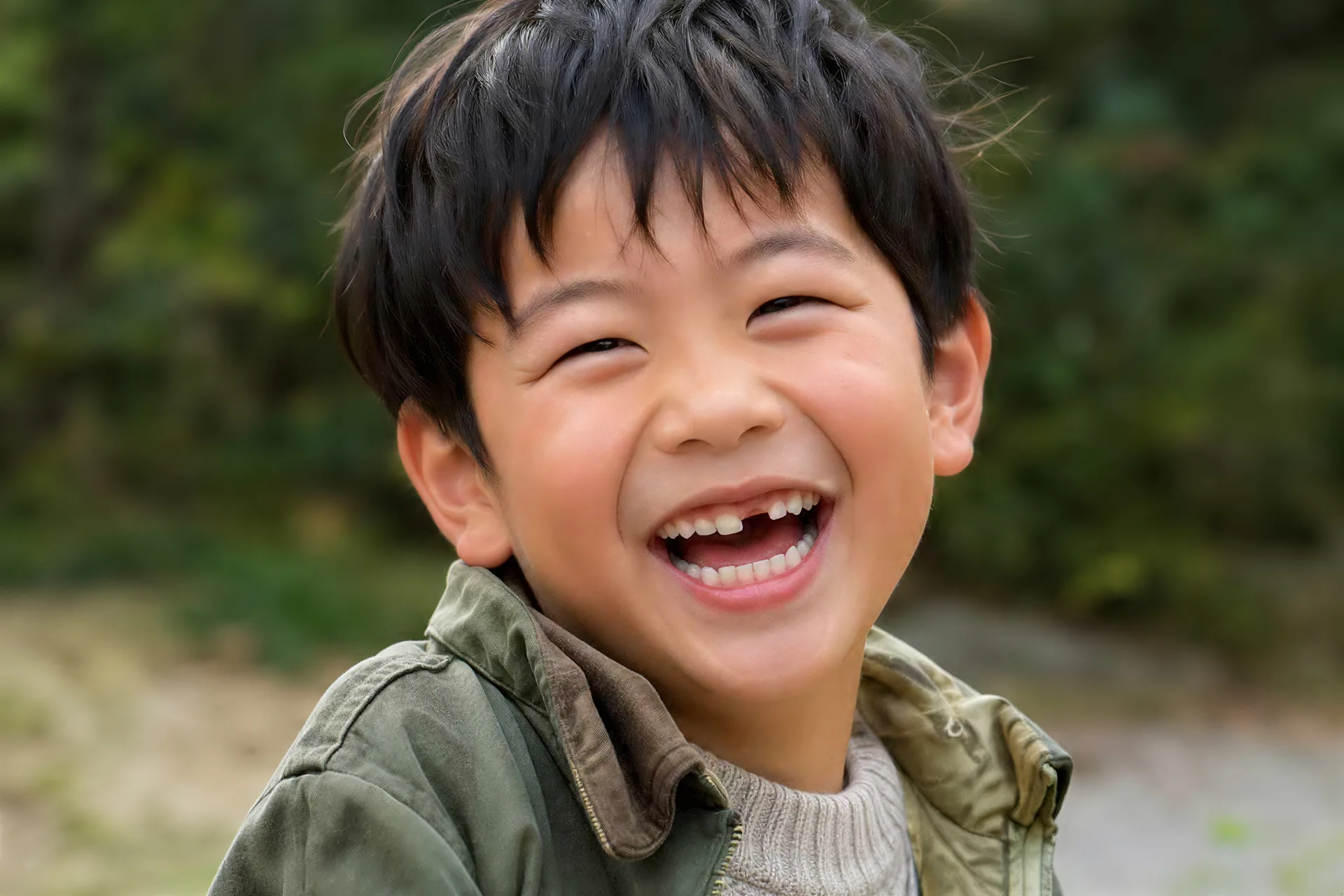 Before · 960×640OptiClear · 3840×2560
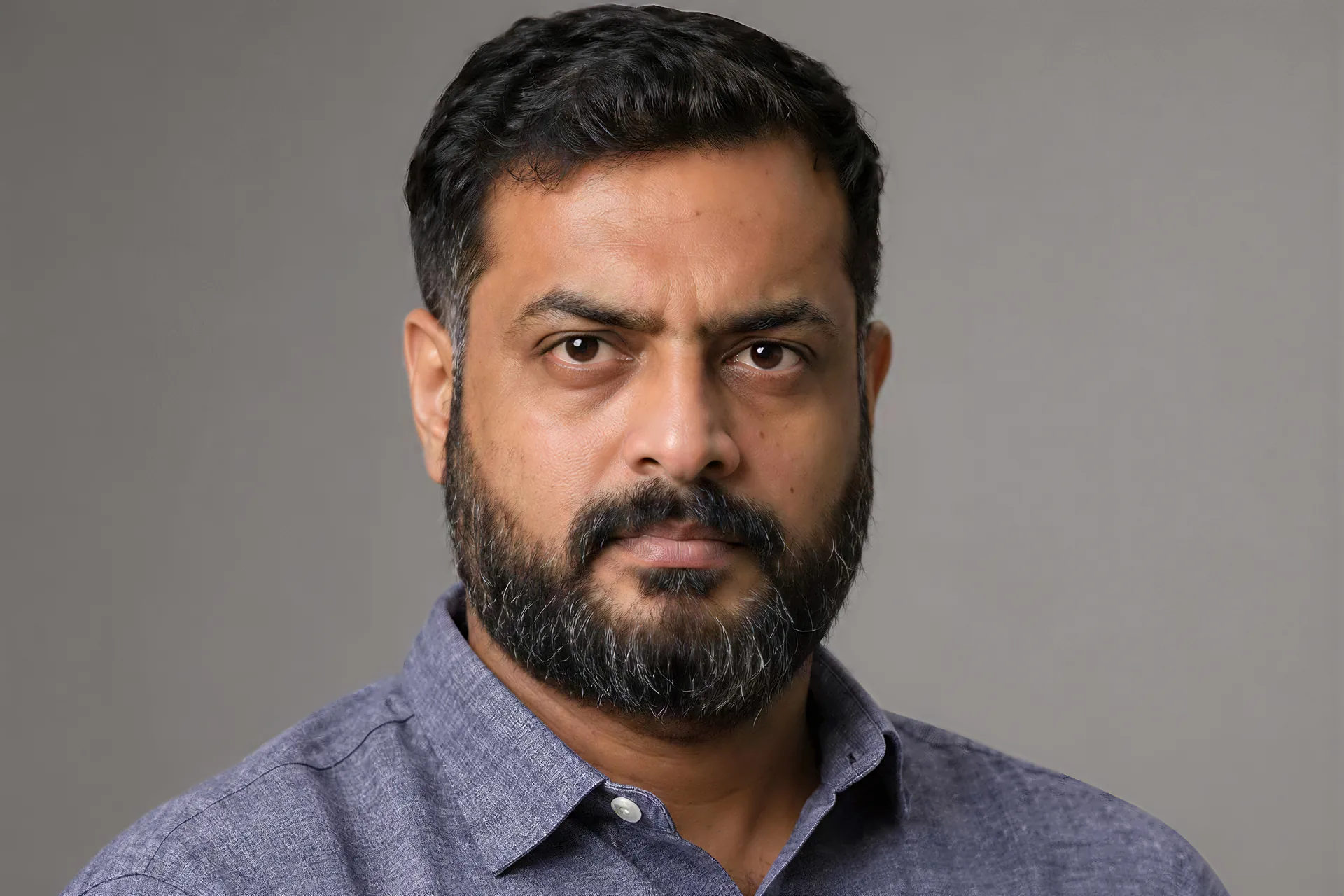 Before · 960×640OptiClear · 3840×2560
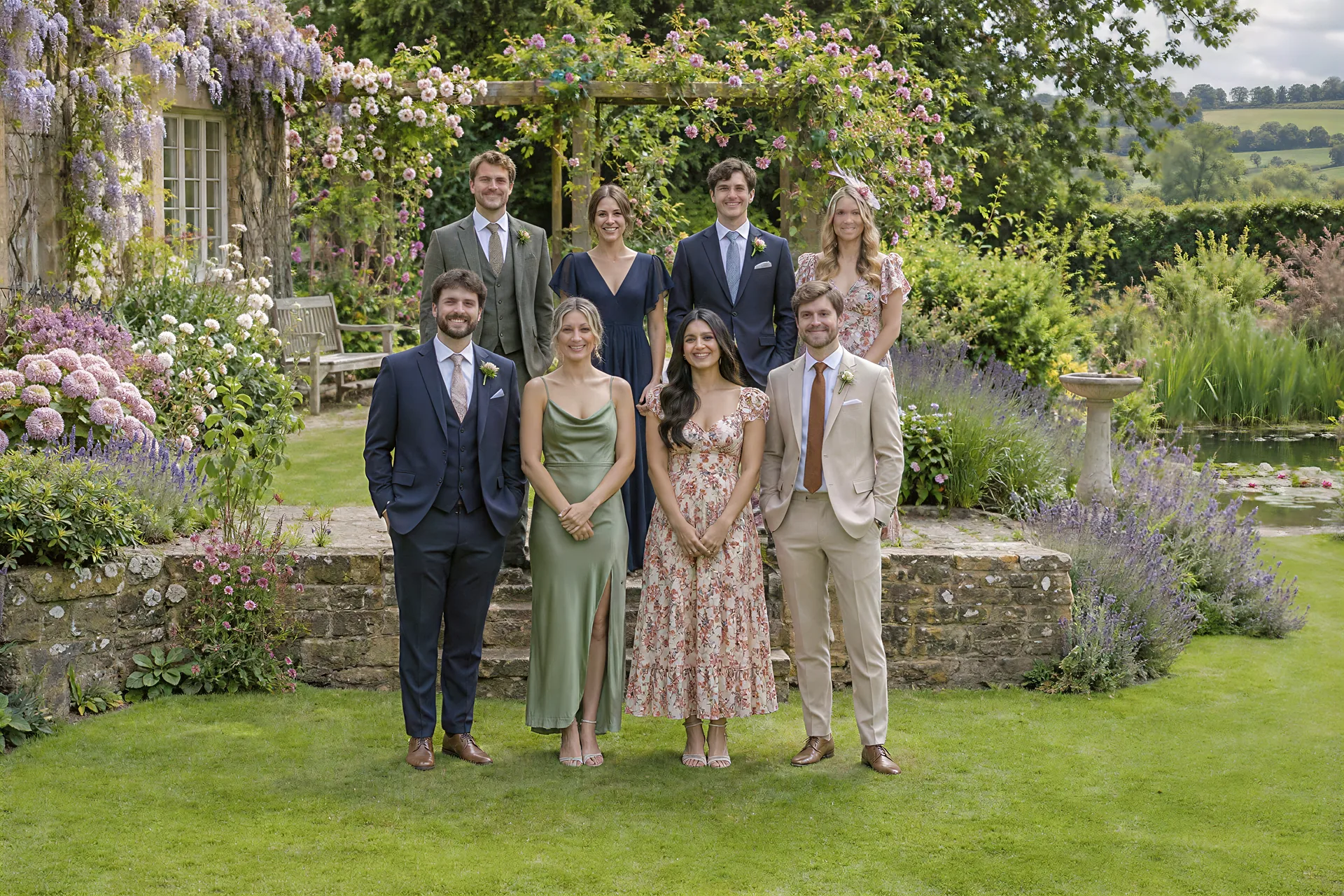 Before · 960×640OptiClear · 3840×2560
 Before · 960×640OptiClear · 3840×2560
あらゆる写真に対応
商品写真、古い写真、イラストまで高画質化。
 Before · 960×640OptiClear · 3840×2560
Product
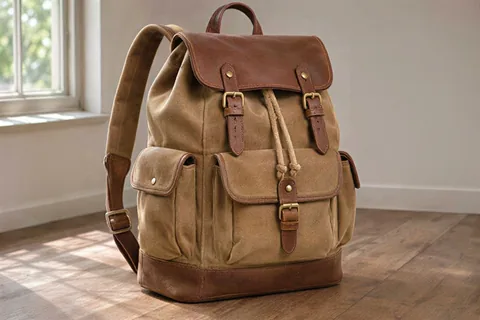
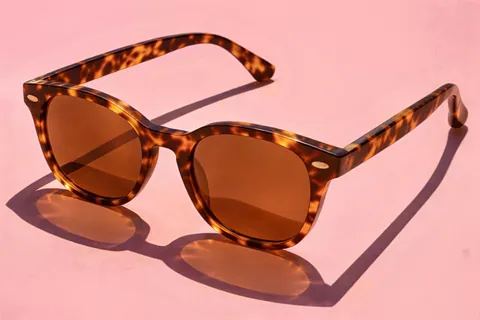
Leather grain and stitching for a product-page zoom.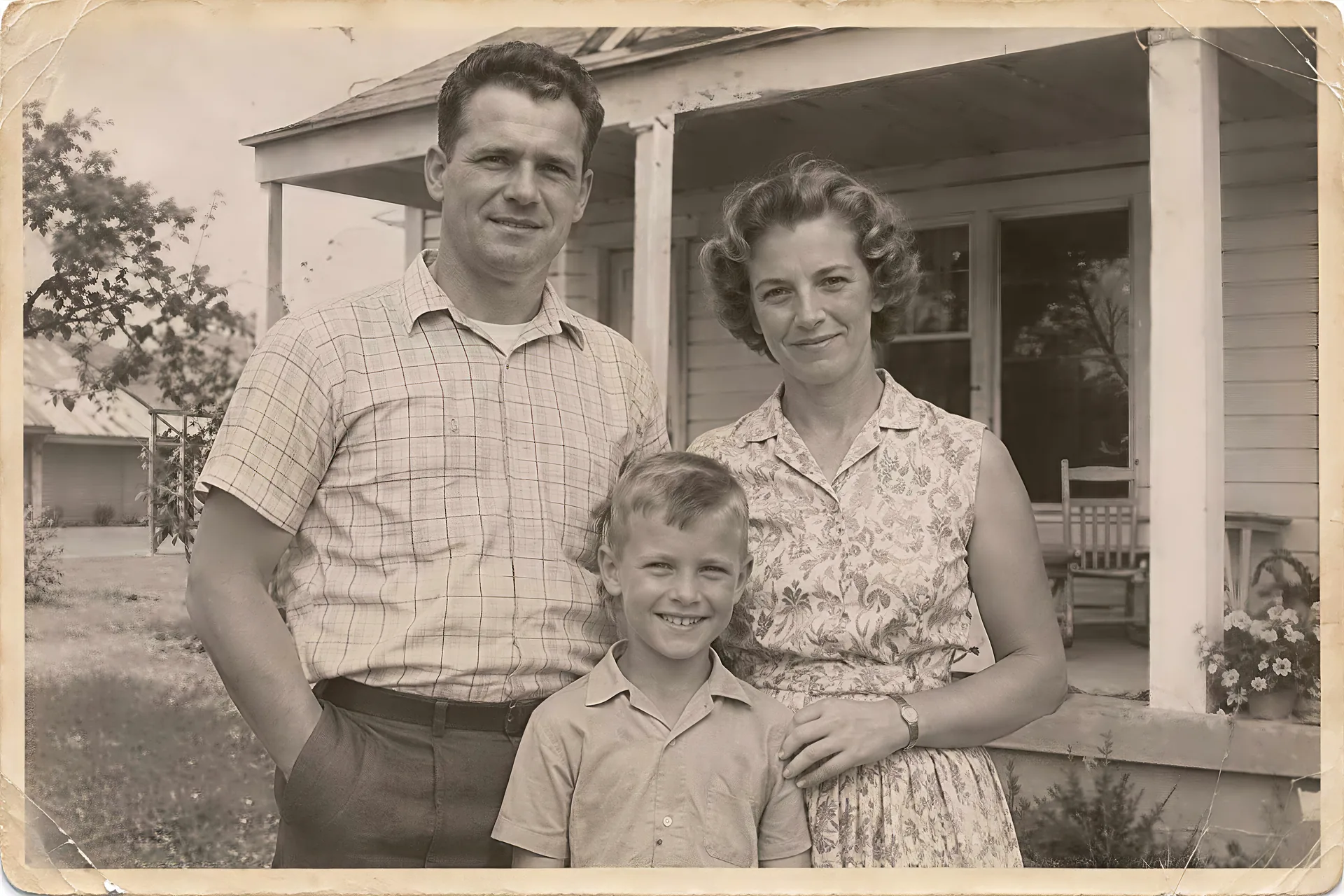 Before · 960×640OptiClear · 3840×2560
Old photo
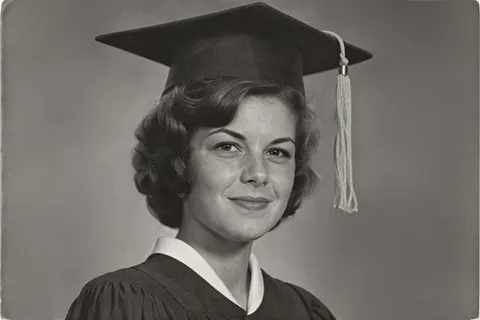
Faces and edges come back; the film character stays.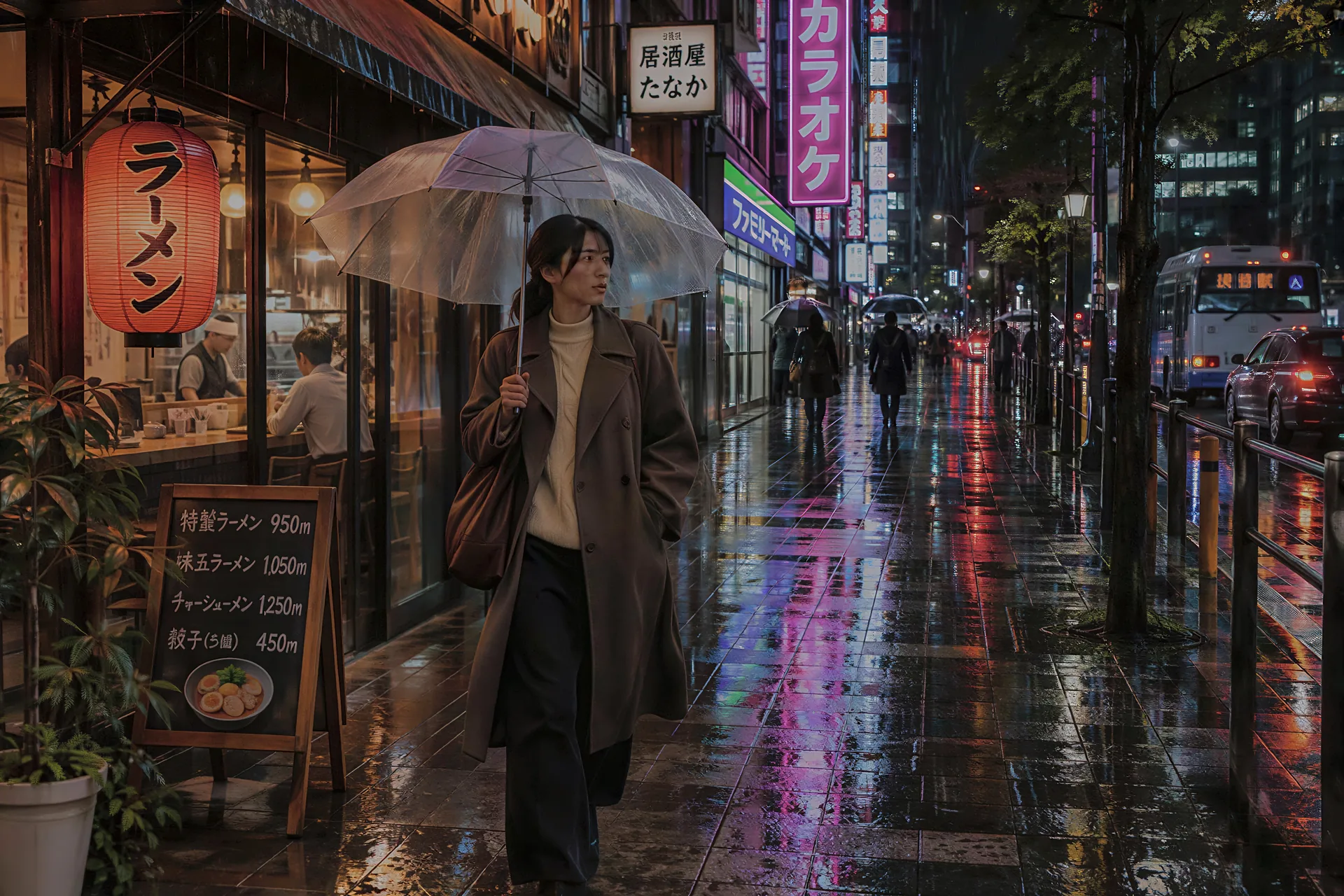 Before · 960×640OptiClear · 3840×2560
Night street
Noise cleaned before enlarging, neon stays crisp.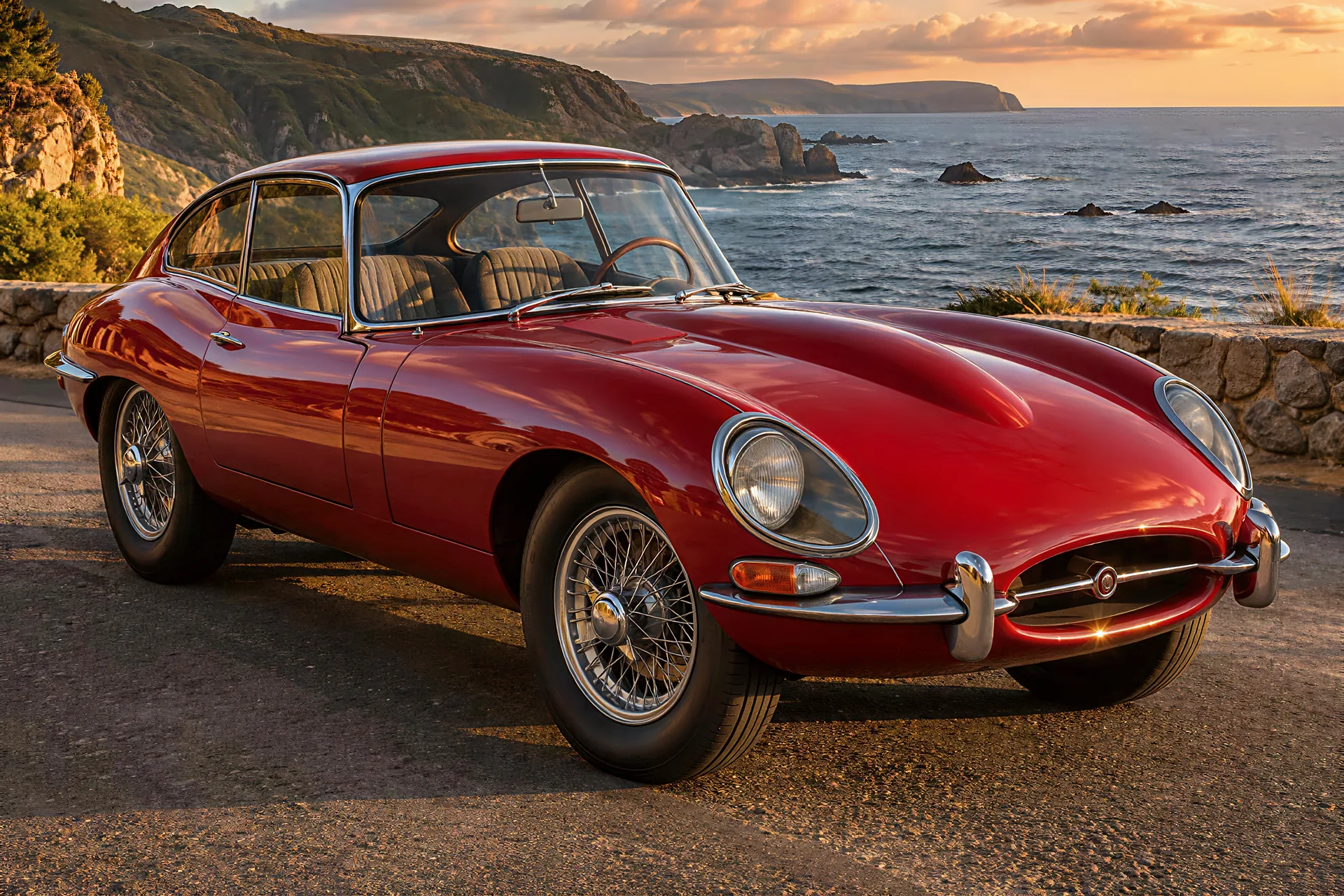 Before · 960×640OptiClear · 3840×2560
Car
Chrome, reflections and paint depth.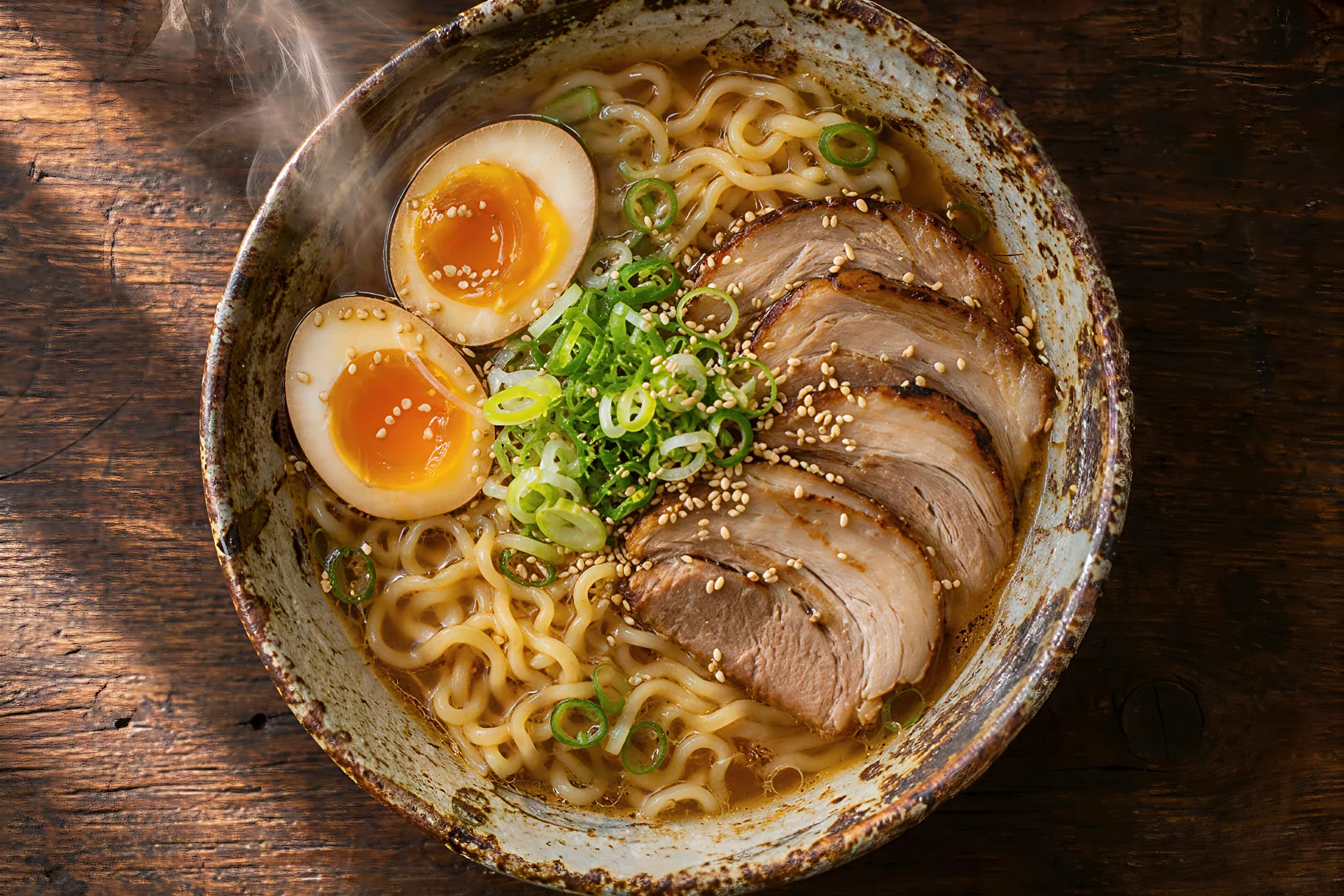 Before · 960×640OptiClear · 3840×2560
Food
Texture that makes a menu photo look edible again.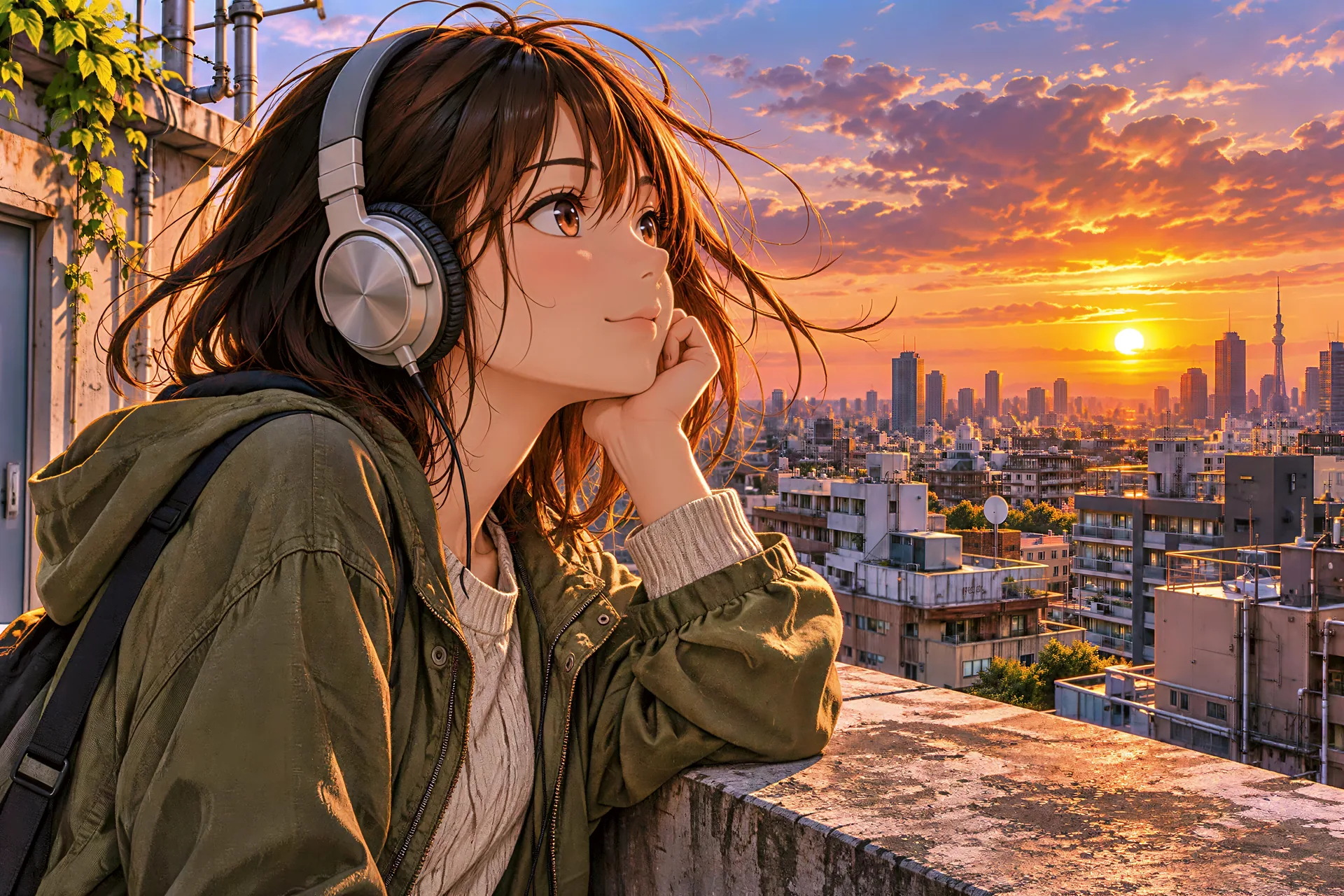 Before · 960×640OptiClear · 3840×2560
Illustration
Clean line art and flat colour, no muddy halos.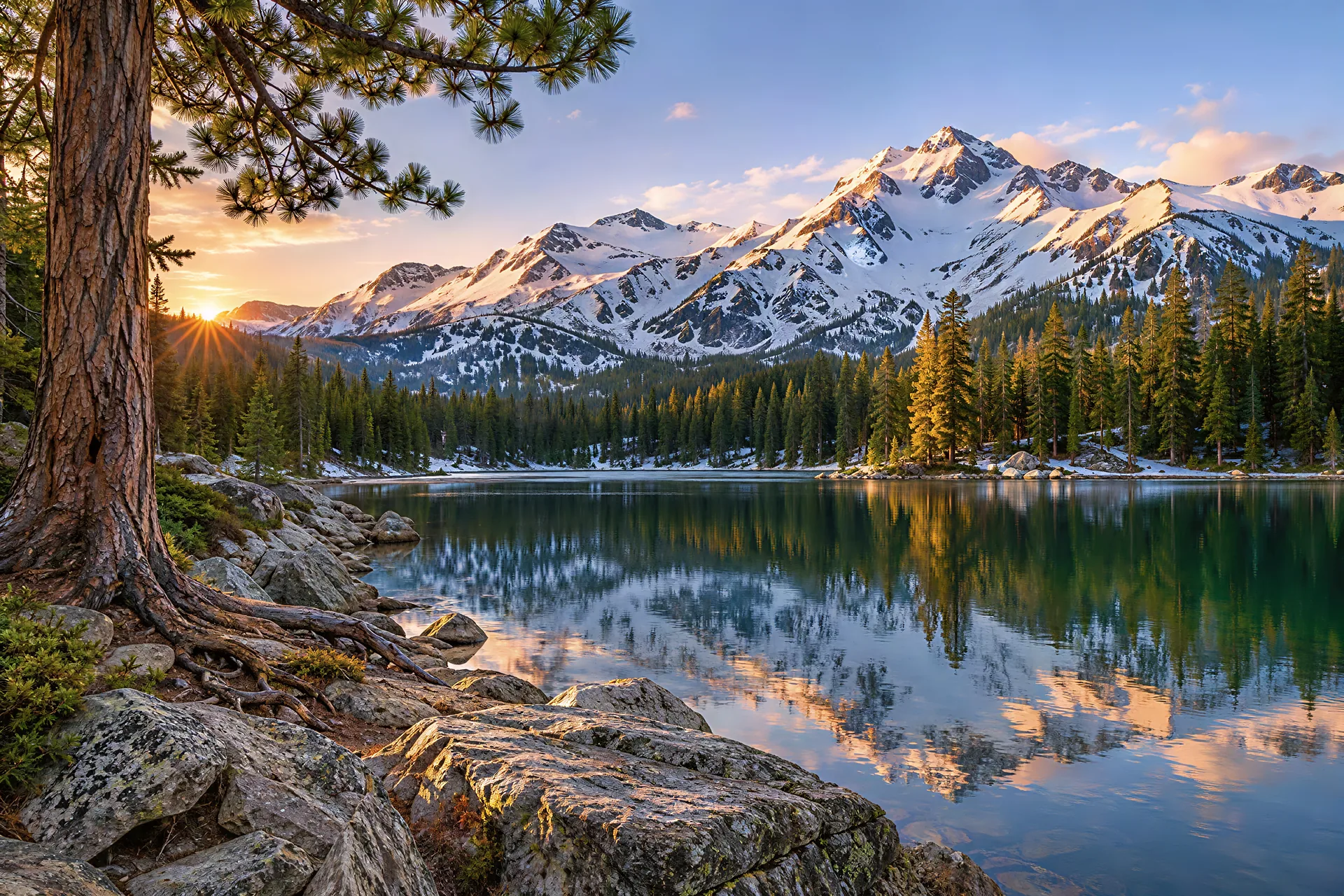 Before · 960×640OptiClear · 3840×2560
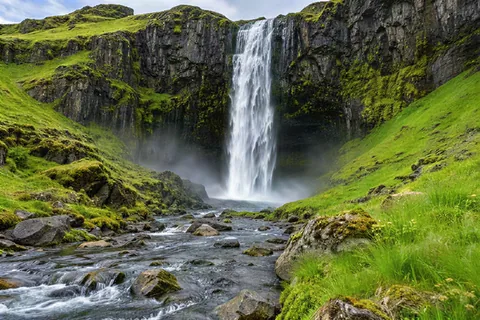
Landscape
Rocks, trees and ridgelines at print size.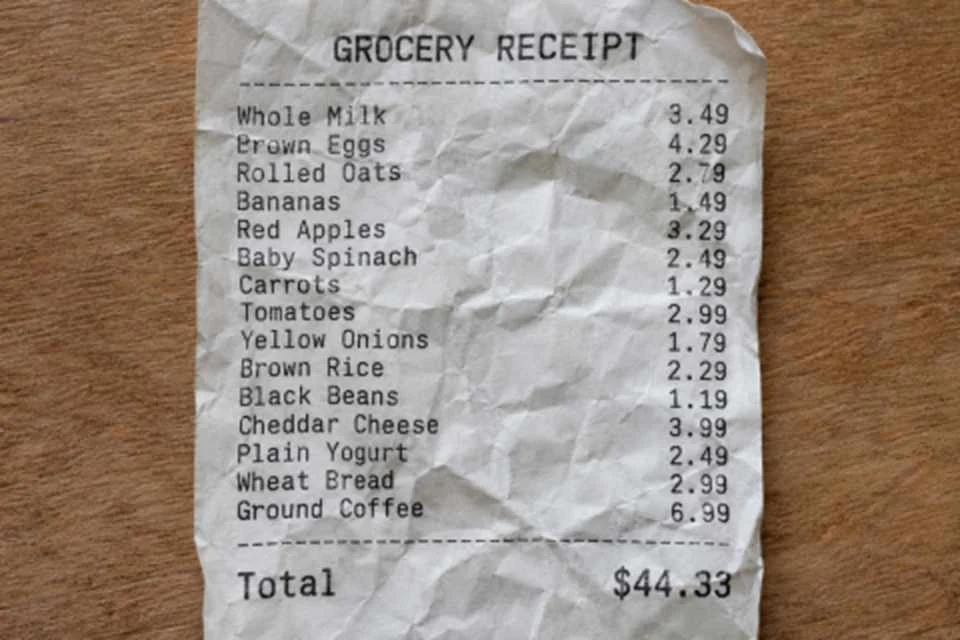
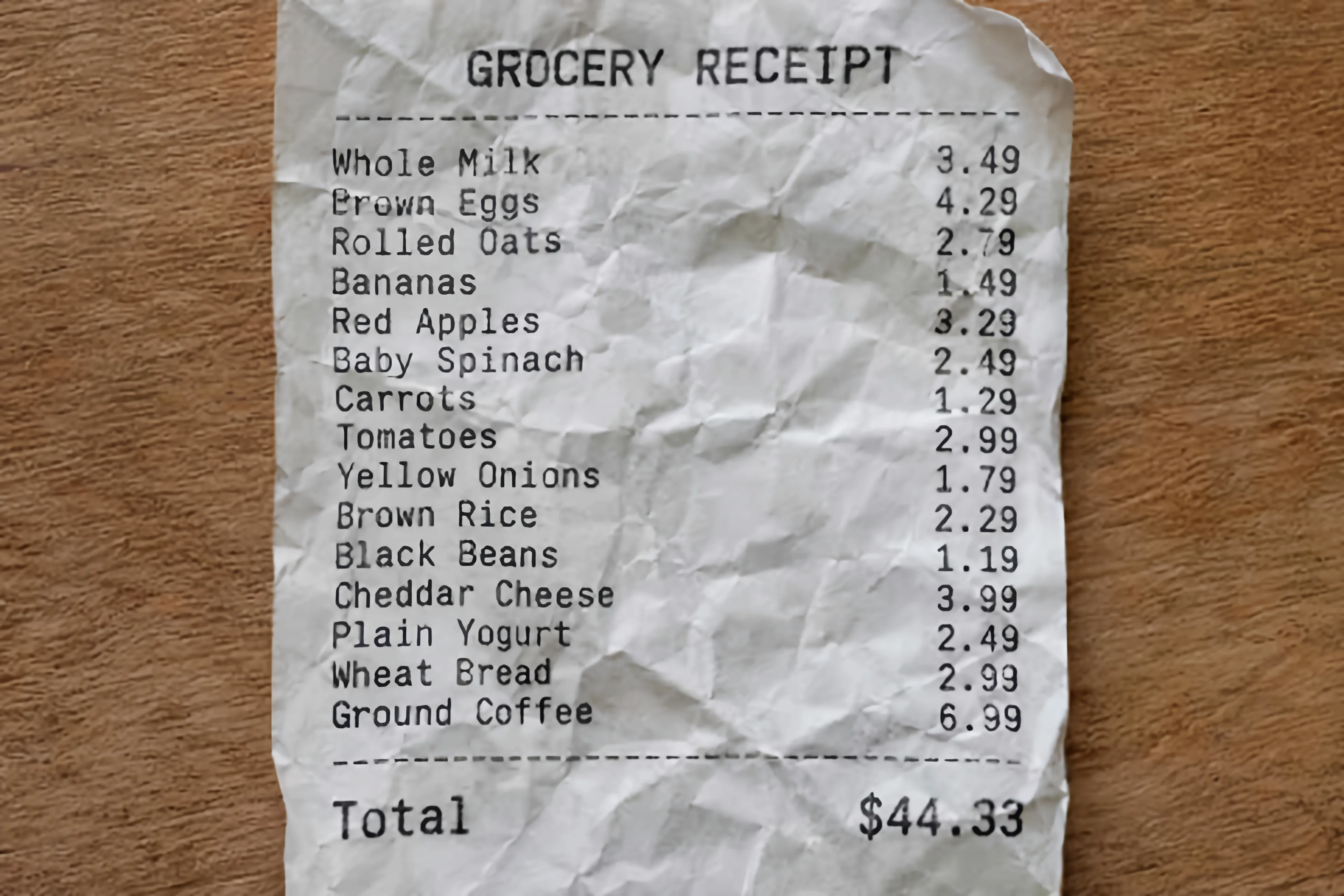
文字・スクリーンショット鮮明化
小さな文字も、はっきり読める。
レシート上にレンズを動かしてみてください。外側は元画像、内側はOptiClear 2倍処理。文字モデルが画線だけを鮮明化し文字を捏造しません。
一括処理
最大20枚の写真をワンクリックで一括拡大。
撮影データや商品カタログ、スキャン写真をまとめて投入。同じ設定で処理し、比較後にZIPで一括保存できます。
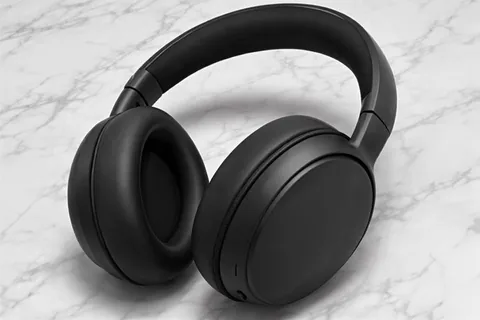
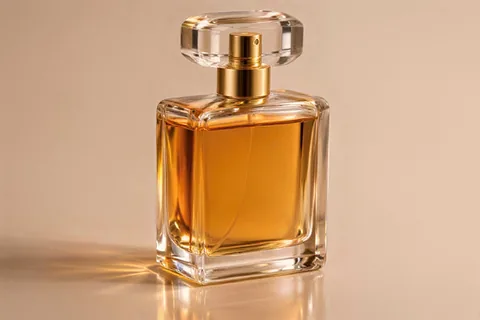
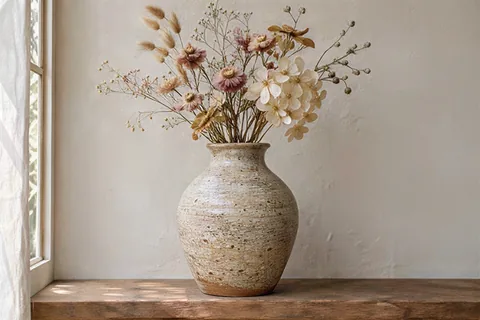
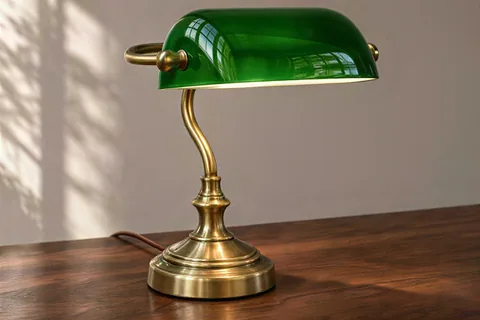
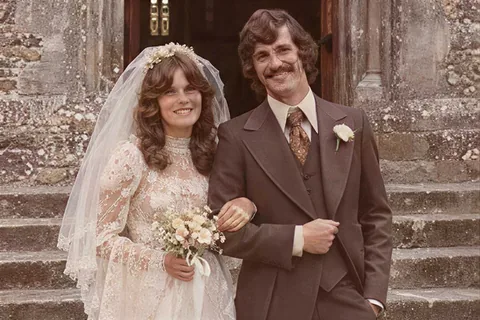
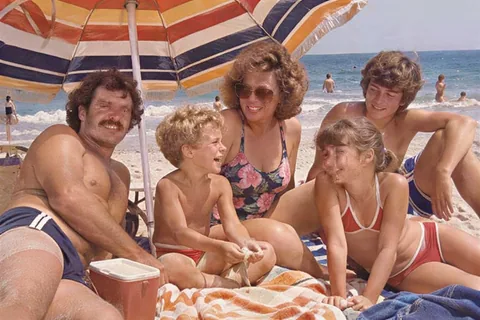
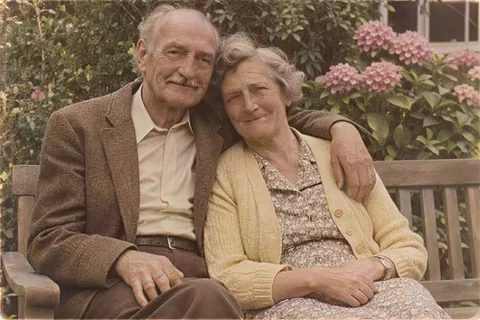
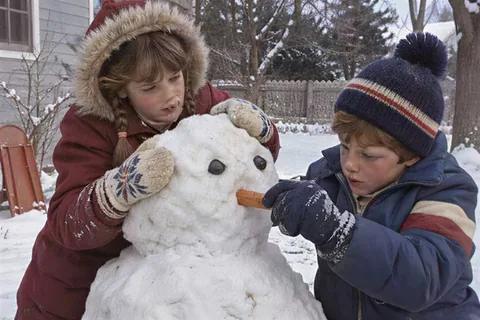
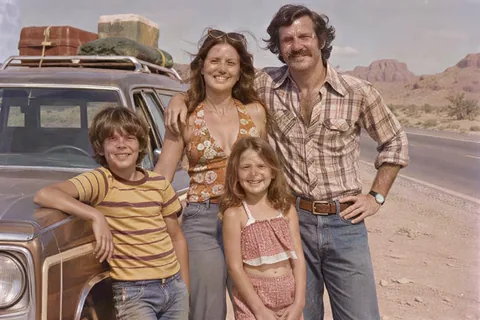
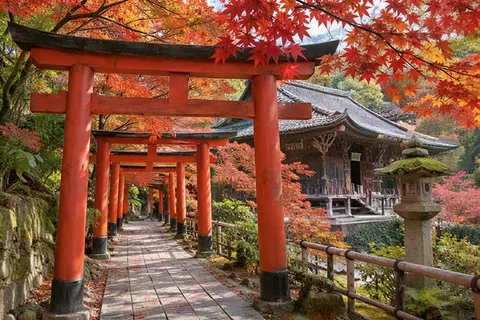
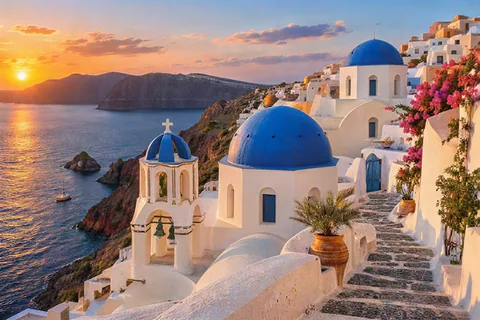
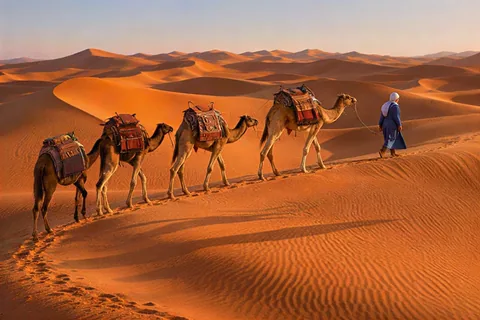
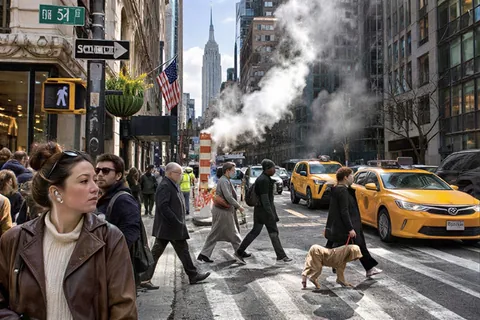
3つの専用AIモデル
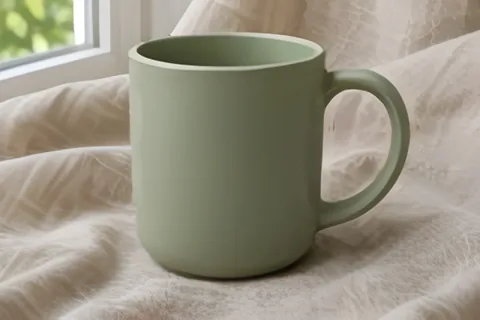
ぼけの種類に合わせたAI高画質化モデル。
Autoが画像を判別して最適なモデルを選択。細部復元や文字専用モデルを手動で選ぶこともできます。
使い方
AIで画像を4Kに高画質化・拡大する手順
1枚または最大20枚の画像をアップロード
JPG・PNG・WebP(各最大30 MB)をブラウザにドラッグ&ドロップ。写真、商品画像、古い写真、スクリーンショットに対応します。
AIモデルと2倍・4倍の拡大率を選択
Autoで自動最適化するか、強いぼけにはPro Recover、文字やUIにはText & Graphicsを選択して最大4Kに拡大します。
ビフォー・アフターを比較してダウンロード
すべての結果を拡大比較し、個別または一括ZIPで保存。失敗したタスクはクレジットを消費しません。
無修正の実例
AI画像高画質化のビフォー・アフター実例。
すべて圧縮された低画質JPEGとOptiClearの出力結果です。ホバーまたはドラッグで比較できます。
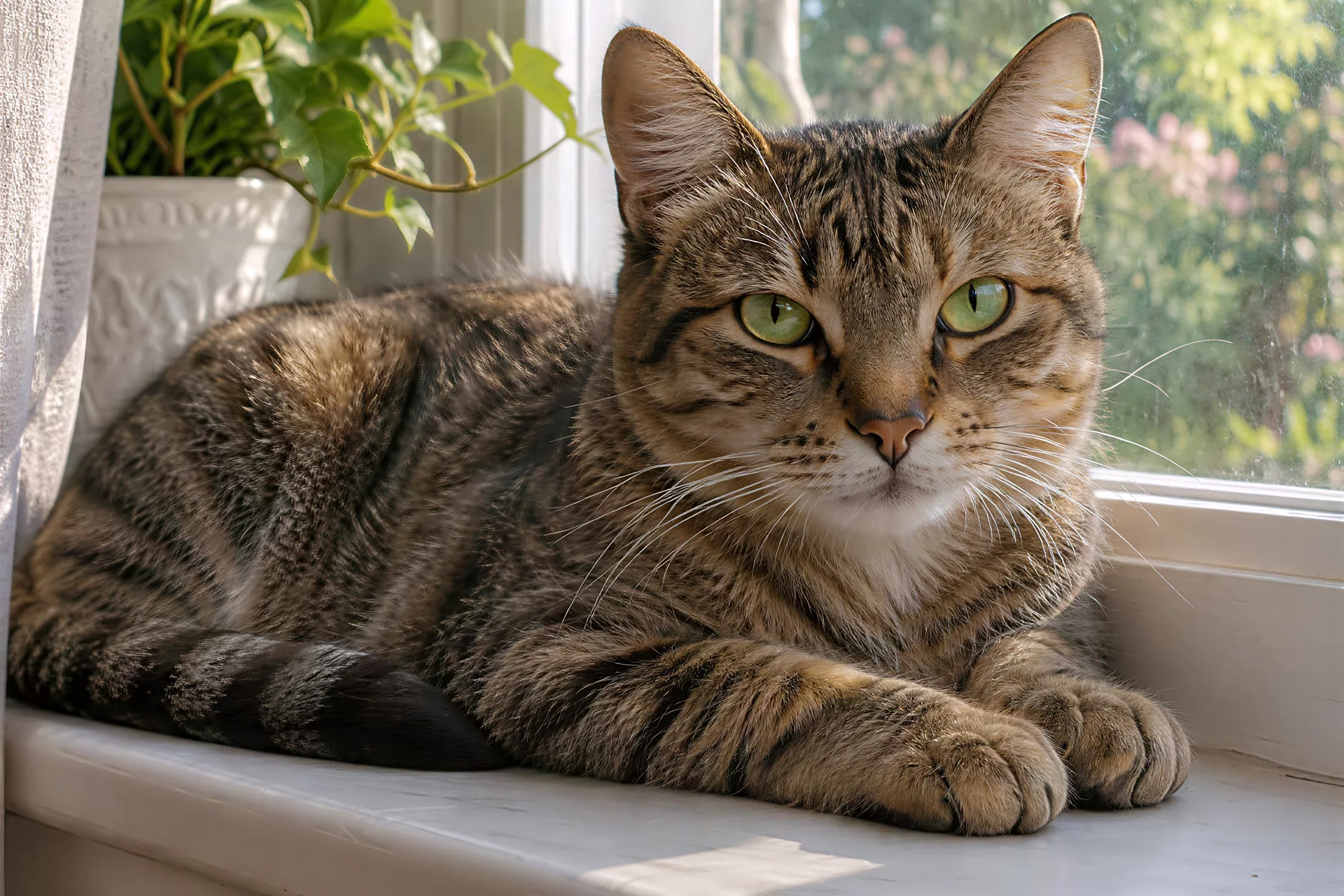 Before · 960×640OptiClear · 3840×2560
Cat
960→3840px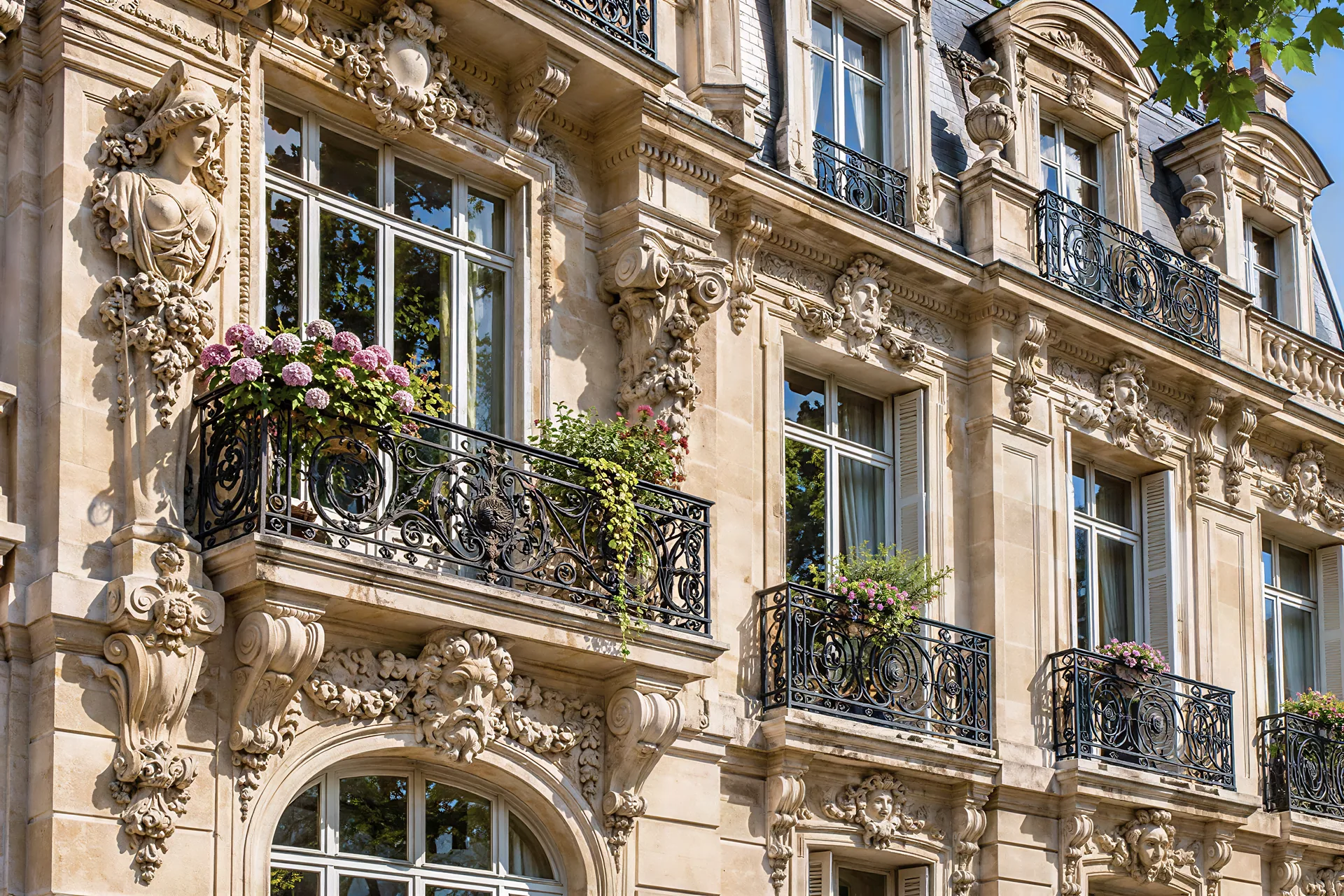 Before · 960×640OptiClear · 3840×2560
Architecture
960→3840px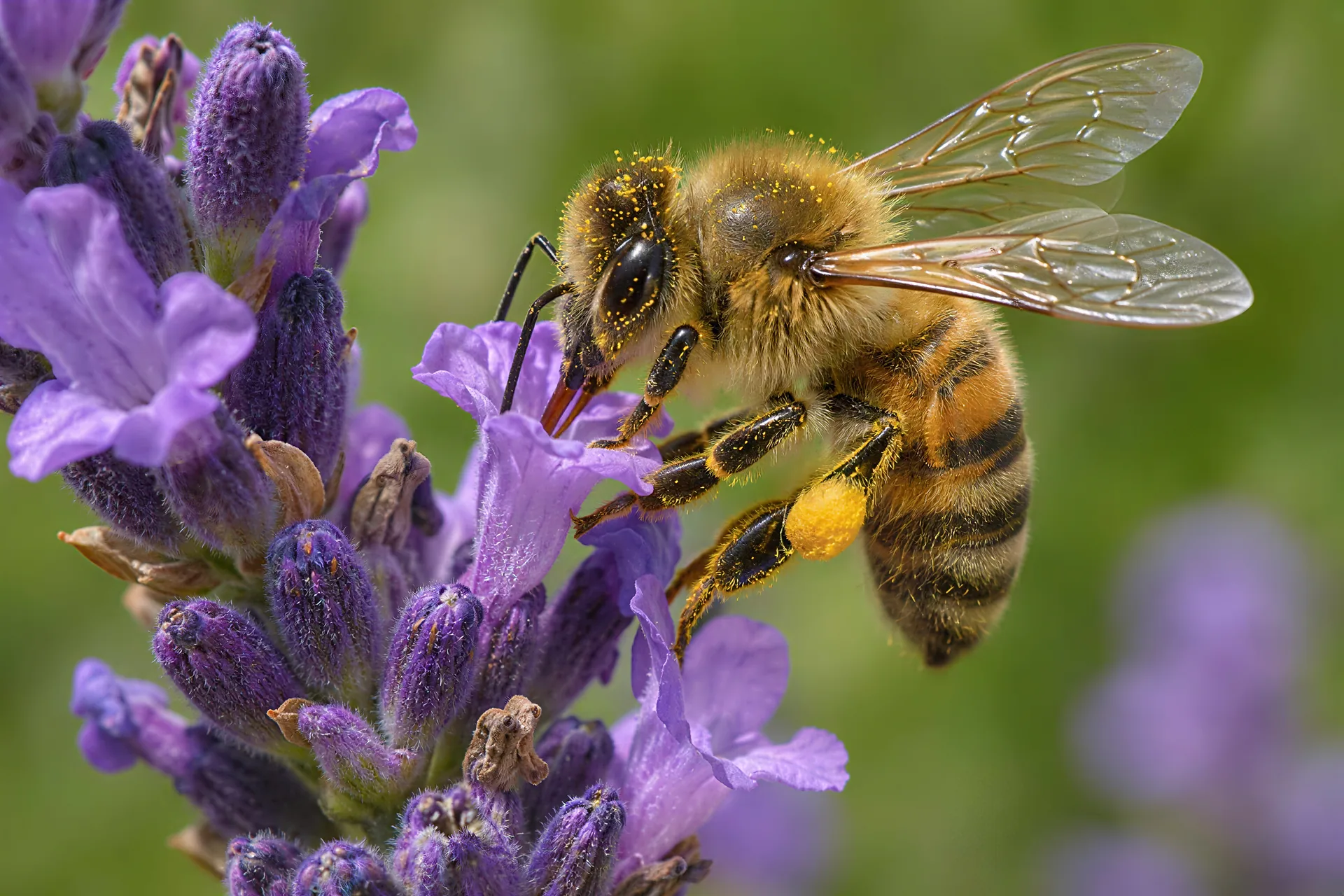 Before · 960×640OptiClear · 3840×2560
Macro
960→3840px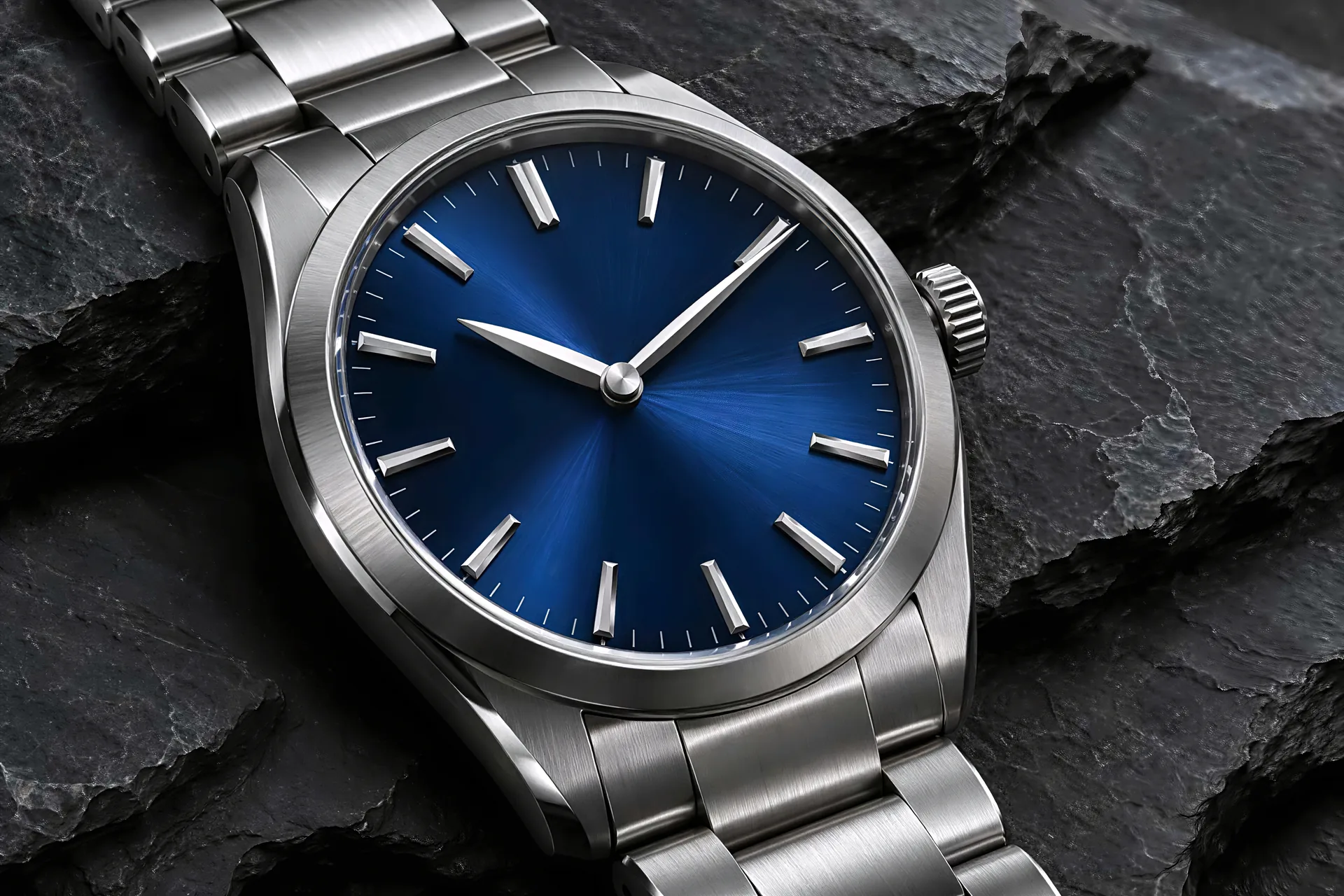 Before · 960×640OptiClear · 3840×2560
Watch
960→3840px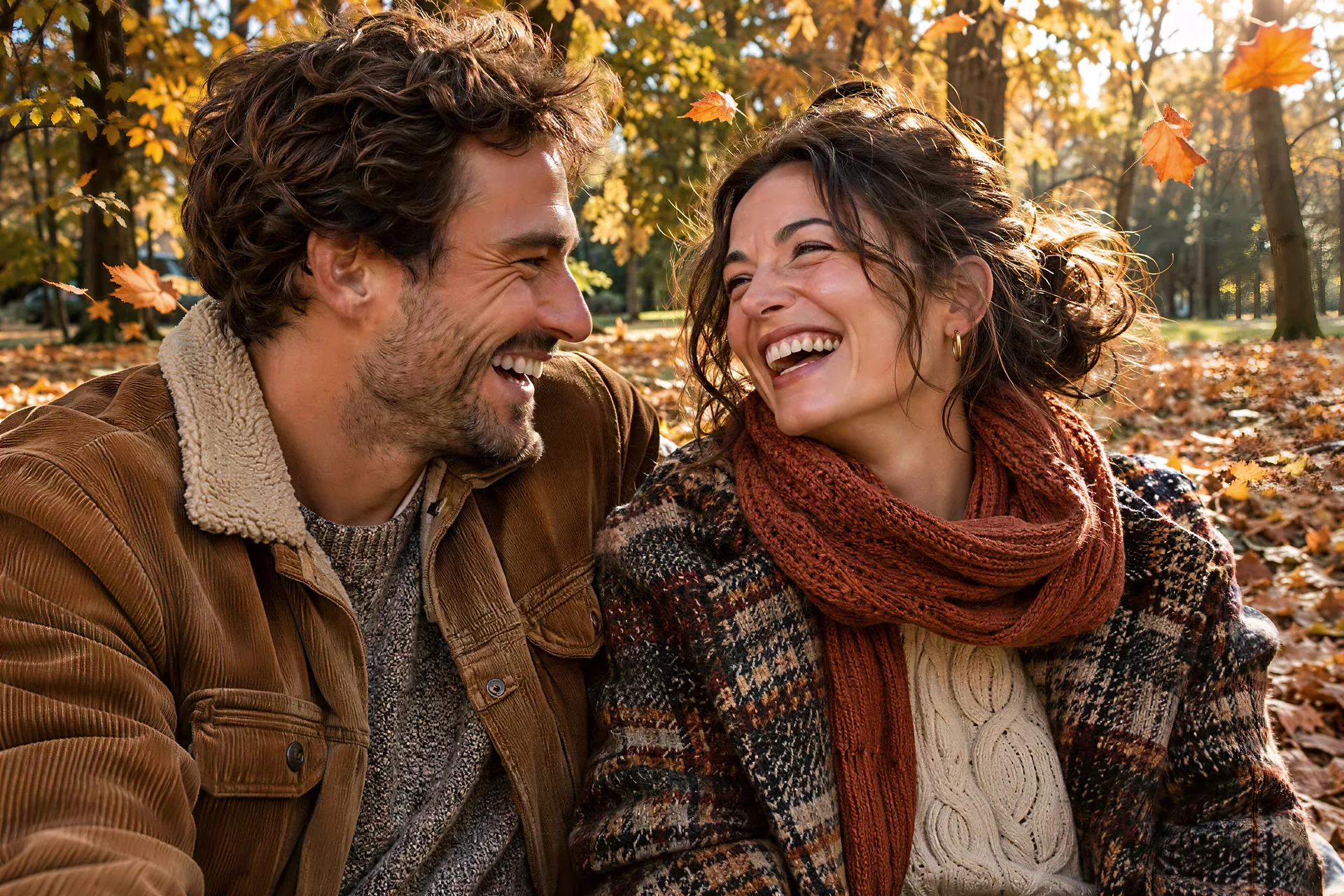 Before · 960×640OptiClear · 3840×2560
Couple
960→3840px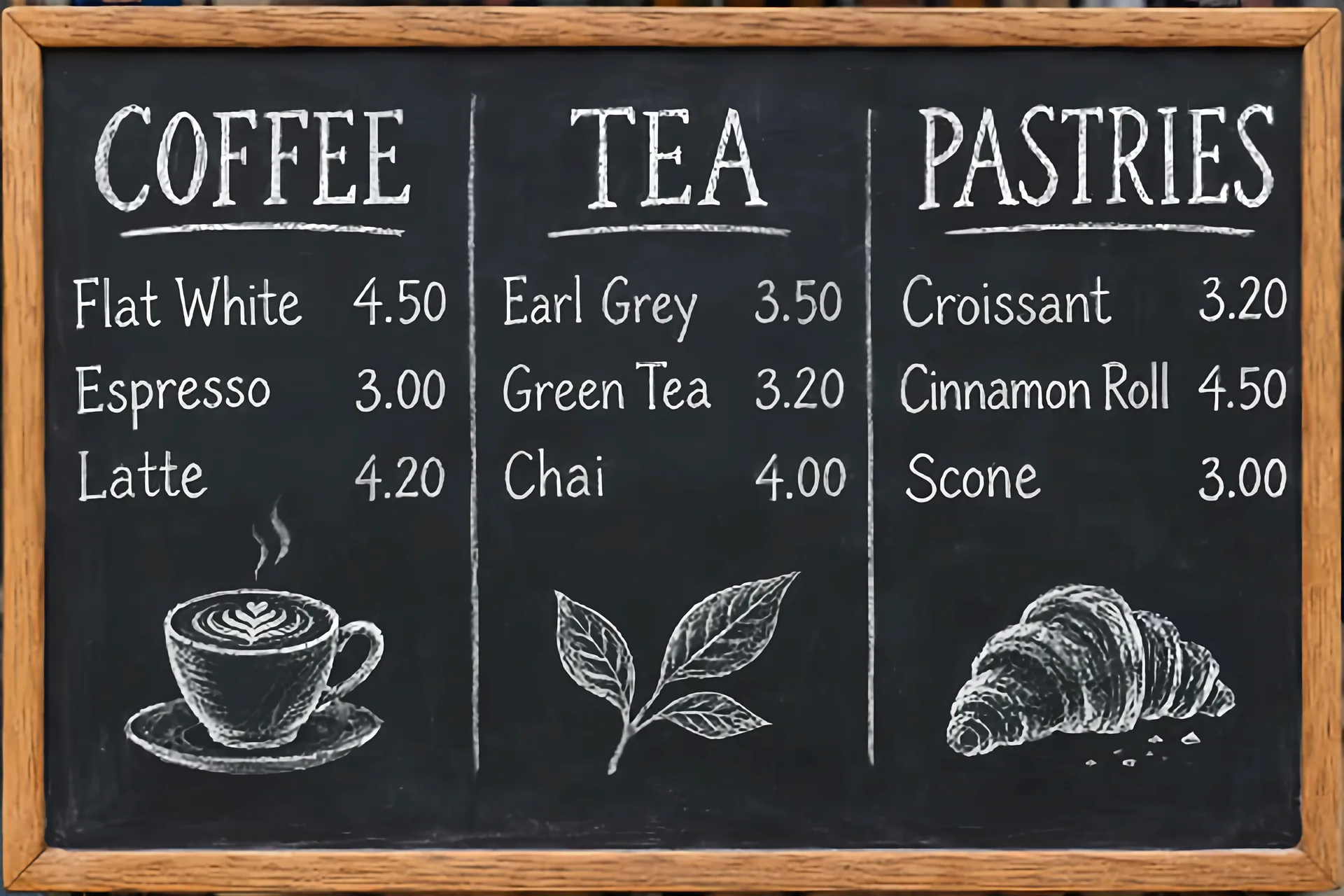 Before · 960×640OptiClear · 3840×2560
Chalkboard
960→3840pxオンライン画像アップスケールを使う理由
柔らかい画像、圧縮された画像、小さな画像を、商品ページ、スライド、ポスター、SNS、制作物に使いやすくします。
オンライン画像アップスケールに適した画像
商品写真、スクリーンショット、AI生成画像、プレゼン素材、サムネイル、SNS画像など、より鮮明な版が必要な素材に向いています。
関連するCodiaワークフロー
レイヤー編集、文字編集、クリーンアップ、背景削除、アップスケール、書き出しへ続けられます。
よくある質問
オンライン画像アップスケール FAQ
オンライン画像アップスケールはオンラインで使えますか?
はい。画像をアップロードすると、ブラウザからCodia Studioでワークフローが開きます。
AI処理後も編集を続けられますか?
はい。結果はCodia Studioに残るため、レイヤー、レイアウト、クリーンアップ、書き出しを続けられます。
対応している画像形式は?
JPG、PNG、WebP、スクリーンショット、商品写真、AI画像など一般的な形式をアップロードできます。