
AI 去水印
用 AI 移除图片水印
上传带有样张标记、草稿覆盖或水印式瑕疵的授权图片,直接进入 Codia Studio 并打开去水印功能。
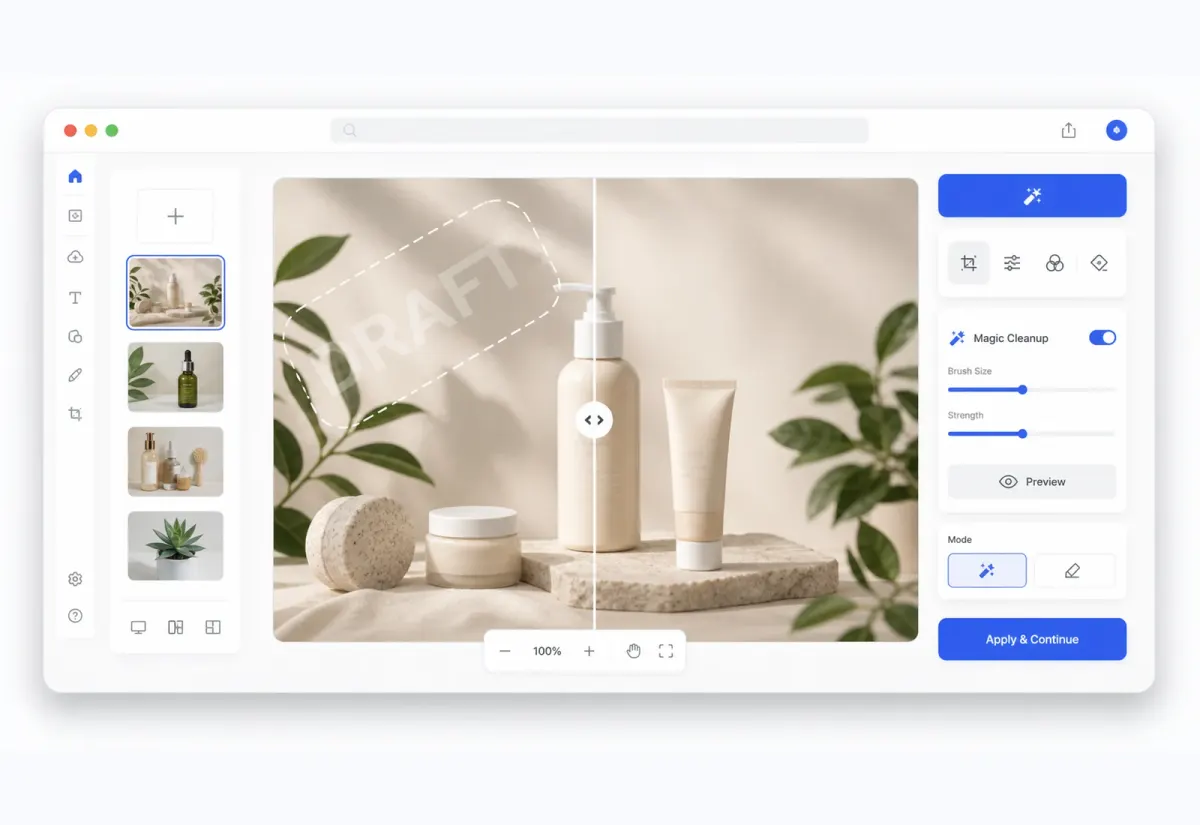
Studio 工作流
先清理图片,再继续编辑
图片会打开到 Studio 画布中,清理后的结果可以继续修整、清理、合成或导出。
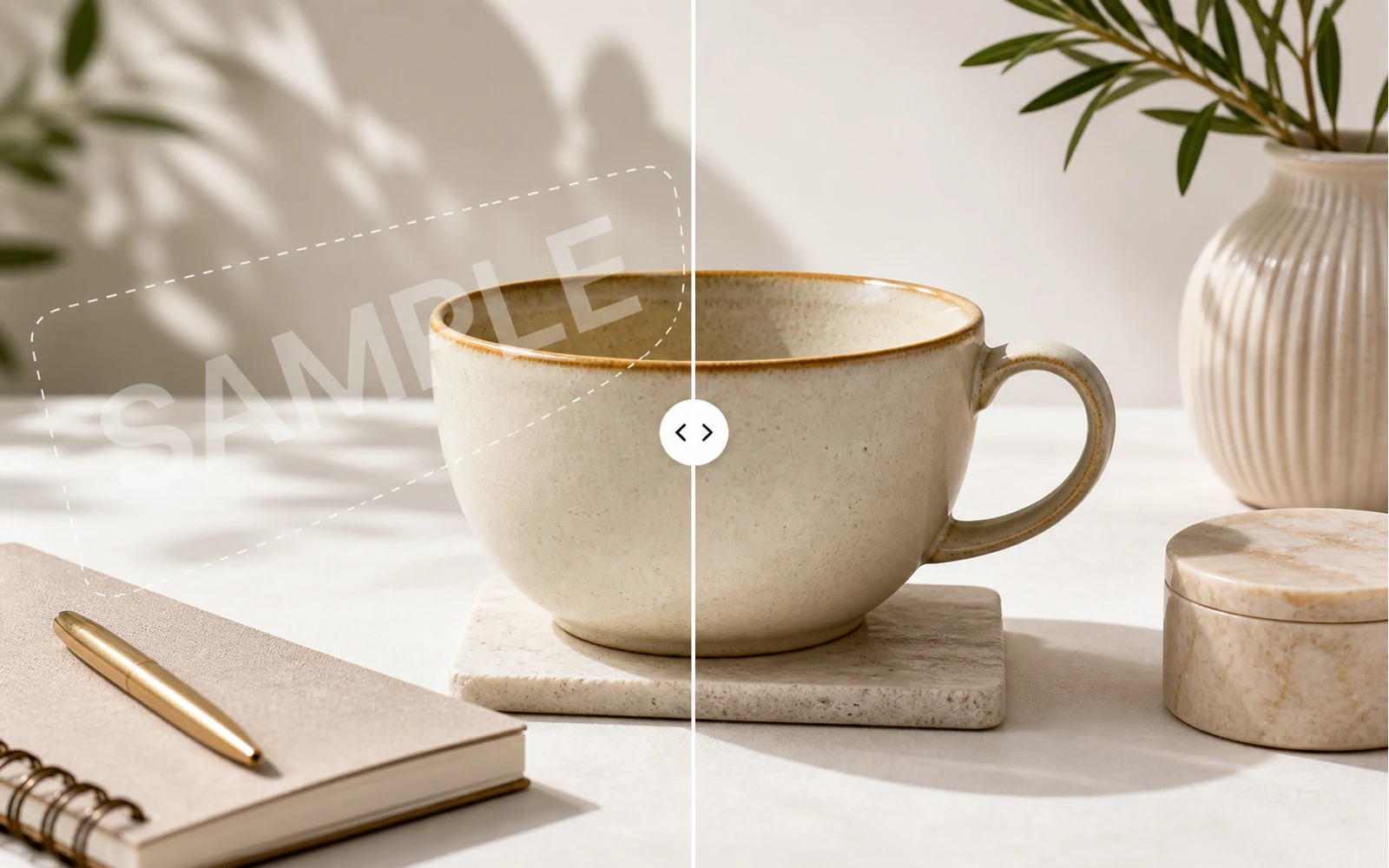
核心优势
用 AI 清理图片水印
用 AI 检测并清理你拥有或有权编辑的图片中的水印式覆盖、文字标记和重复样张图案。
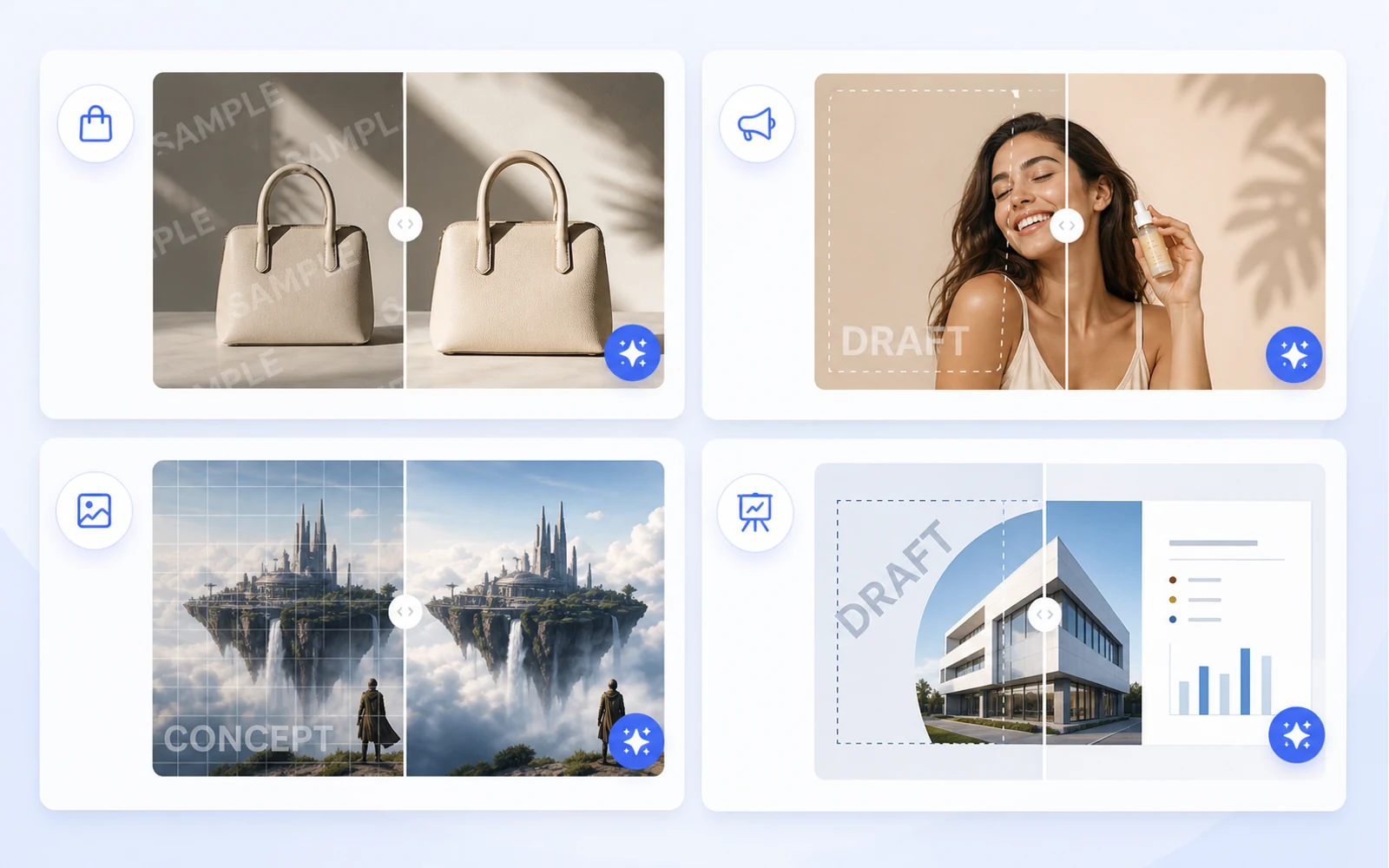
核心优势
为设计工作准备干净图片
在进入下一个版式前,先清理授权商品图、社媒创意、样机、AI 图片和演示视觉。
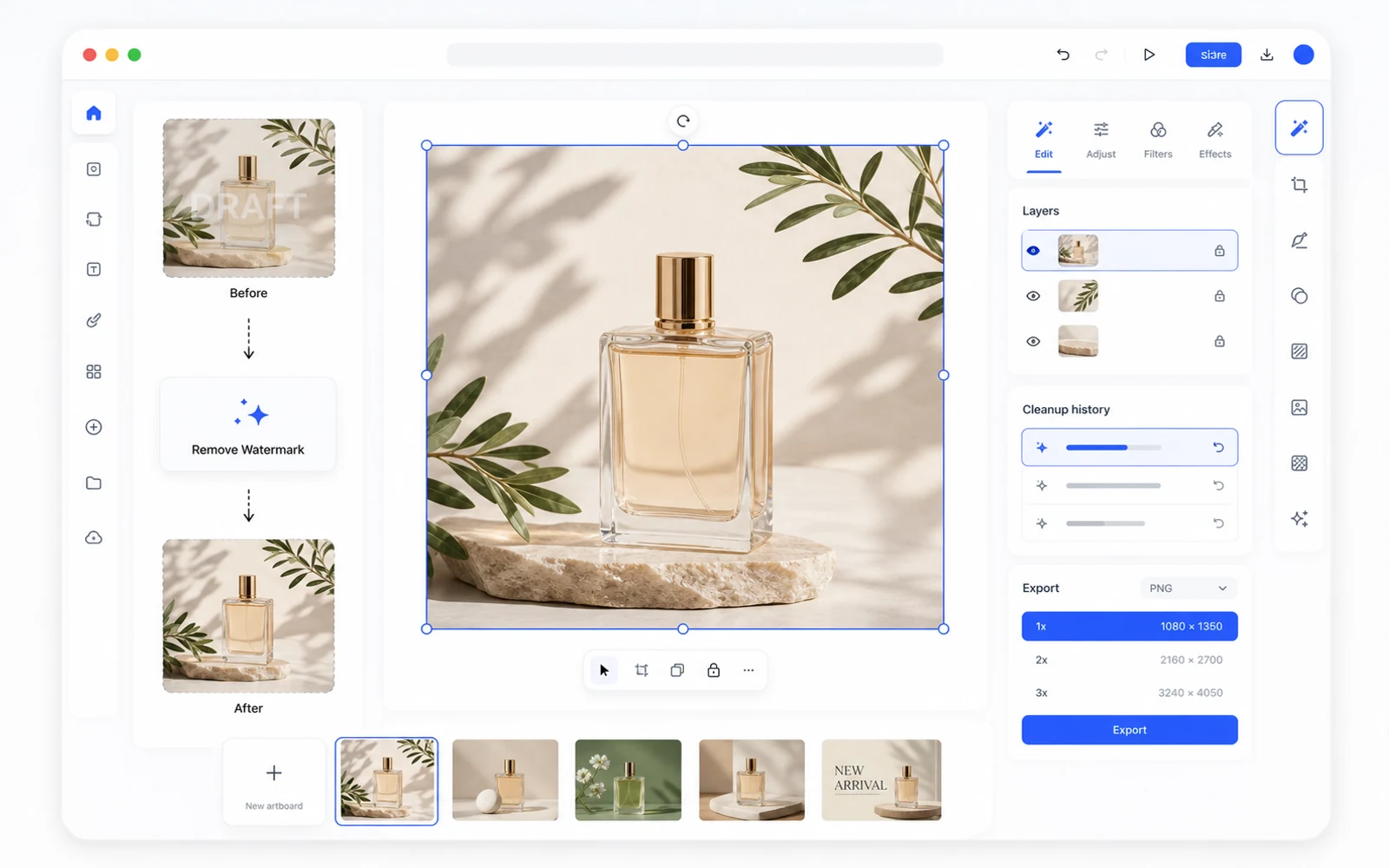
核心优势
去除水印后继续编辑
清理后的图片会在 Codia Studio 中打开,你可以继续去背景、编辑元素、生成变体、放大或导出。
上传图片
从 JPG、PNG、WebP、截图、商品图、社媒创意或 AI 生成图片开始。
在 Studio 中去水印
Codia 会打开 Studio 画布,并选中 Remove Watermark 工具,方便立即开始清理。
查看、优化并导出
检查结果,在 Studio 中继续编辑,然后导出清理后的图片。
Related cleanup workflows
More ways to clean up authorized images
Choose the cleanup workflow that best matches the kind of sample mark, draft overlay, or watermark-like artifact you need to review.
Remove watermark from image
Clean sample marks, draft overlays, and watermark-like artifacts from images you can edit.
Remove WatermarkRemove text watermark
Clean repeated text marks and draft labels from authorized images, then refine the result in Studio.
Remove Text WatermarkRemove sample watermark
Clean sample overlays from owned or licensed visuals before using them in production layouts.
Remove Sample MarkFAQ
AI 去水印 FAQ
我可以上传哪些图片格式?
可上传电脑中的常见图片格式,如 JPG、PNG、WebP 以及截图。
这会打开 Codia Studio 吗?
会。从此页面上传会打开 Codia Studio,并已载入图片、选中去除水印功能。
什么时候适合使用去水印?
适用于你拥有、AI 生成、草稿导出、样张覆盖,或你有权编辑的素材。请勿在未经许可时移除所有权、版权或署名标记。
AI 去除水印一定完美吗?
效果取决于图片、水印透明度、纹理和覆盖范围。复杂标记可能还需要在 Studio 中进一步清理或手动修整。
去除水印后我还能继续编辑吗?
可以。图片进入 Studio 后,你可以使用其他 AI 图片工具、调整画布并导出处理后的结果。