
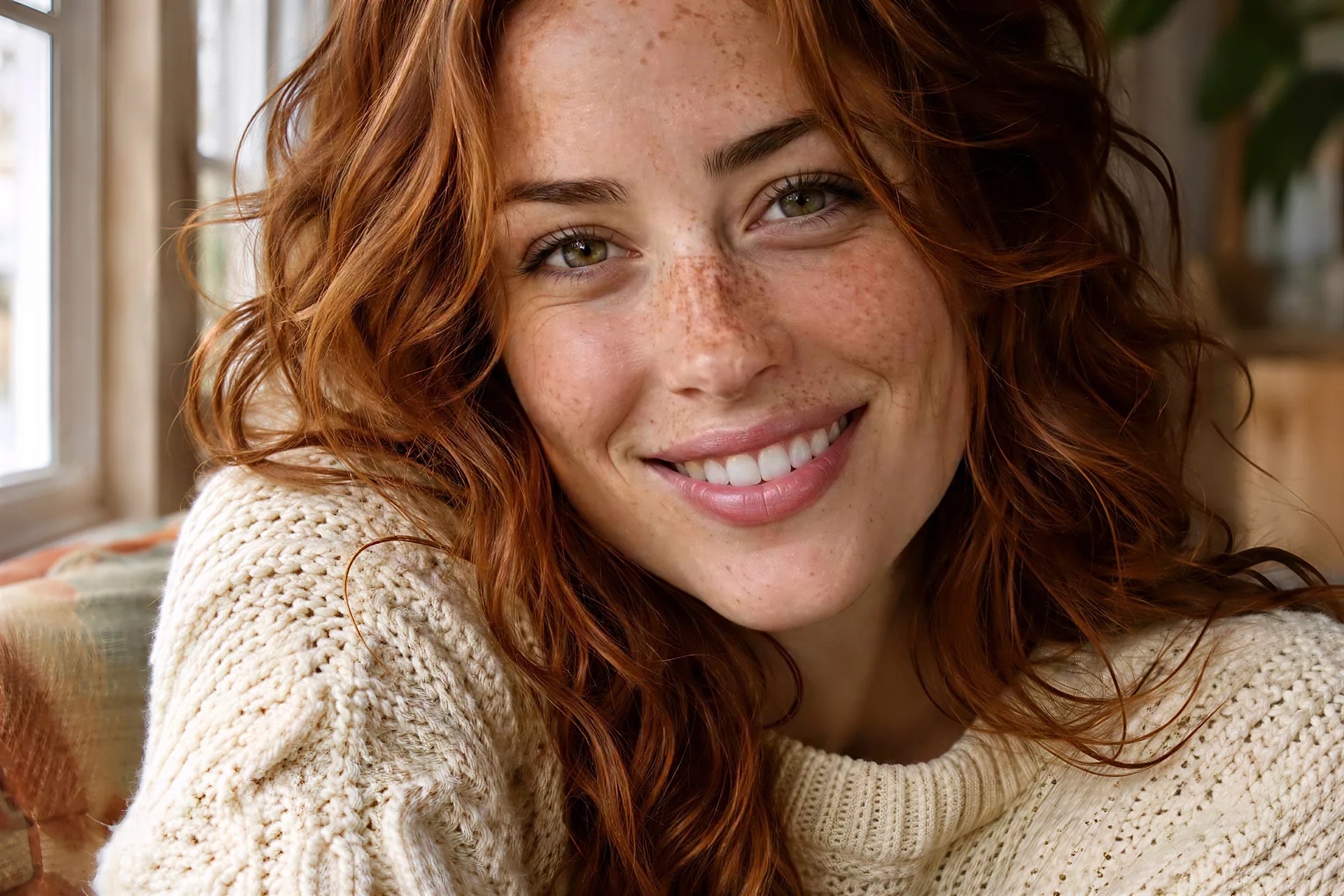
ความละเอียด
960 × 640
เลื่อนลงเพื่อดูความคมชัด
เพิ่มขนาดภาพออนไลน์
เพิ่มขนาดภาพออนไลน์
Upload a low-resolution or blurry image, enhance clarity with AI, and keep refining the sharper asset in Codia Studio.
หรือลากวางรูปตรงไหนก็ได้ · สูงสุด 20 รูปพร้อมกัน · ล้มเหลวไม่หักเครดิต
0×
ใหญ่ขึ้น สูงสุด 4K ในครั้งเดียว
0
รูปต่อการทำชุดเดียว
0
โมเดลสำหรับภาพถ่าย รายละเอียด และตัวอักษร
0
เครดิตที่ถูกหักหากล้มเหลว
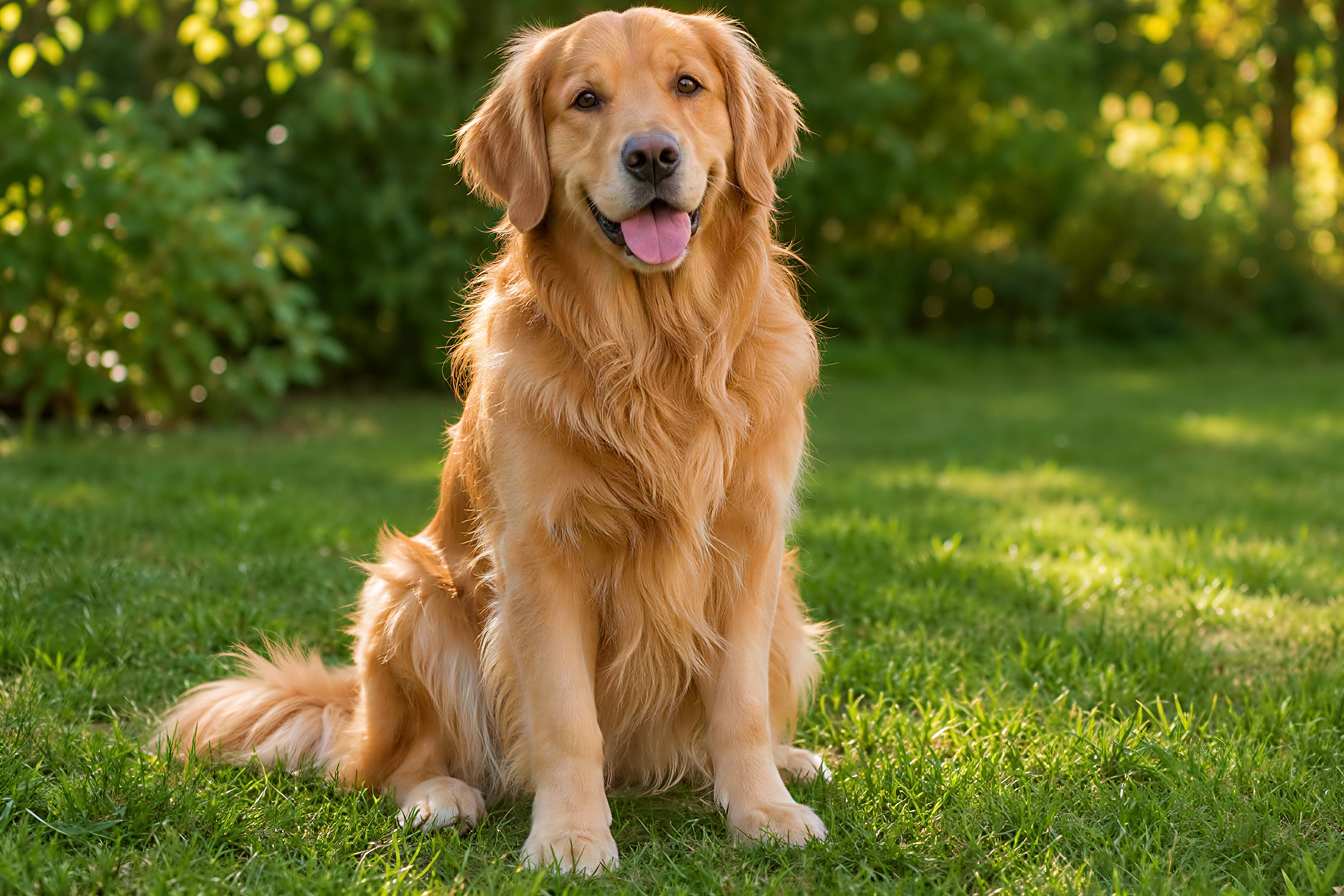
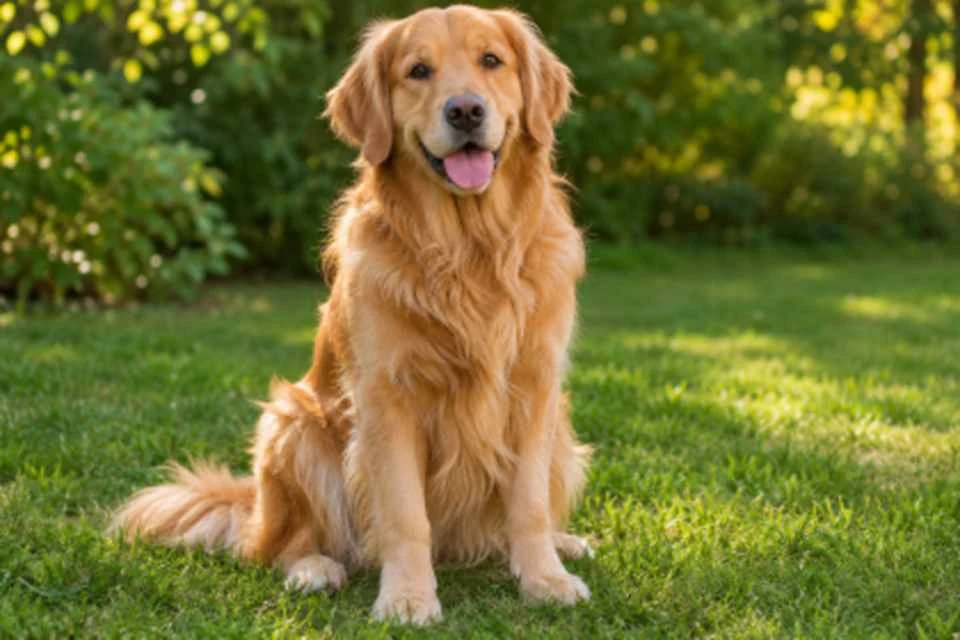
ซูมดูใกล้ ๆ
เปรียบเทียบรายละเอียดการขยายภาพ AI 2× และ 4×
1×
มองไกล ๆ ก็ดูโอเค
ภาพเล็กมักซ่อนจุดเบลอไว้จนกว่าคุณจะพิมพ์ ครอป หรือซูมดู
2×
พอซูมถึงเห็นรอยแตก
ด้านซ้ายคือบล็อกบีบอัดและภาพเบลอ ด้านขวาคือโครงสร้างที่ AI ฟื้นฟูขึ้นใหม่
4×
คมชัดทุกเส้นขน
ขน ดวงตา และขอบภาพยังคงคมชัดในขนาดที่ต้นฉบับทำไม่ได้
ขยายภาพ AI แบบคงใบหน้าเดิม
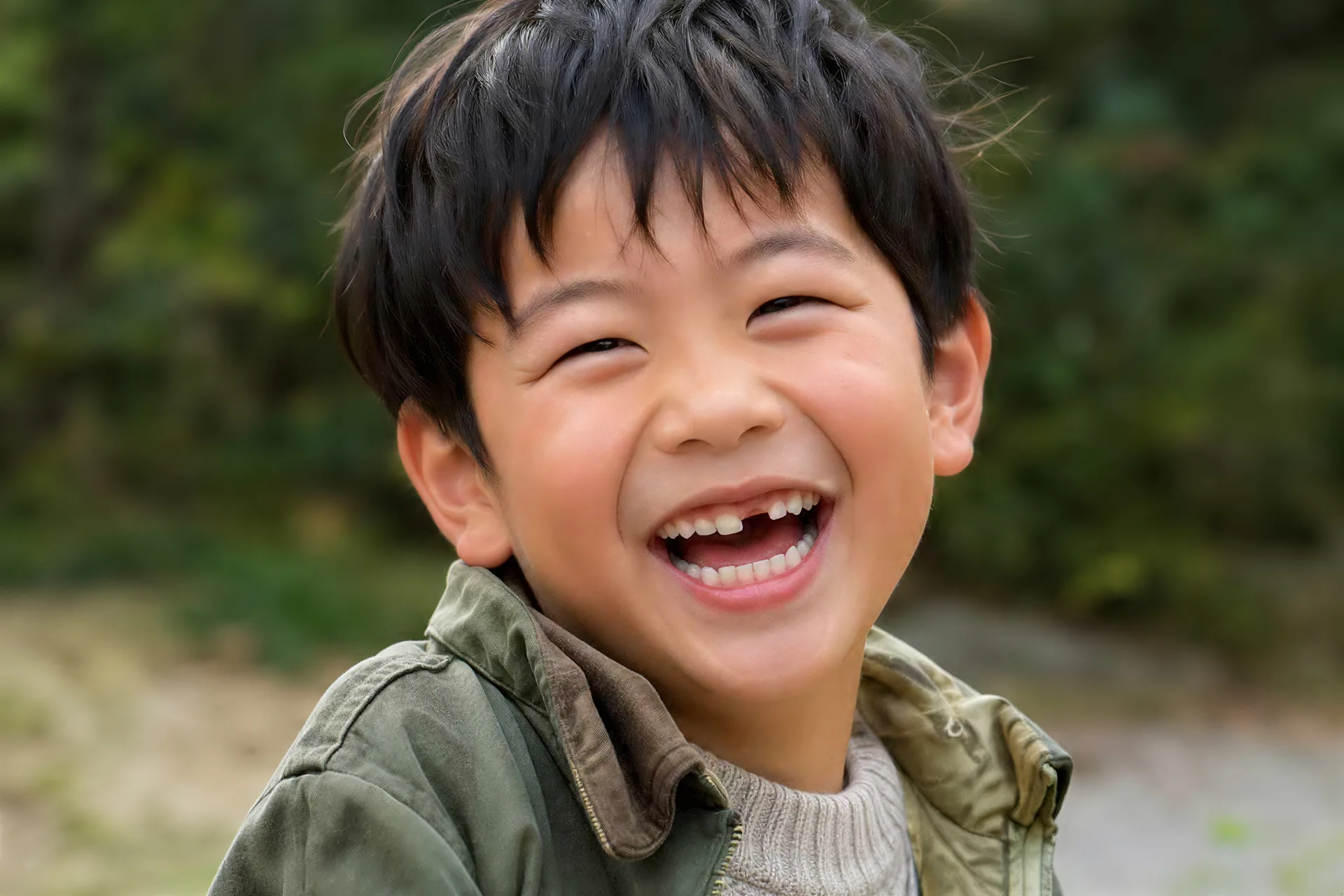
พอร์ตเทรตชัดขึ้น ใบหน้าเดิมเป๊ะ
เครื่องมือทั่วไปมักวาดหน้าใหม่จนเปลี่ยนคน OptiClear ฟื้นฟูดวงตาและผิวพร้อมเทียบกับต้นฉบับเพื่อคงเอกลักษณ์เดิมไว้
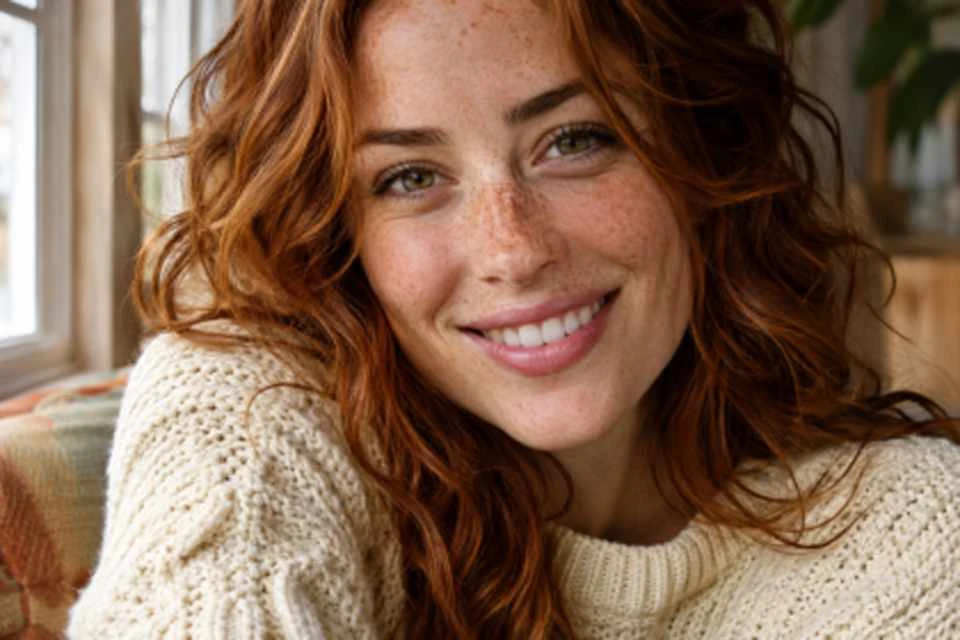
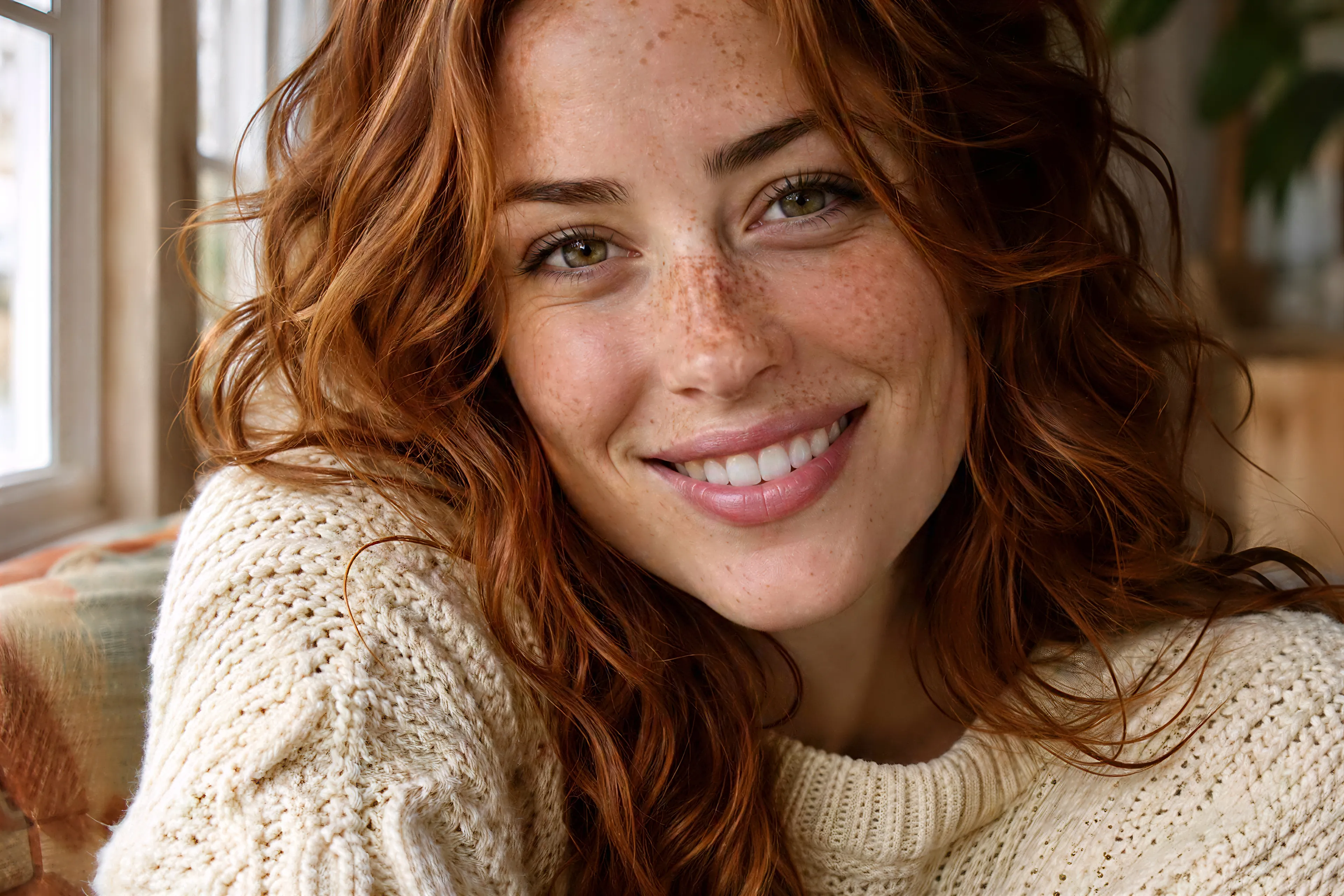
 originalFace match (SSIM)0.97
Panel 03 flips between your upload and OptiClear’s result scaled back to the upload’s own detail. If a face had been redrawn, it would jump. The score compares the two faces pixel structure by pixel structure; 1.00 is identical.
No new features
Eyes, nose and mouth keep their shape and place.
Same expression
A half smile stays a half smile. No beauty filter.
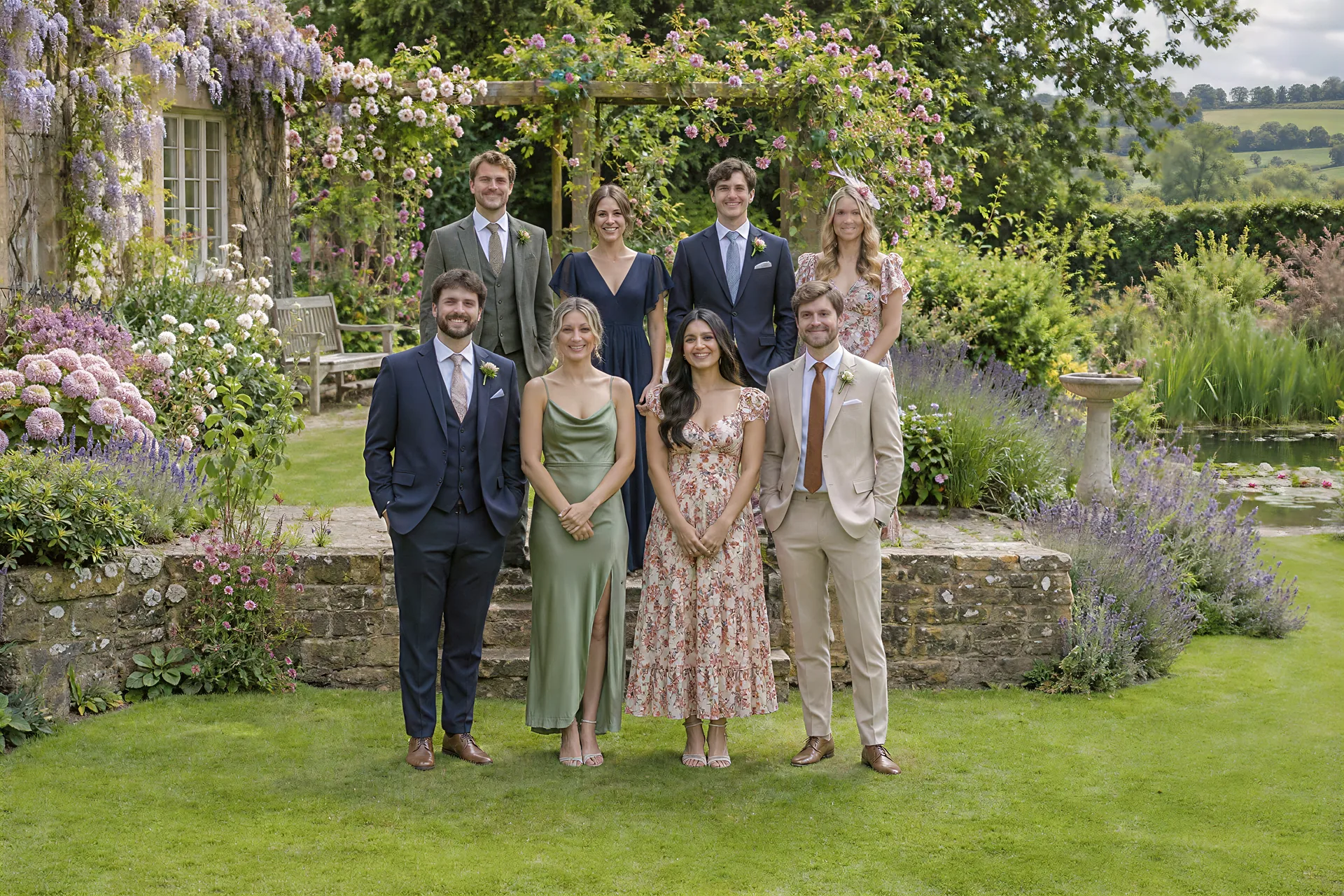
Small faces in group shots
Where most upscalers smear or invent faces, every guest stays themselves.
Glasses, beards, wrinkles
Age and character are details too. They stay.
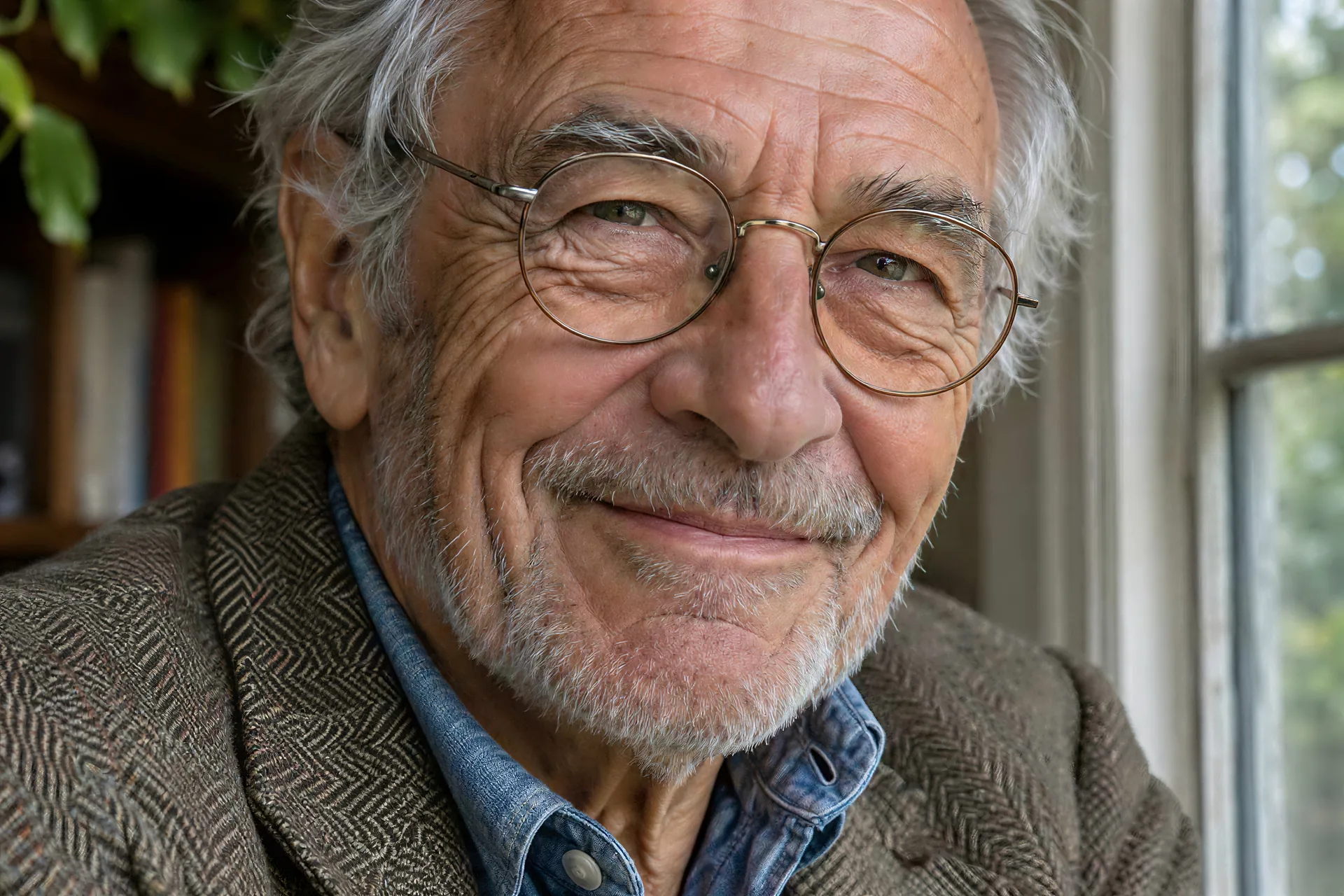 Before · 960×640OptiClear · 3840×2560
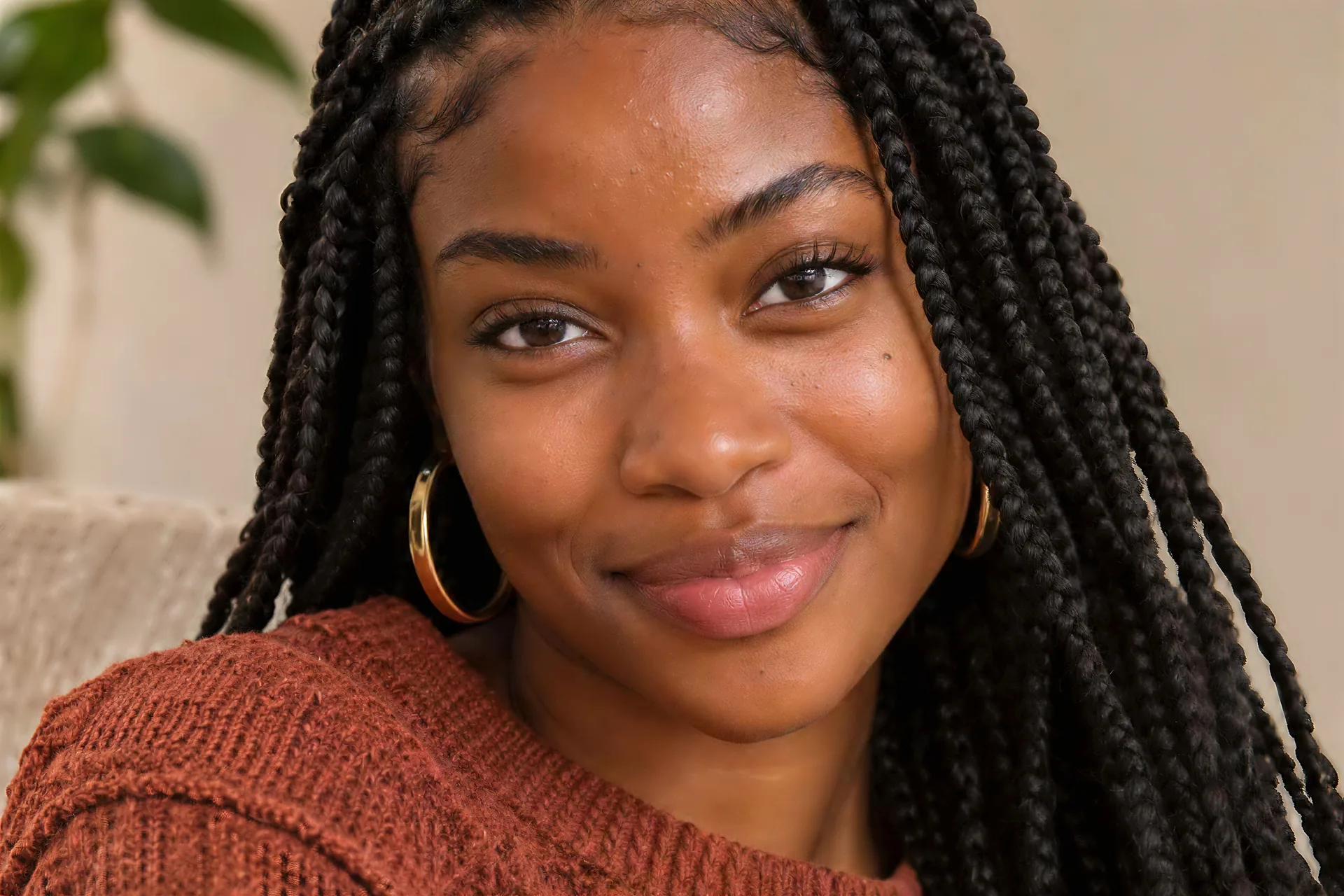 Before · 960×640OptiClear · 3840×2560
 Before · 960×640OptiClear · 3840×2560
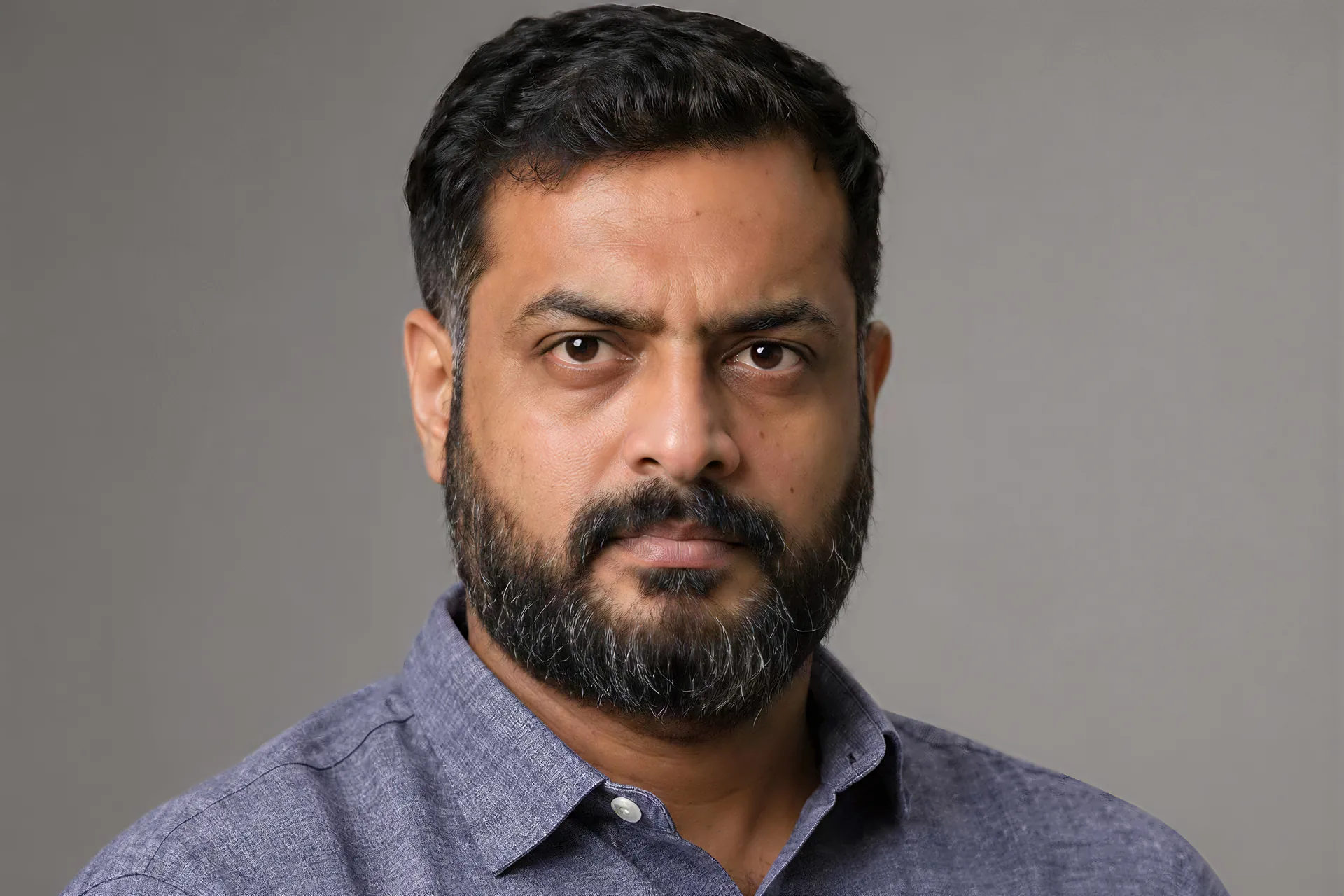 Before · 960×640OptiClear · 3840×2560
 Before · 960×640OptiClear · 3840×2560
 Before · 960×640OptiClear · 3840×2560

รองรับทุกแนวภาพ
ขยายภาพสินค้า รูปเก่า และภาพประกอบให้คมชัด
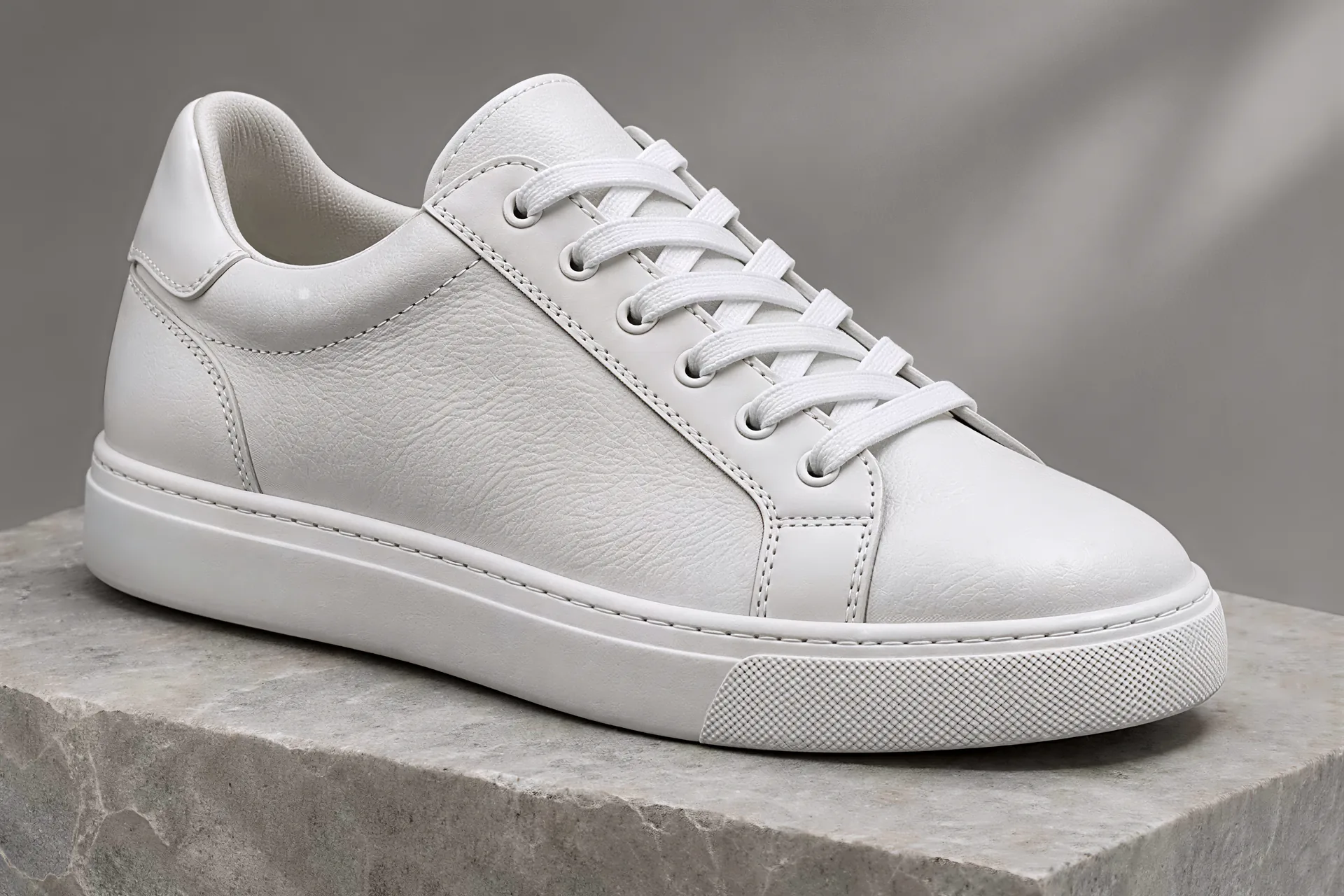 Before · 960×640OptiClear · 3840×2560
Product
Leather grain and stitching for a product-page zoom.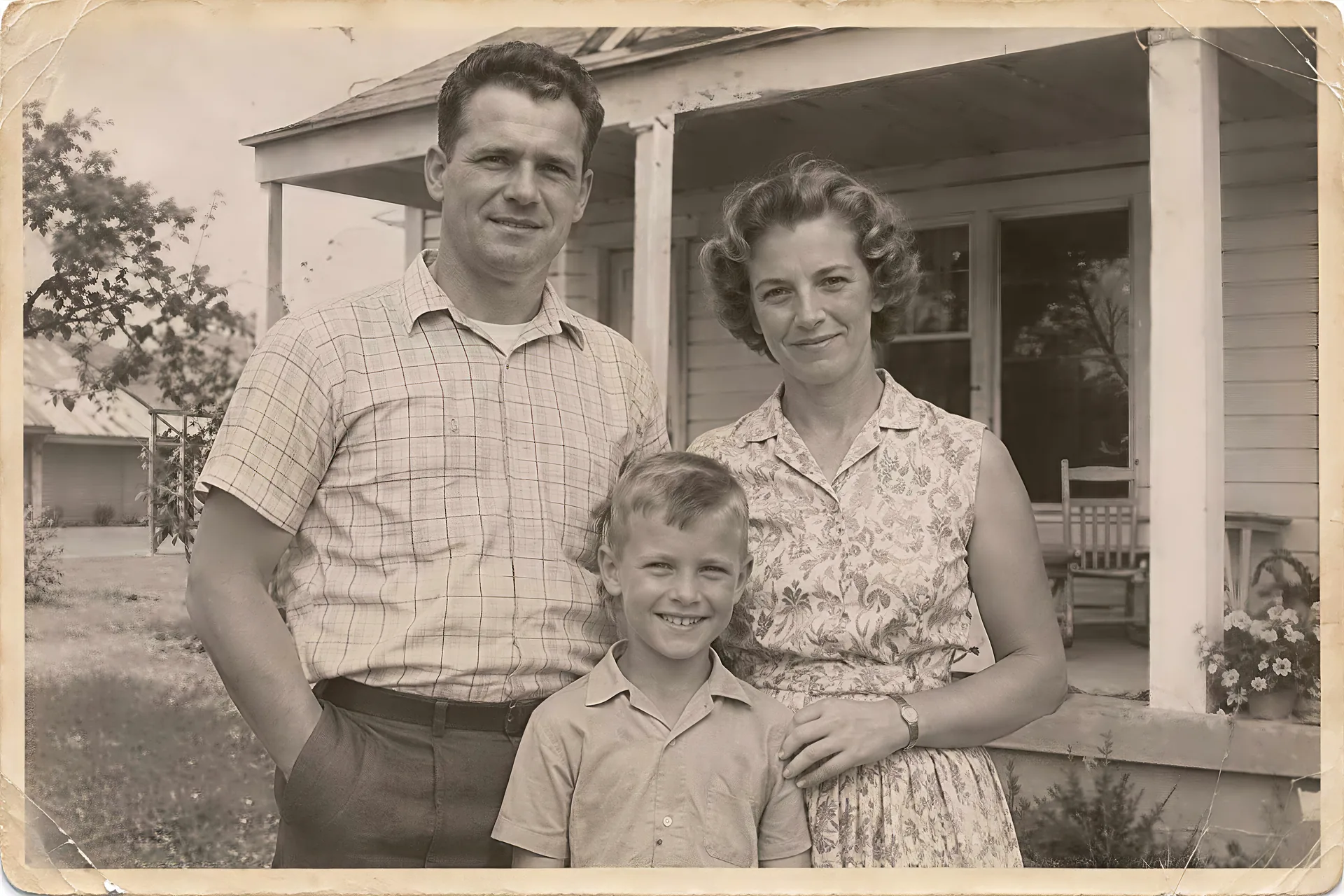 Before · 960×640OptiClear · 3840×2560
Old photo
Faces and edges come back; the film character stays.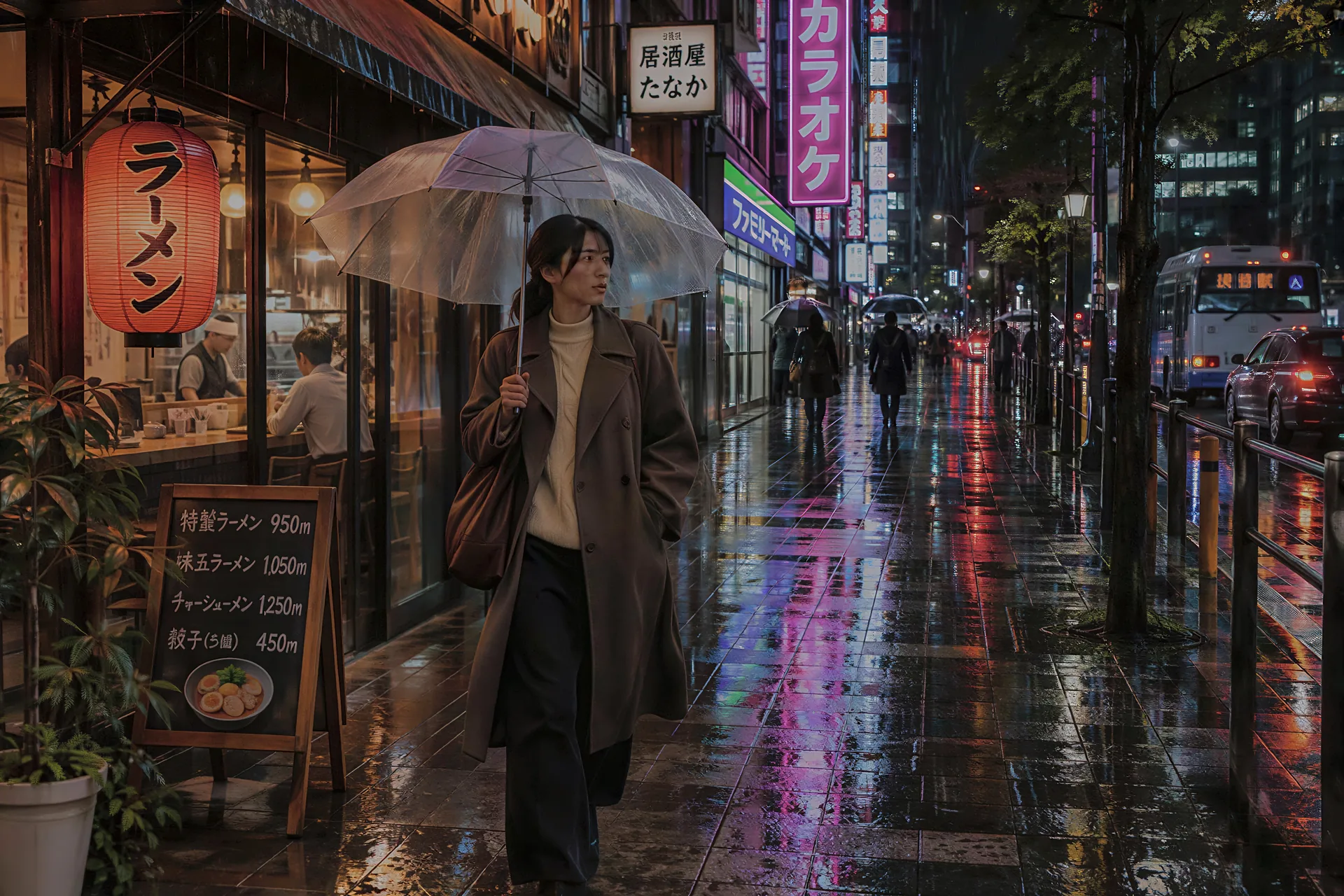 Before · 960×640OptiClear · 3840×2560
Night street
Noise cleaned before enlarging, neon stays crisp.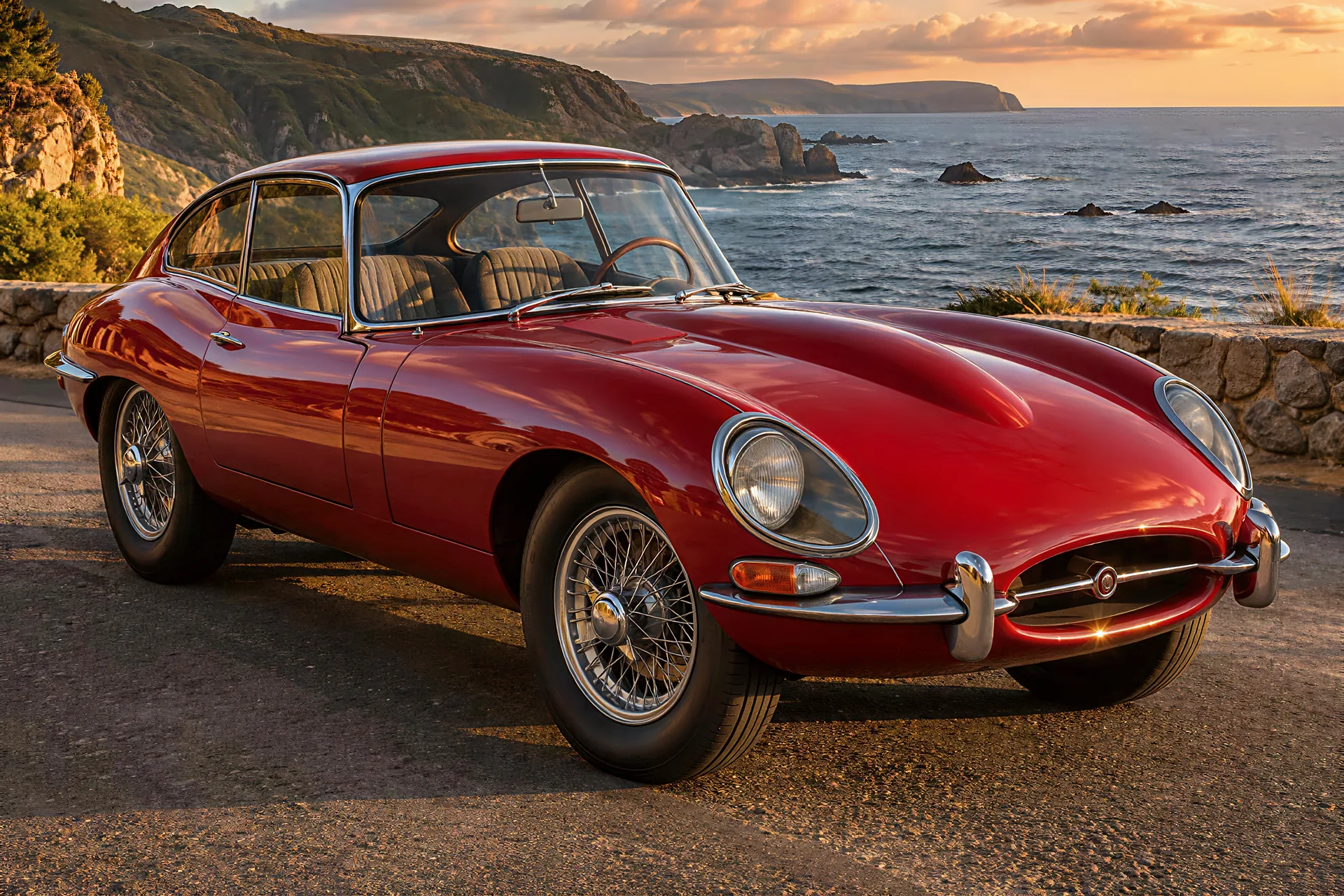 Before · 960×640OptiClear · 3840×2560
Car
Chrome, reflections and paint depth.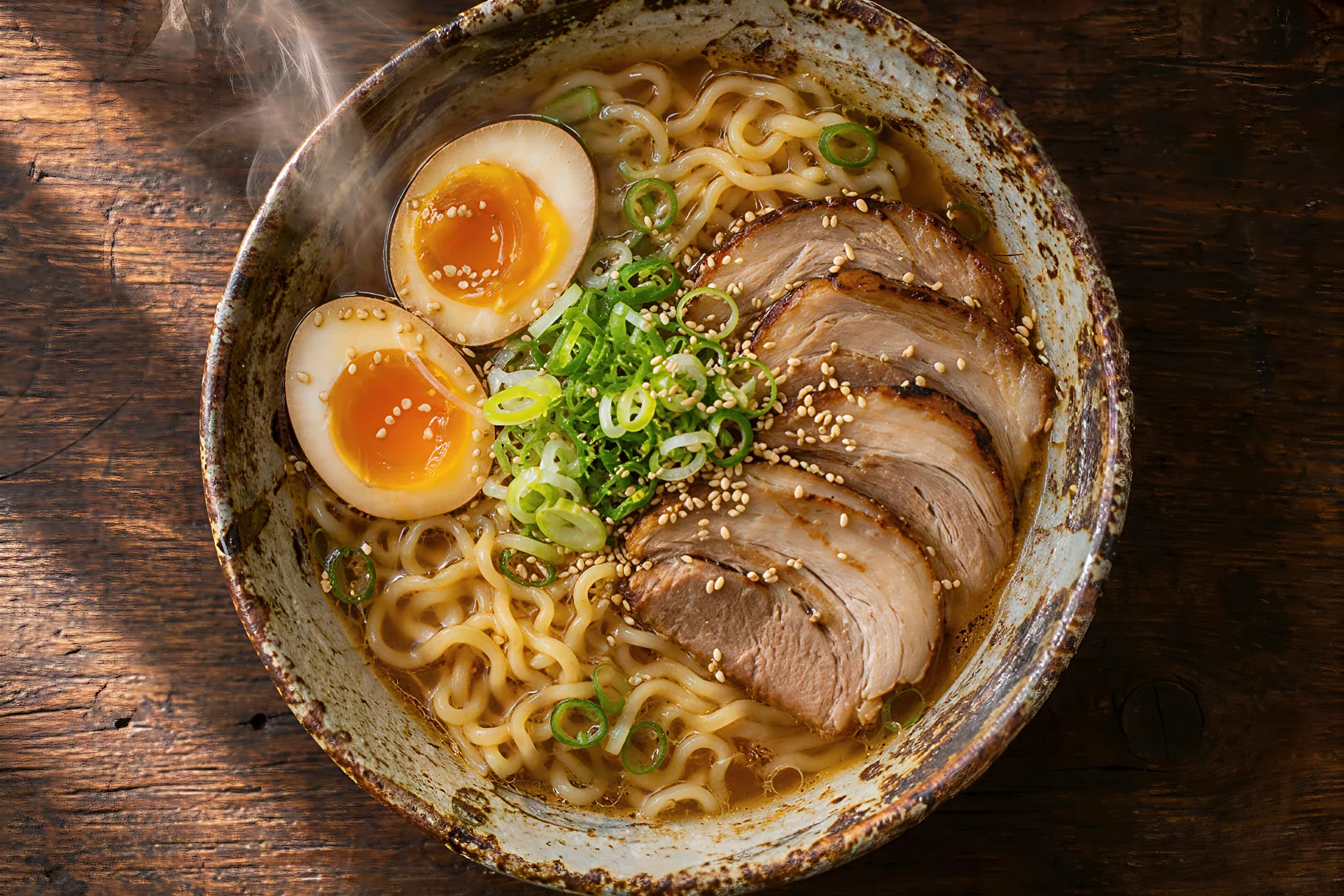 Before · 960×640OptiClear · 3840×2560
Food
Texture that makes a menu photo look edible again.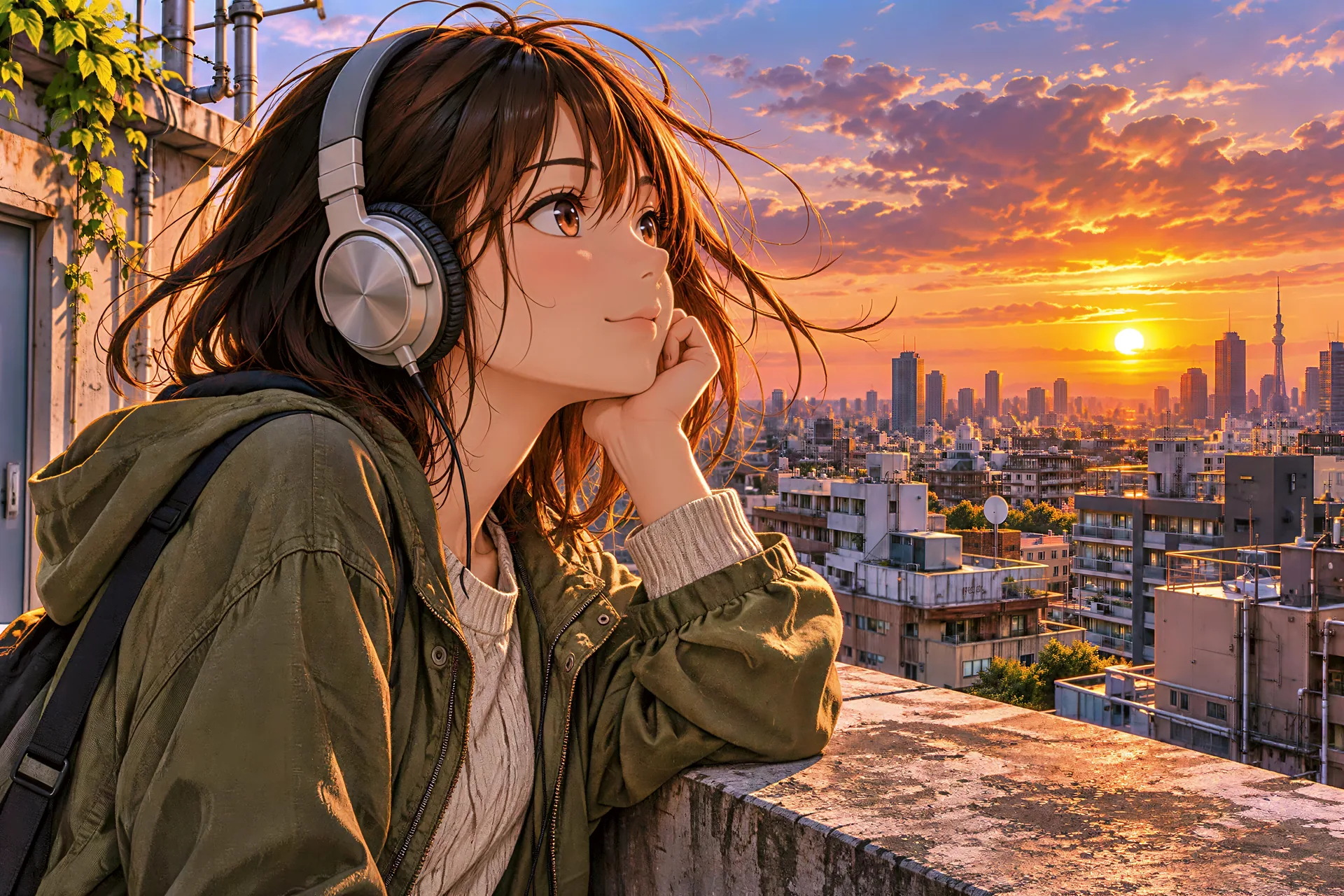 Before · 960×640OptiClear · 3840×2560
Illustration
Clean line art and flat colour, no muddy halos.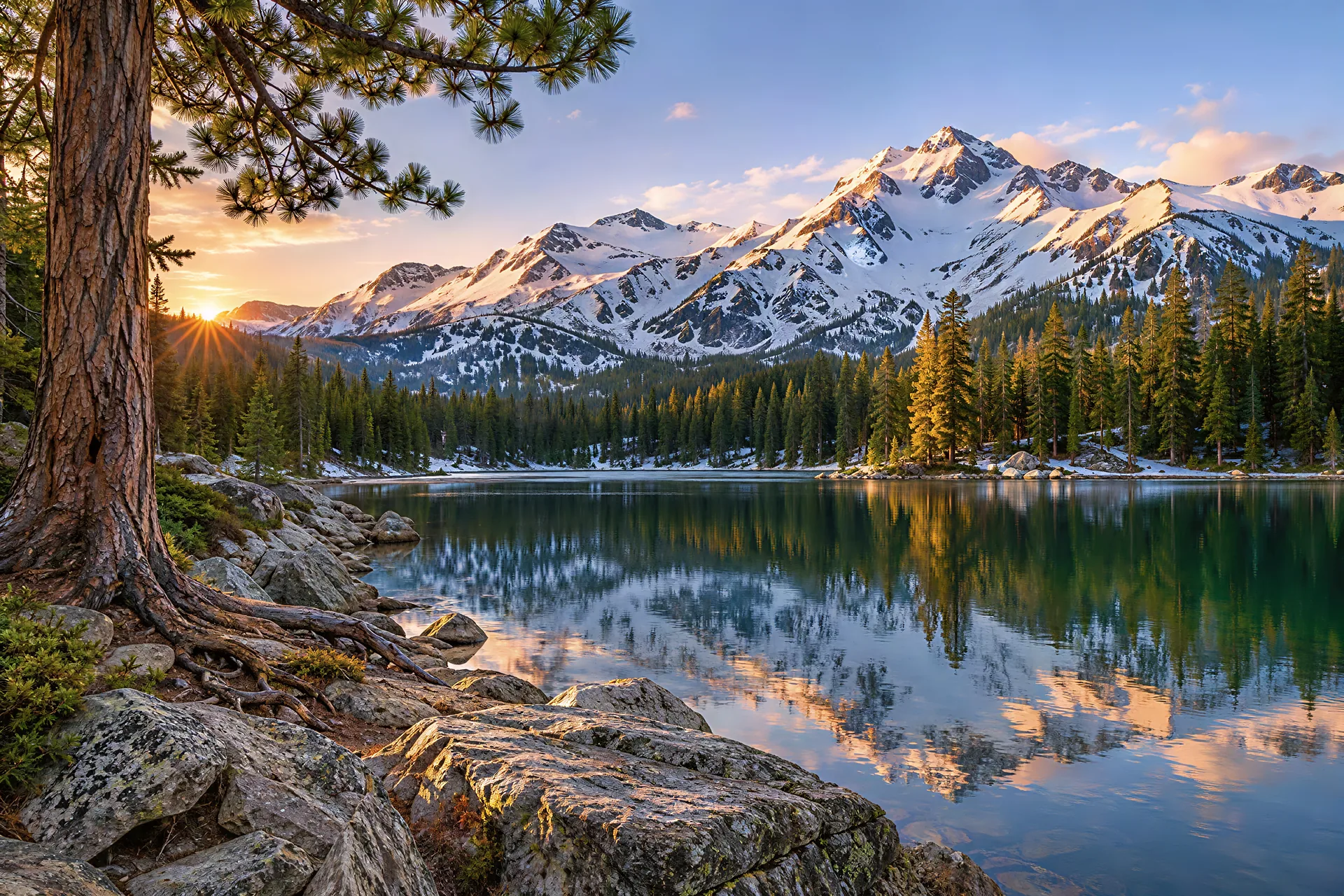 Before · 960×640OptiClear · 3840×2560
Landscape
Rocks, trees and ridgelines at print size.
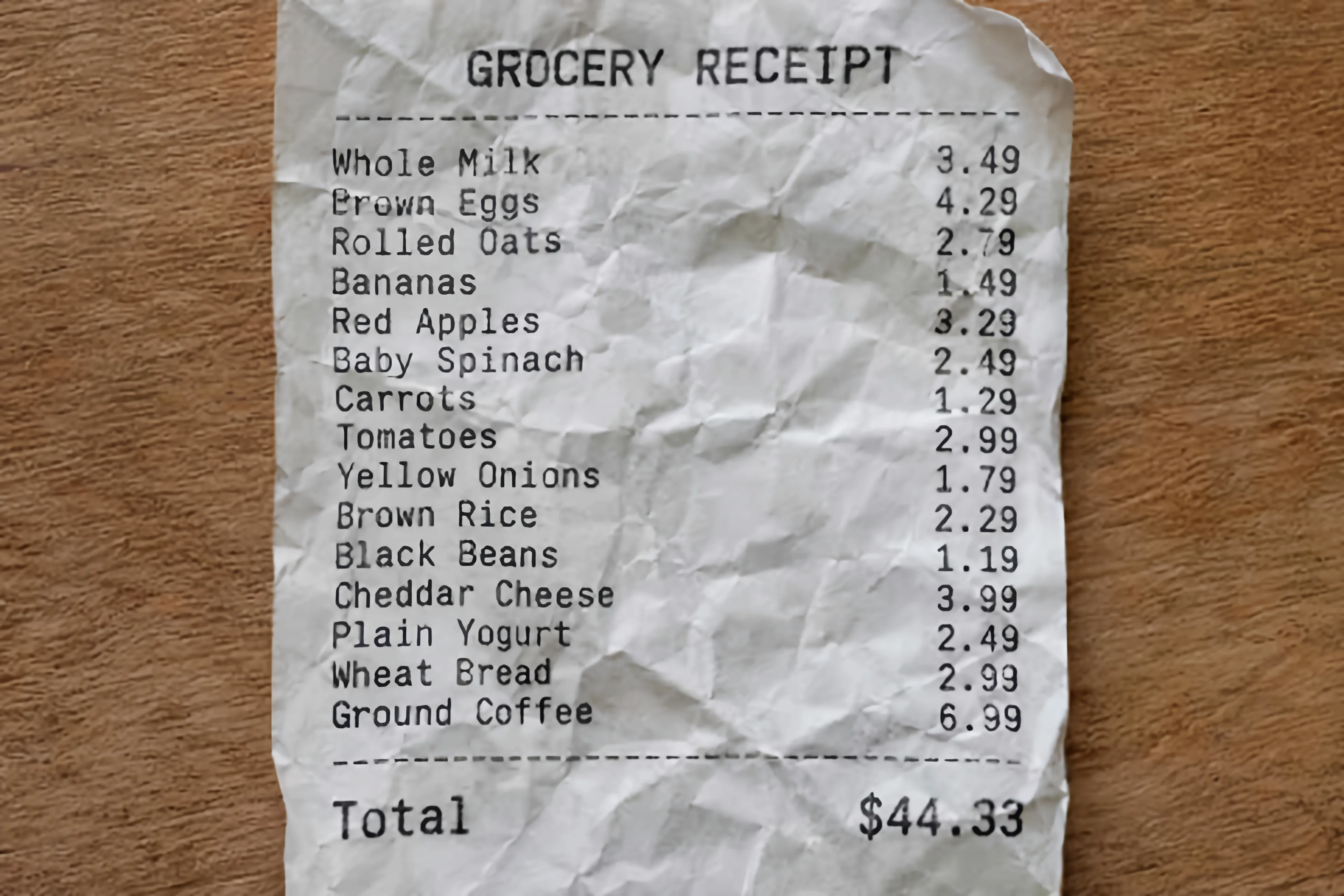
ปรับคมตัวอักษรและภาพหน้าจอ
ตัวหนังสือเล็ก อ่านออกชัดเจน
เลื่อนแว่นขยายบนใบเสร็จ ด้านนอกคือไฟล์เดิม ด้านในคือ OptiClear 2× โมเดลข้อความปรับเส้นให้คมโดยไม่เดาตัวอักษรใหม่
ประมวลผลเป็นชุด
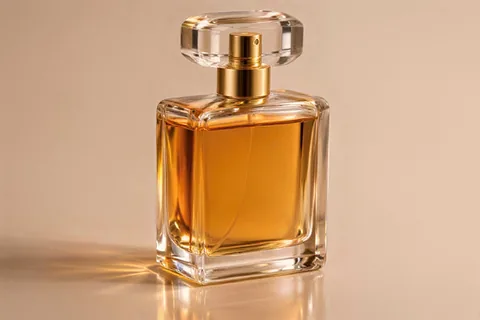
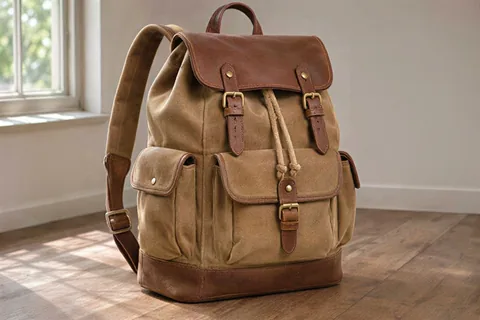
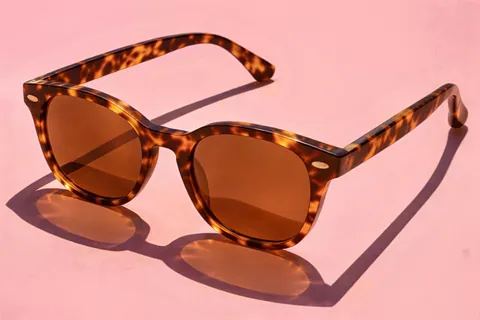
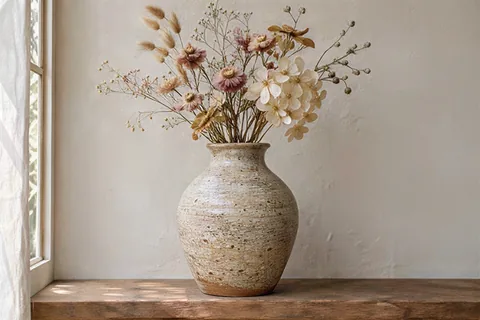
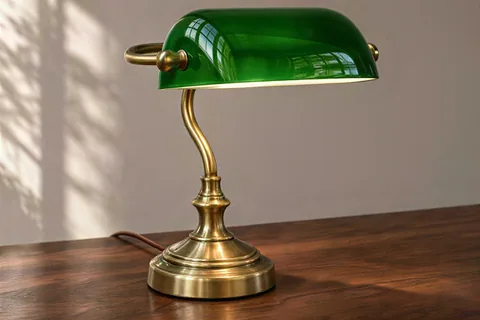
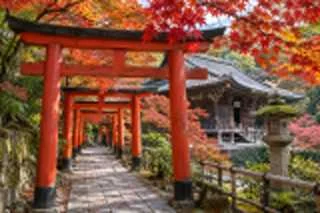
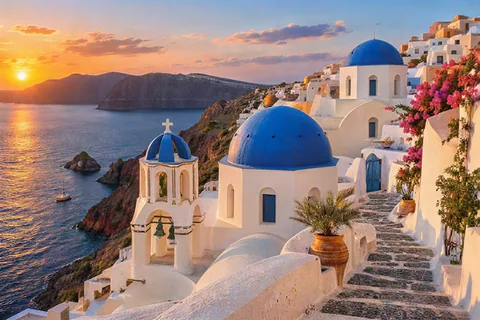
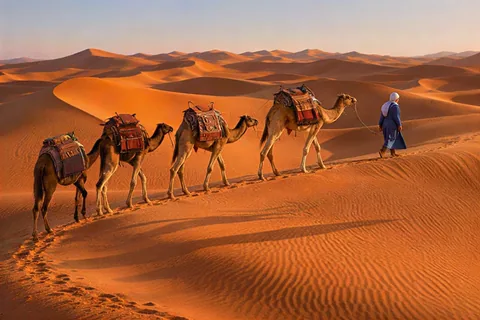
ขยายภาพพร้อมกัน 20 รูปในคลิกเดียว
โยนทั้งเซ็ตภาพถ่ายหรือแค็ตตาล็อกสินค้า ใช้ค่าเดียวกัน เปรียบเทียบทีละรูป แล้วดาวน์โหลดเป็น ZIP เดียว
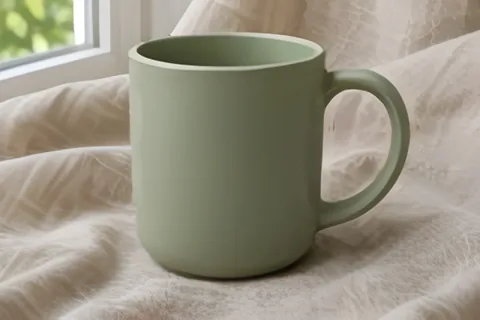
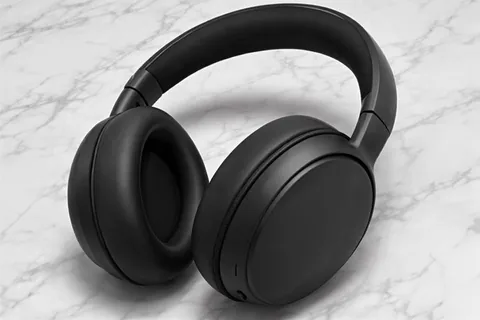

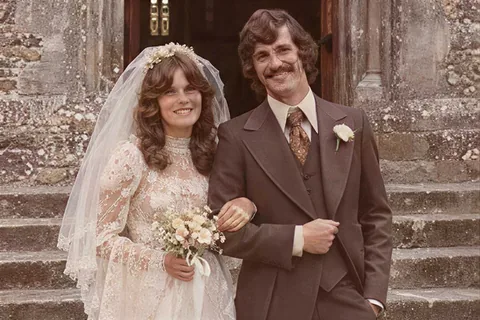
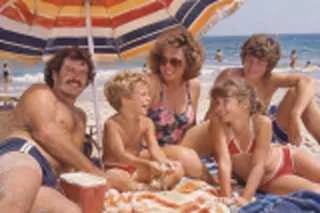
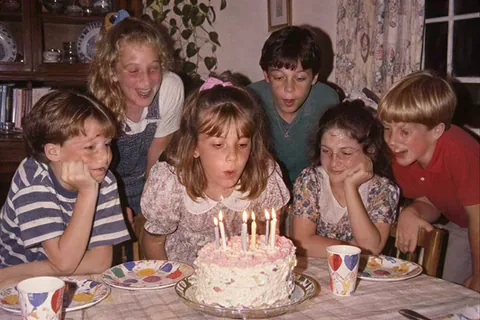
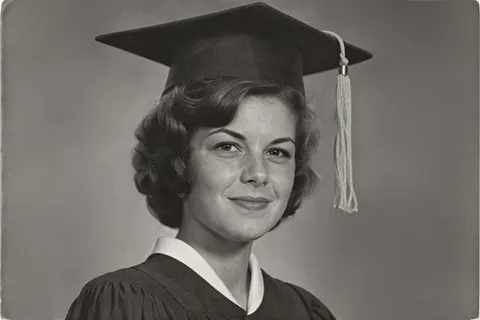
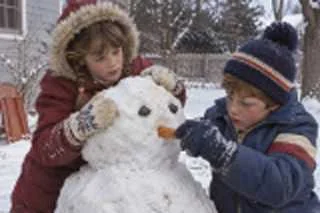
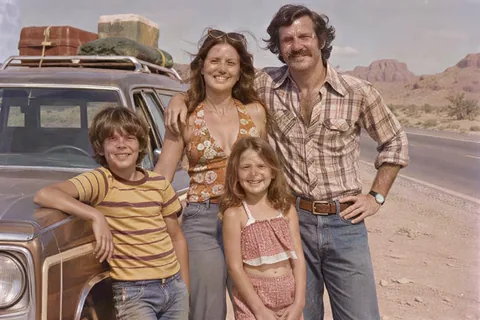
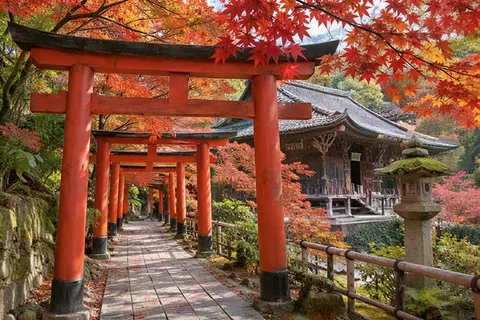

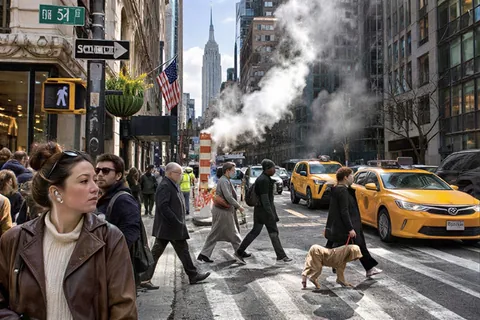
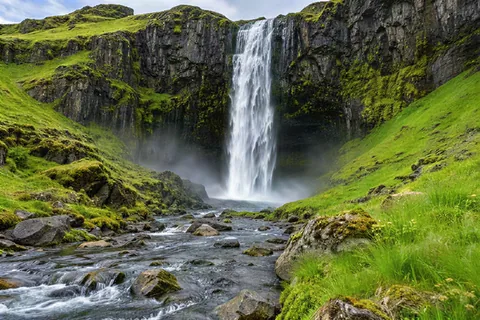
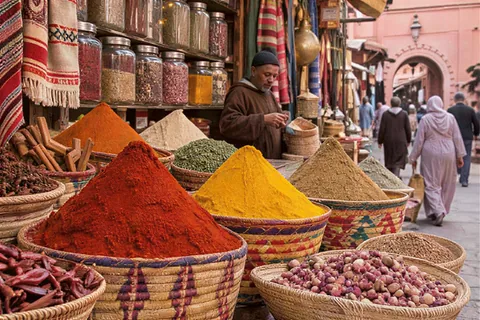
3 โมเดล AI เฉพาะทาง
โมเดลขยายภาพ AI สำหรับความเบลอทุกรูปแบบ
Auto วิเคราะห์และเลือกให้ หรือเลือกโมเดลกู้รายละเอียดหรือตัวอักษรคมชัดเองได้
วิธีใช้งาน
วิธีขยายภาพเป็น 4K ด้วย AI ออนไลน์
อัปโหลด 1 รูป หรือสูงสุด 20 รูป
ลากไฟล์ JPG, PNG หรือ WebP (สูงสุด 30 MB) ลงบนเบราว์เซอร์ รองรับภาพถ่าย สินค้า รูปเก่า และภาพหน้าจอ
เลือกโมเดล AI และขนาด 2× หรือ 4×
ให้ Auto เลือกให้อัตโนมัติ หรือเลือก Pro Recover สำหรับภาพเบลอมาก และ Text & Graphics สำหรับตัวอักษรคมชัดสูงสุด 4K
เปรียบเทียบก่อน-หลังแล้วดาวน์โหลด
ตรวจสอบผลลัพธ์ทีละภาพ ดาวน์โหลดแยกรูปหรือรวมเป็น ZIP เดียว และไม่เสียเครดิตหากงานล้มเหลว
ผลลัพธ์จริงไม่แต่งเพิ่ม
ตัวอย่างจริงก่อนและหลังขยายภาพด้วย AI
ทุกภาพคือไฟล์ JPEG ความละเอียดต่ำเทียบกับผลลัพธ์จาก OptiClear ชี้หรือลากเพื่อเปรียบเทียบ
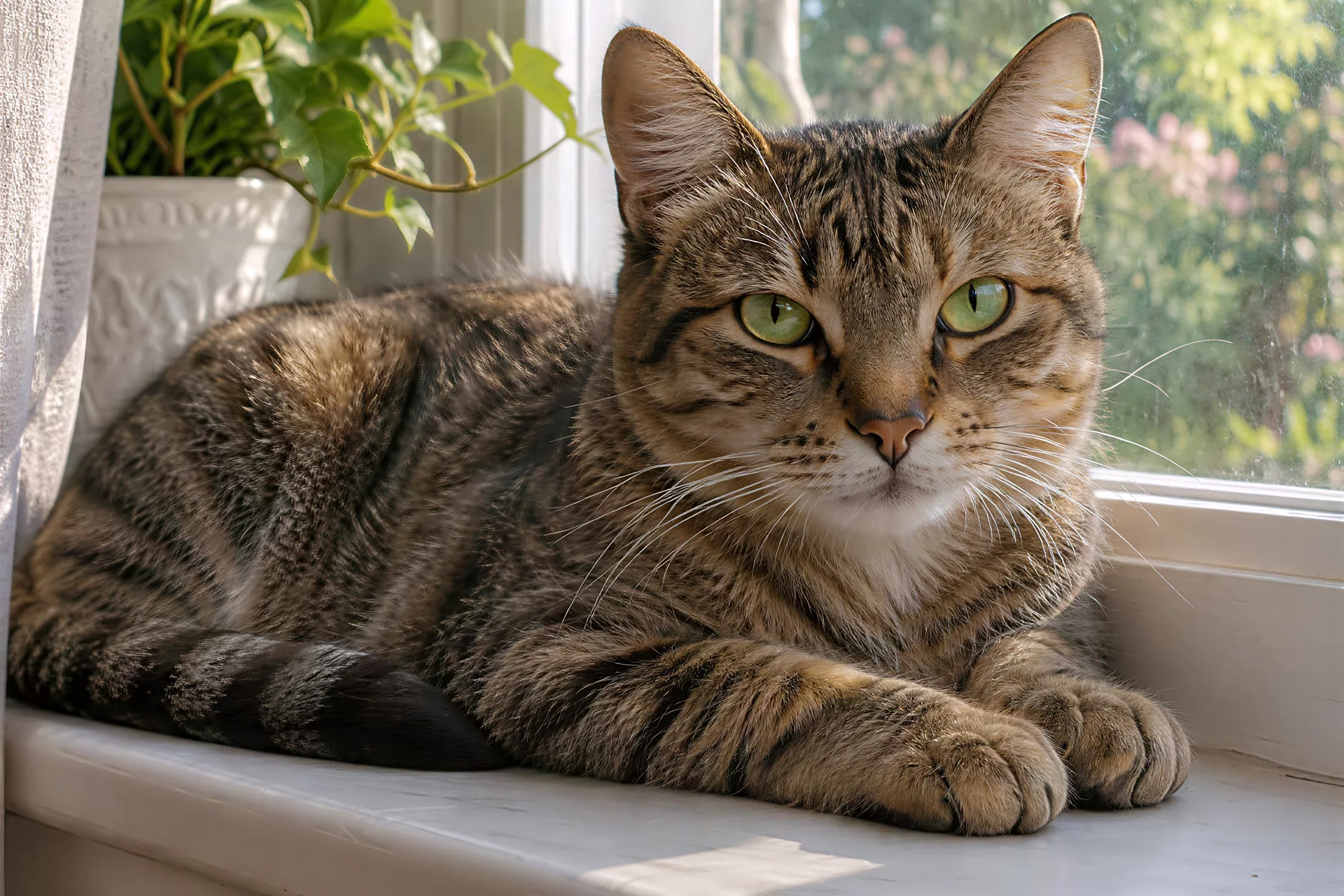 Before · 960×640OptiClear · 3840×2560
Cat
960→3840px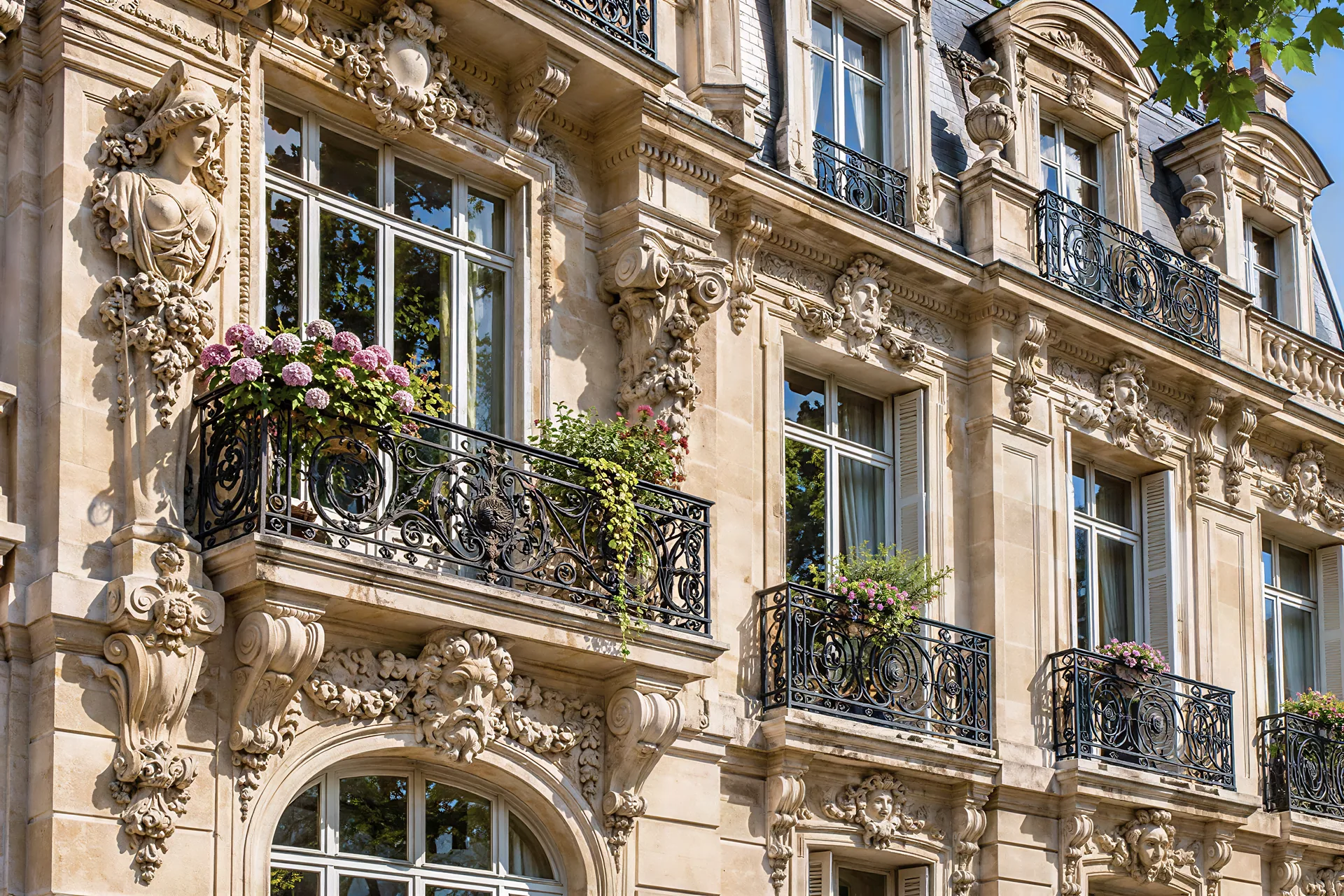 Before · 960×640OptiClear · 3840×2560
Architecture
960→3840px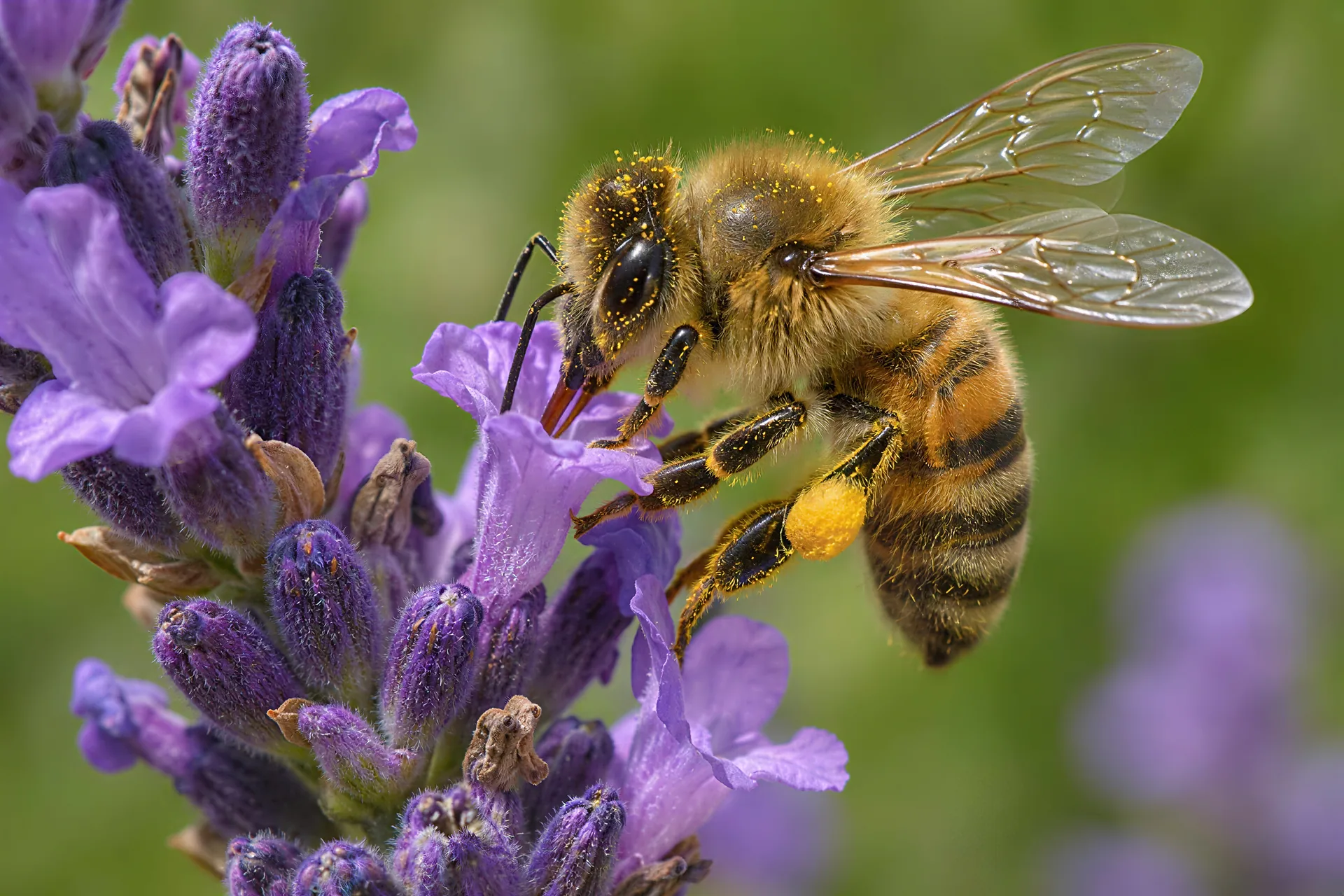 Before · 960×640OptiClear · 3840×2560
Macro
960→3840px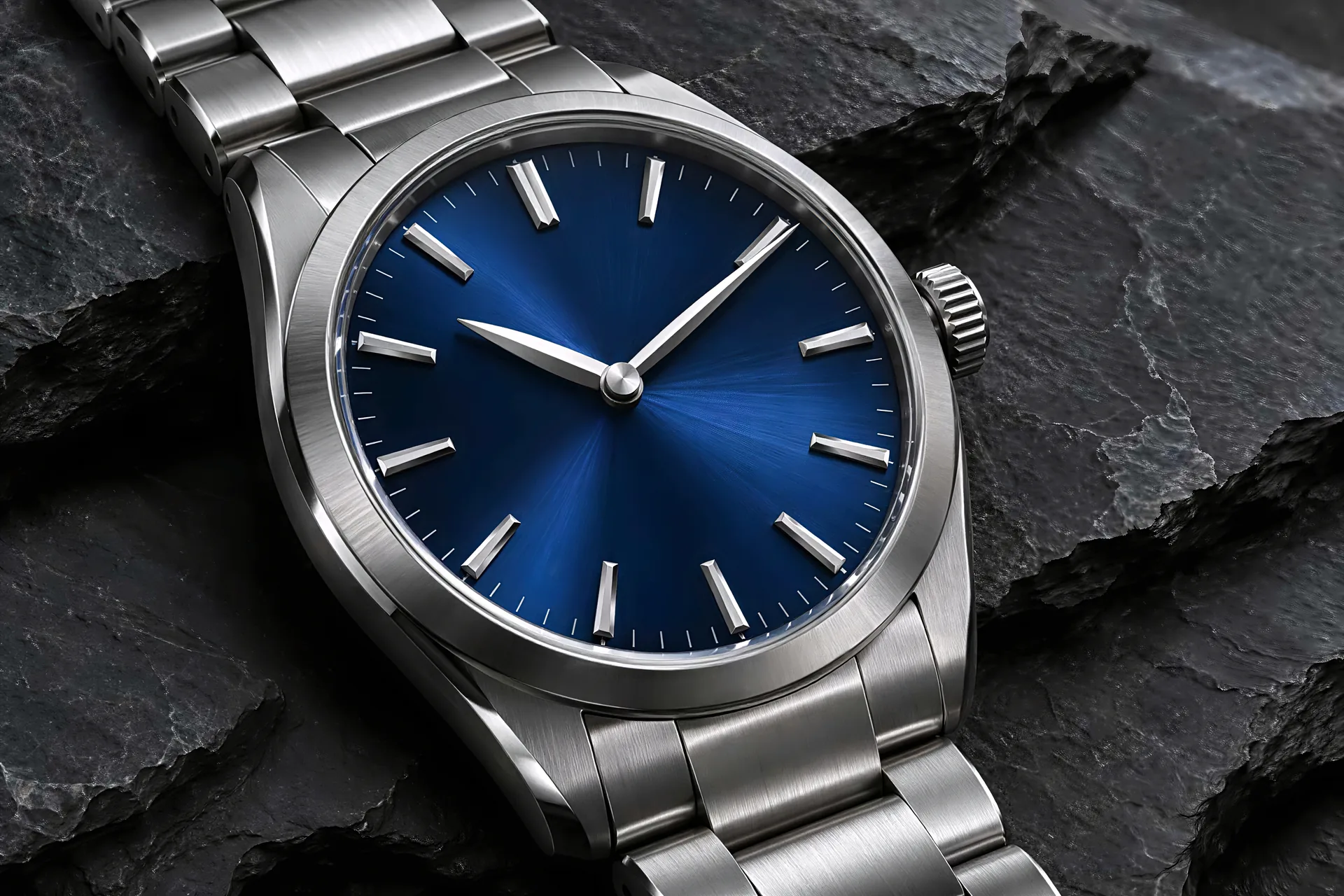 Before · 960×640OptiClear · 3840×2560
Watch
960→3840px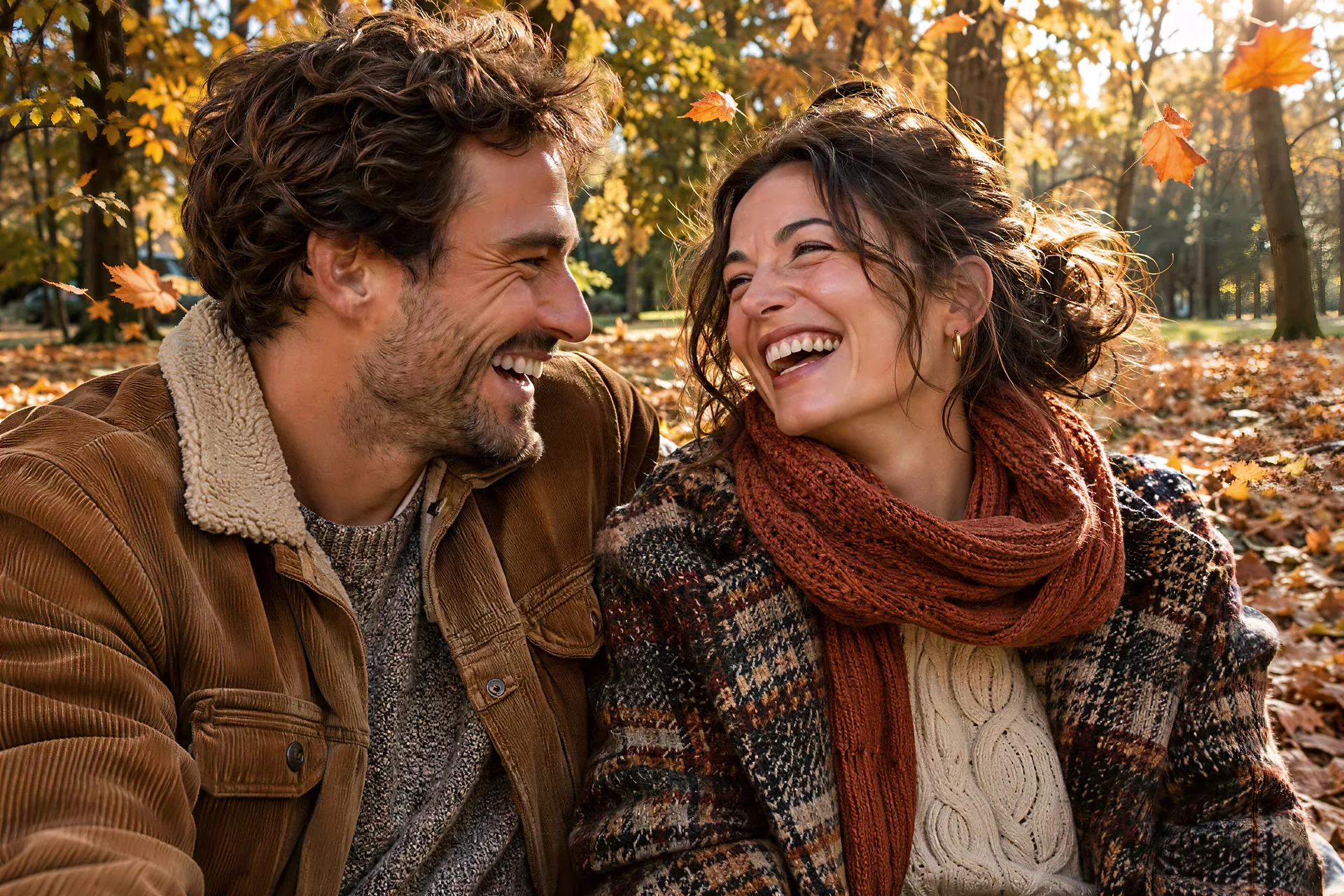 Before · 960×640OptiClear · 3840×2560

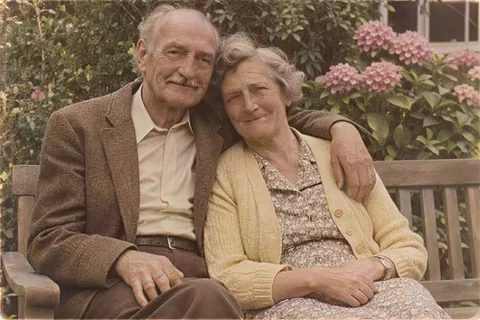
Couple
960→3840px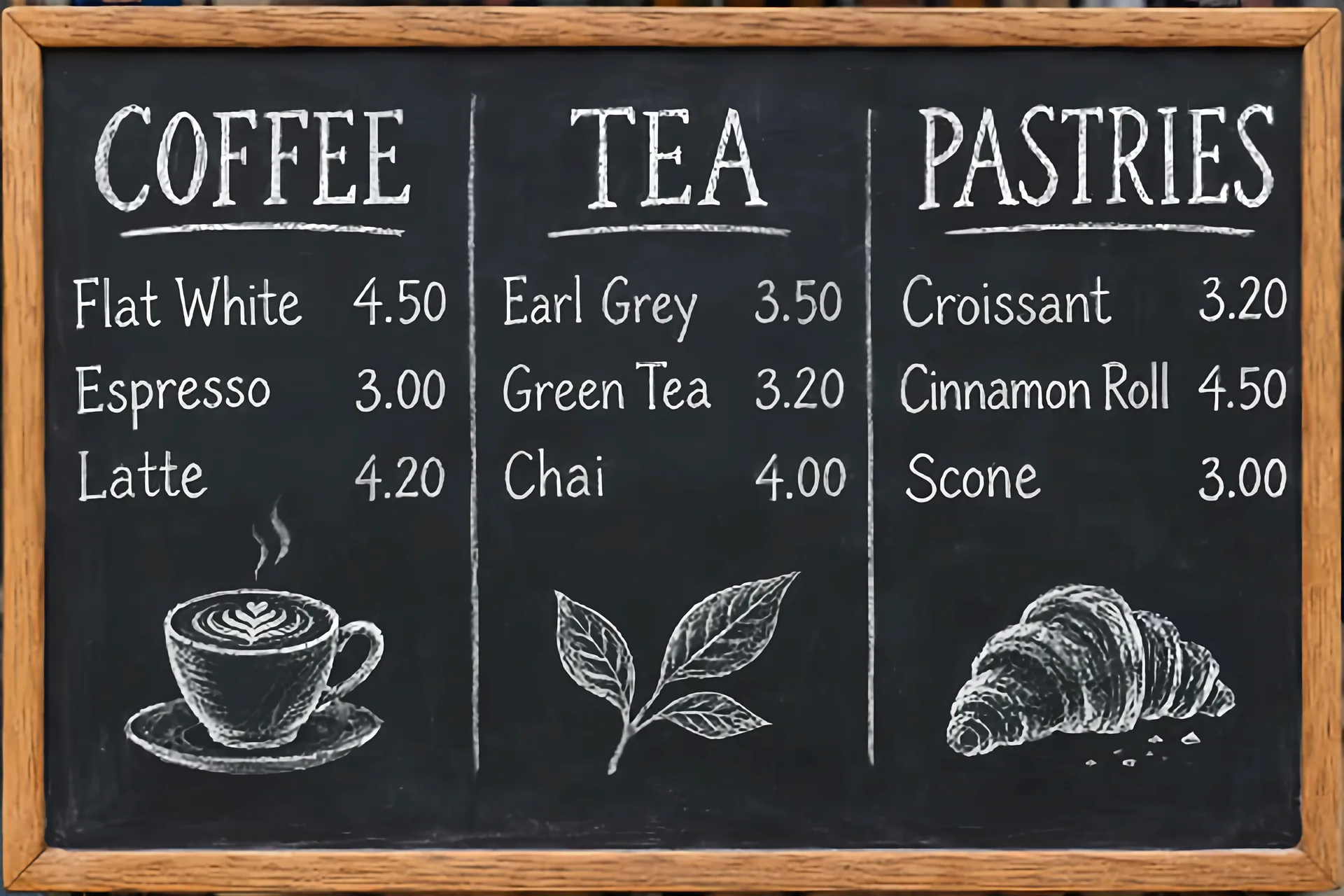 Before · 960×640OptiClear · 3840×2560
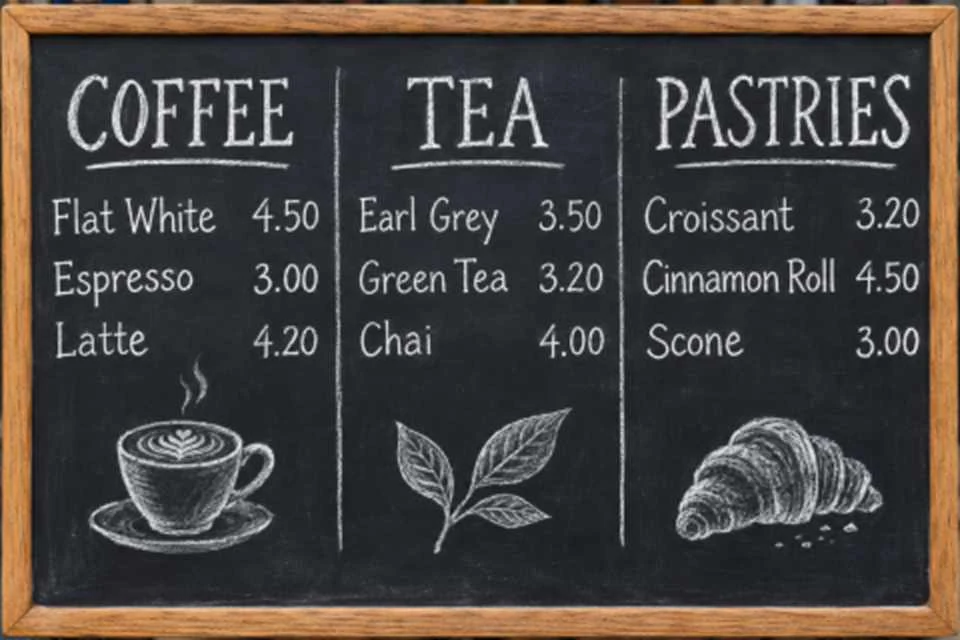
Chalkboard
960→3840pxทำไมต้องใช้เพิ่มขนาดภาพออนไลน์
ช่วยเตรียมภาพนุ่ม ภาพบีบอัด หรือภาพขนาดเล็กสำหรับหน้าสินค้า สไลด์ โปสเตอร์ โซเชียล และงานออกแบบ
ภาพที่เหมาะกับเพิ่มขนาดภาพออนไลน์
ใช้กับภาพสินค้า สกรีนช็อต ภาพ AI ไฟล์นำเสนอ ภาพย่อ ภาพโซเชียล และภาพที่ต้องการเวอร์ชันชัดขึ้น
เวิร์กโฟลว์ Codia ที่เกี่ยวข้อง
ทำงานต่อด้วยเครื่องมือเลเยอร์ ข้อความ ล้างภาพ ลบพื้นหลัง เพิ่มความคมชัด และส่งออก
คำถามที่พบบ่อย
FAQ เพิ่มขนาดภาพออนไลน์
ใช้เพิ่มขนาดภาพออนไลน์ออนไลน์ได้ไหม
ได้ อัปโหลดภาพแล้ว Codia จะเปิดเวิร์กโฟลว์ใน Studio ผ่านเบราว์เซอร์
หลังขั้นตอน AI ยังแก้ไขต่อได้ไหม
ได้ ผลลัพธ์จะอยู่ใน Codia Studio เพื่อปรับเลเยอร์ เลย์เอาต์ การล้างภาพ หรือการส่งออกต่อ
รองรับไฟล์ภาพแบบใด
อัปโหลดไฟล์ทั่วไปได้ เช่น JPG, PNG, WebP, สกรีนช็อต, ภาพสินค้า และภาพ AI
เวิร์กโฟลว์ Codia ที่เกี่ยวข้อง
เครื่องมือภาพ AI อื่น ๆ จาก Codia
ตัวเพิ่มความละเอียดภาพด้วย AI
ทำงานต่อด้วยเครื่องมือเลเยอร์ ข้อความ ล้างภาพ ลบพื้นหลัง เพิ่มความคมชัด และส่งออก
เปิด ตัวเพิ่มความละเอียดภาพด้วย AIเพิ่มความละเอียดภาพ
ทำงานต่อด้วยเครื่องมือเลเยอร์ ข้อความ ล้างภาพ ลบพื้นหลัง เพิ่มความคมชัด และส่งออก
เปิด เพิ่มความละเอียดภาพเพิ่มความคมชัดภาพเบลอ
ทำงานต่อด้วยเครื่องมือเลเยอร์ ข้อความ ล้างภาพ ลบพื้นหลัง เพิ่มความคมชัด และส่งออก
เปิด เพิ่มความคมชัดภาพเบลอทำให้ภาพคมชัดเลย
1 รูปหรือ 20 รูป เปรียบเทียบ เลือกเวอร์ชันที่ดีที่สุด แล้วดาวน์โหลดในไม่กี่วินาที