
ตัวลบพื้นหลัง AI
ลบพื้นหลังรูปภาพได้ทันที
ลบพื้นหลังหรือตัดพื้นหลังรูปภาพสินค้า ภาพบุคคล ภาพ AI และแอสเซ็ตงานออกแบบ แล้วแก้ไขต่อใน Codia Studio
กรณีการใช้งาน
พร้อมสำหรับเวิร์กโฟลว์การค้า คอนเทนต์ และการออกแบบ
การลบพื้นหลังของ Codia สร้างขึ้นสำหรับทีมที่ต้องการภาพตัดวัตถุที่สะอาด และมีพื้นที่สำหรับแก้ไขต่อหลังจากลบพื้นหลังแล้ว
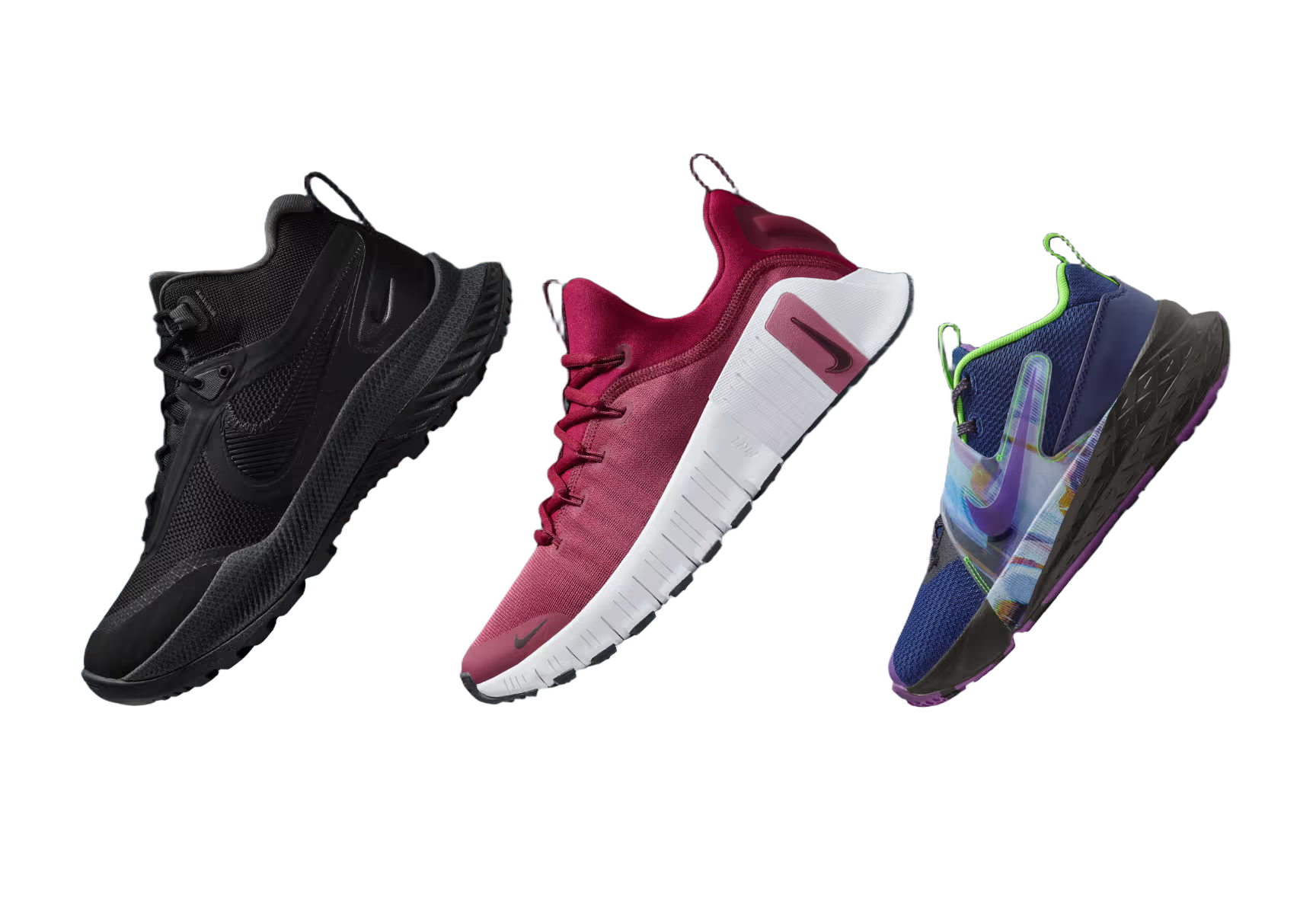
ภาพสินค้า
สร้างภาพสำหรับมาร์เก็ตเพลสและหน้าร้านที่สะอาดจากภาพสินค้าทั่วไป

ภาพบุคคลและอวาตาร์
ตัดภาพบุคคลสำหรับกราฟิกโปรไฟล์ ภาพขนาดย่อ และแอสเซตของครีเอเตอร์

สติกเกอร์และโพสต์โซเชียล
เปลี่ยนวัตถุให้เป็น PNG โปร่งใสที่นำกลับมาใช้ซ้ำได้สำหรับเวิร์กโฟลว์คอนเทนต์
การอัปโหลดสู่มาร์เก็ตเพลส
จัดมาตรฐานภาพสินค้าก่อนเผยแพร่ไปยังช่องทางการค้า
ม็อกอัปงานออกแบบ
วางวัตถุโปร่งใสลงในโปสเตอร์ โฆษณา สไลด์ และการจัดวาง UI
ไปป์ไลน์ภาพ AI
เตรียมภาพที่สร้างขึ้นสำหรับการรีมิกซ์ การประกอบภาพ และการแก้ไขในขั้นถัดไป
ตัวลบพื้นหลัง AI
ทำไมต้องเลือก Codia AI
4 เหตุผลที่ทีมงานเลือกเปลี่ยนมาใช้ Codia และไม่เคยมองหาทางเลือกอื่นอีก
API ตอบกลับเร็วกว่า
Codia ส่งผลลัพธ์ระดับ HD กลับมาในเวลาเพียง ~600ms ด้วย edge GPU ขณะที่บริการอื่นใช้เวลาเฉลี่ย 1–2 วินาที
ออกแบบมาเพื่อนักพัฒนาโดยเฉพาะ
SDK แบบ native, response ที่มี type ชัดเจน และ live log ช่วยขจัดความสับสน ซึ่งต่างจากแดชบอร์ดทั่วไปของบริการอื่น
ราคาโปร่งใส ไม่มีค่าใช้จ่ายซ่อนเร้น
ทุกเครดิตรวมผลลัพธ์ HD และรองรับการโรลโอเวอร์ ต่างจากบริการอื่นที่พยายามผลักดันแพ็กเกจเพิ่มตลอดเวลา
การตัดแยกภาพแม่นยำสูง
รองรับวัตถุแทบทุกประเภทพร้อมขอบที่คมชัดสะอาด ด้วยความแม่นยำในการจดจำที่เหนือกว่าบริการส่วนใหญ่ในตลาด
วิธีการทำงาน
อัปโหลดครั้งเดียว แก้ไขต่อใน Studio
อัปโหลดภาพใดก็ได้
เริ่มต้นด้วยภาพถ่ายสินค้า ภาพบุคคล ภาพหน้าจอ ม็อกอัป หรือภาพที่สร้างด้วย AI
ลบพื้นหลัง
รูปภาพจะเปิดใน Codia Photo Editor โดยเลือกเครื่องมือลบพื้นหลังไว้แล้ว กดเรียกใช้เพื่อรับภาพตัดพื้นหลังโปร่งใส
ออกแบบต่อ
ใช้ผลลัพธ์โปร่งใสใน Studio สำหรับการจัดวาง การประกอบภาพ การสร้างเวอร์ชัน และการส่งออก
API สำหรับนักพัฒนา
ต้องการการลบพื้นหลังในผลิตภัณฑ์ของคุณเองหรือไม่?
ใช้ความสามารถลบพื้นหลังของ Codia แบบเดียวกันผ่าน Open API สำหรับขั้นตอนการอัปโหลด ระบบอัตโนมัติ และไปป์ไลน์งานสร้างสรรค์
https://openapi.codia.ai/v2/open/remove_bgcurl 'https://openapi.codia.ai/v2/open/remove_bg' \
-H 'Authorization: Bearer {codia_api_key}' \
-H 'Content-Type: application/json' \
--data '{
"image_url": "your image url"
}'{
"code": 0,
"message": "ok",
"data": {
"image_url": "https://processed-image-url.com/result.png"
}
}API สำหรับนักพัฒนา
เหตุผลที่นักพัฒนาหลงรัก Codia
สร้างโดยนักพัฒนา เพื่อนักพัฒนาโดยเฉพาะ
ไม่จำกัด Rate
สำหรับผู้ใช้ที่ชำระเงินแล้ว — สร้างได้อย่างไร้ขีดจำกัด
CDN ทั่วโลก
ส่งมอบข้อมูลรวดเร็วฉับไวทุกมุมโลก
ขอบคมชัด
ตัดแยกภาพได้สมบูรณ์แบบแม้กับวัตถุซับซ้อน
พร้อมใช้ใน Pipeline
ออกแบบมาสำหรับเครื่องมือดีไซน์และเวิร์กโฟลว์ AI
Related background workflows
More ways to remove image backgrounds
Choose the background removal workflow that best matches the image asset, product photo, or cutout you need to prepare.
Remove background from image
Upload an image and remove the background before continuing the edit in Codia Studio.
Remove Image BackgroundBackground remover online
Use an online AI background remover for photos, portraits, product visuals, and design assets.
Open Online RemoverProduct photo background remover
Create cleaner product cutouts for e-commerce, storefronts, marketplace uploads, and mockups.
Clean Product Photosคำถามที่พบบ่อย
รวบรวมคำตอบจากคำถามที่เราได้ยินทุกวันจากทีมงานที่ย้ายมาจากเครื่องมือเดิม
ลบพื้นหลังใน Studio
อัปโหลดรูปภาพด้านบน แล้วรูปจะเปิดใน Codia Photo Editor พร้อมสำหรับลบพื้นหลัง
อัปโหลดรูปภาพ