
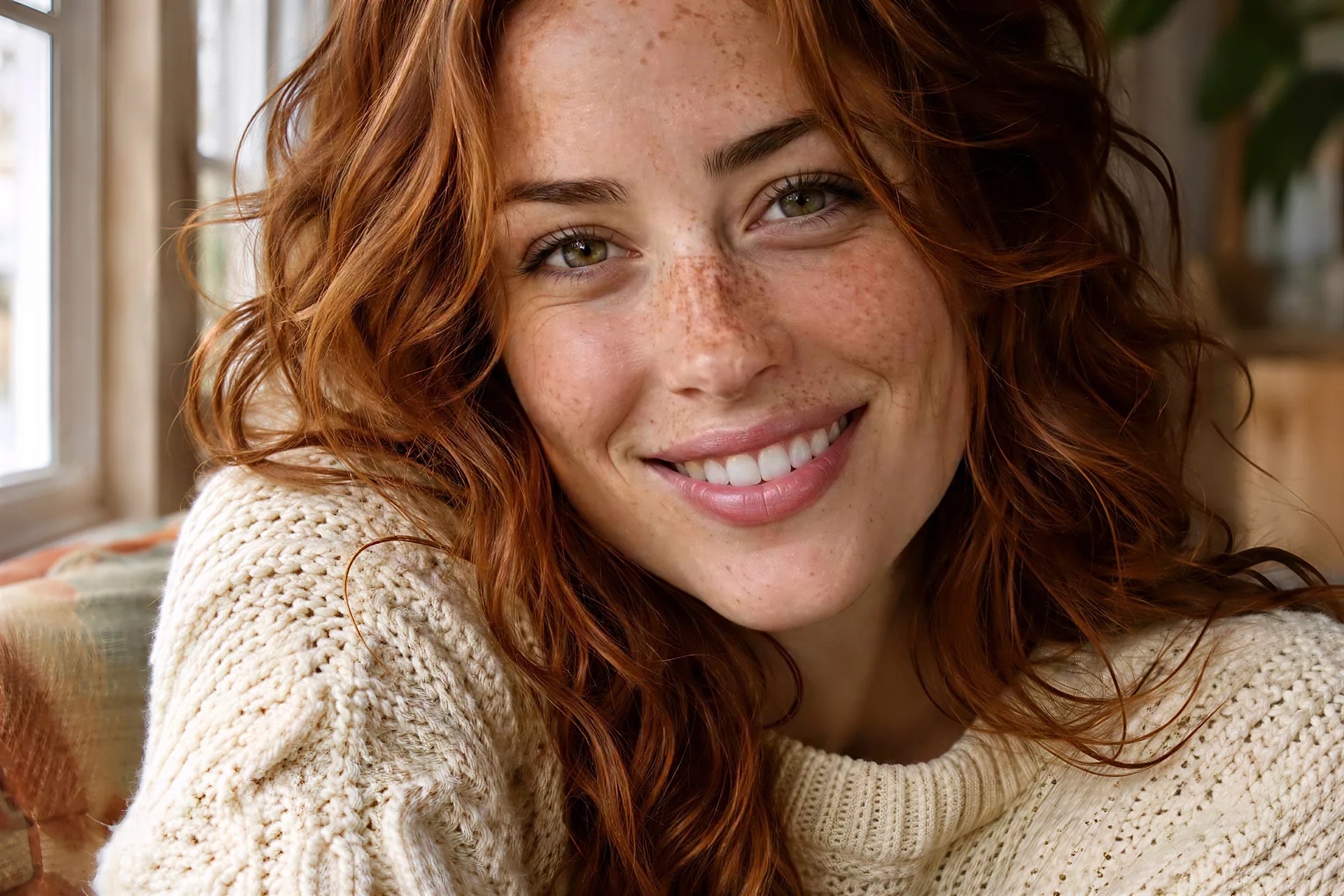
分辨率
960 × 640
向下滚动查看修复对比
在线放大图片
在线放大图片
上传低清或模糊图片,用 AI 提高清晰度,并在 Codia Studio 中继续完善更清晰的素材。
或直接拖拽图片到页面任意位置 · 单次最多 20 张 · 失败不扣积分
0×
无损放大,最高 4K 一次到位
0
单次批量处理图片张数
0
专用模型,覆盖人像、细节与文字
0
失败任务扣费积分数
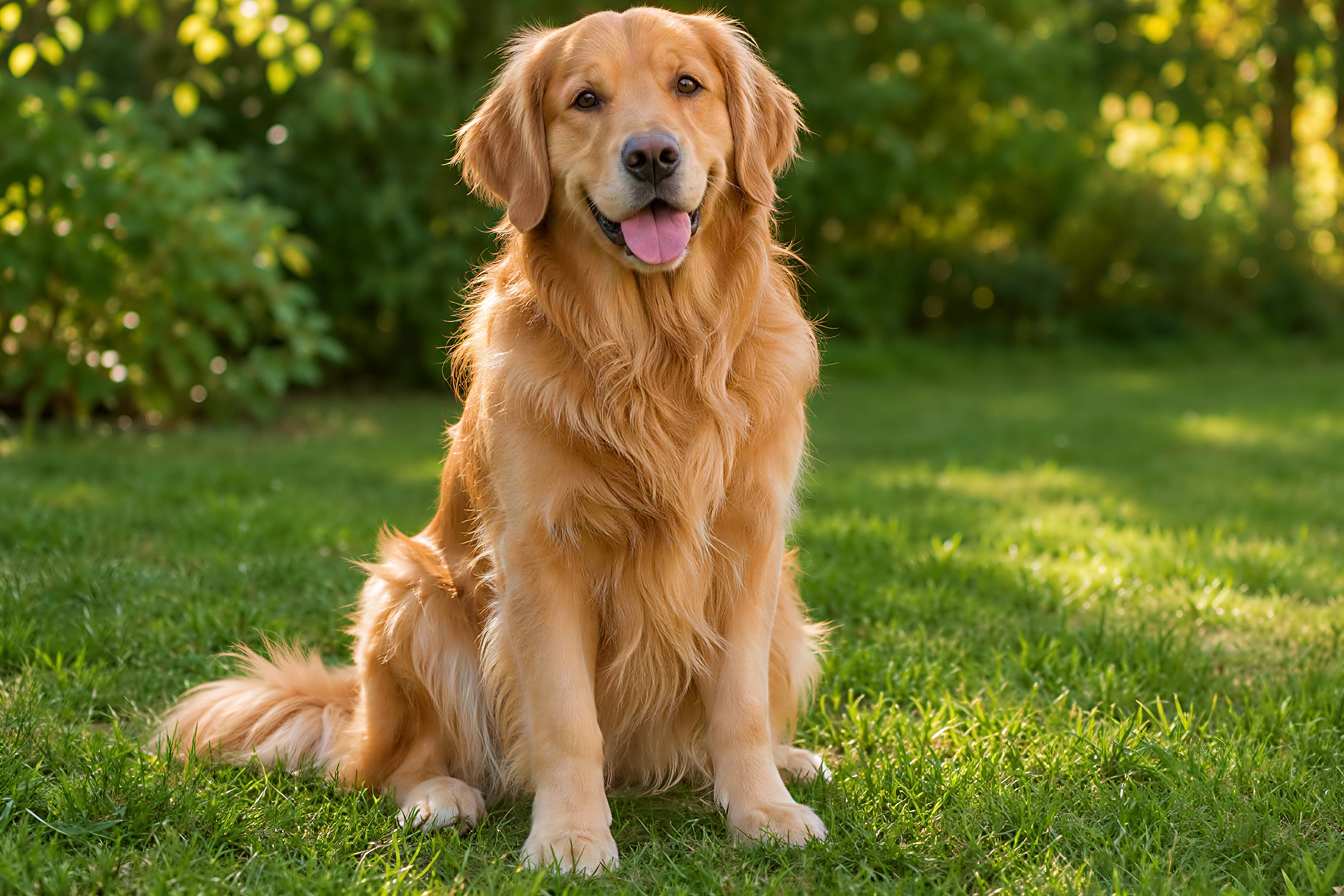
放大细看
2 倍与 4 倍 AI 图片放大细节对比
1×
缩略图看着还行。
低分辨率照片的锯齿和涂抹感,直到打印、裁剪或放大时才暴露无遗。
2×
放大后破绽毕现。
左侧是压缩色块与模糊边缘,右侧是 AI 模型重建出的真实纹理结构。
4×
纤毫毕现,根根清晰。
毛发、眼神光与边缘在 4 倍尺寸下依然紧致锐利。
人像面部保真 AI 放大
人像更清晰,面孔不变样。
传统生成式放大容易把人脸重画成陌生人。OptiClear 还原眼睛、皮肤和牙齿纹理的同时,会将结果与原图比对拉回偏移细节。
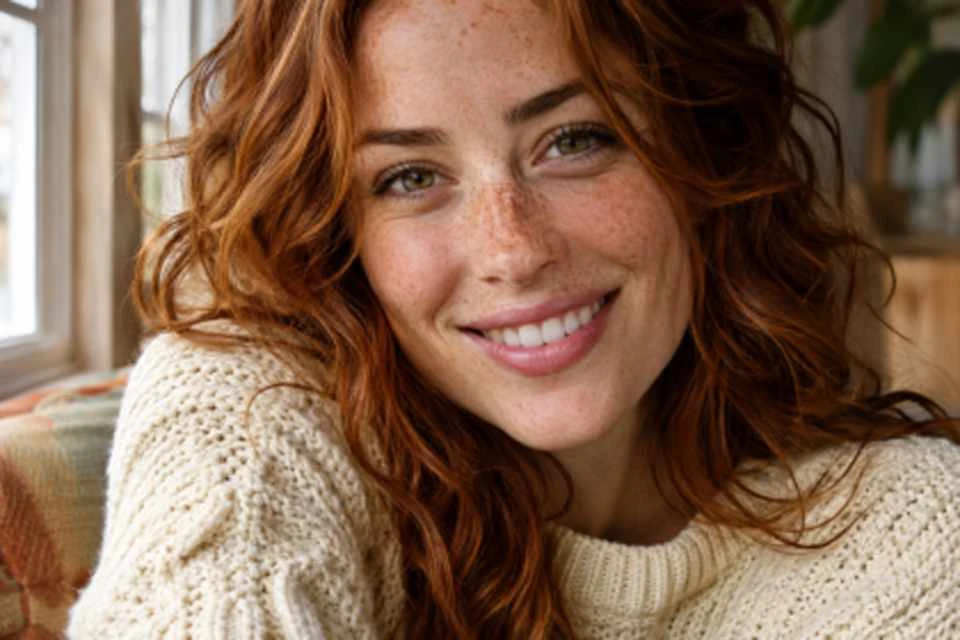
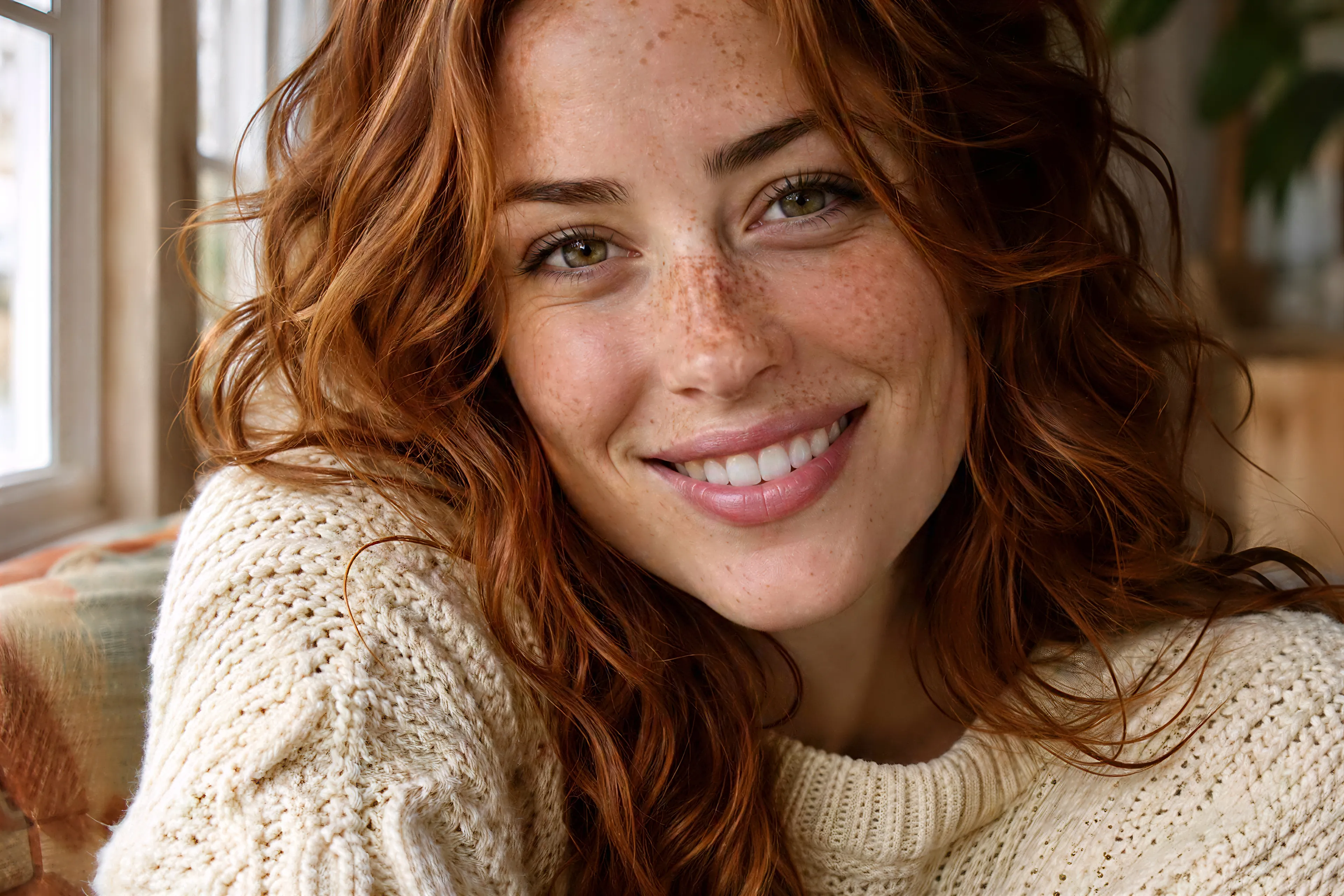
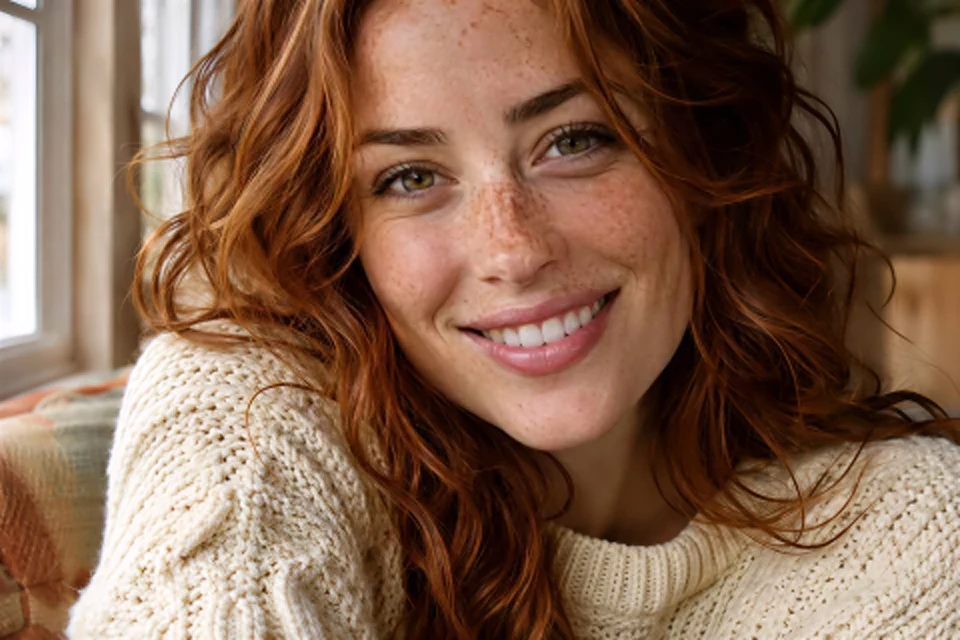 originalFace match (SSIM)0.97
Panel 03 flips between your upload and OptiClear’s result scaled back to the upload’s own detail. If a face had been redrawn, it would jump. The score compares the two faces pixel structure by pixel structure; 1.00 is identical.
No new features
Eyes, nose and mouth keep their shape and place.
Same expression
A half smile stays a half smile. No beauty filter.
Small faces in group shots
Where most upscalers smear or invent faces, every guest stays themselves.
Glasses, beards, wrinkles
Age and character are details too. They stay.
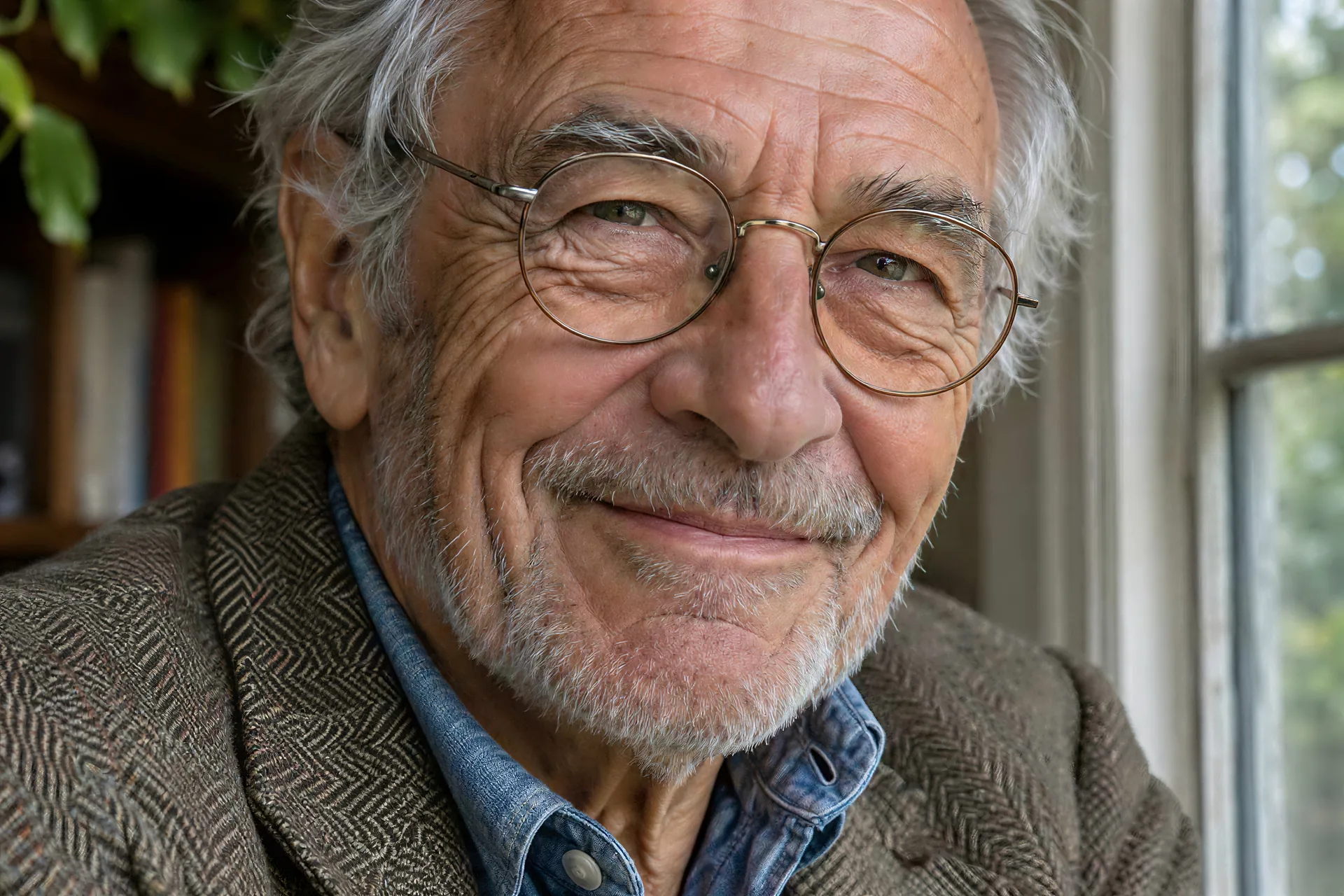 Before · 960×640OptiClear · 3840×2560
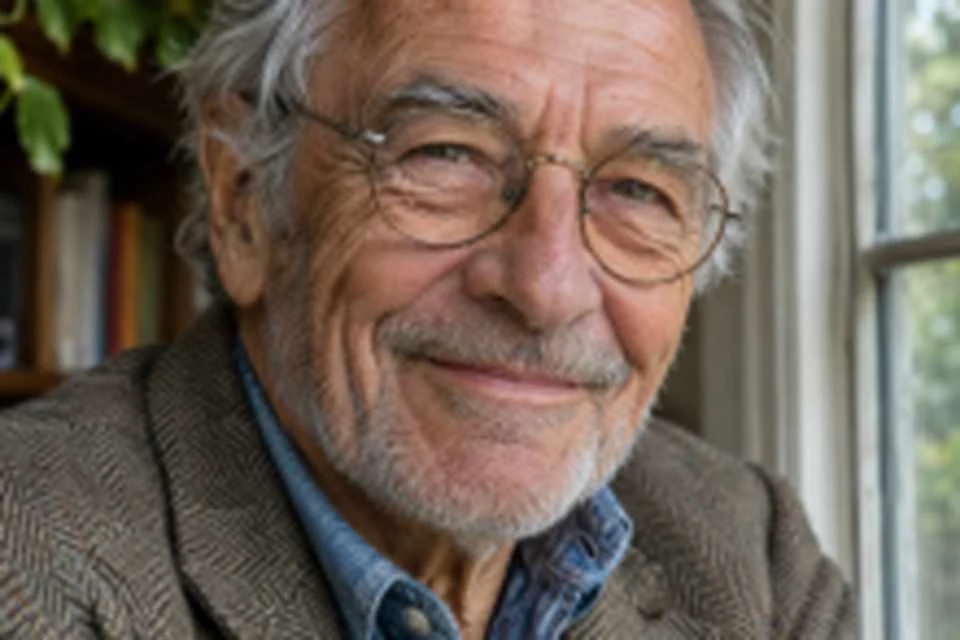
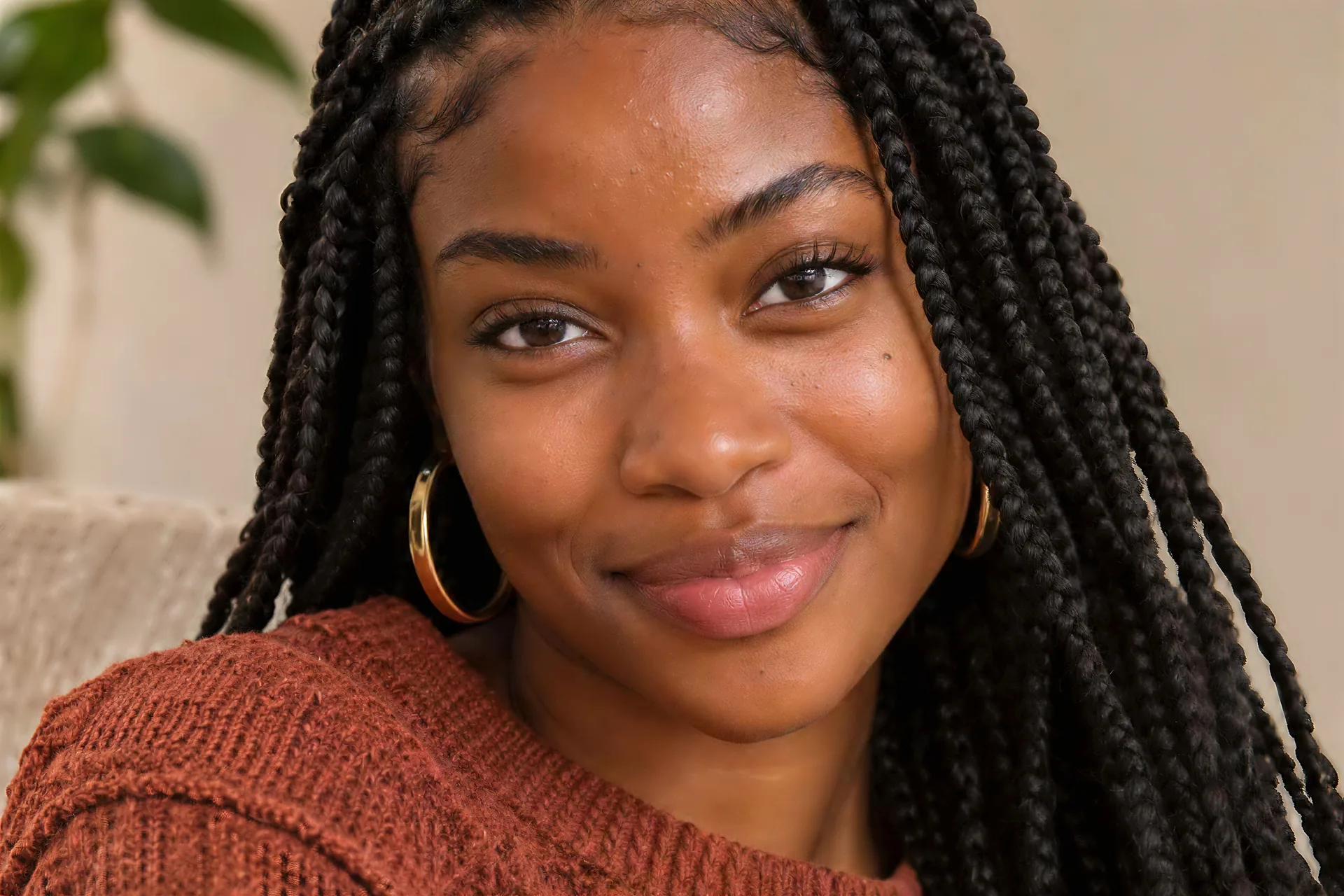 Before · 960×640OptiClear · 3840×2560
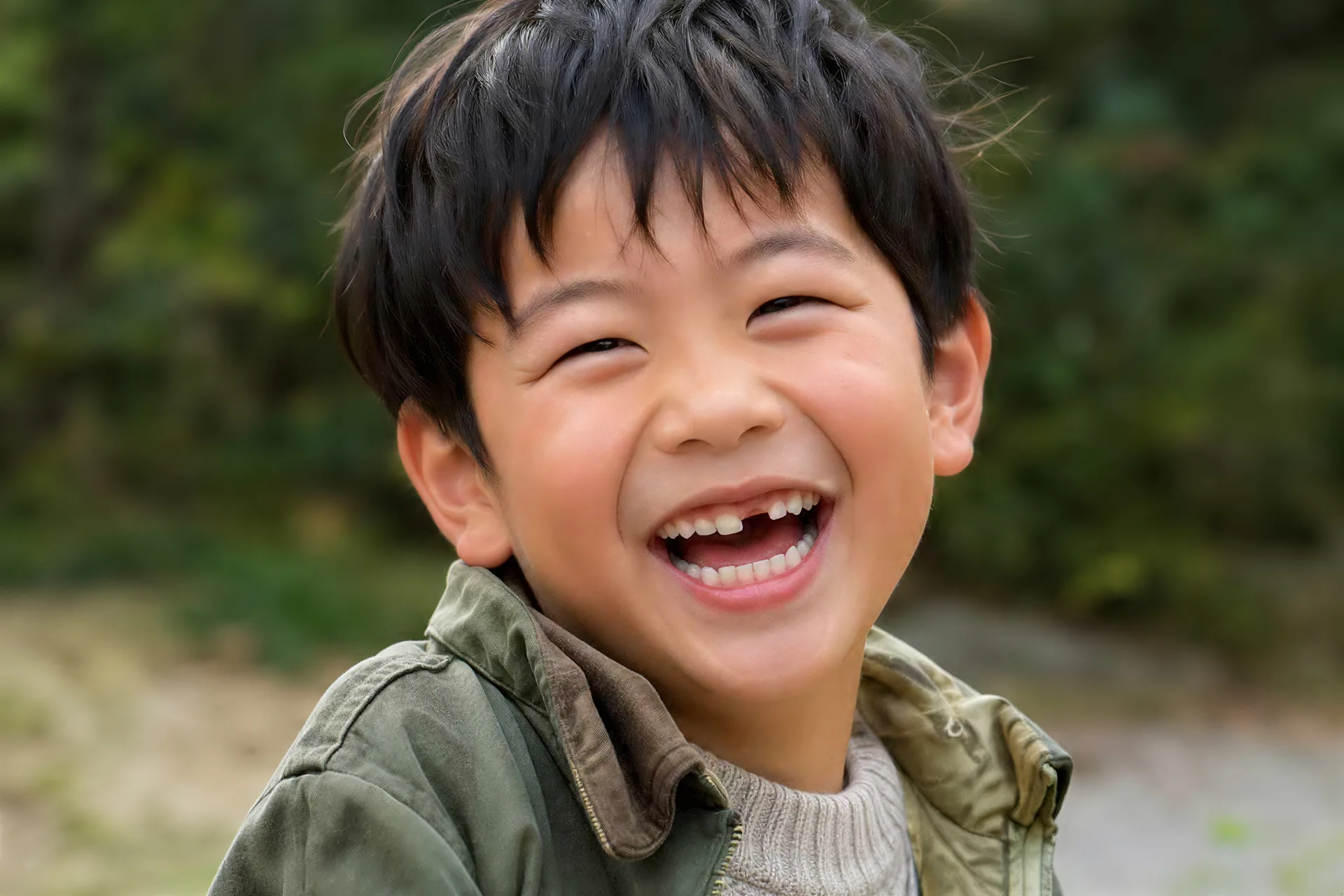 Before · 960×640OptiClear · 3840×2560
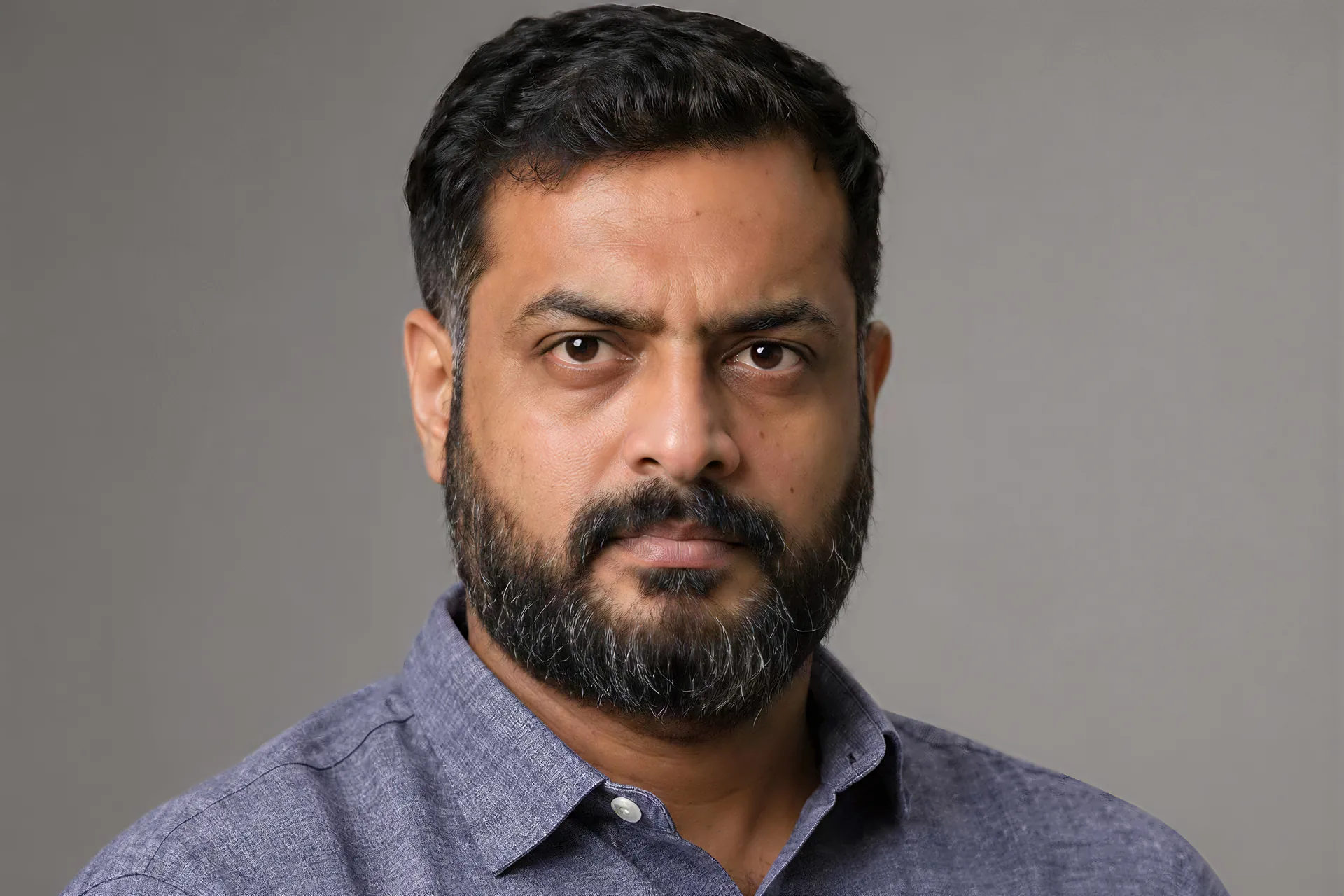 Before · 960×640OptiClear · 3840×2560
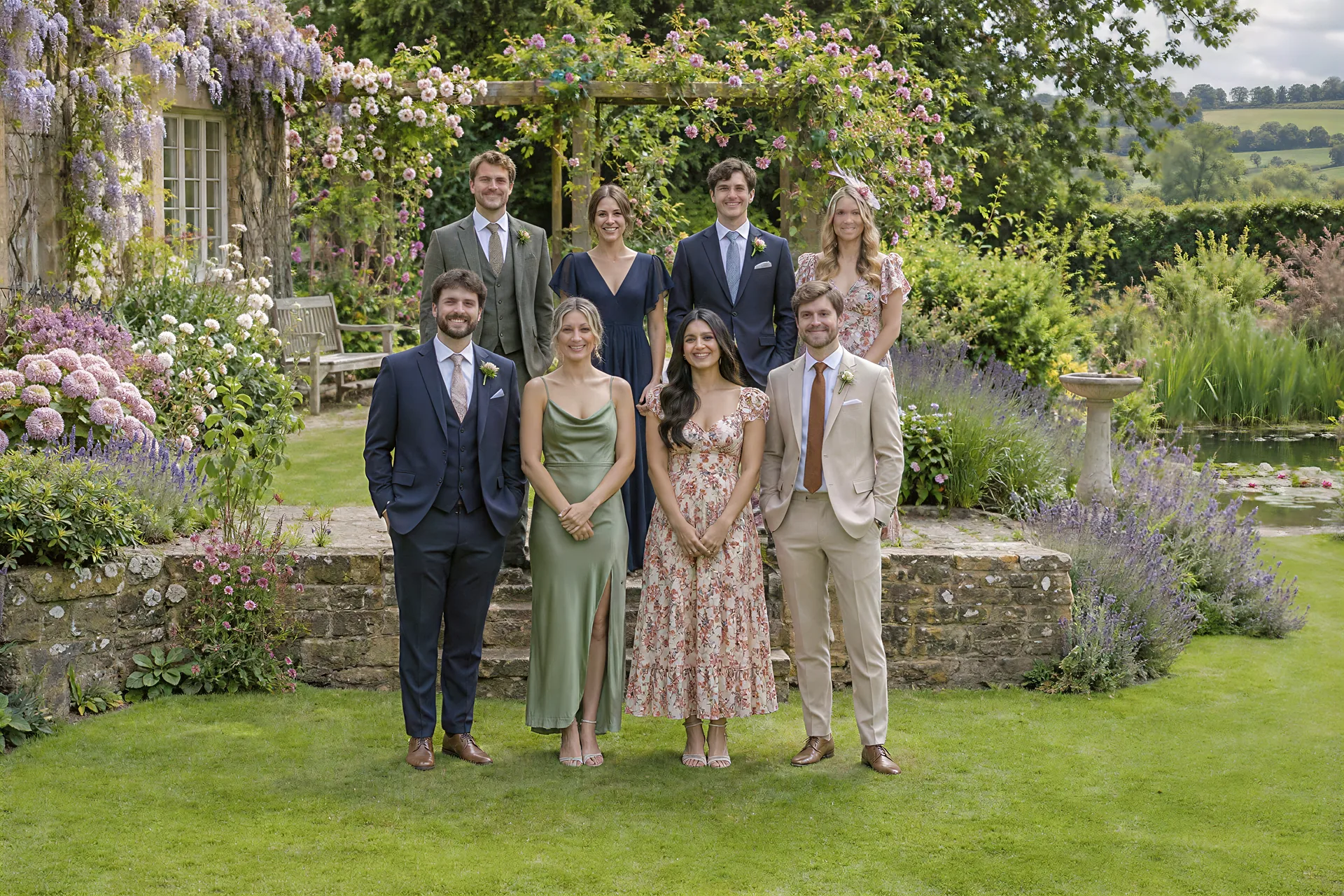 Before · 960×640OptiClear · 3840×2560
 Before · 960×640OptiClear · 3840×2560

全品类图像适用
商品图、老照片与插画,一键高清升级。
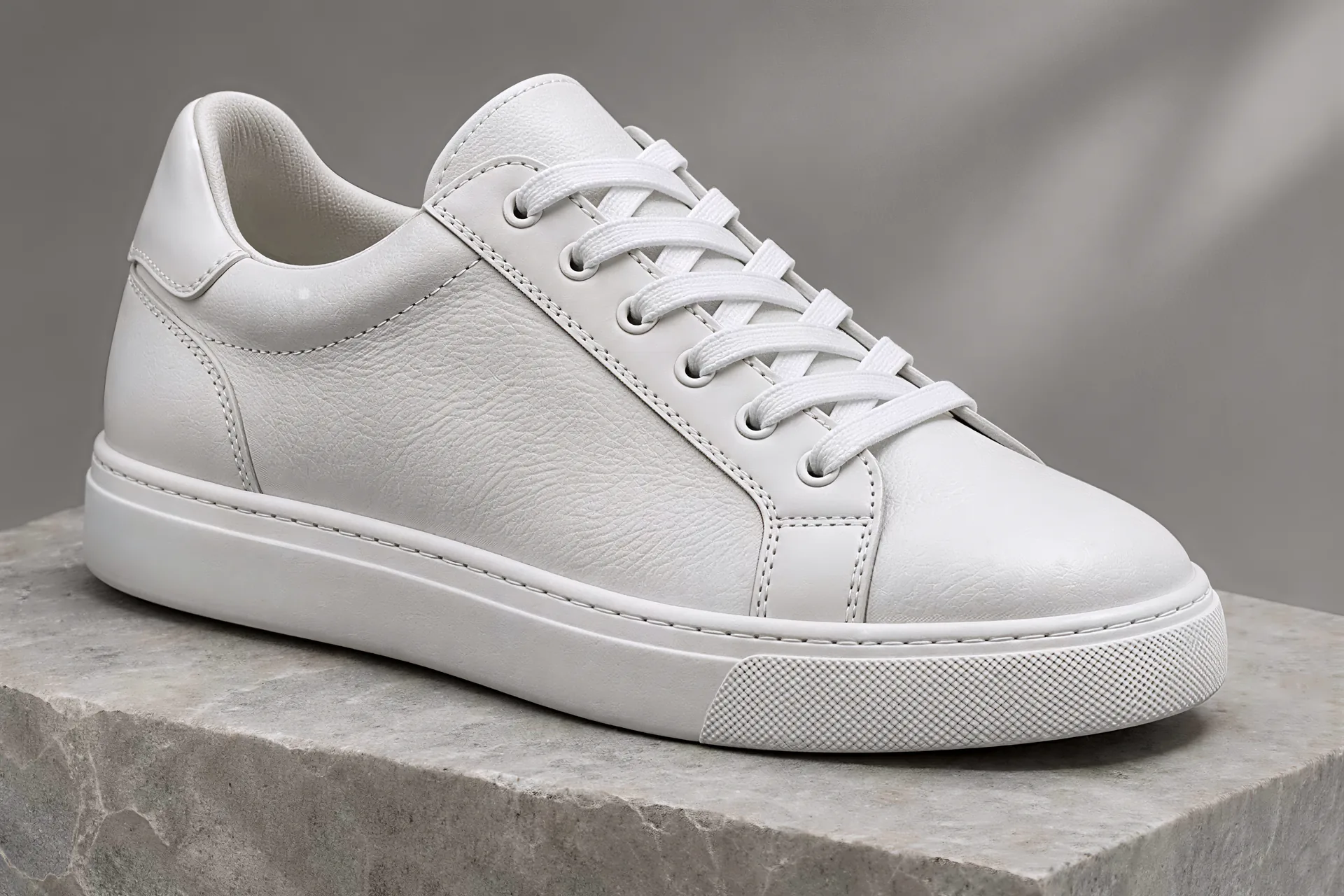 Before · 960×640OptiClear · 3840×2560
Product
Leather grain and stitching for a product-page zoom.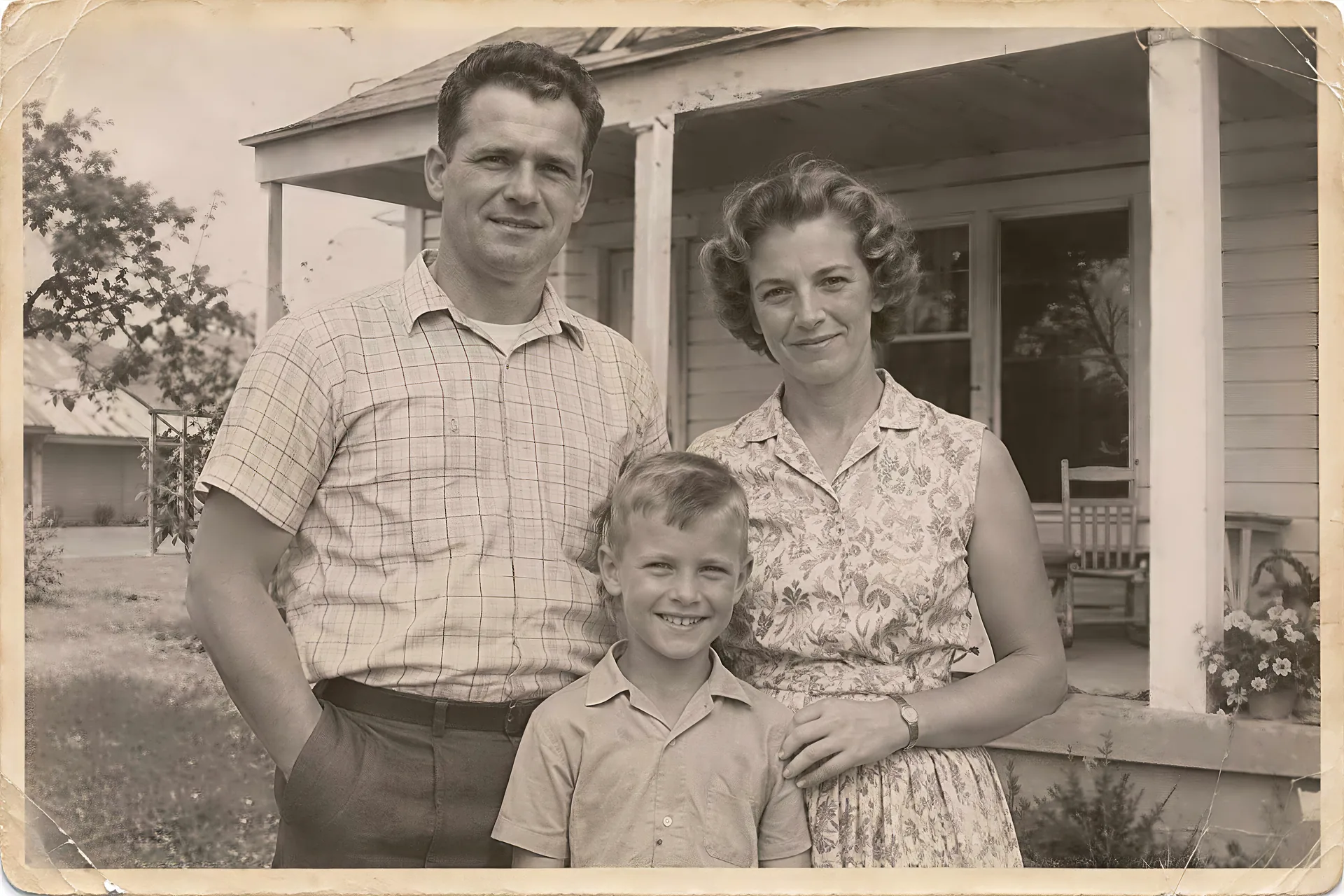 Before · 960×640OptiClear · 3840×2560
Old photo
Faces and edges come back; the film character stays.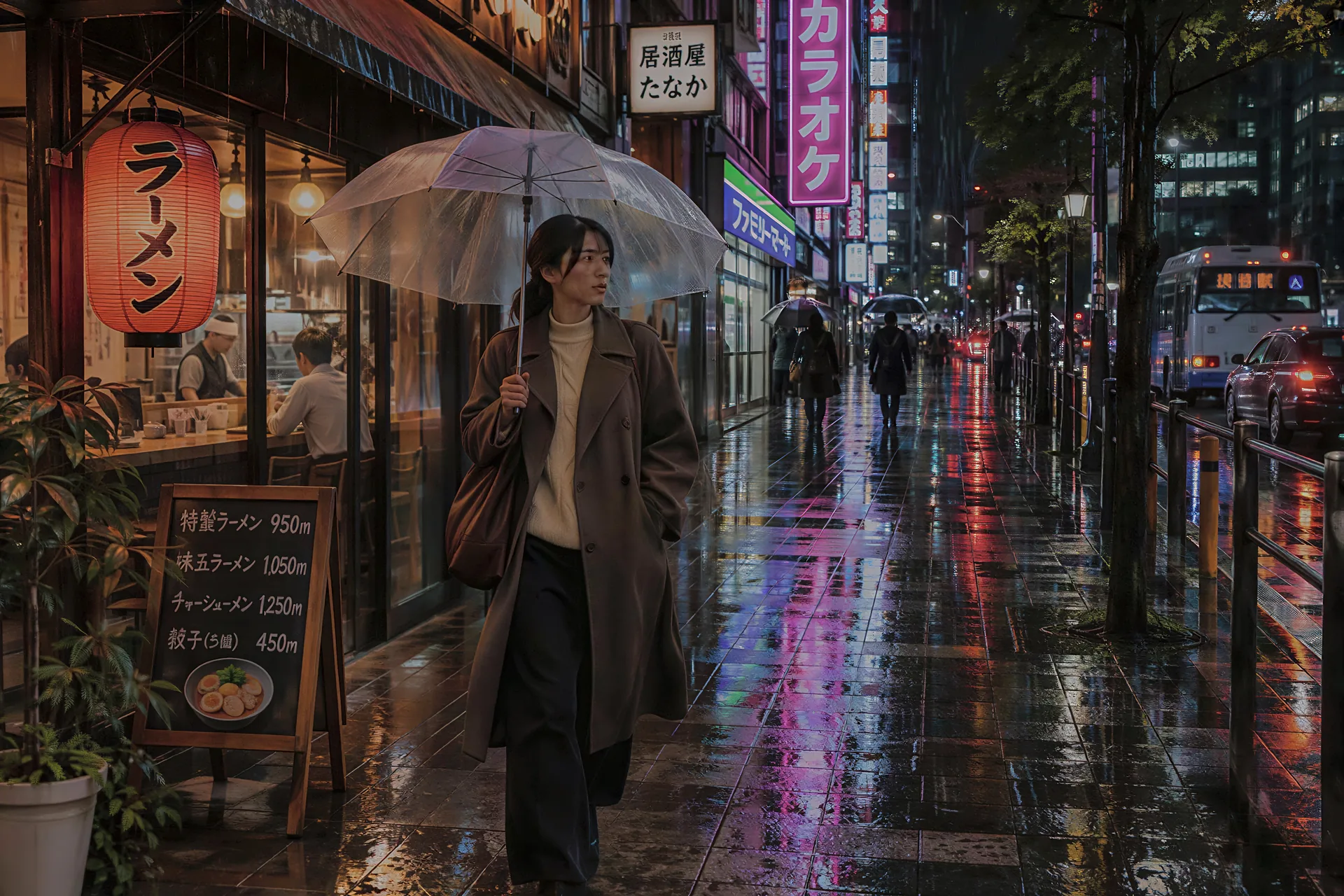 Before · 960×640OptiClear · 3840×2560
Night street
Noise cleaned before enlarging, neon stays crisp.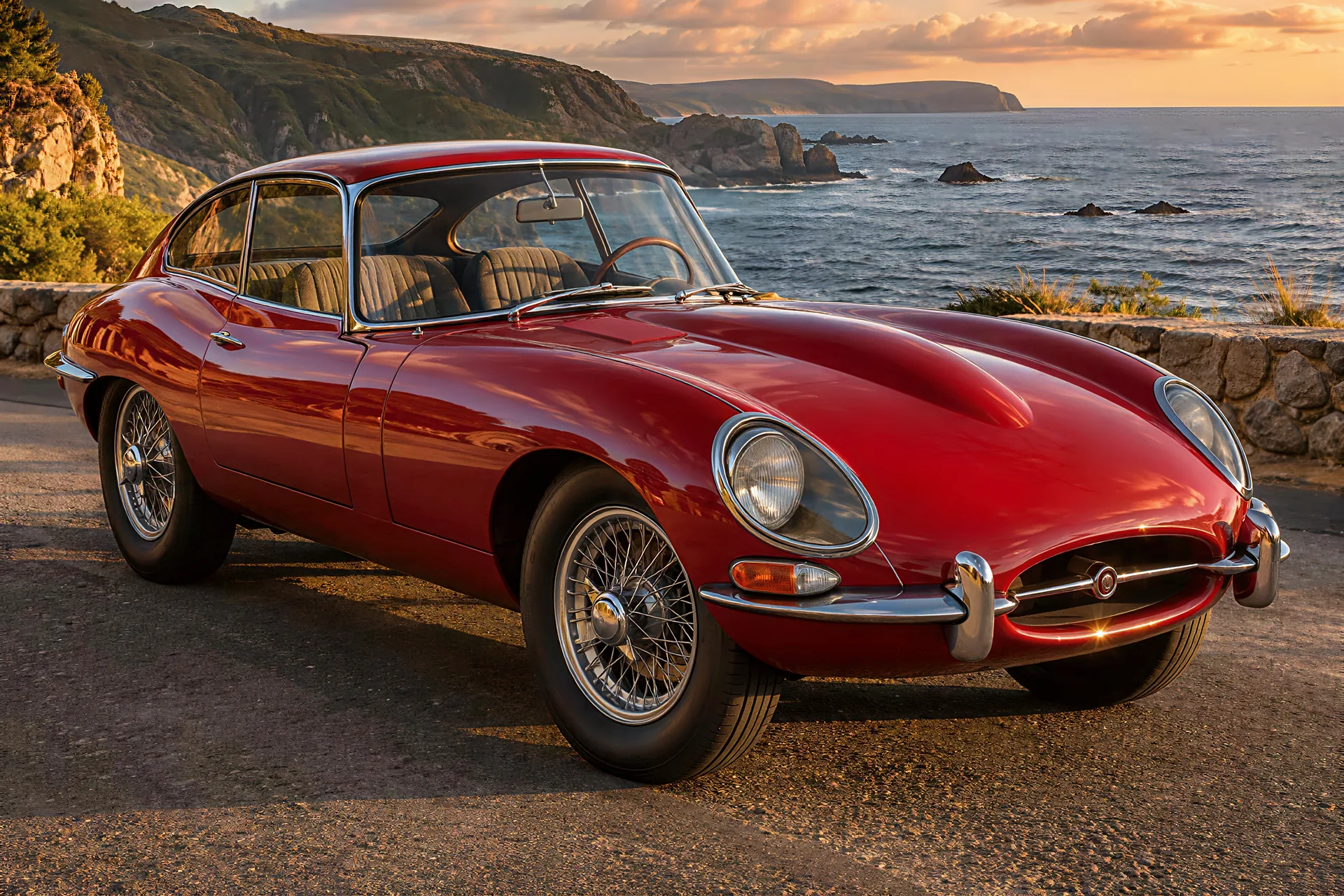 Before · 960×640OptiClear · 3840×2560
Car
Chrome, reflections and paint depth.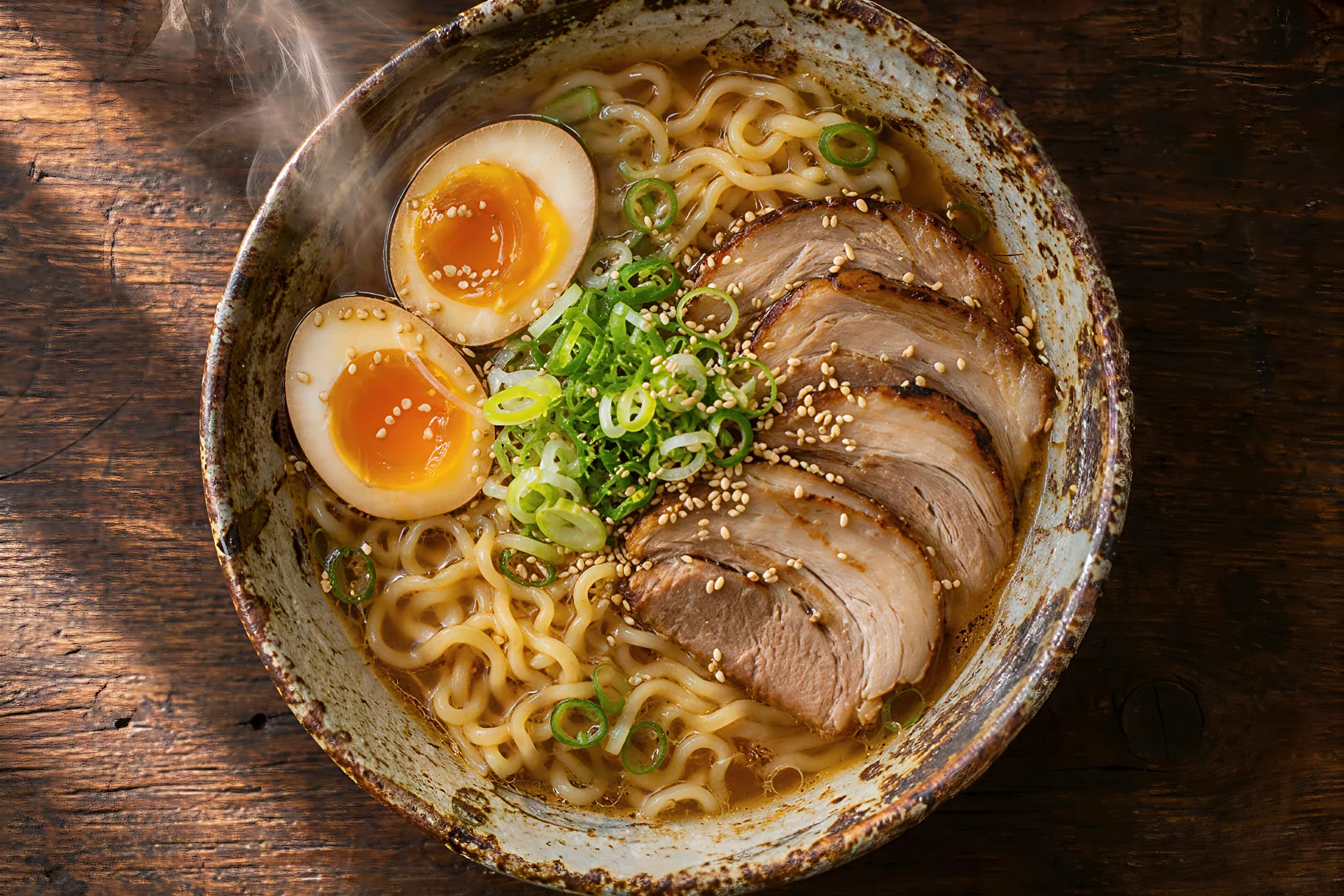 Before · 960×640OptiClear · 3840×2560
Food
Texture that makes a menu photo look edible again.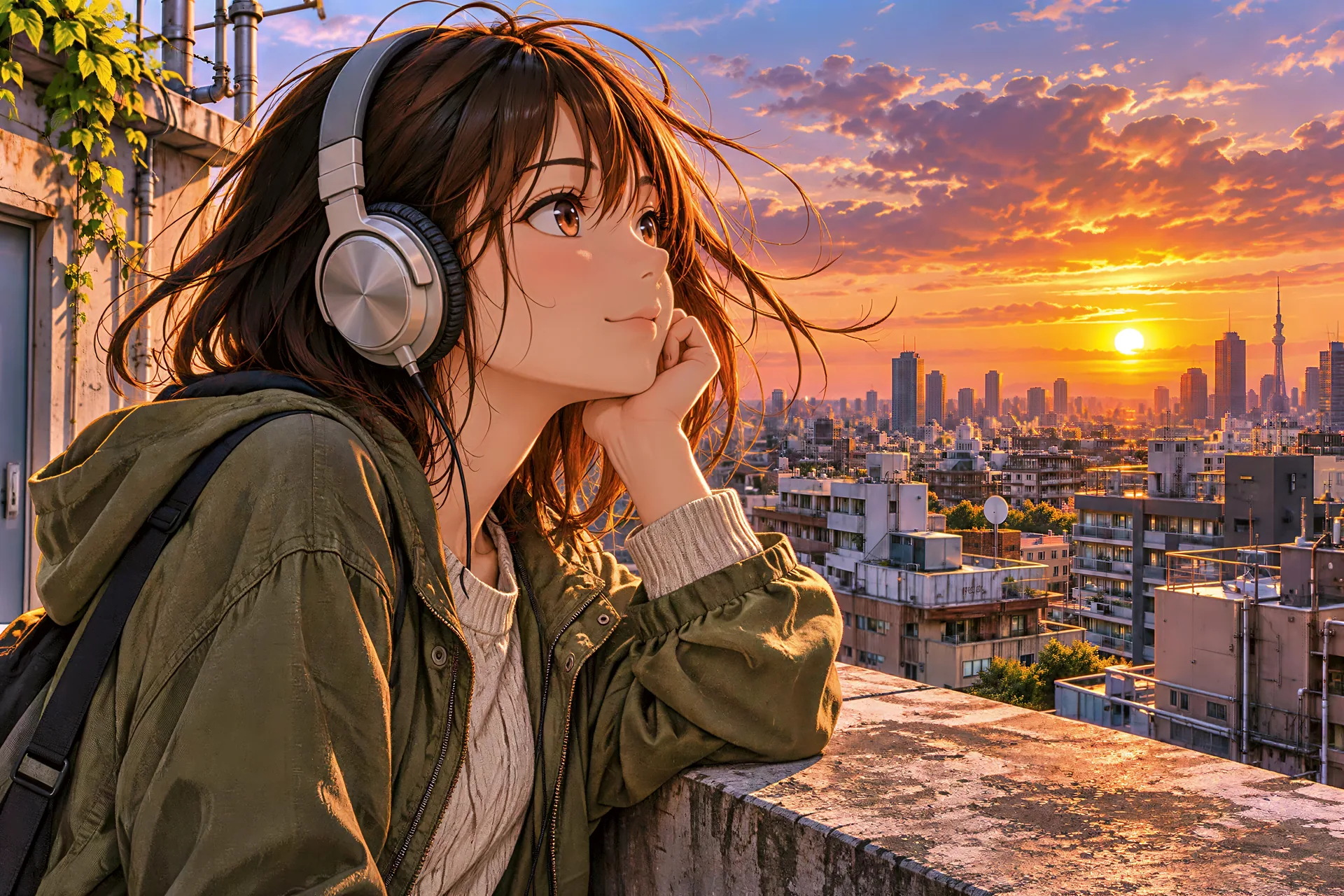 Before · 960×640OptiClear · 3840×2560
Illustration
Clean line art and flat colour, no muddy halos.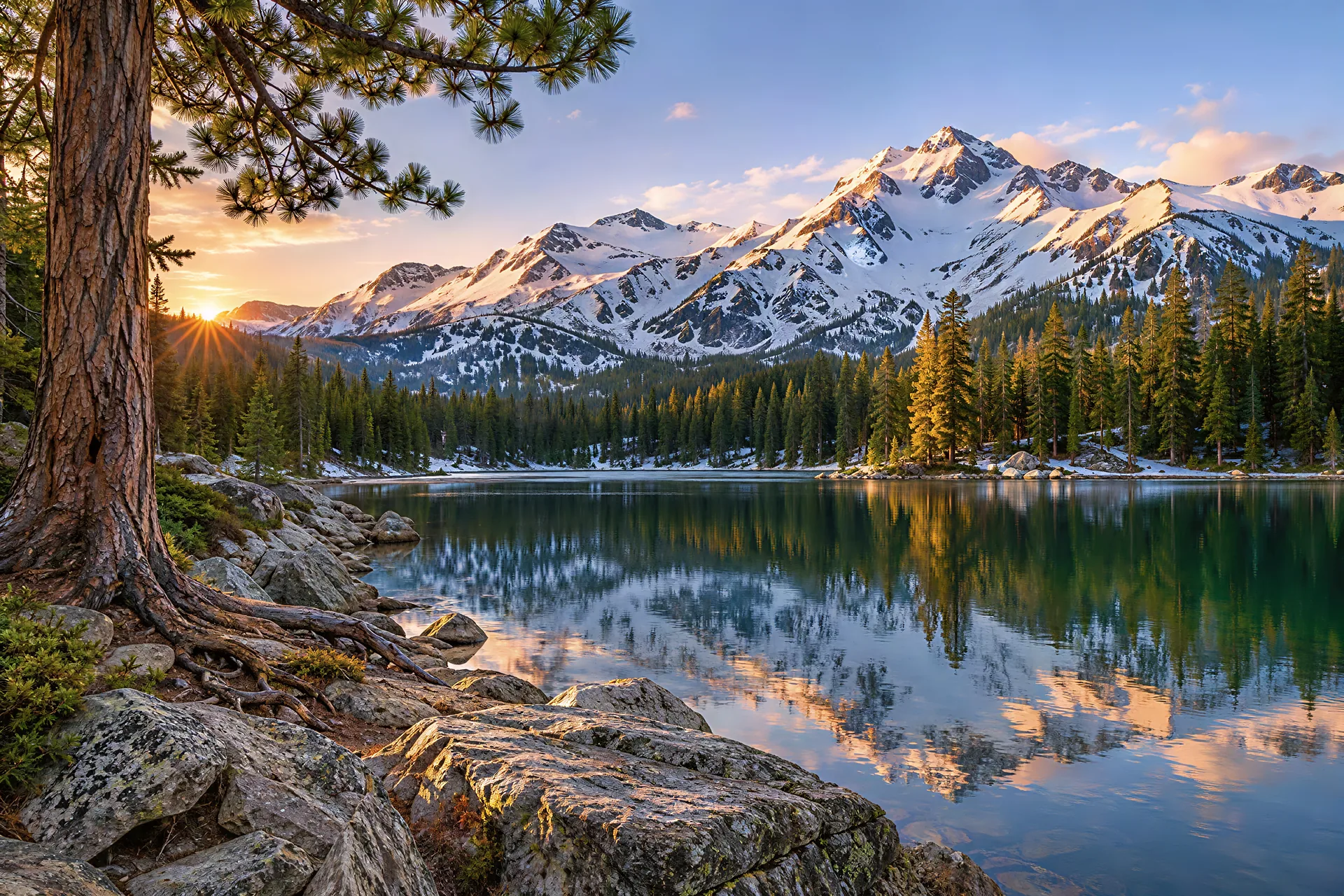 Before · 960×640OptiClear · 3840×2560

Landscape
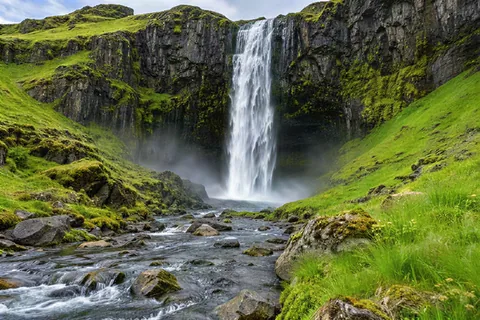
Rocks, trees and ridgelines at print size.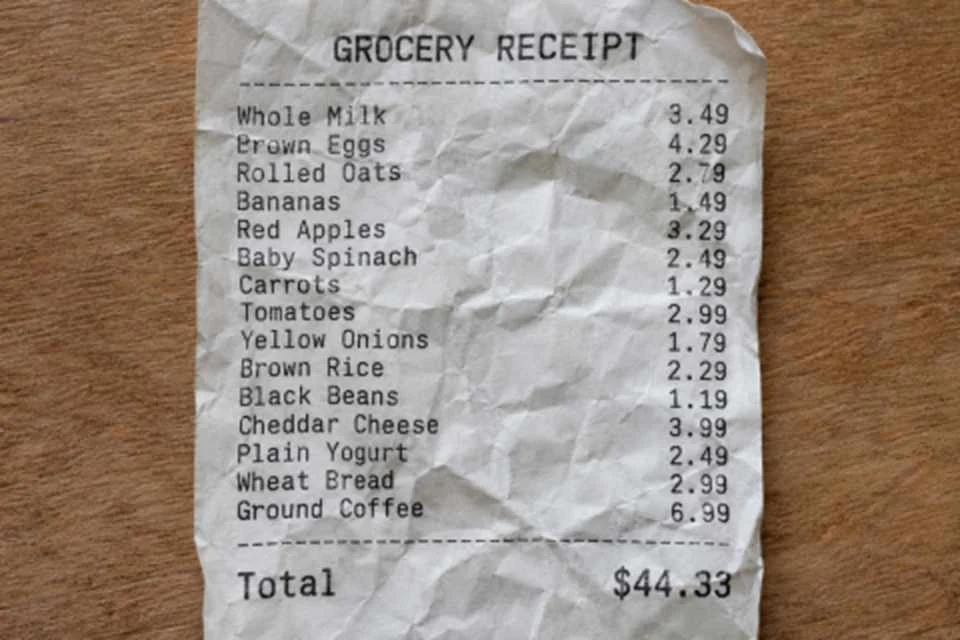
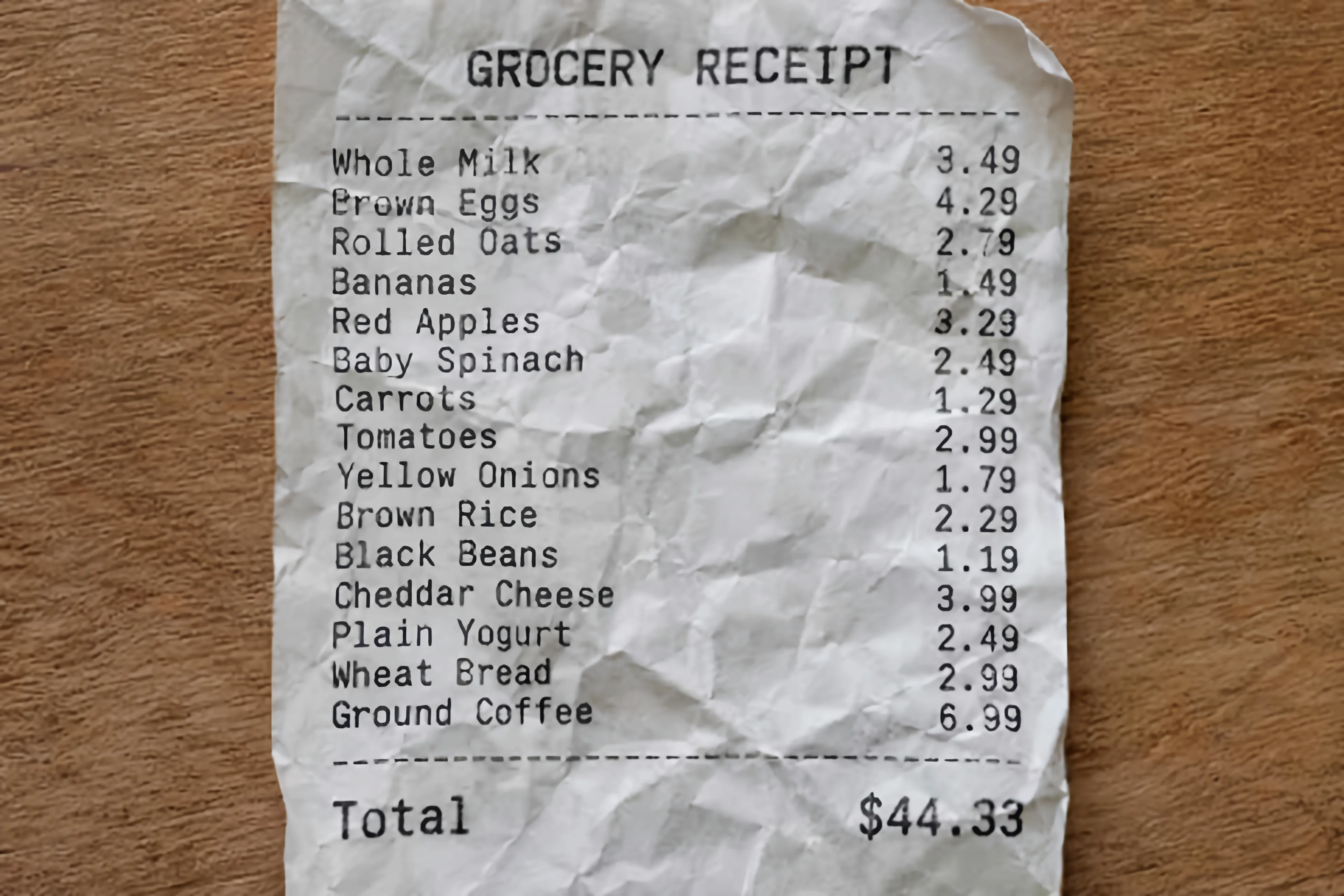
文字与截图专用锐化
细小文字,清晰可读。
将放大镜移到小票上:镜外是原始上传文件,镜内是 OptiClear 2× 锐化结果。文字模型只还原笔画,绝不胡编乱造字符。
批量处理
一次批量放大 20 张照片。
拖入整组拍摄成片、电商商品目录或扫描老照片,统一参数并发处理,逐张对比后一键打包 ZIP 下载。
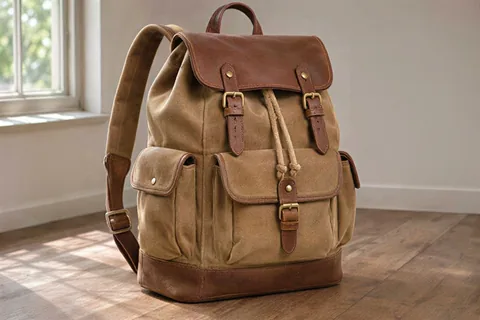
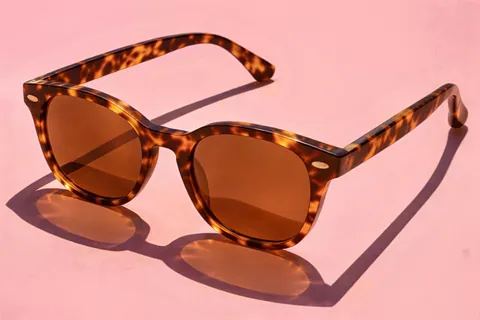
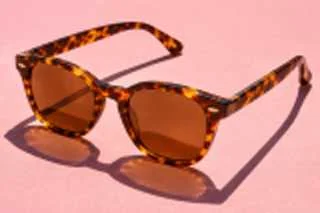
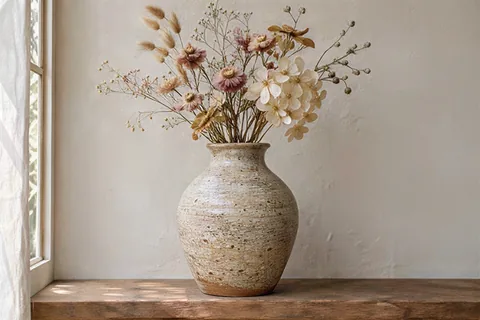

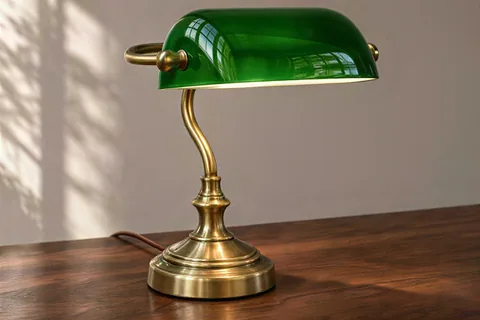

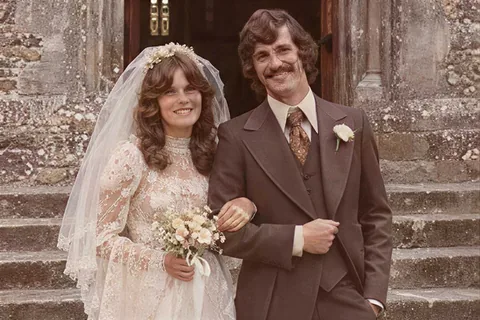
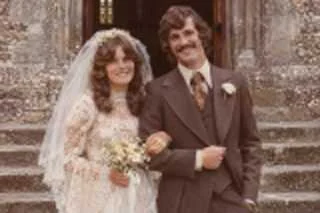
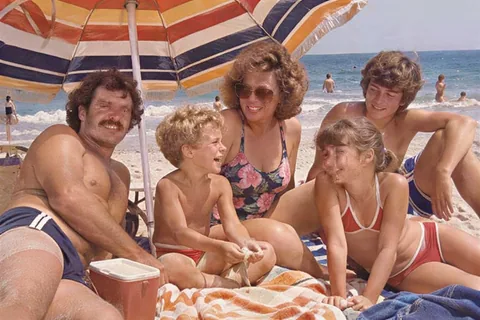
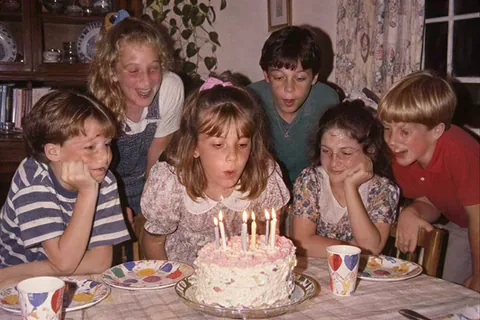
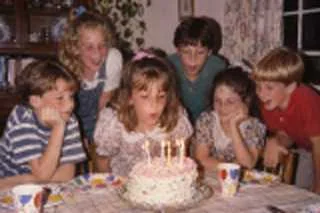
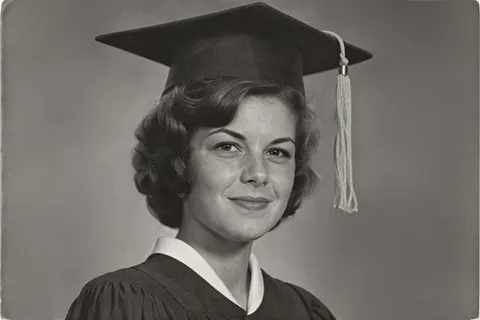
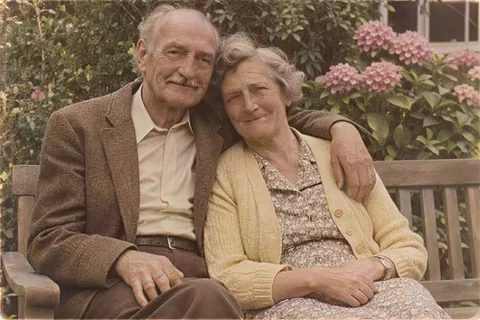
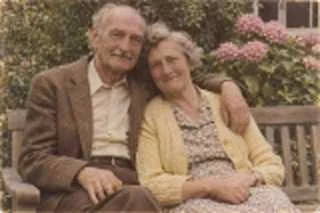
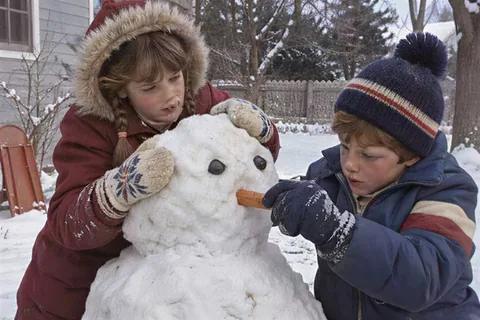
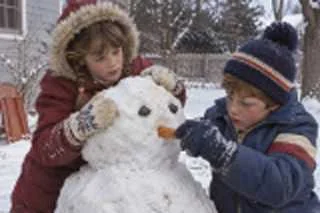
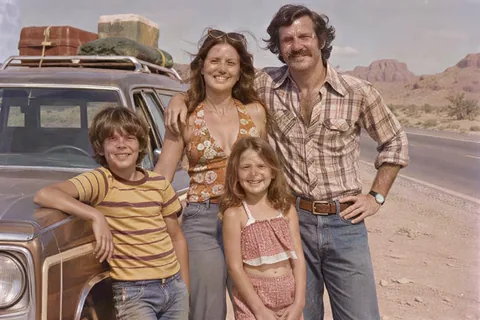
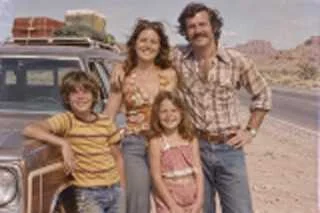
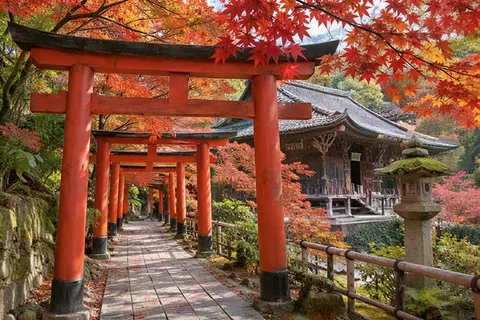
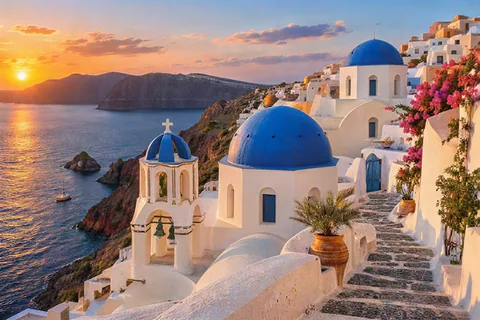

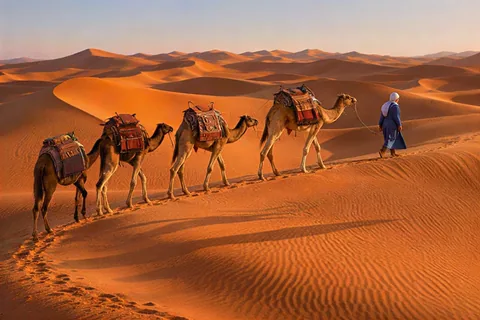
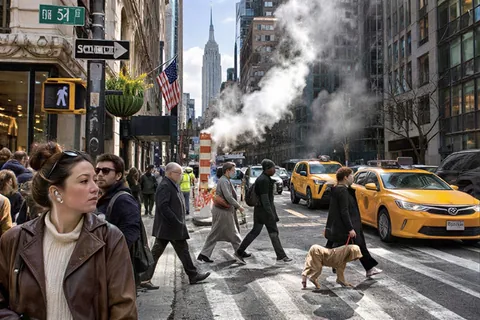
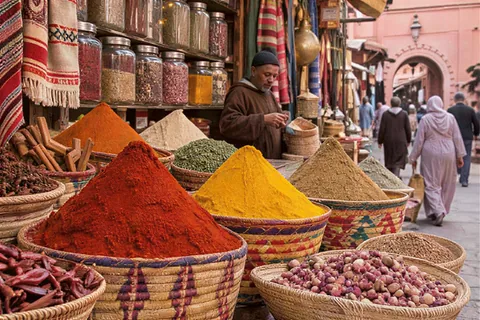
三大专用 AI 模型
针对不同模糊场景的 AI 放大模型。
自动模式会智能识别画面选择最佳方案,你也可以手动指定深度修复或文字图形模型。
使用步骤
如何用 AI 在线将图片无损放大至 4K
上传单张或最多 20 张图片
在浏览器中拖入 JPG、PNG 或 WebP 图片(单张最高 30 MB),支持照片、商品图、老照片扫描件与截图。
选择 AI 模型与 2× / 4× 放大倍率
使用自动模式智能匹配,或选择“深度修复”恢复重度模糊细节、“文字与图形”锐化笔画,最高输出 4K。
前后对比效果并下载成图
逐张放大对比修复前后的画质,支持单张下载或整批打包 ZIP 下载,失败任务不扣任何积分。
真实直出
AI 图片放大前后真实案例对比。
每一张都是真实低清压缩图与 OptiClear 直出结果的对比,悬停或拖动滑块即可查看细节。
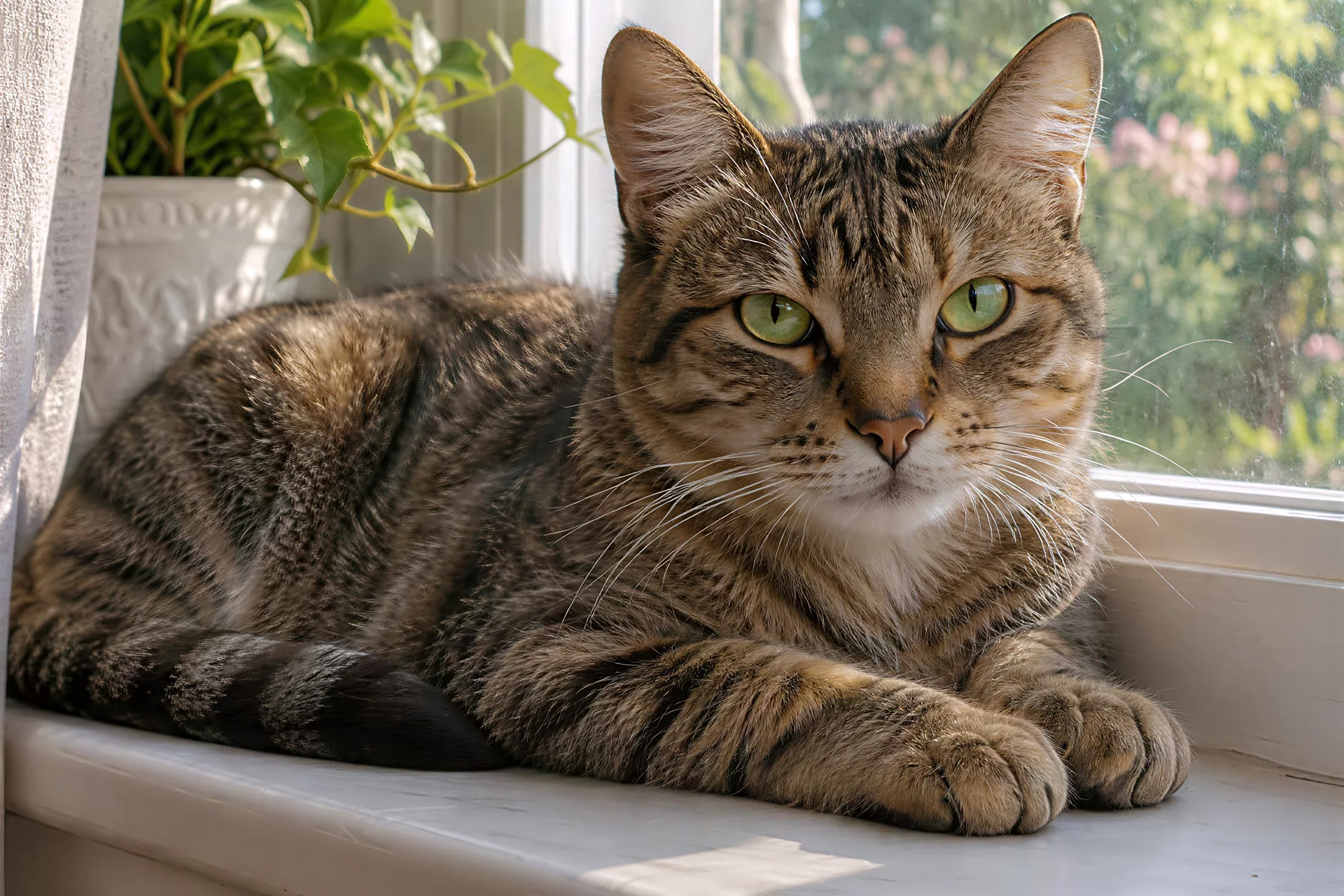 Before · 960×640OptiClear · 3840×2560
Cat
960→3840px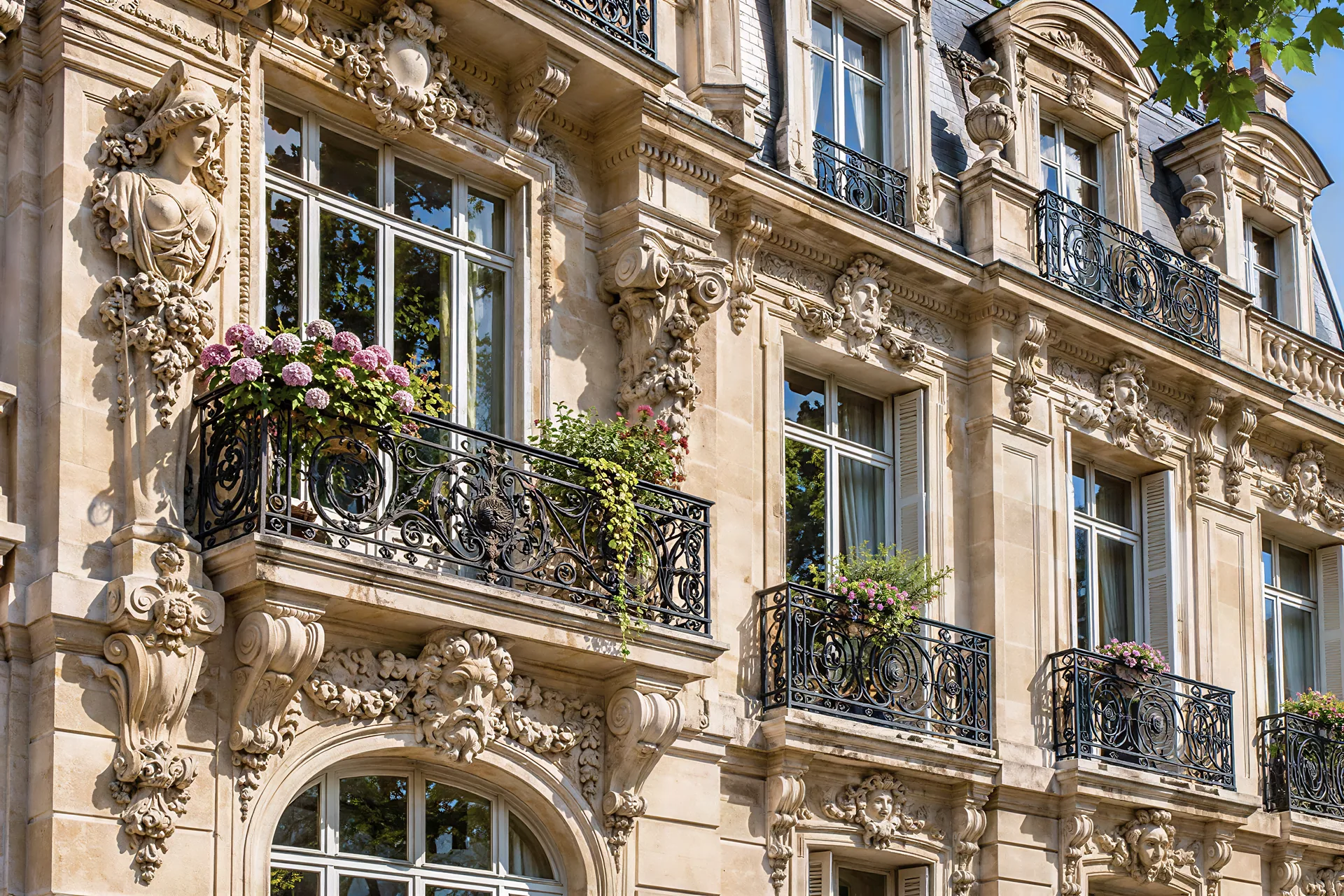 Before · 960×640OptiClear · 3840×2560
Architecture
960→3840px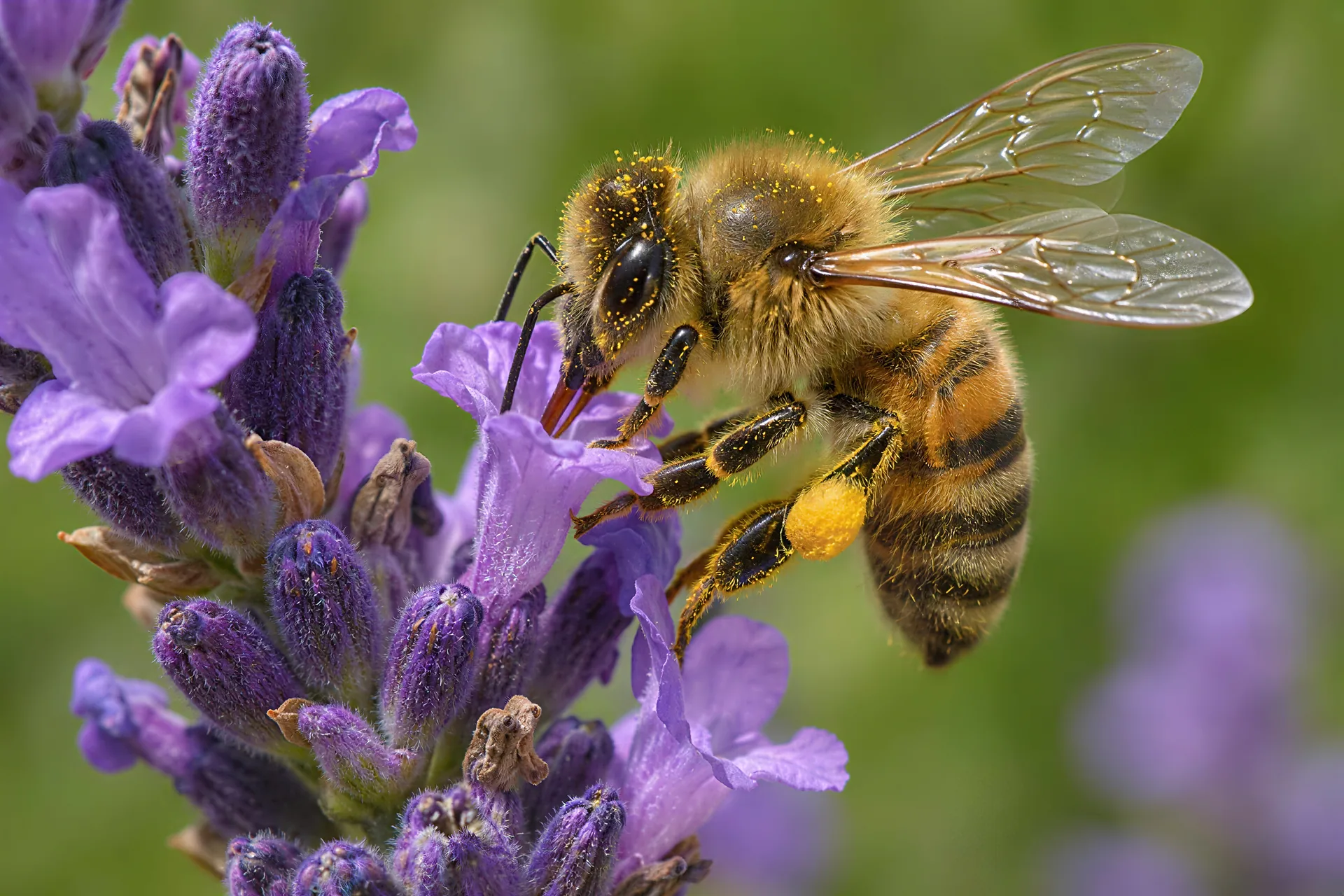 Before · 960×640OptiClear · 3840×2560
Macro
960→3840px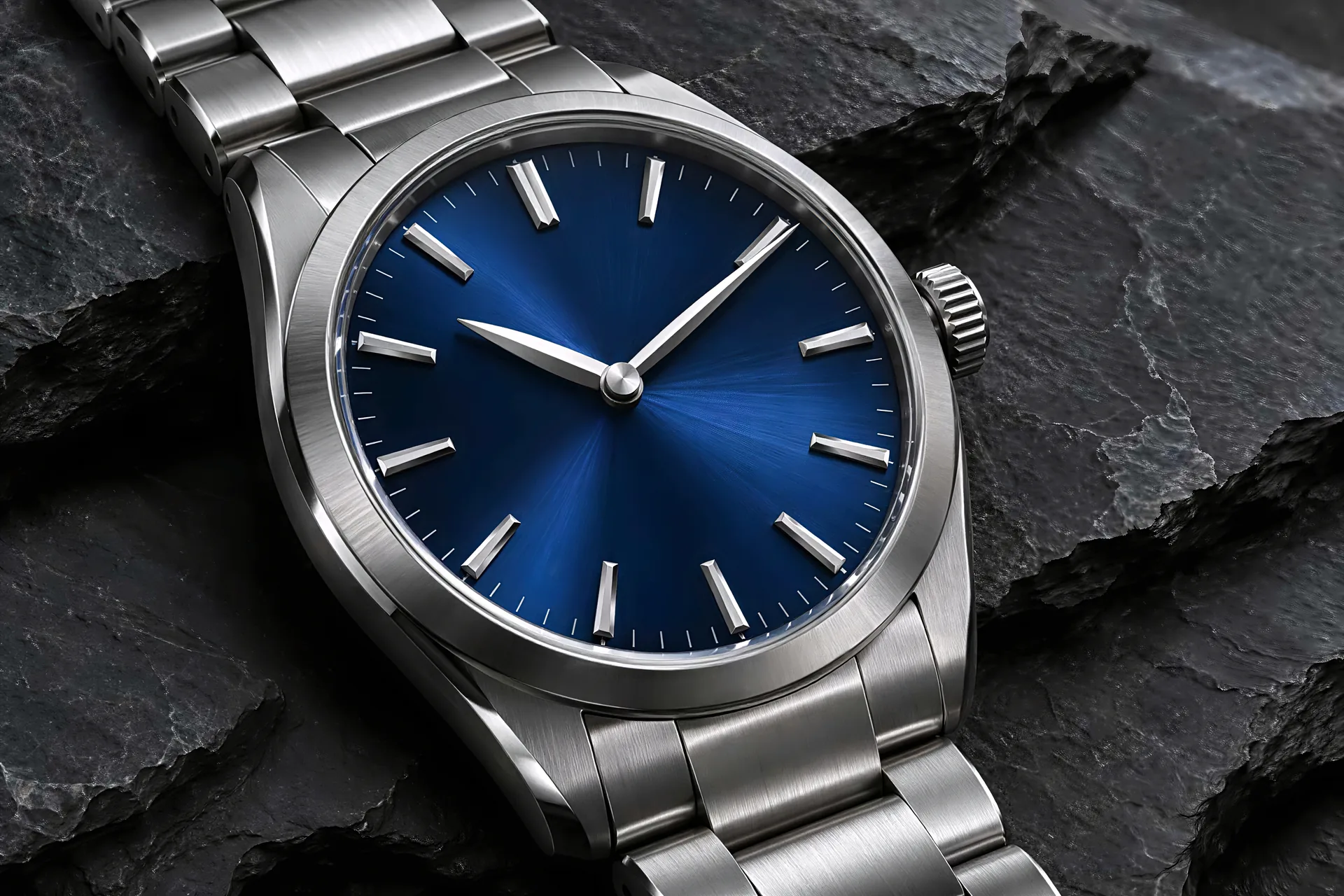 Before · 960×640OptiClear · 3840×2560
Watch
960→3840px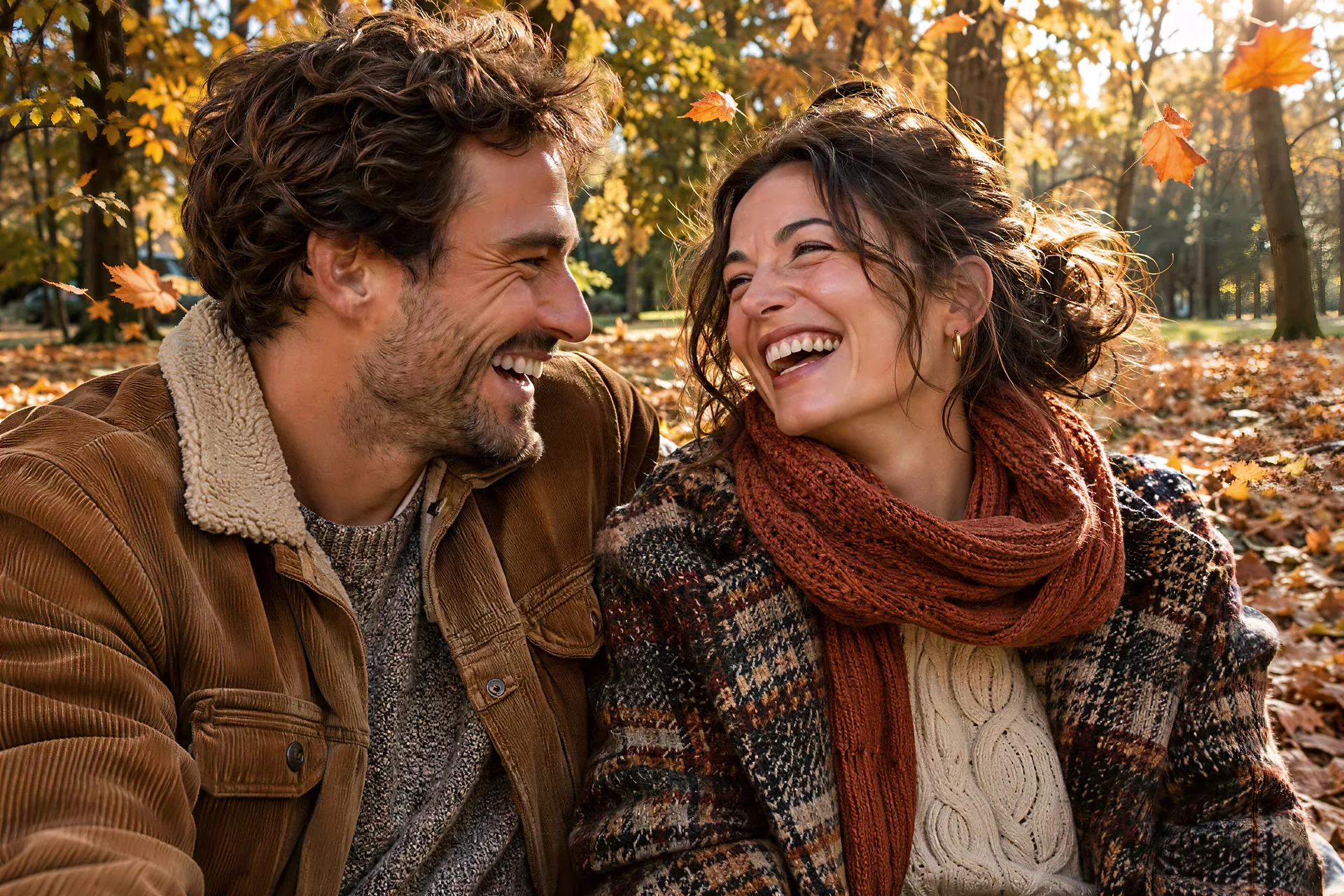 Before · 960×640OptiClear · 3840×2560

Couple
960→3840px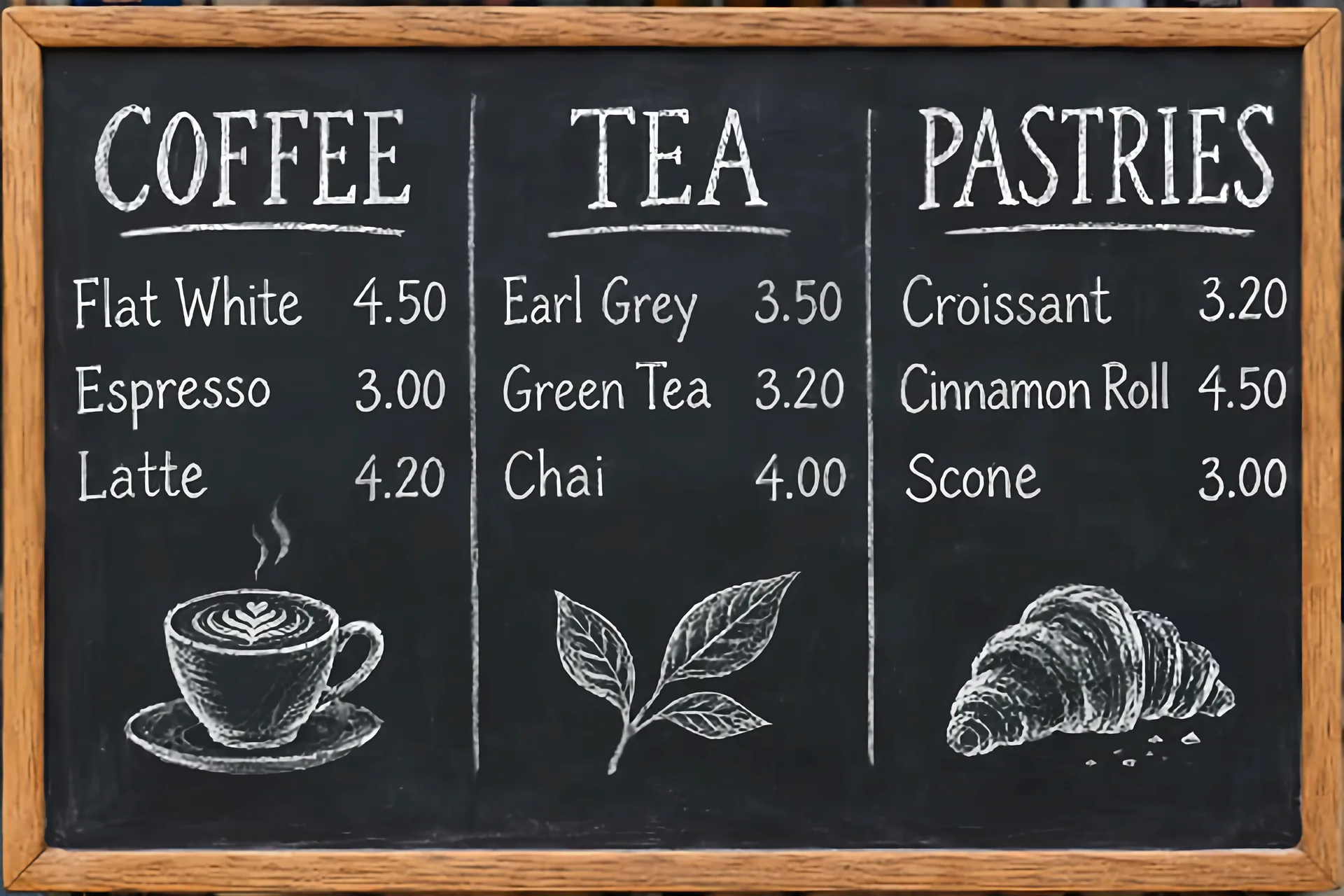 Before · 960×640OptiClear · 3840×2560
Chalkboard
960→3840px为什么使用在线放大图片?
这个流程可以把发软、压缩过或尺寸太小的图片,准备成更适合商品页、幻灯片、海报、社媒图和设计生产的素材。
在线放大图片适合哪些图片
适合商品照片、截图、AI 生成图片、演示素材、缩略图、社媒图,以及需要更清晰版本的视觉素材。
相关 Codia 工作流
继续使用图层编辑、文字编辑、图像清理、背景移除、清晰度增强和导出等相关工具。
常见问题
在线放大图片常见问题
可以在线使用在线放大图片吗?
可以。上传图片后,Codia 会直接在浏览器中打开 Studio 工作流。
AI 处理后还能继续编辑吗?
可以。结果会保留在 Codia Studio 中,你可以继续调整图层、版式、清理细节或导出。
支持哪些图片格式?
支持 JPG、PNG、WebP、截图、商品照片、AI 图片等常见图片格式。