
Edit Foto AI Gratis Online
Hapus objek dan latar, pulihkan foto lama, coba gaya rambut baru, atau perluas bingkai dengan AI, lalu potong, atur warna, dan tambah teks di editor yang sama. Tanpa perlu instal aplikasi.
- Edit dasar gratis
- Mulai tanpa daftar
- Lebih dari 30 alat AI
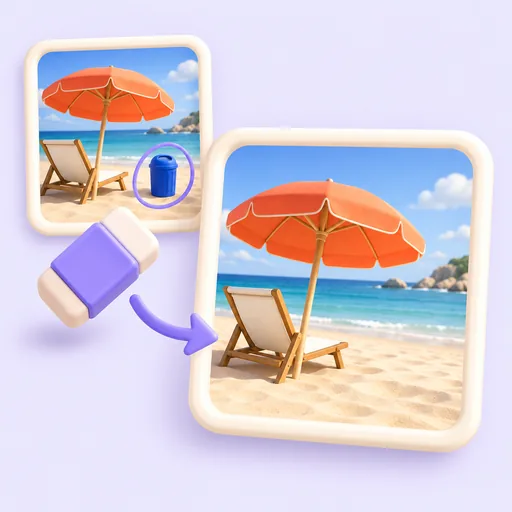
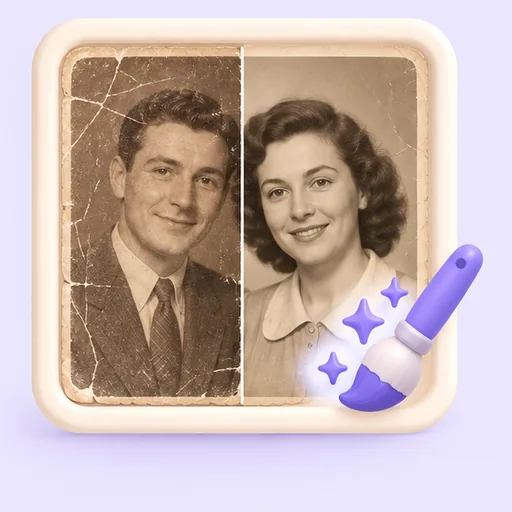
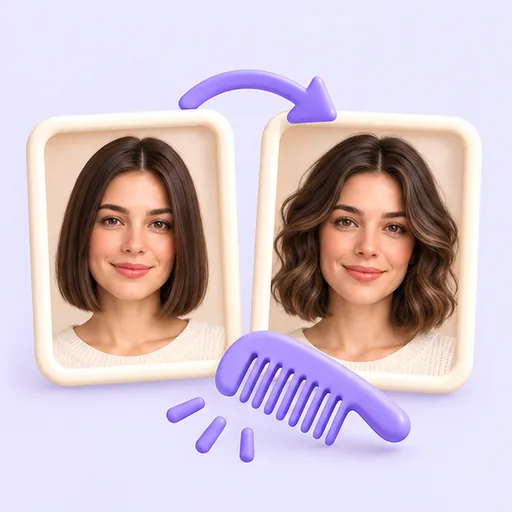
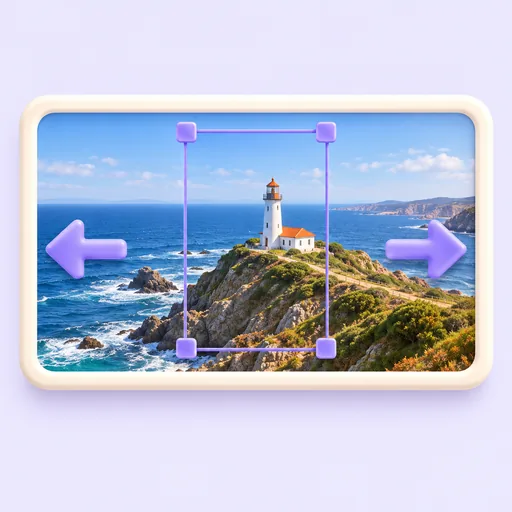
Semua alat dalam satu editor foto
Mulai dari apa yang ingin Anda kerjakan. Setiap alat terbuka di editor yang sama, jadi Anda bisa menggabungkan edit AI dengan potong, penyesuaian, dan teks sebelum mengekspor.
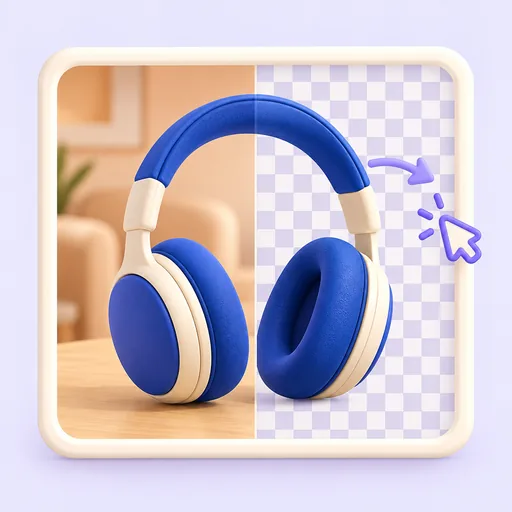
Latar dan pembersihan
Perjelas dan pulihkan
Potret dan orang
Bingkai ulang dan edit konten
Edit dasar gratis
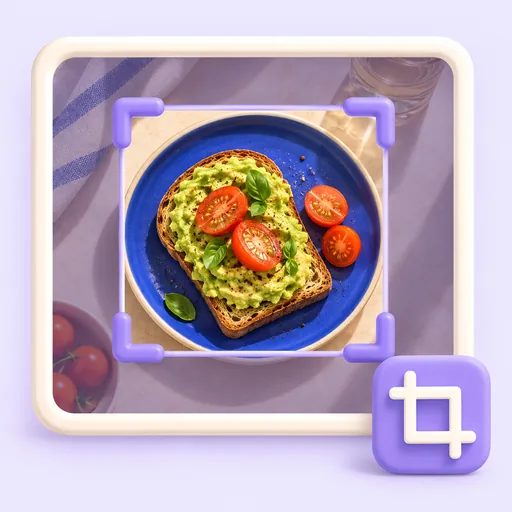
Potong
Pangkas bingkai ke bagian yang penting.
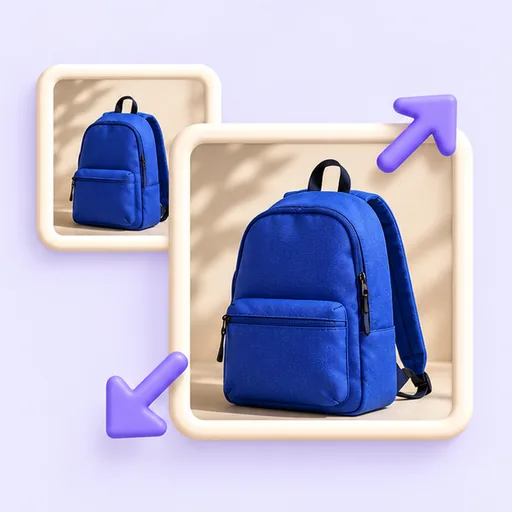
Ubah Ukuran
Ubah ukuran dalam piksel atau persen.
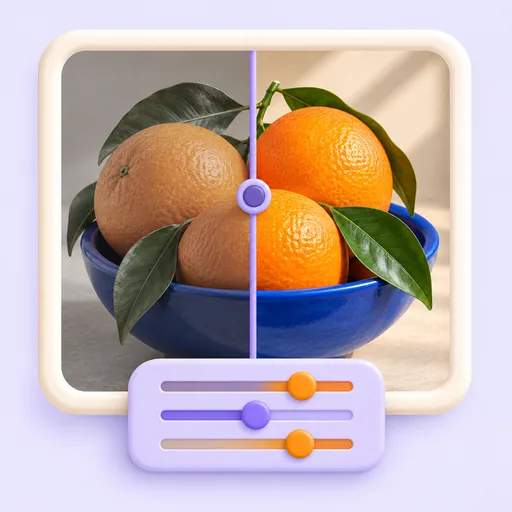
Penyesuaian Dasar
Kecerahan, kontras, saturasi, dan lainnya.
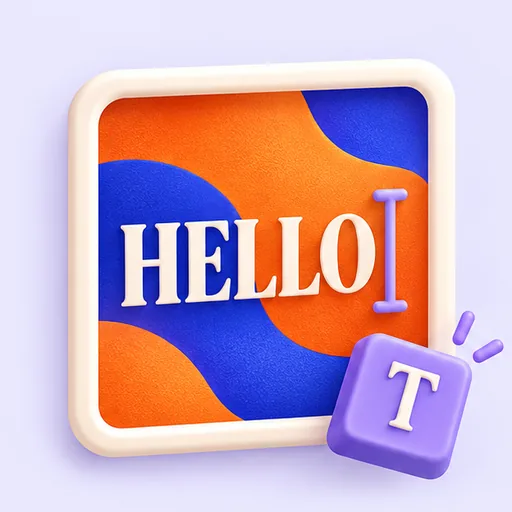
Tambah Teks
Taruh judul dan teks di atas foto.
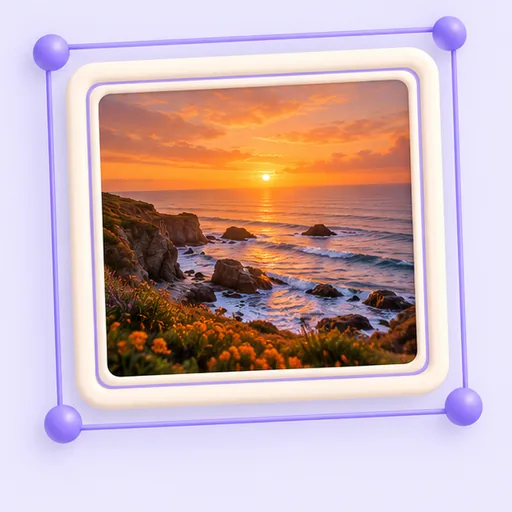
Bingkai
Lengkapi foto dengan tepi dan bingkai.
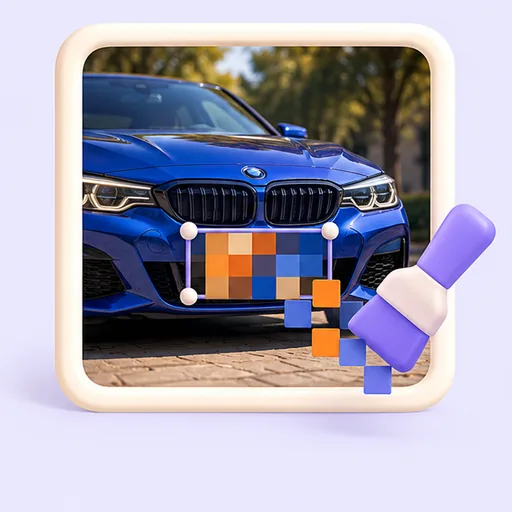
Mosaik
Pikselkan wajah, pelat nomor, dan data pribadi.
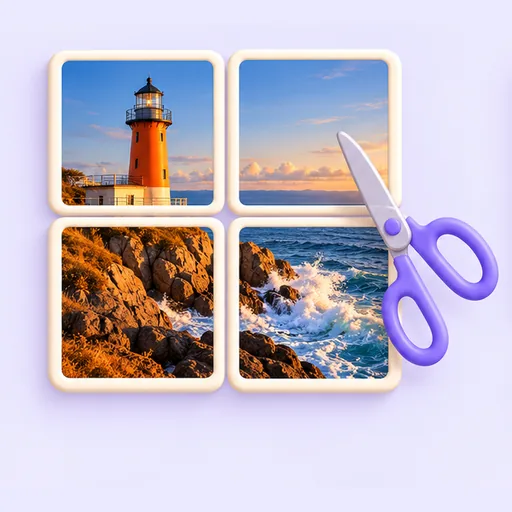
Bagi Grid
Potong satu foto menjadi beberapa kotak grid.
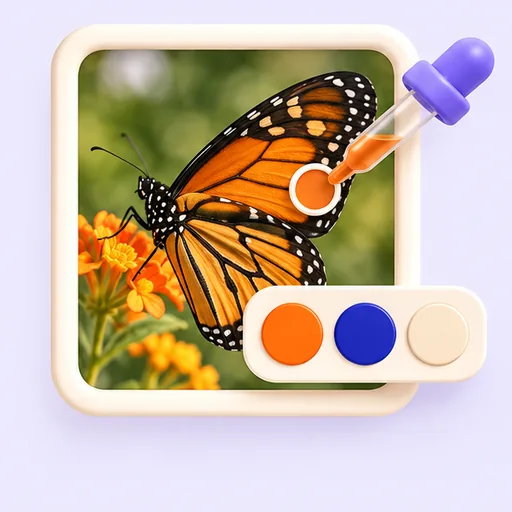
Pemilih Warna
Ambil warna persis dari foto mana pun.
Cara kerjanya
- 1
Unggah foto Anda
Seret hingga 20 gambar JPG, PNG, atau WebP, atau tempel dari papan klip. Foto langsung terbuka di editor.
- 2
Pilih alat
Pakai alat gratis seperti potong, penyesuaian, teks, dan bingkai, atau jalankan alat AI seperti Penghapus Ajaib, Hapus Latar, atau Pemulih Foto Lama.
- 3
Bandingkan dan unduh
Cek hasilnya dengan foto asli, lanjutkan mengedit kalau perlu, lalu ekspor sebagai JPG, PNG, atau WebP.
Bisa dipakai untuk
Foto produk
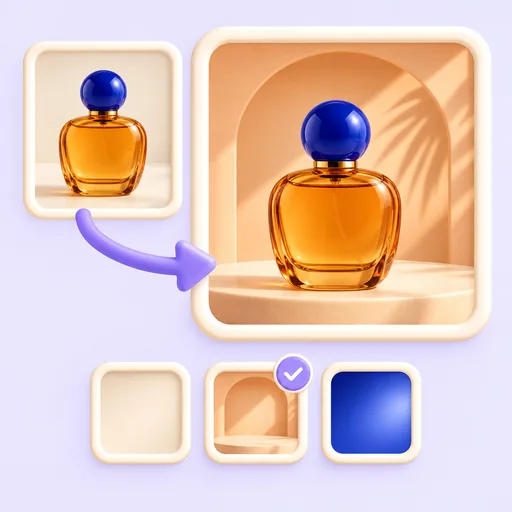
Pisahkan produk dari latarnya, taruh di latar polos atau suasana nyata, lalu ubah ukuran banyak foto sekaligus untuk toko online.
Postingan media sosial
Potong ke bentuk yang pas, perbaiki pencahayaan, tambah teks dan bingkai, atau bagi satu foto menjadi beberapa kotak grid.
Foto profil
Ubah selfie santai menjadi foto profil profesional untuk LinkedIn, CV, dan halaman tim, atau ganti latarnya agar lebih rapi.
Arsip keluarga
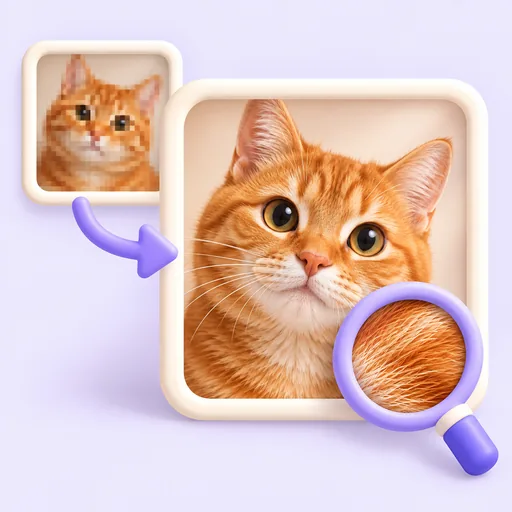
Perbaiki cetakan foto yang tergores dan pudar, warnai foto hitam putih, dan kembalikan detail pada foto yang buram.
Foto liburan
Hapus turis, papan, dan benda yang mengganggu, perluas bingkai yang terlalu sempit, dan perbaiki cahaya yang kusam.
Privasi sebelum berbagi
Pikselkan wajah, pelat nomor, dan data pribadi sebelum Anda mengunggah atau mengirim foto.
01
Edit cepat dan edit AI di satu tempat
Kebanyakan foto butuh beberapa pekerjaan sekaligus: ada objek yang harus dihapus, latar yang ingin diganti, lalu dipotong dan diberi teks. Codia Photo Editor menaruh alat AI di samping alat edit sehari-hari, jadi satu foto bisa selesai tanpa pindah-pindah aplikasi.
02
Mana yang gratis dan mana yang memakai kredit
Potong, ubah ukuran, putar, penyesuaian warna, kurva, filter, teks, bingkai, dan mosaik gratis dan berjalan di browser tanpa akun. Alat AI seperti Penghapus Ajaib, Perluas dengan AI, Ganti Latar, dan Pemulih Foto Lama memproses foto di server Codia dan memakai kredit dari akun Codia Anda.
03
Edit satu foto atau banyak sekaligus
Buka hingga 20 foto sekaligus untuk menghapus latar, menaruh produk di latar baru, mengubah ukuran, memotong, mengonversi, mengompres, atau memberi tanda air bersamaan. Perbesar resolusi AI, pertajam gambar, retus kulit, dan pemulihan foto lama juga bisa dijalankan untuk banyak foto.
04
Berjalan di browser
Tidak ada yang perlu diunduh atau diinstal. Buka editor di browser modern di Windows, macOS, atau Linux, lalu lanjutkan pekerjaan kapan saja: draf disimpan di perangkat Anda, dan proyek tersimpan di akun saat Anda masuk.
Pertanyaan umum
Jawaban singkat soal harga, privasi, dan cara kerja editor. Anda juga bisa mencoba alat gratis dulu, lalu memutuskan.
Apakah editor foto AI ini gratis?
Ya. Potong, ubah ukuran, penyesuaian warna, filter, teks, bingkai, dan alat dasar lainnya gratis dan tidak perlu akun. Alat AI seperti Penghapus Ajaib, Perluas dengan AI, dan Pemulih Foto Lama memakai kredit dari akun Codia Anda.
Apakah saya harus download aplikasi?
Tidak. Codia Photo Editor berjalan di browser, jadi tidak ada yang perlu diinstal dan foto langsung terbuka dari halaman ini.
Bisakah saya mengedit beberapa foto sekaligus?
Bisa. Unggah hingga 20 foto dan semuanya terbuka dalam mode batch, tempat Anda bisa menghapus latar, mengubah ukuran, memotong, mengonversi, mengompres, memberi tanda air, atau menjalankan alat AI yang didukung untuk semua foto bersamaan.
Format berkas apa saja yang didukung?
Anda bisa membuka gambar JPG, PNG, dan WebP hingga 20 MB per berkas, lalu mengekspor hasil edit sebagai JPG, PNG, atau WebP.
Apakah bagian foto masih bisa diedit terpisah?
Bisa. Lapisan Ajaib memisahkan gambar datar menjadi lapisan yang bisa diedit sendiri-sendiri, dan Editor Teks AI mengganti tulisan di dalam gambar tanpa perlu meretusnya manual.
Apakah foto saya diunggah?
Tidak saat dibuka. Foto berpindah dari halaman ini ke editor di dalam browser Anda, dan alat gratis memprosesnya di perangkat Anda. Foto baru diunggah saat Anda memakai alat AI atau menyimpan proyek ke akun Codia.
Apakah saya perlu akun?
Tidak perlu akun untuk membuka foto dan memakai alat gratis. Anda akan diminta masuk saat memakai alat AI atau ingin menyimpan proyek ke akun.
Siap mengedit?
Buka editor secara terpisah dan tambahkan foto di sana, atau seret foto ke kotak di bagian atas halaman ini.
Buka Photo Editor