
Resolusi
960 × 640
Gulir untuk memperjelas
Pertajam gambar buram
Pertajam gambar buram
Upload a low-resolution or blurry image, enhance clarity with AI, and keep refining the sharper asset in Codia Studio.
atau jatuhkan gambar di mana saja · hingga 20 sekaligus · gratis jika gagal
0×
lebih besar, hingga 4K sekali proses
0
gambar per batch
0
model untuk foto, detail, dan teks
0
kredit dipotong jika gagal
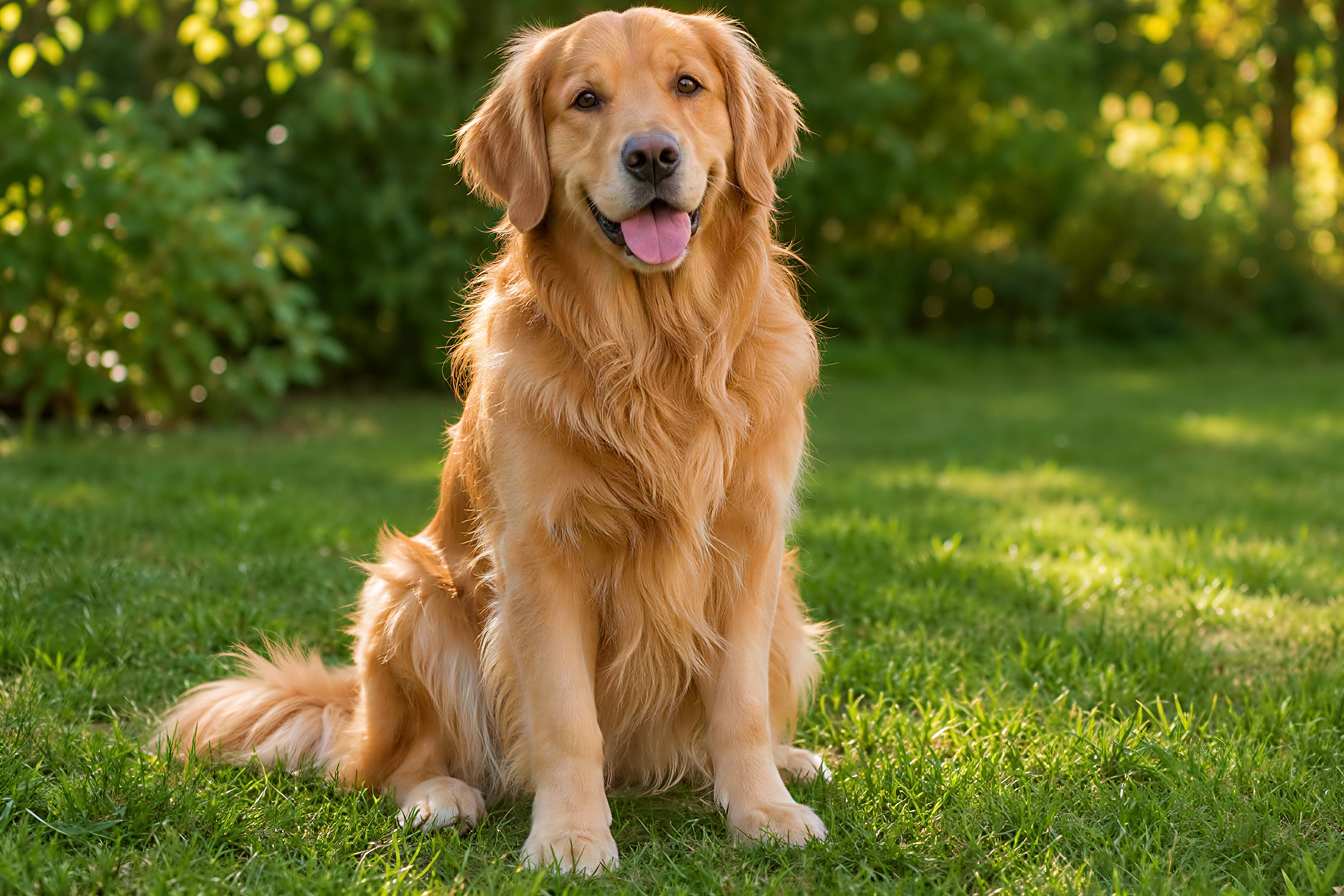
Lihat lebih dekat
Perbandingan detail upscaling gambar AI 2× dan 4×
1×
Dari jauh terlihat baik.
Foto kecil menyembunyikan kekurangannya sampai Anda mencetak, memotong, atau memperbesar.
2×
Lalu kekurangannya terlihat.
Di kiri, kotak kompresi dan blur. Di kanan, detail yang dibangun ulang oleh model.
4×
Setiap helai terbangun kembali.
Bulu, mata, dan tepi tetap tajam pada ukuran yang tak mungkin sebelumnya.
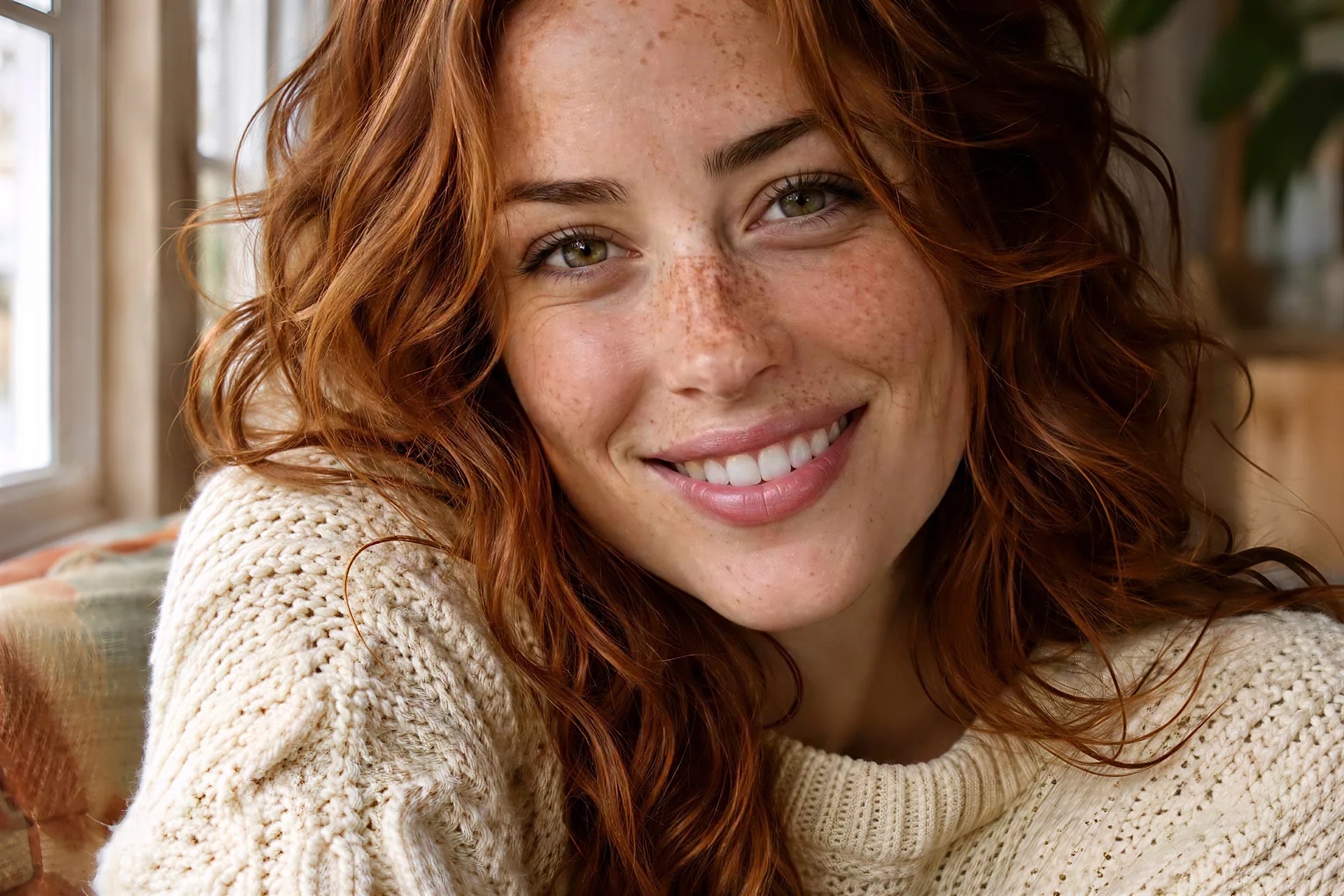
AI upscaler penjaga keaslian wajah
Potret lebih tajam. Wajah tetap sama.
Upscaler generatif sering menggambar ulang wajah. OptiClear memulihkan mata dan kulit lalu mengeceknya terhadap foto asli.
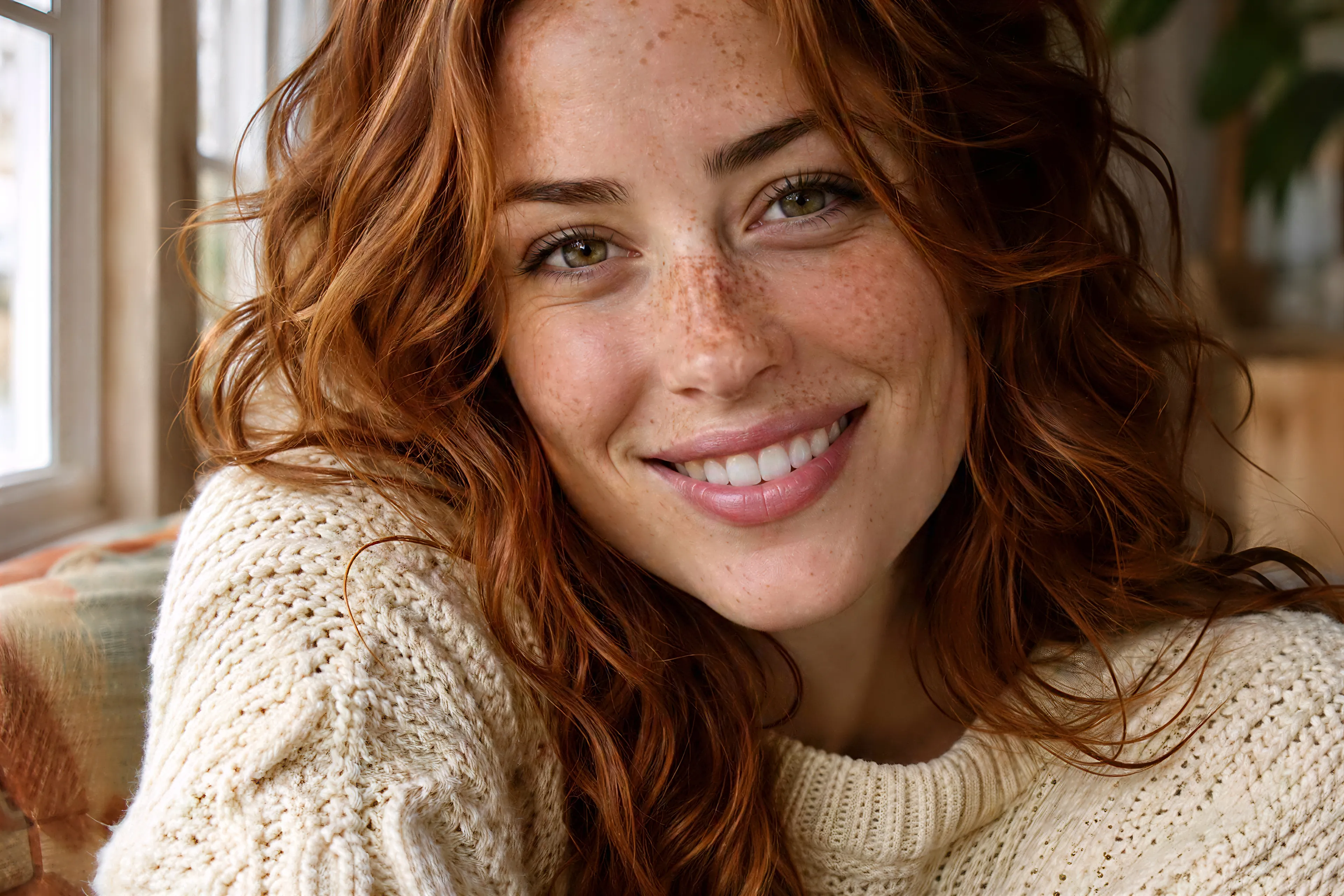
 originalFace match (SSIM)0.97
Panel 03 flips between your upload and OptiClear’s result scaled back to the upload’s own detail. If a face had been redrawn, it would jump. The score compares the two faces pixel structure by pixel structure; 1.00 is identical.
No new features
Eyes, nose and mouth keep their shape and place.
Same expression
A half smile stays a half smile. No beauty filter.
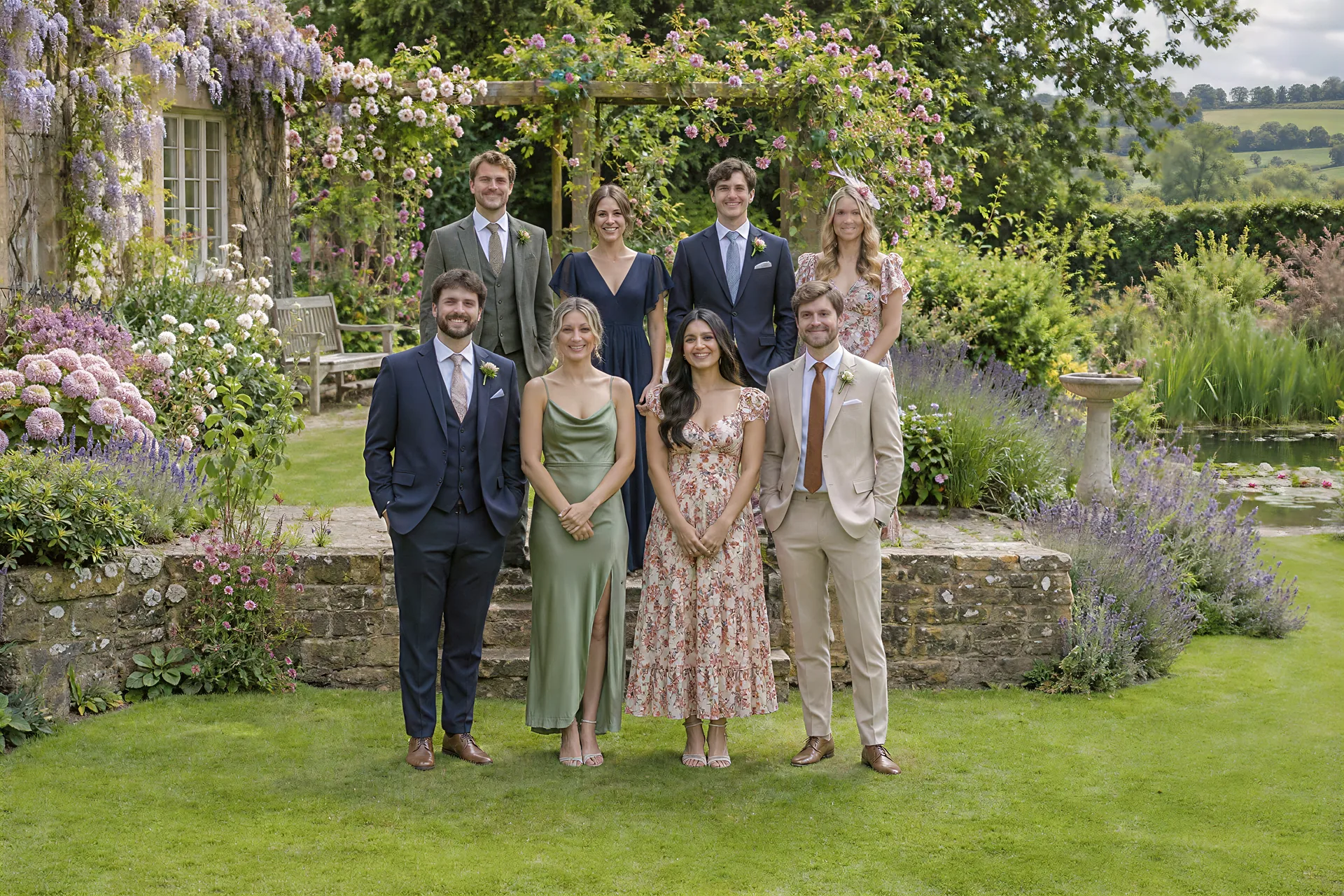
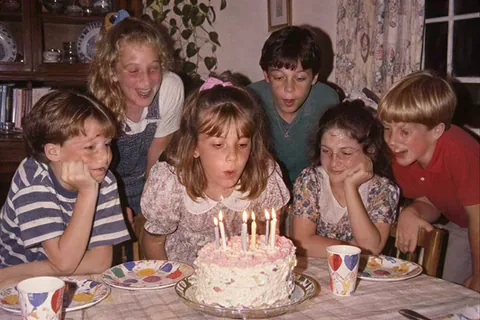
Small faces in group shots
Where most upscalers smear or invent faces, every guest stays themselves.
Glasses, beards, wrinkles
Age and character are details too. They stay.
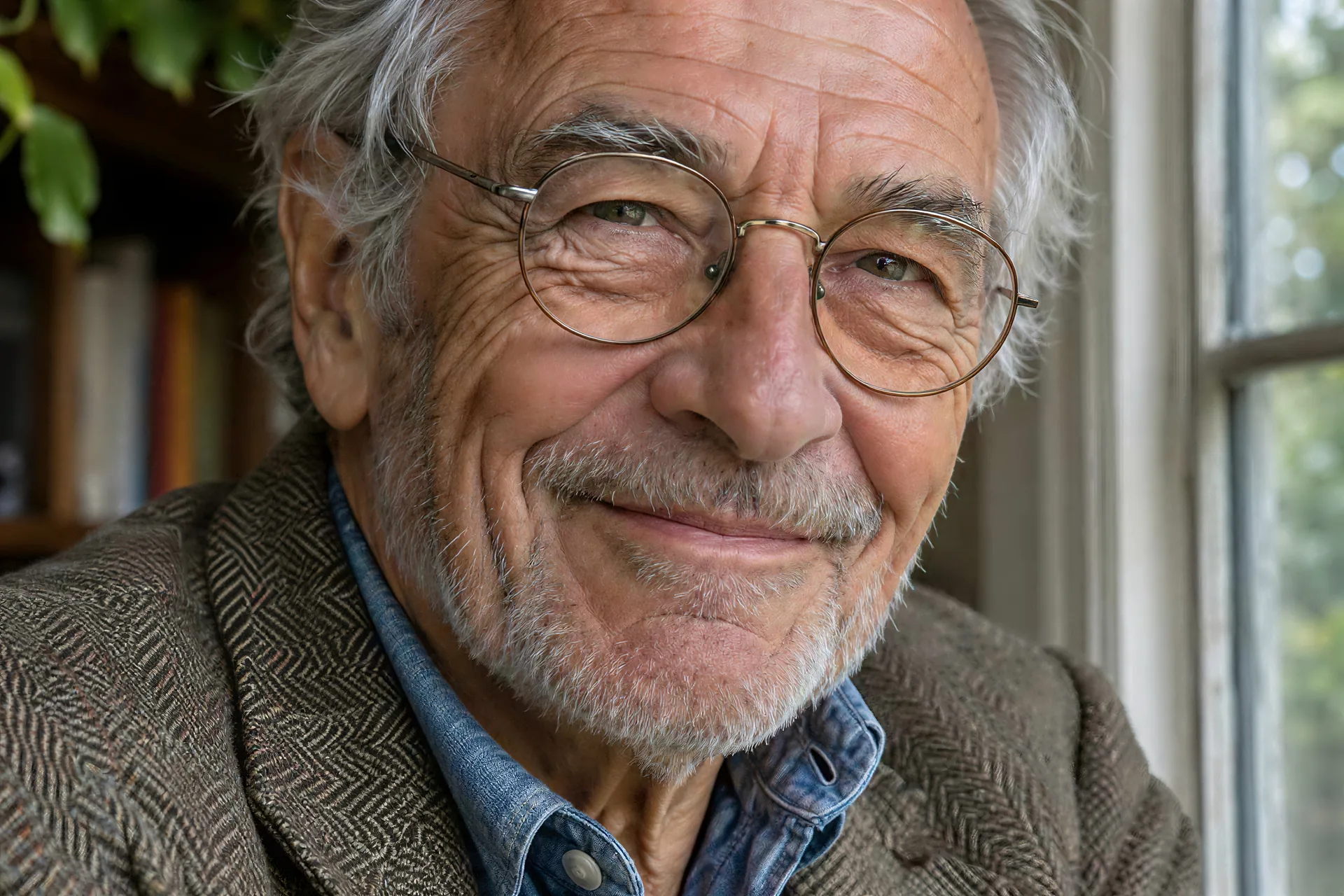 Before · 960×640OptiClear · 3840×2560
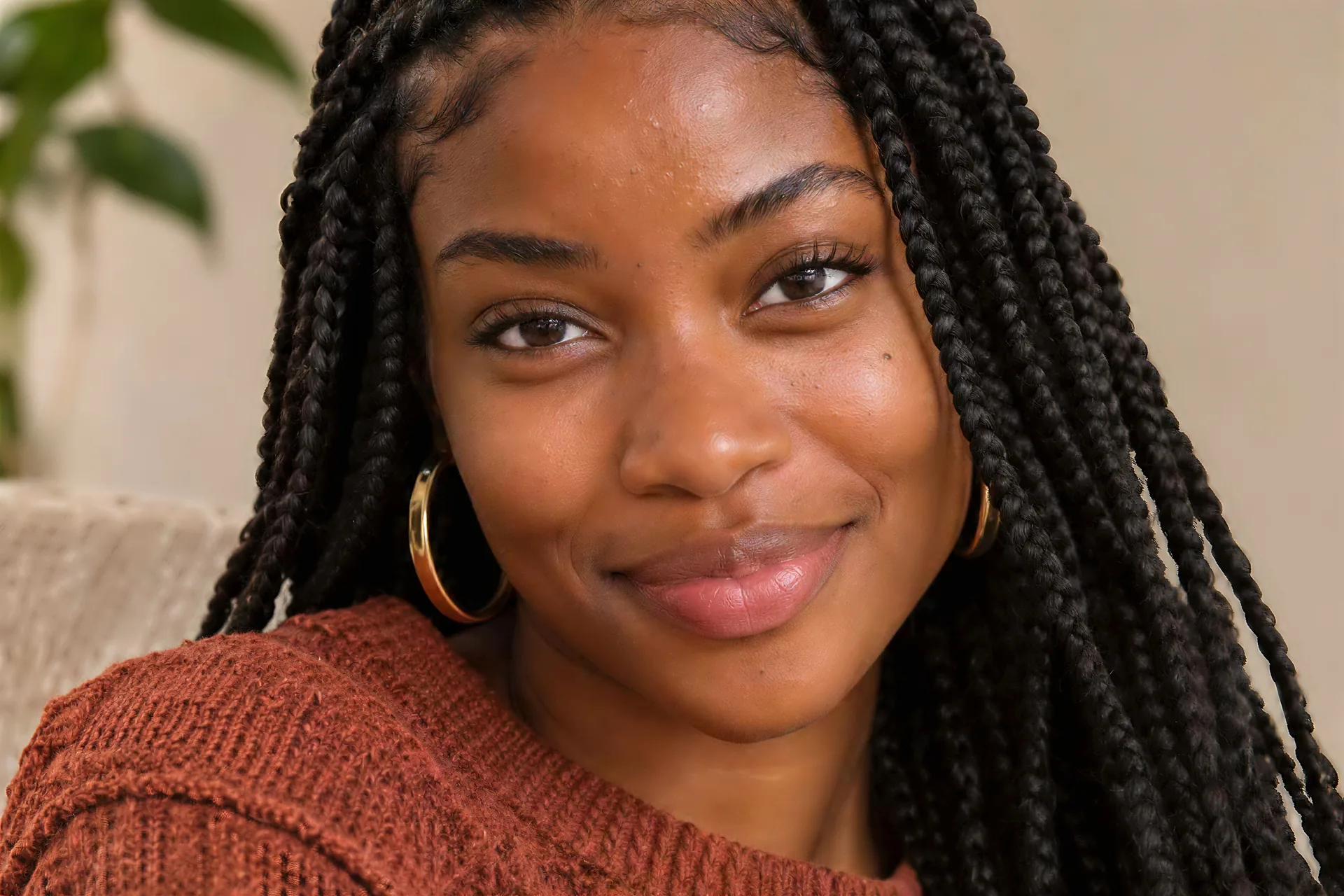 Before · 960×640OptiClear · 3840×2560
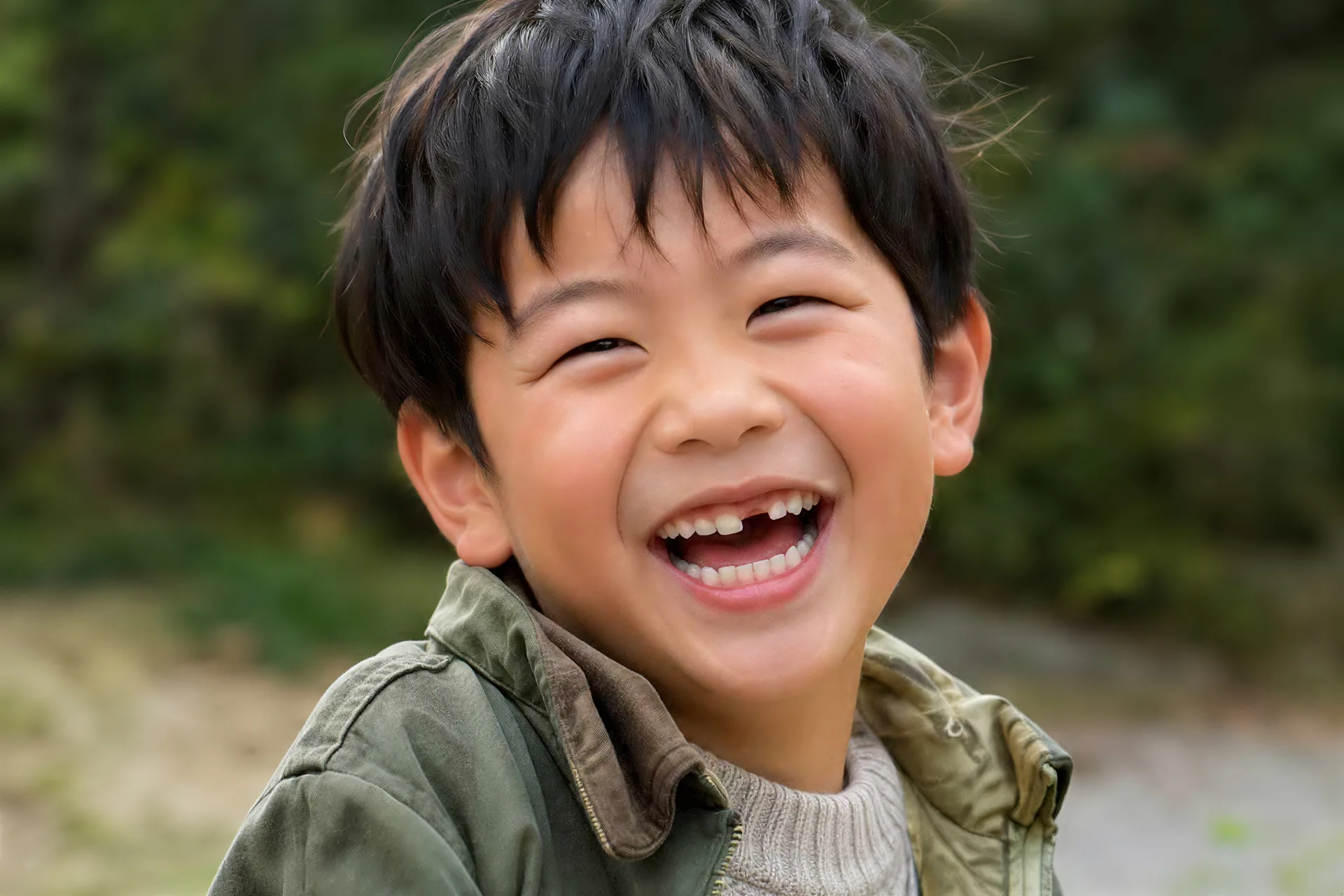 Before · 960×640OptiClear · 3840×2560
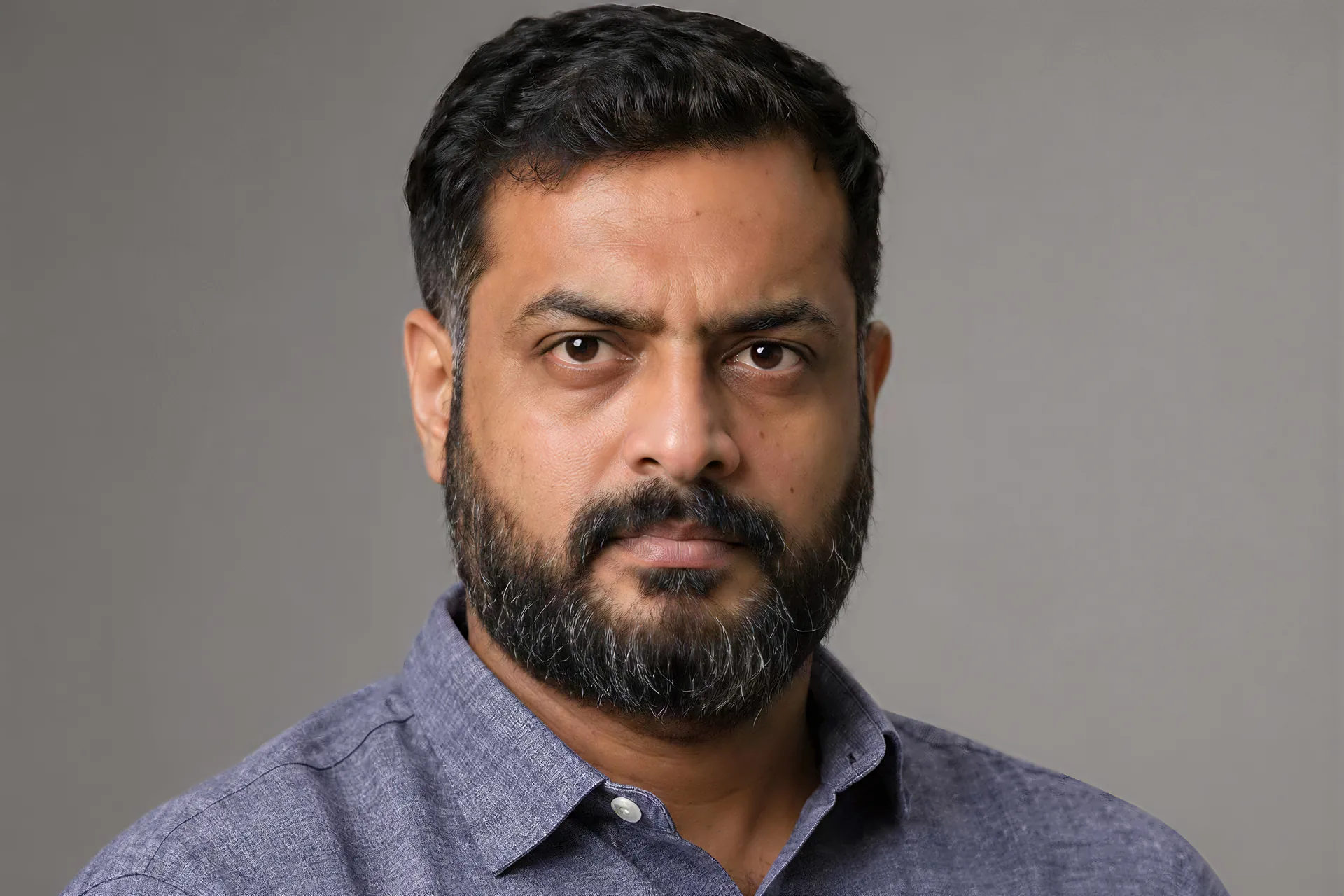 Before · 960×640OptiClear · 3840×2560
 Before · 960×640OptiClear · 3840×2560
 Before · 960×640OptiClear · 3840×2560
Semua jenis foto
Perjelas foto produk, cetak lama, dan ilustrasi.
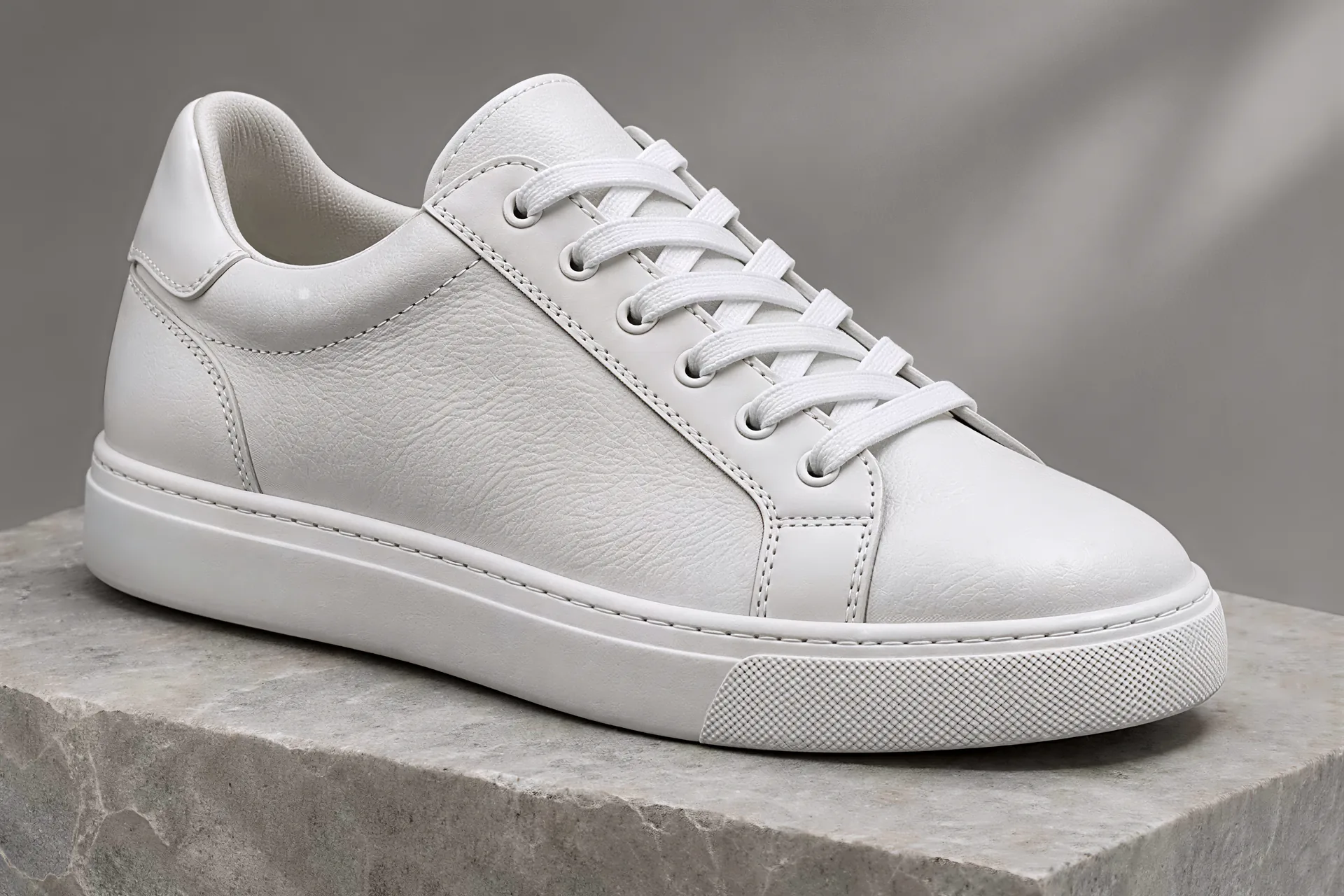 Before · 960×640OptiClear · 3840×2560
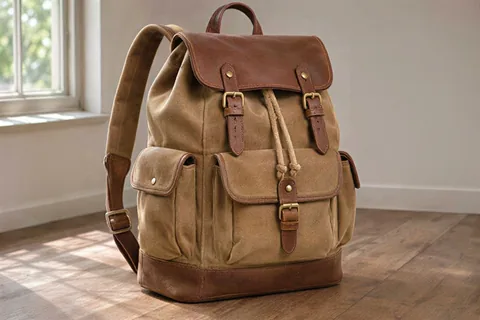
Product
Leather grain and stitching for a product-page zoom.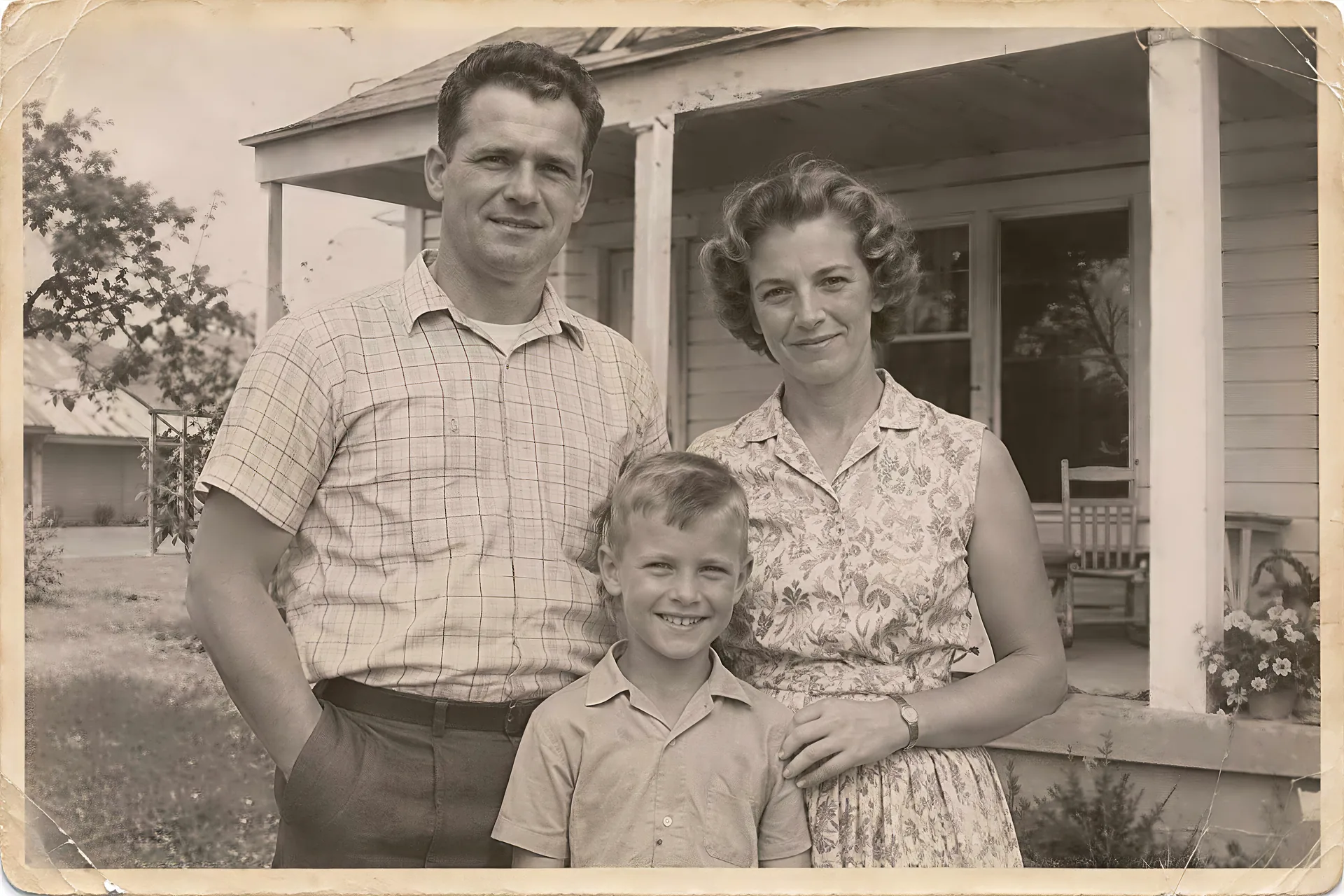 Before · 960×640OptiClear · 3840×2560
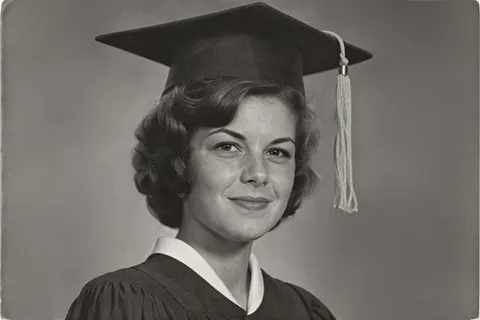
Old photo
Faces and edges come back; the film character stays.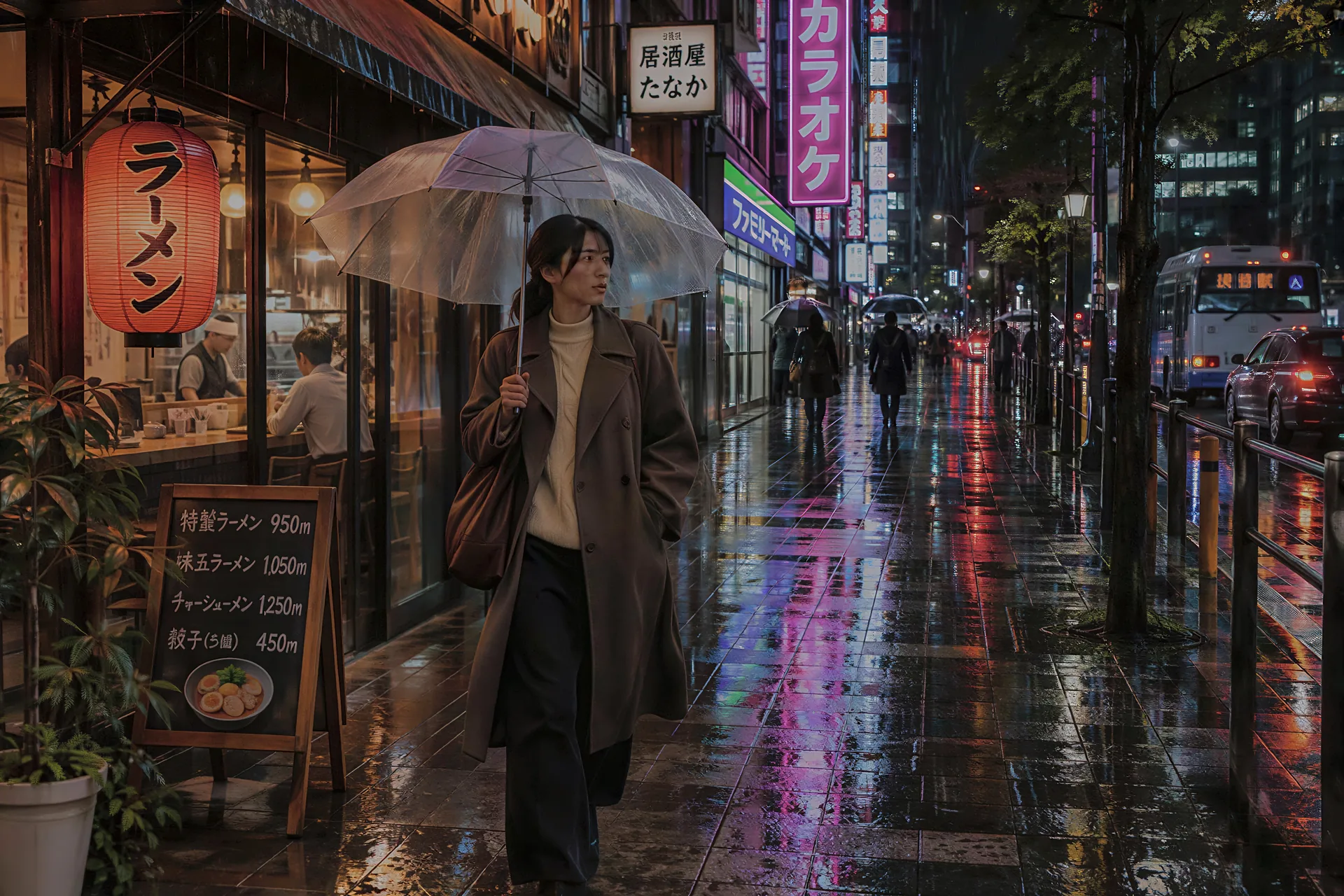 Before · 960×640OptiClear · 3840×2560
Night street
Noise cleaned before enlarging, neon stays crisp.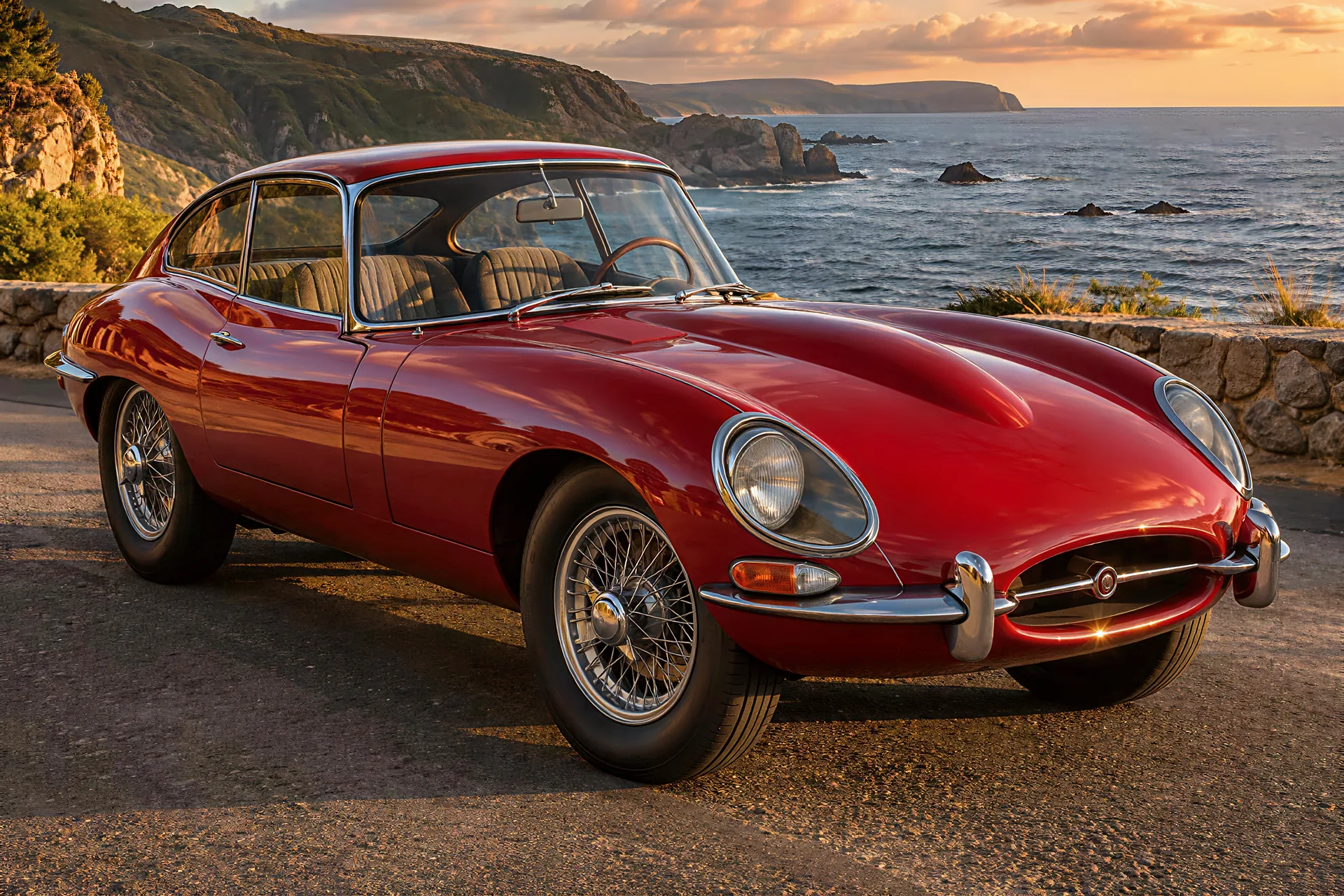 Before · 960×640OptiClear · 3840×2560
Car
Chrome, reflections and paint depth.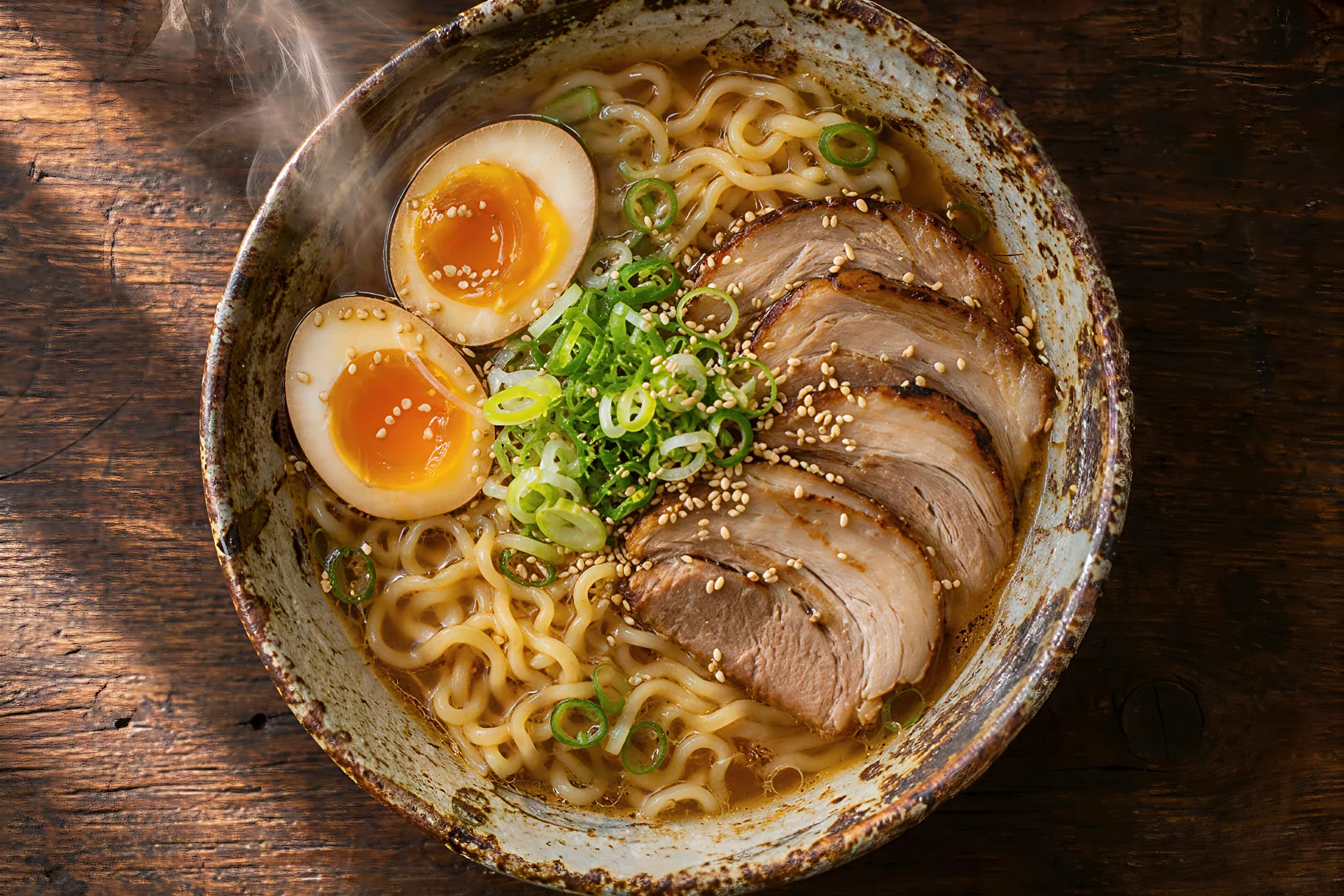 Before · 960×640OptiClear · 3840×2560
Food
Texture that makes a menu photo look edible again.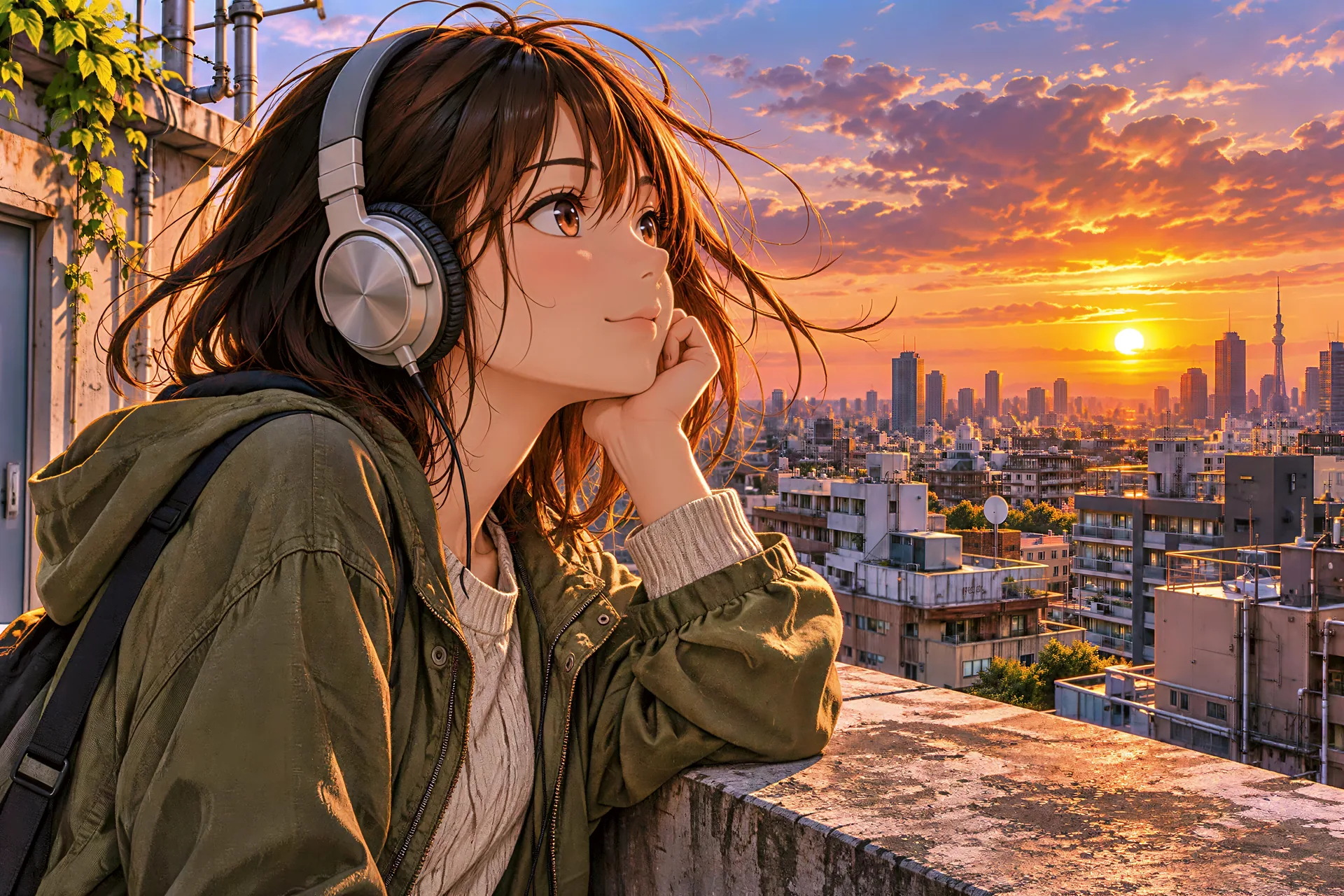 Before · 960×640OptiClear · 3840×2560
Illustration
Clean line art and flat colour, no muddy halos.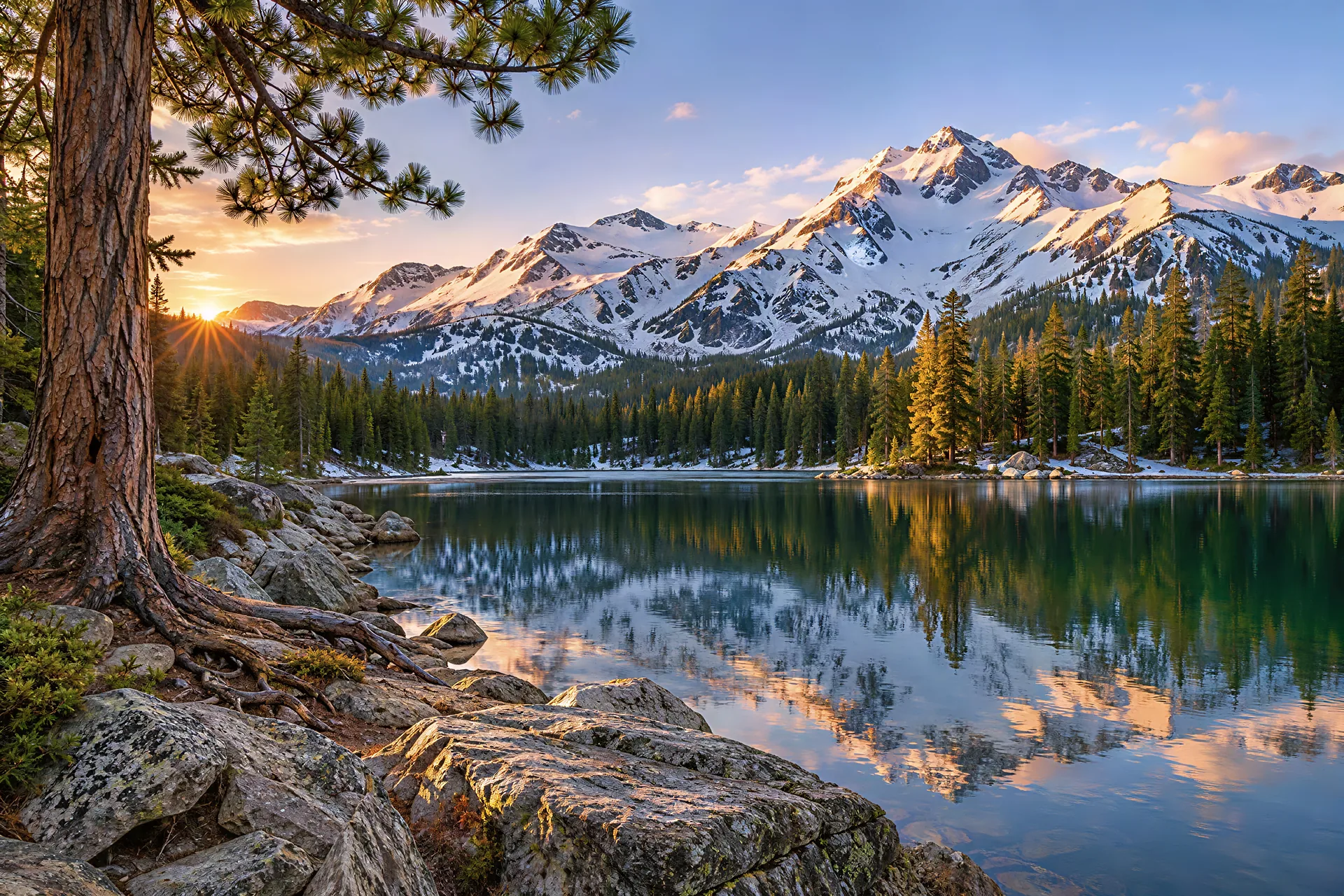 Before · 960×640OptiClear · 3840×2560
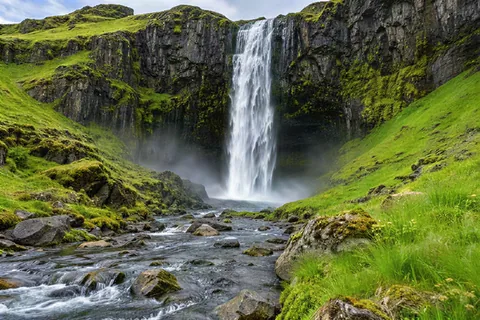
Landscape
Rocks, trees and ridgelines at print size.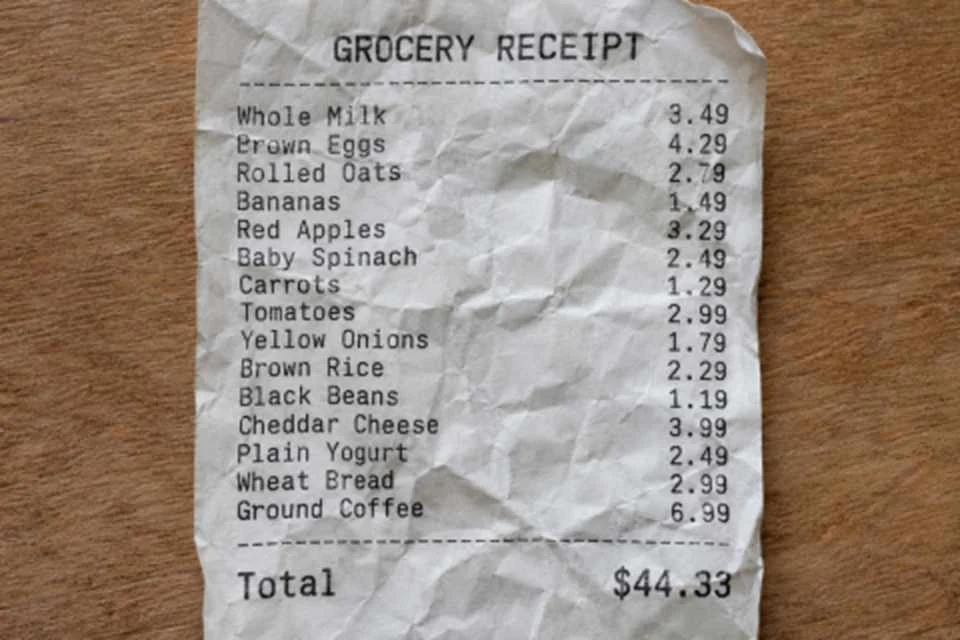
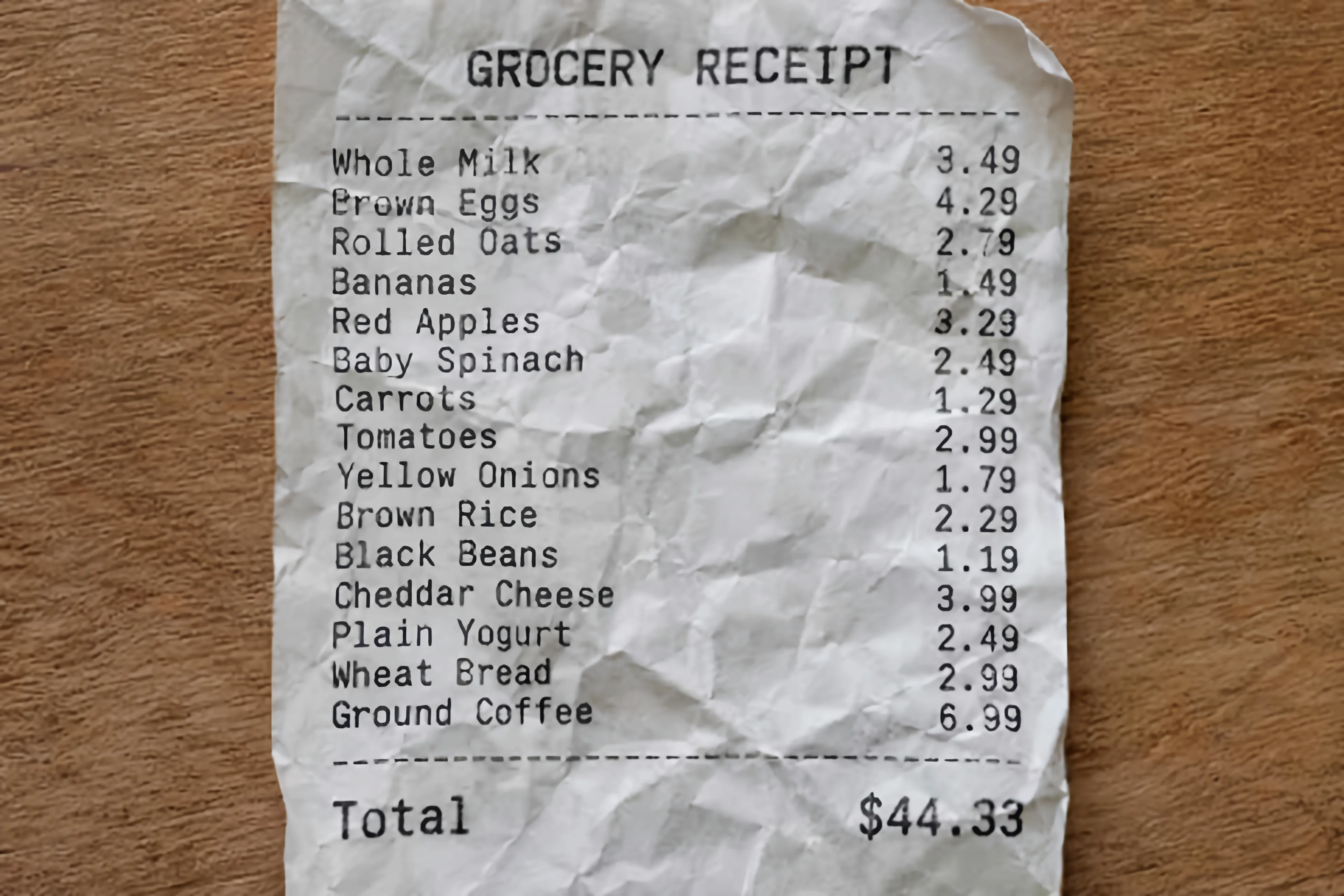
Penajam teks & tangkapan layar
Tulisan kecil akhirnya terbaca.
Gerakkan lensa di atas struk: di luar adalah file asli; di dalam, OptiClear 2×. Model teks menajamkan guratan tanpa menebak huruf.
Batch
Perbesar 20 foto sekaligus dalam satu klik.
Unggah satu sesi pemotretan atau katalog produk. Pengaturan sama, bandingkan satu per satu, unduh semua dalam satu ZIP.
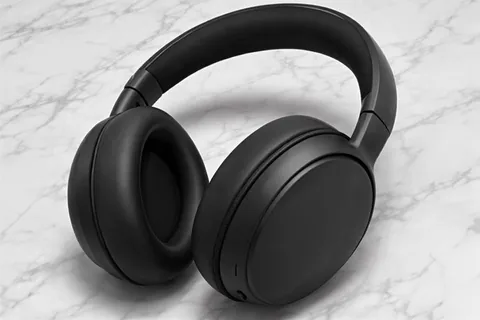
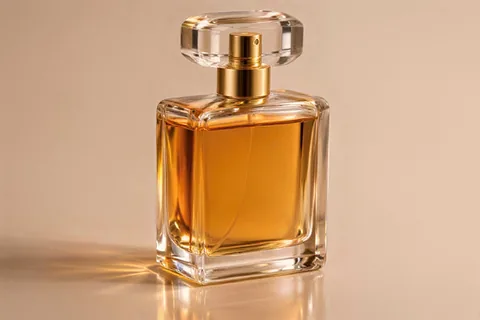
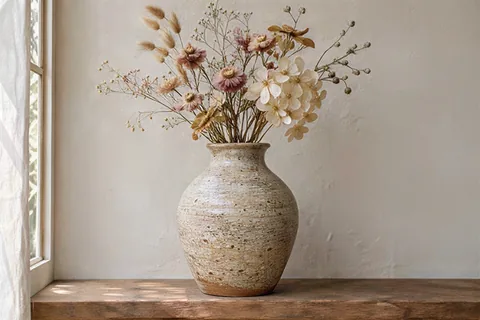
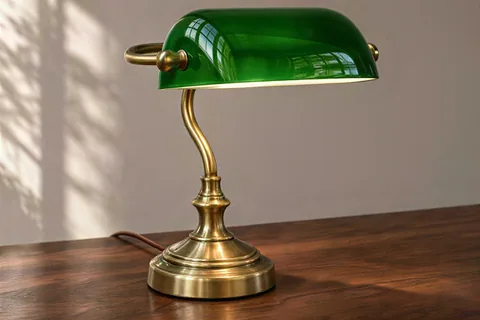
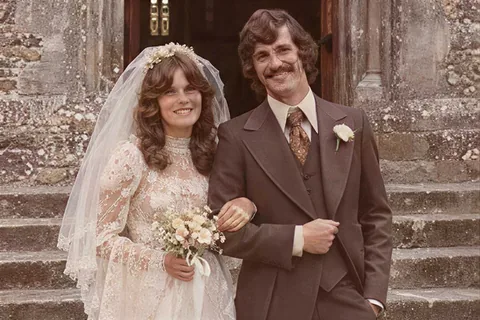
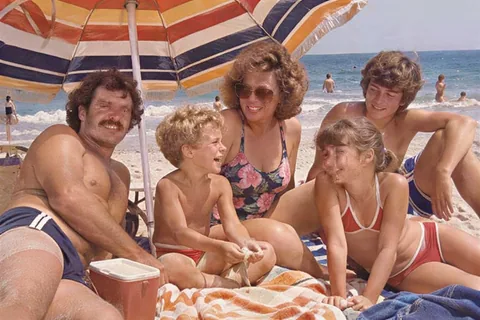
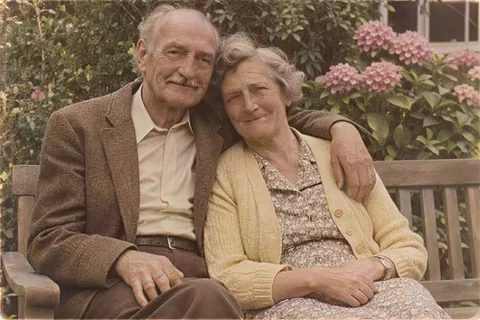
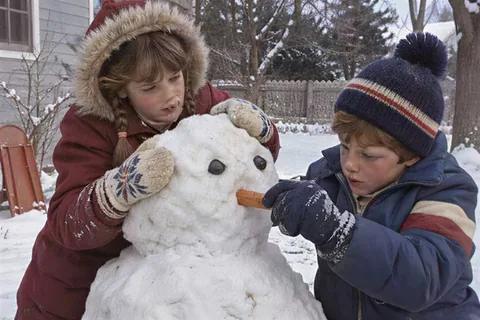
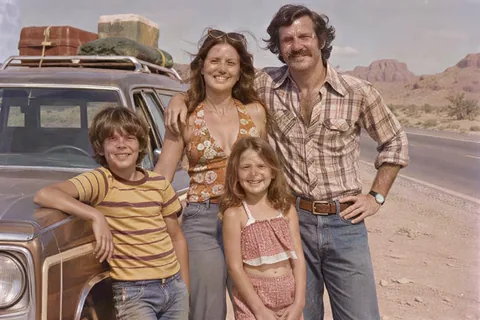
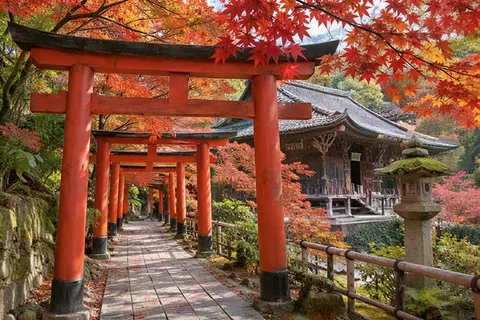
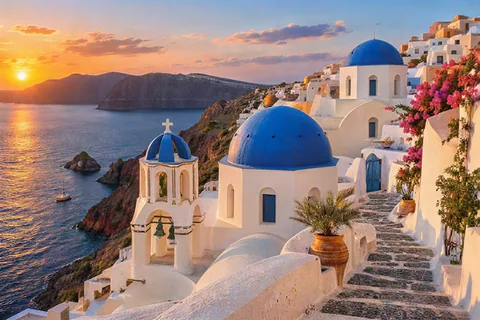
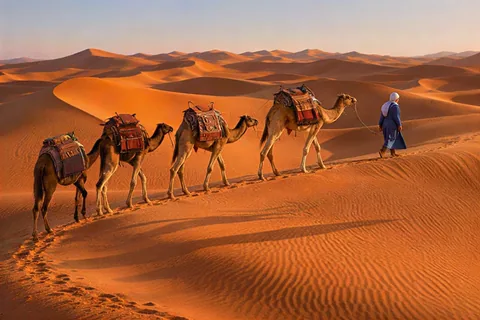
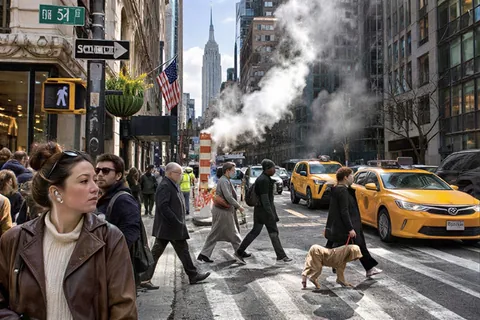
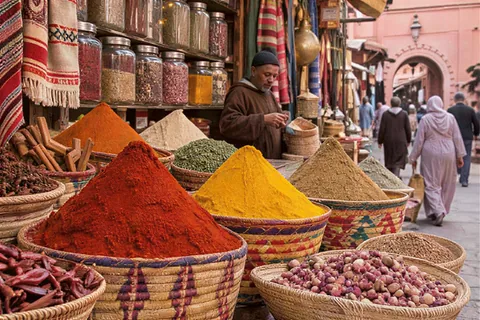
Tiga model AI
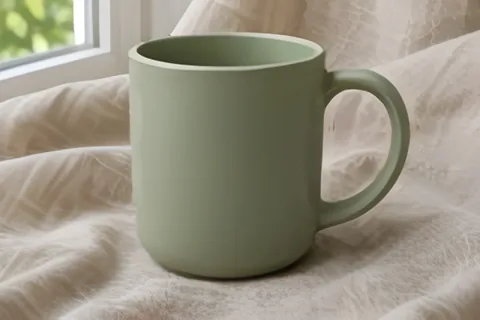
Model upscaling AI untuk setiap jenis blur.
Auto memilihkan model terbaik secara otomatis, atau pilih model pemulihan detail maupun teks tajam sendiri.
Cara kerja
Cara memperbesar gambar ke 4K dengan AI
Unggah satu atau hingga 20 gambar
Tarik file JPG, PNG, atau WebP (maks. 30 MB) langsung di browser—foto, produk, pindaian foto lama, atau tangkapan layar.
Pilih model AI dan skala 2× atau 4×
Biarkan Auto memilihkan, atau pilih Pro Recover untuk blur berat dan Text & Graphics untuk teks tajam hingga 4K.
Bandingkan sebelum-sesudah lalu unduh
Periksa setiap hasil secara berdampingan, unduh satu per satu atau sebagai ZIP lengkap—0 kredit jika gagal.
Tanpa retouch
Contoh nyata AI upscaling sebelum dan sesudah.
Setiap ubin menampilkan JPEG terkompresi dan hasil asli OptiClear. Arahkan kursor atau geser untuk membandingkan.
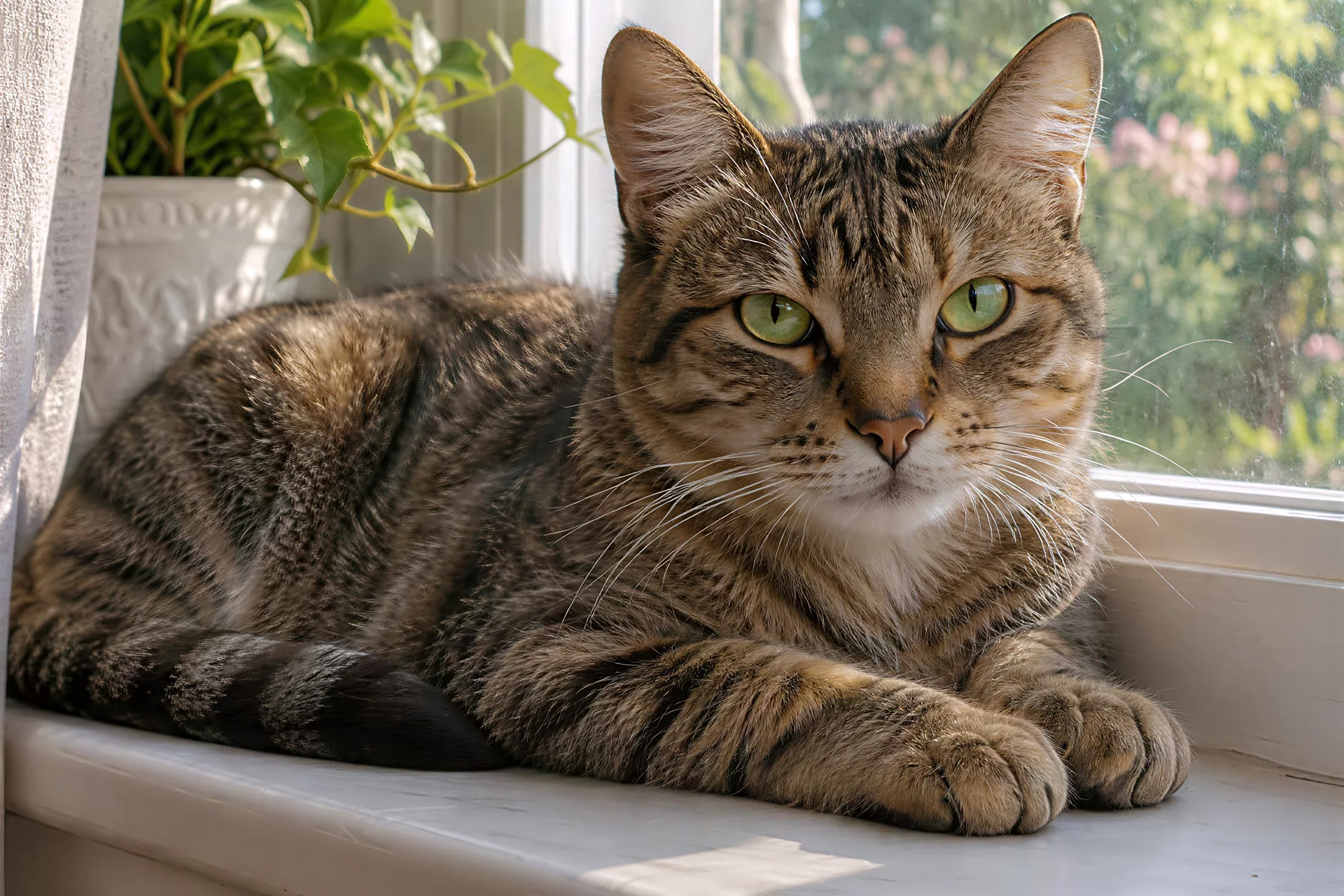 Before · 960×640OptiClear · 3840×2560
Cat
960→3840px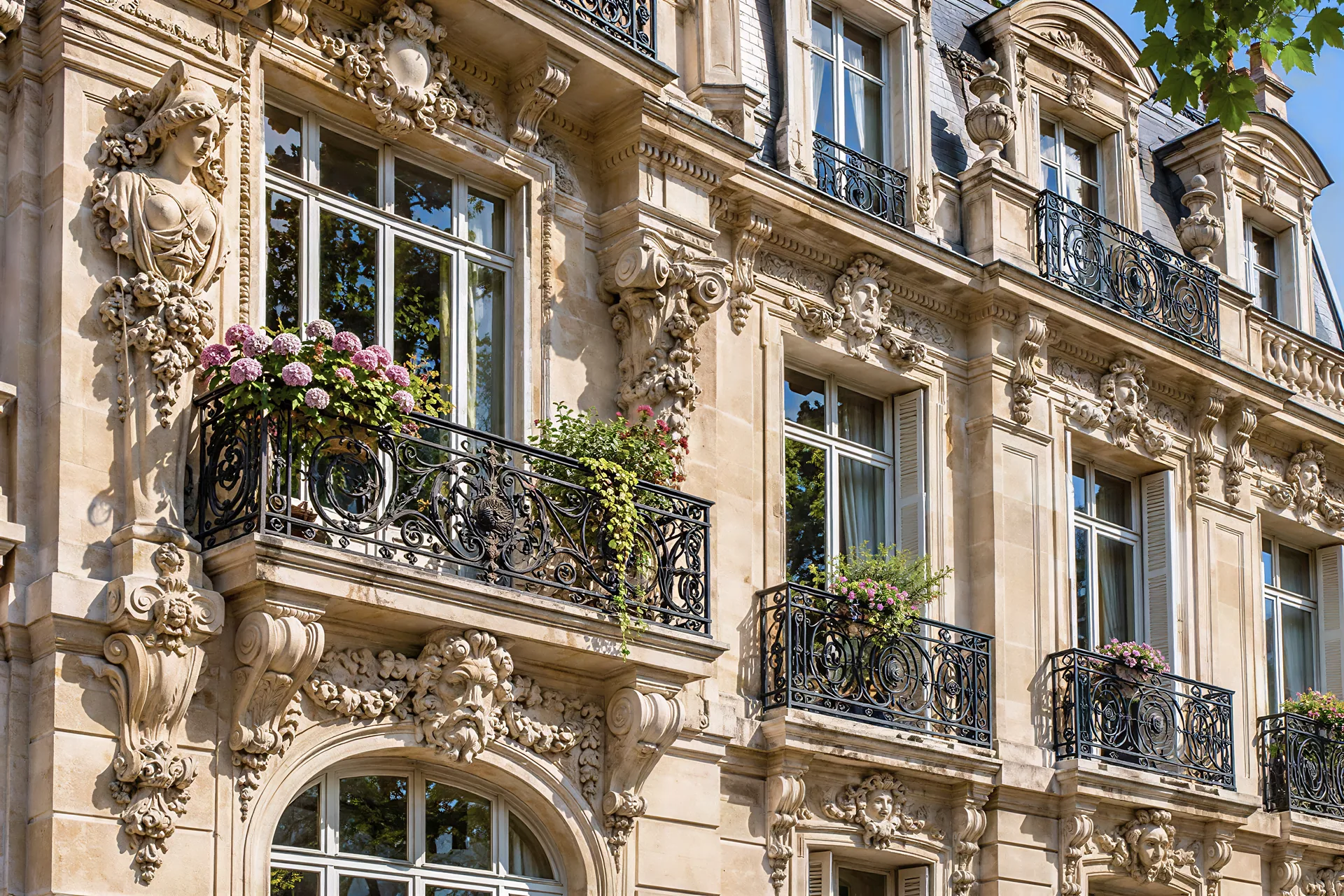 Before · 960×640OptiClear · 3840×2560
Architecture
960→3840px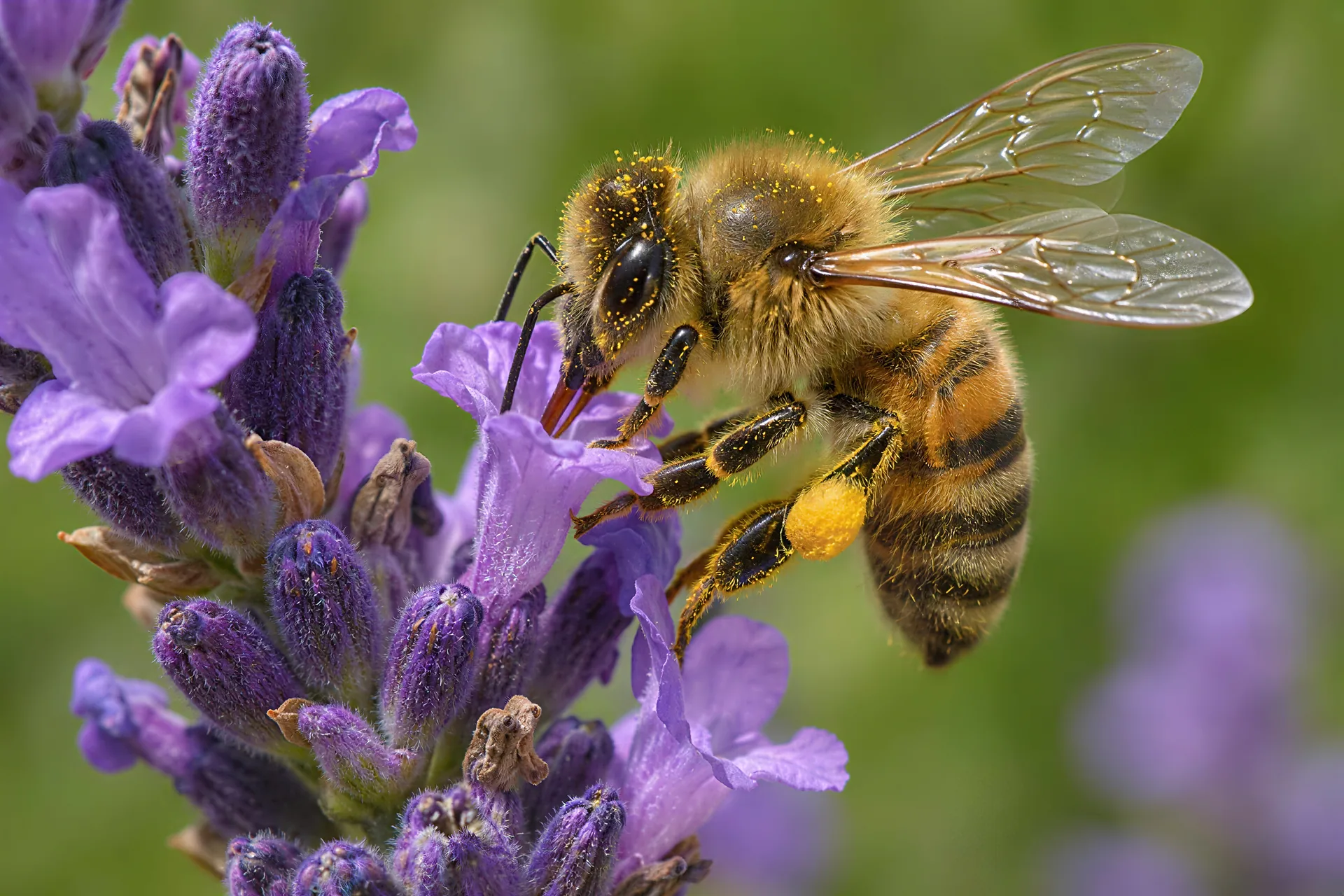 Before · 960×640OptiClear · 3840×2560
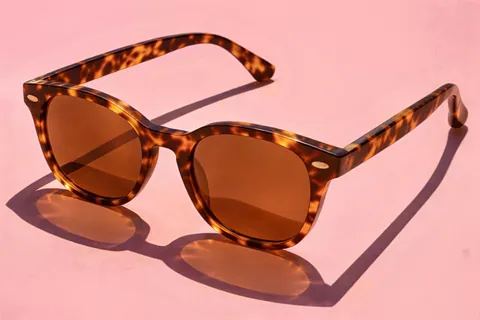
Macro
960→3840px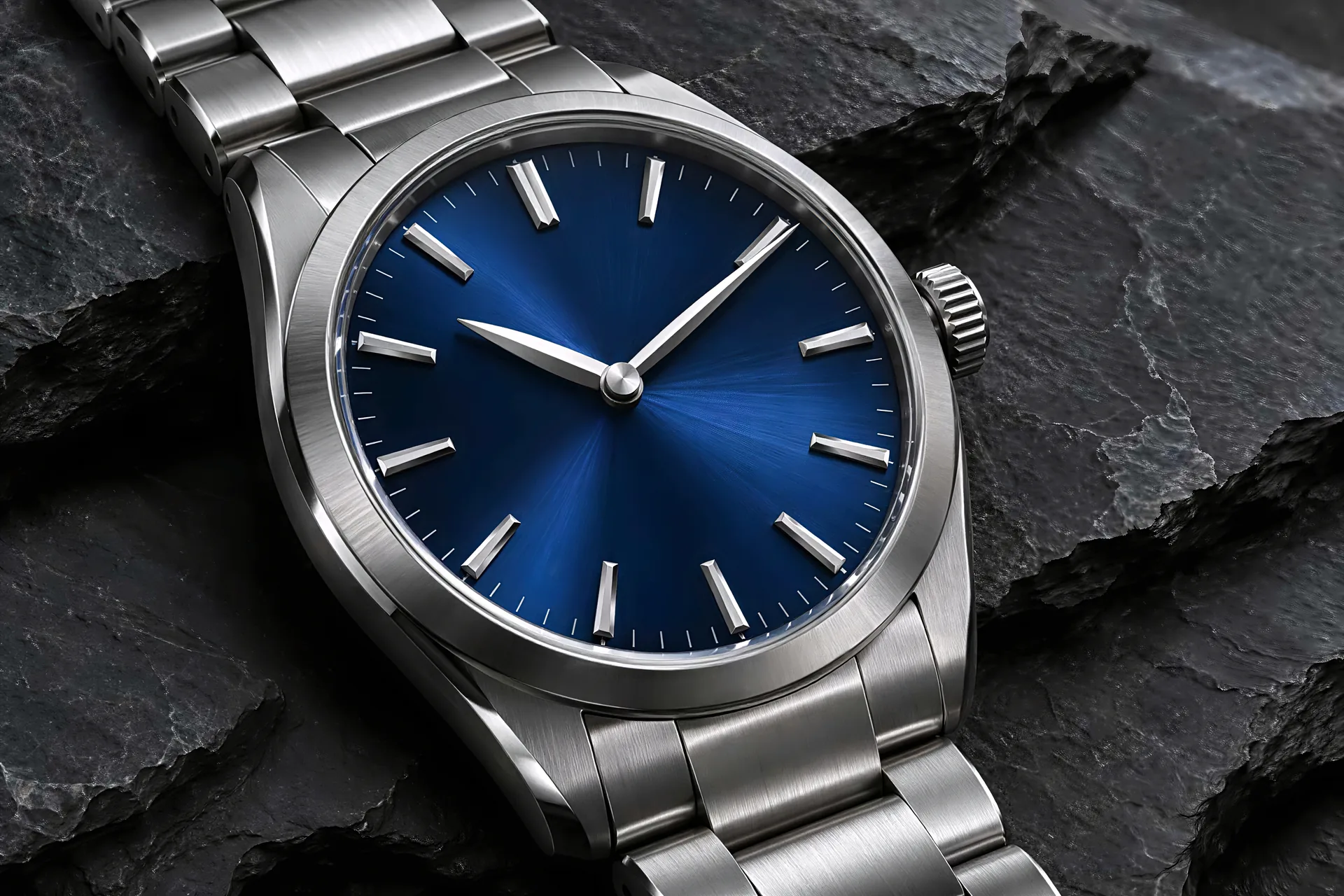 Before · 960×640OptiClear · 3840×2560
Watch
960→3840px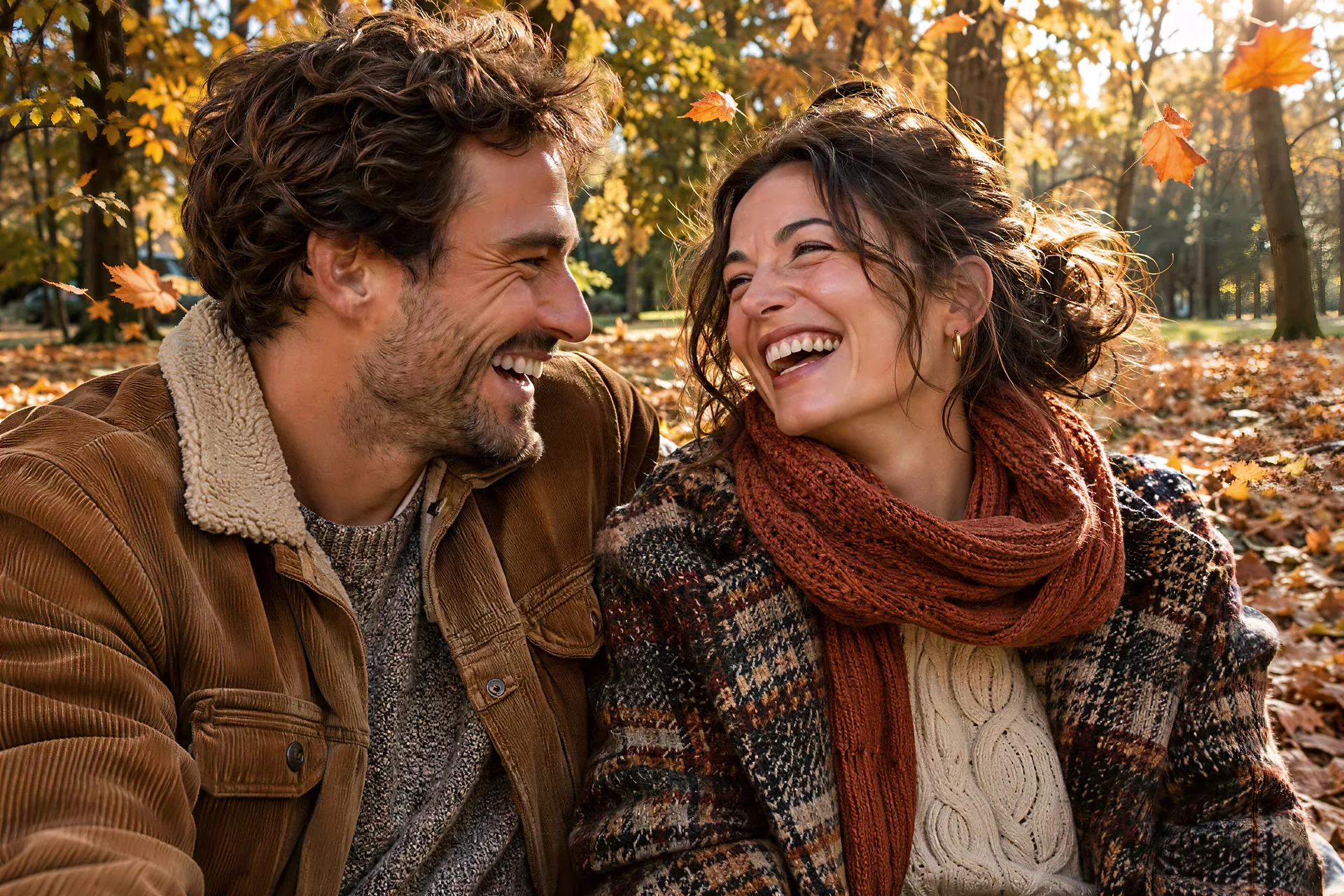 Before · 960×640OptiClear · 3840×2560
Couple
960→3840px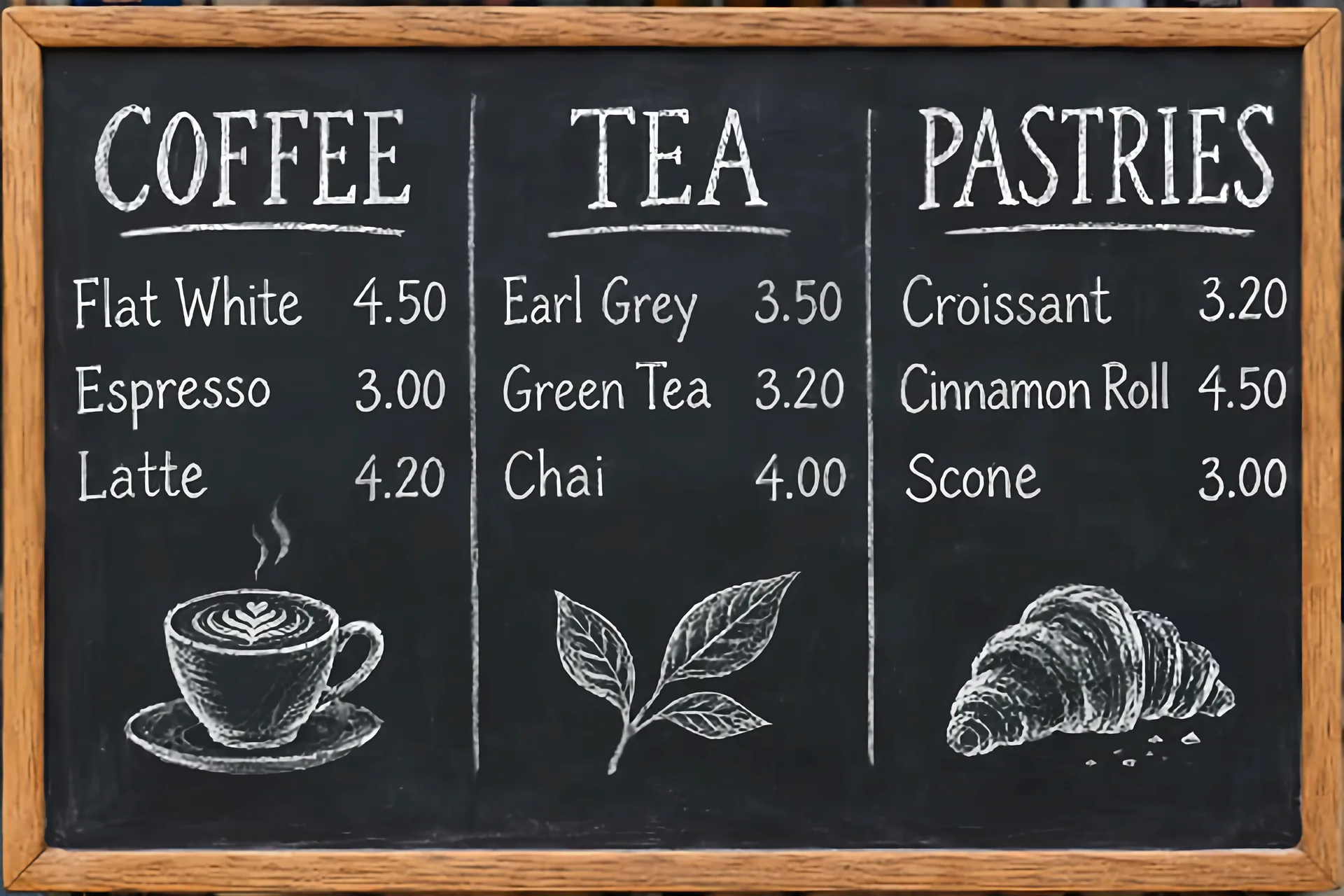 Before · 960×640OptiClear · 3840×2560
Chalkboard
960→3840pxMengapa memakai Pertajam gambar buram?
Alur ini menyiapkan gambar lembut, terkompresi, atau kecil untuk halaman produk, slide, poster, grafik sosial, dan produksi desain.
Input terbaik untuk Pertajam gambar buram
Gunakan foto produk, screenshot, gambar AI, aset presentasi, thumbnail, grafik sosial, dan visual yang butuh versi lebih jelas.
Alur Codia terkait
Lanjutkan dengan alat layer, teks, pembersihan, hapus latar, peningkatan gambar, dan ekspor.
FAQ
FAQ Pertajam gambar buram
Bisakah saya memakai Pertajam gambar buram online?
Ya. Unggah gambar dan Codia membuka alurnya di Studio dari browser.
Bisakah saya lanjut mengedit setelah tahap AI?
Ya. Hasilnya tetap berada di Codia Studio untuk menyempurnakan layer, tata letak, pembersihan, atau ekspor.
Format gambar apa yang didukung?
Anda dapat mengunggah format umum seperti JPG, PNG, WebP, screenshot, foto produk, dan gambar AI.
Alur Codia terkait
Lebih banyak alat gambar AI dari Codia
Peningkat resolusi gambar AI
Lanjutkan dengan alat layer, teks, pembersihan, hapus latar, peningkatan gambar, dan ekspor.
Buka Peningkat resolusi gambar AIUpscale gambar online
Lanjutkan dengan alat layer, teks, pembersihan, hapus latar, peningkatan gambar, dan ekspor.
Buka Upscale gambar onlineTingkatkan resolusi gambar
Lanjutkan dengan alat layer, teks, pembersihan, hapus latar, peningkatan gambar, dan ekspor.
Buka Tingkatkan resolusi gambarBuat lebih jernih.
Satu foto atau dua puluh. Bandingkan, simpan versi terbaik, unduh dalam hitungan detik.