
Penghapus latar AI
Hapus latar belakang gambar secara instan
Studio profesional untuk menghapus dan mengedit latar belakang pada foto produk, potret, gambar AI, dan aset desain.
Kasus penggunaan
Siap untuk alur kerja commerce, konten, dan desain
Penghapusan latar Codia dibuat untuk tim yang membutuhkan potongan subjek yang bersih dan tempat untuk terus mengedit setelah latar dihapus.
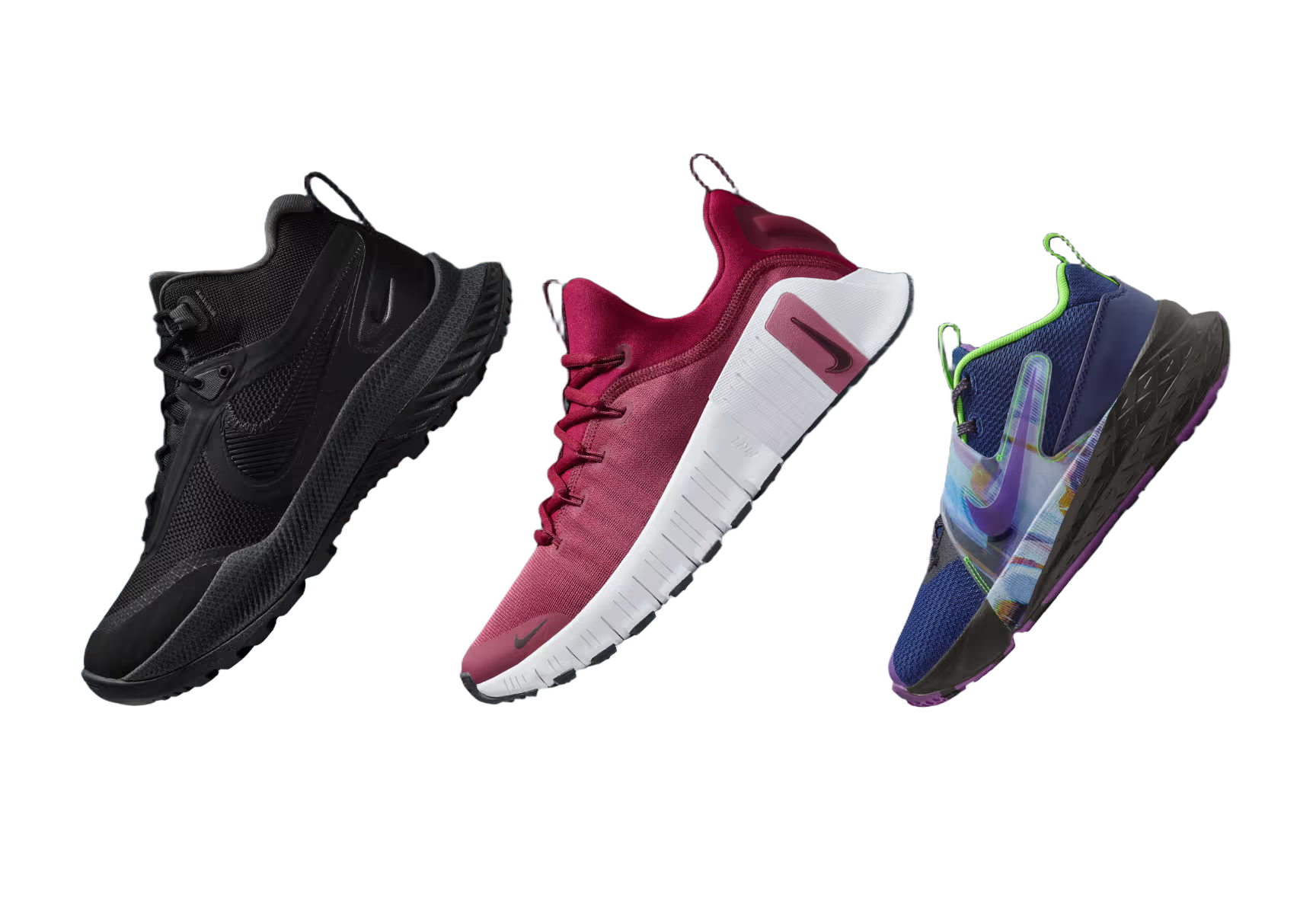
Foto produk
Buat gambar marketplace dan etalase yang bersih dari foto produk biasa.
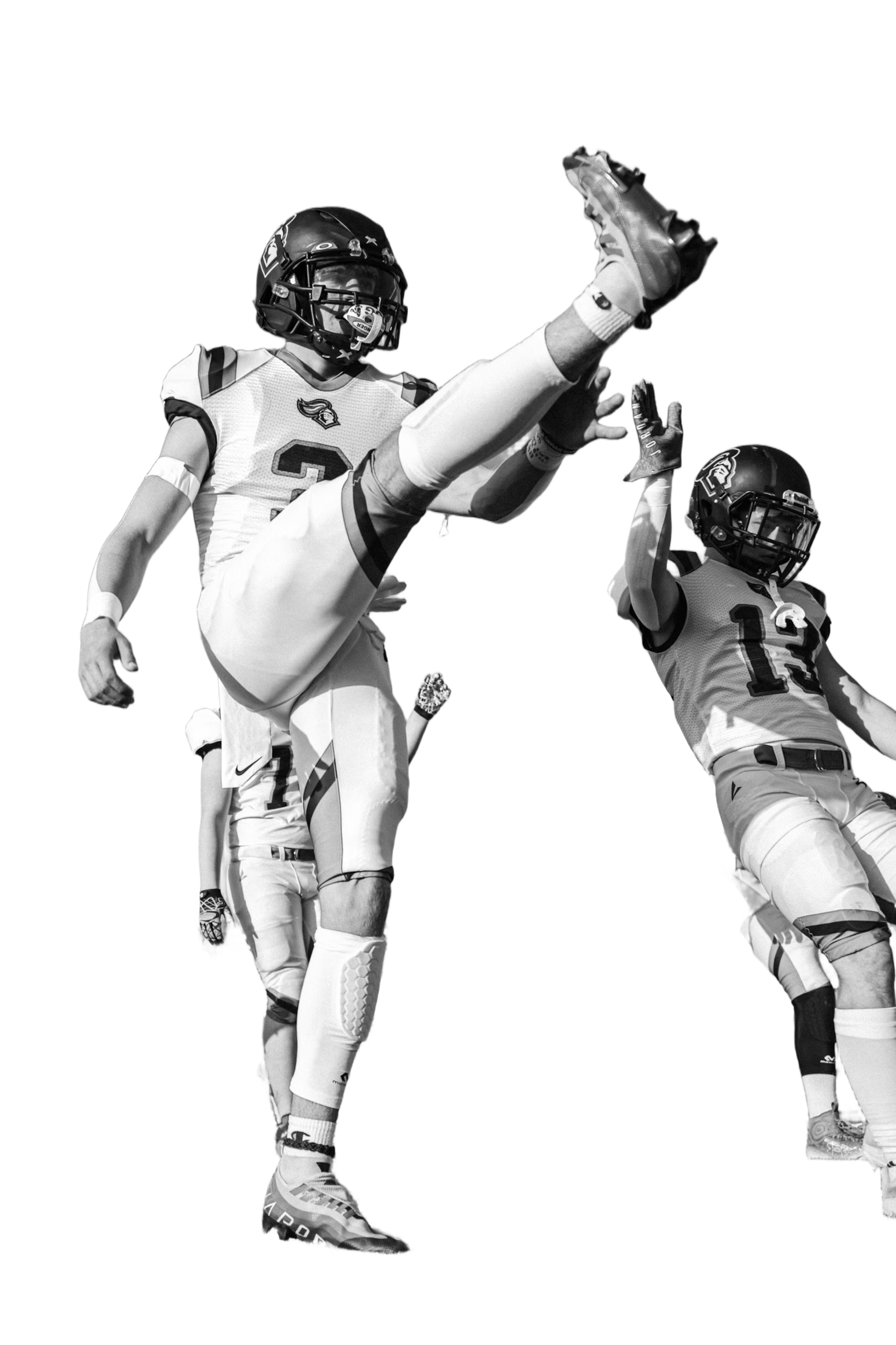
Potret dan avatar
Potong orang untuk grafik profil, thumbnail, dan aset kreator.

Stiker dan posting media sosial
Ubah subjek menjadi PNG transparan yang dapat digunakan ulang untuk alur kerja konten.
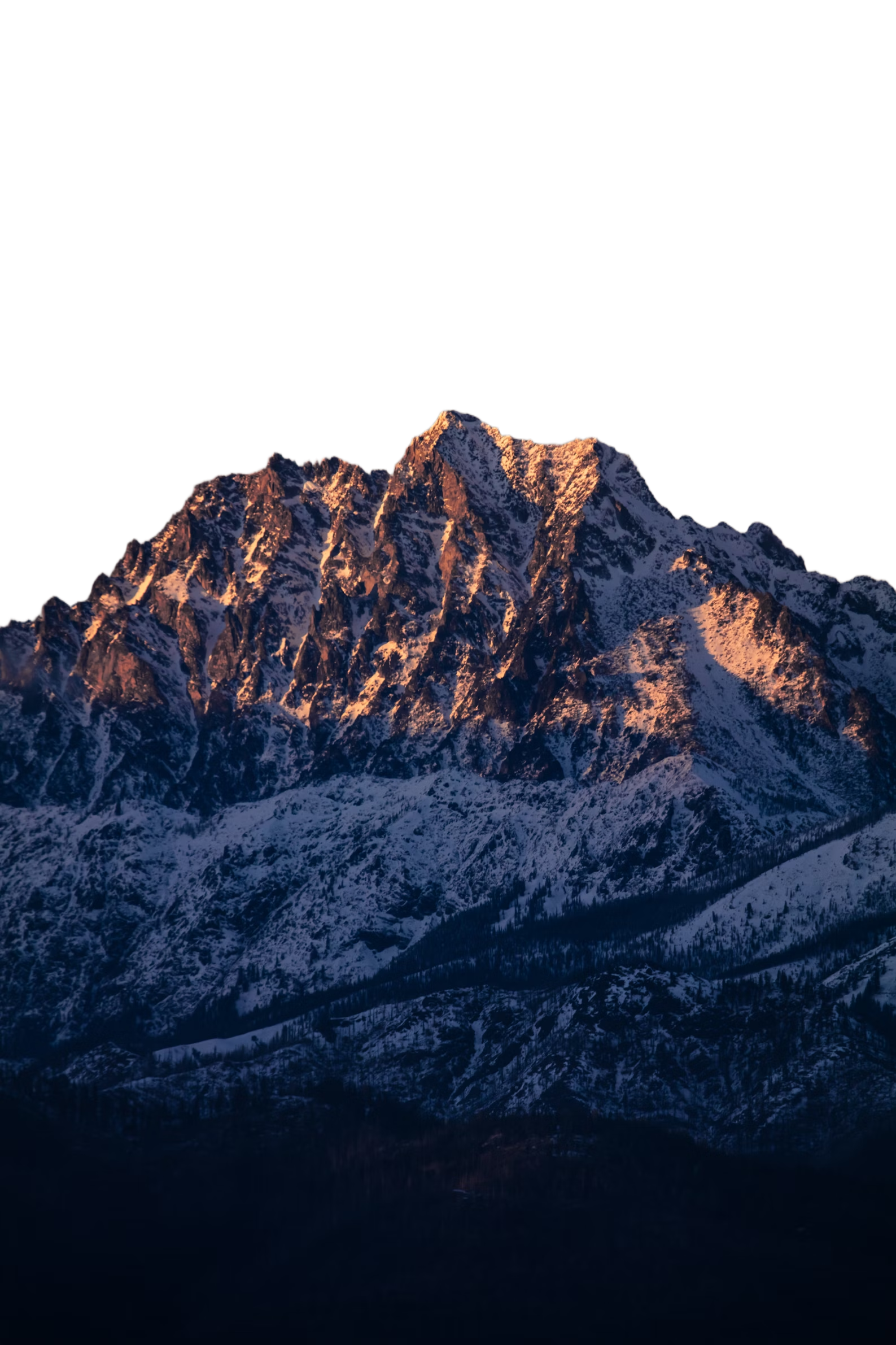
Unggahan marketplace
Standarkan visual produk sebelum dipublikasikan ke saluran commerce.
Mockup desain
Tempatkan subjek transparan ke dalam poster, iklan, slide, dan komposisi UI.
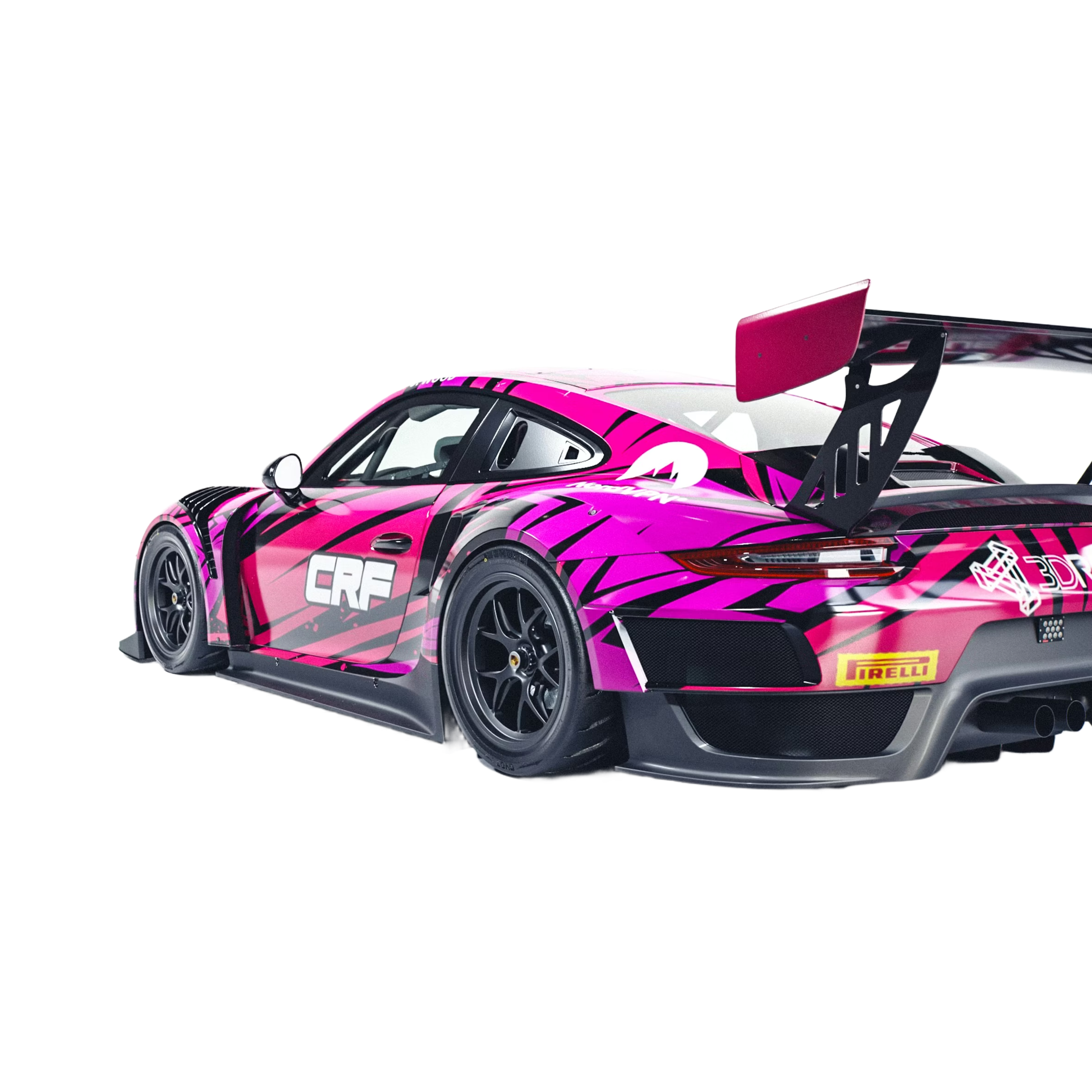
Pipeline gambar AI
Siapkan gambar yang dihasilkan untuk remixing, compositing, dan pengeditan lanjutan.
Penghapus latar AI
Mengapa Codia AI
4 alasan tim beralih dari produk penghapus latar belakang lain dan tidak pernah menyesal
Respons API Lebih Cepat
Codia menghasilkan hasil HD dalam ~600ms berkat edge GPU, sementara produk lain rata-rata memerlukan 1–2 detik.
Alur Kerja Ramah Developer
SDK native, respons bertipe, dan log langsung menghilangkan kerumitan yang umum ditemukan di dasbor generik produk lain.
Harga yang Transparan
Setiap kredit sudah mencakup output HD beserta dukungan rollover, tanpa memaksa upsell seperti yang dilakukan produk lain.
Segmentasi Presisi Tinggi
Mendukung hampir semua kategori objek dengan tepi yang bersih — akurasi pengenalan melampaui sebagian besar produk di pasaran.
Cara kerjanya
Unggah sekali, lanjutkan mengedit di Studio
Unggah gambar apa pun
Mulai dengan fotografi produk, potret, tangkapan layar, mockup, atau visual yang dihasilkan AI.
Hapus latar
Gambar terbuka di Codia Photo Editor dengan alat hapus latar sudah terpilih. Jalankan untuk mendapatkan potongan transparan.
Terus mendesain
Gunakan hasil transparan di Studio untuk tata letak, compositing, variasi, dan ekspor.
API developer
Butuh penghapusan latar di produk Anda sendiri?
Gunakan kemampuan Codia Remove Background yang sama melalui Open API untuk alur unggah, otomatisasi, dan pipeline kreatif.
https://openapi.codia.ai/v2/open/remove_bgcurl 'https://openapi.codia.ai/v2/open/remove_bg' \
-H 'Authorization: Bearer {codia_api_key}' \
-H 'Content-Type: application/json' \
--data '{
"image_url": "your image url"
}'{
"code": 0,
"message": "ok",
"data": {
"image_url": "https://processed-image-url.com/result.png"
}
}API developer
Mengapa Developer Menyukai Codia
Dibuat oleh developer, untuk developer
Tanpa Batas Laju
Untuk pengguna berbayar — bangun tanpa batasan
CDN Global
Pengiriman super cepat ke seluruh dunia
Tepi yang Bersih
Hasil potongan sempurna pada subjek yang kompleks
Siap untuk Pipeline
Dibangun untuk alat desain dan alur kerja AI
Related background workflows
More ways to remove image backgrounds
Choose the background removal workflow that best matches the image asset, product photo, or cutout you need to prepare.
Remove background from image
Upload an image and remove the background before continuing the edit in Codia Studio.
Remove Image BackgroundBackground remover online
Use an online AI background remover for photos, portraits, product visuals, and design assets.
Open Online RemoverProduct photo background remover
Create cleaner product cutouts for e-commerce, storefronts, marketplace uploads, and mockups.
Clean Product PhotosPertanyaan yang Sering Diajukan
Langsung dari percakapan yang kami dengar setiap hari dari tim yang beralih dari alat lama.
Hapus latar di Studio
Unggah gambar di atas, lalu gambar terbuka di Codia Photo Editor dan siap dihapus latarnya.
Unggah gambar