
AI 去水印
用 AI 移除圖片水印
上載帶有樣張標記、草稿覆蓋或水印式瑕疵的授權圖片,直接進入 Codia Studio 並開啟去水印功能。
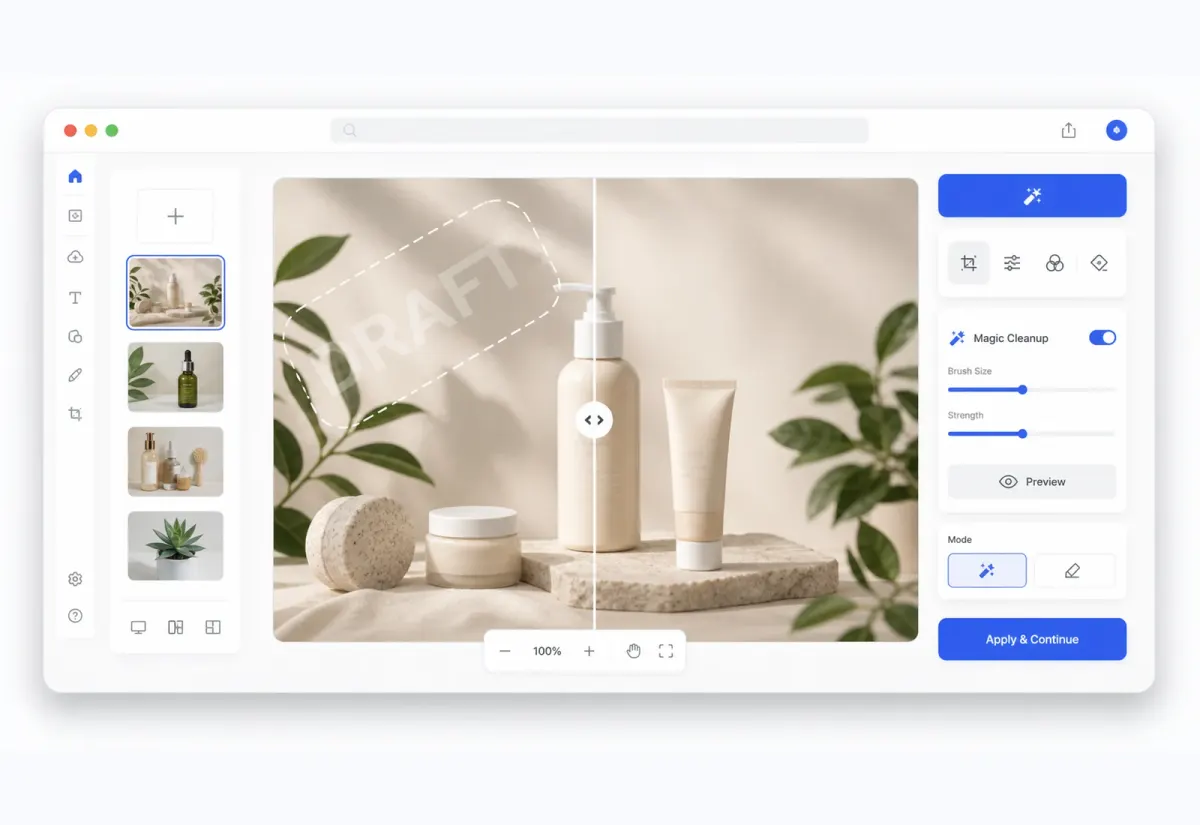
Studio 工作流程
先清理圖片,再繼續編輯
圖片會開啟到 Studio 畫布中,清理後的結果可以繼續修整、清理、合成或匯出。
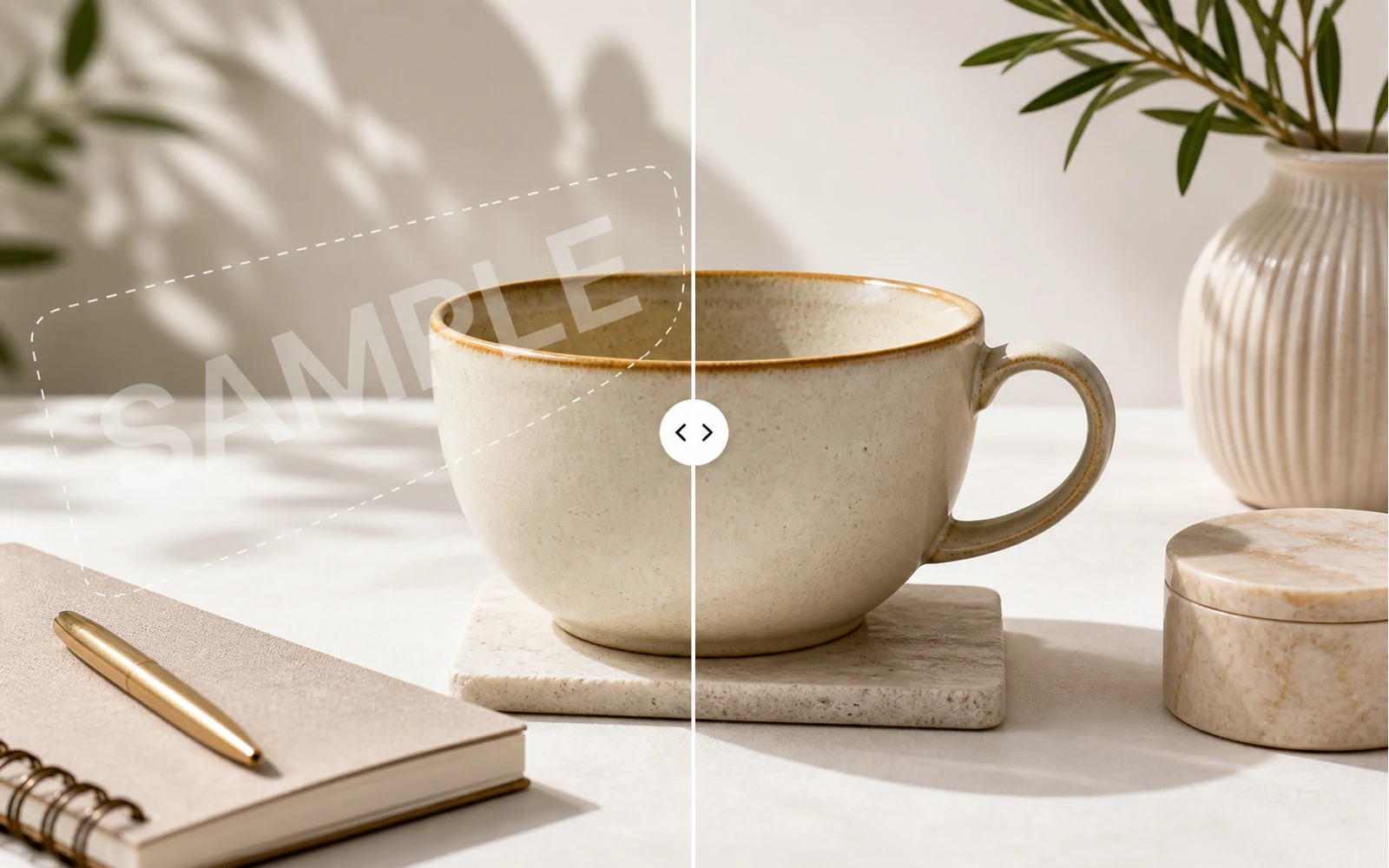
核心優勢
用 AI 清理圖片水印
用 AI 偵測並清理你擁有或有權編輯的圖片中的水印式覆蓋、文字標記和重複樣張圖案。
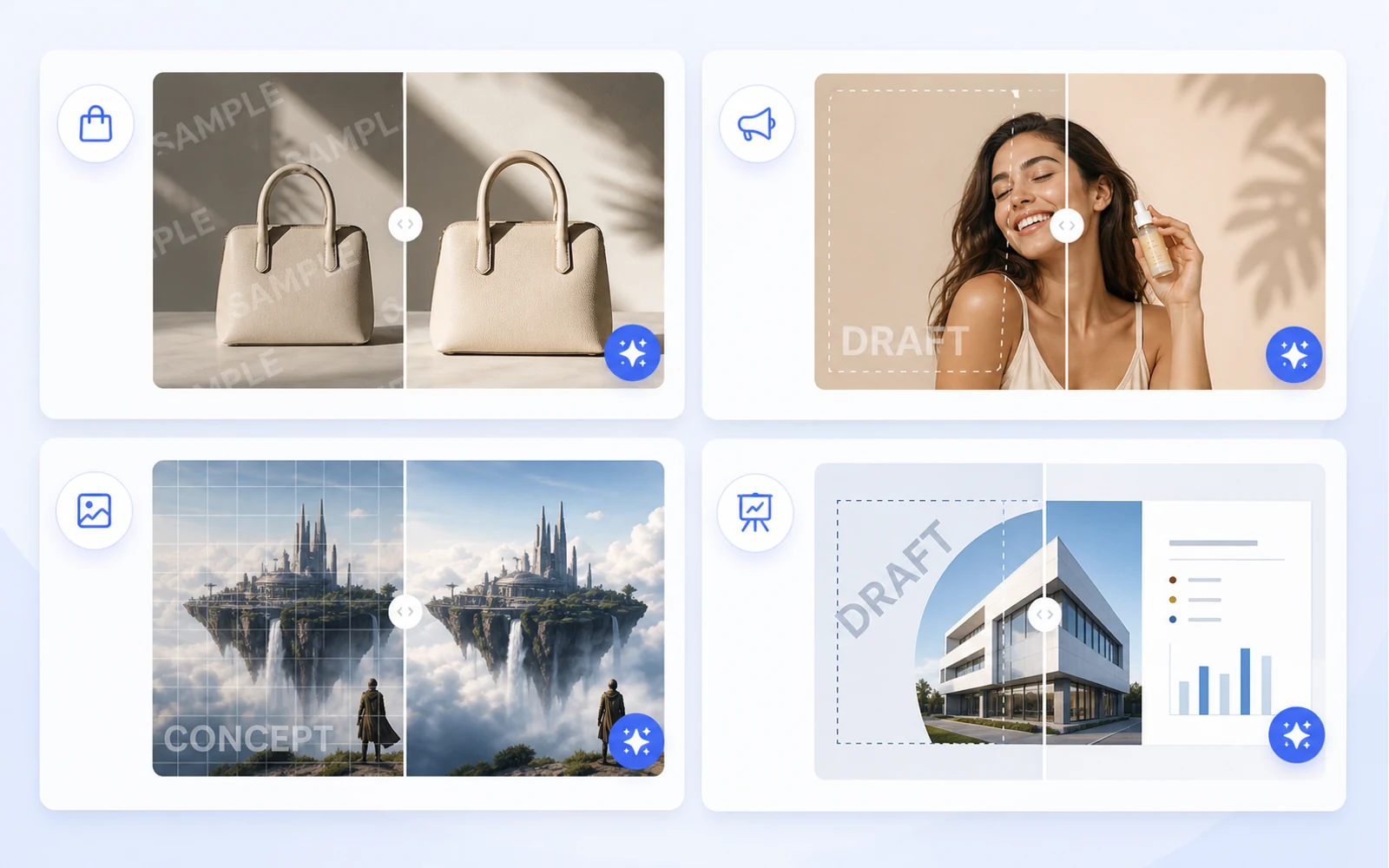
核心優勢
為設計工作準備乾淨圖片
在進入下一個版式前,先清理授權商品圖、社交創意、樣機、AI 圖片和簡報視覺。
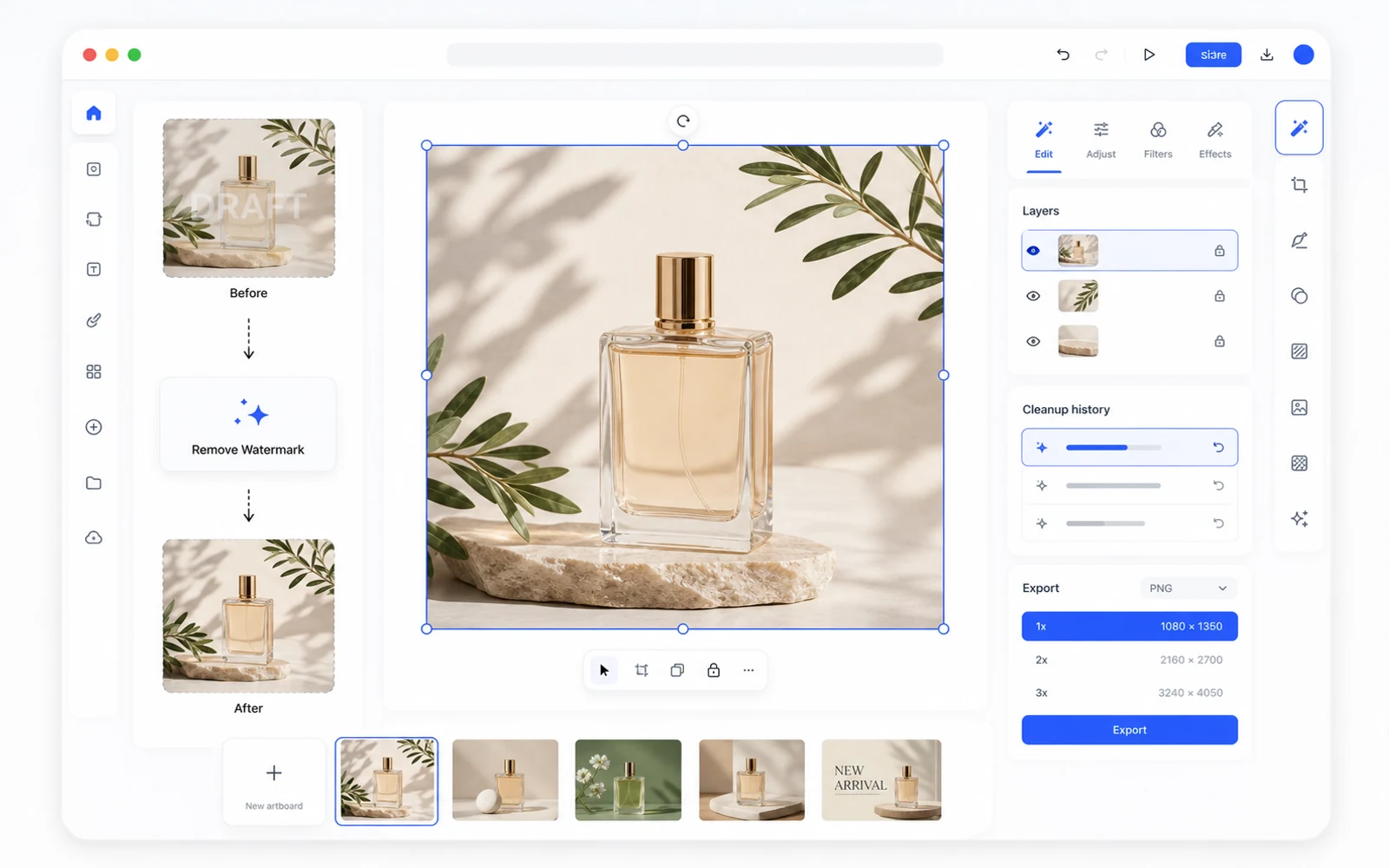
核心優勢
移除浮水印後繼續編輯
清理後的圖片會在 Codia Studio 中開啟,你可以繼續去背景、編輯元素、生成變體、放大或匯出。
上載你的圖片
從 JPG、PNG、WebP、截圖、商品圖、社交創意或 AI 生成圖片開始。
在 Studio 中去水印
Codia 會開啟 Studio 畫布,並選中 Remove Watermark 工具,方便立即開始清理。
檢視、優化並匯出
檢查結果,在 Studio 中繼續編輯,然後匯出清理後的圖片。
Related cleanup workflows
More ways to clean up authorized images
Choose the cleanup workflow that best matches the kind of sample mark, draft overlay, or watermark-like artifact you need to review.
Remove watermark from image
Clean sample marks, draft overlays, and watermark-like artifacts from images you can edit.
Remove WatermarkRemove text watermark
Clean repeated text marks and draft labels from authorized images, then refine the result in Studio.
Remove Text WatermarkRemove sample watermark
Clean sample overlays from owned or licensed visuals before using them in production layouts.
Remove Sample MarkFAQ
AI 去水印 FAQ
我可以上載哪些圖片格式?
可上載常見的圖片格式,例如 JPG、PNG、WebP 及電腦上的螢幕截圖。
這會開啟 Codia Studio 嗎?
會。從本頁面上載會開啟 Codia Studio,並載入圖片及選定移除浮水印功能。
什麼時候適合使用去水印?
適用於你擁有、AI 生成、草稿匯出、樣張覆蓋,或你有權編輯的素材。請勿在未經許可時移除所有權、版權或署名標記。
AI 移除浮水印一定完美嗎?
效果取決於圖片、水印透明度、紋理和覆蓋範圍。複雜標記可能還需要在 Studio 中進一步清理或手動修整。
移除浮水印後可以繼續編輯嗎?
可以。圖片進入 Studio 後,你可使用其他 AI 圖片工具、調整畫布並匯出處理好的結果。