
الدقة
960 × 640
مرّر لمعاينة التحسين
رفع جودة ودقة الصور بالذكاء الاصطناعي
رفع جودة الصور وزيادة دقة الصورة بالذكاء الاصطناعي
Upload a low-resolution or blurry image, enhance clarity with AI, and keep refining the sharper asset in Codia Studio.
أو أسقط الصور في أي مكان · حتى 20 صورة معًا · مجانًا عند الفشل
0×
تكبير حتى 4K بخطوة واحدة
0
صورة في الدفعة الواحدة
0
نماذج للصور والتفاصيل والنصوص
0
رصيد يُخصم عند الفشل
انظر عن قرب
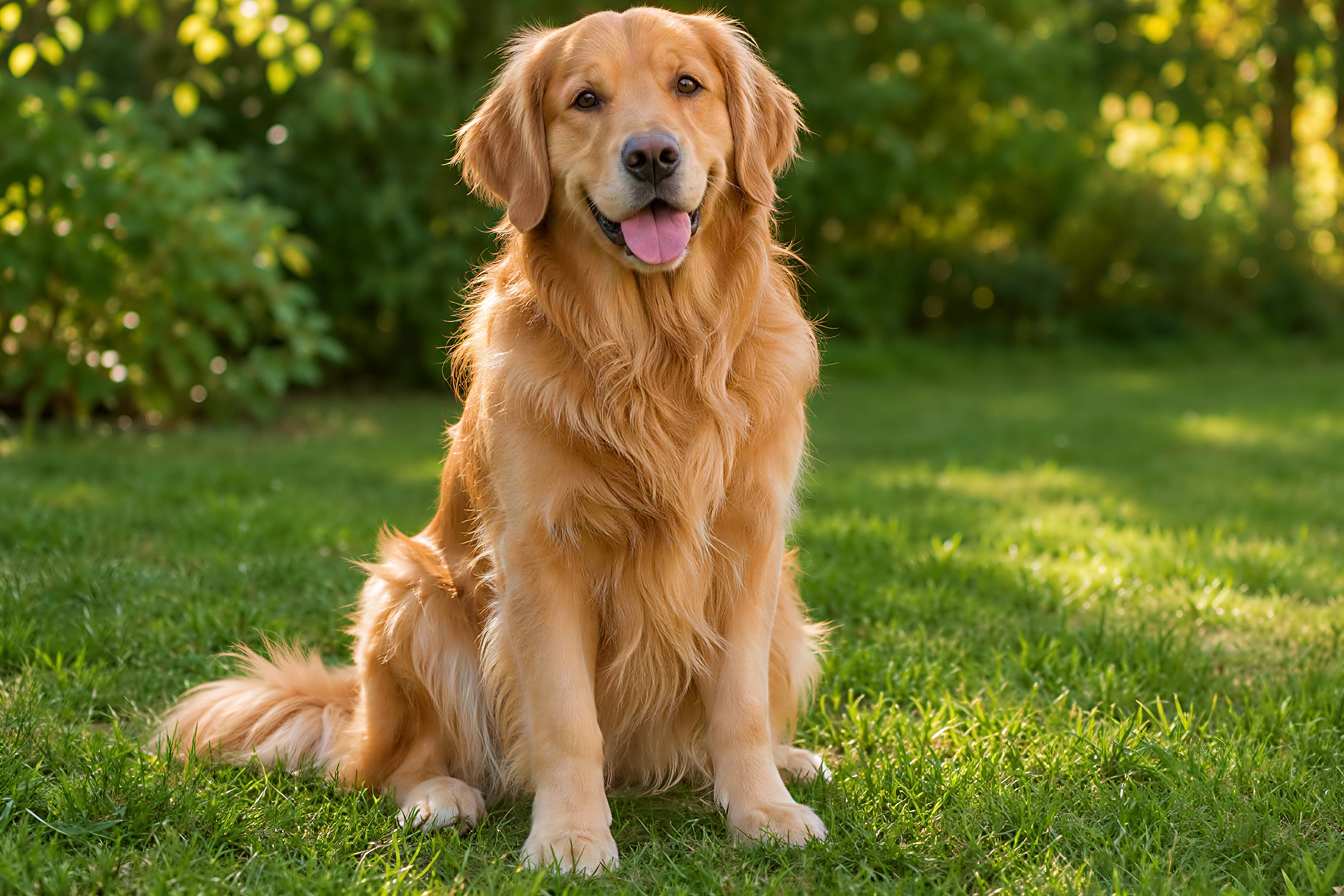
مقارنة تفاصيل التكبير بالذكاء الاصطناعي 2× و4×
1×
تبدو جيدة من بعيد.
تخفي الصور الصغيرة عيوبها حتى تطبعها أو تقصها أو تقرّبها.
2×
ثم تظهر العيوب.
على اليسار تكتلات وضبابية، وعلى اليمين تفاصيل أعاد النموذج بناءها.
4×
كل تفصيل مُعاد بناؤه.
يبقى الفراء والعيون والحواف حادة بحجم لم يكن ممكنًا من قبل.
مكبّر صور يحفظ ملامح الوجه
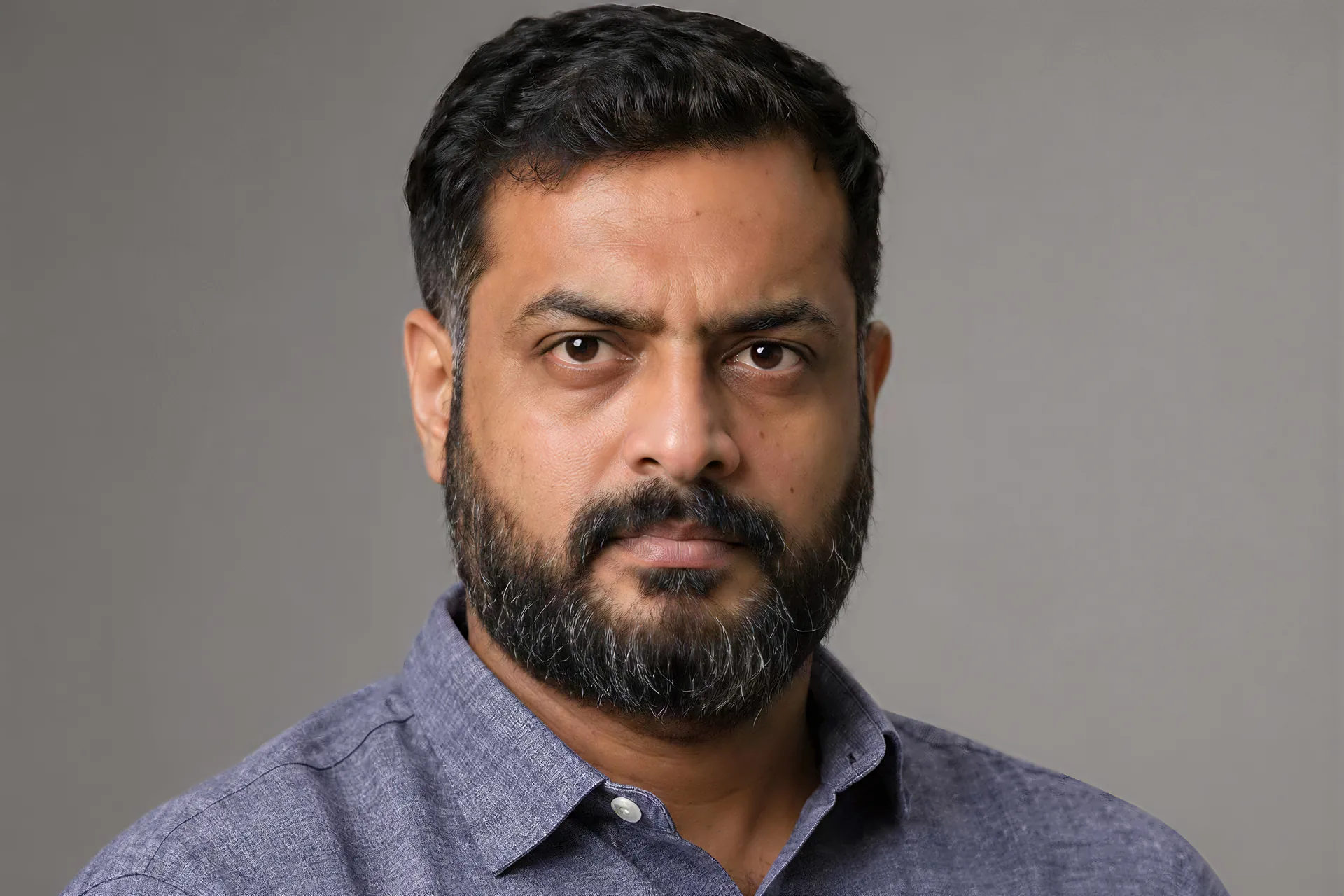
بورتريه أوضح. نفس الوجه.
تعيد معظم الأدوات رسم الوجوه بملامح مختلفة. يستعيد OptiClear العيون والبشرة مع التحقق من التطابق مع الصورة الأصلية.
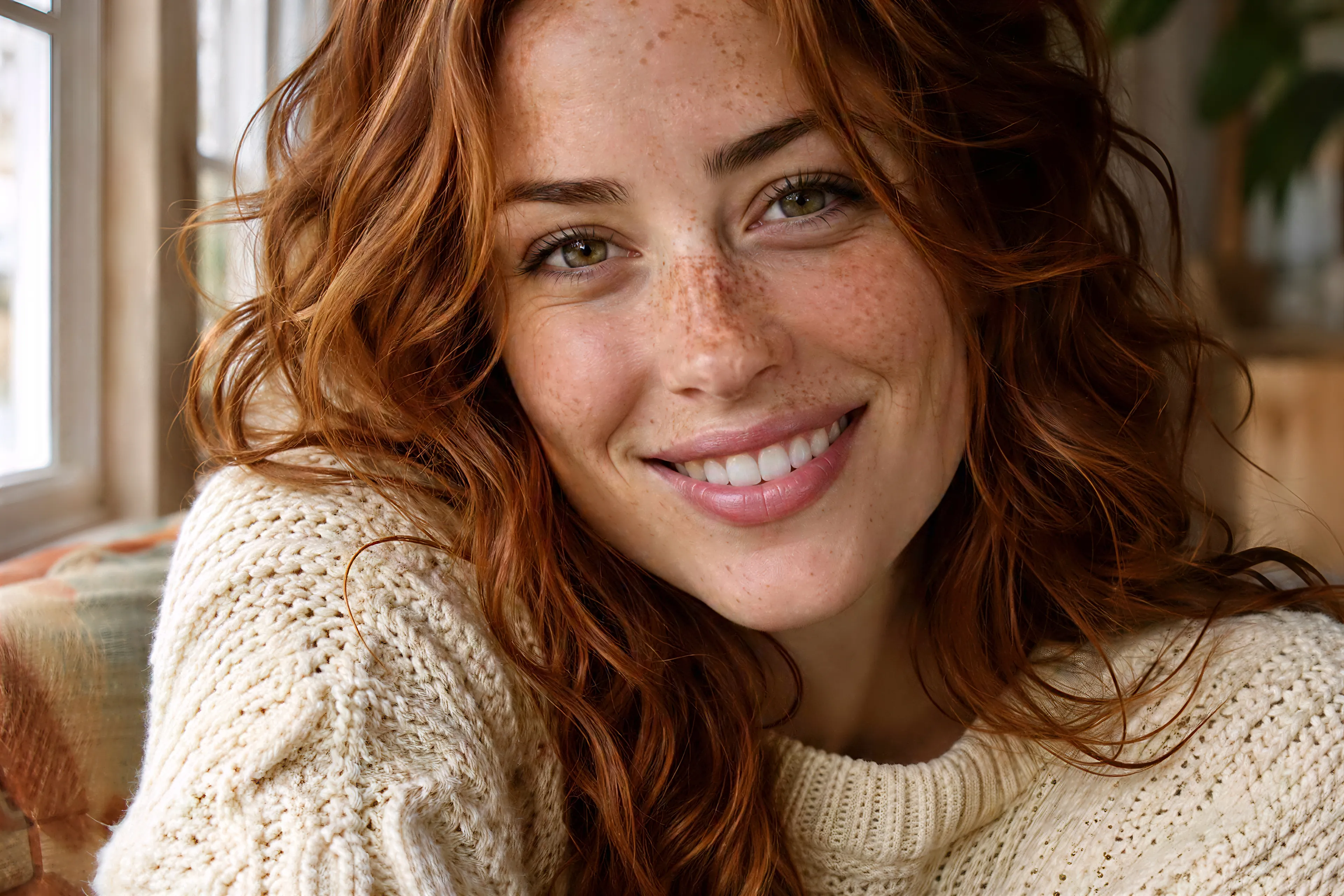
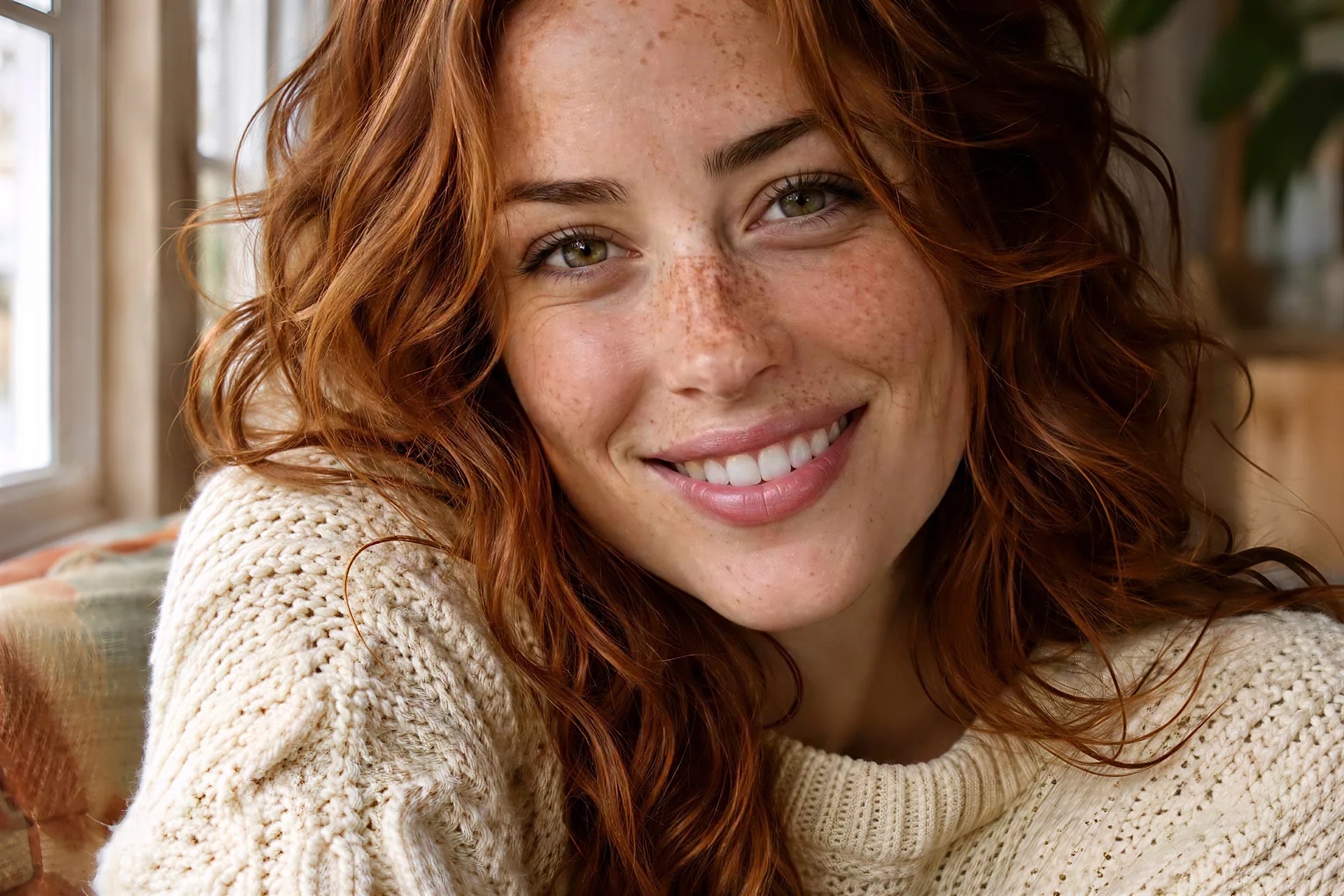
 originalFace match (SSIM)0.97
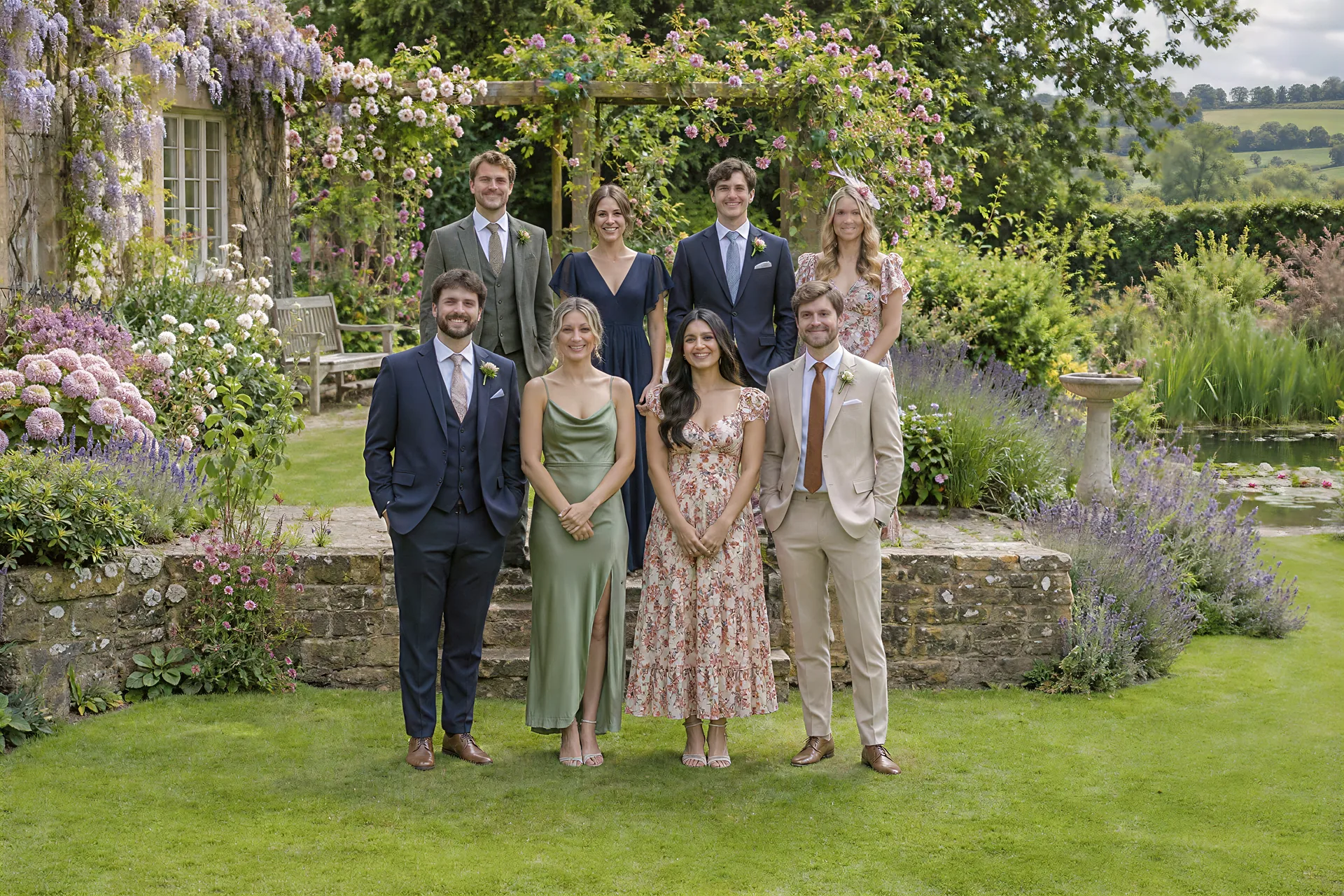
Panel 03 flips between your upload and OptiClear’s result scaled back to the upload’s own detail. If a face had been redrawn, it would jump. The score compares the two faces pixel structure by pixel structure; 1.00 is identical.
No new features
Eyes, nose and mouth keep their shape and place.
Same expression
A half smile stays a half smile. No beauty filter.
Small faces in group shots
Where most upscalers smear or invent faces, every guest stays themselves.
Glasses, beards, wrinkles
Age and character are details too. They stay.
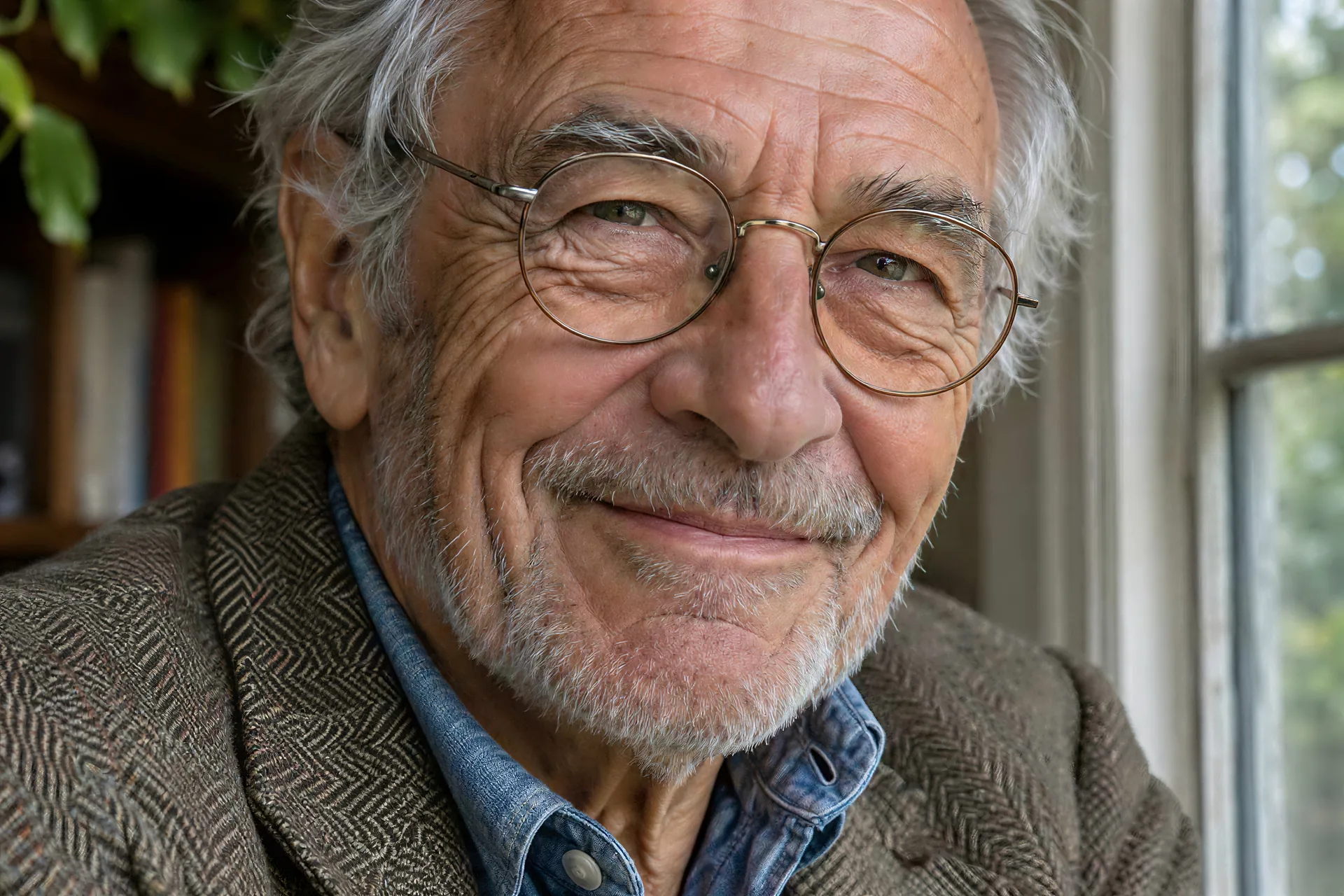 Before · 960×640OptiClear · 3840×2560
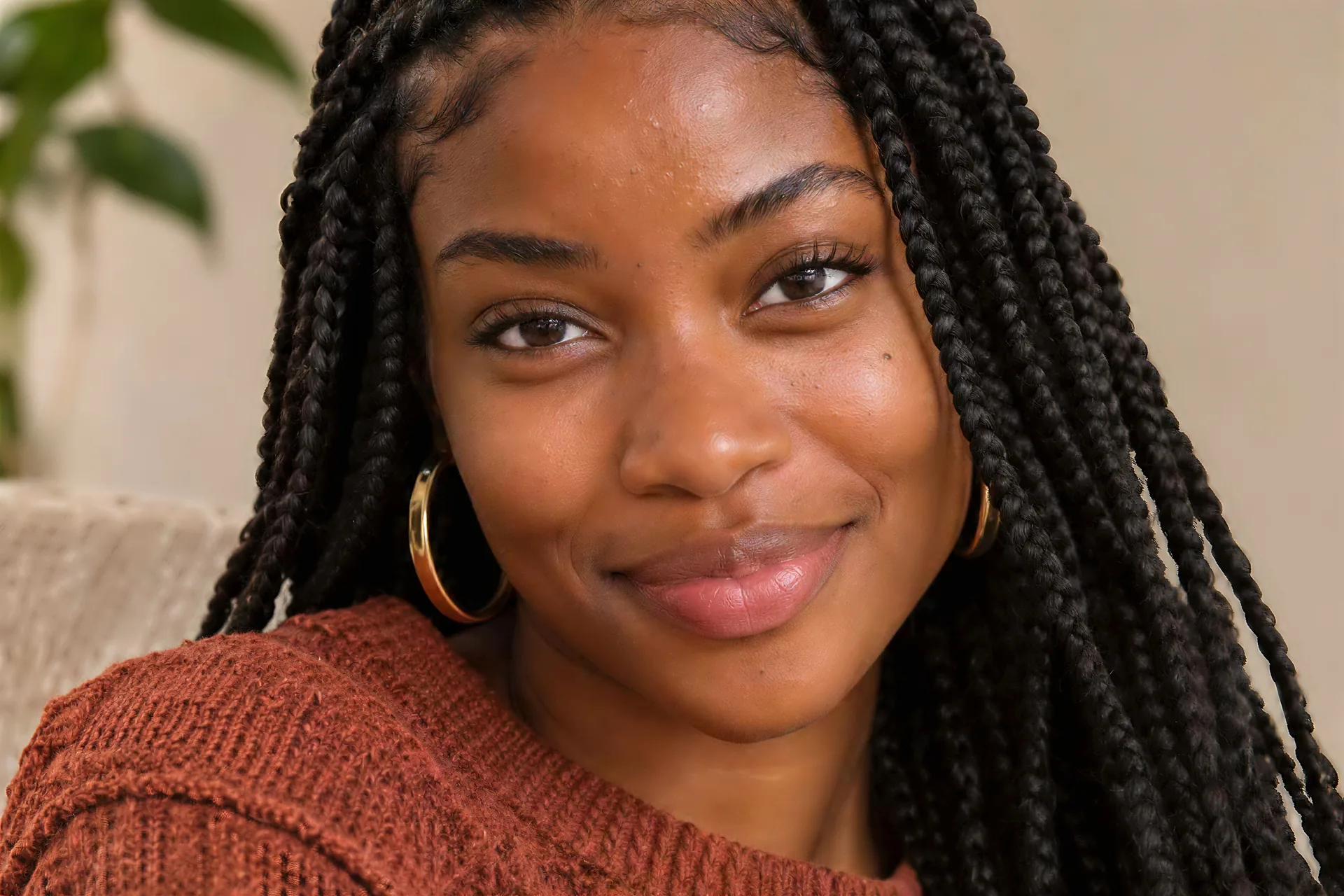 Before · 960×640OptiClear · 3840×2560
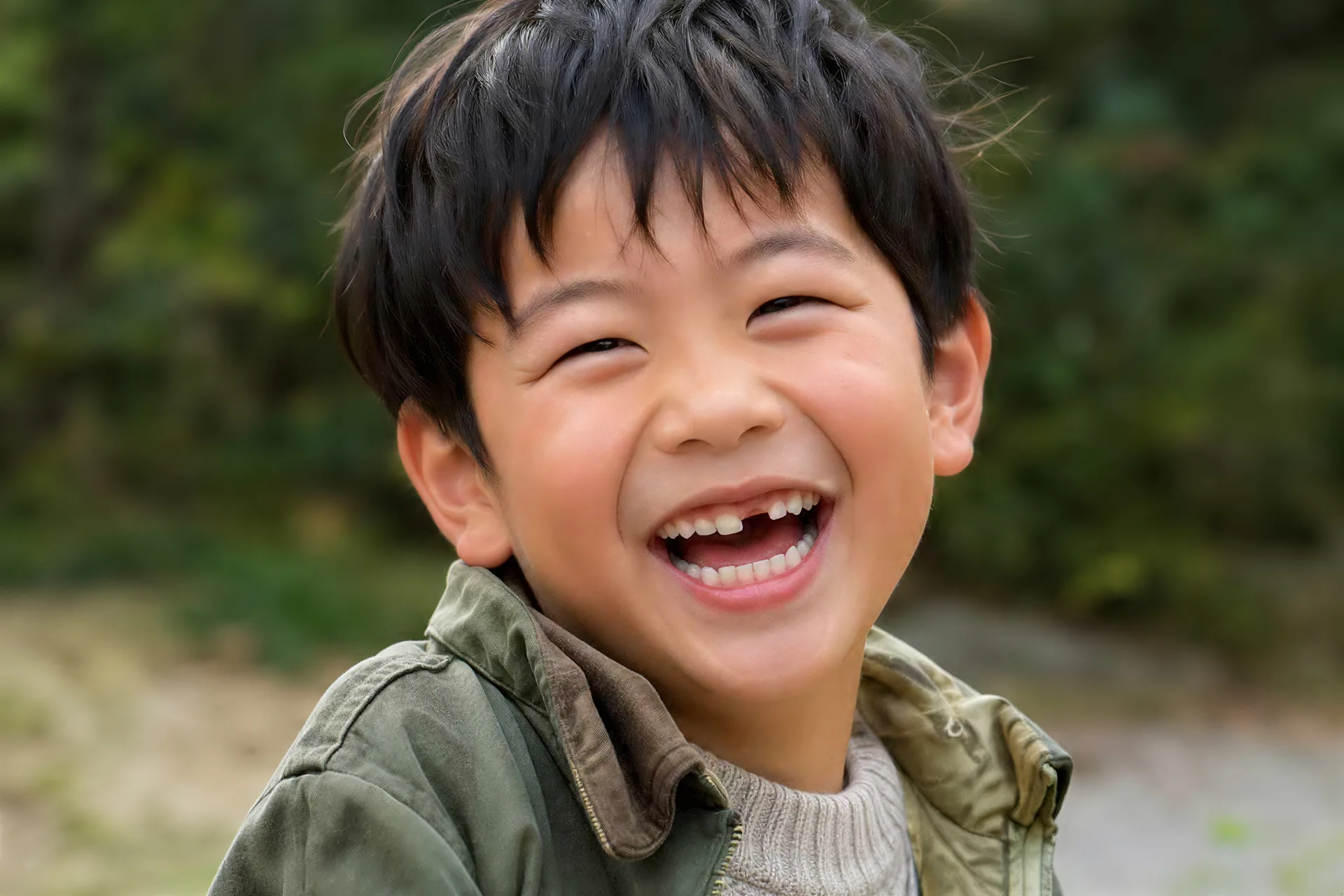 Before · 960×640OptiClear · 3840×2560
 Before · 960×640OptiClear · 3840×2560
 Before · 960×640OptiClear · 3840×2560
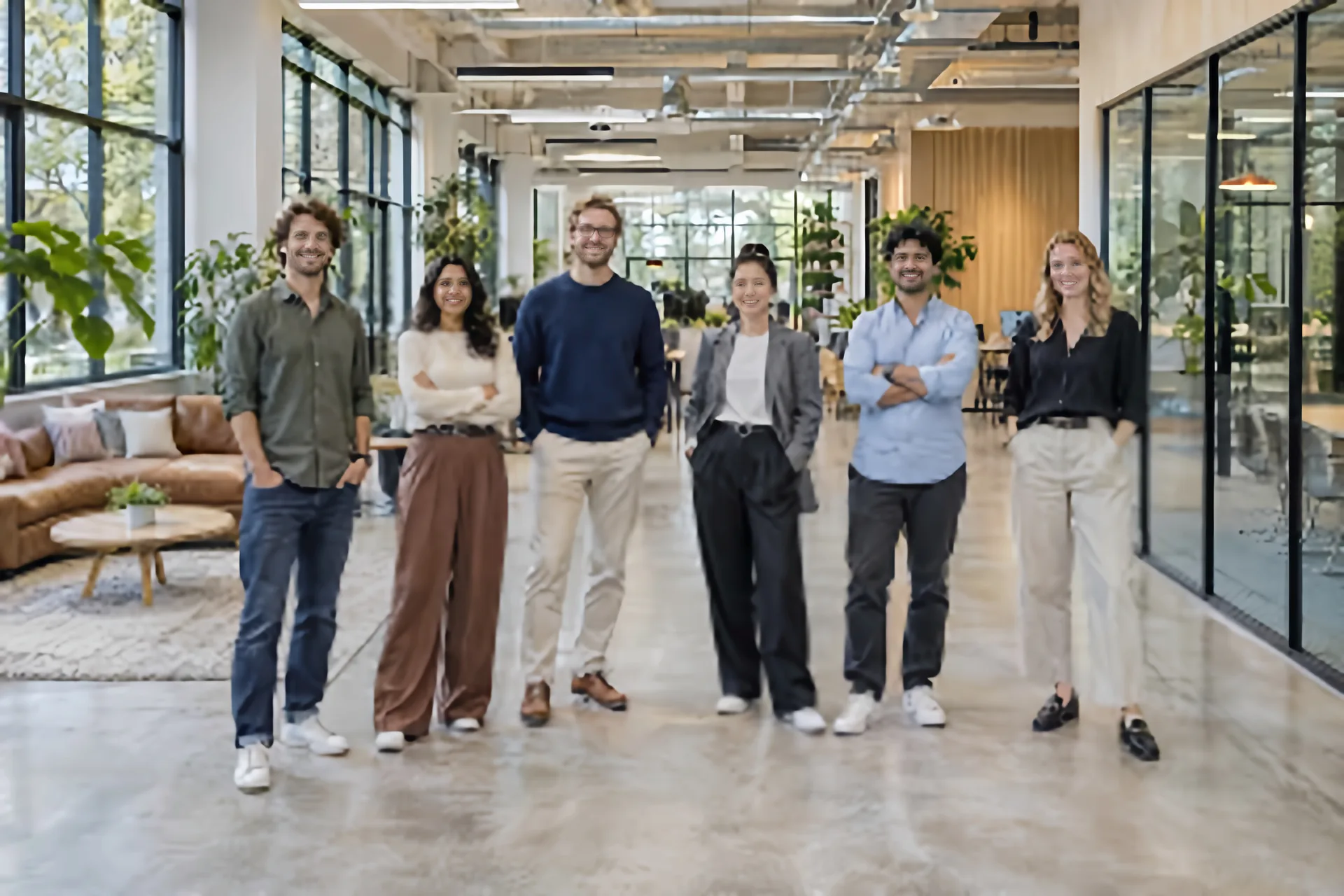 Before · 960×640OptiClear · 3840×2560
لكل أنواع الصور
كبّر صور المنتجات والصور القديمة والرسوم التوضيحية.
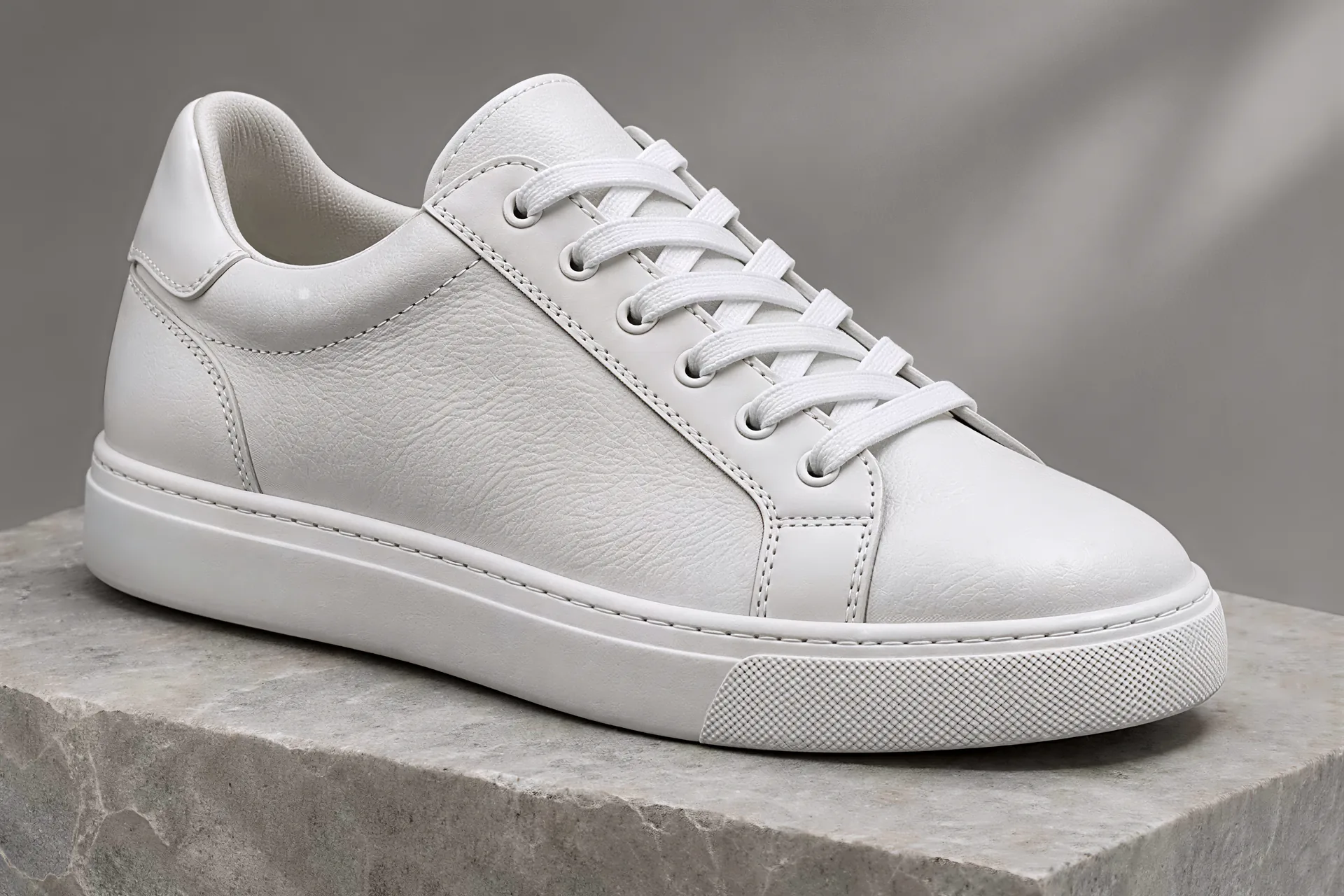 Before · 960×640OptiClear · 3840×2560
Product
Leather grain and stitching for a product-page zoom.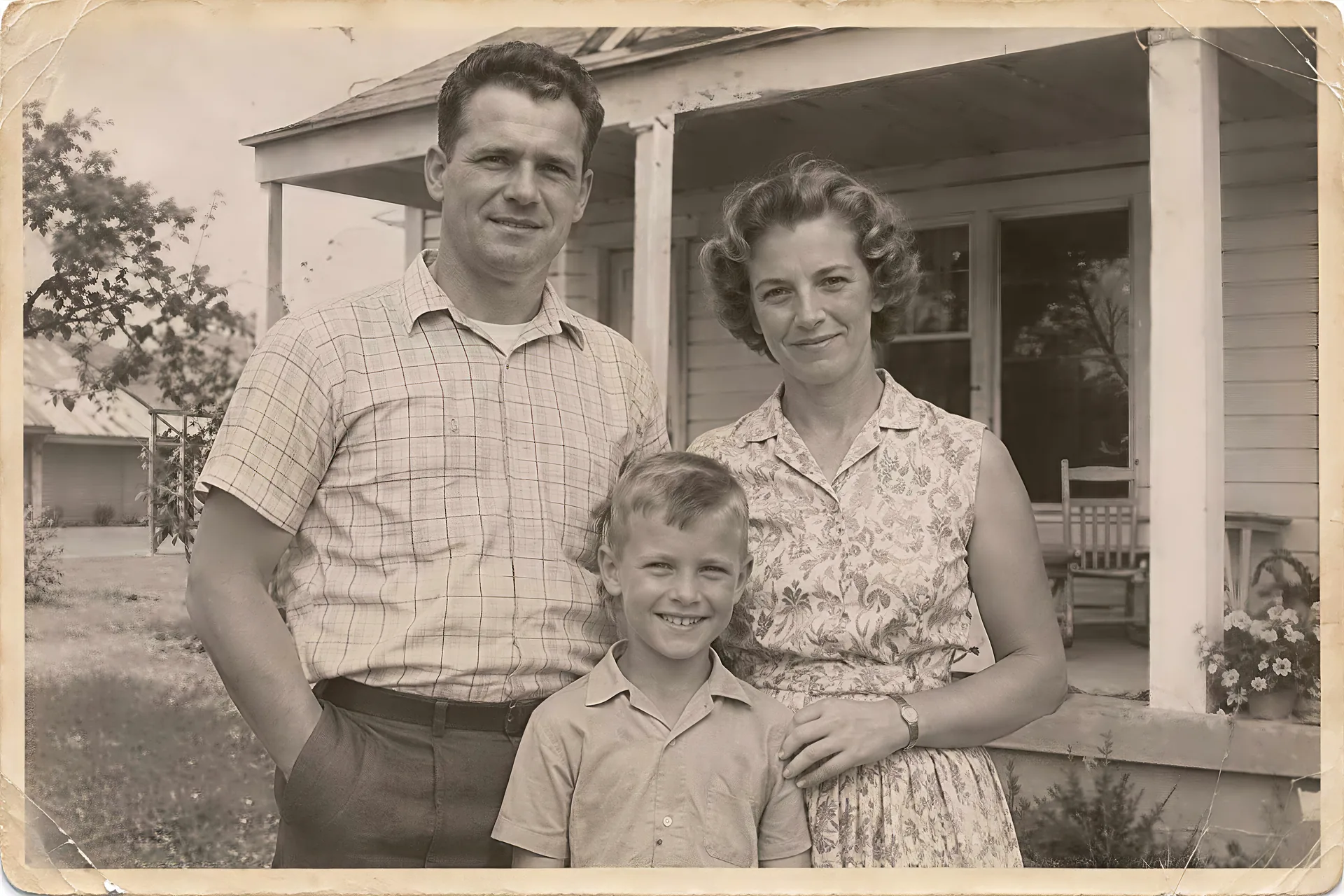 Before · 960×640OptiClear · 3840×2560
Old photo
Faces and edges come back; the film character stays.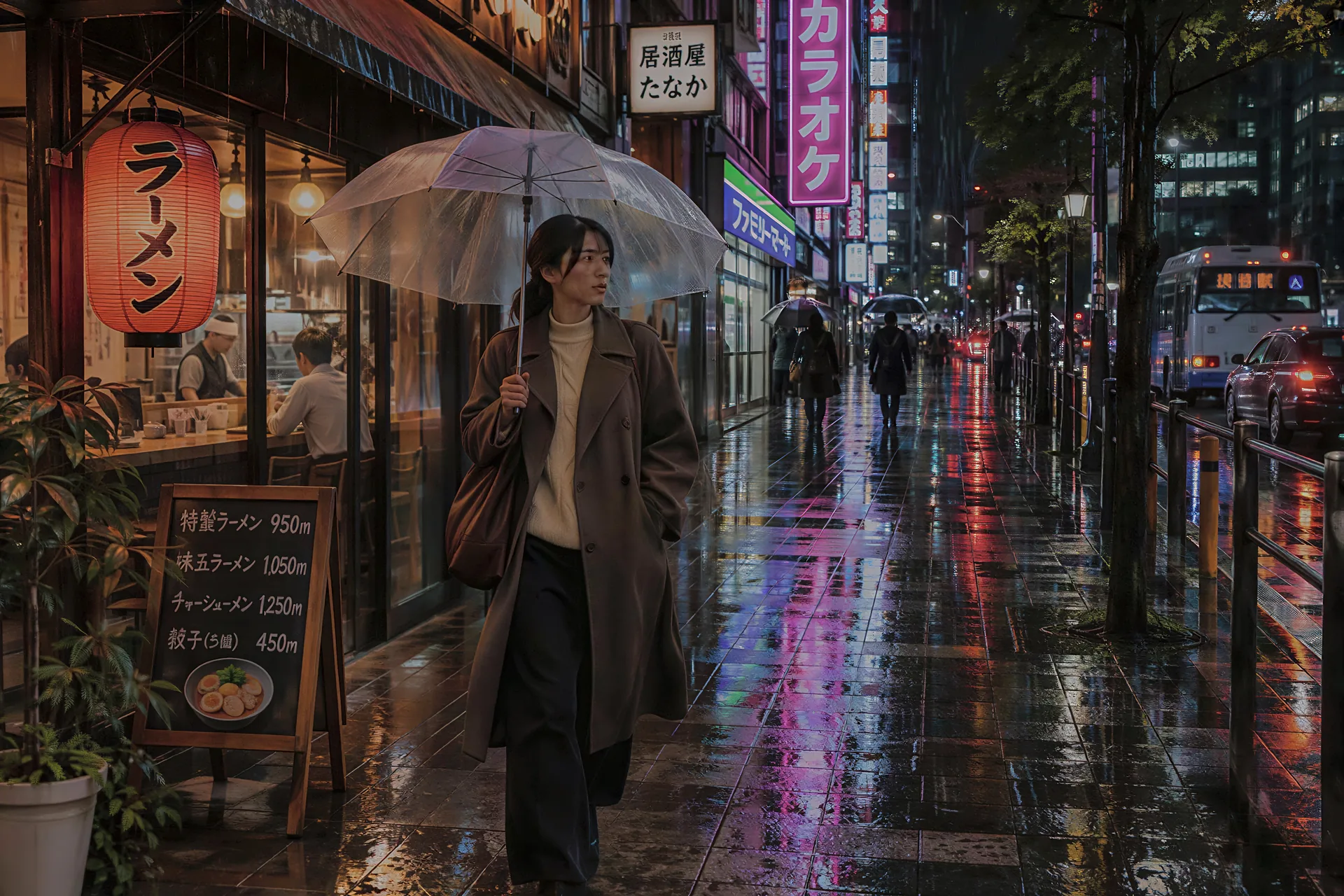 Before · 960×640OptiClear · 3840×2560
Night street
Noise cleaned before enlarging, neon stays crisp.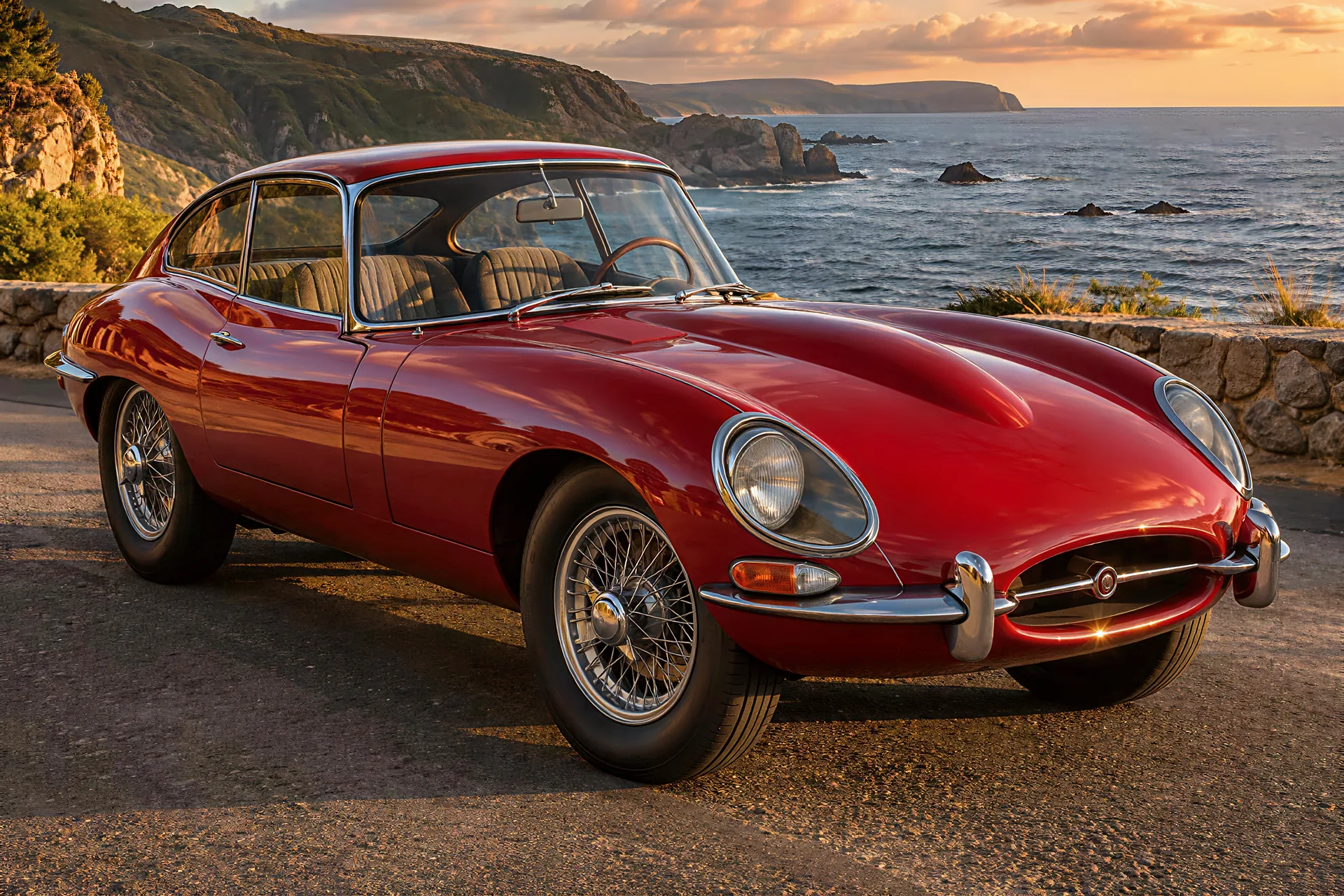 Before · 960×640OptiClear · 3840×2560
Car
Chrome, reflections and paint depth.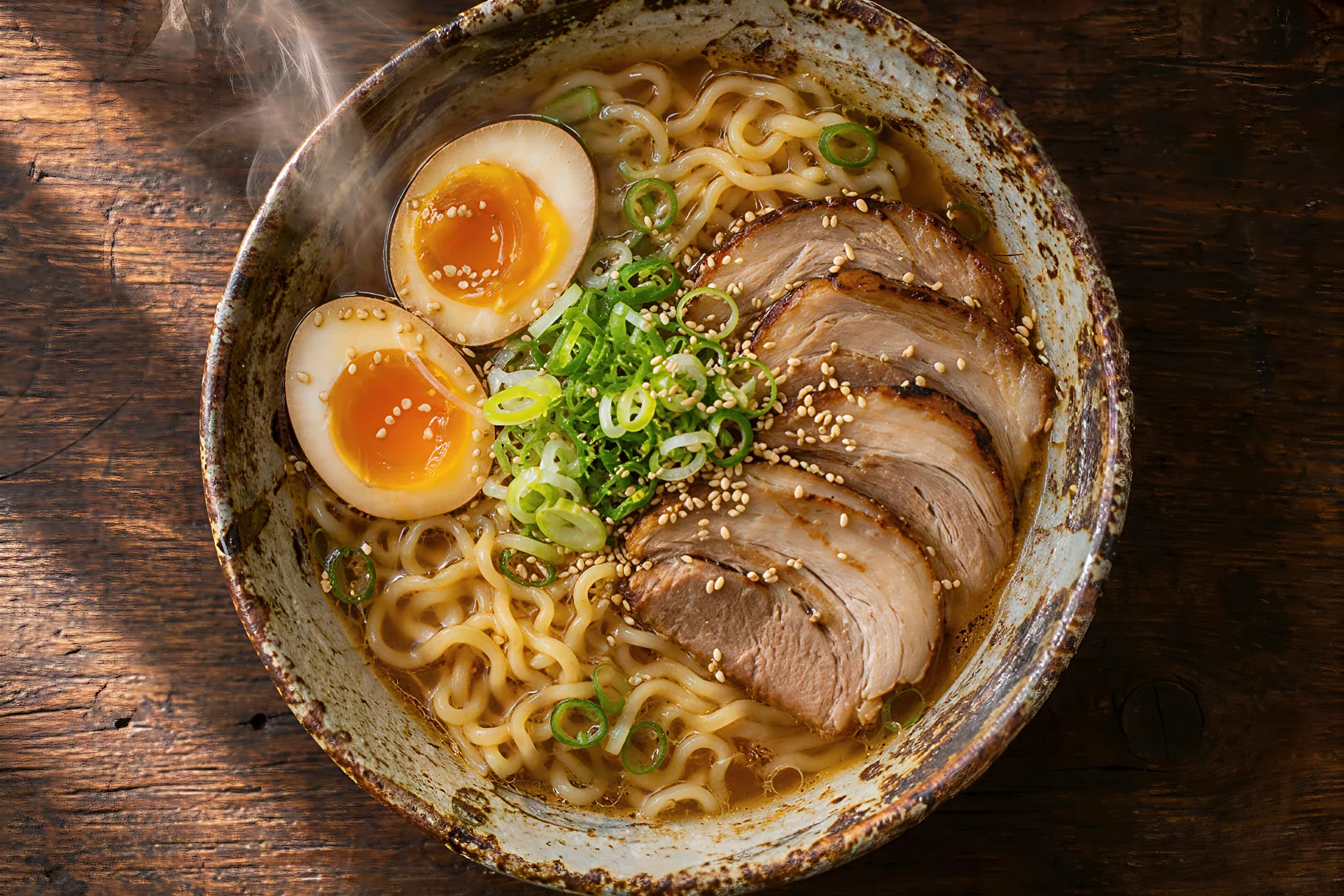 Before · 960×640OptiClear · 3840×2560
Food
Texture that makes a menu photo look edible again.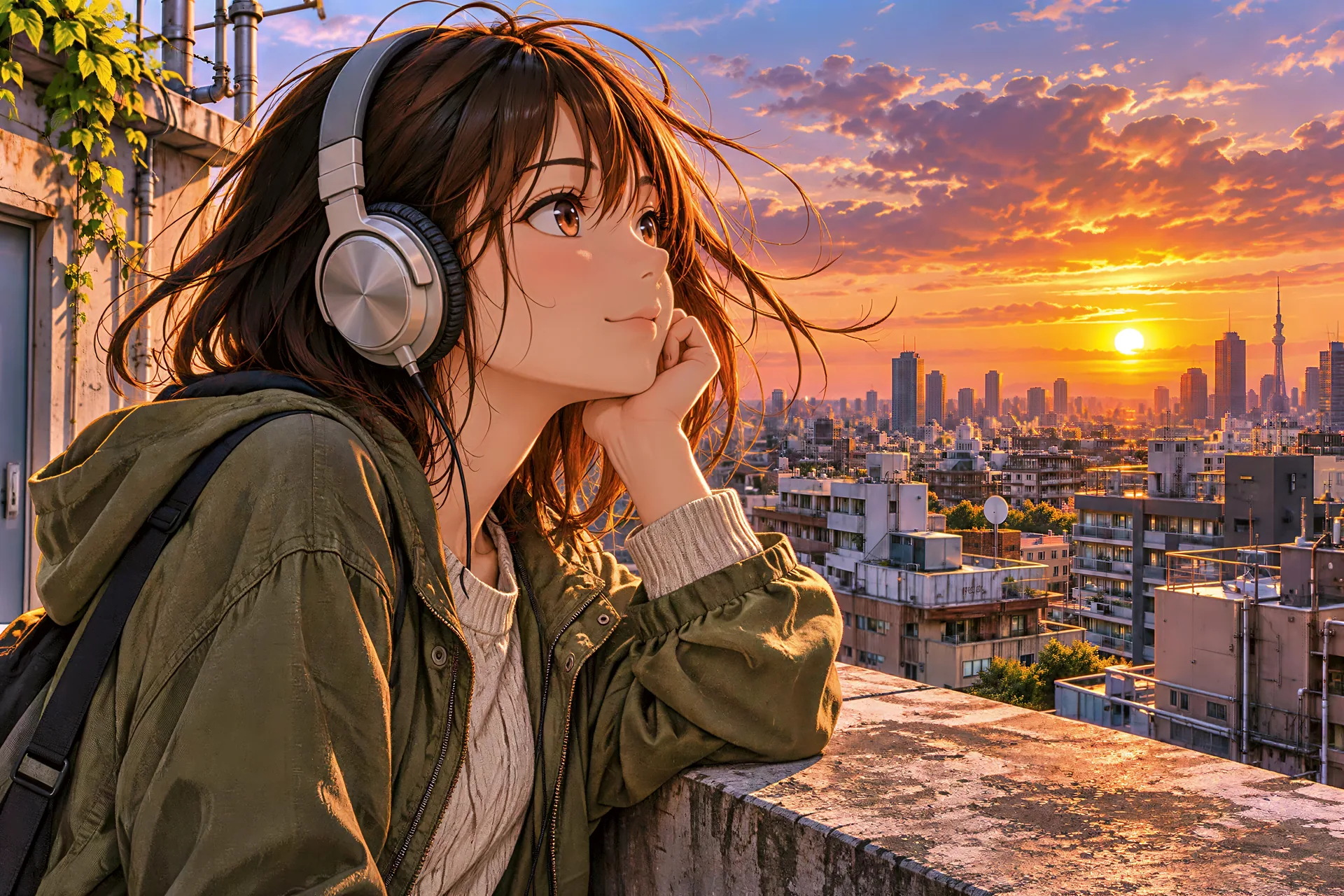 Before · 960×640OptiClear · 3840×2560
Illustration
Clean line art and flat colour, no muddy halos.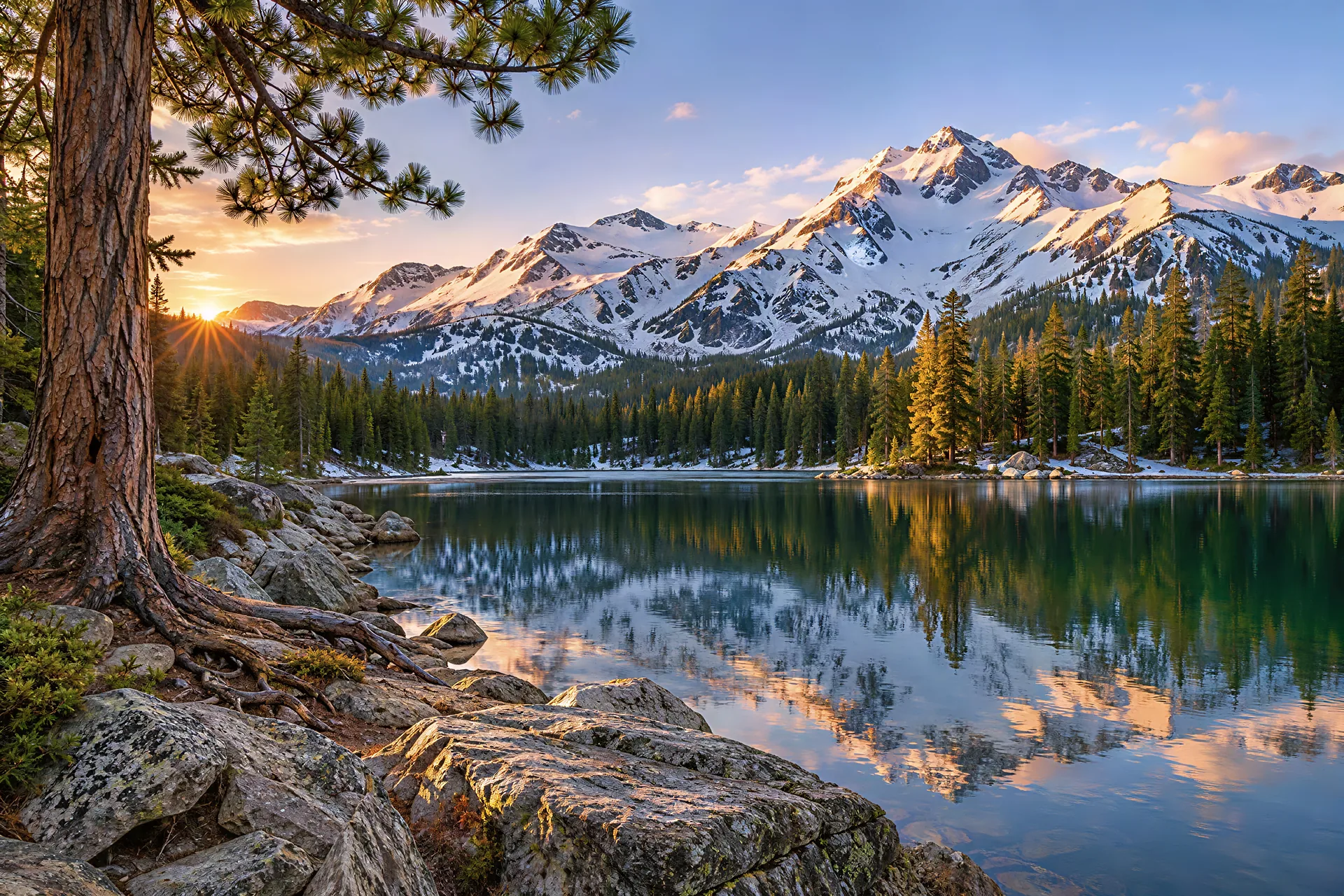 Before · 960×640OptiClear · 3840×2560
Landscape
Rocks, trees and ridgelines at print size.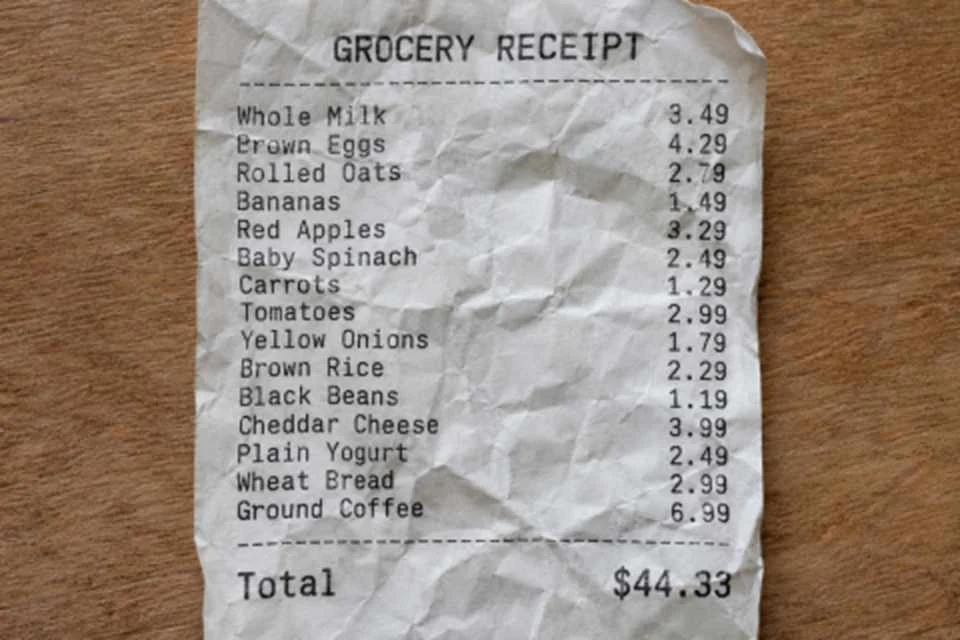
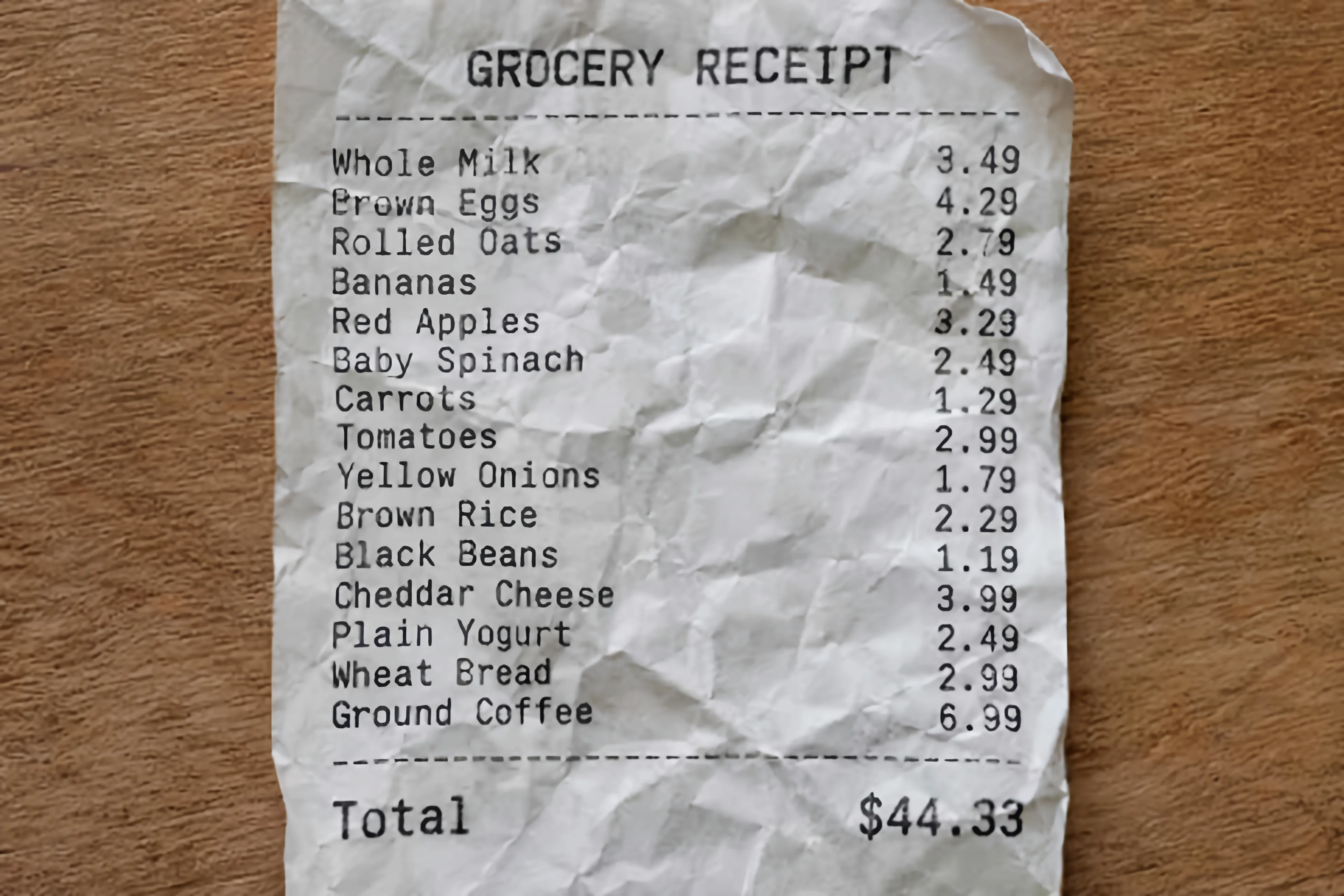
توضيح النصوص ولقطات الشاشة
الخط الصغير أصبح مقروءًا.
حرّك العدسة فوق الإيصال: خارجها الملف الأصلي وداخلها OptiClear بتكبير 2×. يشحذ نموذج النص الخطوط دون تخمين حروف جديدة.
معالجة جماعية
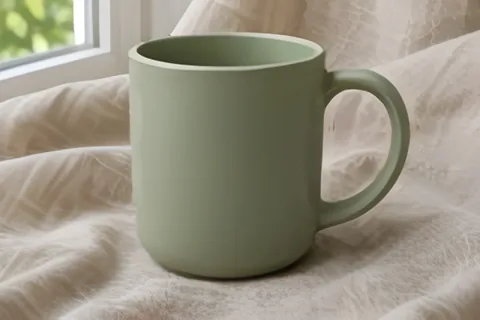
كبّر 20 صورة دفعة واحدة بنقرة.
أضف جلسة تصوير كاملة أو كتالوج منتجات بنفس الإعدادات، قارن كل صورة ونزّل الكل في ملف ZIP واحد.
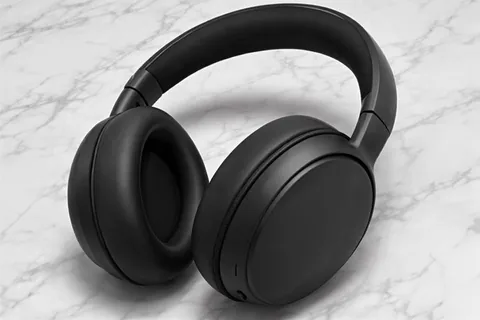
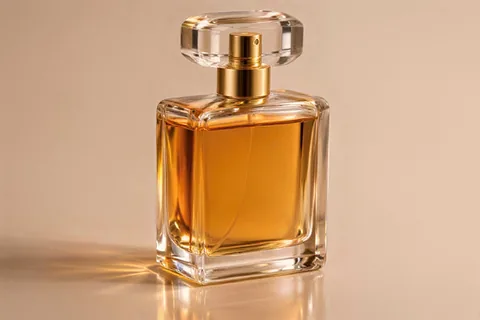
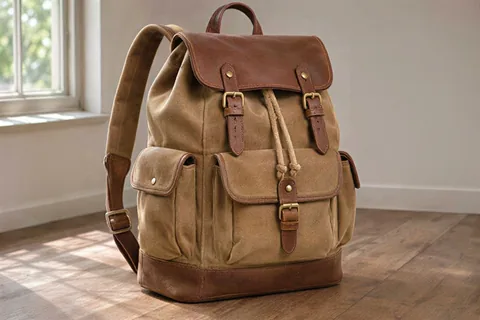
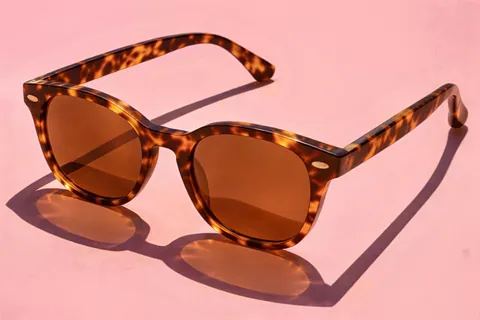
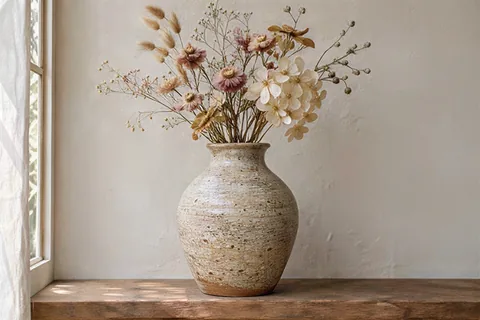
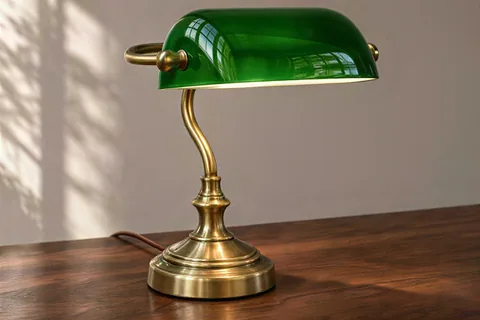
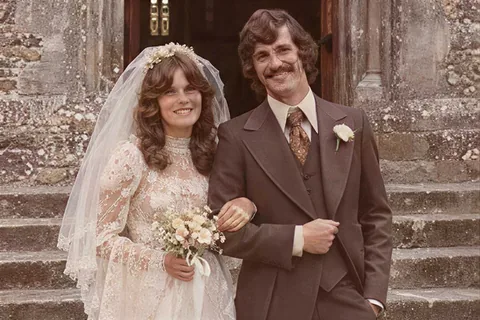
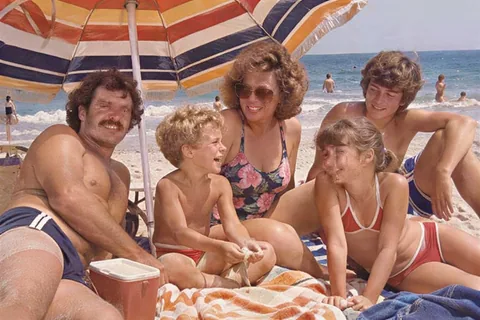
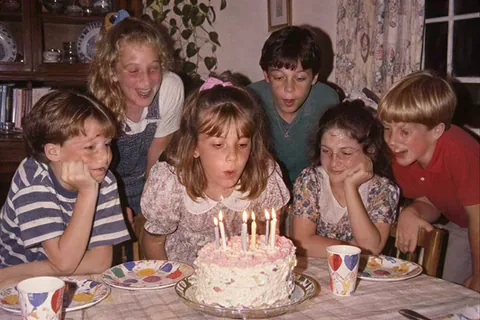
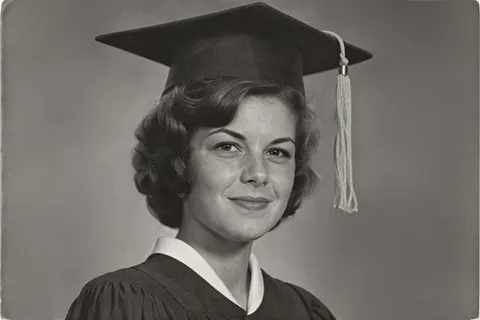
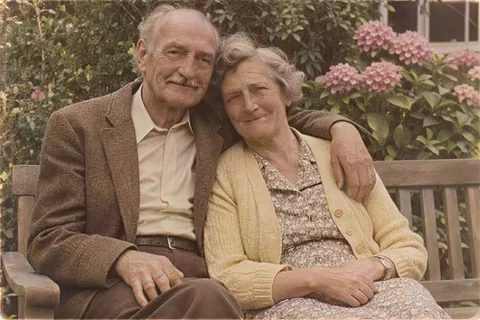
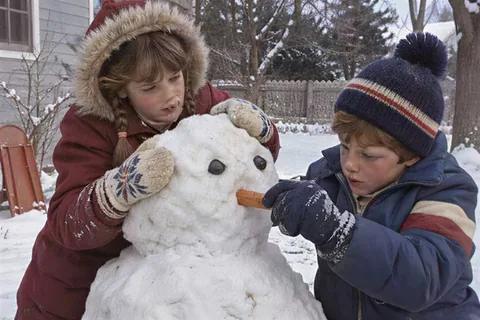
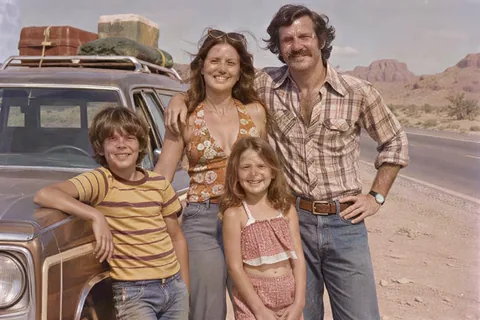
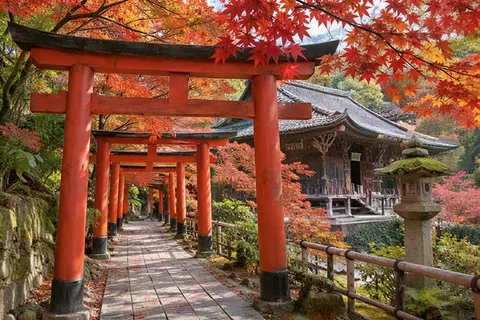
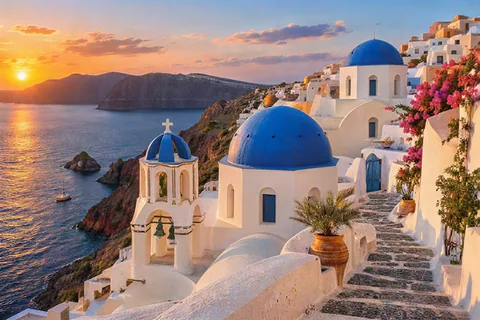
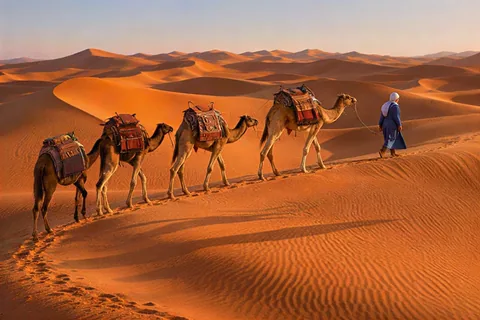
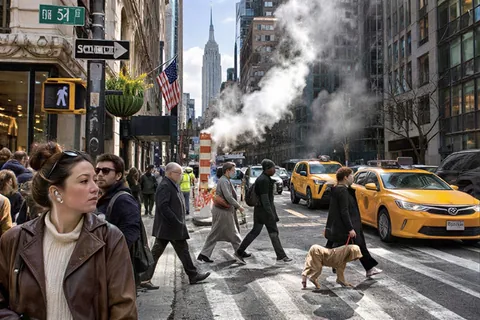
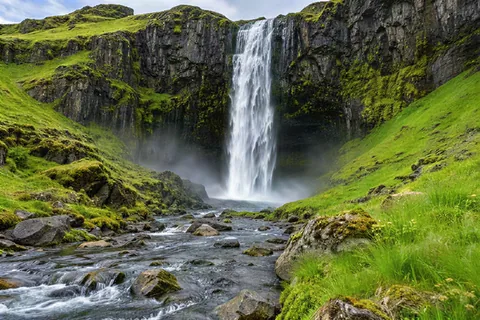
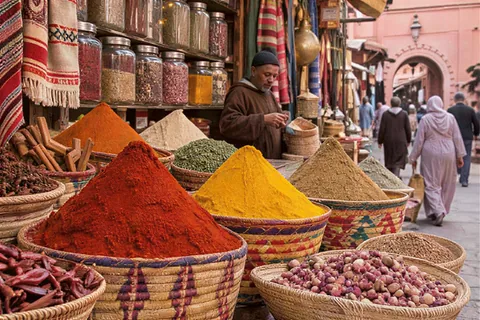
ثلاثة نماذج ذكاء اصطناعي
نماذج تكبير بالذكاء الاصطناعي لكل نوع ضبابية.
يختار Auto الأنسب تلقائيًا، أو اختر نموذج استعادة التفاصيل أو النصوص الحادة يدويًا.
طريقة الاستخدام
كيفية تكبير صورة إلى 4K بالذكاء الاصطناعي
ارفع صورة أو حتى 20 صورة معًا
اسحب ملفات JPG أو PNG أو WebP (حتى 30 ميجابايت) مباشرة في المتصفح: صور، منتجات، مسح ضوئي أو لقطات شاشة.
اختر نموذج الذكاء الاصطناعي والتكبير 2× أو 4×
اترك Auto يختار تلقائيًا، أو اختر Pro Recover للصور شديدة الضبابية أو Text & Graphics لنصوص حادة حتى 4K.
قارن قبل وبعد ثم نزّل الصور
افحص كل نتيجة جنبًا إلى جنب، نزّل الصور فرديًا أو كملف ZIP واحد، ولا يُخصم أي رصيد عند الفشل.
بدون رتوش
أمثلة حقيقية لتكبير الصور بالذكاء الاصطناعي قبل وبعد.
كل بطاقة تعرض ملف JPEG مضغوطًا وما صنعه OptiClear منه. مرّر أو اسحب للمقارنة.
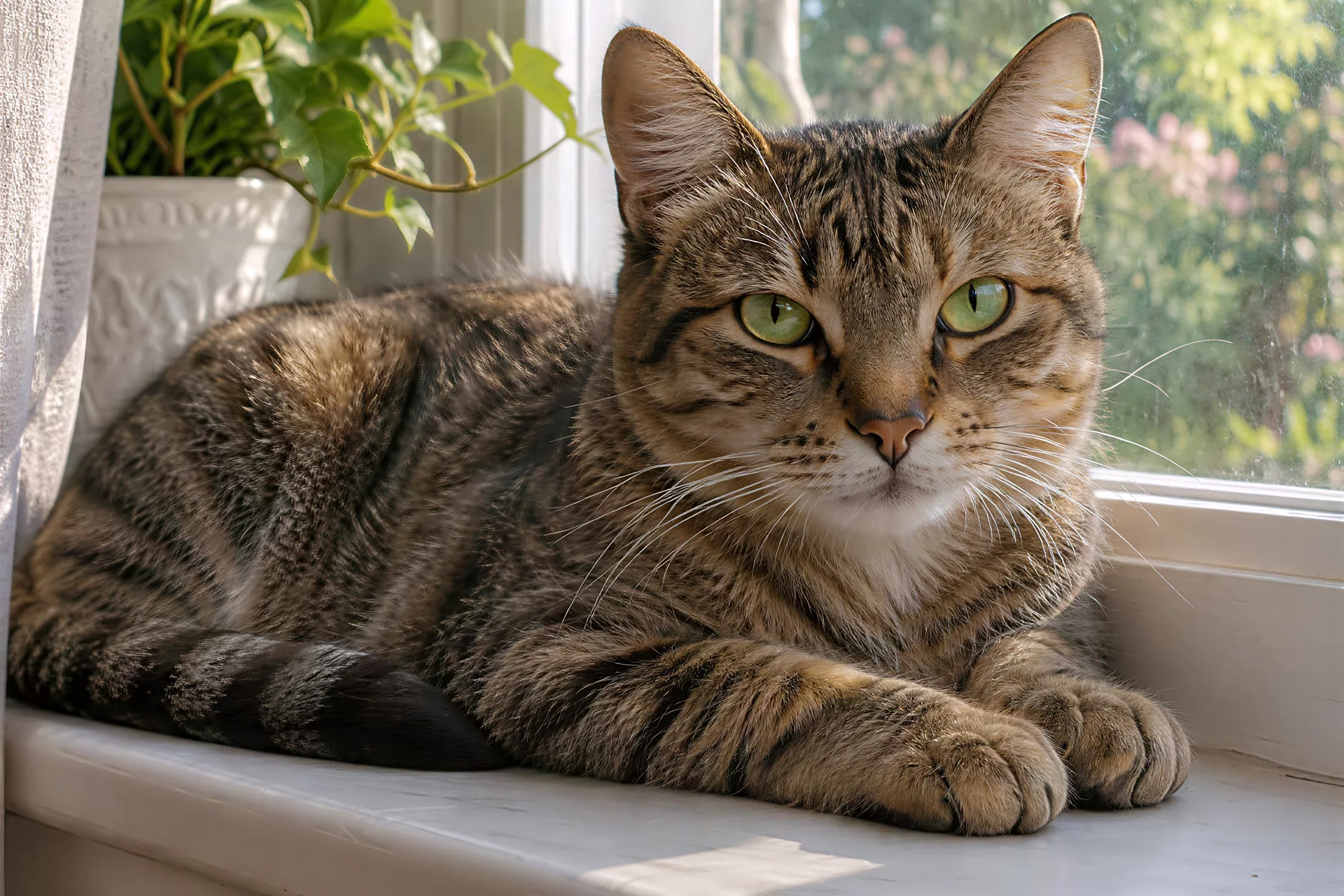 Before · 960×640OptiClear · 3840×2560
Cat
960→3840px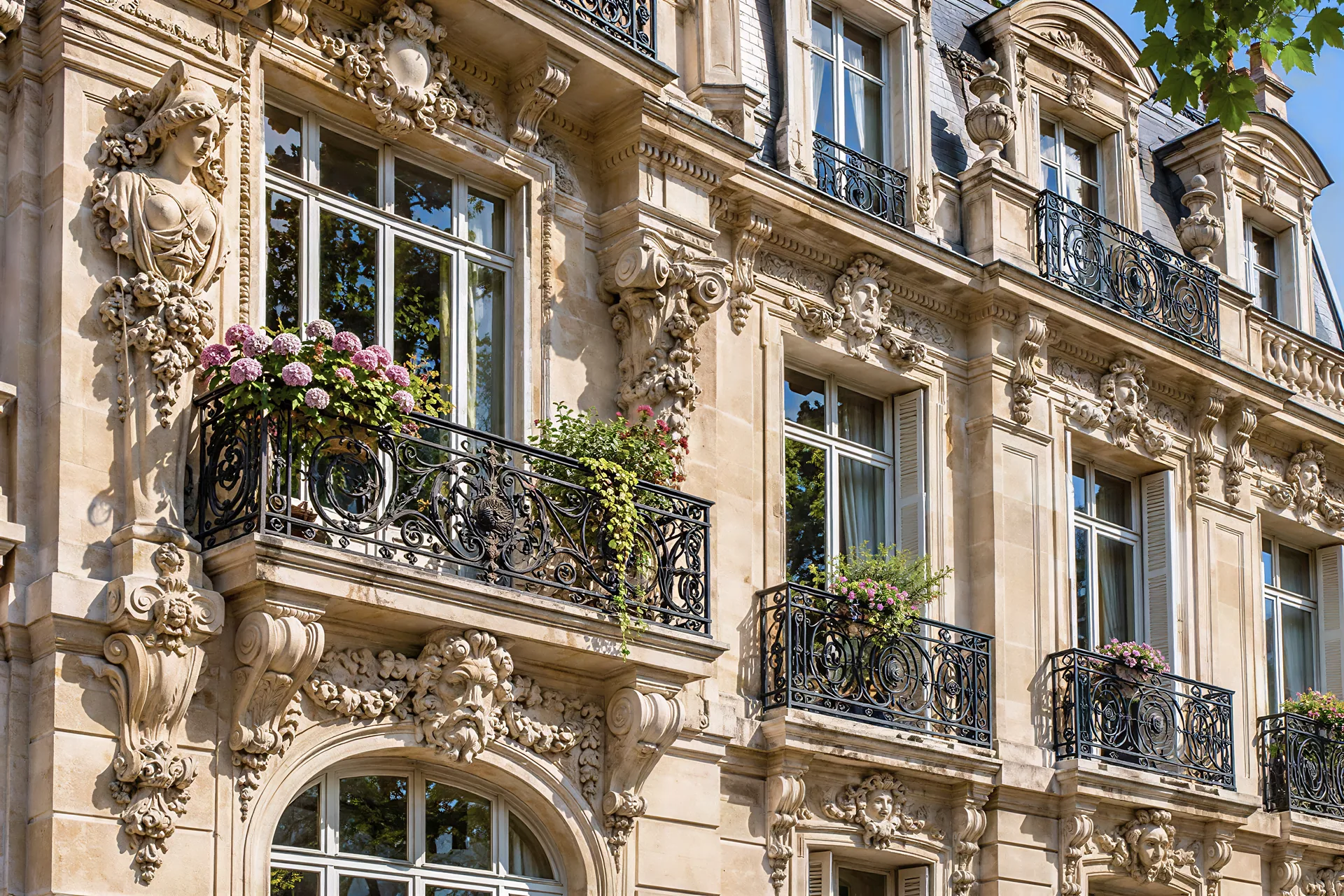 Before · 960×640OptiClear · 3840×2560
Architecture
960→3840px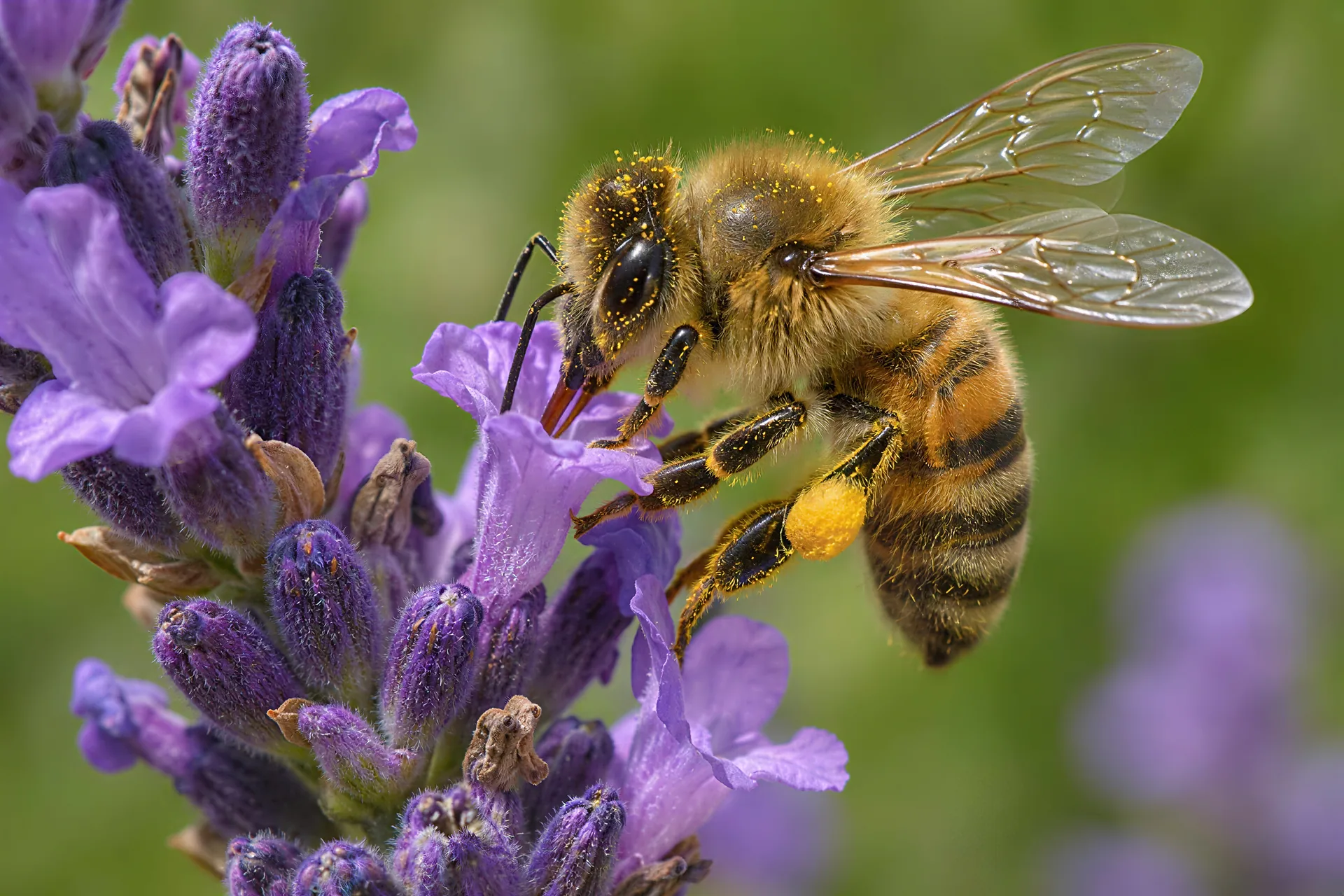 Before · 960×640OptiClear · 3840×2560
Macro
960→3840px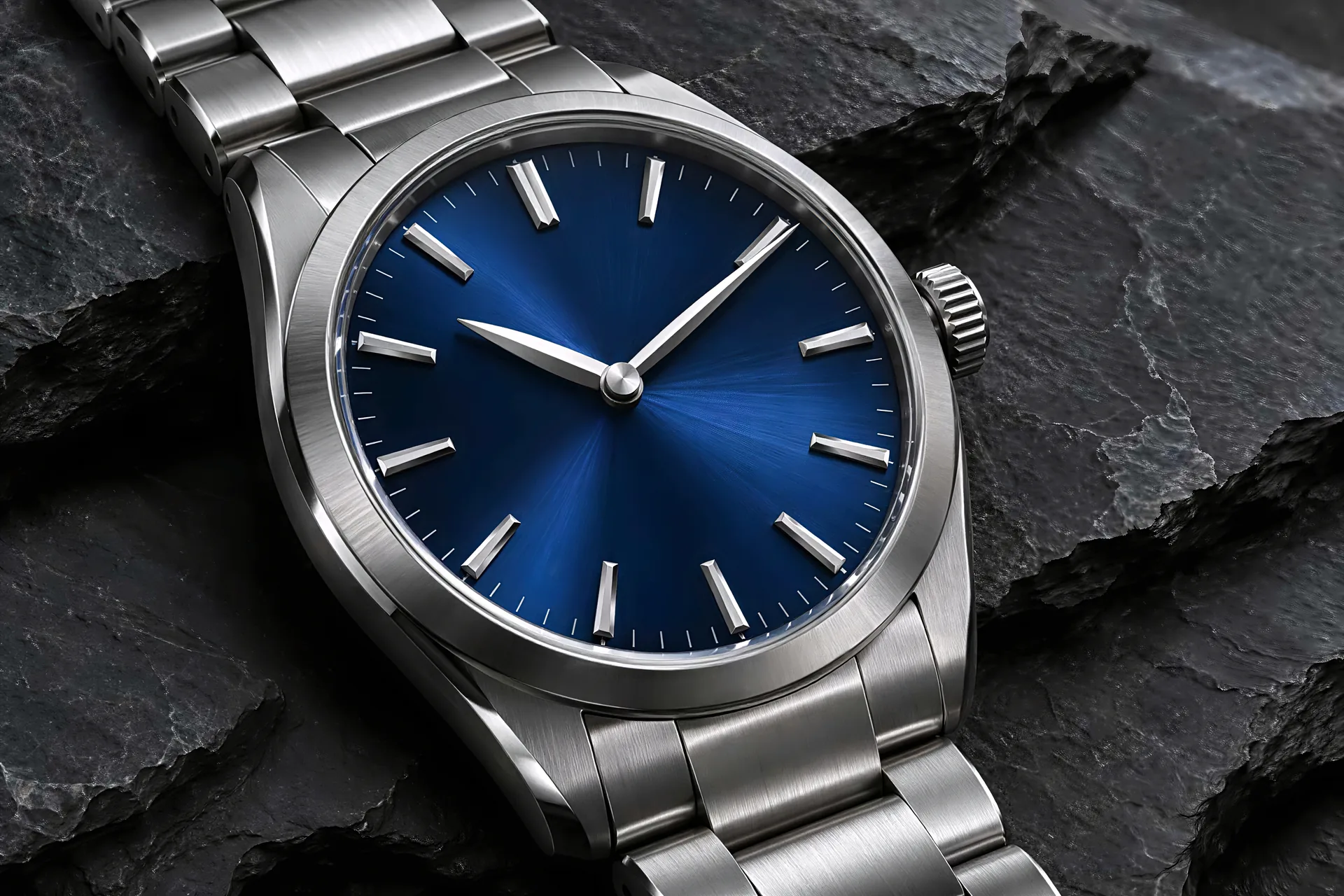 Before · 960×640OptiClear · 3840×2560
Watch
960→3840px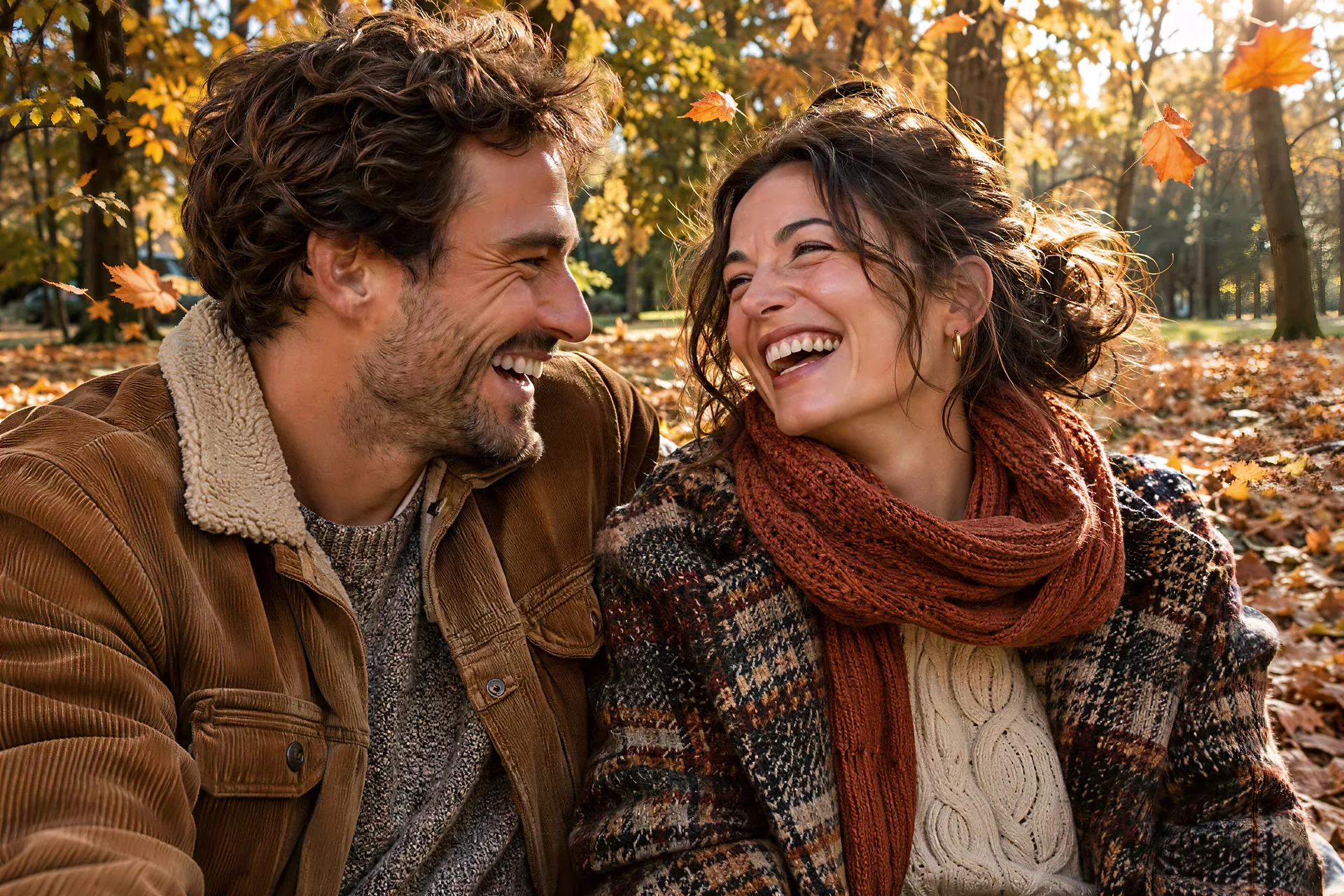 Before · 960×640OptiClear · 3840×2560
Couple
960→3840px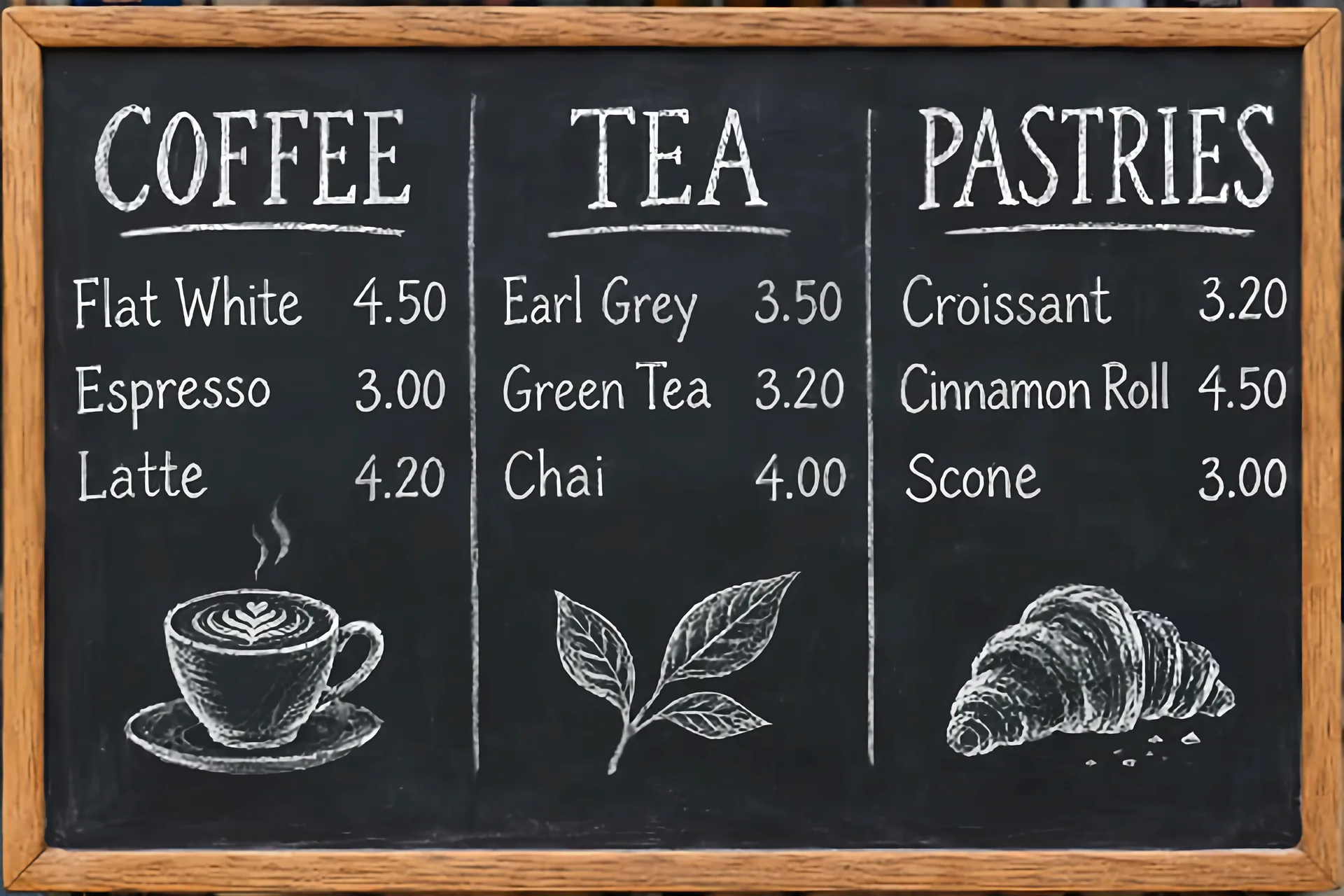 Before · 960×640OptiClear · 3840×2560
Chalkboard
960→3840pxلماذا تستخدم زيادة دقة الصورة؟
يجهز هذا المسار الصور الناعمة أو المضغوطة أو الصغيرة لصفحات المنتجات والشرائح والملصقات والشبكات الاجتماعية وإنتاج التصميم.
أفضل الصور من أجل زيادة دقة الصورة
استخدم صور المنتجات ولقطات الشاشة وصور AI ومواد العروض والصور المصغرة والرسومات الاجتماعية والمرئيات التي تحتاج إلى نسخة أوضح.
مسارات Codia ذات الصلة
تابع باستخدام أدوات الطبقات والنص والتنظيف وإزالة الخلفية وتحسين الصور والتصدير.
الأسئلة الشائعة
أسئلة زيادة دقة الصورة
هل يمكن استخدام زيادة دقة الصورة عبر الإنترنت؟
نعم. ارفع صورة ويفتح Codia المسار في Studio من المتصفح.
هل يمكنني متابعة التحرير بعد خطوة الذكاء الاصطناعي؟
نعم. تبقى النتيجة في Codia Studio كي تتمكن من تحسين الطبقات أو التخطيط أو التنظيف أو التصدير.
ما تنسيقات الصور المدعومة؟
يمكنك رفع تنسيقات شائعة مثل JPG وPNG وWebP ولقطات الشاشة وصور المنتجات وصور AI.
مسارات Codia ذات الصلة
المزيد من أدوات الصور بالذكاء الاصطناعي من Codia
محسن دقة الصور بالذكاء الاصطناعي
تابع باستخدام أدوات الطبقات والنص والتنظيف وإزالة الخلفية وتحسين الصور والتصدير.
افتح محسن دقة الصور بالذكاء الاصطناعيتكبير الصورة عبر الإنترنت
تابع باستخدام أدوات الطبقات والنص والتنظيف وإزالة الخلفية وتحسين الصور والتصدير.
افتح تكبير الصورة عبر الإنترنتتوضيح الصورة الضبابية
تابع باستخدام أدوات الطبقات والنص والتنظيف وإزالة الخلفية وتحسين الصور والتصدير.
افتح توضيح الصورة الضبابية