
AI Design
From Ideas to Designs, Powered by AI
Codia AI Design transforms your concepts into polished, professional design drafts. Whether you start from a text description, a hand-drawn sketch, or a screenshot, the AI generates high-quality design outputs ready for further editing.
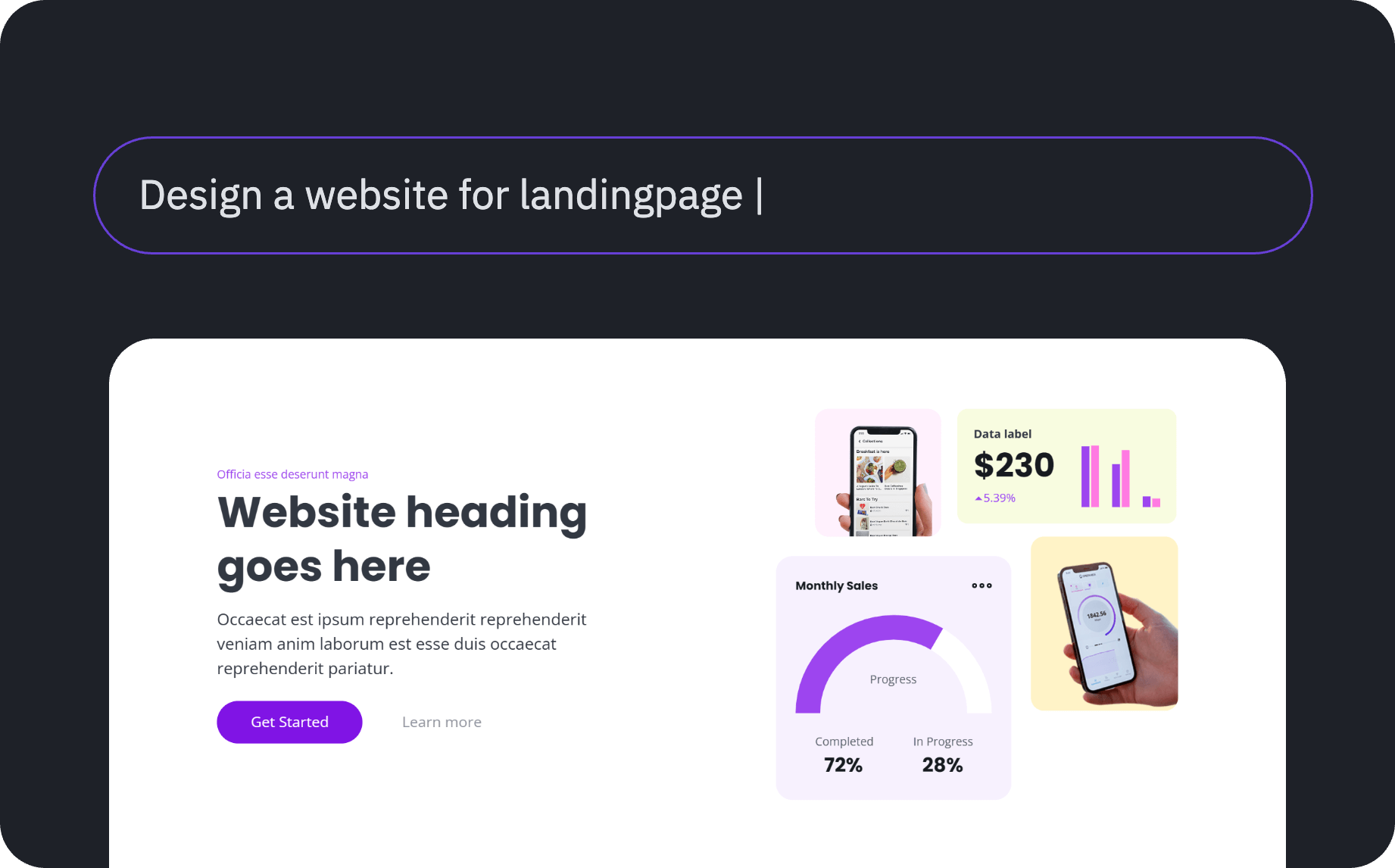
What AI Design Can Do
- Text to Design — Describe what you need in natural language and get a complete UI design
- Sketch to Design — Upload a hand-drawn wireframe and receive a polished, professional layout
- Screenshot to Design — Convert any existing UI screenshot into a fully editable design
How It Works
- Provide your input — Enter a text prompt, upload a sketch, or paste a screenshot
- AI generates the design — The AI analyzes your input and creates a professional design draft
- Edit and refine — The output is fully editable in Figma, so you can adjust every detail
- Export or convert to code — Use Codia Code to turn the design into production-ready code
Use Cases
- Rapidly prototype new feature ideas before investing in full design work
- Convert legacy screenshots into modern, editable design files
- Generate multiple design variations from a single text prompt
- Bridge the gap between rough wireframes and polished mockups
Supported Platforms
AI Design works seamlessly with Figma through the Codia plugin. Generated designs include proper layer structure, auto-layout where applicable, and design tokens for easy customization.